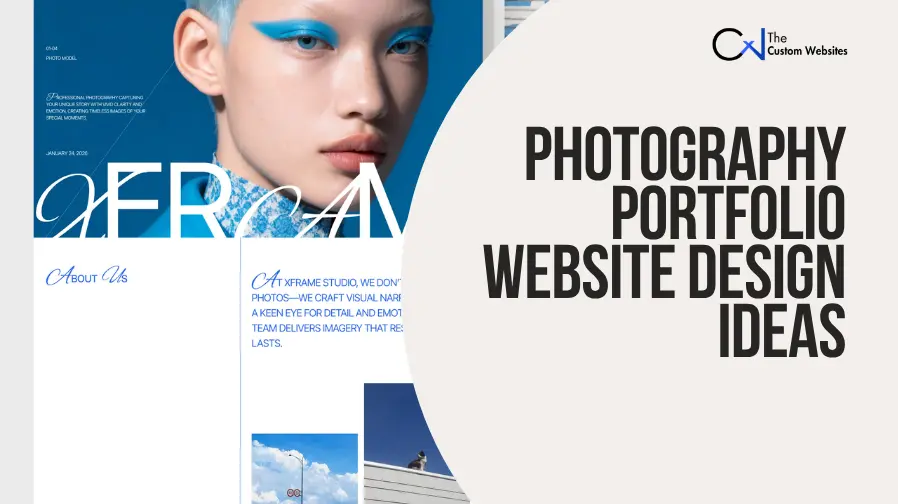
A strong Photography Portfolio Website Design and Development service helps photographers present their work professionally and attract suitable clients. Effective Photography Portfolio Website Design combines high-quality image presentation, simple navigation, clear visual hierarchy, fast-loading galleries, responsive layouts, and convenient inquiry options.
Whether someone needs a professional photographer website, a studio platform, or an online photography portfolio website, the layout should reflect their photography niche and brand identity. The best photography portfolio website design ideas also make it easy for visitors to explore projects, understand services, and contact or book the photographer.
These photography portfolio website templates demonstrate different approaches to image presentation, project organization, navigation, branding, and client inquiries. They include minimalist, editorial, cinematic, commercial, and modern photography website design styles for different creative professionals.
1. Photographer
Design Overview
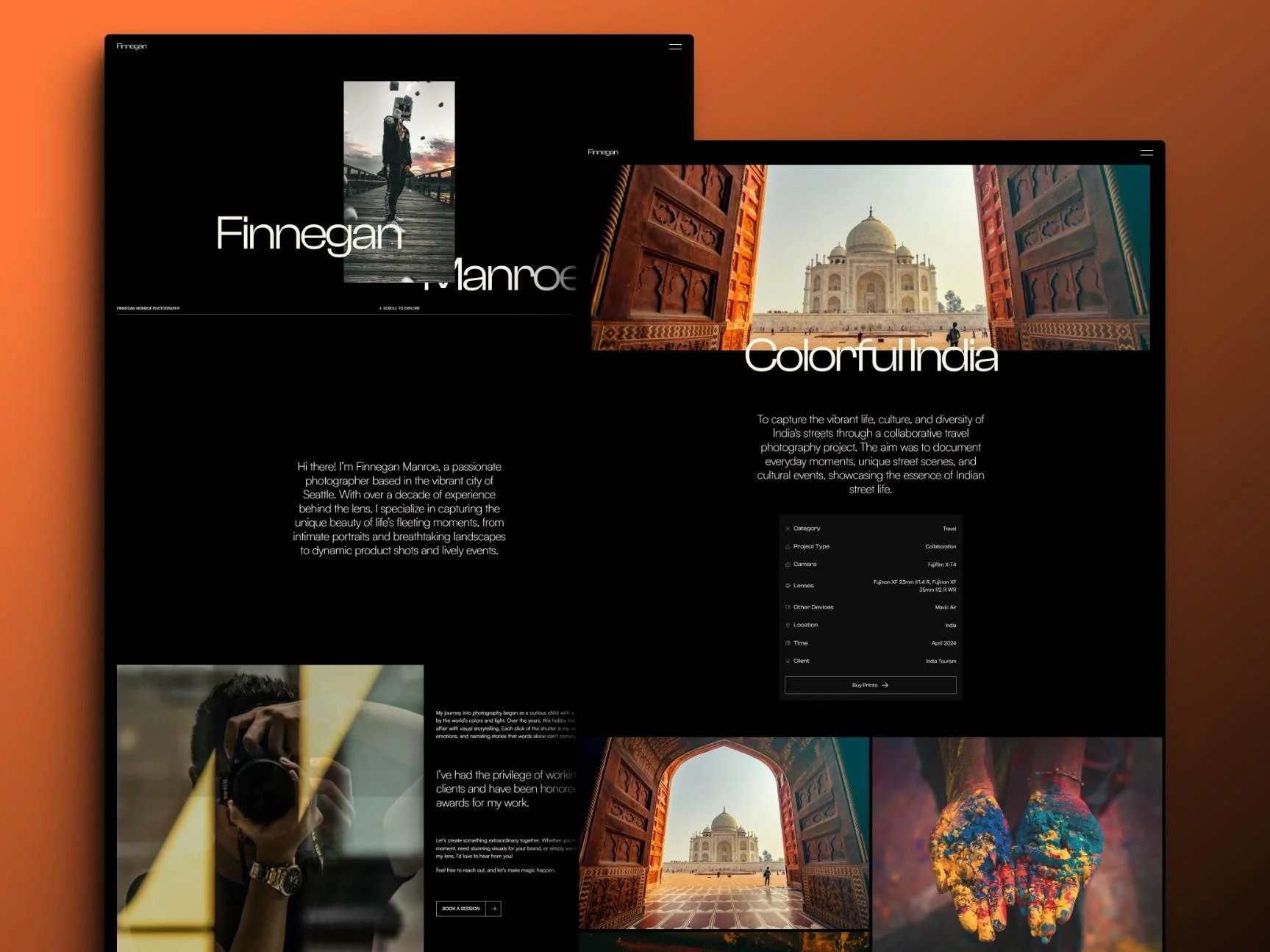
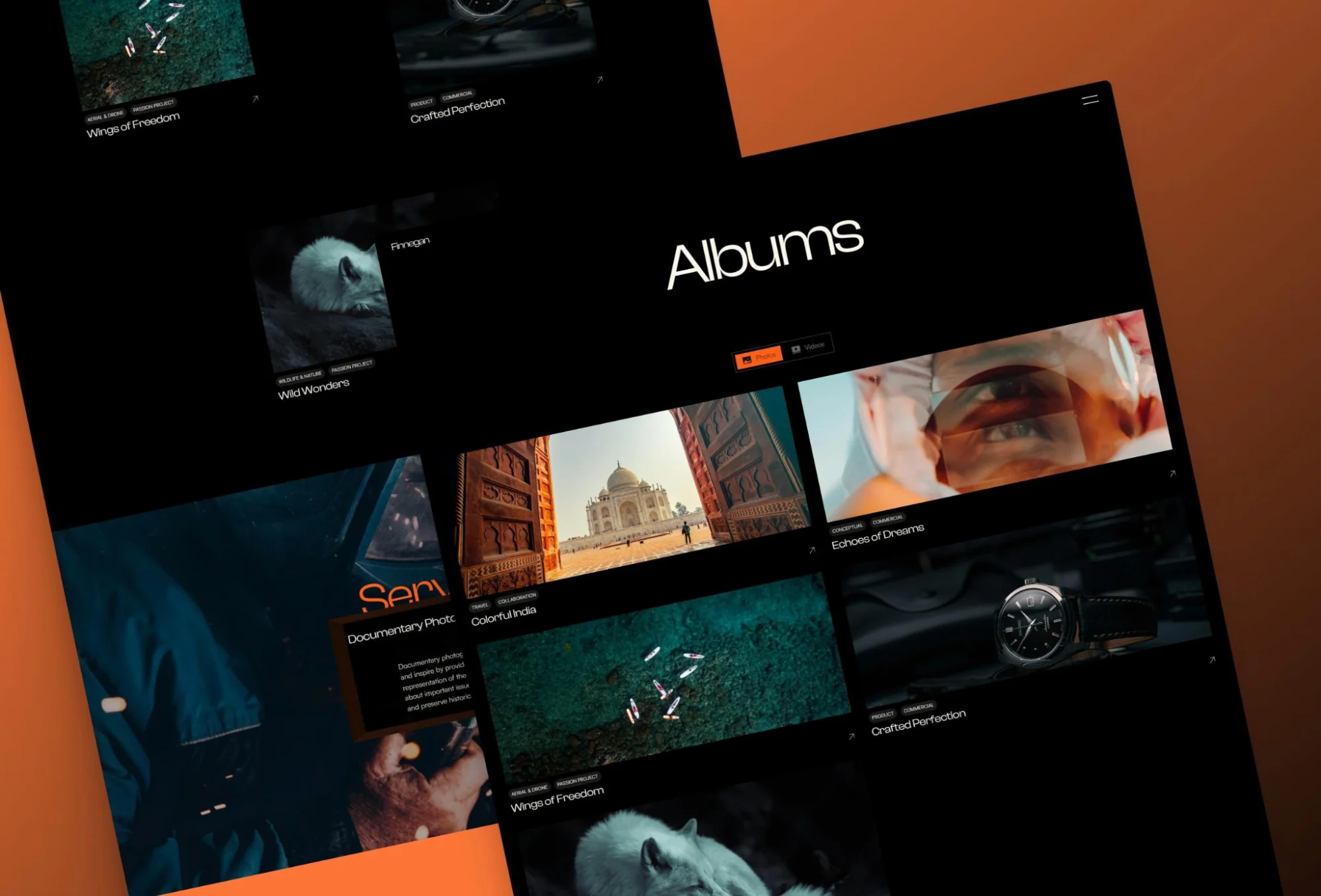
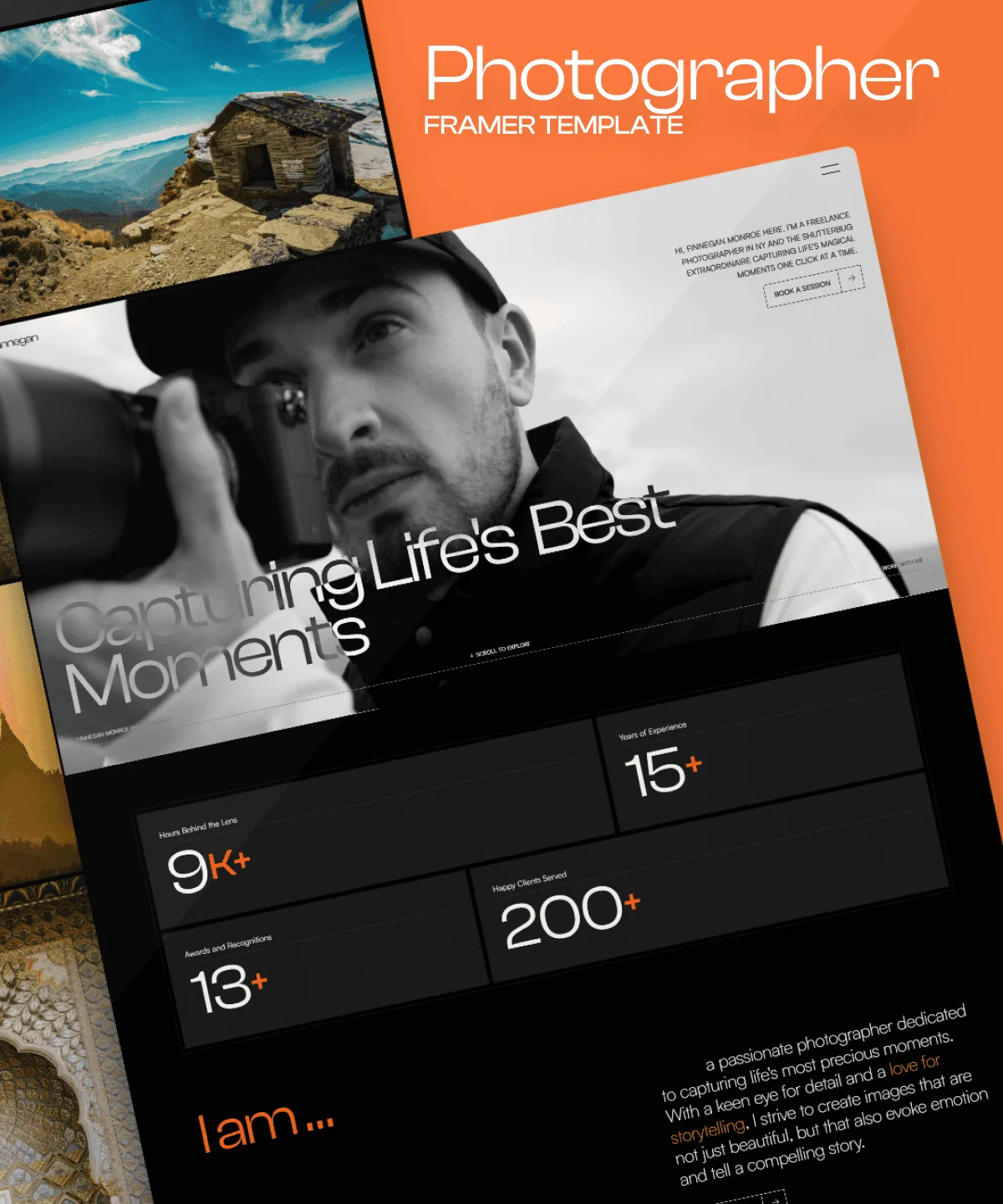
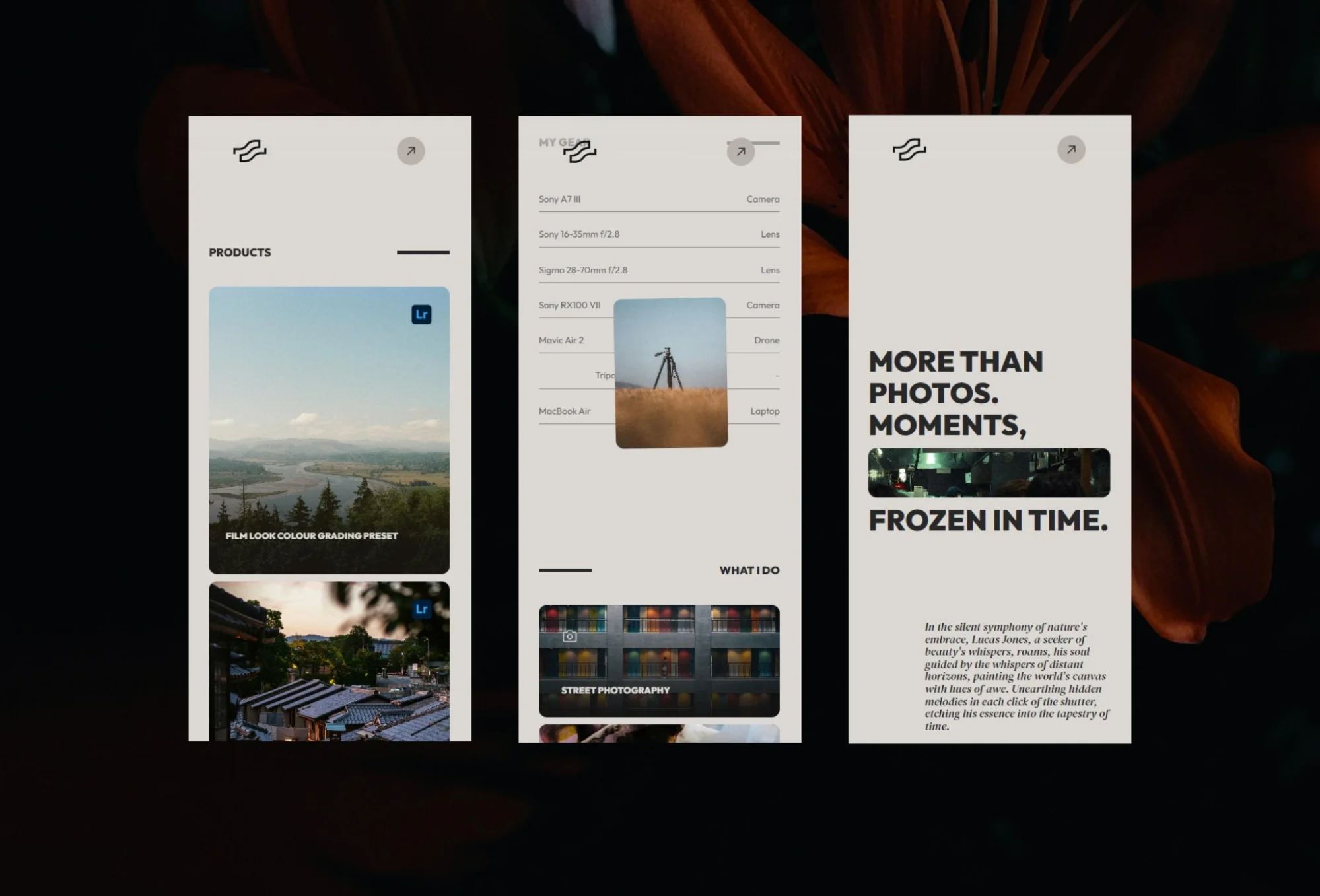
This flexible photographer portfolio website design can support several photography categories without creating a crowded experience. It is a practical choice for anyone building a versatile portfolio website for photographers.
The restrained styling allows different image categories to share one website without making the presentation feel crowded. Navigation and supporting content remain secondary to the portfolio.
Key Design Features
Clean, minimalist photography layout
Photo galleries and featured projects
Photography collection presentation
Services content
Personal or creative-story content
Responsive layout
Performance-focused structure
Customizable pages and content
Best For: Wedding, portrait, fashion, travel, commercial, landscape, lifestyle, street, and fine-art photographers.
Why This Design Works
The design offers enough flexibility for photographers who work across several niches. Its simple visual hierarchy lets visitors focus on images before exploring services or background information.
It is also a practical photography website design inspiration example for professionals who want an adaptable site instead of a highly stylized layout tied to one photography genre.
2. Kapture
Design Overview
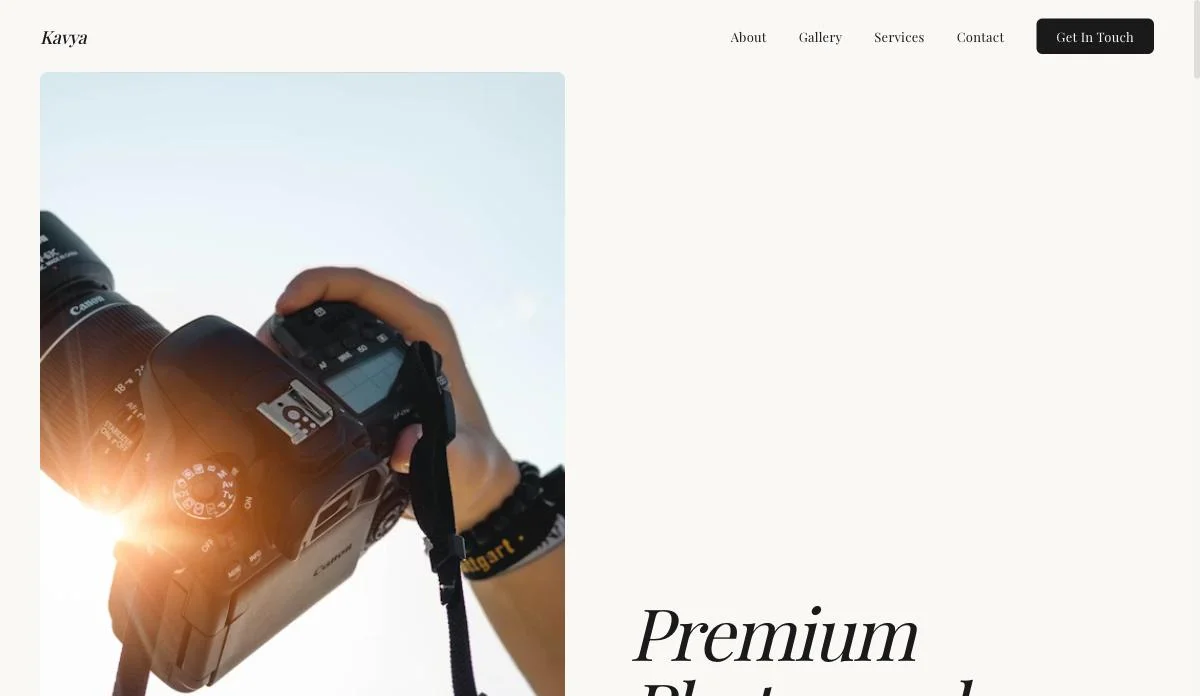
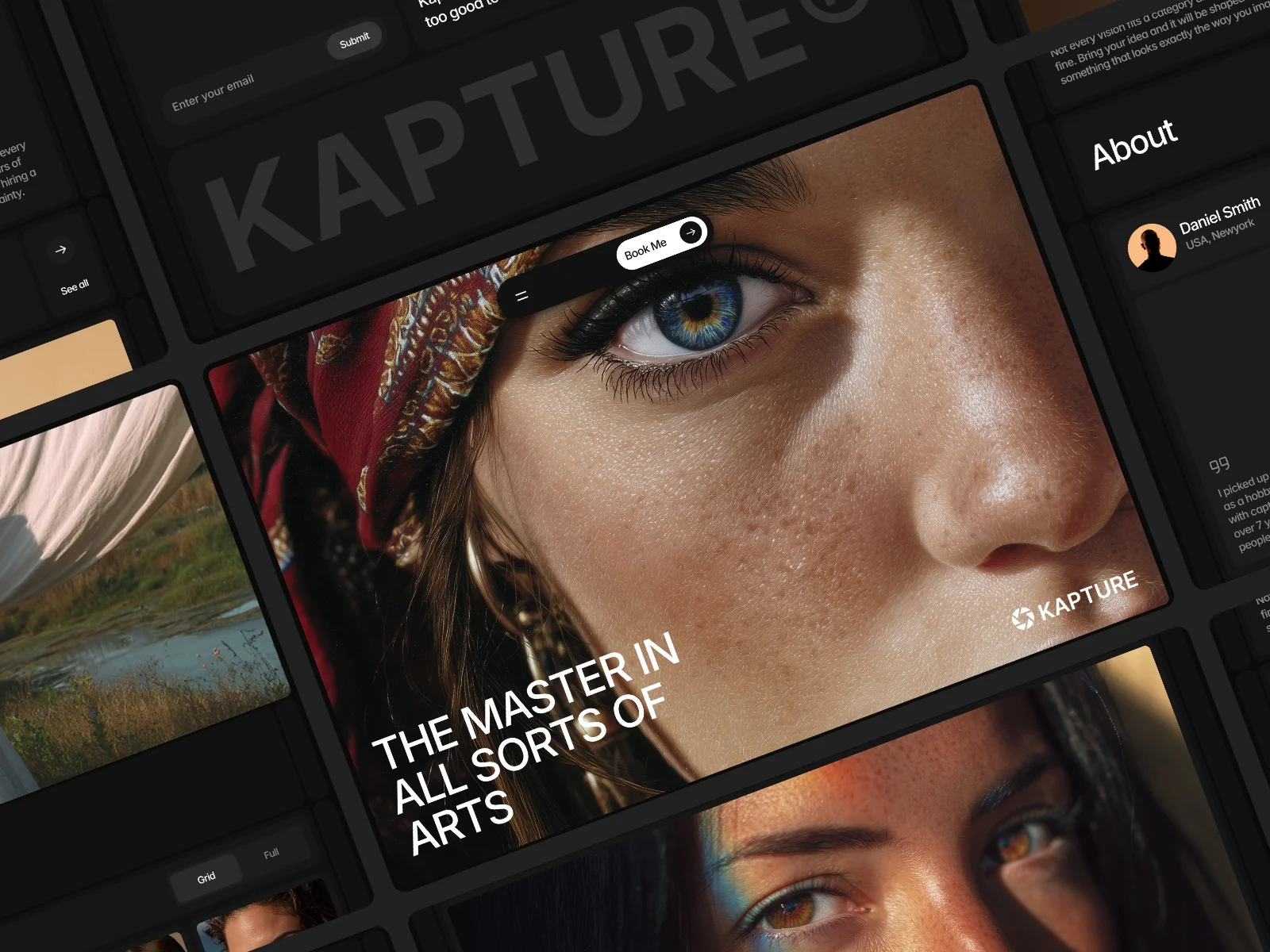
Kapture provides a strong example of custom photography portfolio website design centered on immersive images and dedicated project pages. Its focused structure can inspire photographers seeking the best photography portfolio website design for visual storytelling.
Its page set includes Home, Work, Contact, and legal pages. This gives photographers a focused foundation without unnecessary sections.
Key Design Features
Full-width photography galleries
Immersive image displays
Minimal interface
Dedicated Work pages
Contact page
Privacy and legal pages
Responsive presentation
Speed and SEO-focused structure
Best For: Portrait studios, wedding photographers, commercial photographers, creative directors, photo editors, and visual artists.
Why This Design Works
Kapture removes competing elements and lets images establish the first impression. Dedicated Work pages improve storytelling because each shoot or series can have its own visual sequence.
The direct route from the portfolio to the contact page also supports inquiries without placing aggressive sales content over the photography.
3. Soliss
Design Overview
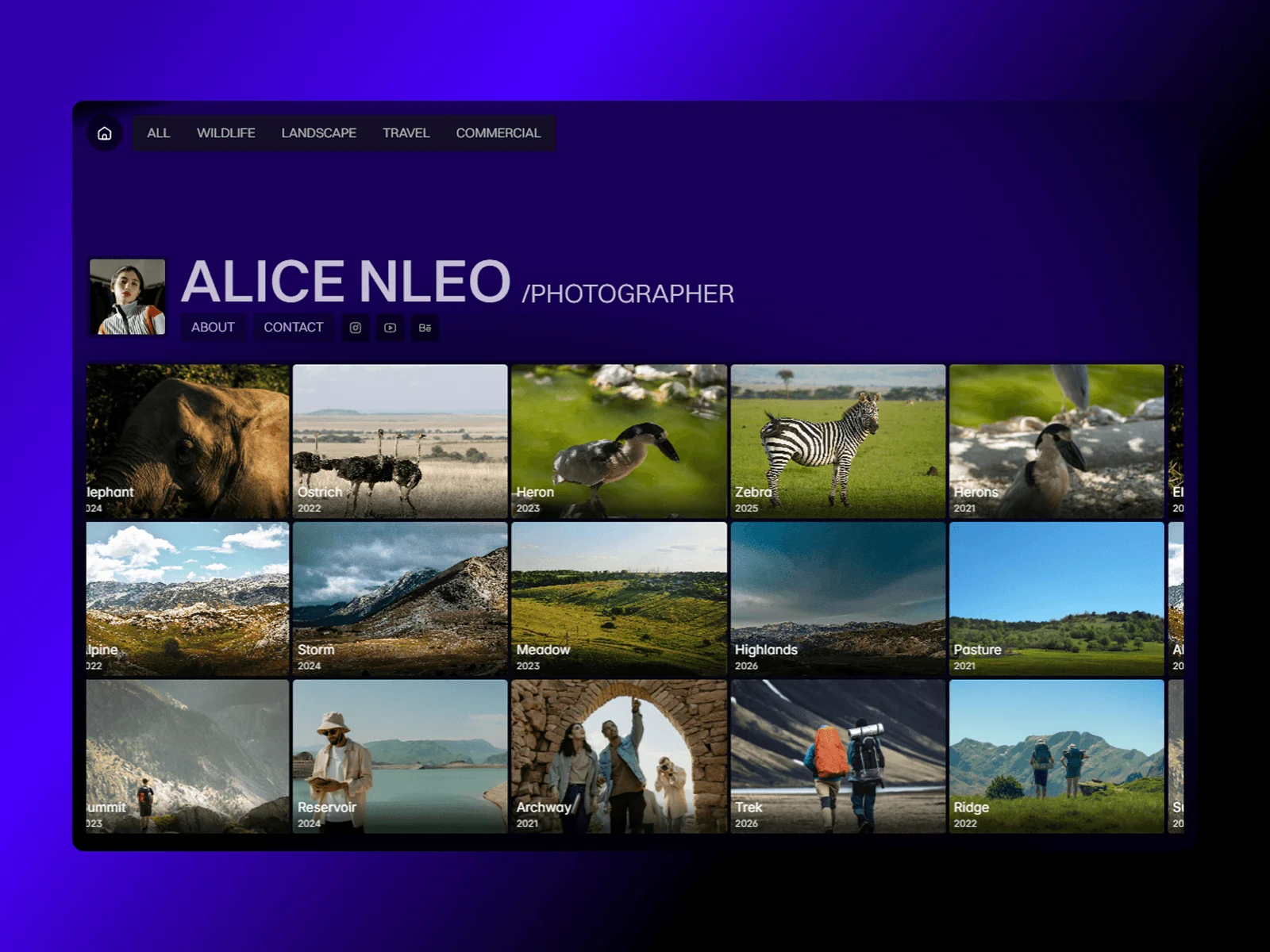
The categorized structure makes Soliss a useful example of photography portfolio web design for professionals with several specialties. Its CMS also supports scalable photography portfolio website development as new projects are completed.
Visitors can open each project in a dedicated showcase view containing supporting photographs and project information. Navigation between projects helps users continue exploring without returning to the main portfolio every time.
Key Design Features
CMS-powered photography portfolio
Customizable gallery categories
Dedicated project showcase pages
Expandable photo collections
Project-to-project navigation
Contact form
Social media integration
Responsive desktop, tablet, and mobile layouts
Best For: Wildlife photographers, travel creators, landscape photographers, visual storytellers, creative studios, and freelancers with several photography categories.
Why This Design Works
Category-based navigation helps visitors find the most relevant work quickly. A travel client can explore travel projects without moving through unrelated portraits or commercial shoots.
The dedicated project pages also make Soliss suitable for photographers who want to provide context, locations, concepts, or production details alongside their images.
4. Gallery
Design Overview
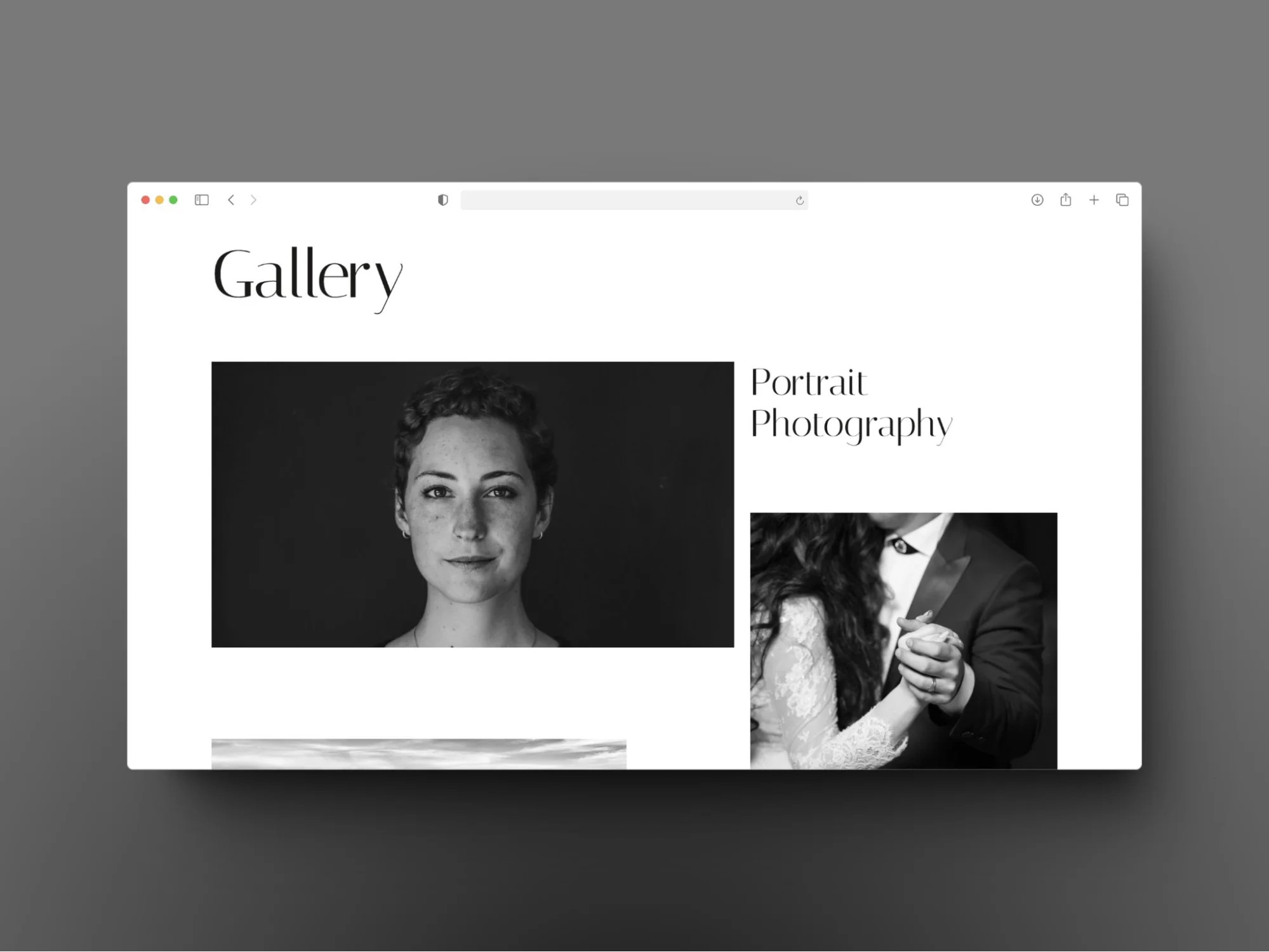
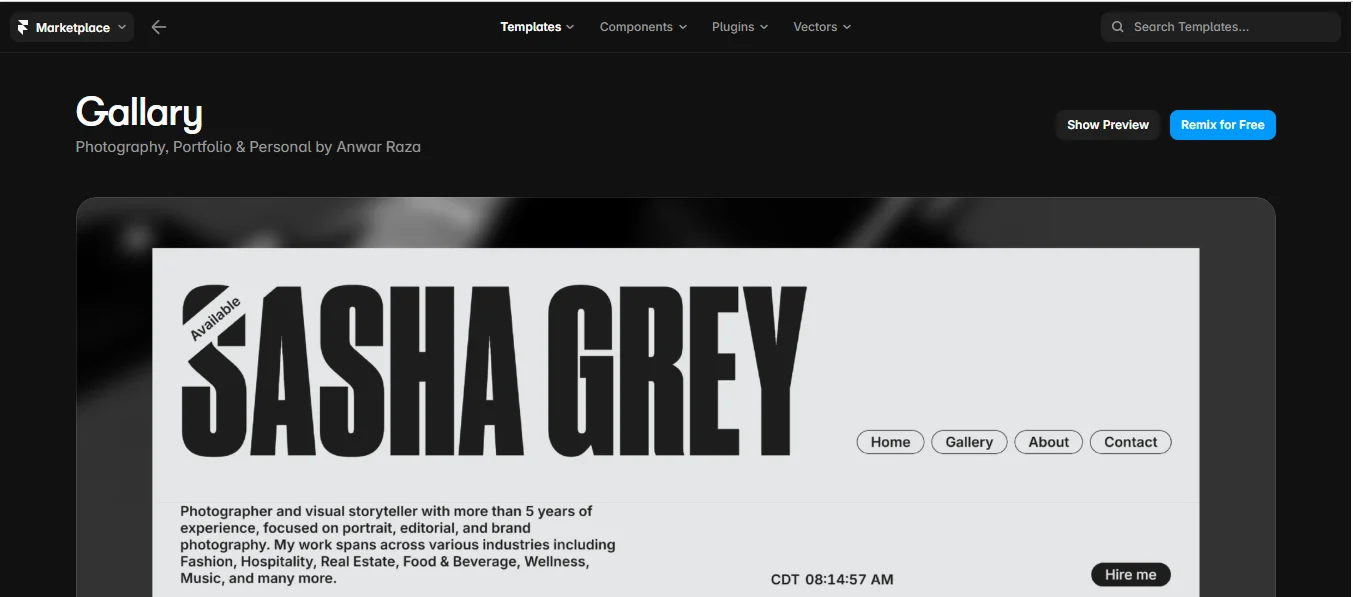
The gallery demonstrates how a simple photography portfolio layout can create an exhibition-like viewing experience. This clean approach is suitable for beginners and professionals who want an organized portfolio without complicated navigation.
Clean typography and generous white space establish a gallery-like atmosphere. Instead of surrounding images with decorative elements, the design uses careful spacing to separate individual projects.
Key Design Features
Image-first homepage
Projects index
Individual project detail pages
Gallery-style presentation
Clean typography
Generous white space
Contact page
Responsive and mobile-friendly design
Best For: Portrait, wedding, fashion, product, editorial, event, lifestyle, architecture, food, travel, fine-art, and commercial photographers.
Why This Design Works
The project index makes a large portfolio easier to scan, while project detail pages give each shoot room to breathe. Consistent spacing also prevents photographs with different subjects or color palettes from competing visually.
This structure is especially effective for photographers who want their online photography portfolio to feel similar to a curated physical exhibition.
5. Elias Voss
Design Overview
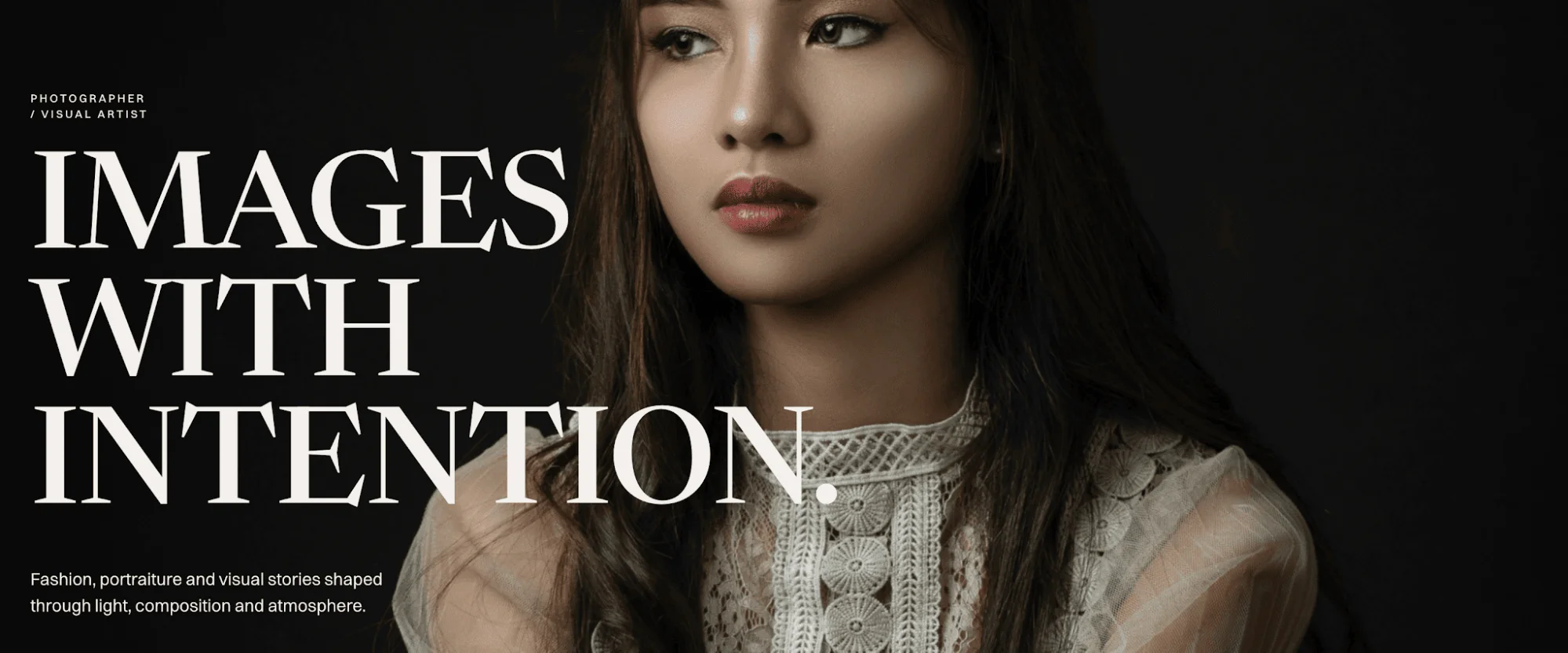
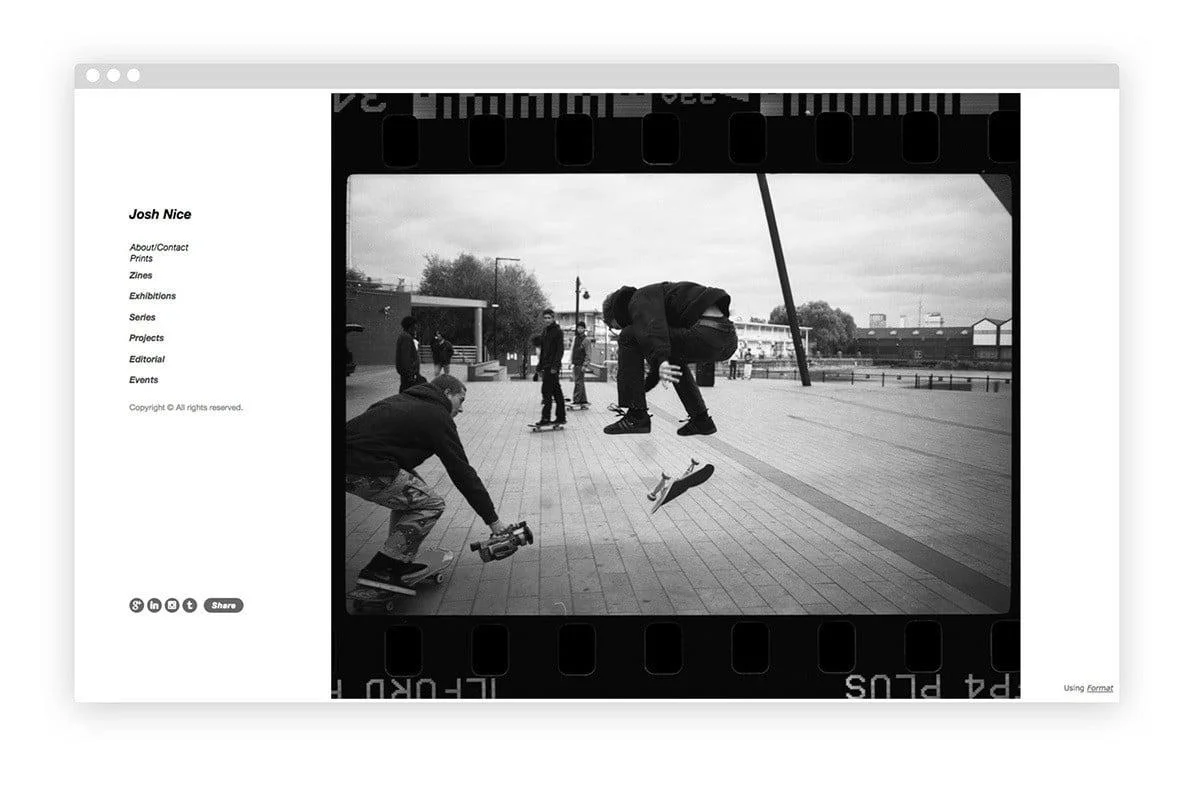
Elias Voss is a one-page portfolio with a strong editorial identity. It moves visitors through full-screen photography, selected work, project stories, client information, an About section, and a booking-focused call to action.
Its design is aimed at photographers working with fashion brands, publications, campaigns, portraits, and commercial productions.
Key Design Features
Full-screen image sections
Editorial photography layouts
Selected-work showcase
Project storytelling
Client and publication section
About and photography-approach sections
Booking CTA
Responsive one-page structure
Smooth interactions and animations
Best For: Fashion photographers, editorial photographers, commercial photographers, portrait photographers, and freelance visual artists.
Why This Design Works
The one-page structure creates a controlled story. Visitors see the work, learn about the photographer’s approach, review client credentials, and then reach the booking action.
Client and publication information also provides useful social proof. This can be important for fashion and commercial photographers whose credibility depends partly on recognizable collaborations.
6. MistFly
Design Overview
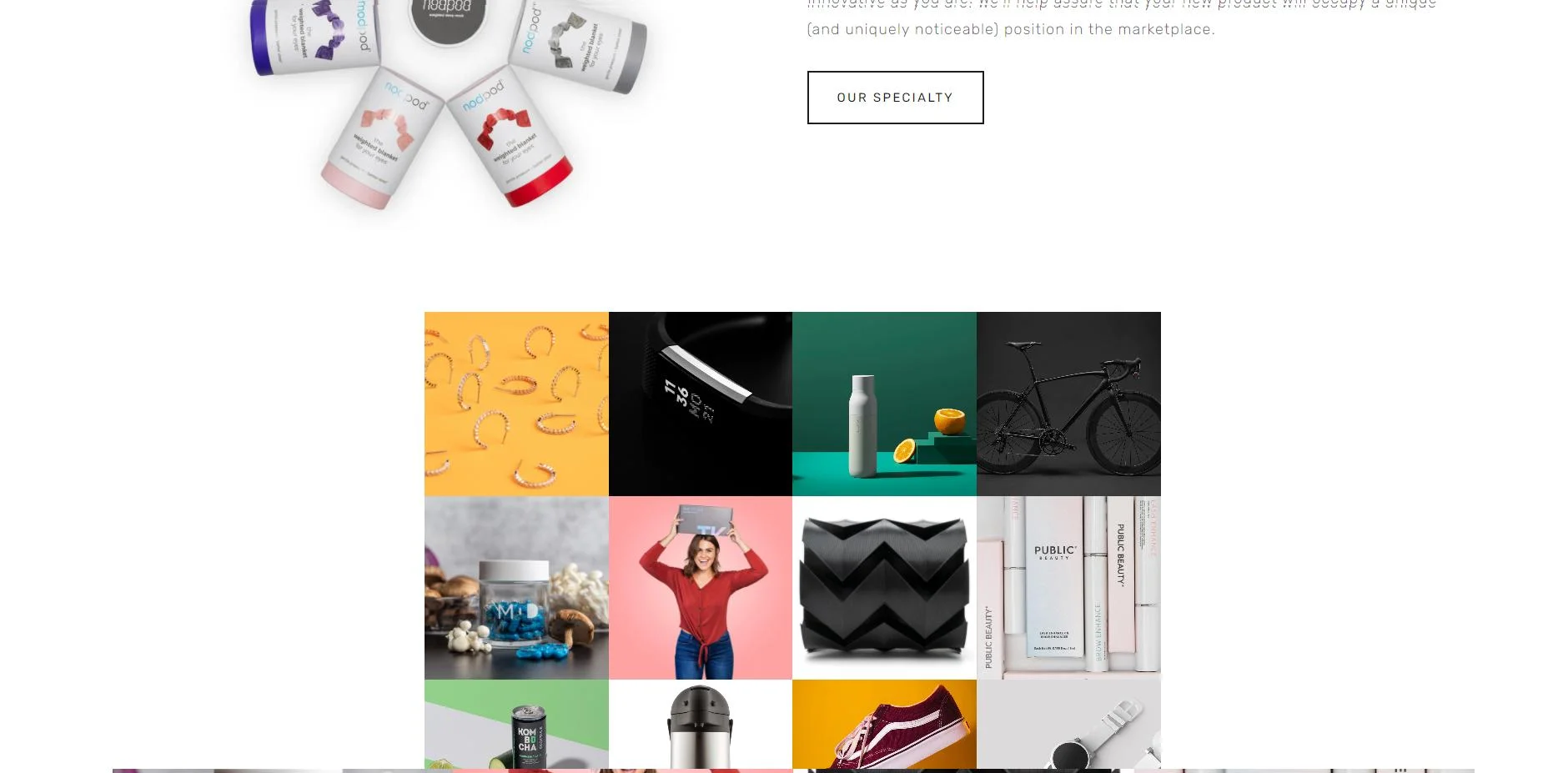
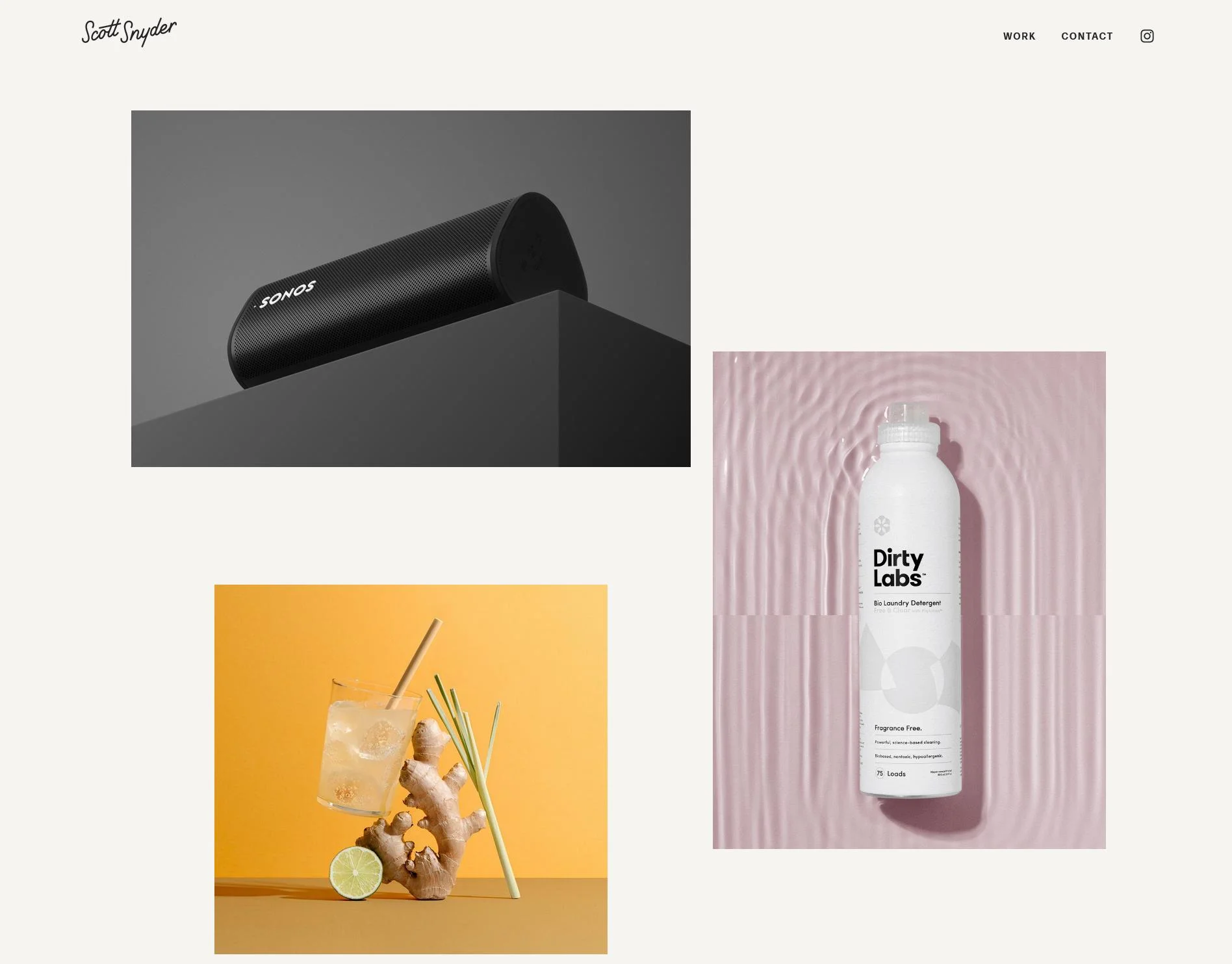
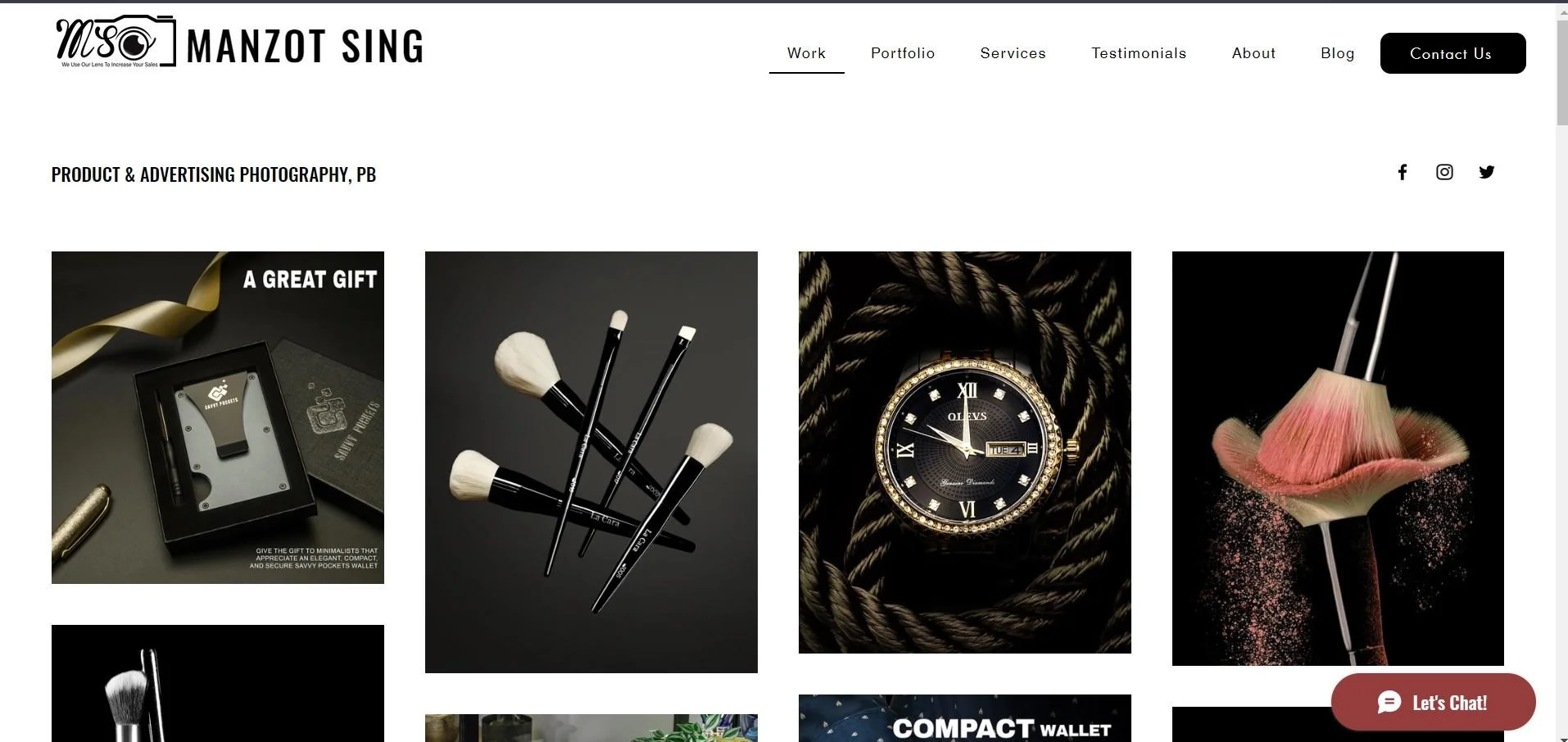
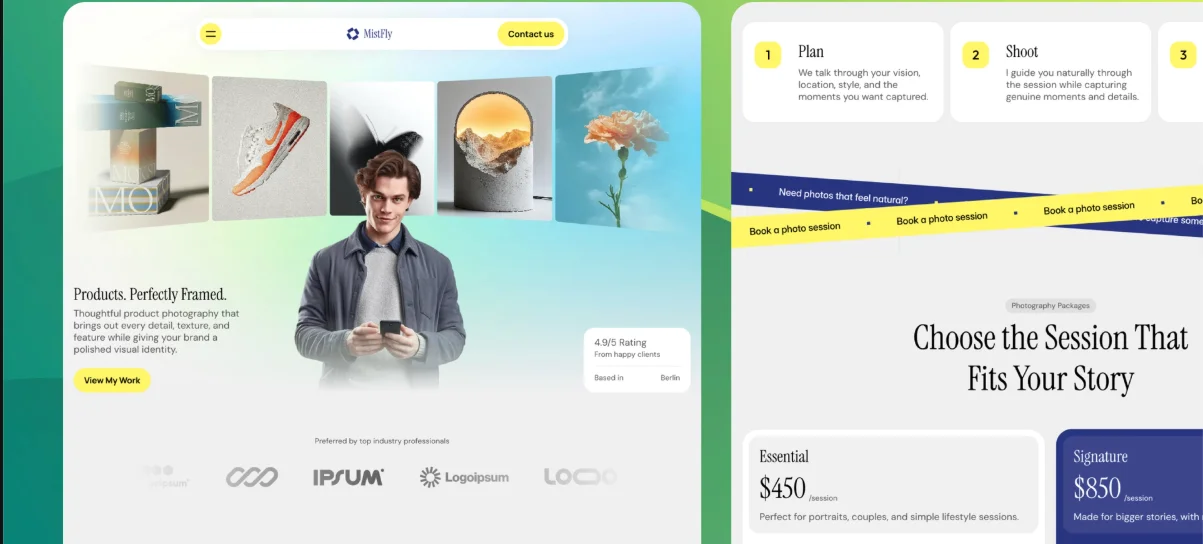
MistFly is a strong photography business website design example because it combines visual work with services, pricing, testimonials, and inquiry options. This balance supports photographers who need their website to generate qualified leads.
The structure explains both what the photographer creates and how clients can purchase the service.
Key Design Features
Visual photography hero
Portfolio and project gallery
Service cards
Client testimonials
Credibility statistics
Plan, shoot, and deliver process
Photography pricing packages
FAQ section
Multiple inquiry CTAs
Editorial typography
Best For: Product photographers, ecommerce photographers, advertising photographers, brand photographers, commercial studios, and freelancers.
Why This Design Works
Commercial clients often need more than an attractive gallery. They want to understand the process, available services, expected deliverables, and pricing structure.
MistFly answers those questions without separating the business information from the portfolio. Testimonials and process steps build trust, while repeated CTAs make it easy to inquire at different decision points.
7. Photo Angle
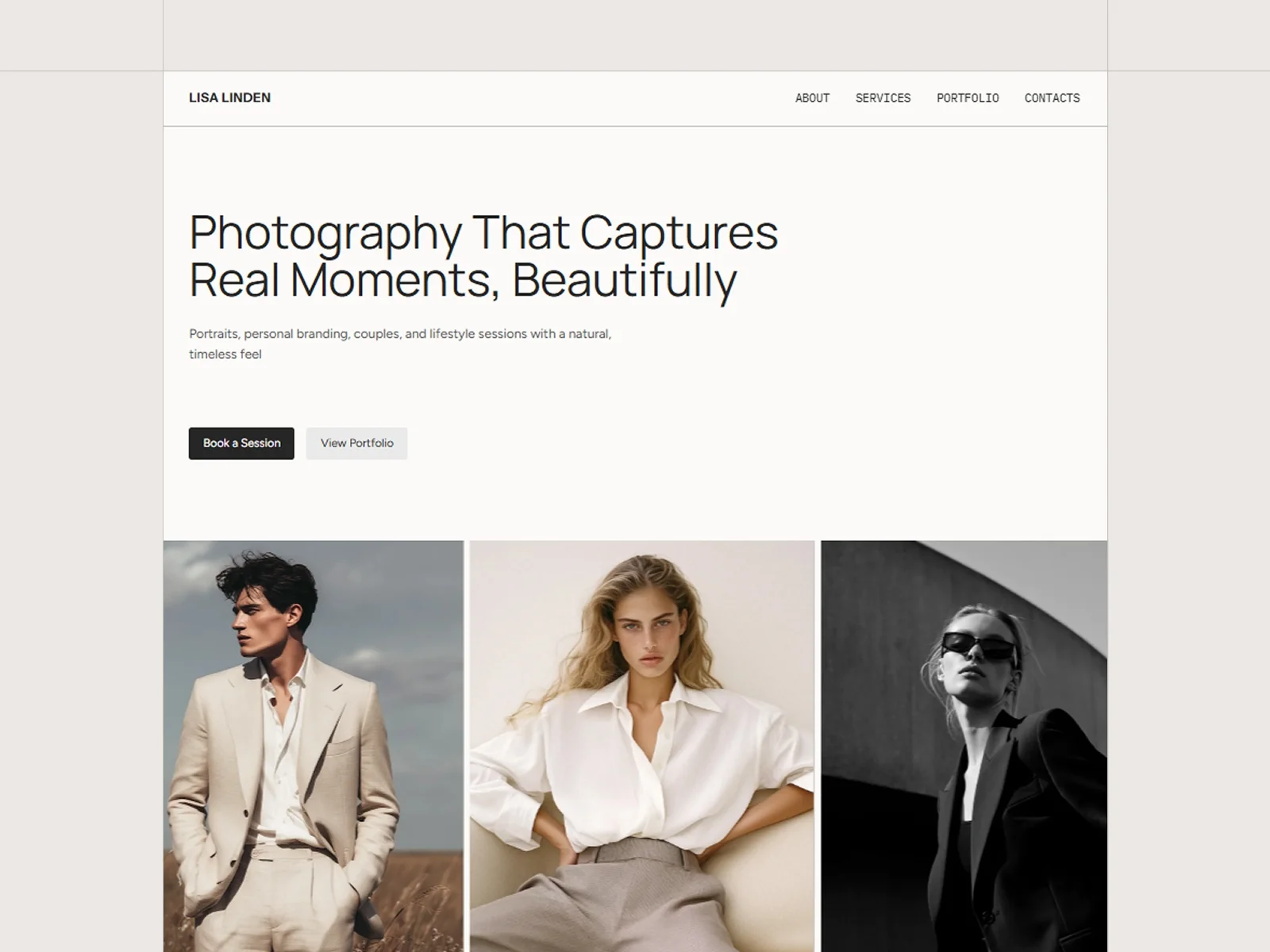
Design Overview
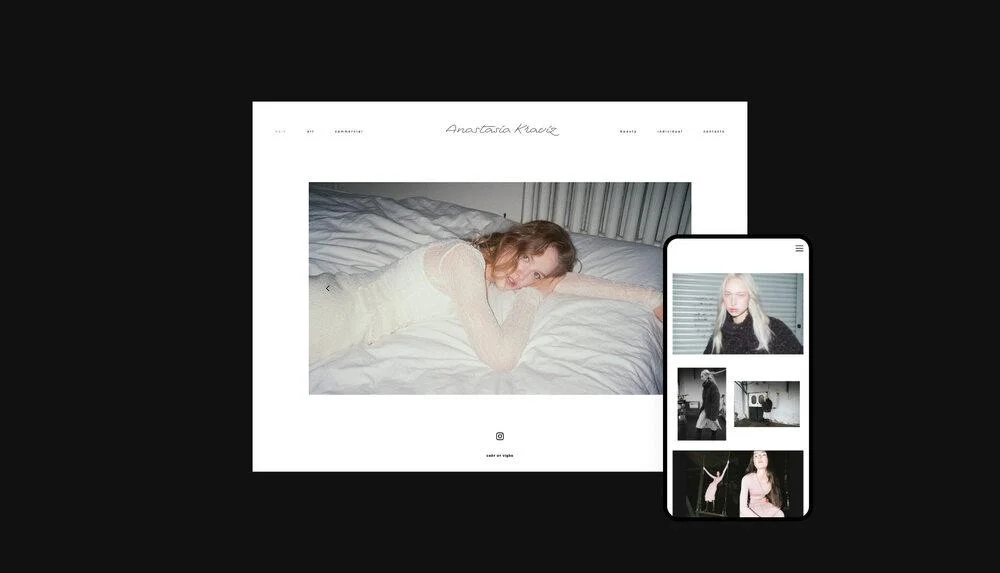
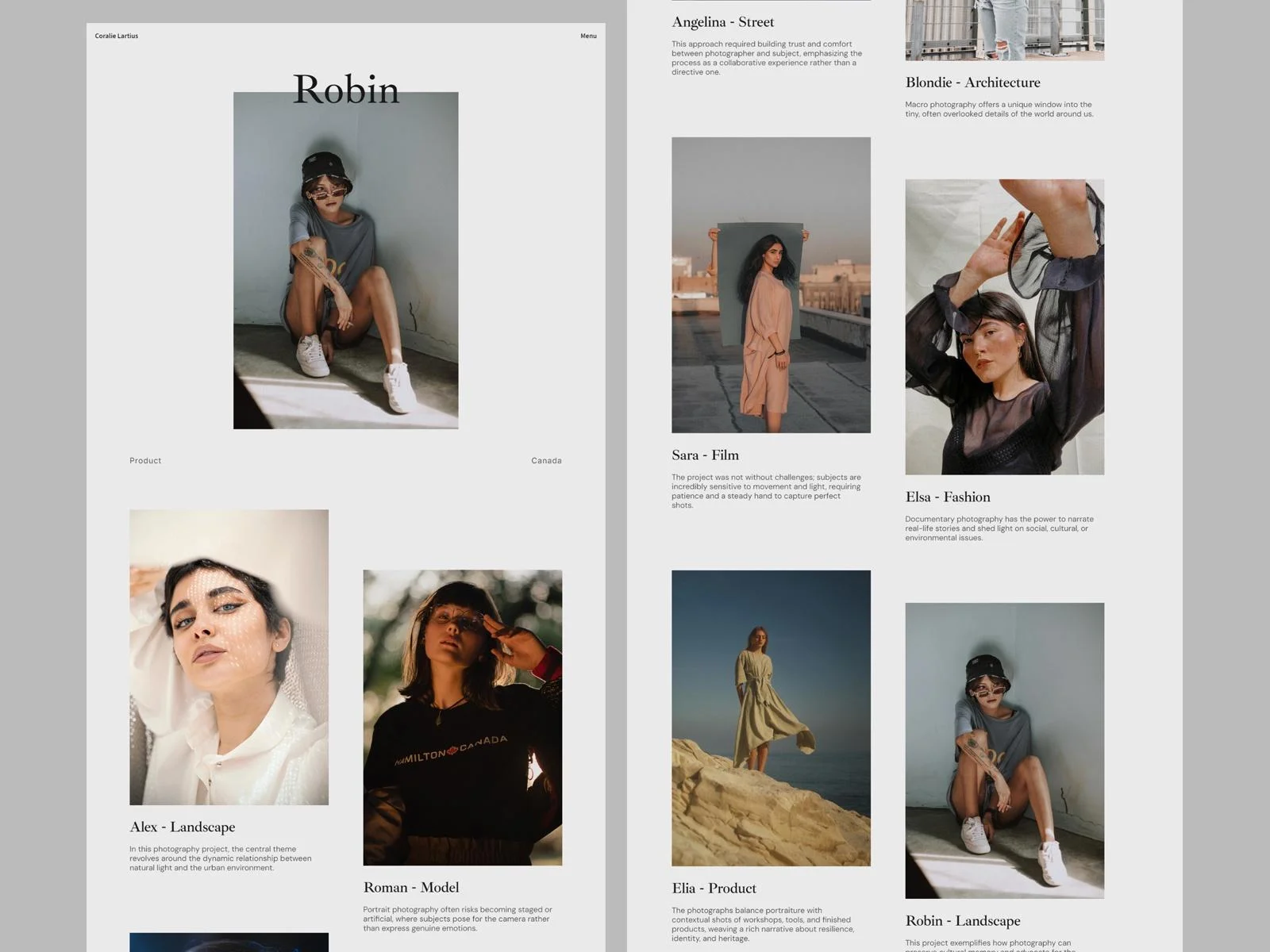
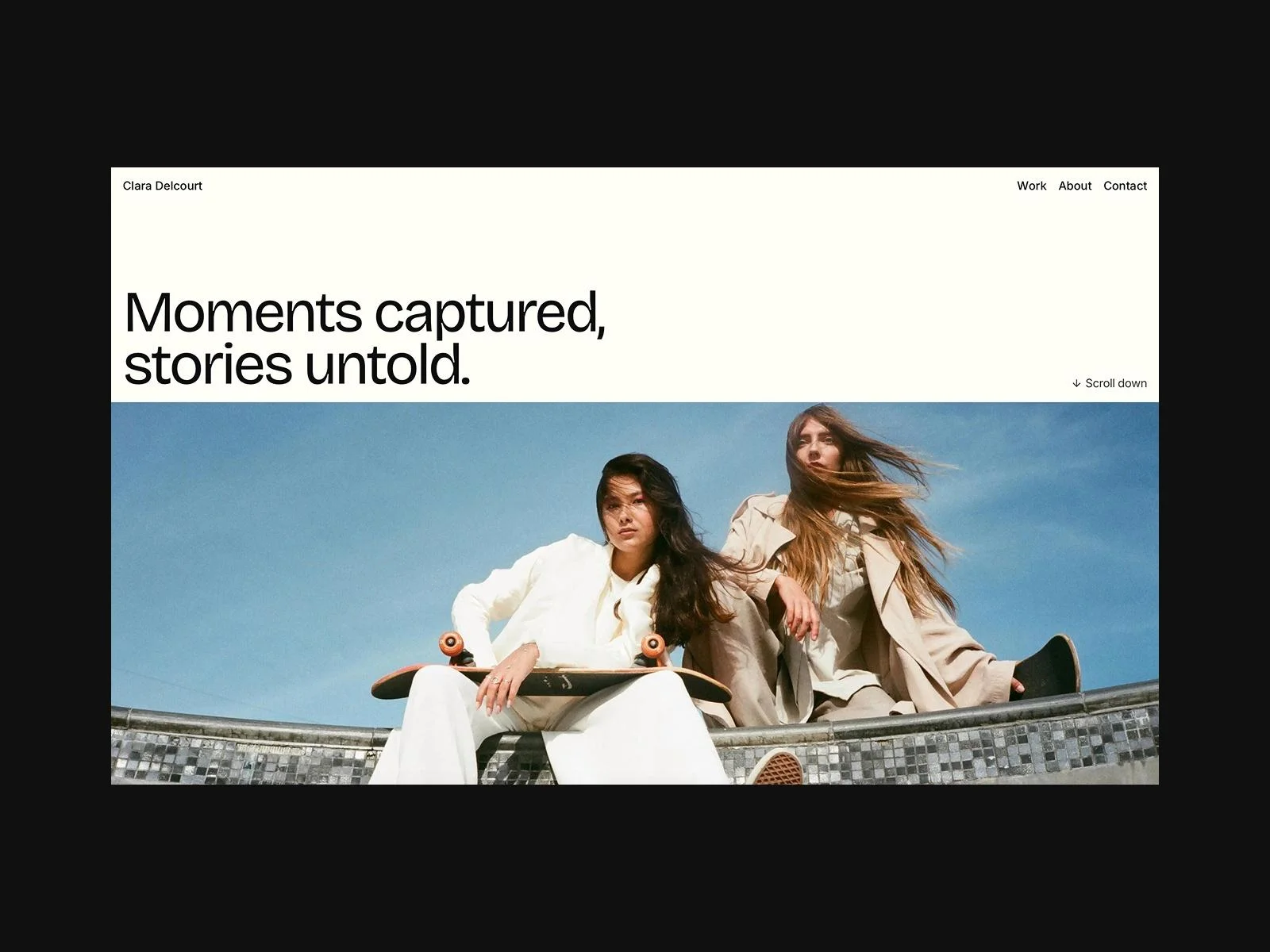
Photo Angle provides approachable photography website design ideas for portrait and lifestyle specialists. Its balanced spacing and simple structure also make it helpful as a photography portfolio website design for beginners.
The layout remains restrained so visitors can understand the photographer’s style without dealing with complicated controls or decorative distractions.
Key Design Features
Portrait-focused portfolio presentation
Lifestyle and couples galleries
Personal-branding photography support
Minimal interface
Refined typography
Generous spacing
Organized portfolio sections
Easy content customization
Best For: Portrait photographers, couples photographers, lifestyle photographers, and personal-branding specialists.
Why This Design Works
Portrait websites need to communicate mood, personality, and consistency. Photo Angle uses space and typography to create a calm viewing environment where expressions and human details remain noticeable.
Its straightforward structure also makes the portfolio approachable for private clients who may not be familiar with creative-industry terminology.
8. Sanandika
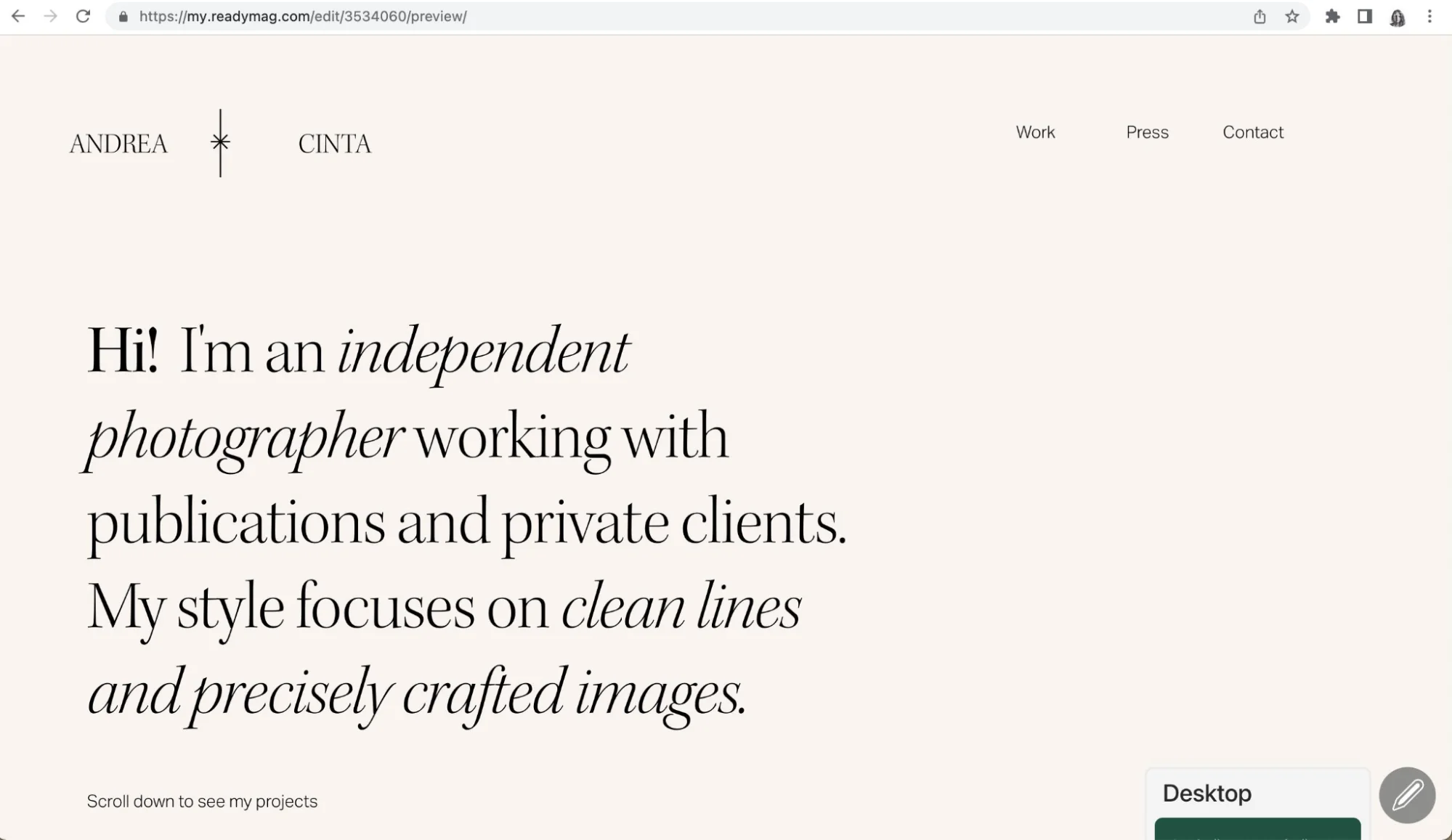
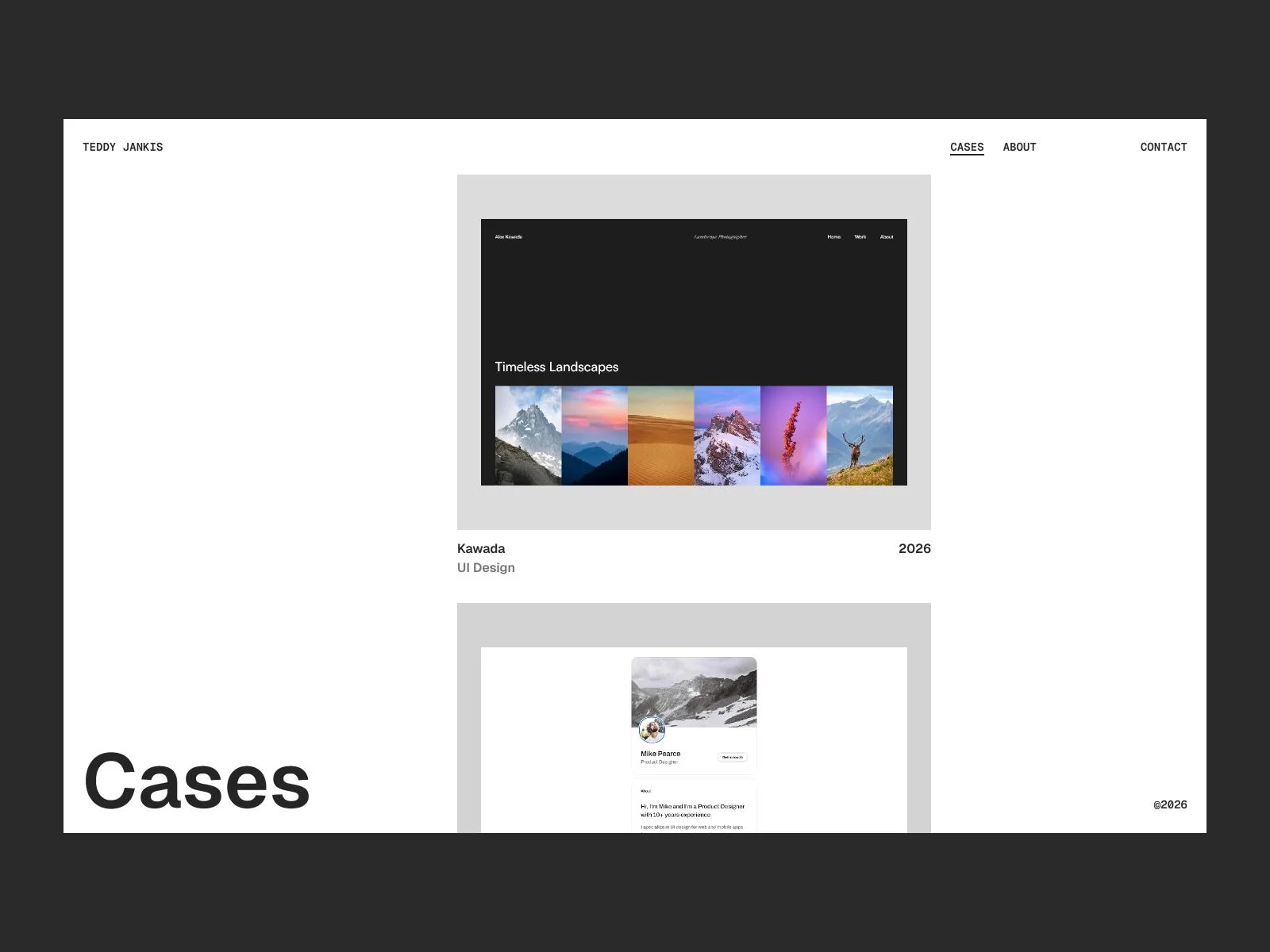
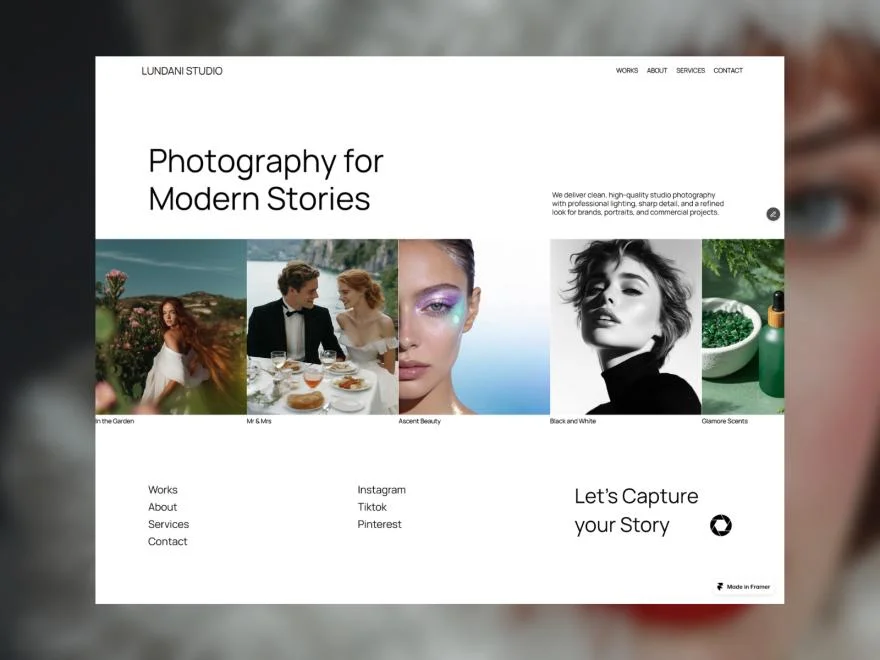
Design Overview
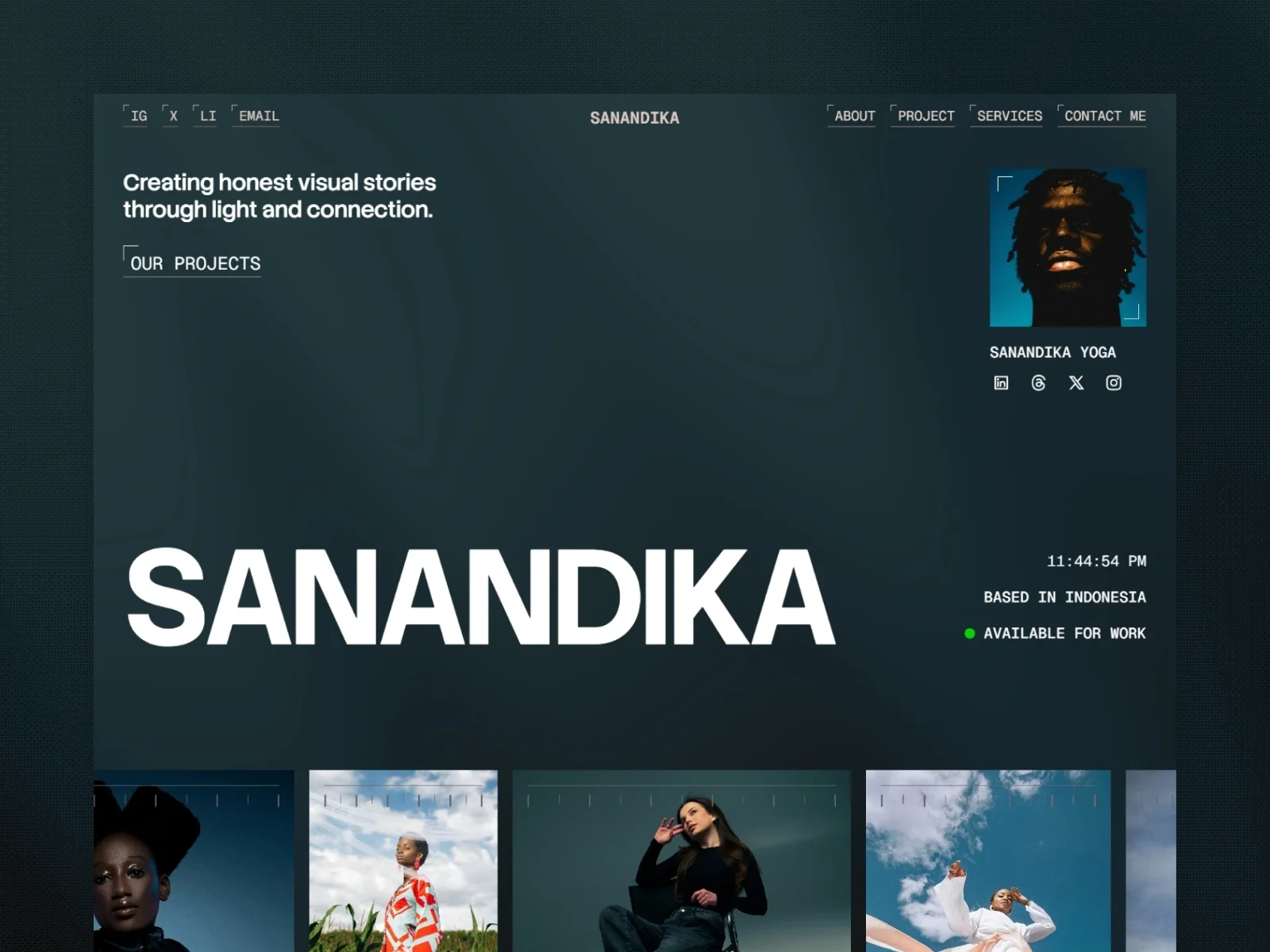
Sanandika uses a minimalist editorial approach with large photography, bold type, and CMS-powered projects. It can present campaigns, portraits, documentary work, lifestyle images, commercial assignments, and personal projects.
The template also provides more professional context than a basic gallery through services, profile, career timeline, testimonials, FAQs, and contact content.
Key Design Features
Minimal editorial portfolio
Large-image project showcase
CMS-powered project pages
Services section
About and profile section
Experience timeline
Client testimonials
FAQ section
Contact form and social links
Responsive design
Best For: Editorial, portrait, fashion, documentary, lifestyle, and commercial photographers.
Why This Design Works
Sanandika combines visual evidence with professional background information. The career timeline and testimonials can help experienced photographers establish authority without placing long paragraphs on the homepage.
CMS project pages also support future growth. New assignments can be added within the existing structure instead of requiring a new layout for every project.
9. Aerra
Design Overview
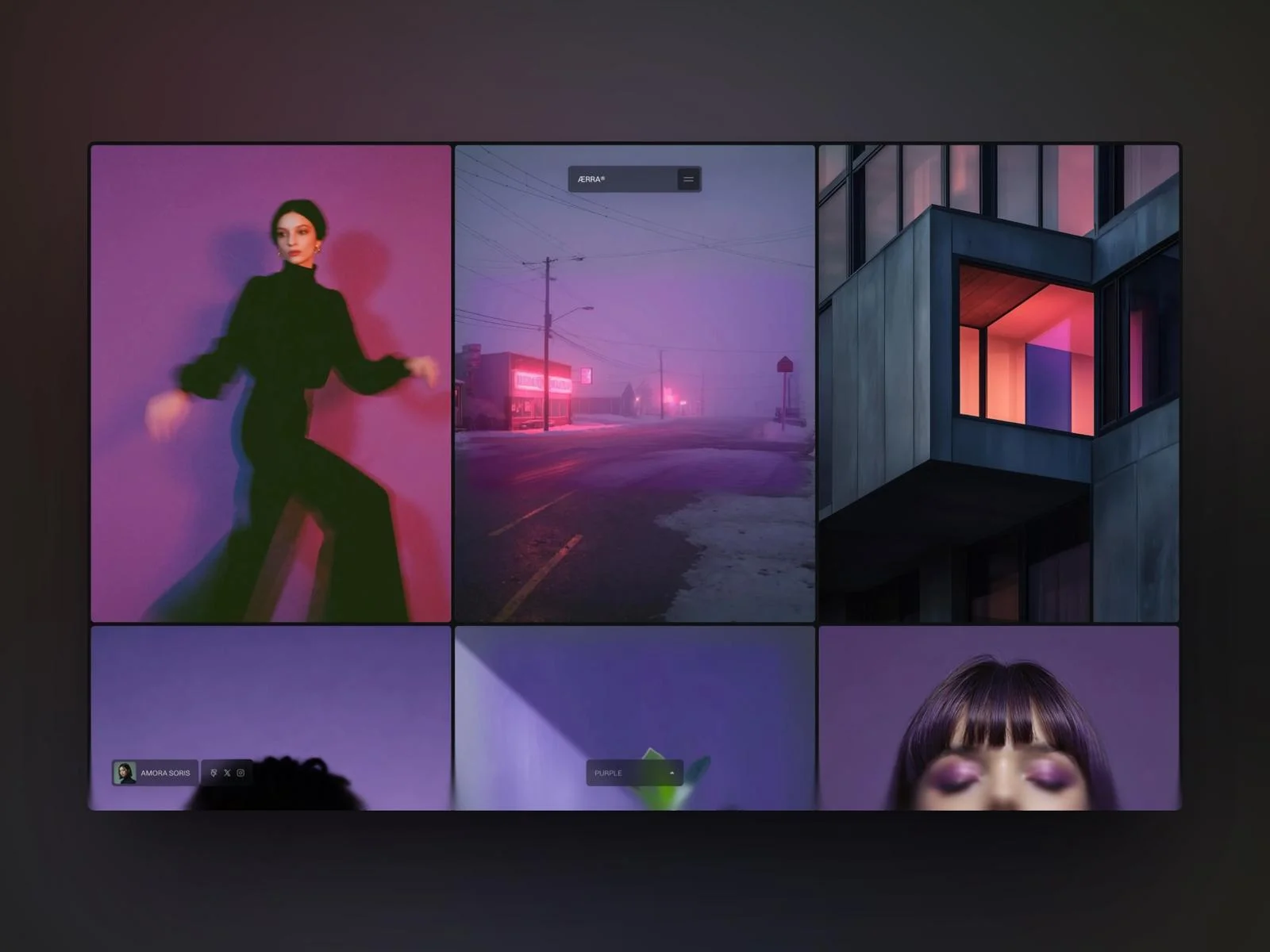
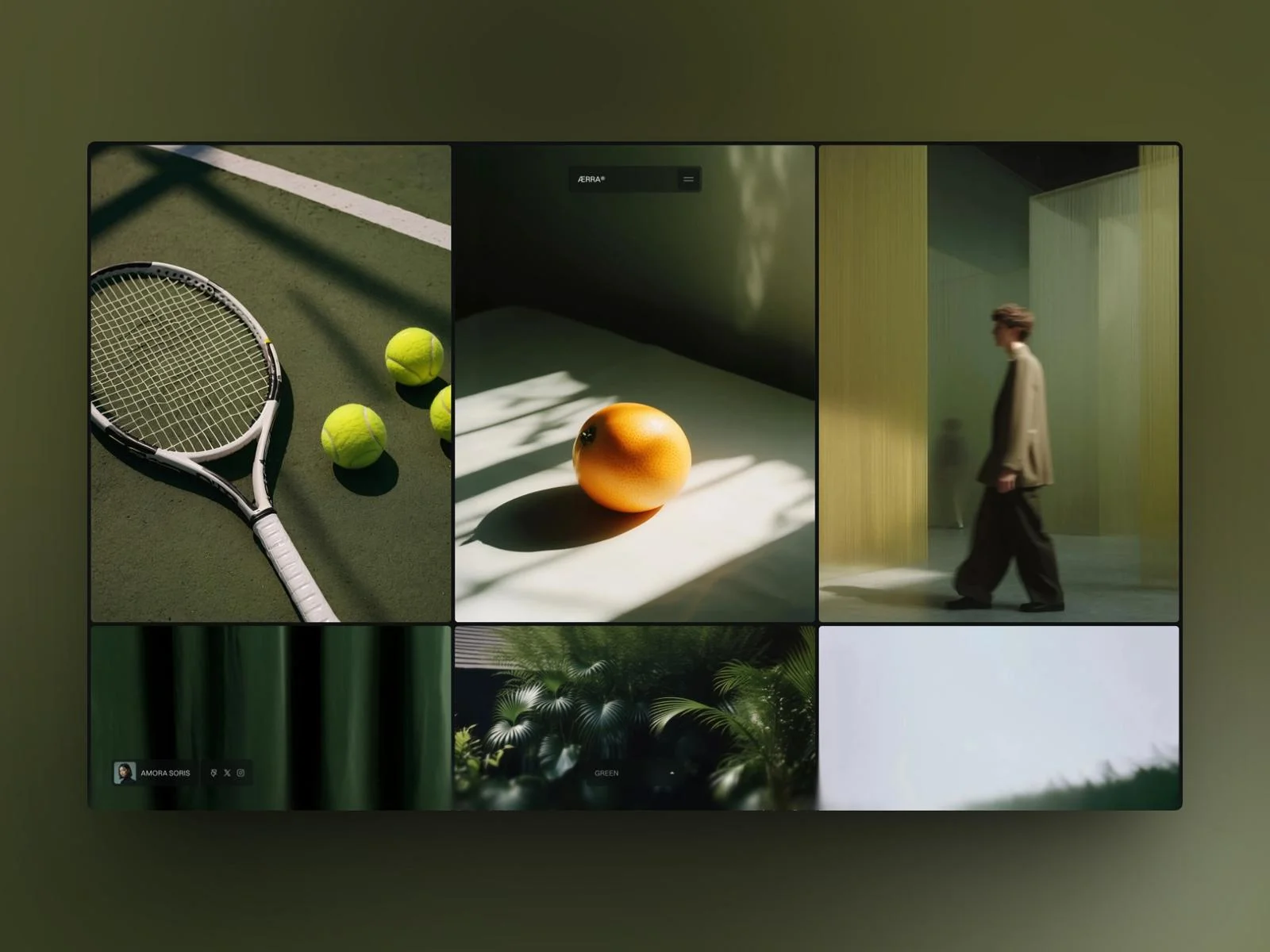
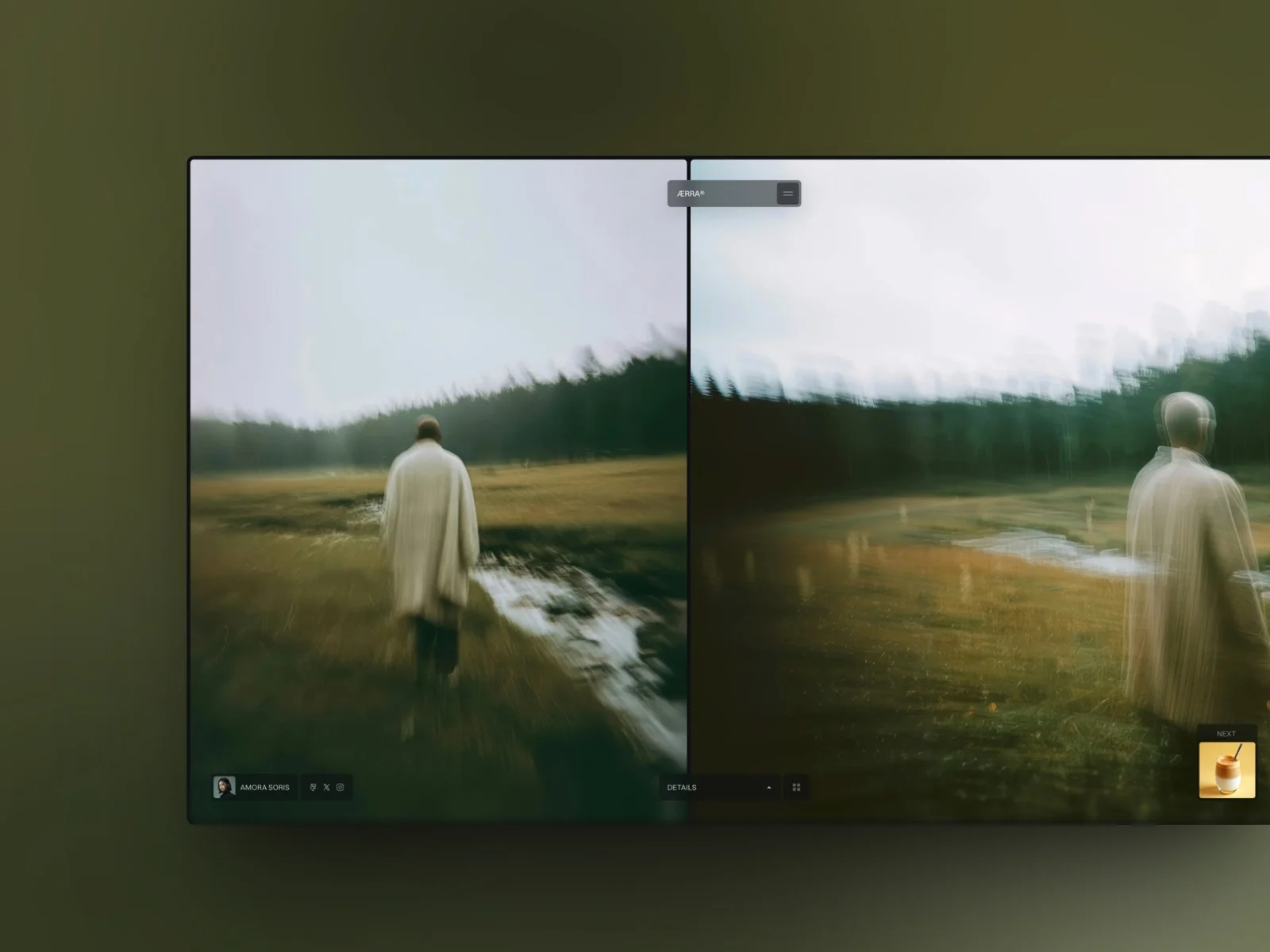
Aerra offers cinematic photography portfolio website ideas for professionals combining still photography with video. Its controlled pacing shows how motion can enhance a portfolio without competing with the visual work.
Its quiet interface gives photographs and moving imagery space to establish the atmosphere.
Key Design Features
Cinematic visual presentation
Minimal portfolio layout
Large image-led sections
Visual storytelling structure
Smooth transitions
Photography and video support
Responsive portfolio presentation
Best For: Travel photographers, cinematic wedding photographers, documentary creators, filmmakers, and professionals combining photography with video.
Why This Design Works
The cinematic approach helps photographers present connected images as a story rather than isolated thumbnails. It is particularly suitable for work built around locations, people, journeys, or events.
The limited interface also reduces visual noise. However, photographers using this approach should keep transitions fast enough that they never delay access to the work.
10. IvyLens
Design Overview
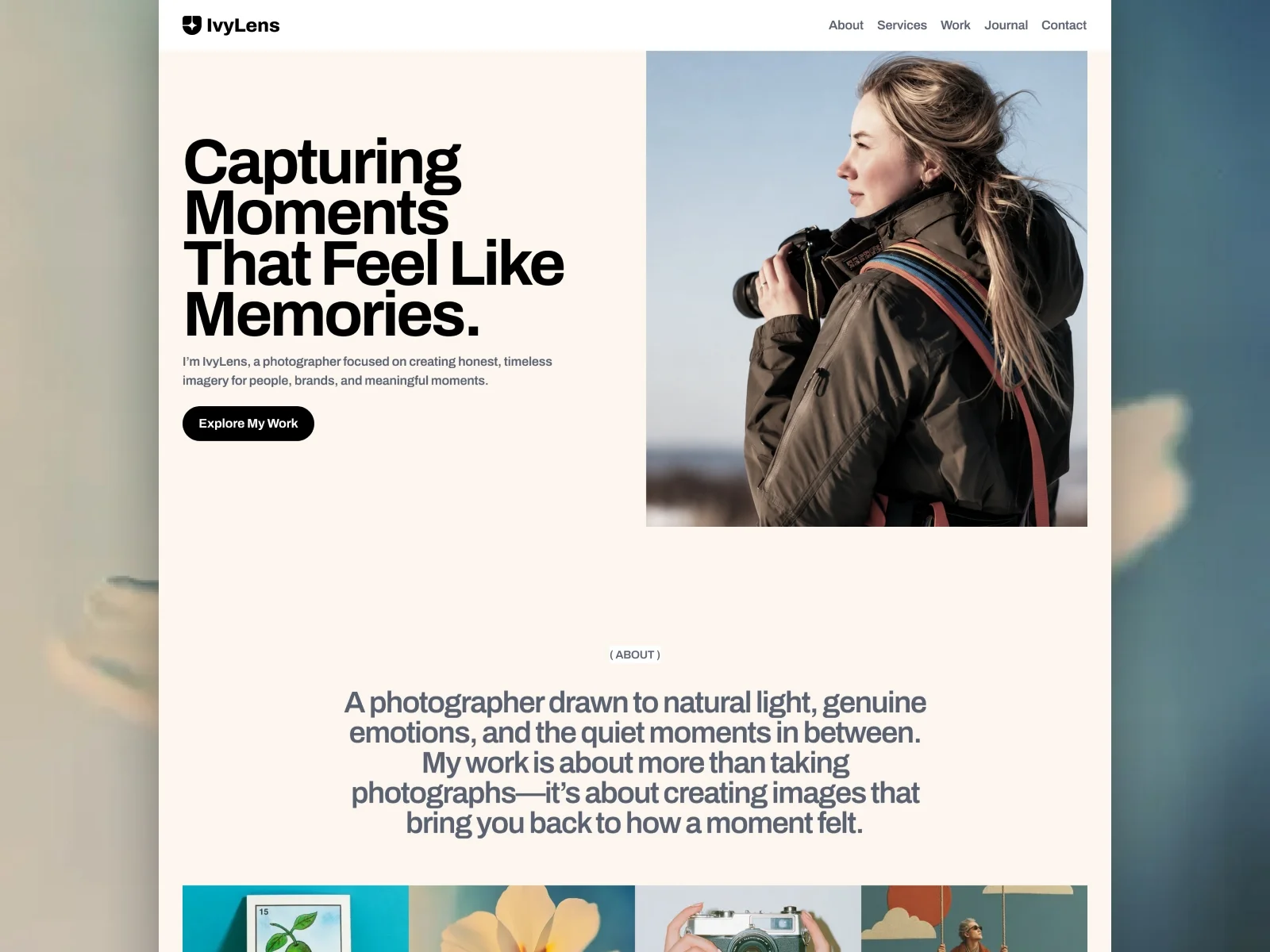
IvyLens combines portfolio projects with journal publishing, making it a scalable option for photography website development. Its responsive structure supports photographers who regularly publish stories, client sessions, or location guides.
This combination makes the template useful for photographers who want to publish regularly as well as maintain a portfolio.
Key Design Features
Editorial photography design
Image-focused portfolio layouts
CMS-powered projects
Project detail pages
Blog and Journal pages
About page
Services section
Contact and inquiry page
Responsive design
Subtle animations
Best For: Wedding, portrait, travel, fashion, and editorial photographers, photography studios, and visual artists.
Why This Design Works
IvyLens separates timeless portfolio content from regularly published stories. Projects can display finished work, while the Journal can share location guides, behind-the-scenes material, client stories, or photography advice.
This supports search visibility and brand development without turning the main portfolio into a crowded blog feed.
11. Geenie
Design Overview
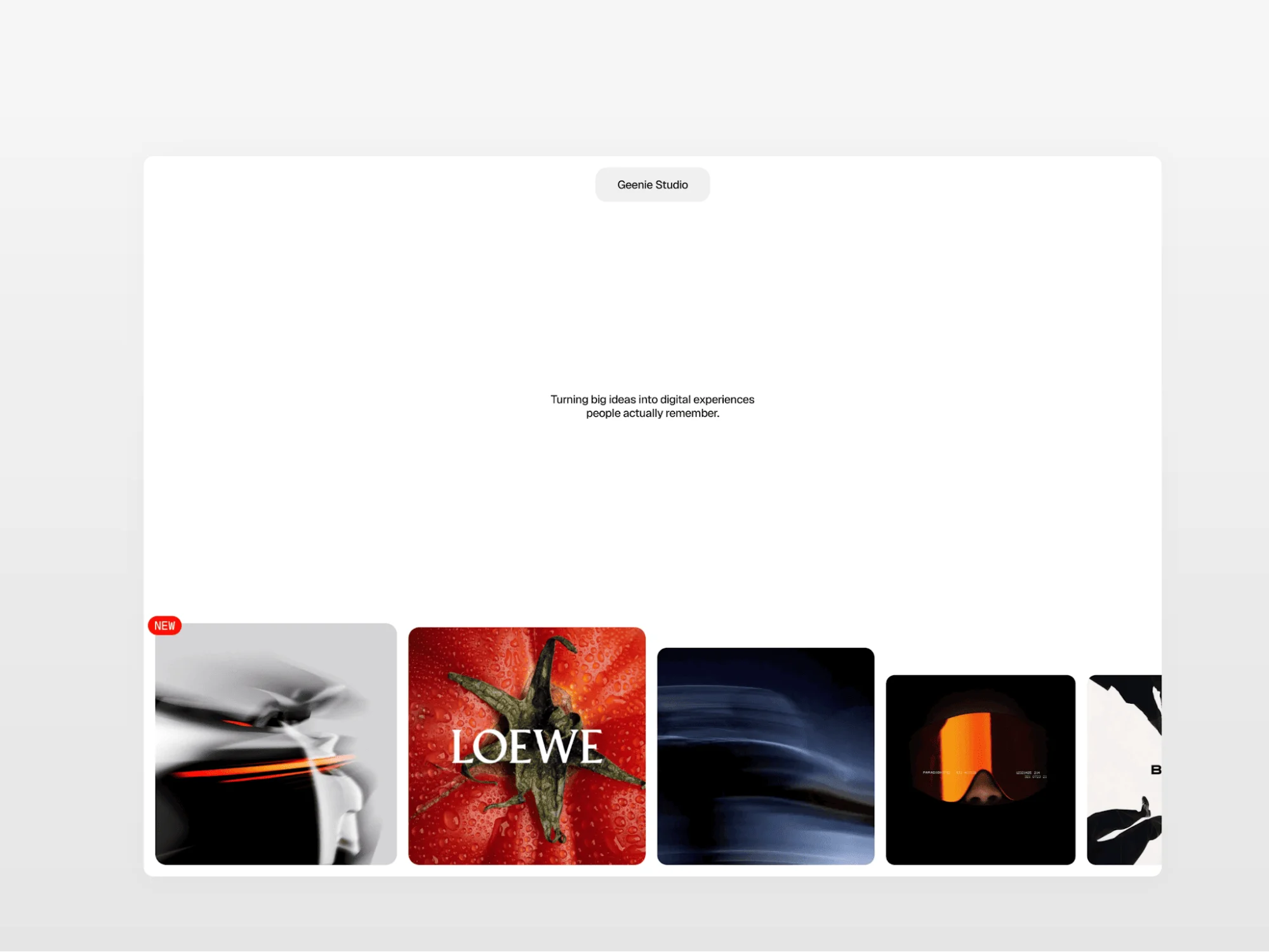
Geenie uses experimental interactions to create a distinctive creative portfolio website for photographers. Its horizontal Work pages provide an alternative to a conventional vertical photography website layout.
The template includes Home, Work, Services, About, and Work Detail pages. Work details and services are managed through a CMS.
Key Design Features
Interactive homepage project cards
Magnetic Work cards
Transforming navigation
Horizontal-scrolling Work detail pages
Micro-animations
CMS-powered projects
CMS-powered services
Home, Work, Services, About, and project pages
Best For: Creative photographers, art directors, photography studios, photo agencies, and photographers seeking a more experimental presentation.
Why This Design Works
Genie turns navigation into part of the portfolio experience. Horizontal scrolling can suit sequential editorials, campaign images, or panoramic work because it creates a different viewing rhythm from a traditional vertical page.
Its effects should still support usability. Labels, controls, focus states, and mobile behavior must remain clear so visual experimentation does not make projects harder to access.
12. Moment
Design Overview
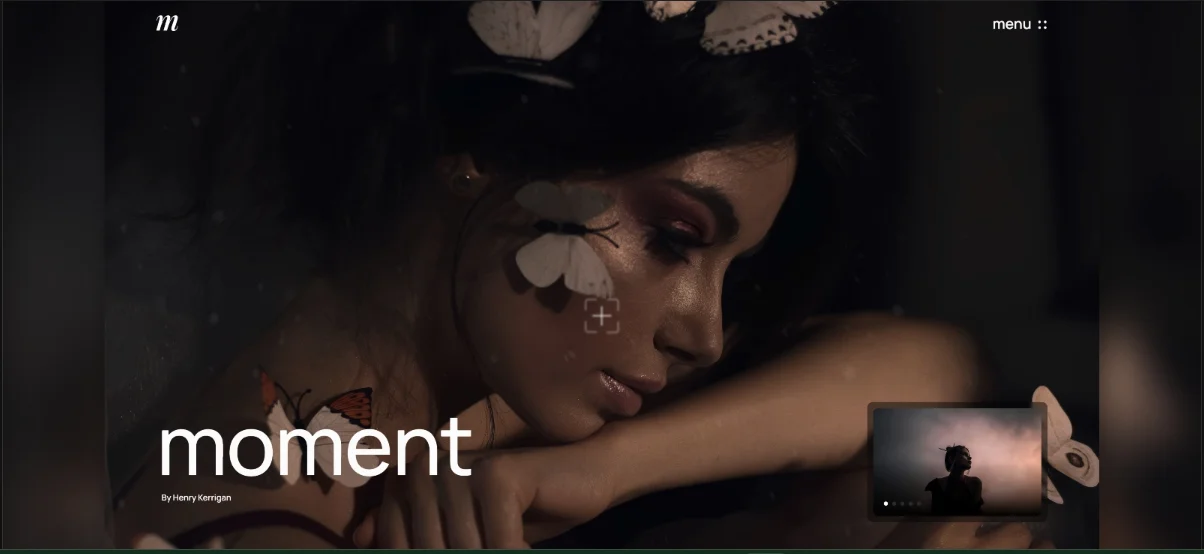
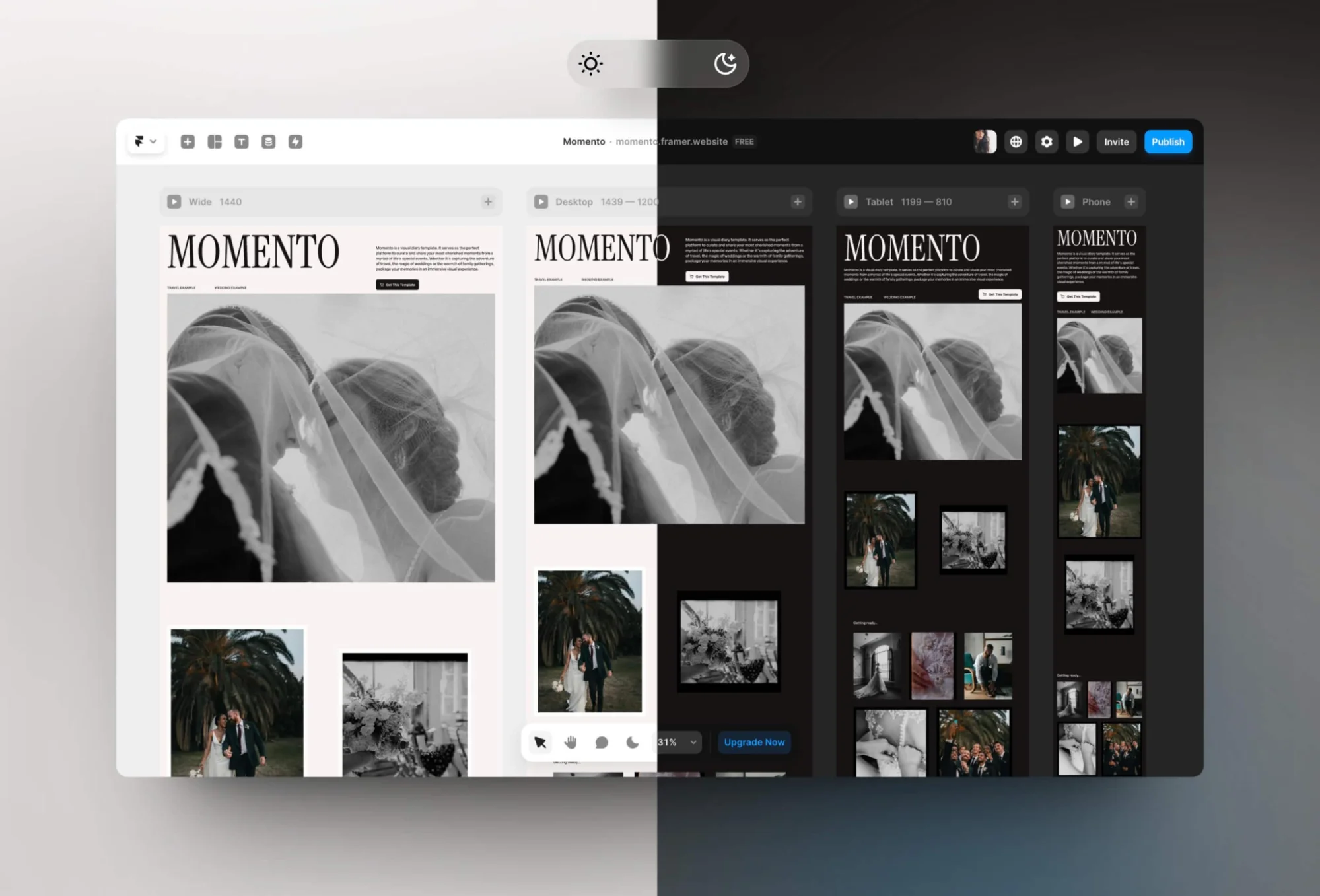
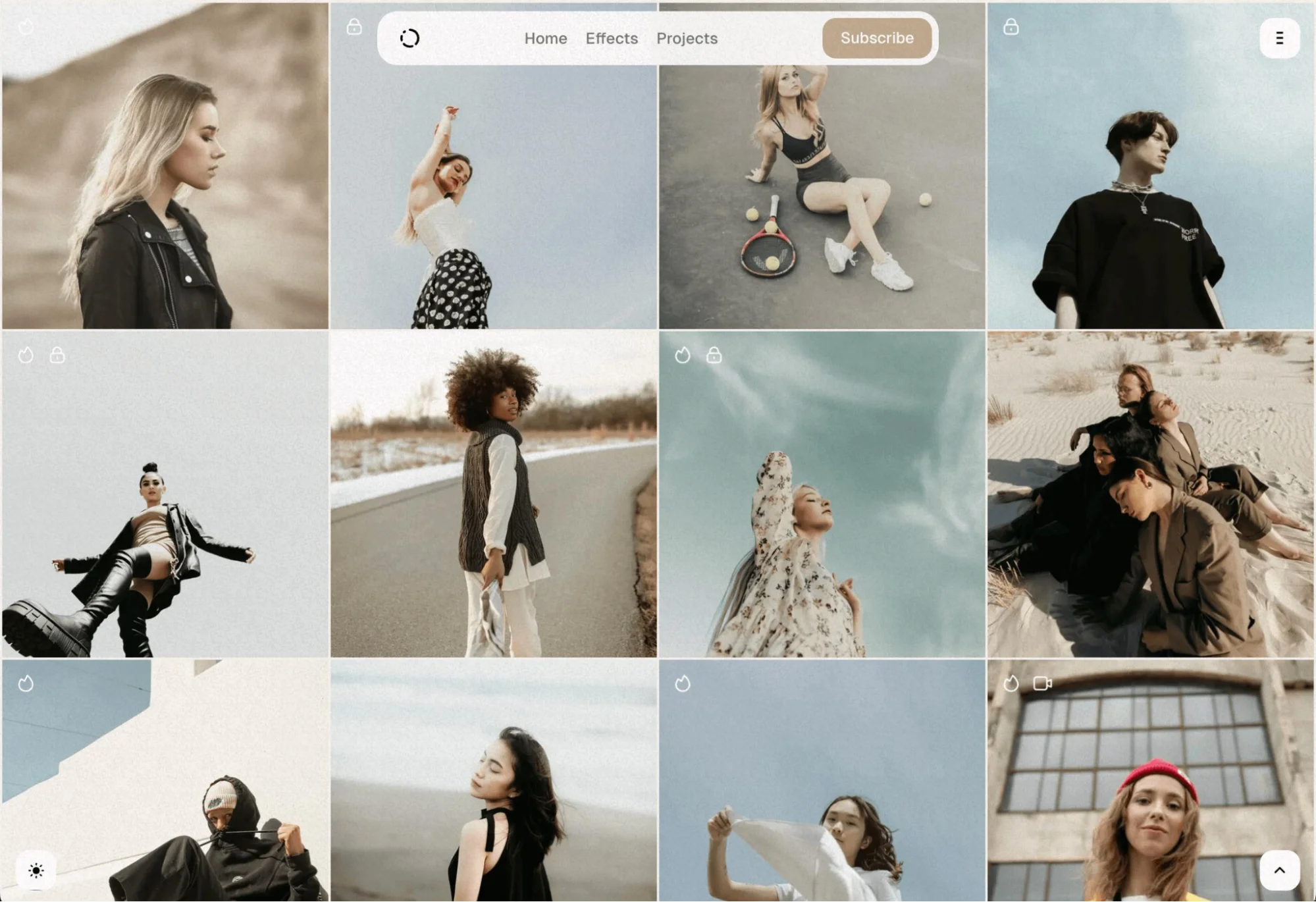
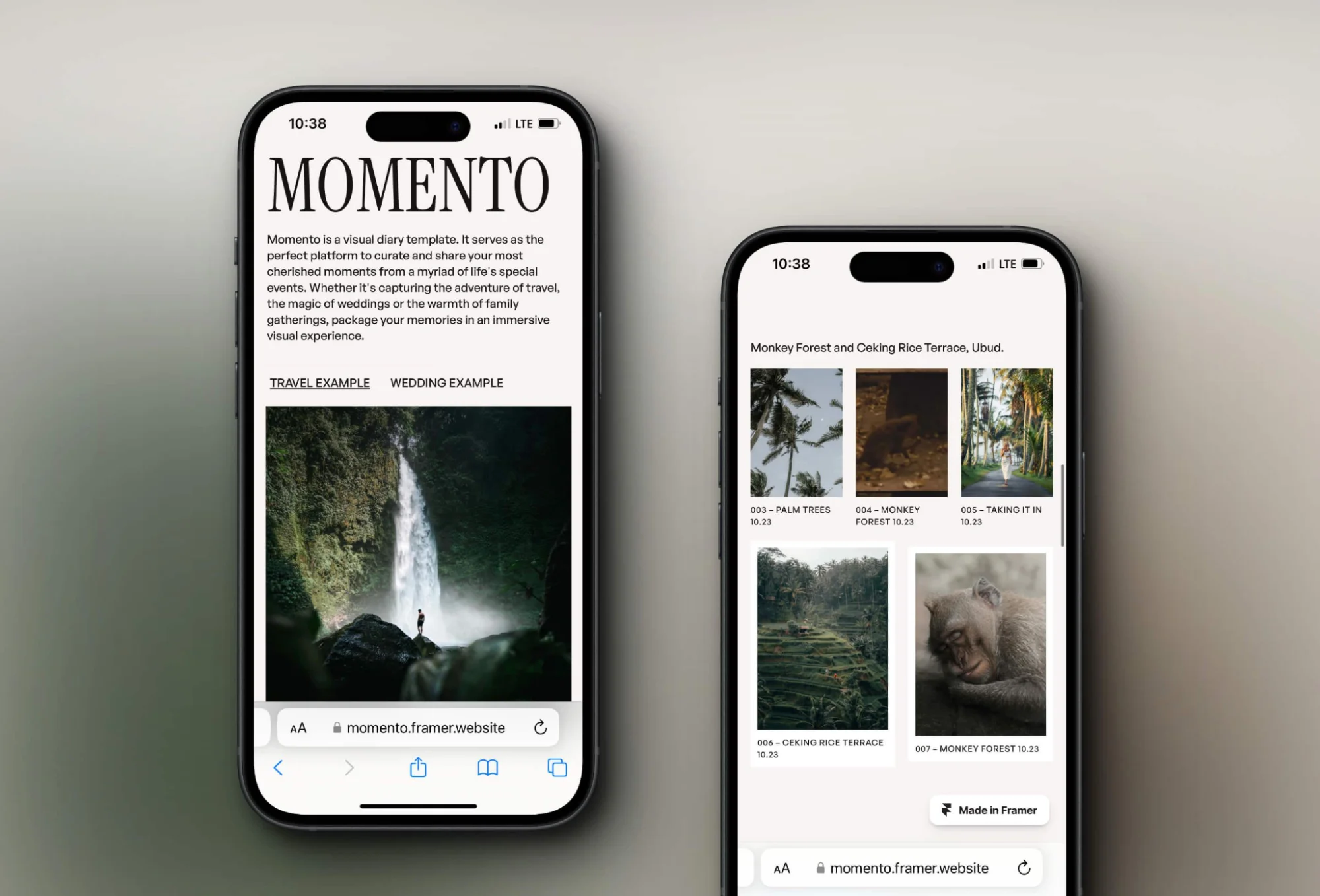
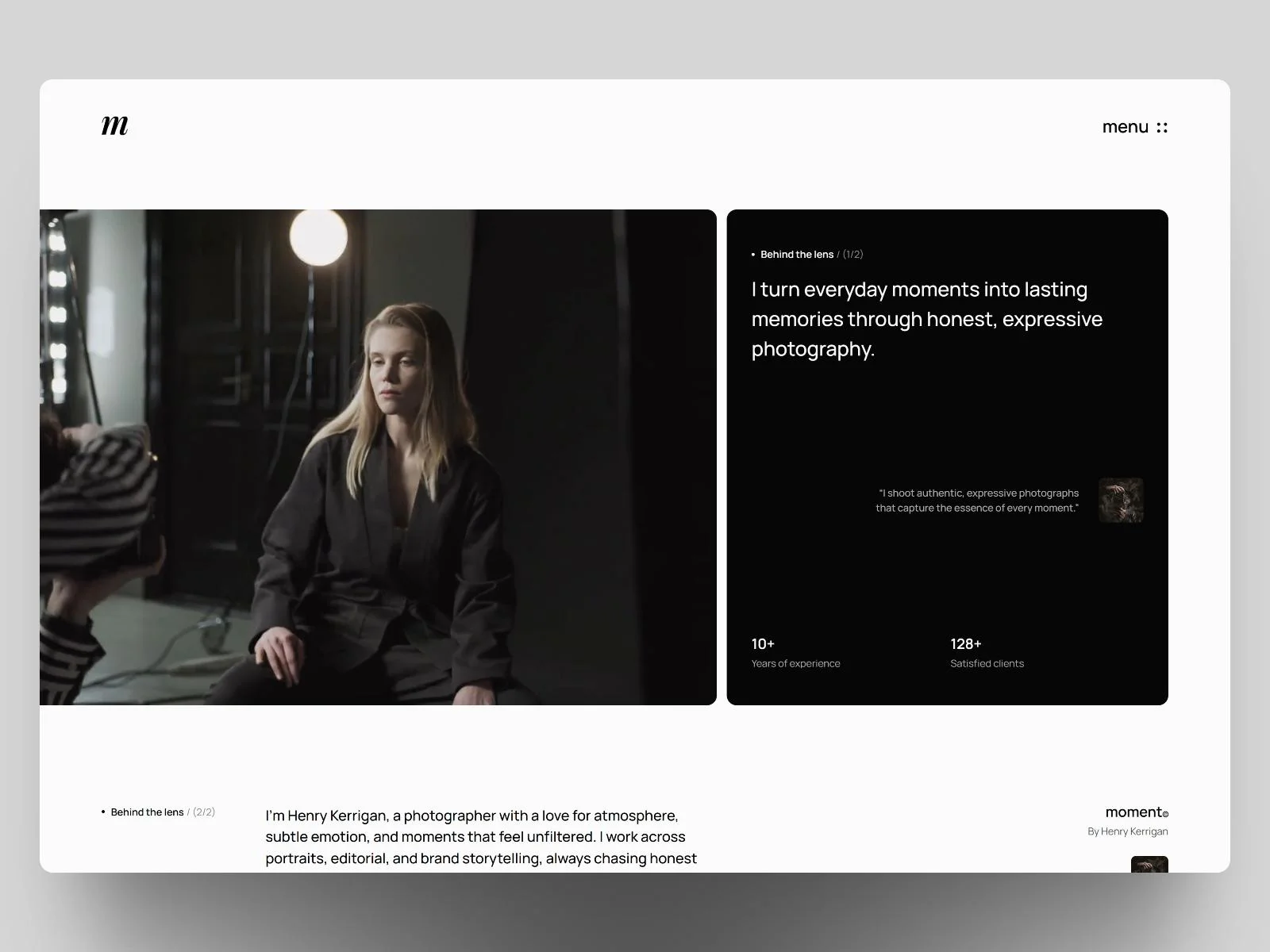
Moment is a useful responsive portfolio website for photographers who work with horizontal and vertical compositions. Its flexible image presentation reduces unnecessary cropping across different screen sizes.
The template also includes areas for the photographer’s background, creative process, team, awards, publications, and professional recognition.
Key Design Features
Horizontal and vertical image support
Photography-first presentation
Eight designed pages
Photographer story and background content
Creative-process information
Team presentation
Awards and publication areas
CMS
Forms
Responsive layouts
Overlays, scroll effects, and sticky sections
Best For: Editorial photographers, fine-art photographers, mixed-media creators, photography teams, and established professionals with awards or publication credits.
Why This Design Works
Moment recognizes that photography does not always fit a single aspect ratio. Flexible image presentation avoids excessive cropping and lets photographers preserve the intended composition.
Awards, publication credits, and background information add trust without interrupting the portfolio. This is useful for photographers pitching agencies, galleries, editorial teams, or commercial clients.
Key Design Ideas for Photography Portfolio Websites
Effective photography web design balances visual creativity with practical usability. Full-screen heroes, grid galleries, project pages, image categories, typography, white space, and inquiry CTAs should work together instead of functioning as unrelated design elements.
Use Full-Screen Photography Carefully
A full-screen hero can establish style immediately. It works especially well for wedding, travel, fashion, landscape, and editorial photography.
Choose one outstanding image instead of rotating many average images. Add a short identity statement and a visible route to the portfolio or inquiry page. The image should be compressed and served responsively to protect loading speed.
Choose a Portfolio Grid That Matches the Work
Regular grids provide visual order and work well for product, architecture, commercial, and studio photography. Consistent dimensions help visitors compare projects without distraction.
Masonry galleries accommodate mixed image heights and orientations. They suit events, weddings, travel, lifestyle, and documentary work, but the visual sequence still needs careful curation.
Let Minimalism Create Focus
Minimalist photography web design removes decorative competition. Neutral backgrounds, restrained color palettes, clear typography, and generous white space help viewers study each photograph.
Minimal does not mean empty. Visitors still need clear category labels, navigation, image descriptions where appropriate, and inquiry options.
Organize Work Around Projects
Project-based presentation is often stronger than one enormous gallery. Each project page can explain the client, location, purpose, approach, and outcome before presenting a curated image sequence.
This method supports visual storytelling and helps commercial clients understand how the photographer handles complete assignments.
Create Useful Photography Categories
Categories should reflect how visitors search for services. A studio may use Product, Food, Fashion, and Lifestyle. A wedding photographer may use Weddings, Engagements, Elopements, and Editorials.
Avoid creating categories with only one or two weak projects. Fewer well-developed categories usually create a stronger photography portfolio design.
Establish Typographic Hierarchy
Typography should distinguish the photographer’s name, project titles, service headings, descriptions, and supporting information. A large editorial type can provide character, but it should not cover important parts of an image.
Body text needs sufficient size, line spacing, and contrast on every device.
Use White Space to Separate Visual Stories
White space gives viewers time to process an image before moving to the next. It also helps separate projects with different colors, subjects, or moods.
Dark layouts can create the same separation when spacing remains generous and text contrast meets accessibility requirements.
Add Lightboxes, Sliders, and Carousels Selectively
A lightbox allows detailed viewing without forcing visitors onto a separate page. It should include obvious close, previous, and next controls, plus keyboard support.
Sliders and image carousels are useful for related images, but essential content should not depend on automatic rotation. Users need control over the viewing pace.
Include Before-and-After Comparisons Where Relevant
Before-and-after sections can help retouchers, restoration specialists, real estate photographers, product photographers, and image-editing studios demonstrate their work.
Use a comparison slider or clearly labeled side-by-side images. Wedding, editorial, and documentary photographers rarely need this feature unless post-production is a core service.
Present the Photographer Behind the Work
An About section builds a personal connection. It can briefly explain experience, creative approach, location, working style, and the types of clients served.
Wedding and portrait clients may value personal information more heavily, while agencies and commercial buyers may prioritize experience, capabilities, and previous clients.
Explain Services and Pricing Clearly
A services page helps visitors understand whether the photographer handles their type of project. Relevant information may include session types, deliverables, licensing, location availability, turnaround expectations, and starting prices.
Full pricing can work for standardized portrait sessions. Commercial photographers may benefit more from custom quote information because usage, production, and licensing requirements vary.
Build Trust Before Requesting an Inquiry
Testimonials, client logos, awards, publication credits, and selected case studies can reduce uncertainty. Only use genuine information and secure permission before displaying client names or logos.
Place an inquiry CTA after visitors have seen enough work and credibility information to make a decision.
Connect Social and Editorial Content
Social media links can extend the experience, while a curated Instagram feed can show recent work. The feed should not slow the homepage or replace the main portfolio.
A blog can support search visibility and provide useful client information. Wedding photographers might publish venue guides, while commercial studios could share production insights and campaign case studies.
Prioritize Responsive Photography Website Design
A responsive photography website design should adapt image crops, navigation, typography, galleries, forms, and buttons for every screen size. Mobile optimization is especially important because many potential clients first discover photographers through social media or mobile search.
Optimize Images and Page Speed
Export images at the dimensions needed for their display areas. Use modern formats such as WebP or AVIF where supported, responsive image sizes, lazy loading, and appropriate compression.
Do not place dozens of full-resolution files on one page. A fast, carefully curated gallery produces a better impression than a slow page containing every photograph.
Essential Pages for a Photography Portfolio Website
Not every photographer needs the same pages. The site structure should reflect the services, number of projects, and client journey.
Homepage
The homepage should introduce the photographer’s style, specialty, location, and primary action. It can include selected projects, a short introduction, trust signals, and a portfolio or booking CTA.
Portfolio Page
A dedicated portfolio page is essential for most professional photographers. It should contain only strong, relevant work and provide a clear route into categories or individual projects.
Photography Category Pages
Category pages are useful when a photographer serves distinctly different audiences. Product, food, portrait, and architecture clients should not have to search through one mixed gallery.
A specialist with one consistent niche may not require separate category pages.
Individual Project or Gallery Pages
Project pages support storytelling and organized presentation. They are especially valuable for commercial, editorial, wedding, travel, architecture, and documentary photographers.
Photographers offering short standardized sessions may use simpler galleries instead.
About Page
An About page should communicate relevant experience, creative approach, personality, location, and working style. It is particularly important when clients will work directly with the photographer during personal events or portrait sessions.
Services Page
The services page explains available photography, typical deliverables, locations served, and the inquiry process. Studios offering several services may use separate pages for each important service.
Pricing Page
Pricing works well for repeatable packages such as headshots, mini sessions, portraits, and standard event coverage. Commercial projects often need custom estimates based on production and licensing requirements.
Testimonials or Client Stories Page
A dedicated testimonials page is useful when social proof significantly influences the buying decision. A smaller portfolio can include selected testimonials on the homepage or service pages instead.
Blog Page
A blog is valuable for photographers who publish client stories, venue guides, travel journals, educational content, or behind-the-scenes material. It is unnecessary if the photographer cannot maintain it consistently.
Contact Page
The contact page should include an accessible form, email address, location or service area, and expected response details. Keep the form short enough to complete easily.
Booking or Inquiry Page
A separate booking page can collect project type, preferred date, location, budget range, and service requirements. Direct online scheduling works best for standardized services.
Search Page
Search can help large editorial archives, stock collections, publications, and extensive photo libraries. A small curated portfolio rarely needs it.
Privacy Policy
A privacy policy is important when the site collects contact information, uses analytics, embeds third-party media, or operates advertising and tracking tools.
Terms and Conditions
Terms may cover website use, image copyright, licensing, booking rules, and other legal conditions. Booking-specific agreements should be reviewed separately and adapted to the photographer’s business.
Photography Portfolio Website Layout Ideas
Full-Screen Image Layout
This layout creates immediate impact through one large photograph or an immersive visual sequence. It suits fashion, wedding, landscape, travel, and fine-art photography.
Minimal Portfolio Layout
A minimal photography website layout uses restrained type, neutral colors, and generous spacing. It works for photographers who want their image style to create the brand identity.
Masonry Gallery Layout
Masonry layouts display portrait and landscape images without forcing them into one fixed ratio. They suit events, travel, documentary, weddings, and lifestyle photography.
Grid-Based Portfolio
A regular grid creates structure and consistency. It is particularly effective for product, food, architecture, interiors, real estate, and commercial photography.
Horizontal-Scrolling Portfolio
Horizontal scrolling creates an editorial or cinematic viewing rhythm. It can support fashion stories, panoramas, campaigns, and sequential projects. Clear controls and strong mobile adaptation are essential.
Editorial Photography Layout
Editorial layouts combine expressive typography, large images, varied scale, and magazine-like pacing. They work well for fashion, culture, portrait, and publication photographers.
Case-Study or Project Layout
This approach combines images with context about the client, brief, production, and outcome. It is well suited to advertising, product, architecture, and other commercial work.
Storytelling Portfolio Layout
A storytelling layout arranges photographs in a deliberate sequence. It is effective for weddings, travel essays, documentaries, events, and long-form personal projects.
Studio-Focused Website Layout
A studio website combines portfolio galleries with services, capabilities, team information, process details, testimonials, client logos, and inquiry forms. It serves studios and agencies selling organized production services.
How to Choose the Right Photography Portfolio Website Design
Start with the photography niche. A wedding photographer may need emotional storytelling, venue content, testimonials, and inquiry forms. A product photographer may need organized commercial projects, services, pricing guidance, and client proof.
Consider the number of projects and images. A small portfolio benefits from a selective homepage and several strong galleries. A large archive needs categories, CMS management, filters, or search.
The design should also fit the target audience. Private clients usually need approachable information and simple booking. Agencies, publications, and commercial brands may look for client history, production capabilities, project context, and usage experience.
Brand identity affects typography, color, image treatment, spacing, and motion. A documentary photographer may prefer a quiet editorial design, while a fashion photographer might use stronger type and experimental navigation.
Publishing frequency matters too. Photographers adding regular stories need CMS-powered projects or a blog. Those updating only a few times each year can use a simpler structure.
Assess booking and ecommerce requirements before choosing a template. Online scheduling, deposits, print sales, private client galleries, proofing, and licensing may require tools beyond the demo’s built-in features.
Mobile performance is equally important. Review how the demo handles image crops, navigation, galleries, forms, and typography on smaller screens.
Finally, do not choose a template only because its demo images look attractive. Demo photography can create much of the visual impact. Replace several sample images with your own before deciding whether the layout, spacing, aspect ratios, navigation, and content structure genuinely support your work.
Common Photography Website Design Mistakes to Avoid
Placing Too Many Images on One Page
Large image counts weaken curation and increase loading time. Present the strongest work and divide larger collections into meaningful projects or categories.
Uploading Full-Resolution Photographs
Print-ready files are usually unnecessary online. Resize, compress, and export images for their actual display dimensions while keeping secure original files elsewhere.
Making Navigation Difficult
Visitors should quickly find the portfolio, services, About information, and contact page. Avoid vague menu labels unless their meaning is immediately clear.
Ignoring the Mobile Experience
Check image crops, gallery columns, text overlays, menus, forms, and buttons on real mobile devices. A desktop design may not automatically translate well.
Using Poor Image Compression
Excessive compression creates artifacts, while insufficient compression slows the site. Test image quality at realistic screen sizes and resolutions.
Hiding Contact Information
A visually impressive portfolio cannot generate inquiries if visitors cannot find the next step. Include a clear contact or booking option in the primary navigation.
Providing No Clear CTA
Use specific actions such as “View Portfolio,” “Check Availability,” or “Start an Inquiry.” Avoid placing too many competing actions in the same area.
Using Inconsistent Image Sizes Without a System
Mixed dimensions can work within a masonry or editorial layout. Random sizing without alignment, spacing, or hierarchy makes the portfolio feel unfinished.
Allowing Text to Compete With Photography
Keep supporting copy focused. Text should provide context, explain services, and help visitors act rather than covering large portions of important images.
Failing to Organize Projects
A single unstructured gallery makes it difficult to understand specialties. Use service categories, project pages, locations, subjects, or campaign types where appropriate.
Overusing Animations
Motion can improve pacing, but slow transitions, cursor effects, and constant movement may distract visitors. Animations should never block navigation or delay images.
Overlooking Accessibility
Add meaningful image alt text when images communicate information. Maintain sufficient text contrast, keyboard navigation, visible focus states, readable type, and clearly labeled controls.
Decorative images can use empty alt attributes, while portfolio images should have concise descriptions that help users understand their content and context.
Missing SEO Basics
Each important page needs a unique title, meta description, logical heading structure, descriptive URL, relevant page copy, and internal links. Project images should use descriptive filenames and suitable alt text without keyword stuffing.
Ready to Build Your Photography Portfolio Website?
Ready to build a photography portfolio website that truly represents your work? The Custom Websites can create a professional, visually engaging website tailored to your photography style, services, and business goals. From stunning portfolio galleries and project pages to contact forms and mobile-friendly layouts, we build websites that help visitors explore your work and take the next step. Let’s create a photography website that puts your images first and helps you connect with more potential clients.