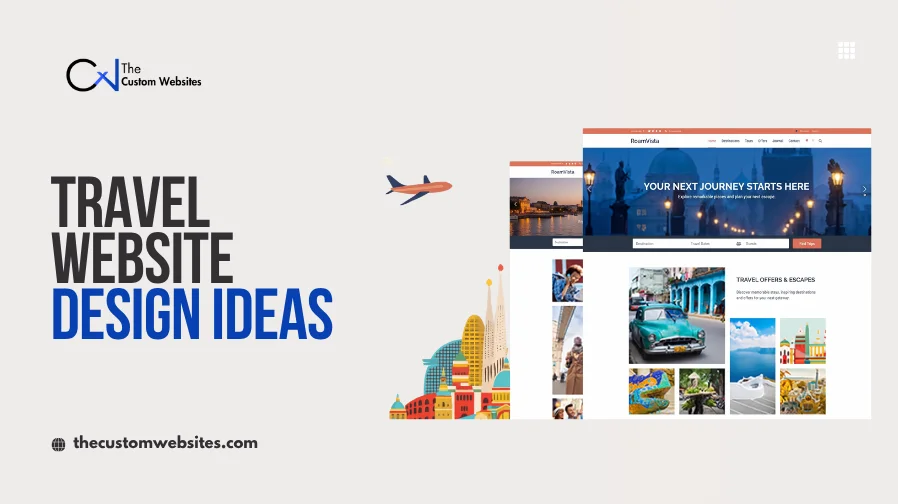
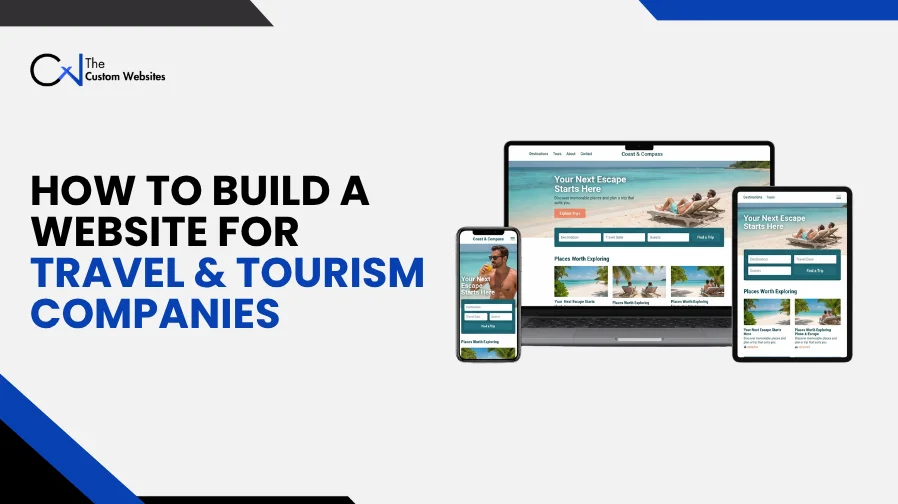
Visitors come to a travel website to explore trips and check the details before deciding what to do next. Travel & Tourism Web Design & Development connects the page design with useful content and booking tools. It also covers the systems your staff use each day. For a travel agency or tour company, the aim is to make trip planning easier.
First, work out how the website needs to fit your business. Some companies take bookings directly. Others need a detailed inquiry before quoting a trip. This guide explains how to build a travel and tourism website around those differences, starting with planning and continuing through ongoing updates.
1. Plan Your Travel and Tourism Website Development
Decide what the website should achieve before looking at software or layouts. Should visitors book a scheduled tour? Do they need to request a custom holiday or speak to a travel consultant?
That decision guides the travel website development process. It also helps you avoid spending money on tools your staff will hardly use.
The setup will differ by business:
Business type |
Main website requirement |
Travel agencies |
Package search and supplier connections, plus trip inquiries |
Tour operators |
Departure dates and capacity limits, with reservation tools |
Destination management companies (DMCs) |
Group requests and local services, including custom itineraries |
Travel management companies |
Corporate accounts and approval steps, plus reporting |
Tourism boards and destination marketing organizations (DMOs) |
Destination guides and maps, with visitor information |
Adventure travel companies |
Activity details and fitness requirements, plus safety information |
Focus on your core audience first. Build for their needs before adding features for secondary visitors.
2. Choose Your Travel Booking Website Development Model
How you handle bookings shapes how the entire site operates.
Inquiry Based Booking
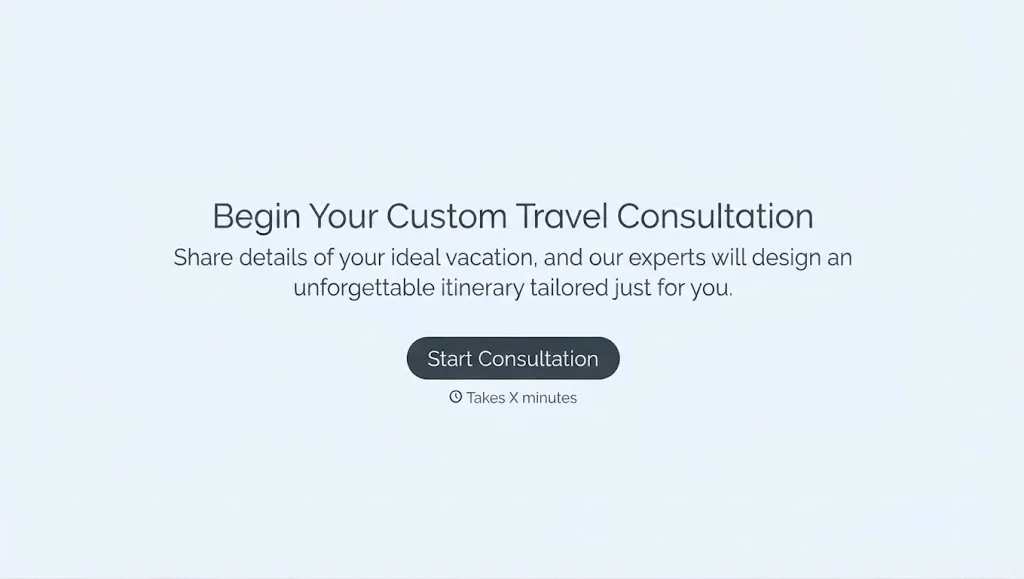
For custom itineraries and private group travel, an inquiry form works better than an instant checkout. The form should ask for traveler numbers, preferred dates, destinations, and trip budget.
Keep the form easy to complete. Set realistic expectations by stating how quickly your team responds. A follow-up email should confirm the details and explain what happens next.
Live Online Booking
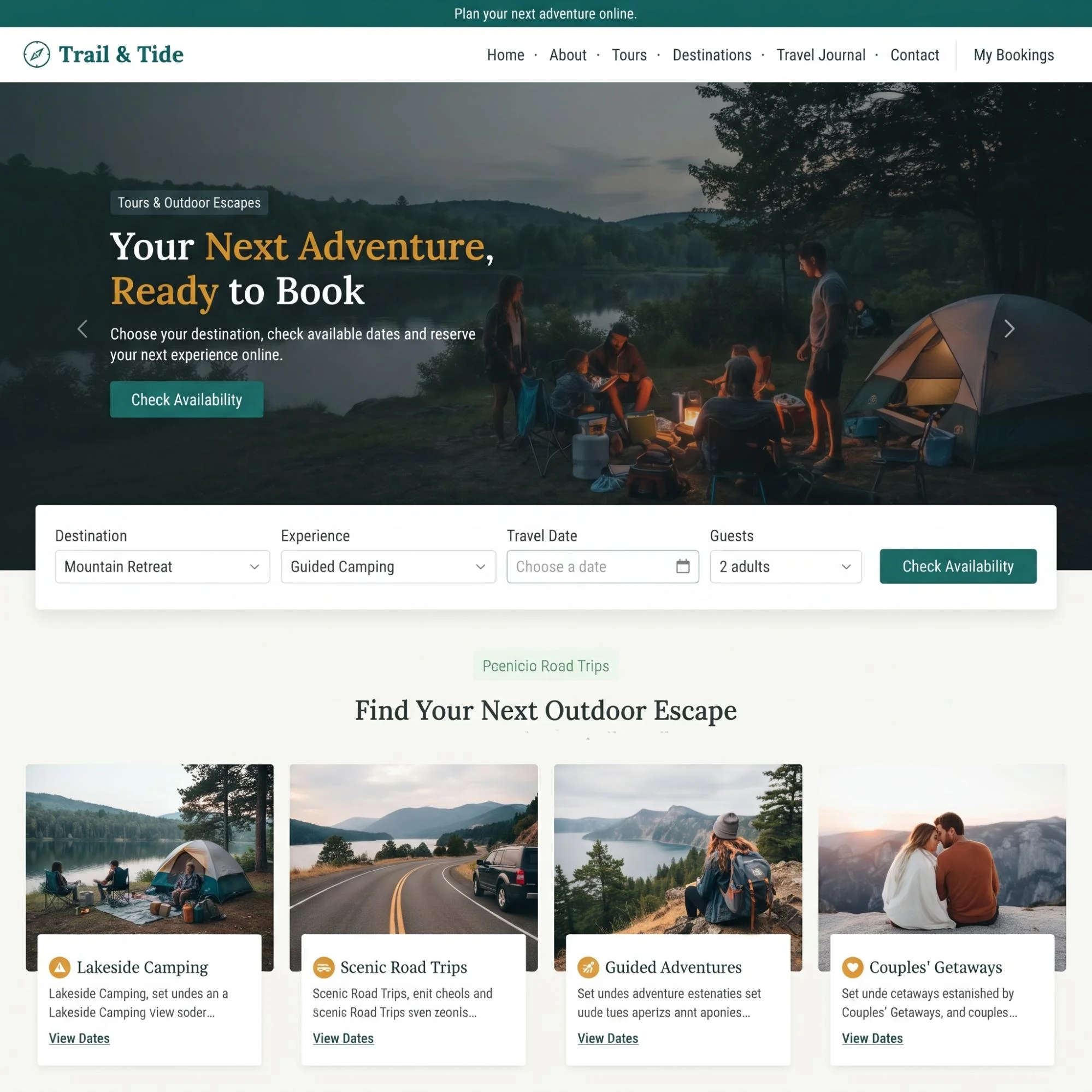
With an online booking system, customers choose an available departure and complete a reservation. Capacity and pricing must be accurate, with clear payment rules. Plan how cancellations and refunds work before taking payments.
Confirmations should outline the itinerary, meeting location, emergency contact details, and what travelers need to bring. Every confirmed booking must notify the operations team immediately.
A Combined Booking Model
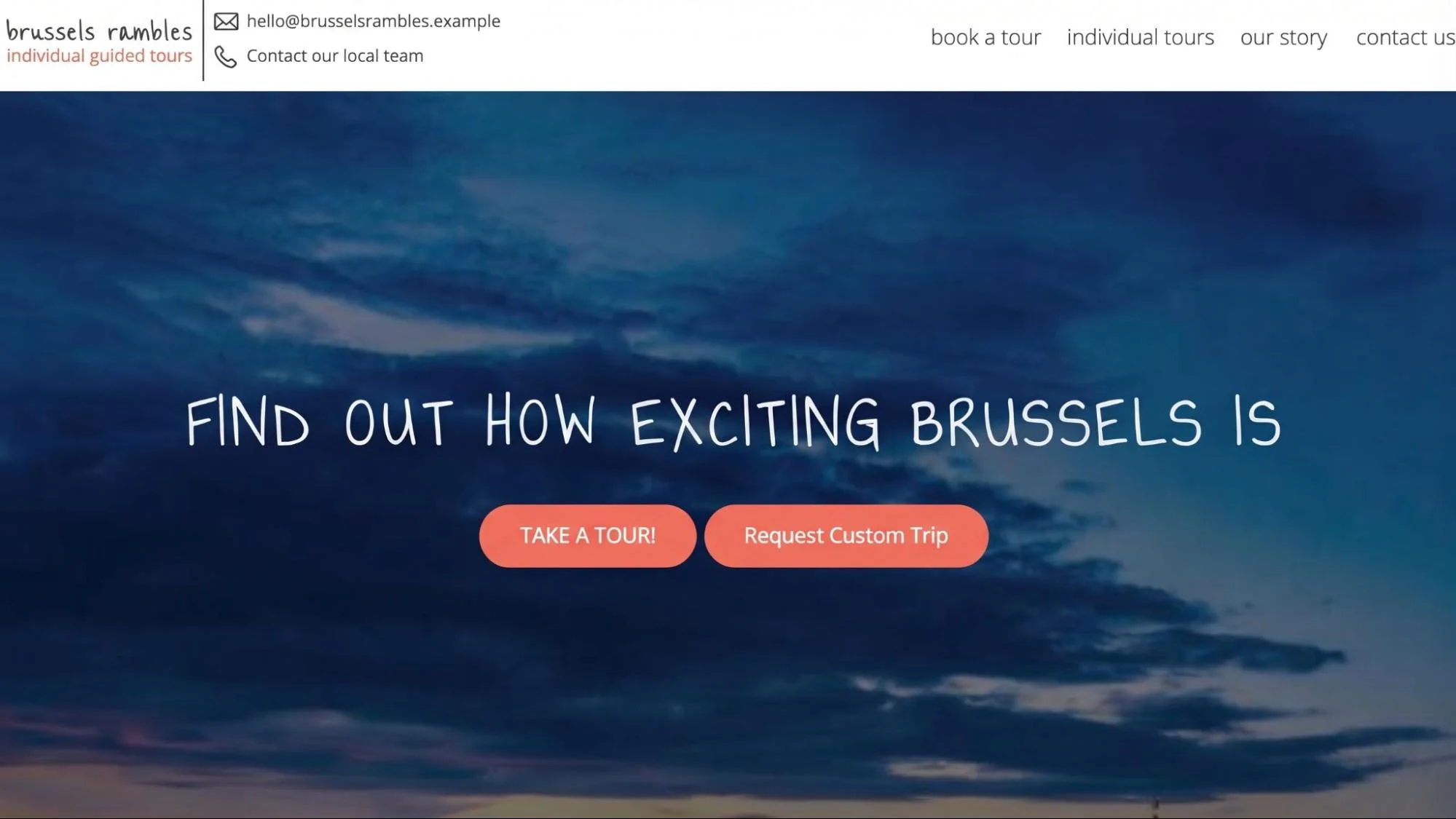
A company can use both models. Fixed-day tours may allow instant booking, while private holidays need an inquiry first. Use specific buttons: “Book This Tour” for fixed departures and “Request a Custom Trip” for bespoke journeys.
3. Select Your Travel Website Design and Development Approach
Your booking requirements help determine the best technology stack for travel website development. Budget and existing software will factor into the choice too.
Approach |
Suitable use |
What to check |
WordPress with suitable booking tools |
Content focused websites and simpler tour businesses |
Plugin compatibility and booking rules, plus responsibility for updates |
Custom development with React or Next.js |
Complex search and account features, including booking processes built around specific needs |
Development cost and CMS setup, with long term support |
An existing booking platform connected to your website |
Businesses already using a reservation system |
Branding limits and data access, plus checkout behavior |
Choose a framework your team can manage comfortably. A complex build that slows down everyday updates can work against you.
4. Plan Your Travel Agency Website Development Structure
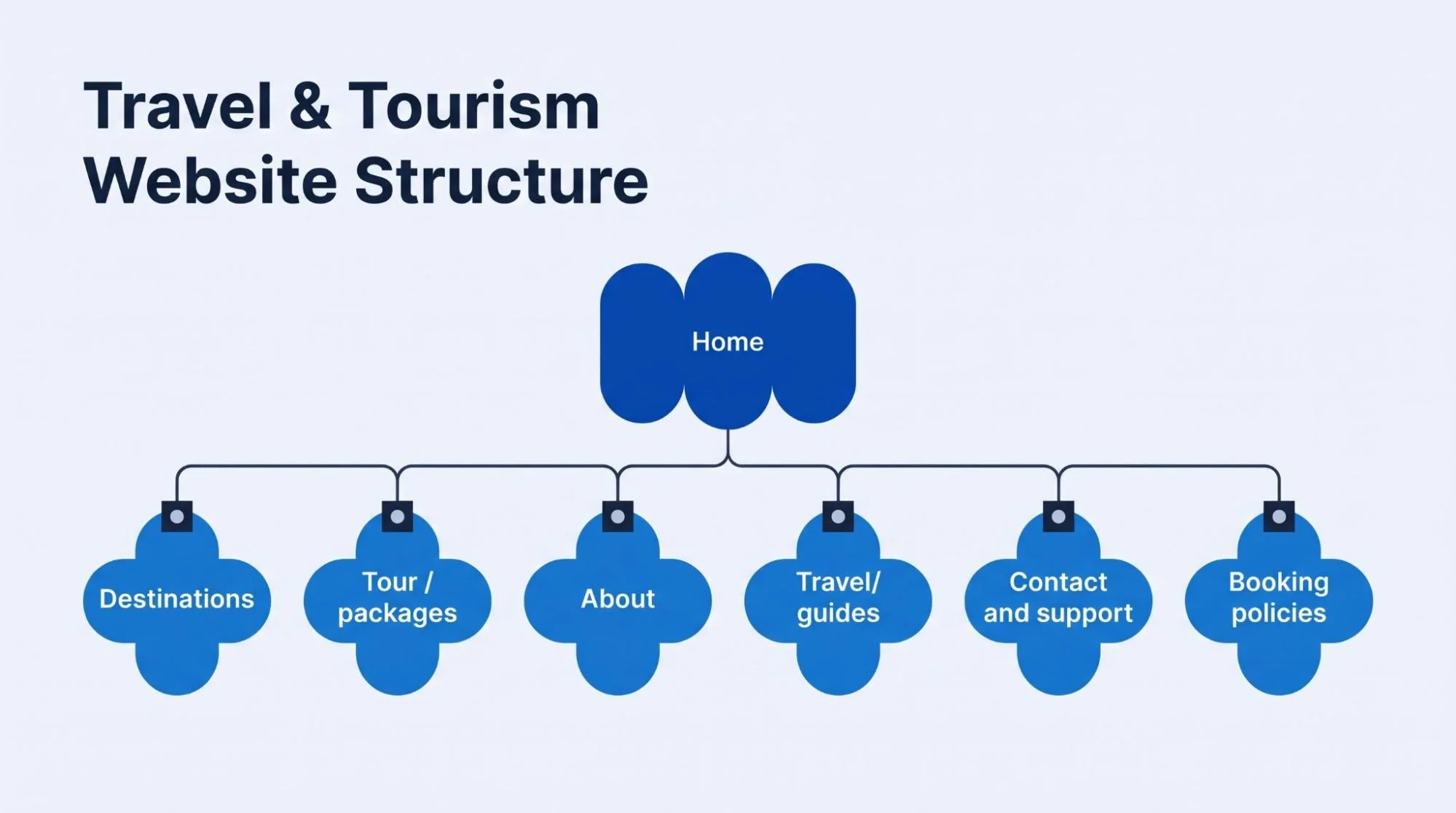
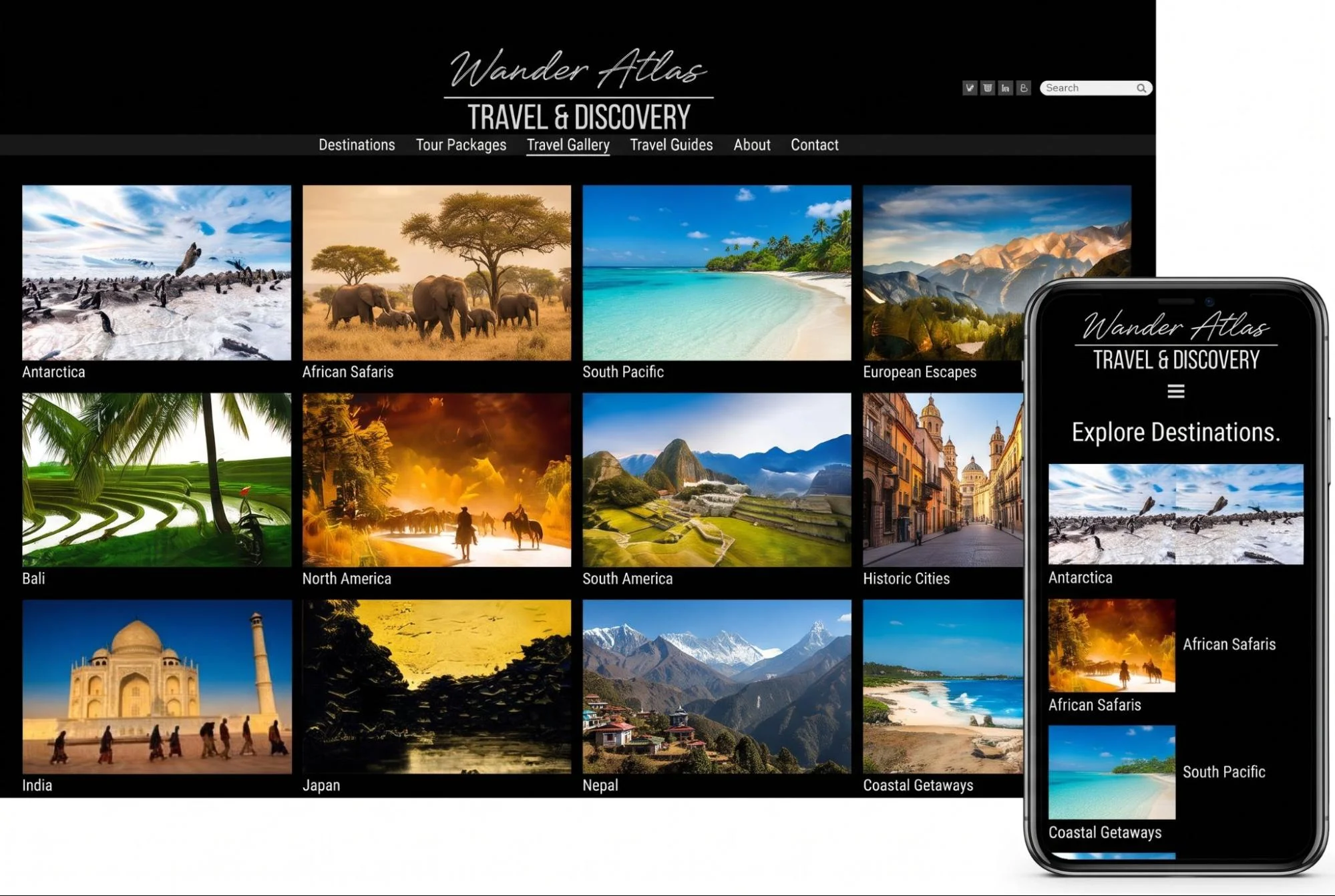
Visitors often start with a broad idea. Good travel website navigation and structure help them narrow that idea into a suitable trip.
Organize destinations by continent, country, or region so travelers can browse naturally. Group tours by style, such as family holidays, luxury breaks, cultural tours, or walking trips. Let travelers filter by travel dates, trip length, fitness rating, and price.
Highlight private versus small-group options clearly. Include travel guides, practical advice, visa information, packing tips, and local customs.
Keep your menus focused. Too many categories can make navigation overwhelming.
5. Create Tour Pages That Answer Booking Questions
Photography deserves attention in travel and tourism website design, and so do practical trip details. A good tour page should explain:
Route and timeline: A daily schedule with destinations and travel time between stops.
Included amenities: Clear lists of meals, entrance fees, transport, and guide services.
Physical demands: Walking distances, terrain, and altitude.
Lodging: Accommodation standards and room categories.
Terms and pricing: Seasonal rates, single supplements, deposit requirements, and cancellation terms.
Packing notes: What travelers need to bring with them.
Answer common travel questions on the page so visitors don't have to pause their booking to email your team.
6. Build Reservation Tools With Custom Travel Website Development
Wondering how to build a tour booking website? Start with the booking rules your staff already use.
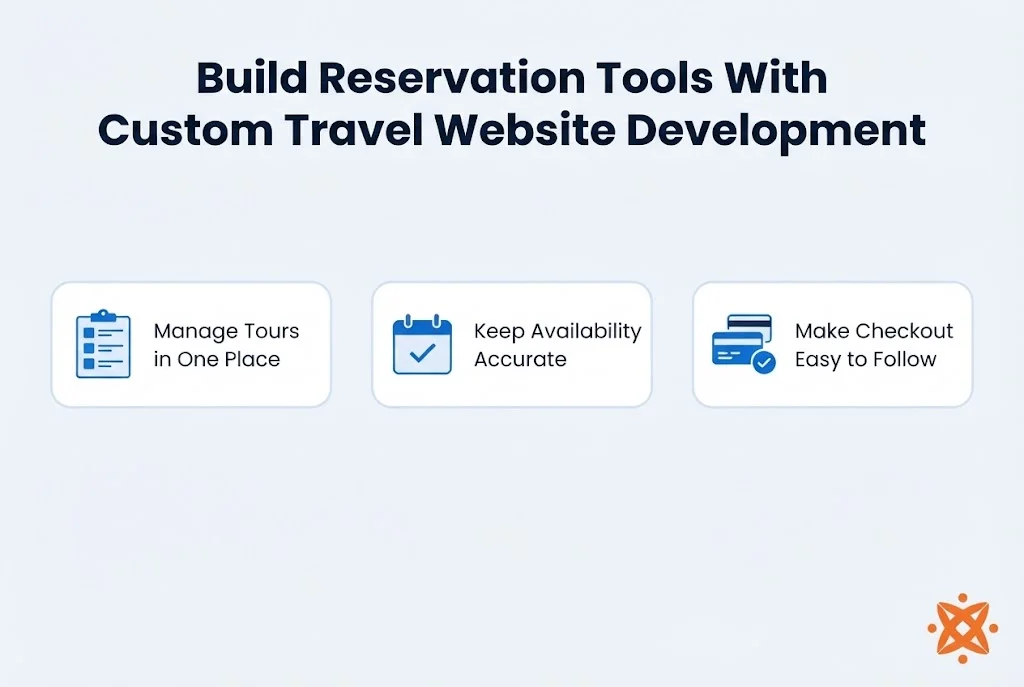
Manage Tours in One Place
Give your team an intuitive administration panel to add departures, update itineraries, and modify pricing. When a trip is full, the system should close bookings automatically or offer a waitlist.
Keep Availability Accurate
Seat and room numbers must update in real time. If an external booking system holds your inventory, connect the website so capacity stays synchronized.
Make Checkout Easy to Follow
Collect only the information you need at the time of booking. Break longer checkout steps into clear stages: traveler details, trip extras, review, and payment. Confirmations should follow immediately.
7. Connect Payments and Business Systems
Travel website API integration links your website to services holding customer records, bookings, and financial data.
Payment Gateways
Support recognized payment providers such as Stripe, PayPal, or regional services. For higher-value trips, support installment payments, deposits, and bank transfers.
Booking Suppliers and Maps
Connect with hotel, flight, or channel managers where your business model calls for live inventory. Interactive maps clarify routes, hotel locations, and meeting spots.
CRM and Notifications
Route customer inquiries into your CRM so your sales team can follow up promptly. Trigger automated booking confirmations, departure reminders, and feedback requests.

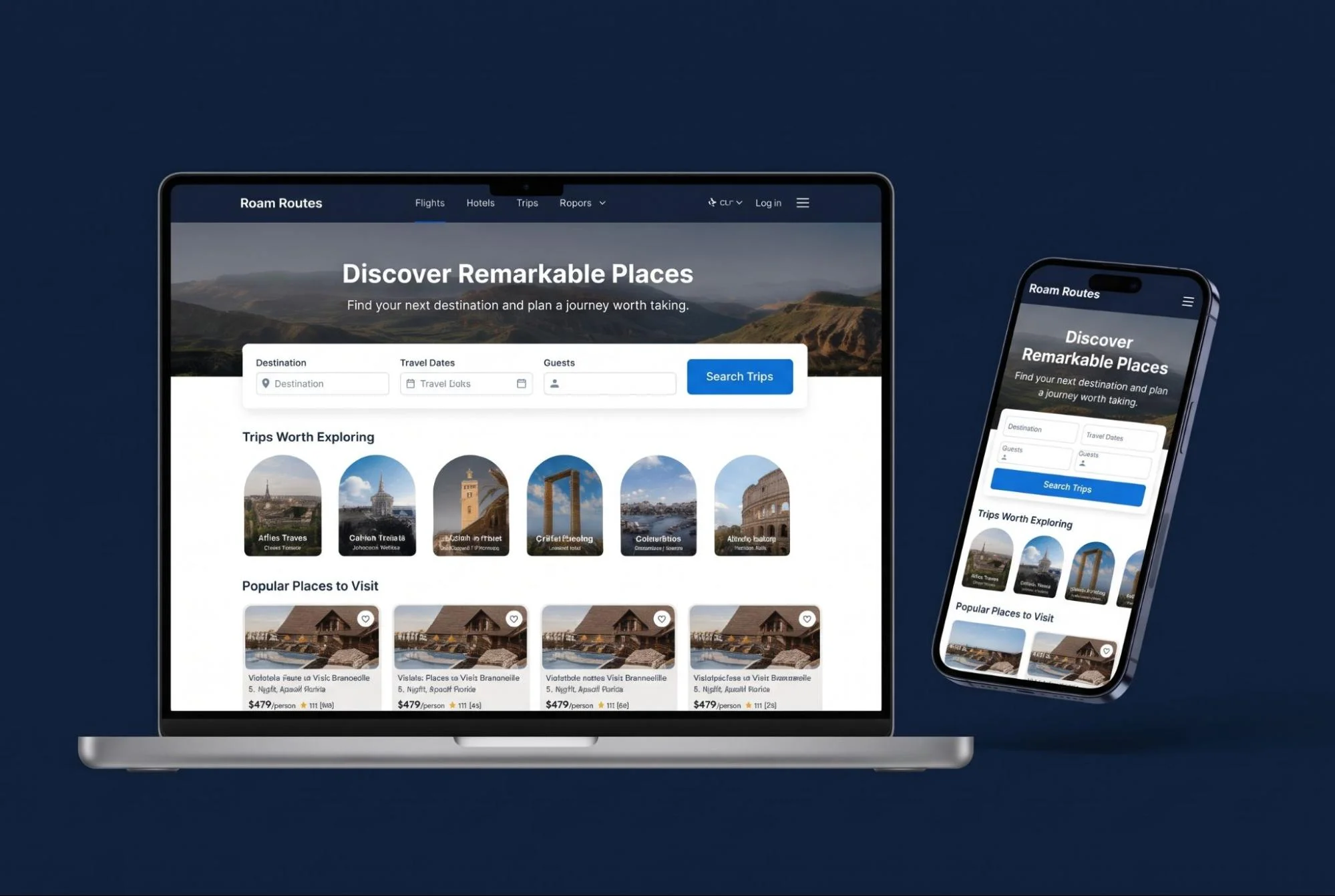
8. Prioritize Mobile-Friendly Travel Website Development
Responsive travel website design needs to work from the first search through to payment. Date selection is part of that too.
Make sure calendars, date pickers, and booking forms are easy to tap on smartphones. Itineraries, packing lists, and contact details must be simple to read on the move.
Ensure travelers can access booking vouchers and offline contact information when connections are weak.
9. Support International Travelers
A language switch alone won’t cover travel website development for international customers. Your international setup needs to account for:
Multi-currency displays: Show prices in the traveler’s local currency and explain exchange rate policies.
Local payment methods: Support payment types popular in your primary source markets.
Time zone management: State time zones clearly for departure times, customer support hours, and consultation bookings.
Regional compliance: Comply with data protection standards such as GDPR, and provide localized package travel regulations.
10. Make the Website Fast and Secure
High-resolution imagery sells travel, but unoptimized files can ruin site speed. Compress and convert images to modern formats like WebP or AVIF.
Use a Content Delivery Network (CDN) to serve media quickly to travelers worldwide. Secure customer payments and personal data with full HTTPS, SSL encryption, and PCI-DSS compliant checkout flows.
11. Build Search Visibility Into the Structure
Include search engine optimization (SEO) while planning development. Adding keywords after the build won’t cover the job.
Set up dedicated URLs for destinations, tour categories, and individual trips. Structure metadata, schema.org markup (Tour, TouristTrip, FAQPage), and internal linking so search engines understand your travel offerings.
12. Add AI Where It Helps Travelers
Use AI features where they save travelers time and answer immediate trip questions:
Itinerary suggestions: Recommend trips based on preferred activities, travel party size, and trip length.
Customer support chatbots: Answer common questions about visas, baggage allowances, and departure details outside office hours.
Search assistance: Help visitors find relevant travel packages using conversational search queries.
13. Test the Full Booking Journey
Test the website under realistic travel scenarios before opening it to public bookings:
Test area |
What to verify |
Search |
Filters return relevant trips and handle searches with no results |
Availability |
Capacity changes and sold out dates appear correctly |
Pricing |
Extras and discounts calculate correctly, including deposits and totals |
Payments |
Successful or failed payments create the correct records, including interrupted payments |
Notifications |
Staff and customers get the correct messages |
Accessibility |
Booking controls and forms work without a mouse |
Integrations |
Connection failures don’t produce false confirmations |
Staff tools |
Authorized users can manage content and bookings |
Backups |
The team can restore the website when required |
14. Plan Ongoing Tourism Website Development and Support
Launch is only the start. Set aside resources to keep tours up to date, resolve booking issues, and implement customer feedback.
Review conversion rates, booking drop-offs, and popular search terms regularly to continually refine the traveler experience.
Build a Travel Website Around Your Customers
Start with how your team manages trips and what travelers need to know before booking. Use those details to define your page layouts and reservation workflows.
The Custom Websites provides website design and development services for travel agencies, tour operators, and destination businesses. Share your business model and booking requirements to plan a modern travel platform.