Someone planning a private island stay won’t need the same information as a traveler checking hotel prices. The website should reflect that. Its opening image and navigation need to work with the booking tools to help visitors take a useful next step.
Real websites make these decisions easier to see. Look at how a resort introduces its setting or how an agency explains custom itineraries. A booking platform has a different job: helping people sort through a large number of options.
The Custom Websites provides Travel & Tourism Web Design & Development services to help travel businesses present destinations and organize packages. Those services also connect visitors with inquiry or booking tools.
1. Musha Cay
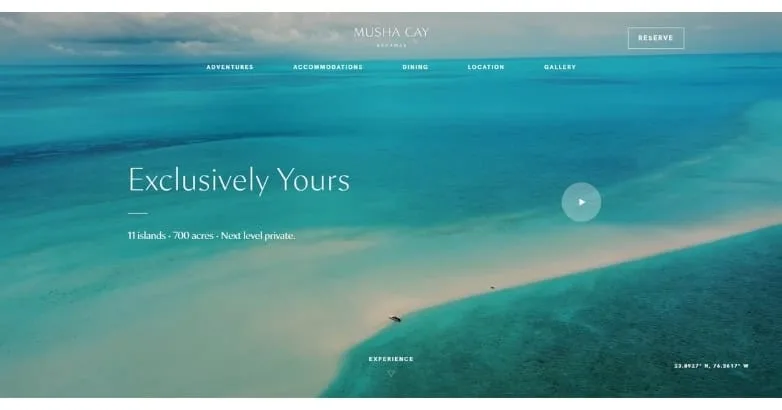
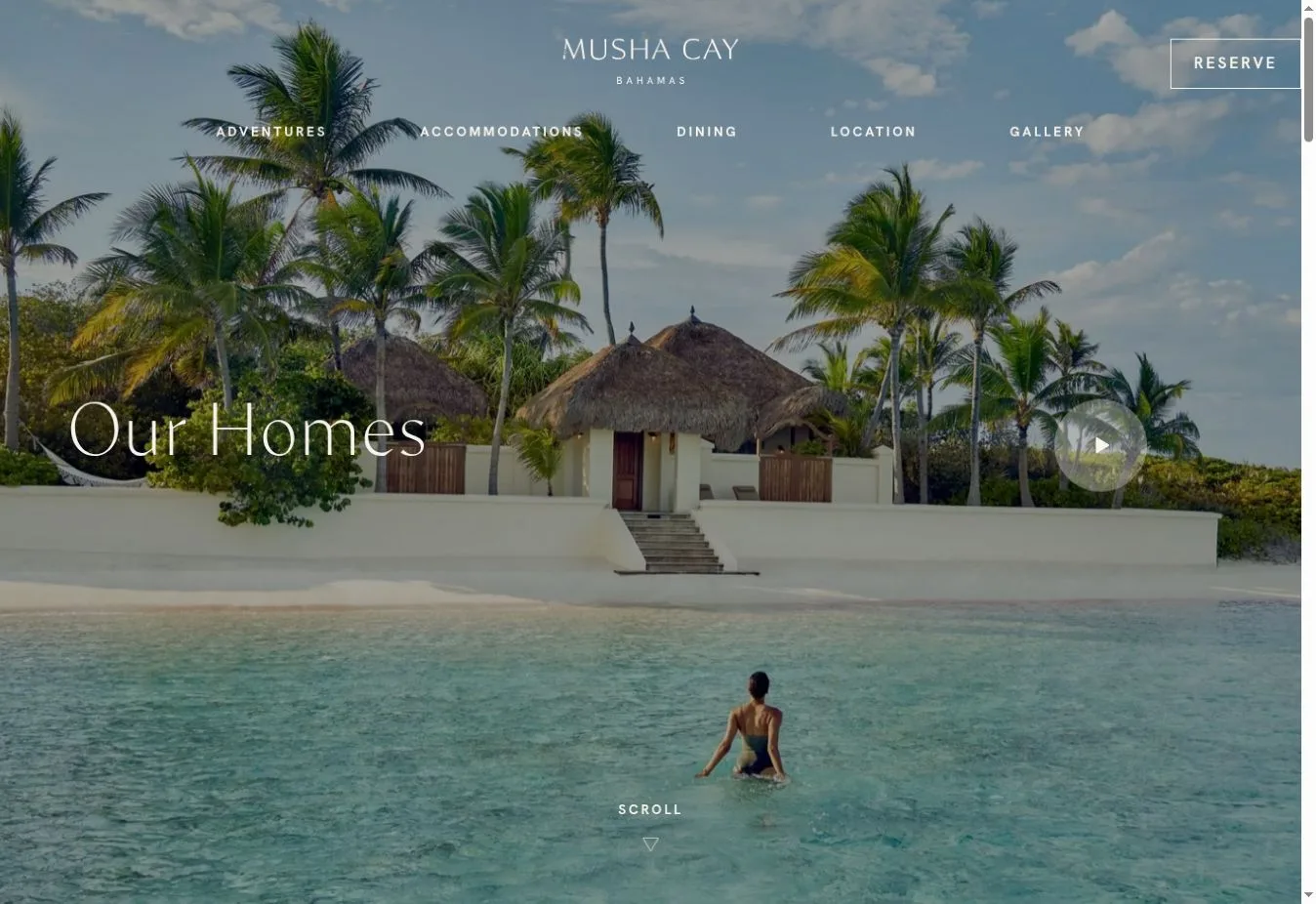
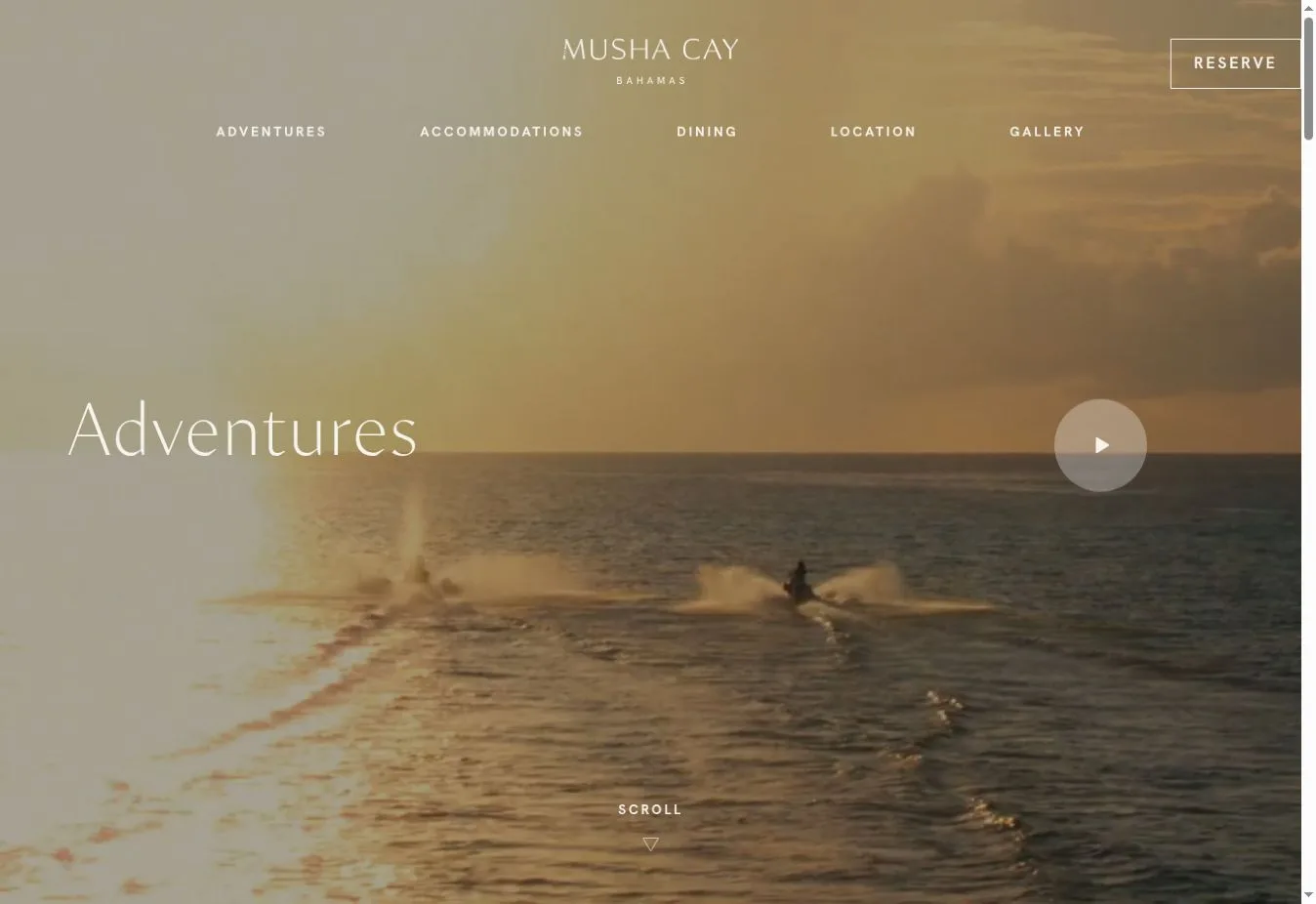
Design Overview: Turquoise water and a sandbar fill the reference homepage in a wide aerial photograph. A restrained serif headline sits over it with fine white navigation. There aren’t offers packed into every corner. Most of the screen belongs to the island.
Key Design Features: Adventures and accommodations have separate places on the official homepage, alongside dining and location information. There’s also a gallery. Brief introductions guide visitors into each subject while a reservation request gives interested people somewhere clear to go next.
What Makes This Design Effective: Visitors see where they could stay before they’re asked to read about individual experiences. The small menu keeps practical property information within reach. It does that without pulling attention away from the opening image.
Inspiration for Other Travel Businesses: A private resort can use one strong opening photograph with a small set of useful navigation choices. Keep an inquiry route visible too. Some visitors will already have decided they want to stay and won’t need to explore everything first.
2. Aspen Luxury Concierge
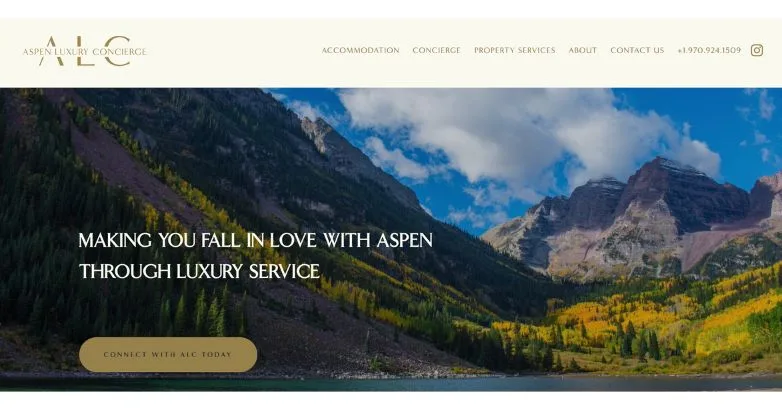
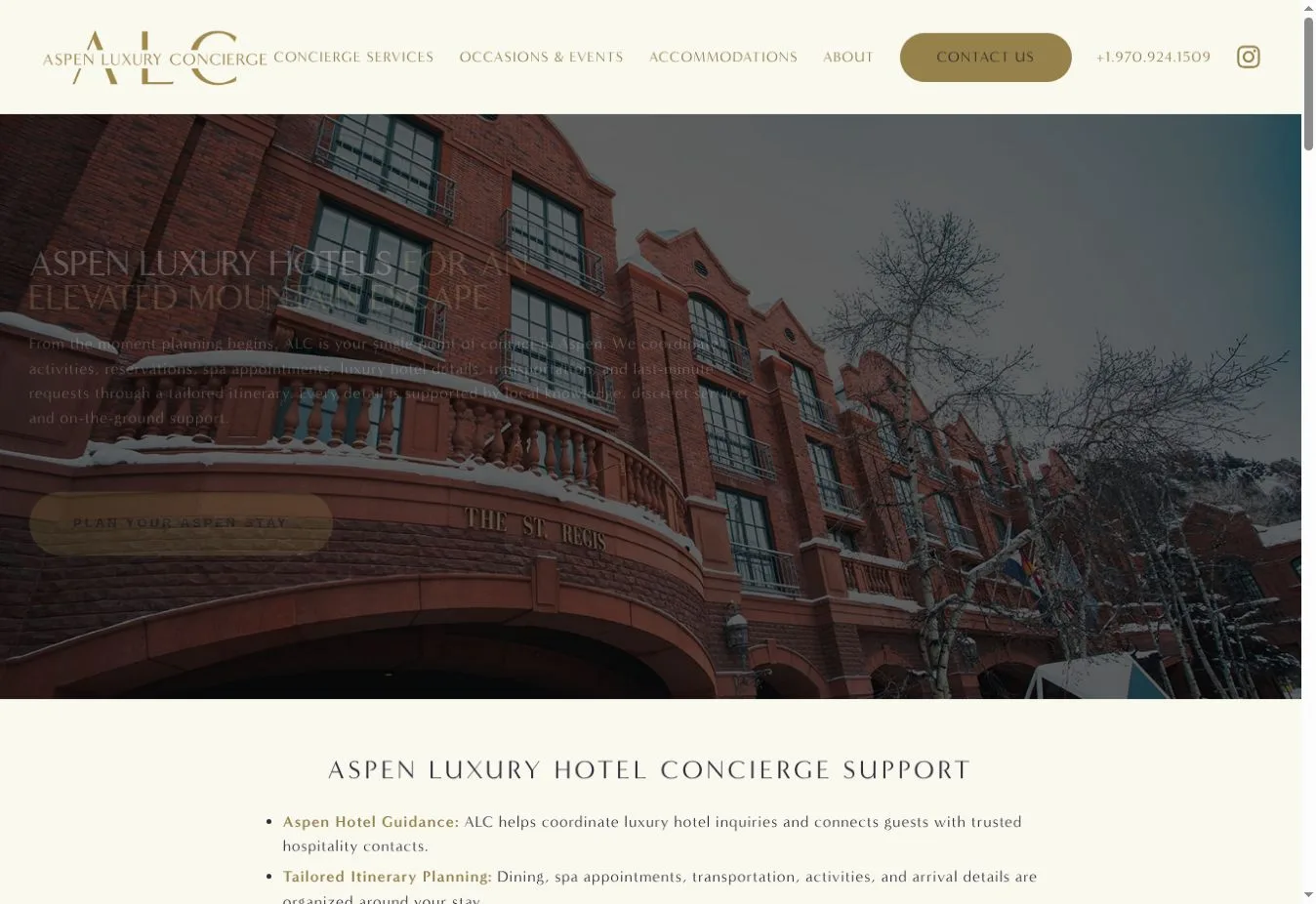
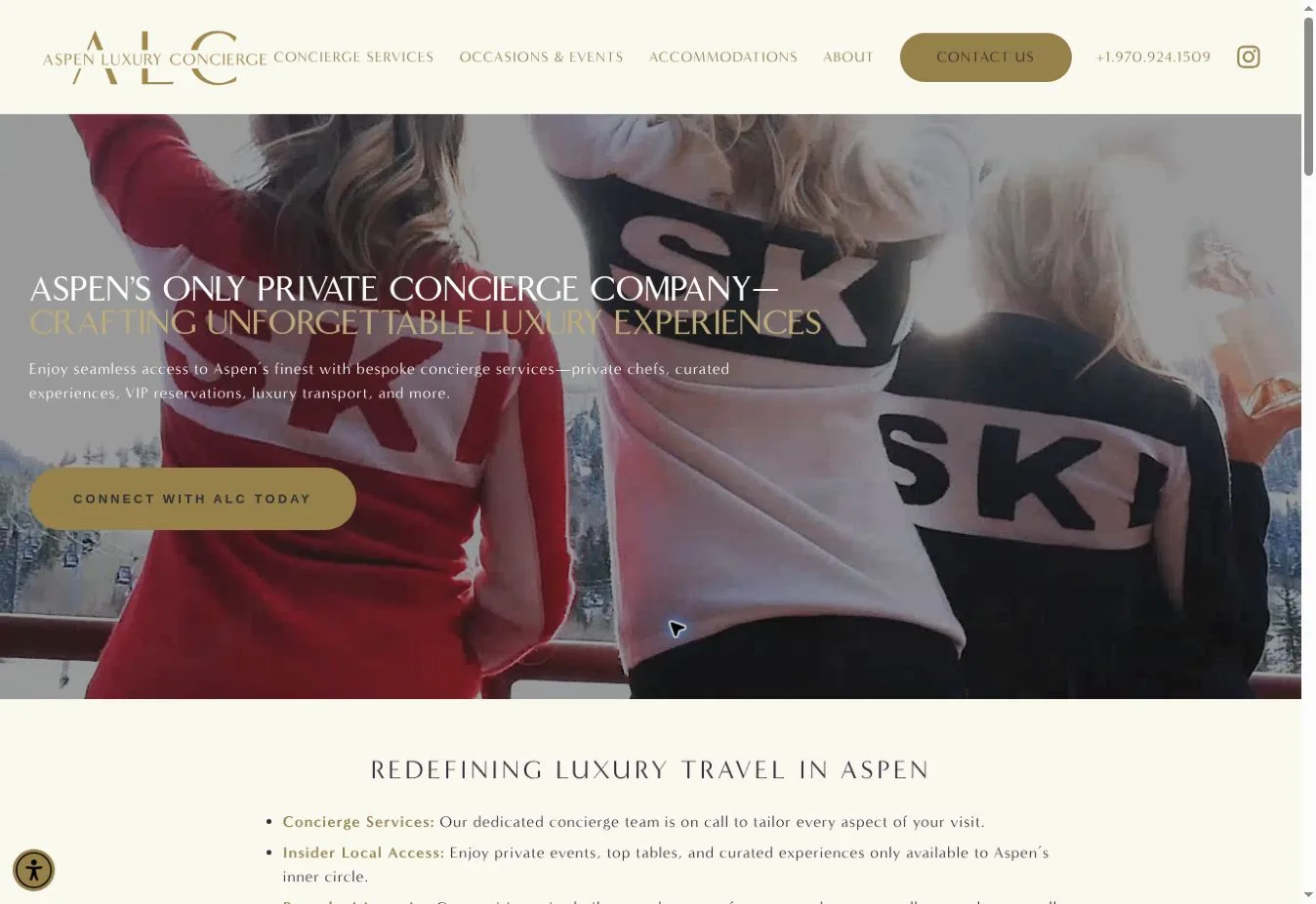
Design Overview: An ivory header and light gold logo sit above a broad mountain photograph in the reference screenshot. White uppercase text appears over the darker part of the scene. The rounded gold action button is the strongest color accent, so it’s easy to pick out.
Key Design Features: Accommodation and concierge support have their own sections on the official homepage. Special occasions are covered separately. Planning calls to action sit beside service details while the Aspen Advisor blog gives visitors local guidance.
What Makes This Design Effective: The destination image draws people in, then the layout shows which services they can request. Accommodation help doesn’t get mixed up with event planning. That makes it easier for different customers to find what fits their visit.
Inspiration for Other Travel Businesses: A local travel concierge can put destination photography above clearly labeled service sections. Then give each service an action that makes sense for it. A vague general button leaves visitors doing more of the work themselves.
3. Memorable
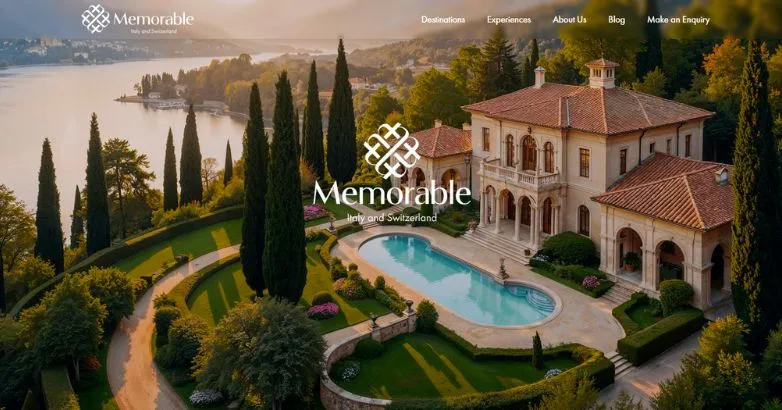
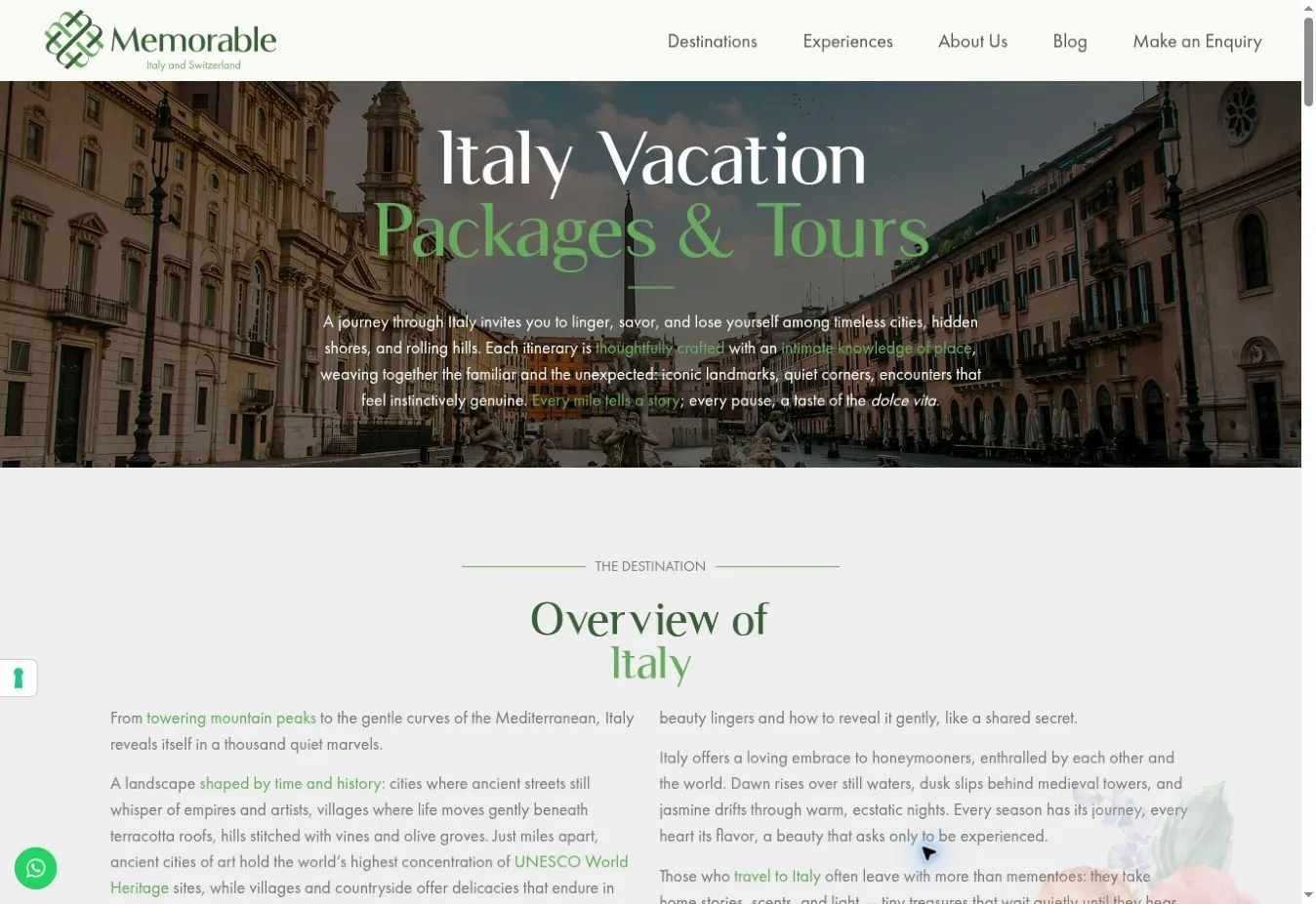
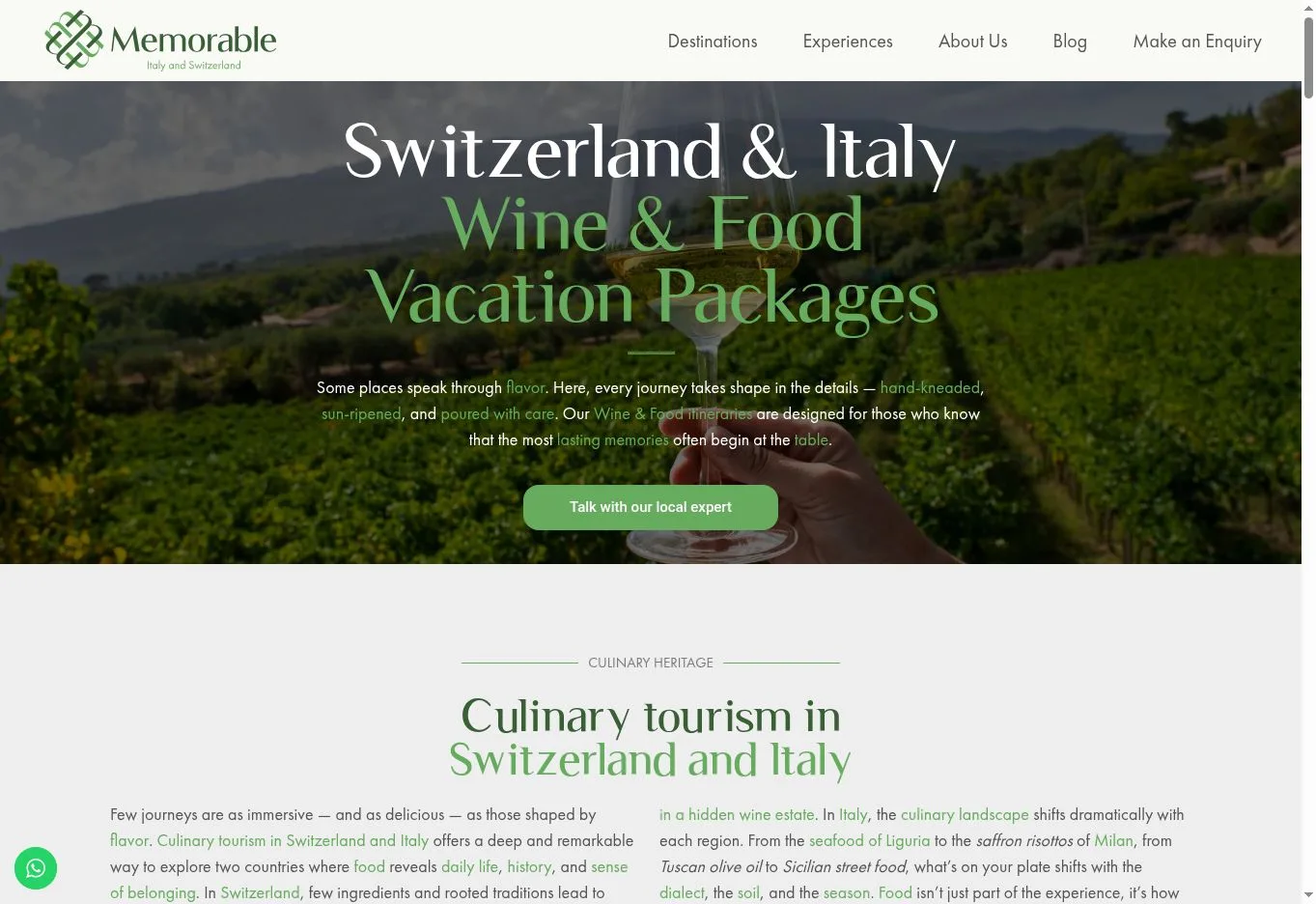
Design Overview: A large photograph of a lakeside villa opens the reference design, with a white brand mark in the center. Navigation runs across the top of the image. There’s little copy on screen, so the architecture helps introduce the focus on carefully planned leisure travel.
Key Design Features: Italy and Switzerland organize the official site’s destination content. Experience navigation lets people browse by who’s traveling or what they’d like to do. Options include family and honeymoon travel, food and wine and wellness. An inquiry link supports custom planning.
What Makes This Design Effective: People don’t all start planning in the same place. Some know the destination. Others begin with a travel companion or a particular interest. The navigation gives each of those starting points somewhere useful to lead.
Inspiration for Other Travel Businesses: For travel agency website design, use destination pages alongside interest and audience categories when there’s enough content to support them. Visitors can explore examples first. A custom trip inquiry can then collect the preferences that matter to their plans.
4. Nelson Travel
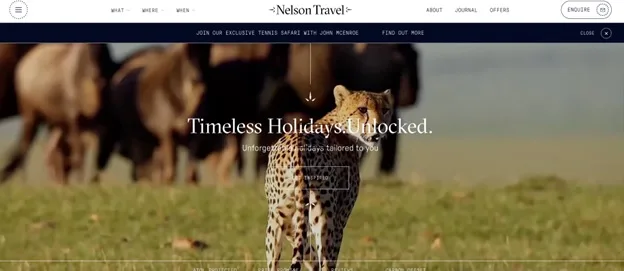
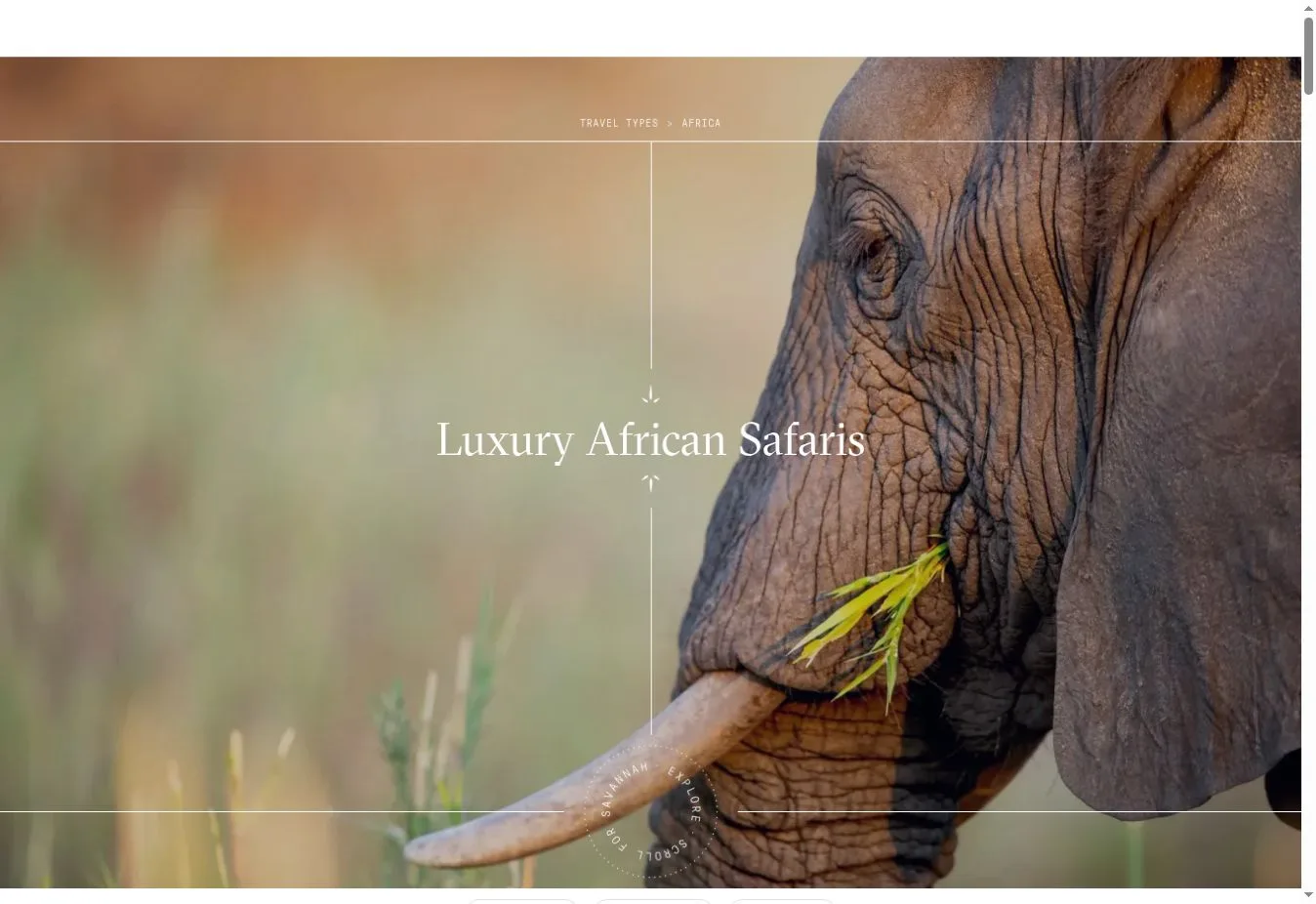
Design Overview: A slim white navigation bar sits above a full-width wildlife photograph in the reference screenshot. The centered serif headline appears over the image. Dark blue accents define the header while the photograph supplies the warmer natural colors.
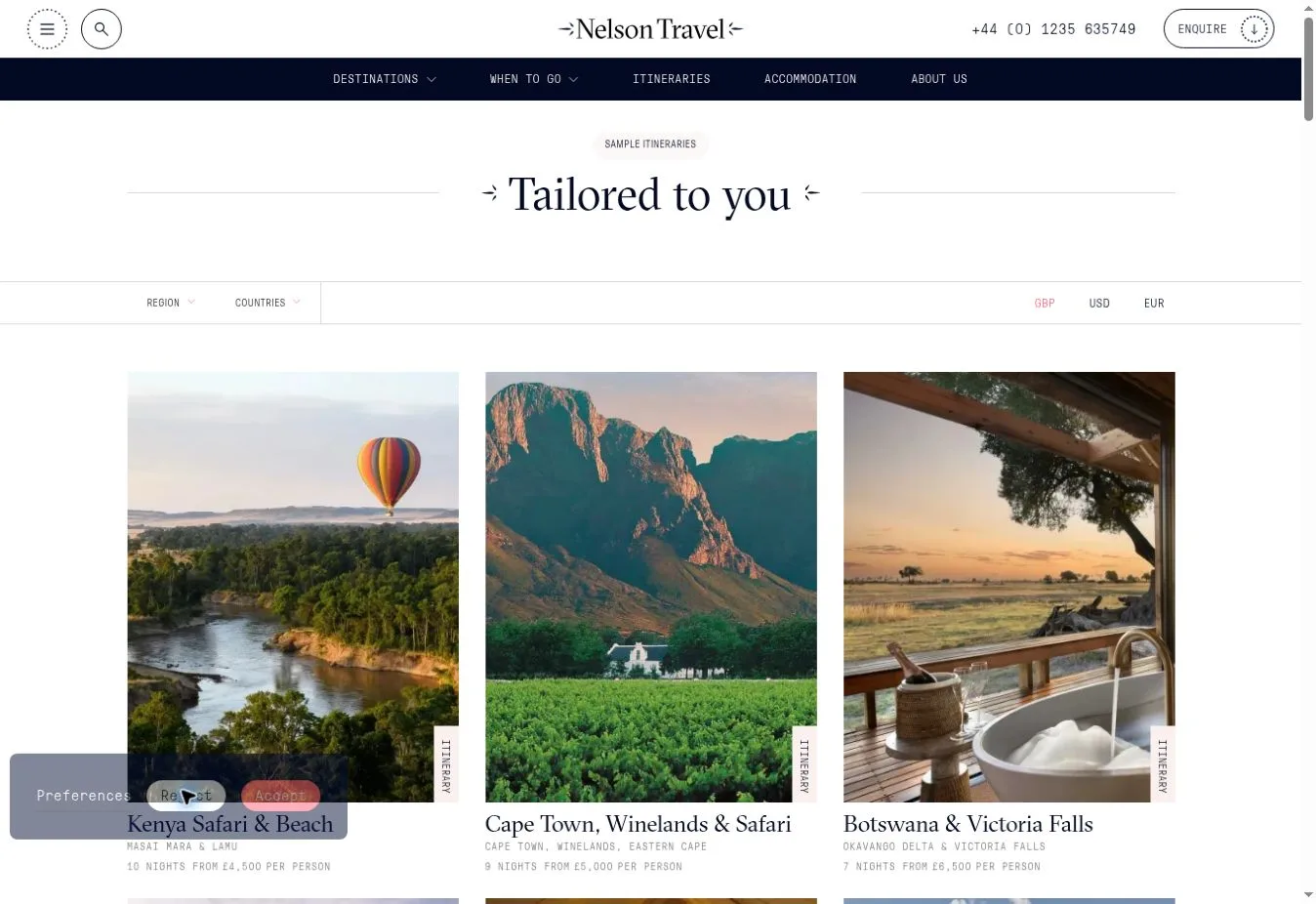
Key Design Features: Regional browsing appears on the official homepage with links to safari and beach itineraries. Visitors can also read service explanations and find expert contact details. Reviews and travel protection logos accompany the introduction to the planning service.
What Makes This Design Effective: The wildlife hero makes the starting offer clear. From there, regional links help visitors narrow their interest. Itinerary examples give them something more specific to discuss when they contact a travel specialist.
Inspiration for Other Travel Businesses: A specialist agency can make its strongest travel category clear from the opening screen. Follow it with destinations and sample itineraries. Contact information should be easy to find as visitors scroll through answers to their practical questions.
5. Antaeus Travel Group
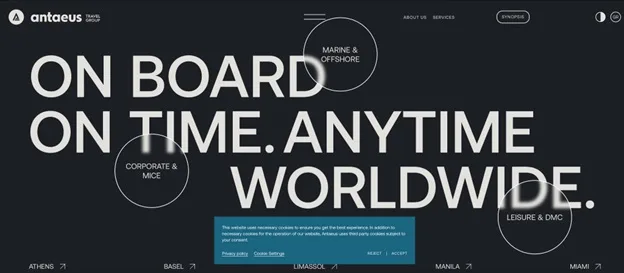
Design Overview: Antaeus puts typography first in the reference screenshot. Oversized white uppercase text fills much of a charcoal background. Outlined circles break into the headline area and name service categories. It’s a different opening from the usual beach or hotel photograph.
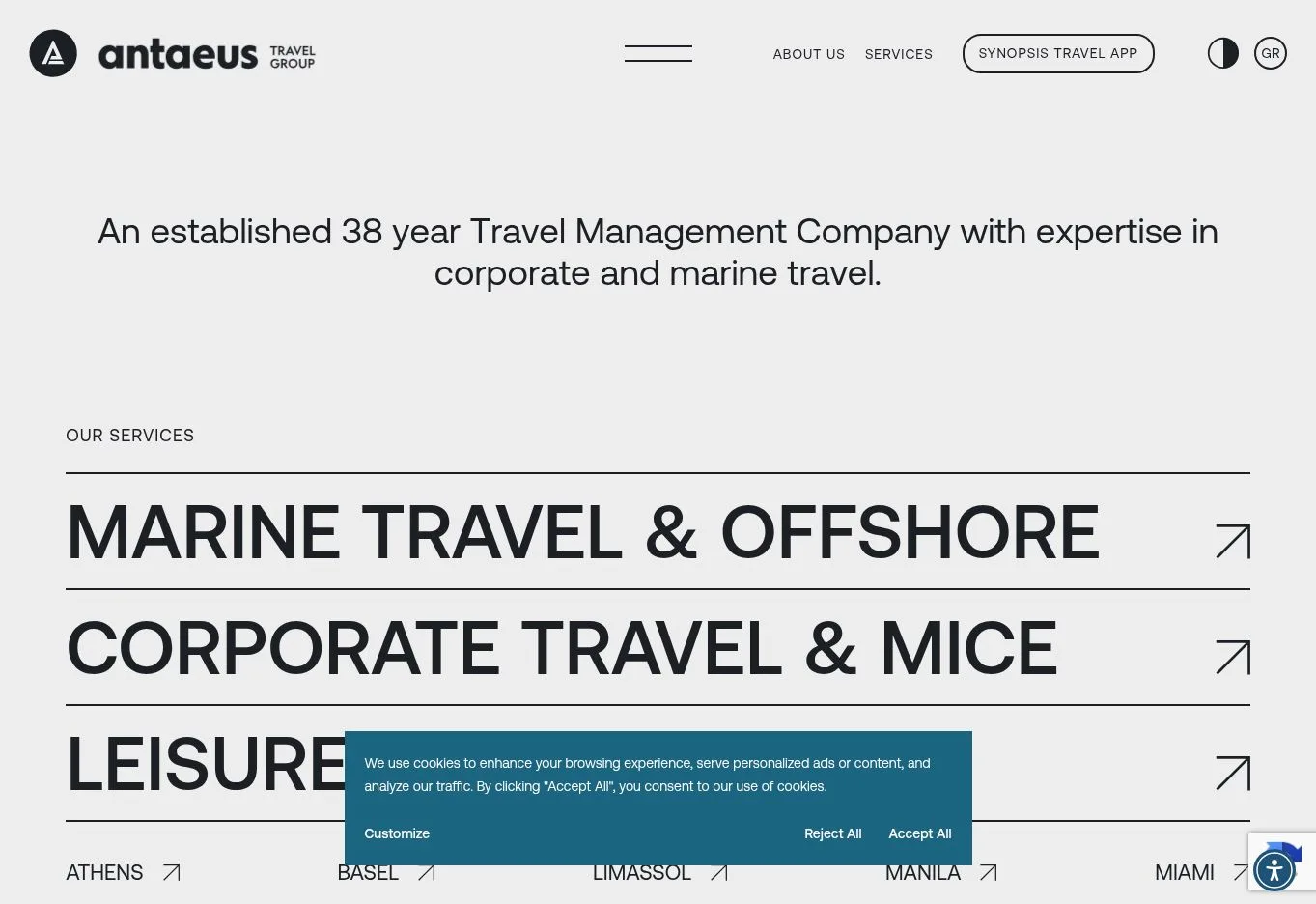
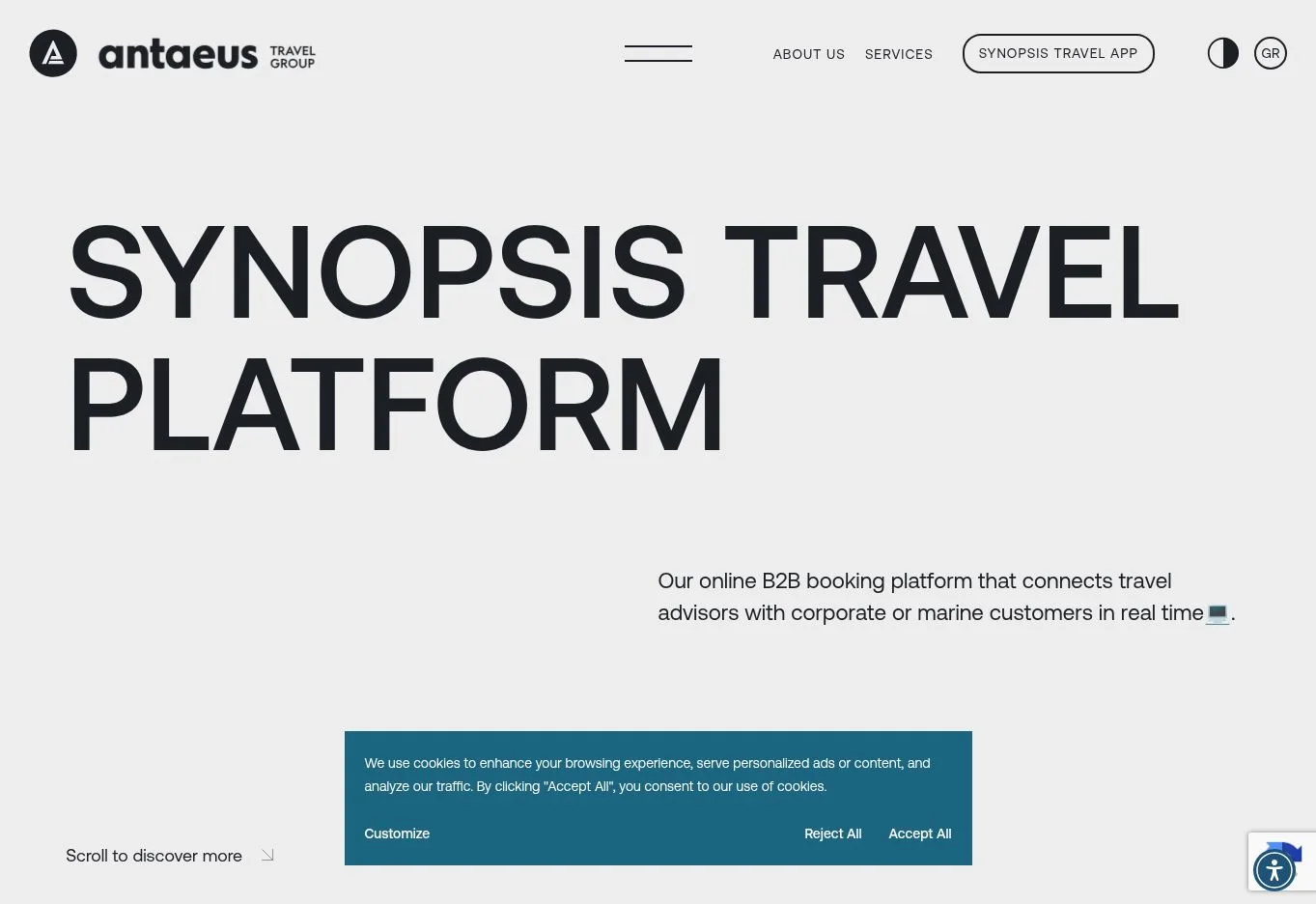
Key Design Features: The official site gives Marine & Offshore, Corporate & MICE and Leisure & DMC services separate routes. Company information and technology content sit in the menu with contact options. Numbered homepage sections explain the services and reasons to work with the business.
What Makes This Design Effective: Business visitors can identify the part of the company that’s relevant to them through the service divisions. The large headline gets attention first. Category labels then give visitors a practical way to act on that interest.
Inspiration for Other Travel Businesses: A travel management company can build its homepage around client needs instead of relying on destination photography alone. Separate service pages help when corporate customers need different information from leisure customers. Each group gets a clearer place to start.
6. L.A. Family Travel
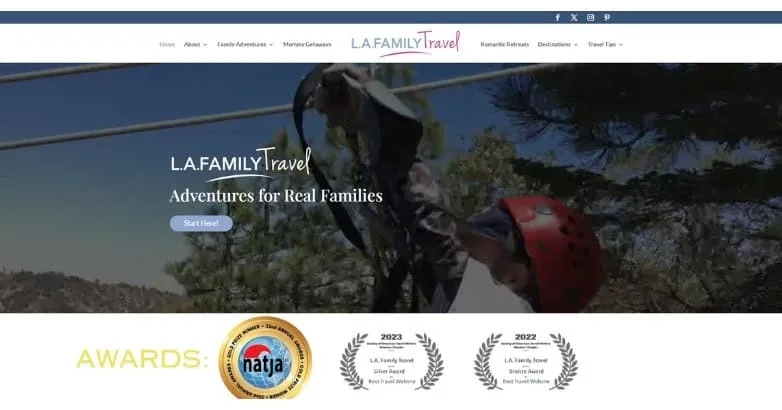
Design Overview: The reference homepage opens with a family adventure image beneath a narrow navigation header. Centered text introduces the publication. An awards strip sits directly below the hero, helping present the brand as a source of travel guidance.
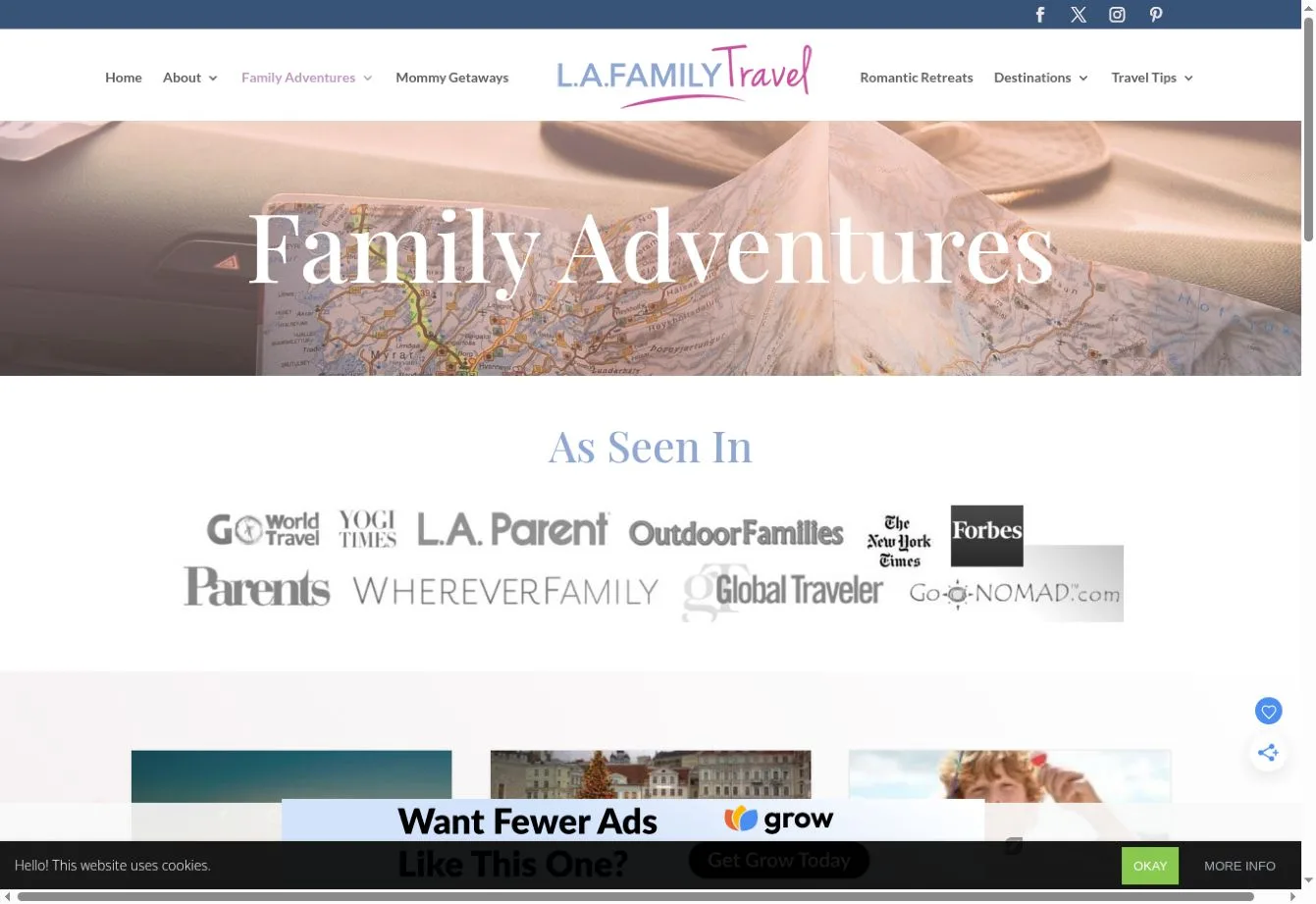
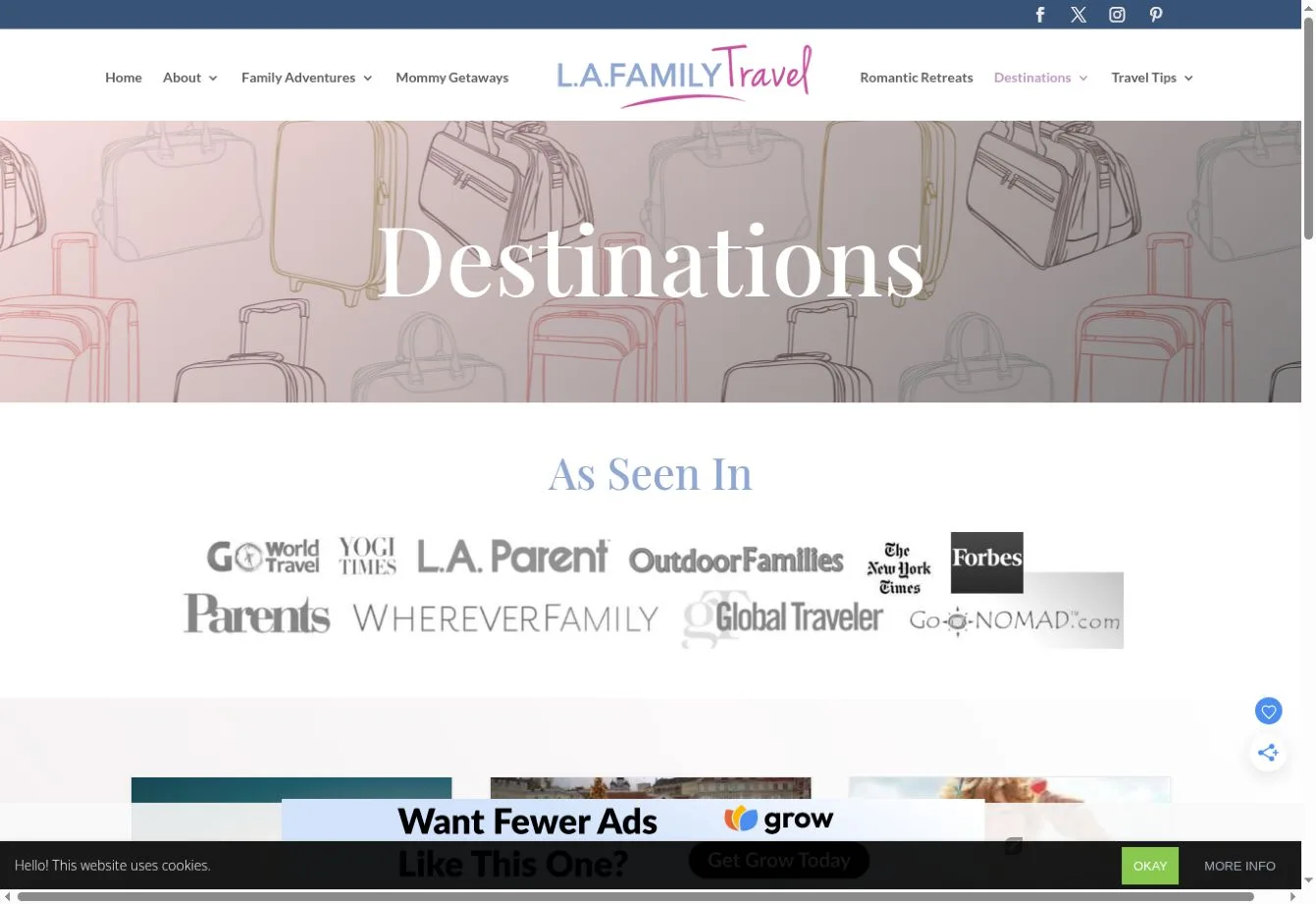
Key Design Features: Family adventures and trips from Los Angeles are among the official site’s article categories. Others cover traveling with teens, weekend trips and destinations. Readers browse individual stories through headlines and excerpts, then follow read-more links.
What Makes This Design Effective: Parents can start with the kind of trip they’re trying to plan. They don’t have to work through a broad article archive first. And the story format gives detailed planning questions more room than a short package listing could.
Inspiration for Other Travel Businesses: A family travel publisher or agency can use content categories built around its audience, supported by clearly labeled guides. Keep article navigation readable. Readers should also understand how the helpful content connects with any planning service being offered.
7. Bawah Reserve
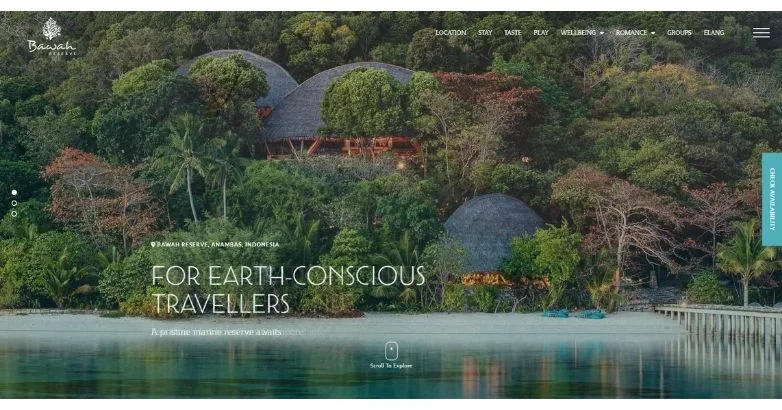
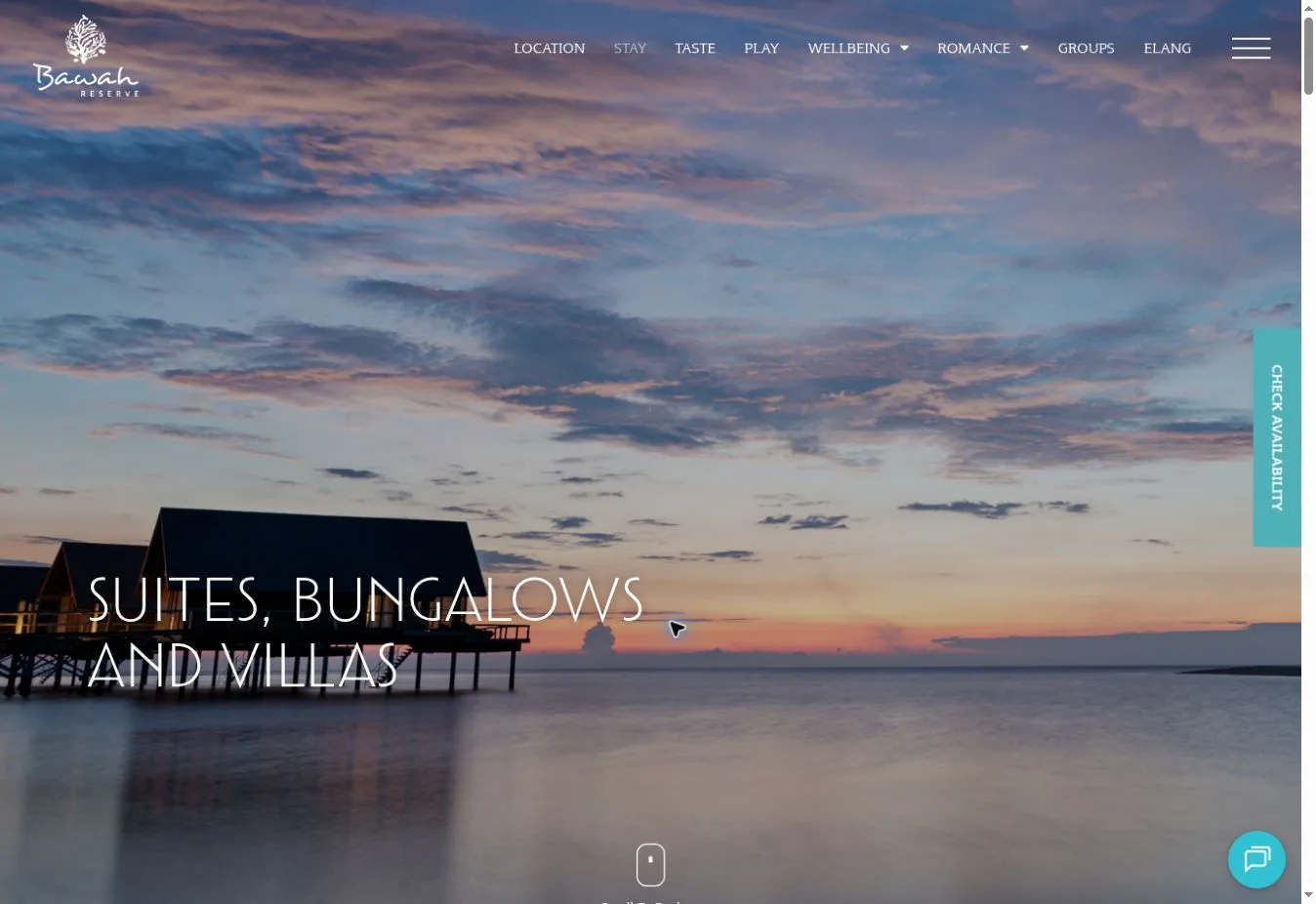
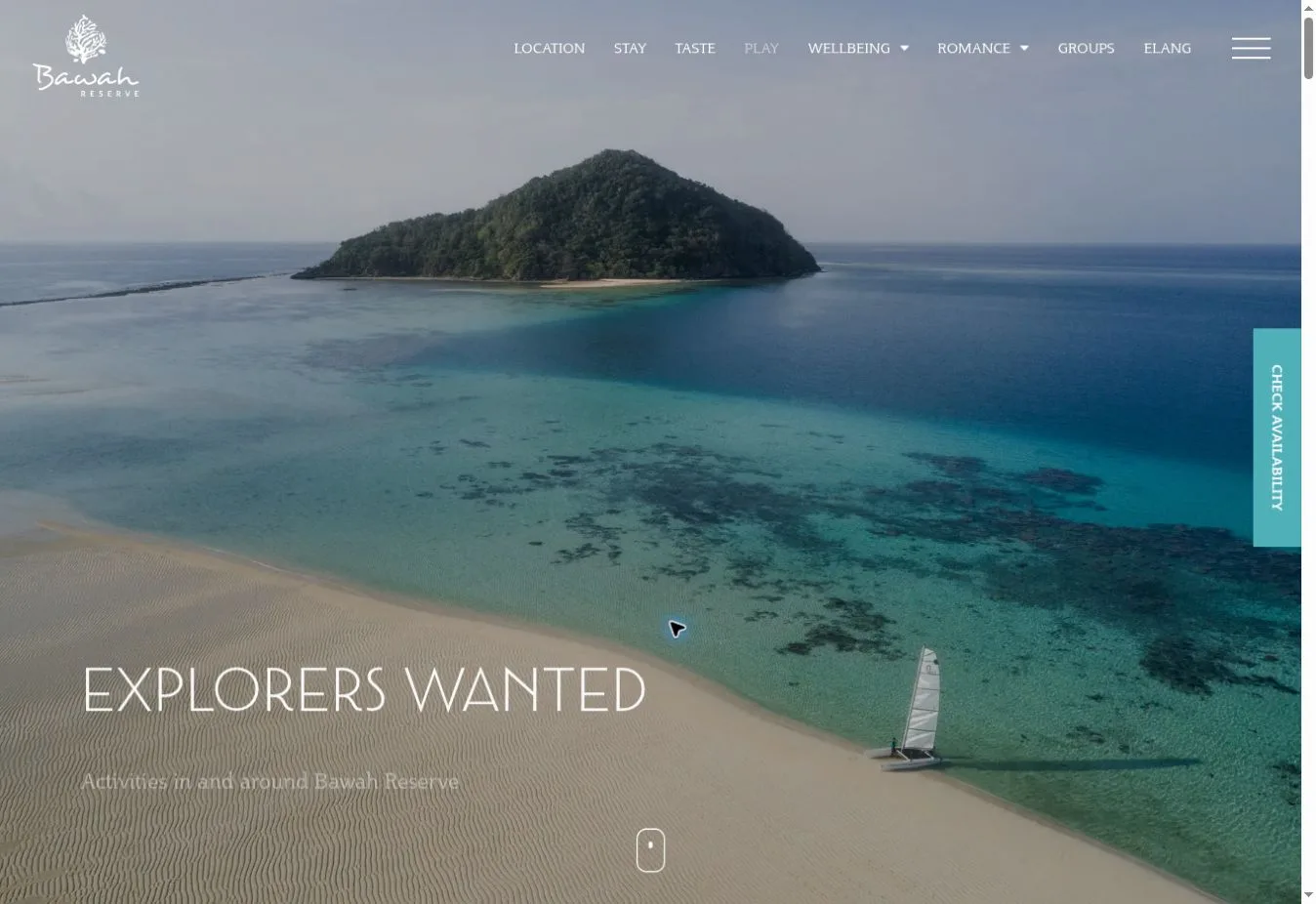
Design Overview: Greenery and buildings appear beside water in the reference design’s broad nature photograph. White text sits over the lower part of the scene. The navigation stays visually light, leaving visitors plenty of room to look at the setting.
Key Design Features: The official site separates stays and dining from activities, wellbeing and romance. Visitors can also find location information and a gallery. Sustainability content and booking links cover other questions that come up while planning a resort visit.
What Makes This Design Effective: The photograph introduces the atmosphere. Categories then explain what a stay includes. Location information has its own place, which helps visitors who are considering an island destination they don’t yet know much about.
Inspiration for Other Travel Businesses: A resort can use immersive photography alongside direct information about access and accommodation. Explain the available experiences too. Keep booking visible, but give visitors room to check the details they need before committing to a stay.
8. BRU&BRU
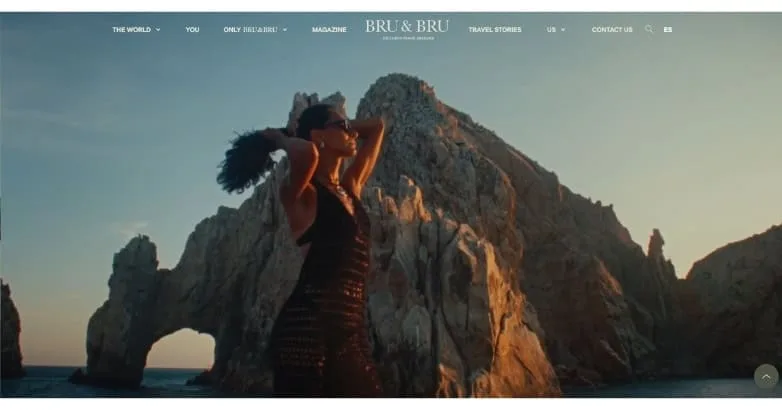
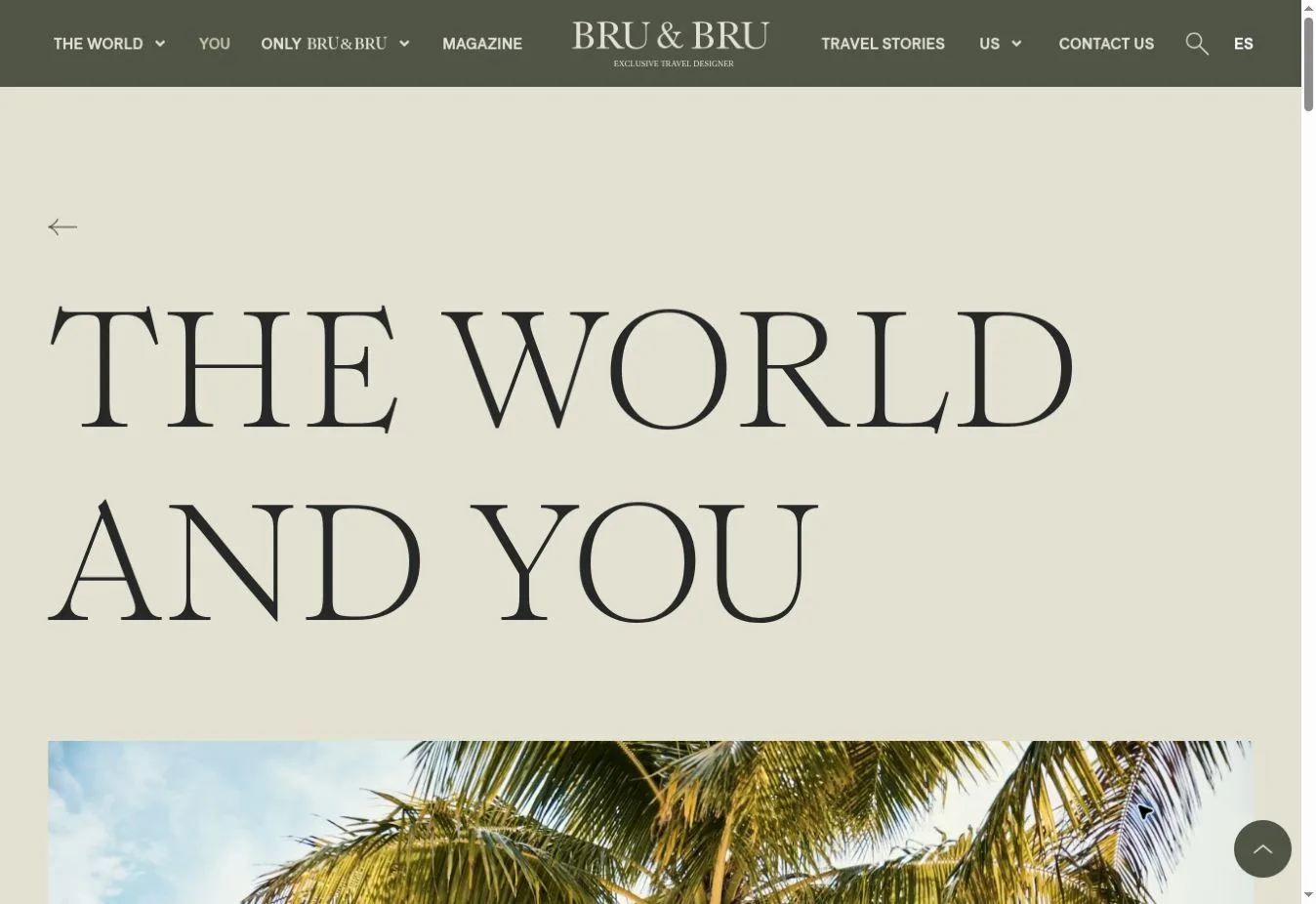
Design Overview: A coastal travel photograph covers almost the whole screen in the reference screenshot. A small white header sits over the image. There’s no dense booking panel crowding the opening, which gives the page the feel of a travel feature.
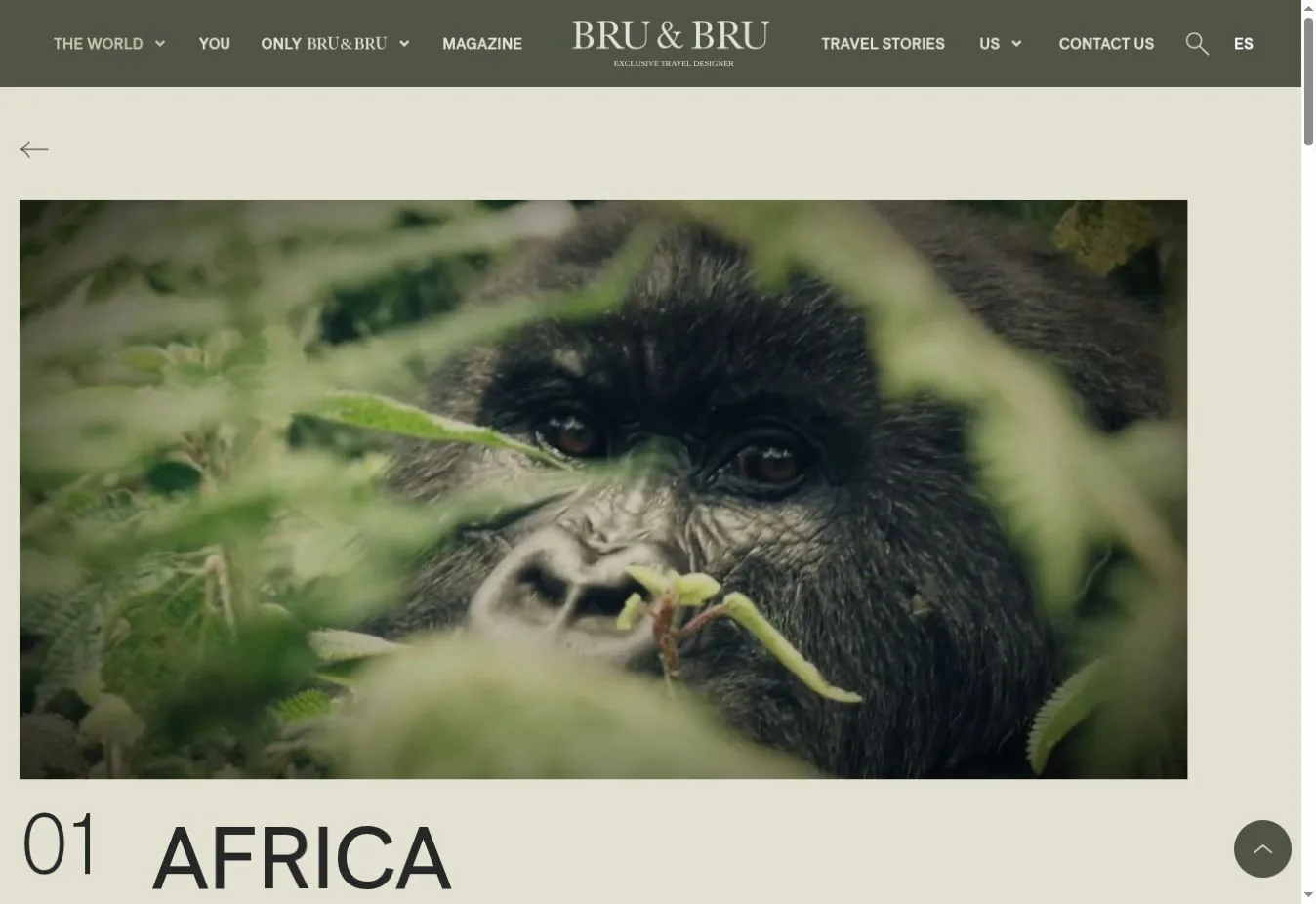
Key Design Features: The official navigation includes The World and You, followed by Only BRU&BRU, Magazine and Travel Stories. Continents organize destination browsing. Contact links invite visitors to discuss personalized travel plans with the business.
What Makes This Design Effective: Visitors can explore geographically or look into more unusual experiences. Travel stories provide another starting point for people who haven’t decided what they want. They can spend time with the ideas before starting a conversation.
Inspiration for Other Travel Businesses: A boutique operator can take an editorial approach when customers need ideas before an itinerary takes shape. Expressive section names can work. But pair them with plain explanations so visitors know where a link will take them.
9. Small Luxury Hotels of the World
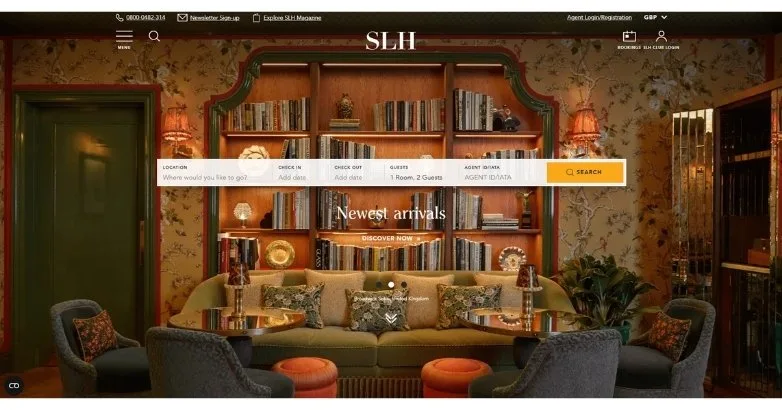
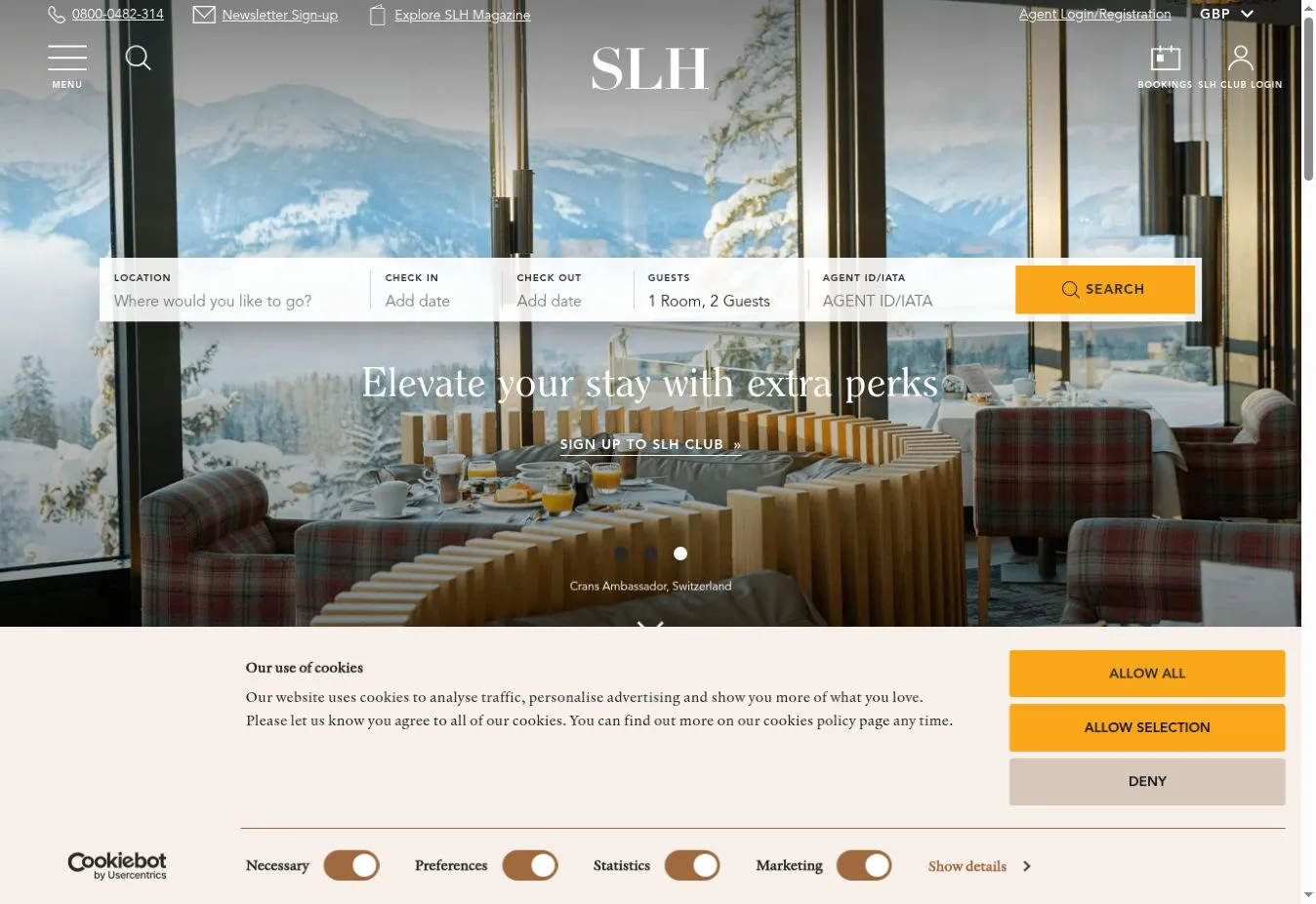
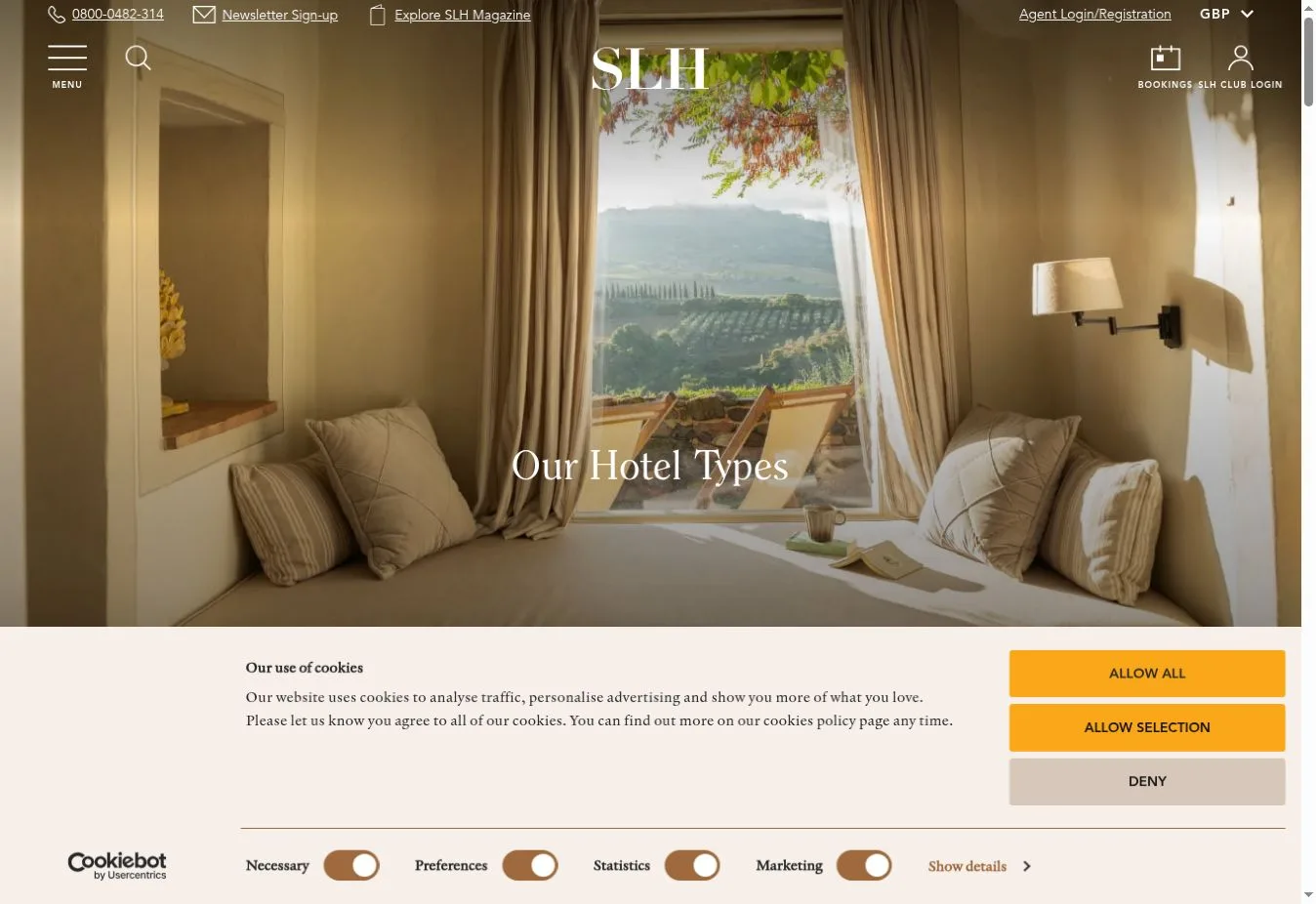
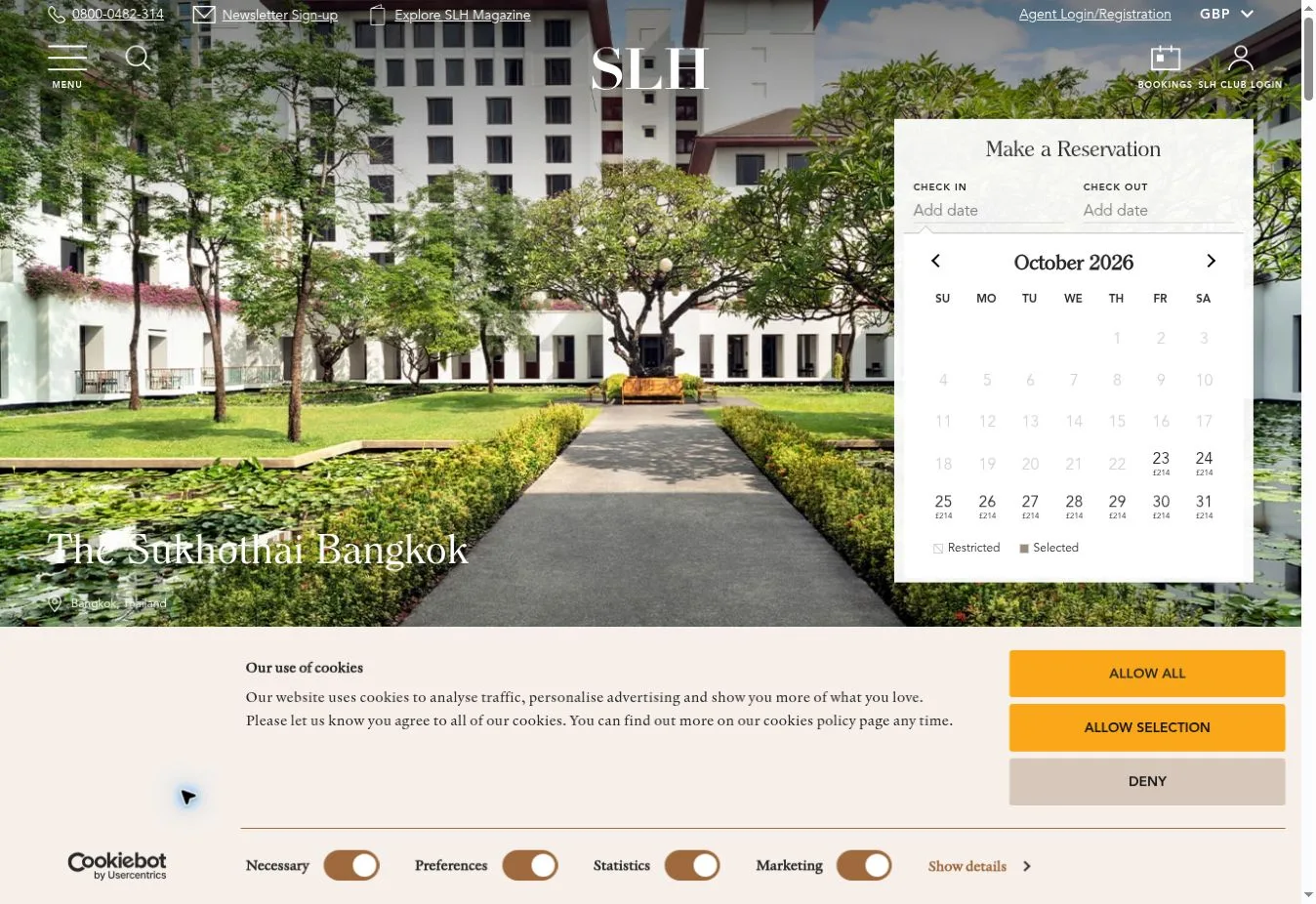
Design Overview: A white hotel search strip sits over a detailed interior photograph in the reference screenshot. Fine white navigation appears against dark surroundings. The orange search action draws attention to the functional part of the page.
Key Design Features: Destination browsing and hotel types appear on the official site alongside named collections. Visitors also have property imagery and hotel links to explore. Editorial content and membership information offer further routes beyond the opening search.
What Makes This Design Effective: Some visitors arrive with dates ready. Others are still looking at hotel styles. The design gives both groups a starting point, with collection pages making a large group of distinctive properties easier to approach.
Inspiration for Other Travel Businesses: A hotel collection can put a practical search form beside curated categories. Individual properties should still look distinct. Keep listing information consistent, though, so visitors can understand the options without working out a new format for every hotel.
10. Zicasso
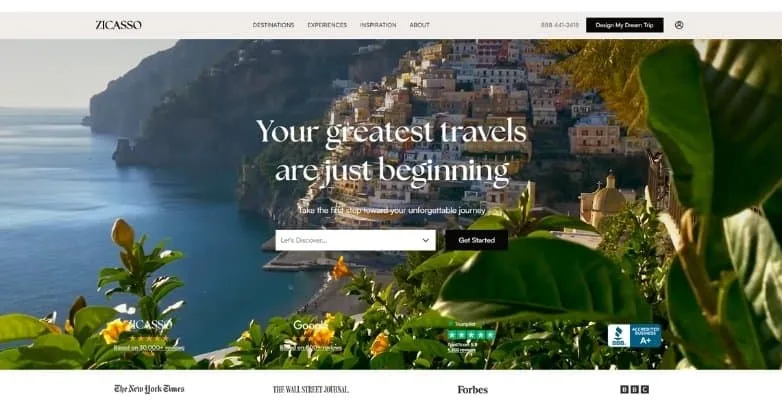
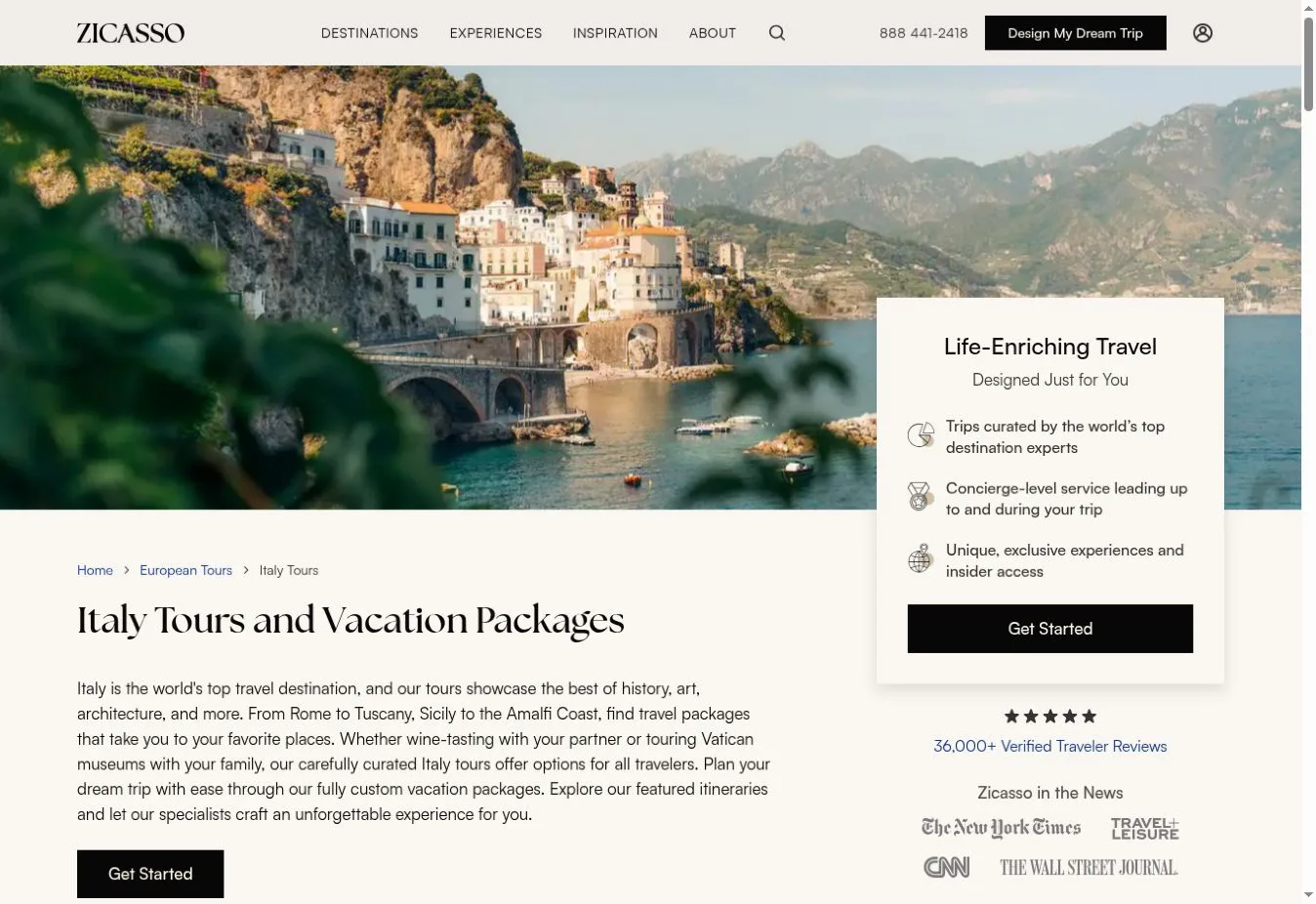
Design Overview: Coastal destination photography sits behind a large white serif headline on the reference homepage. Above it, a narrow white header holds the navigation. A compact planning control appears within the hero, followed by a credibility strip below.
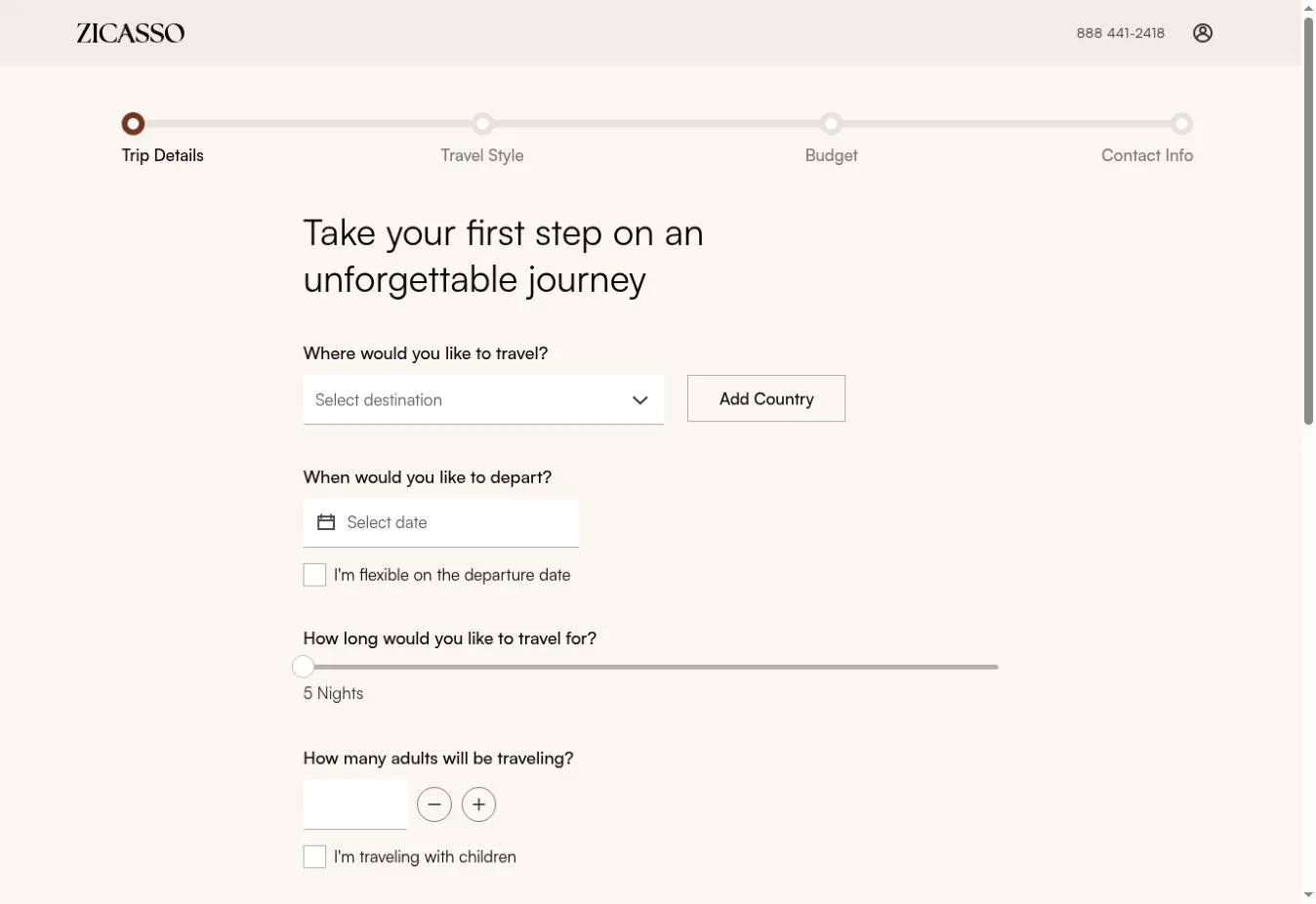
Key Design Features: The official site separates Destinations and Experiences from Inspiration and About. Get Started and Design My Dream Trip actions lead directly into planning. The homepage doesn’t present the service as a fixed inventory of hotels.
What Makes This Design Effective: Travelers who know where they want to go can browse destinations. People who need ideas have another route. The planning action fits a service where preferences need to be discussed before the final itinerary can take shape.
Inspiration for Other Travel Businesses: A custom vacation business can organize inspiration by location as well as experience. Be clear about what follows an inquiry. Visitors should understand the next step before they’re asked to send personal travel preferences.
11. Virtuoso
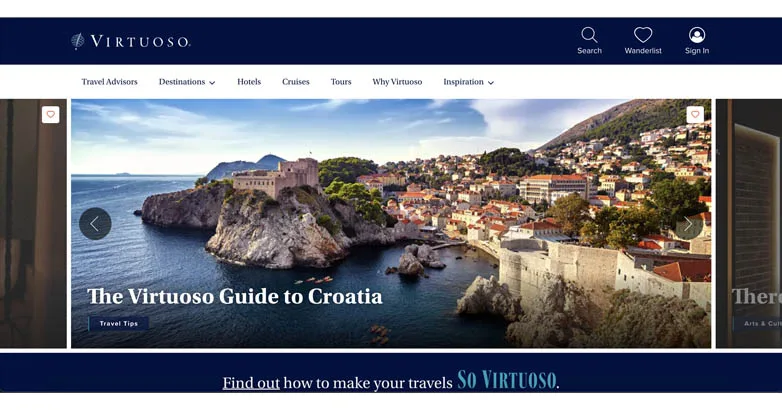
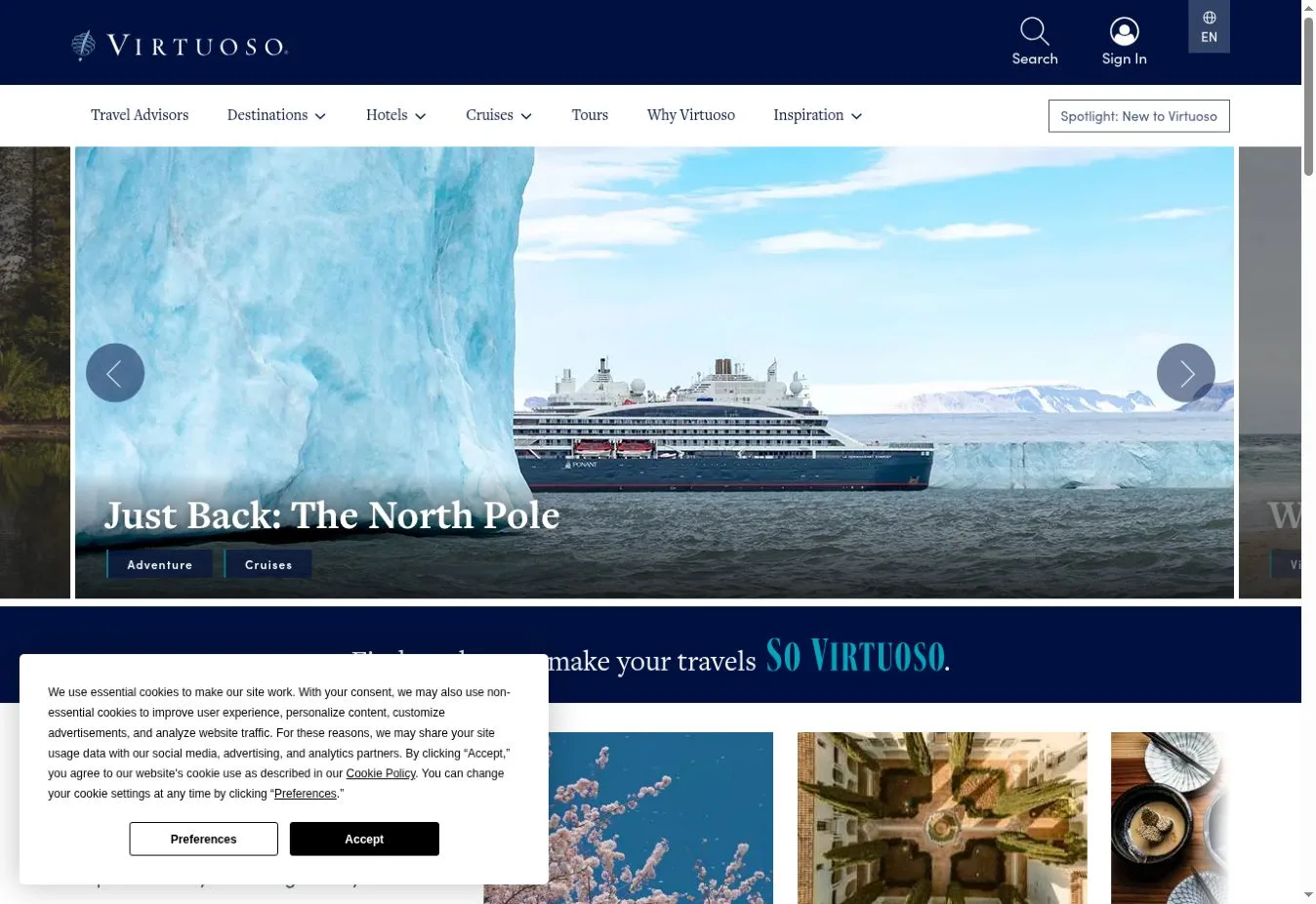
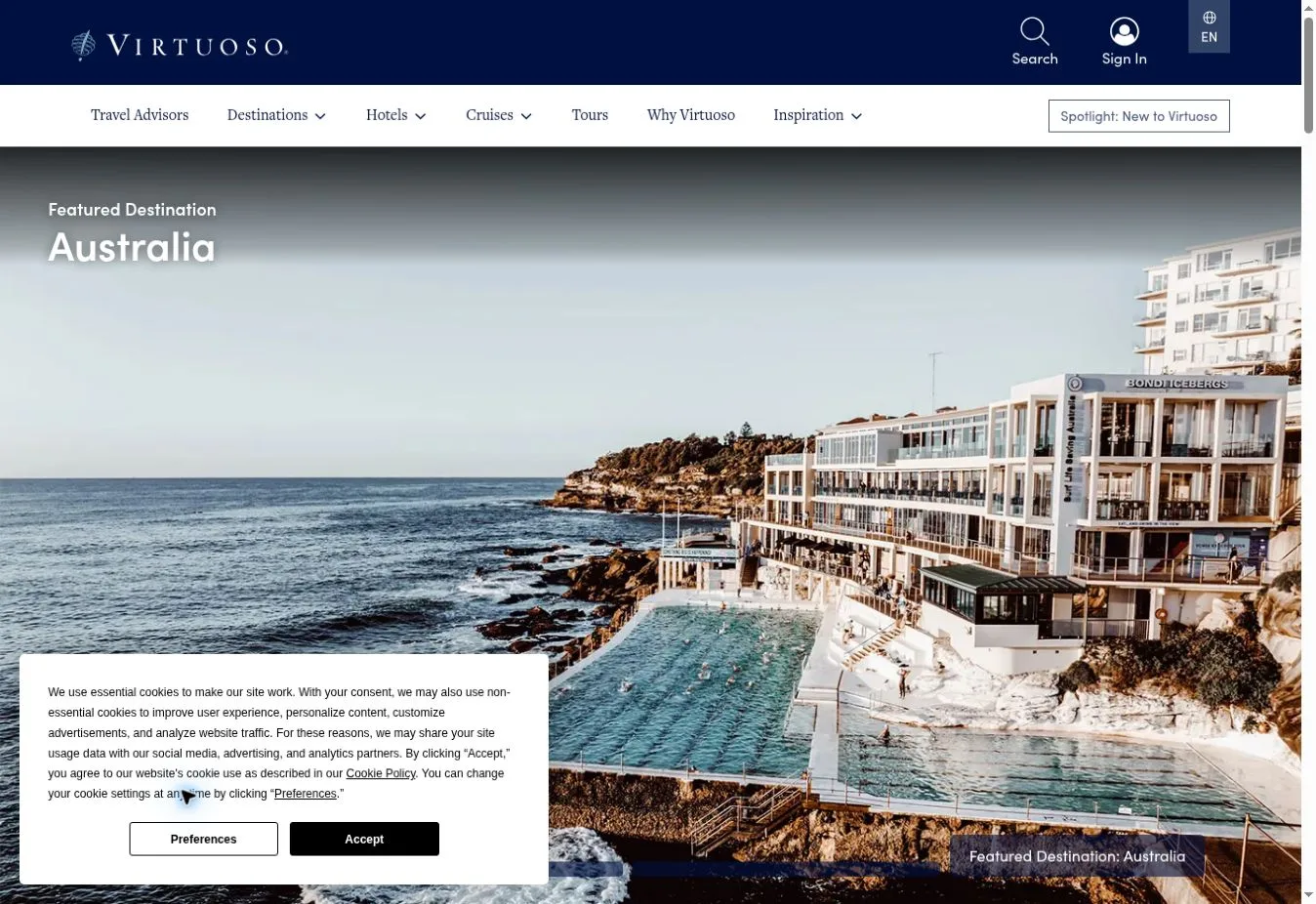
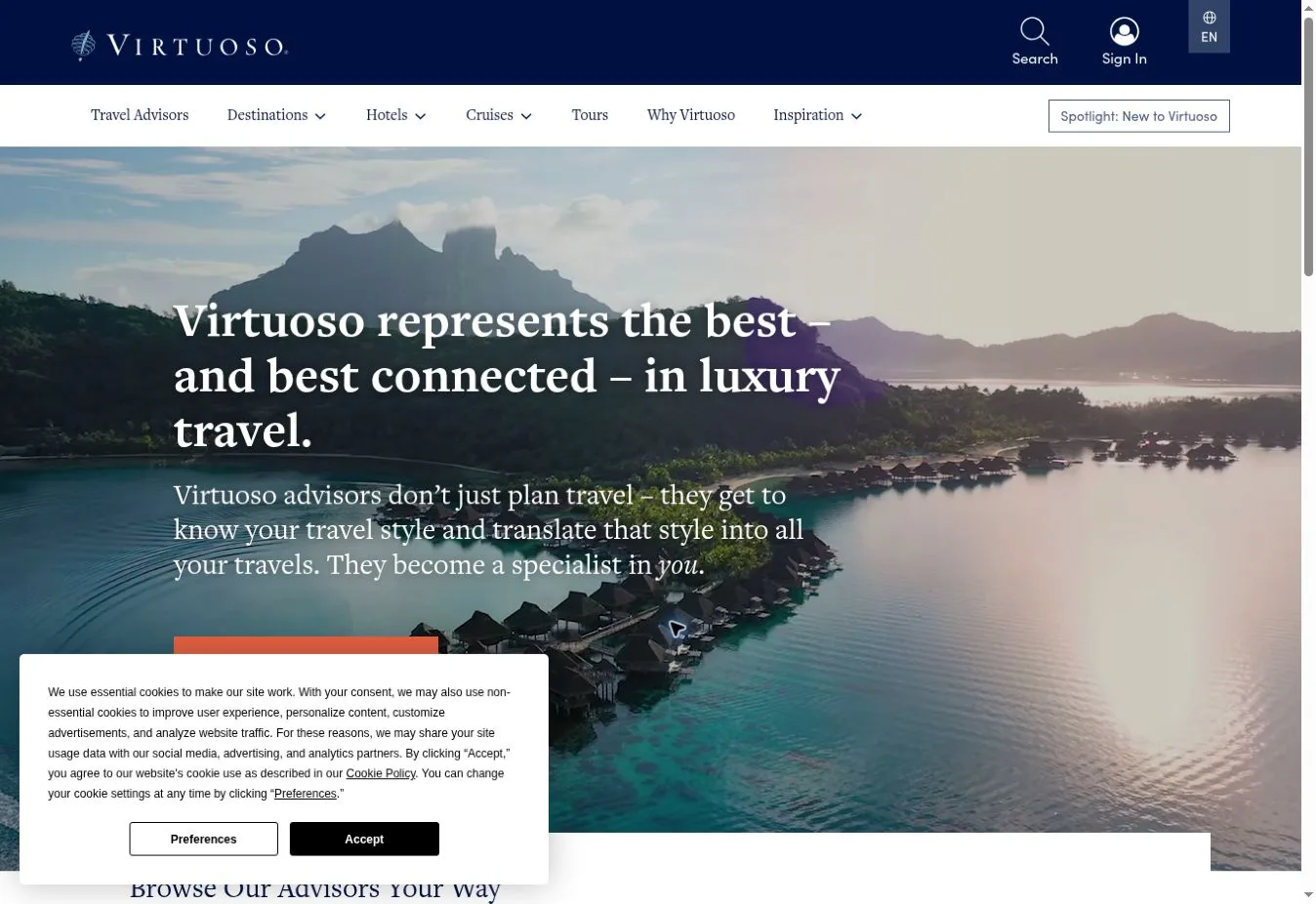
Design Overview: The reference screenshot frames a large destination feature with a dark navy header. White navigation and a serif editorial heading give it a magazine-like feel. The photograph sits inside a defined panel instead of stretching across the whole interface.
Key Design Features: A destination guide appears within a carousel-style feature in the screenshot. Navigation supports travel exploration and advisor discovery. The official site also links to its magazines and company information. Some homepage content wasn’t available in the text-only check.
What Makes This Design Effective: The layout suggests two starting points. Visitors can read about a destination or look for professional help. The editorial panel gives them a reason to browse before they settle on a particular hotel or travel service.
Inspiration for Other Travel Businesses: Advisor networks can link destination content to a clear route toward an advisor. Make the editorial features easy to read. Then explain how someone can move from an article that interests them to a conversation about planning.
12. Black Tomato
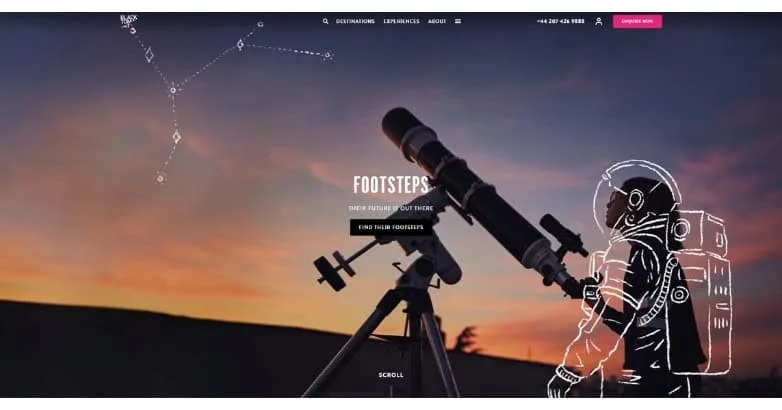
Design Overview: The reference design shows a telescope against a dusk sky, with an illustrated figure placed over the photograph. Small navigation sits alongside a compact campaign title. A bright inquiry button stands out without loading the hero with more text.
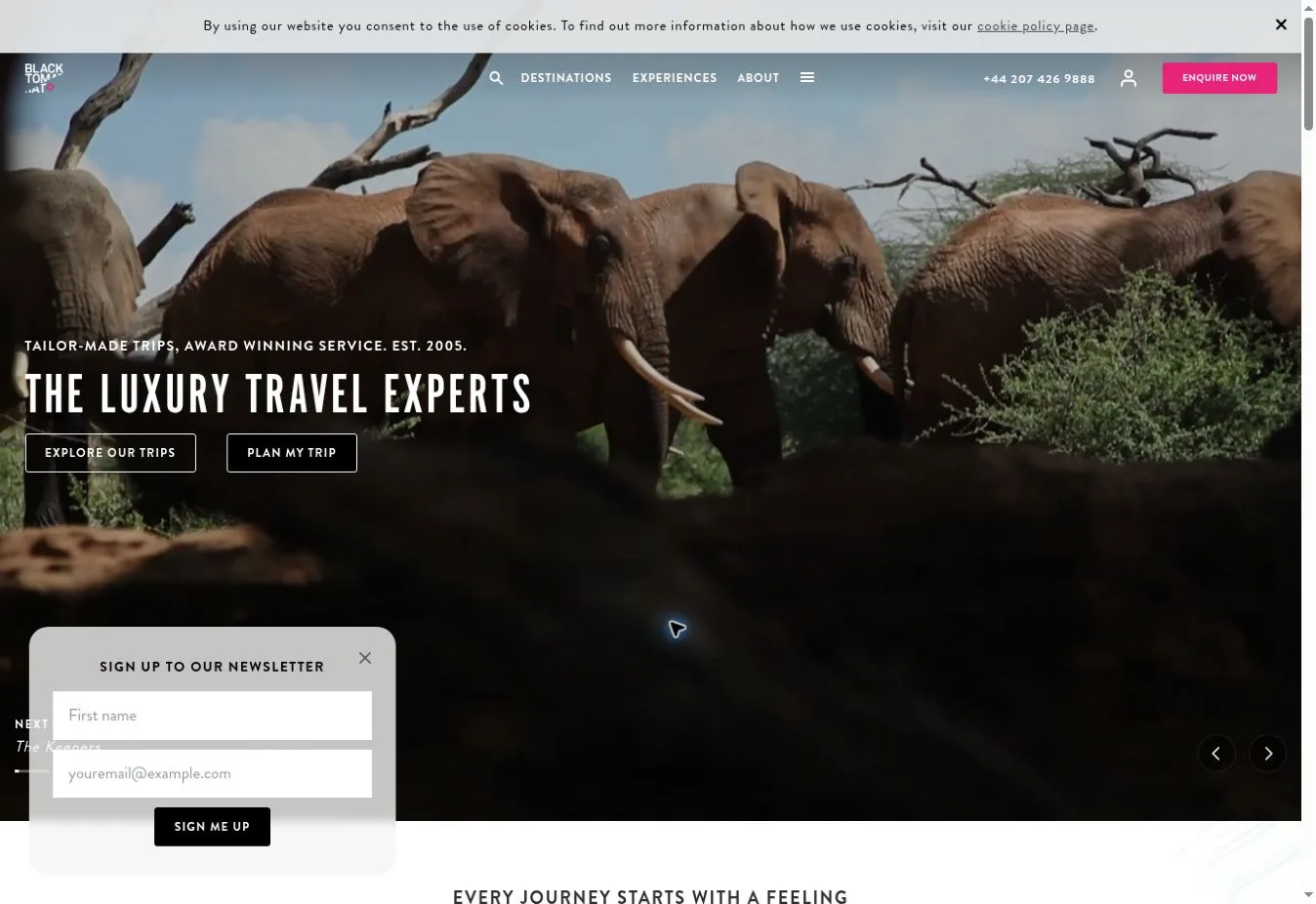
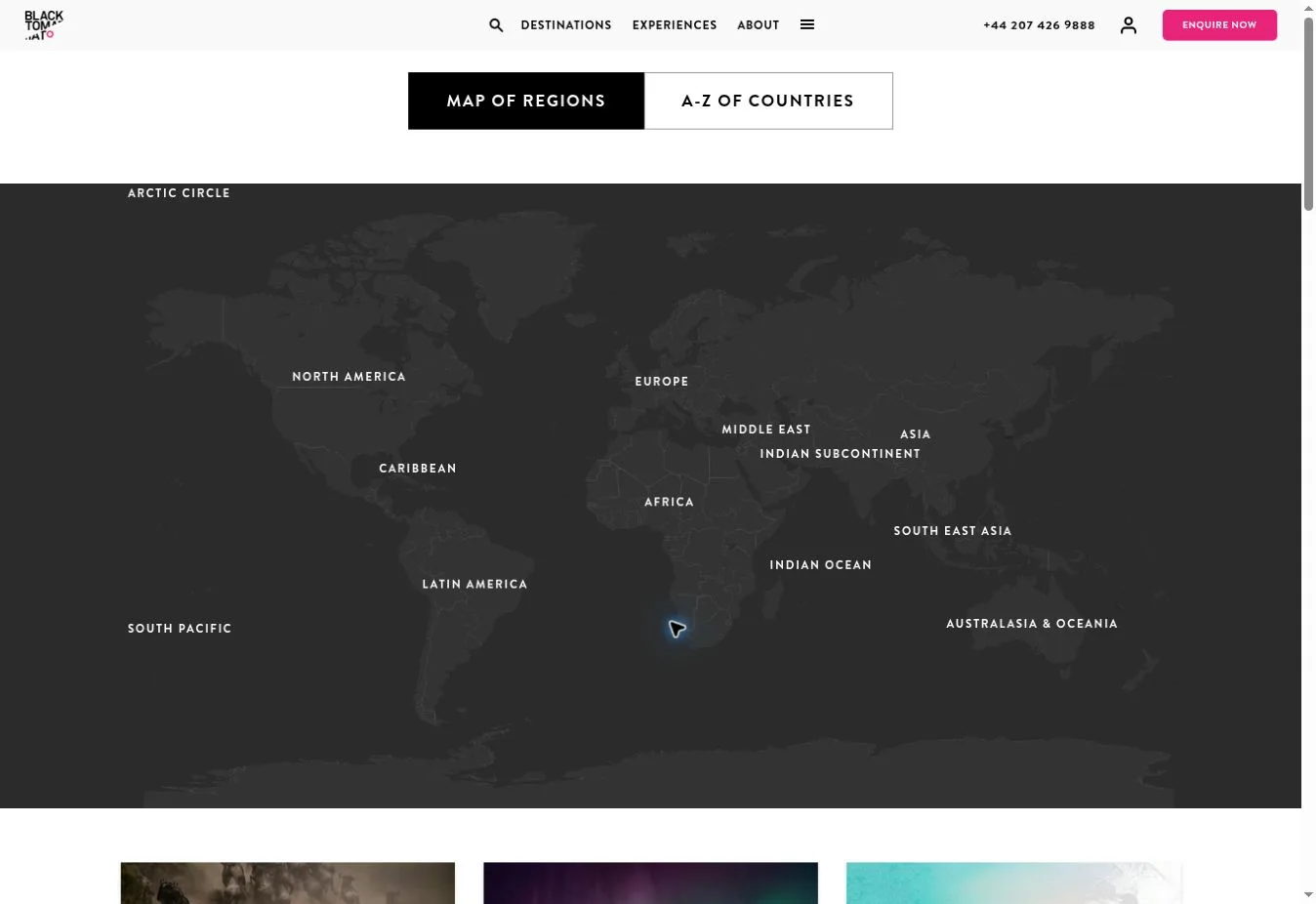
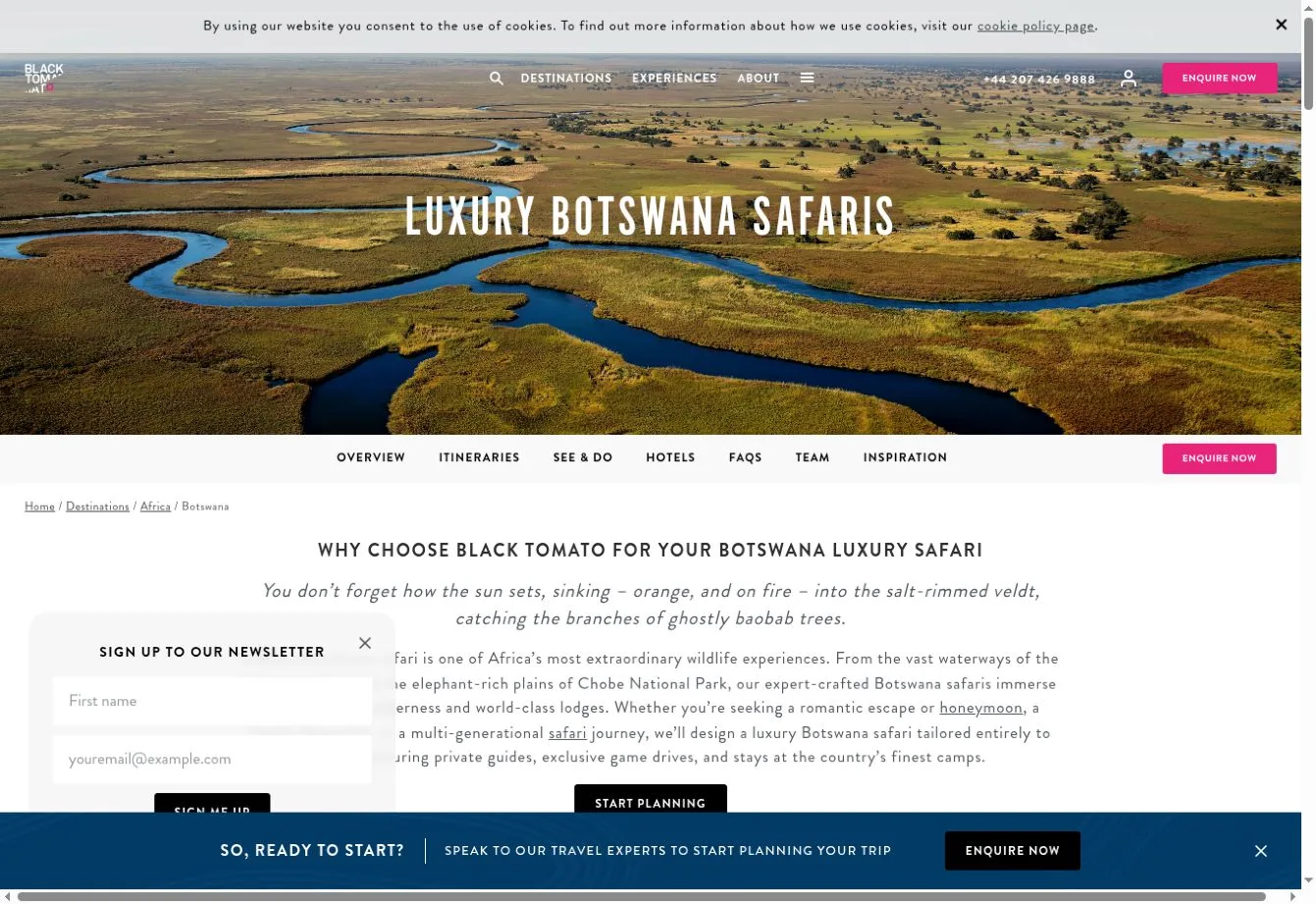
Key Design Features: Destination navigation and search appear on the official site with an inquiry route. The wide destination menu gives visitors a practical browsing option. That sits alongside the more expressive campaign treatment shown in the reference image.
What Makes This Design Effective: The unusual hero gives the brand a recognizable point of view. Visitors with a country already in mind still have ordinary destination links to follow. They can reach trip content quickly without having to work through the campaign concept.
Inspiration for Other Travel Businesses: A specialist operator can open with a distinctive travel experience or campaign. Keep familiar navigation within reach. The creative idea can add interest while visitors still have a straightforward way to handle basic planning.
13. Scott Dunn Website Design
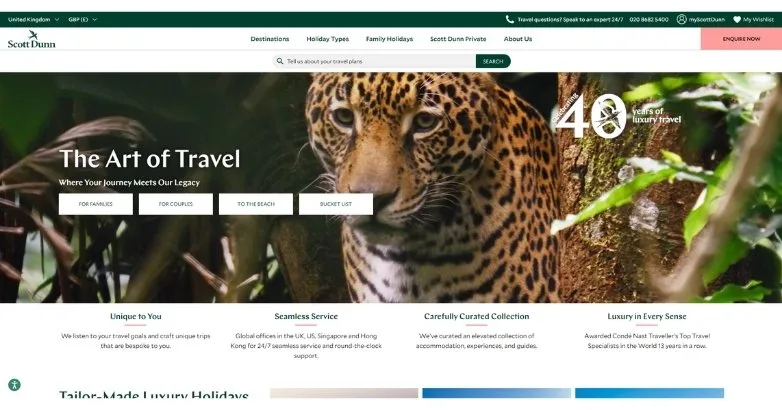
Design Overview: A close-up wildlife photograph fills the hero beneath a white header with dark green accents in the reference screenshot. A large headline overlays the image. Compact controls and brief service statements bring travel planning into the opening.
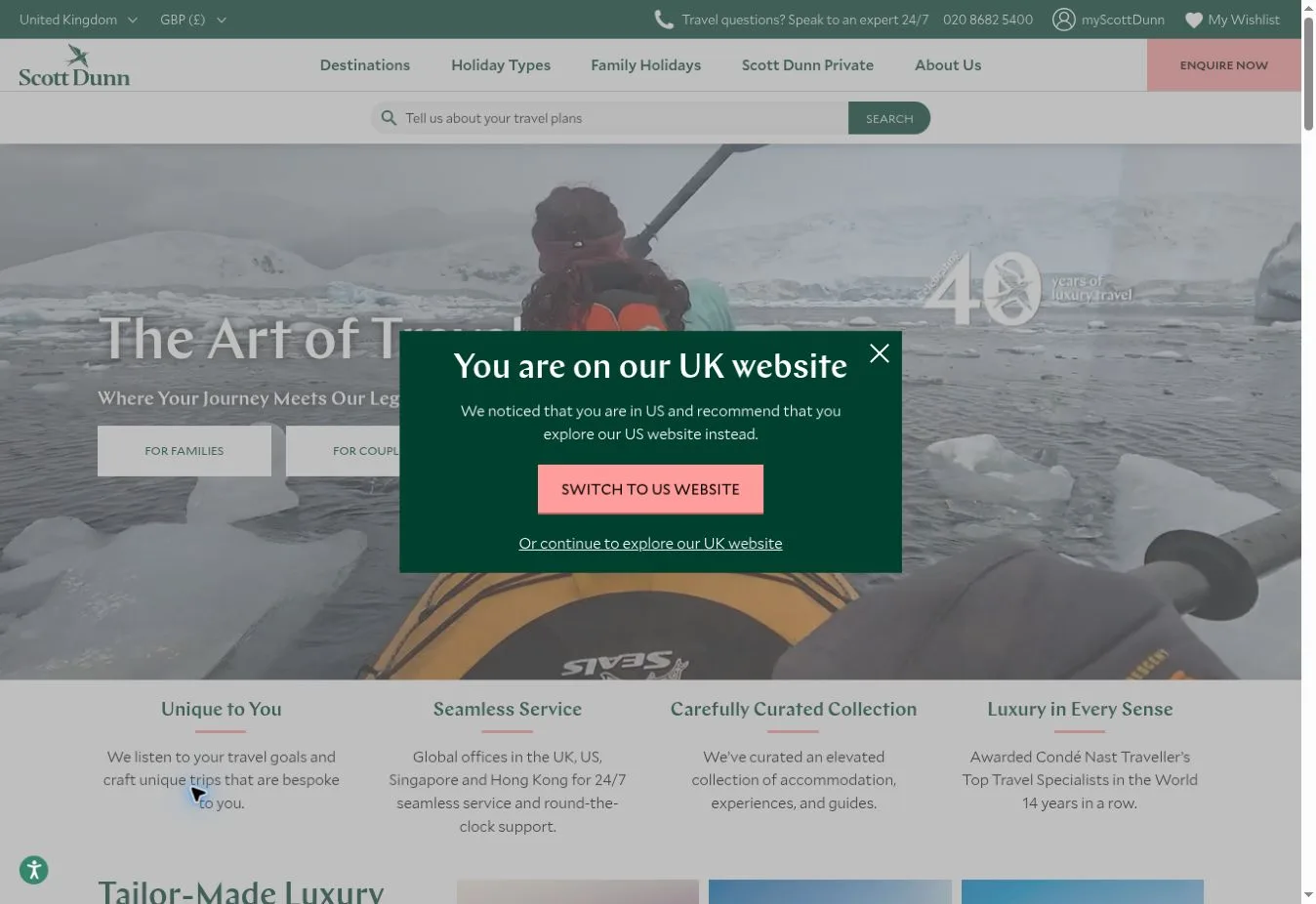
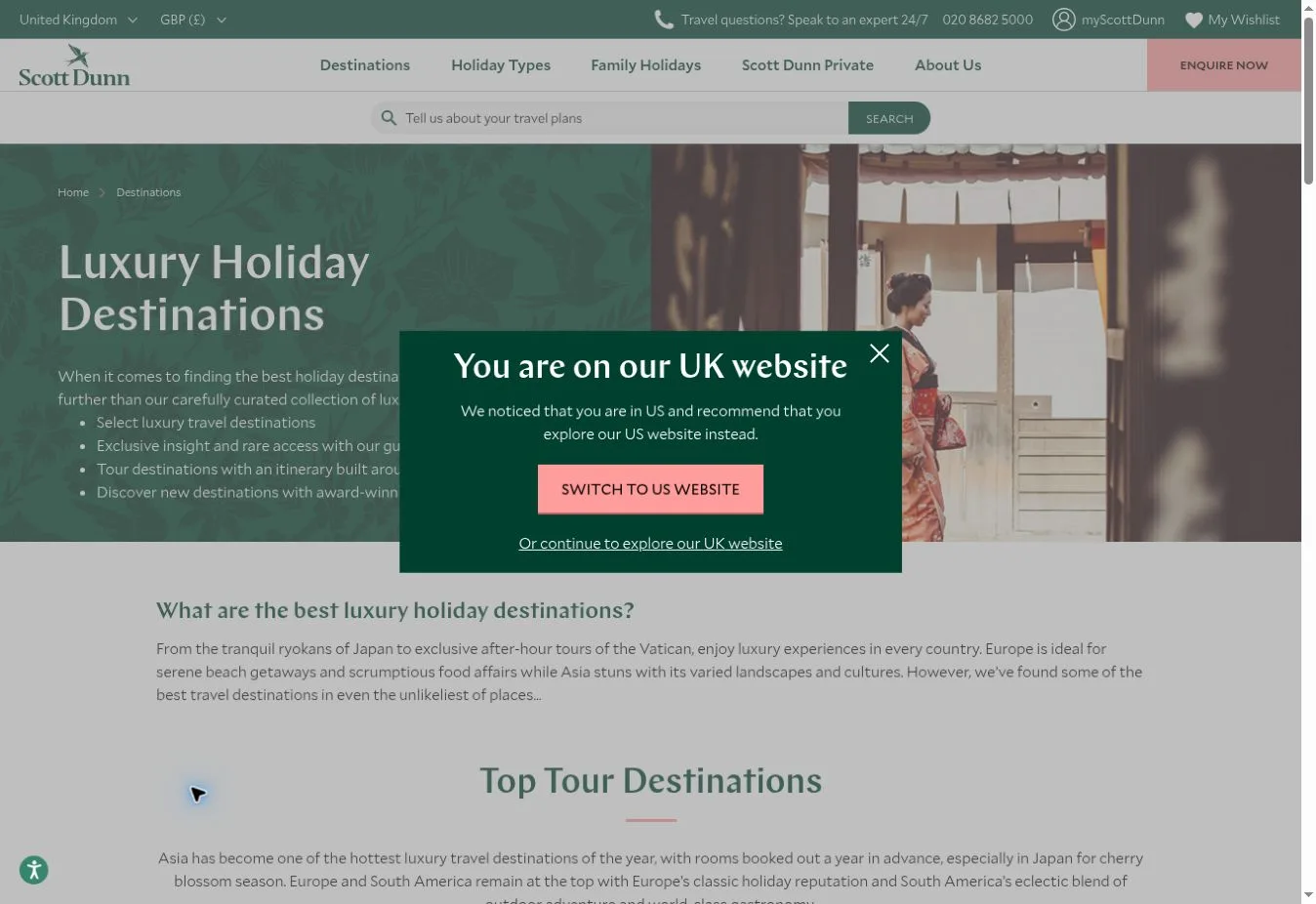
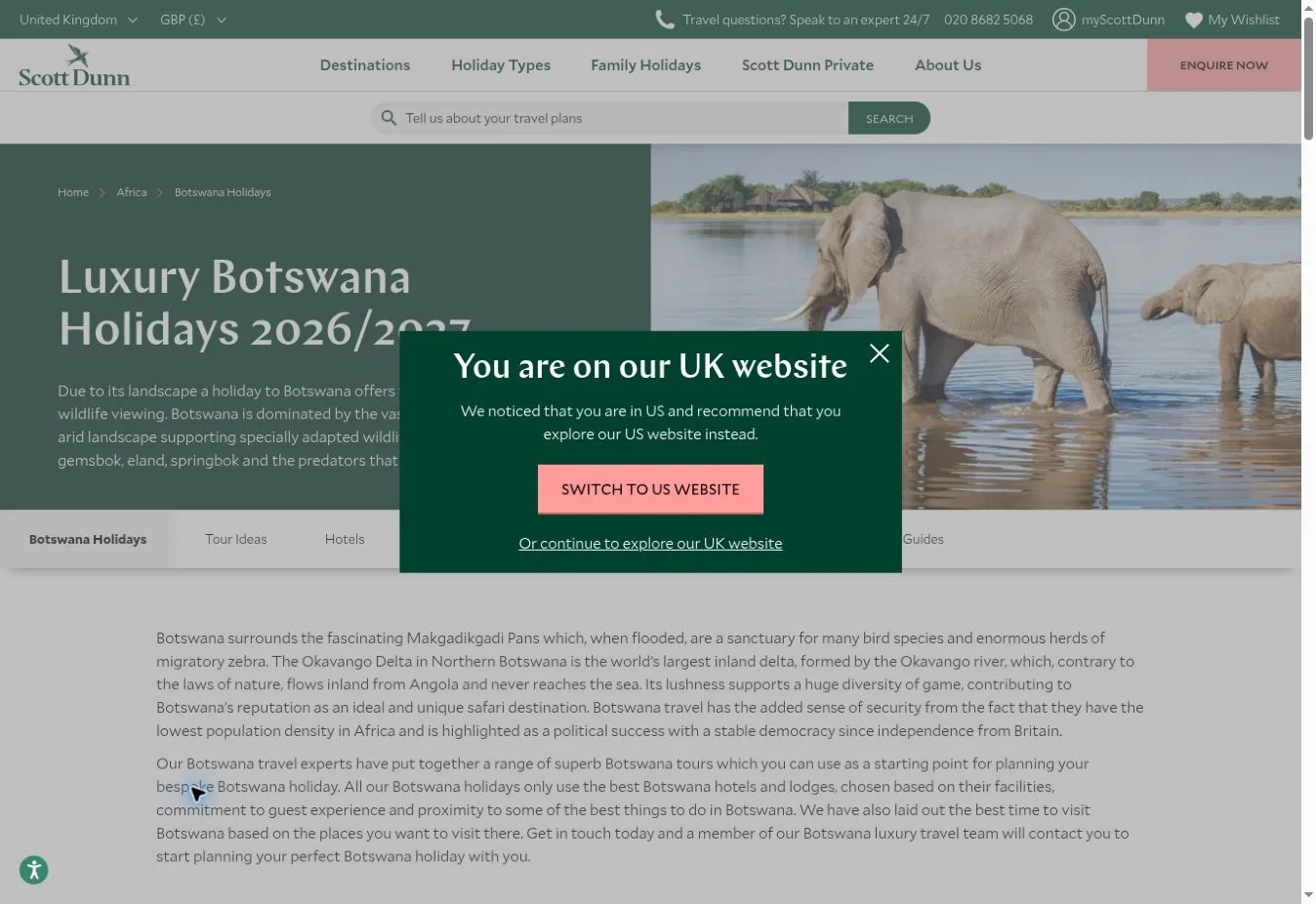
Key Design Features: Search and an inquiry action appear on the official homepage, along with a wishlist route. Contact details point visitors toward expert support. Country and currency settings account for people planning from different markets.
What Makes This Design Effective: Visitors see inspiration and access to human help near the start of their planning. They can browse ideas at their own pace. At the same time, the page shows how to speak with someone about a personalized holiday.
Inspiration for Other Travel Businesses: A luxury agency can put specialist support beside destination content so visitors don’t have to hunt for it. For businesses serving several countries, regional settings need care. Contact details should match the market the visitor has selected.
14. Booking.com
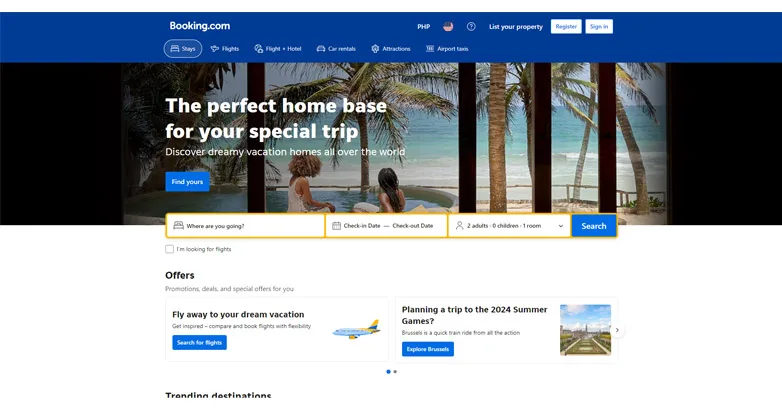
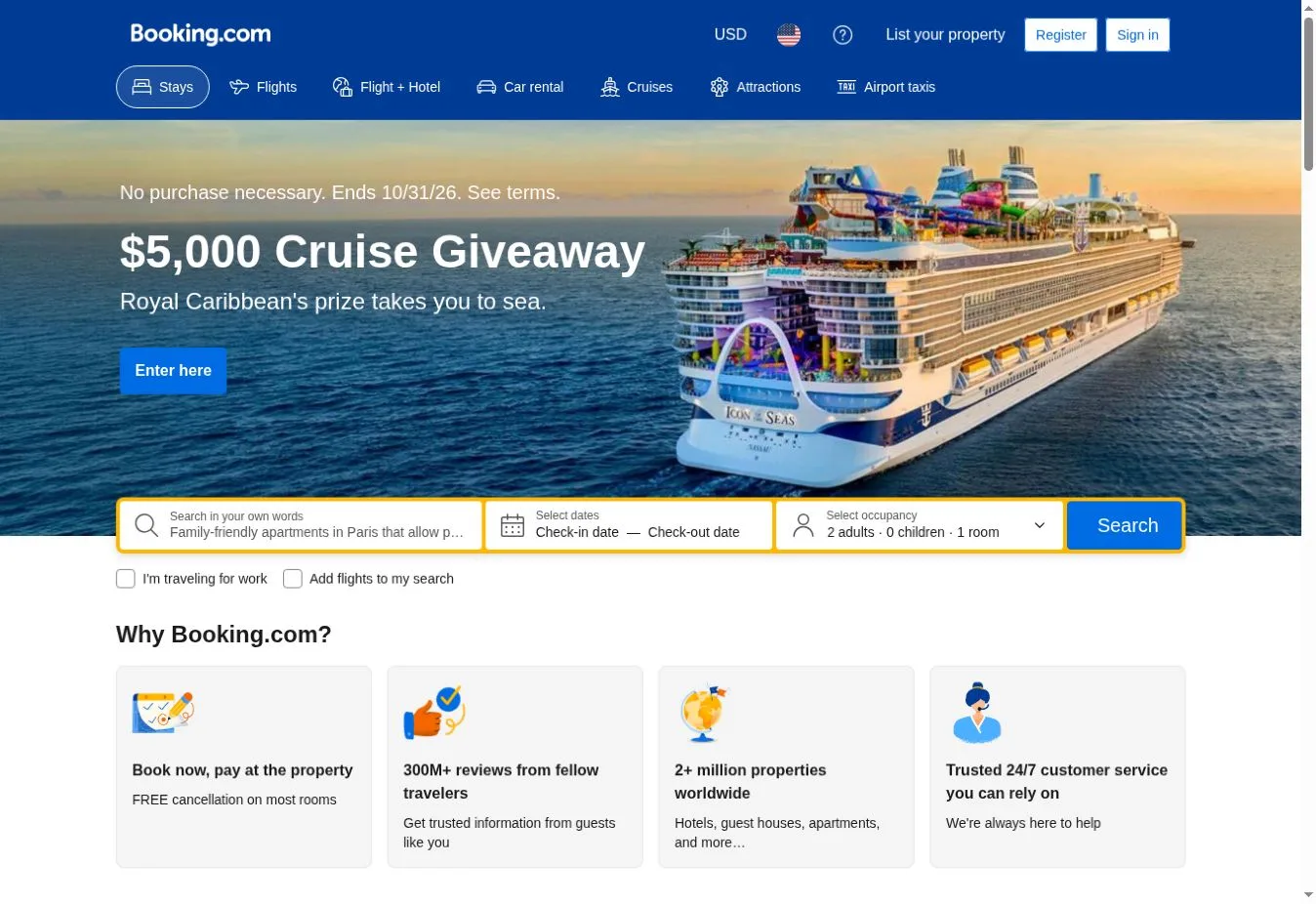
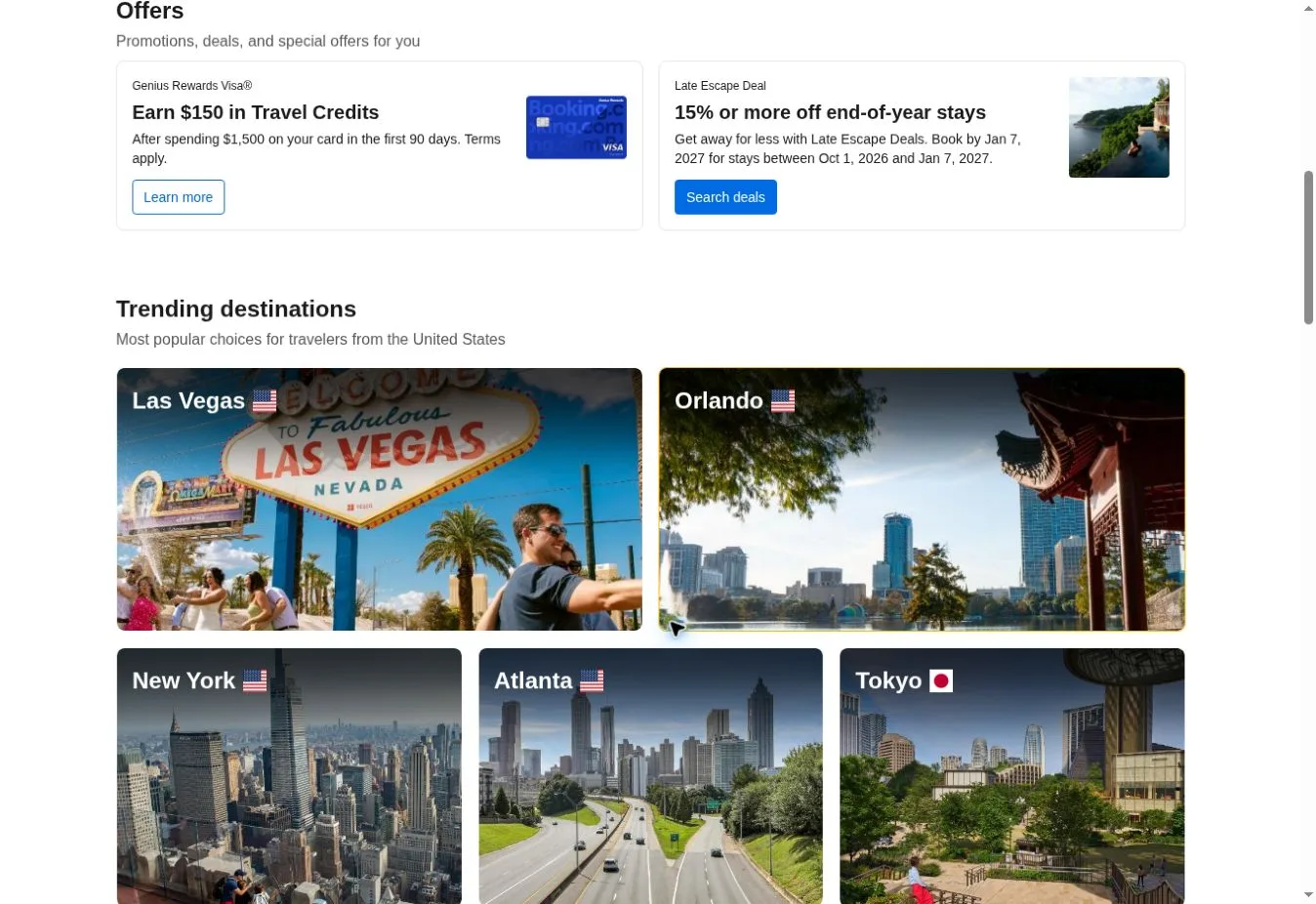
Design Overview: A blue header sits above a large accommodation image in the reference screenshot. The white search form has a yellow border and crosses the hero’s lower edge. Below that, promotional and account-related cards sit on a white background.
Key Design Features: Destination and travel dates sit prominently in the captured interface with guest selection. Travel service navigation appears above the main content. The live homepage returned an automated verification screen during this review, so these observations refer to the reference capture.
What Makes This Design Effective: Search is the obvious task. Its main fields sit together, making it clear which details visitors need to enter before they can explore available accommodation. There’s little guesswork about where to begin.
Inspiration for Other Travel Businesses: A booking business can put its main search form ahead of secondary promotions. Label fields plainly and keep related details together. The reference image doesn’t establish how the current checkout or results pages behave.
15. Expedia
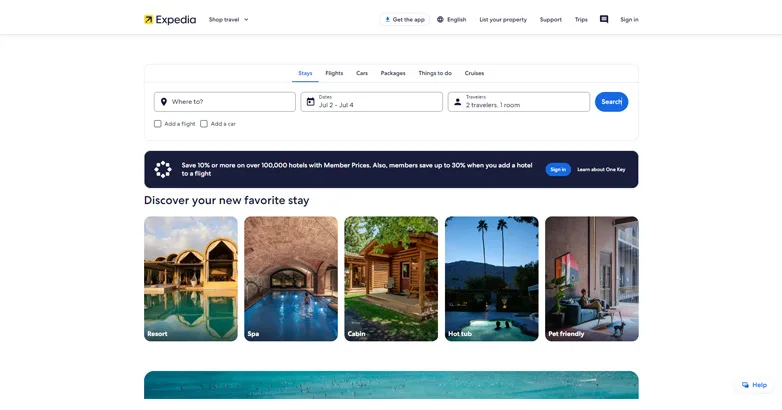
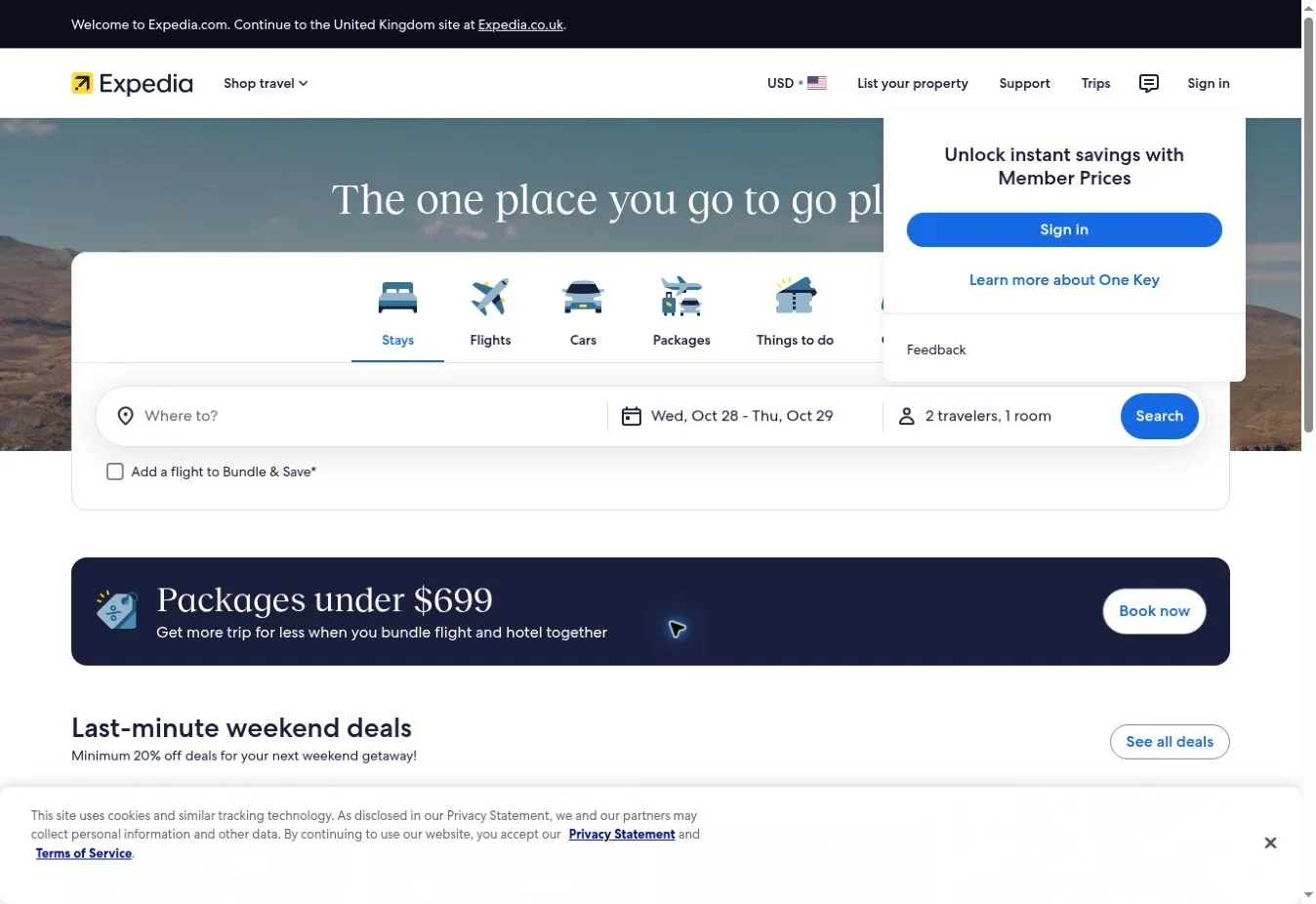
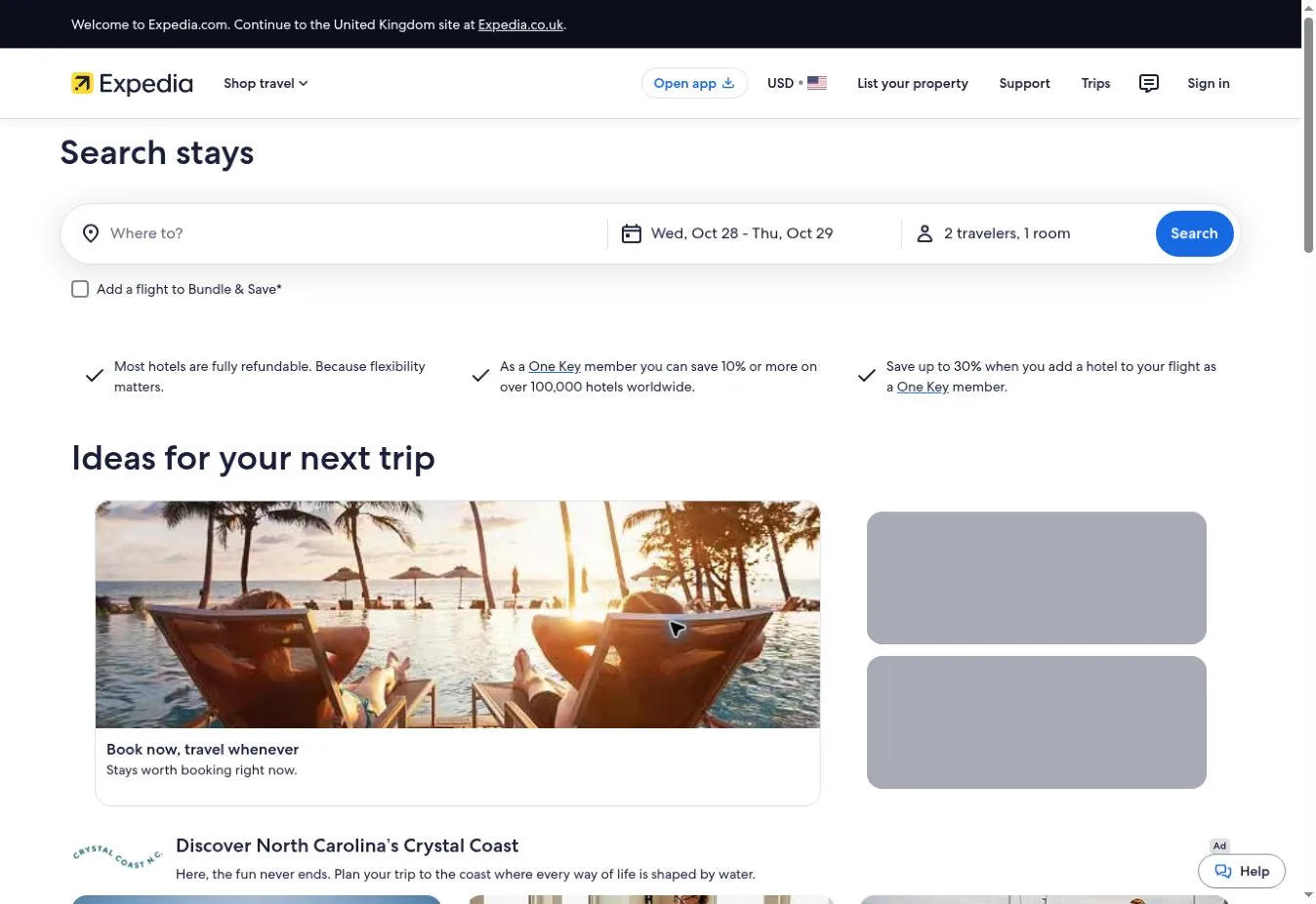
Design Overview: The reference homepage places a wide search area near the top of a white page, beneath a compact header. Blue actions stand out alongside dark navy information panels. Image cards below the form introduce different types of stays.
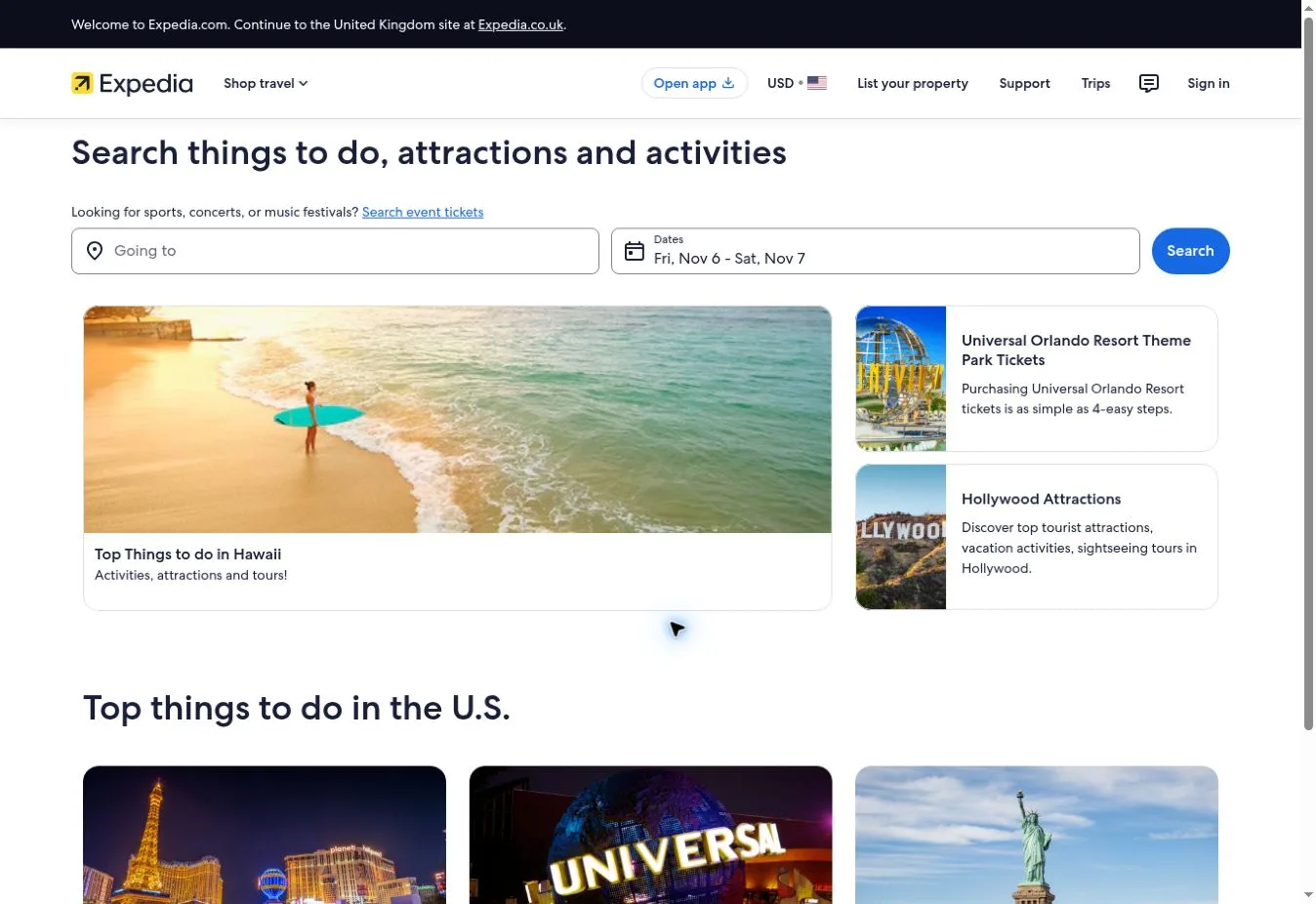
Key Design Features: The official site separates Stays and Flights from Cars and Packages, with Things to do and Cruises also available. The stay form asks for destination and dates alongside travelers. Property-type links and package promotions add other browsing routes.
What Makes This Design Effective: Service tabs tell visitors which travel product they’re searching for. Inspiration sits below the form. That keeps the opening useful for people who already have trip details ready to enter and want to get started.
Inspiration for Other Travel Businesses: Businesses selling several travel services can give each one a clearly separated search mode. Show the fields that apply to the selected service. Related offers can still appear, but the visitor’s current task should hold the main position.
16. Priceline
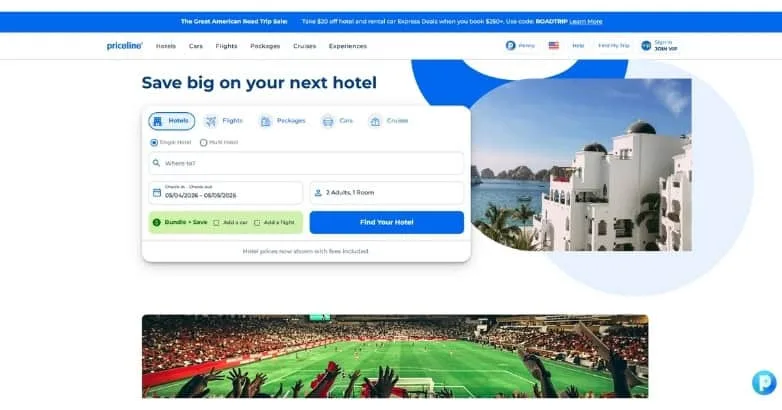
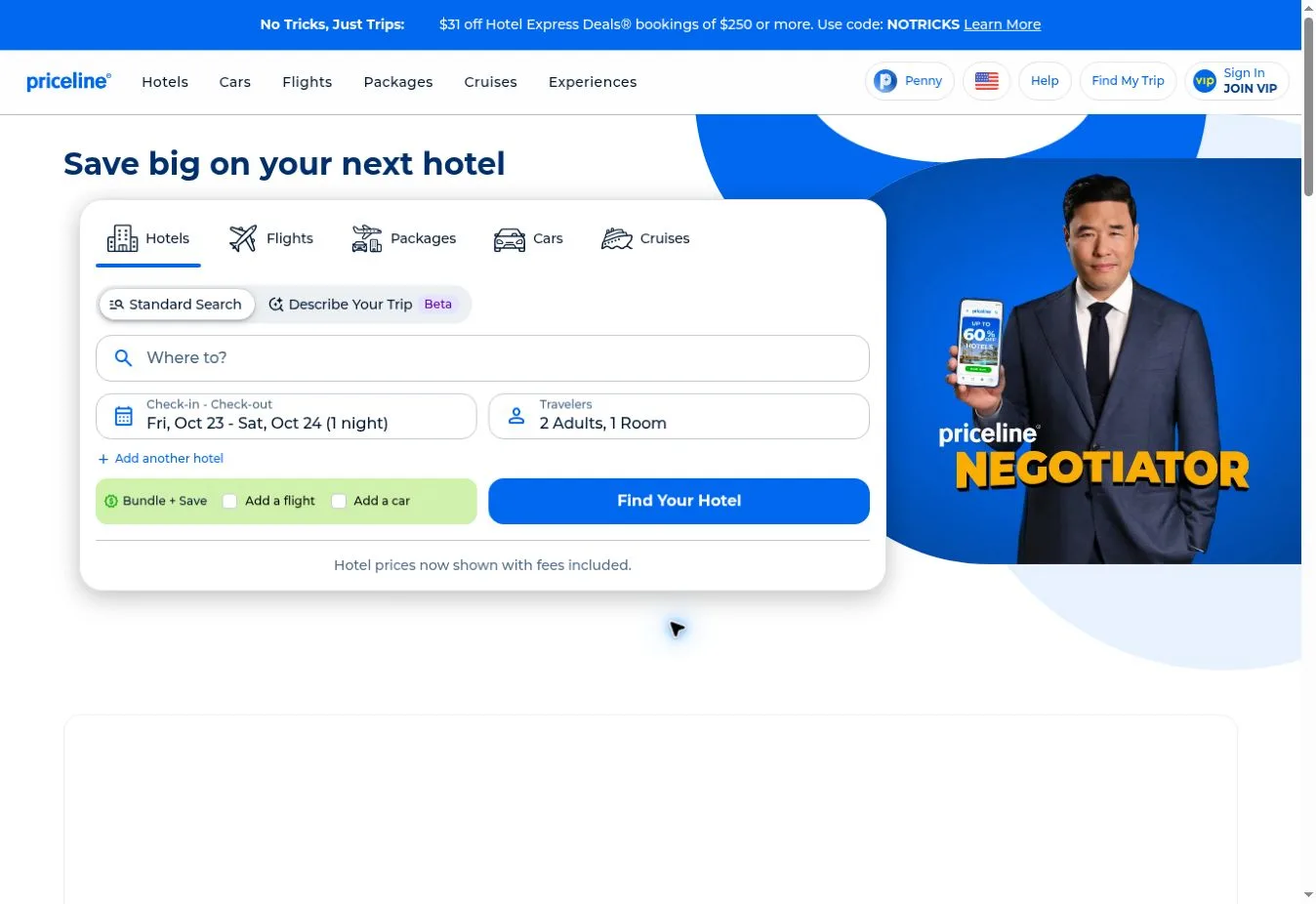
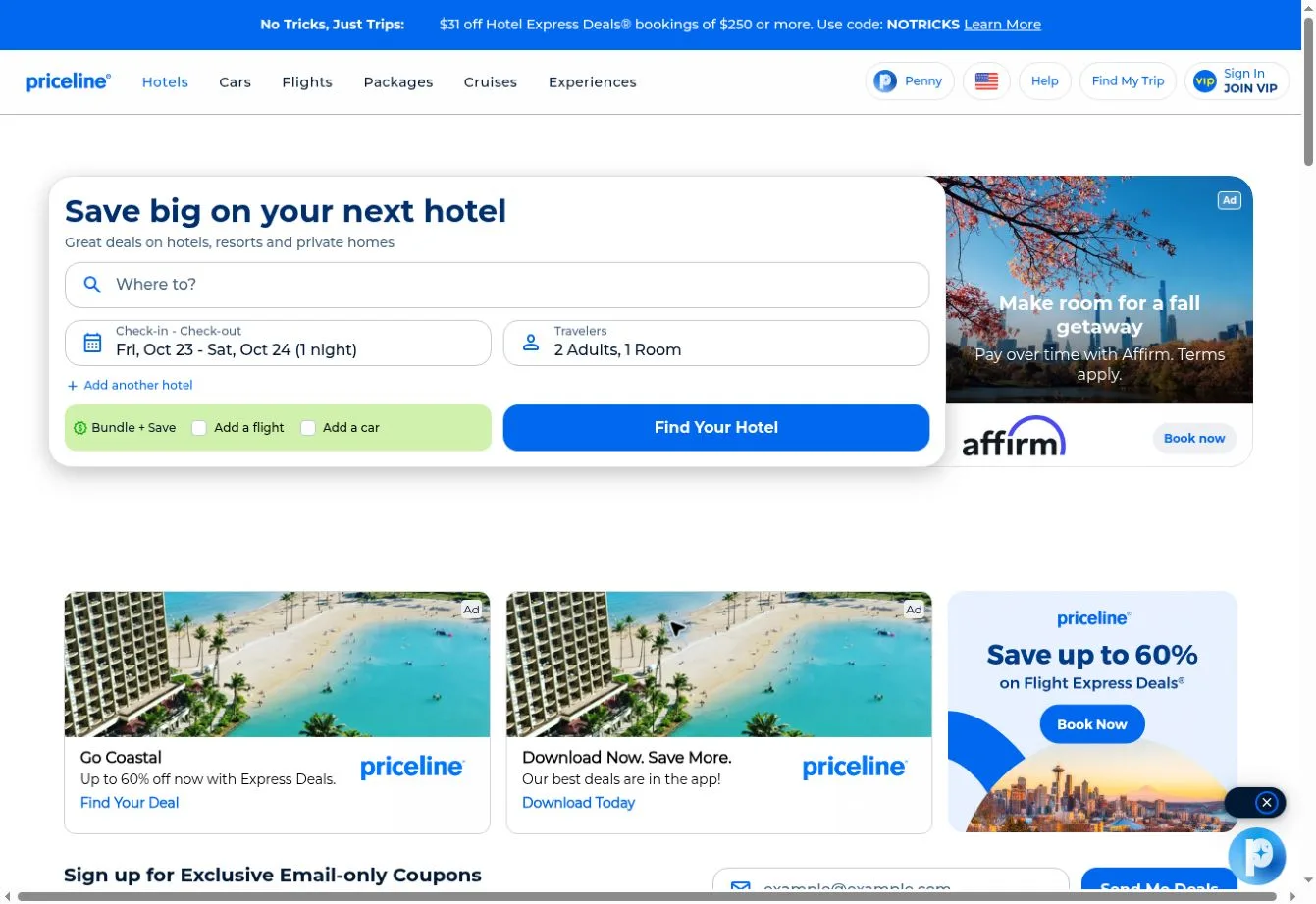
Design Overview: A hotel search panel sits beside a rounded destination photograph in the reference screenshot. Blue headings and a blue action button frame the fields against a pale background. The split layout gives more room to the form than the photograph.
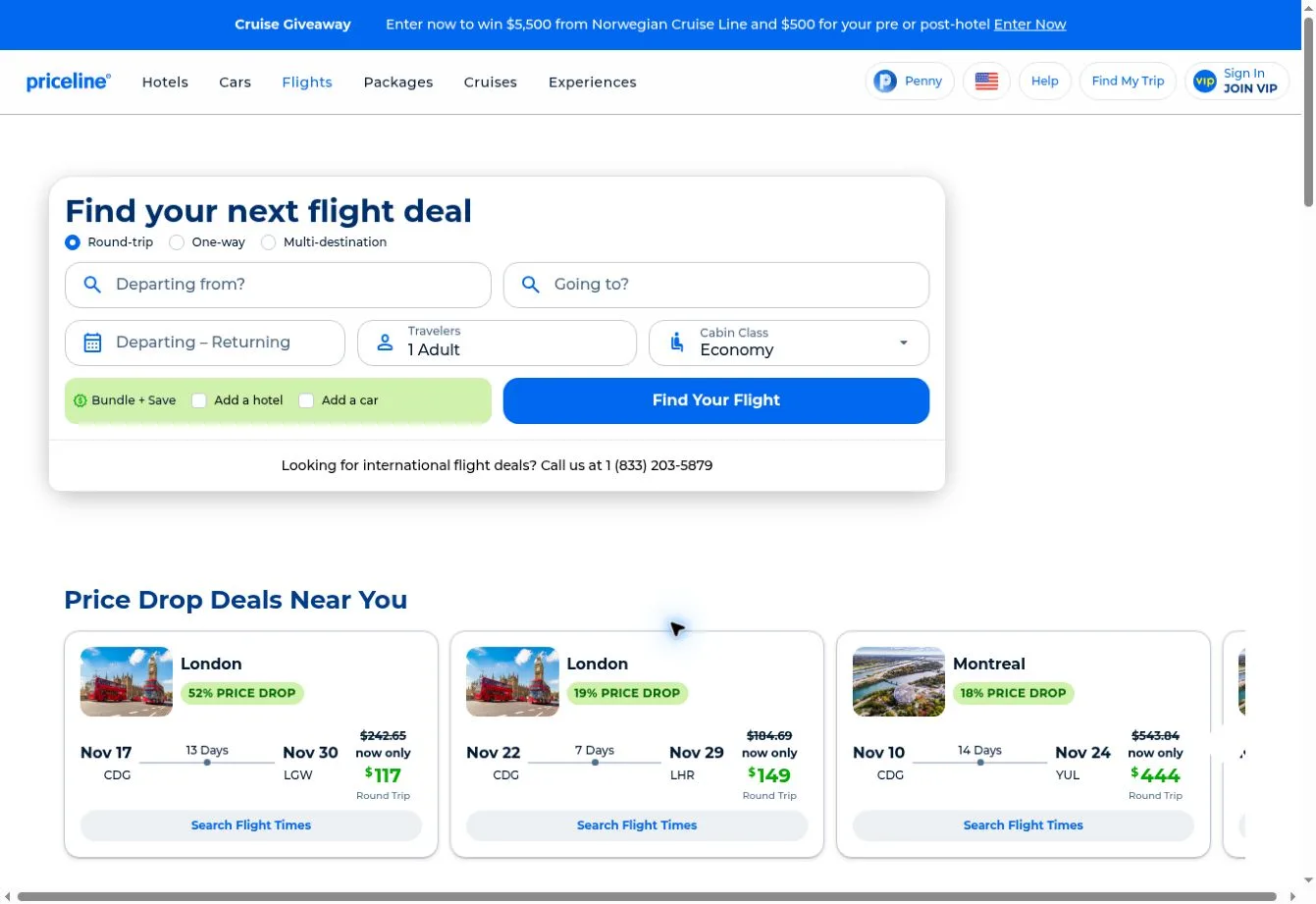
Key Design Features: The official site includes Hotels and Cars alongside Flights and Packages, plus Cruises and Experiences. Account and VIP membership routes appear with trip management and support links. Finding a hotel deal is the focus of the reference capture.
What Makes This Design Effective: The opening explains the offer while giving visitors the means to act on it. A photograph adds travel context beside the fields. But the form holds the main position, so the task remains easy to recognize.
Inspiration for Other Travel Businesses: A value-focused booking business can explain its proposition close to the search fields and use a restrained image beside them. Give membership promotions enough separation. Visitors should be able to spot the main search action straight away.
17. Trip.com
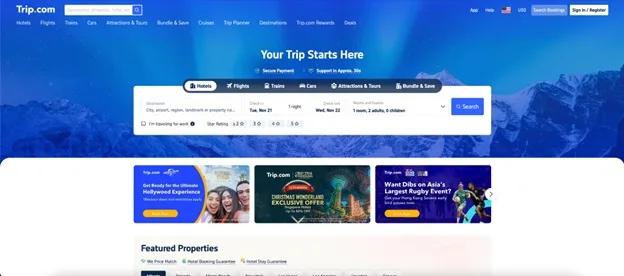
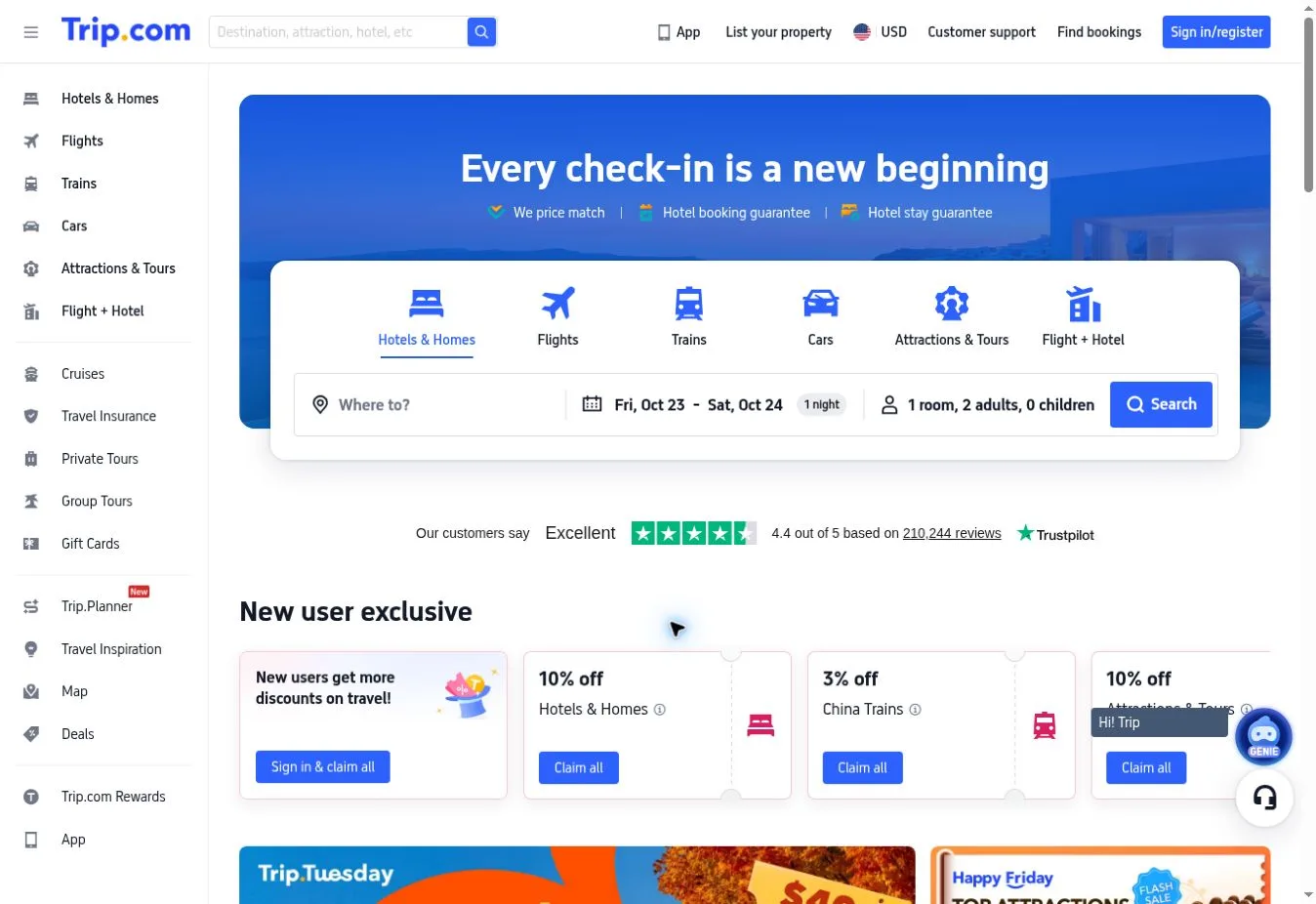
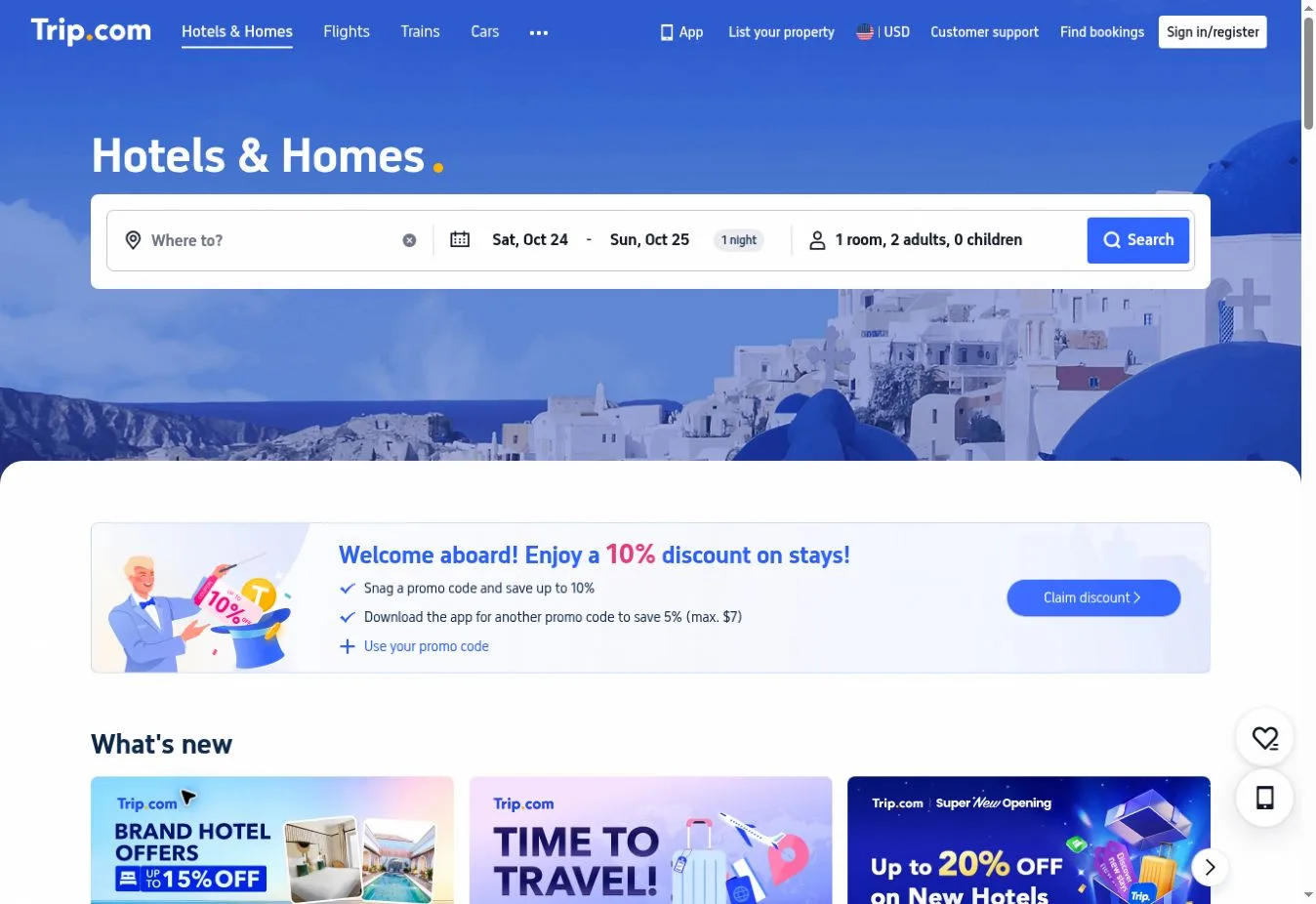
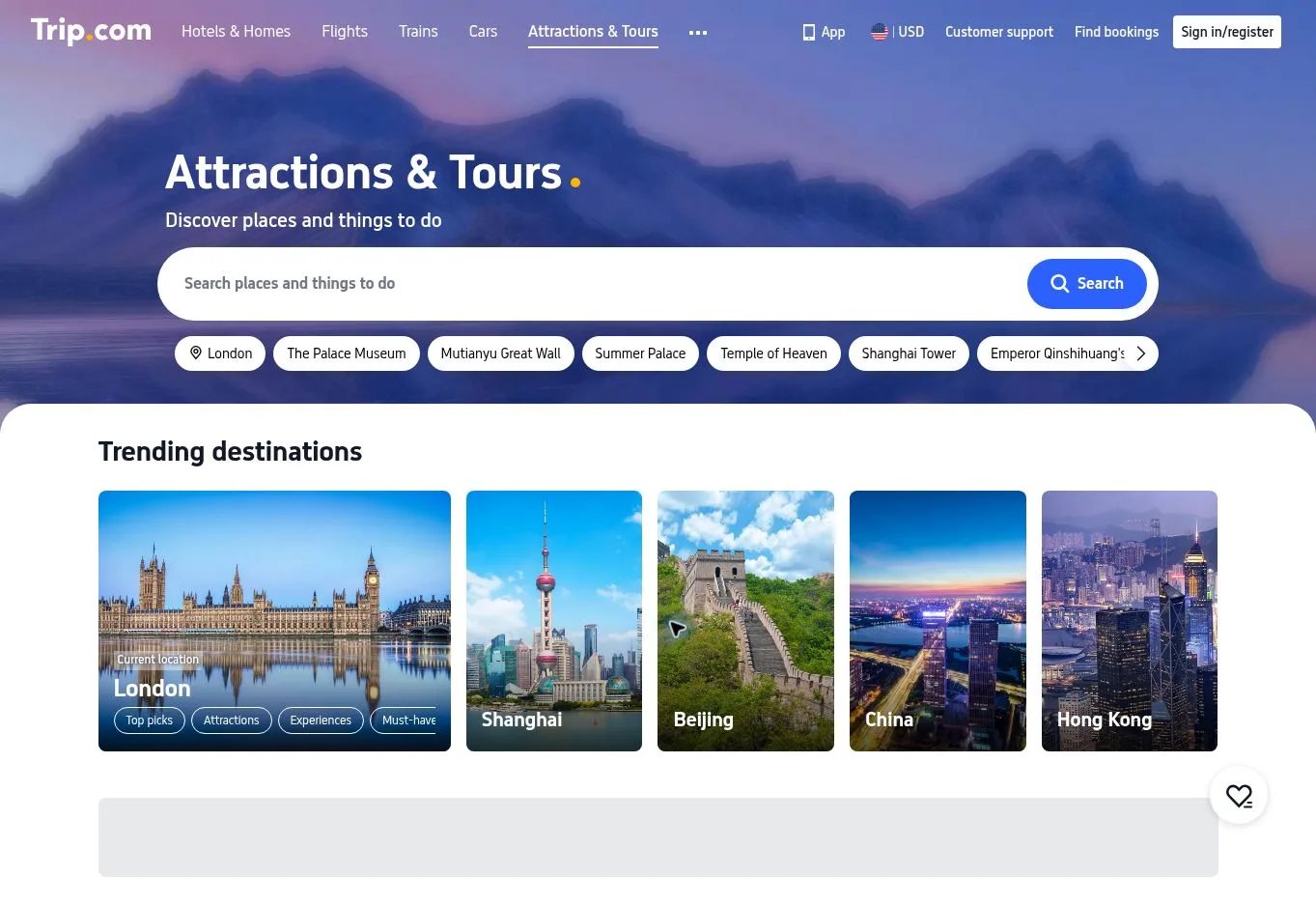
Design Overview: A saturated blue scene sits behind a centered white search panel on the reference homepage. Several travel options fit into the opening screen through a compact header and service choices. Promotional cards form another content layer below the hero.
Key Design Features: Service-based search choices appear in the reference capture. The official site also includes language and currency options, plus customer support and booking retrieval. Recommendation links cover hotels and flights. Content can differ between regional versions.
What Makes This Design Effective: The white panel is easy to distinguish from the photograph behind it. Utility links also account for people who need to retrieve an existing booking. The page doesn’t assume that every visitor has arrived to plan a new trip.
Inspiration for Other Travel Businesses: An international travel platform can give its main form strong contrast and keep account links easy to find. Support and regional settings need clear positions too. Existing customers shouldn’t have to dig through new booking promotions to get help.
18. Tripadvisor
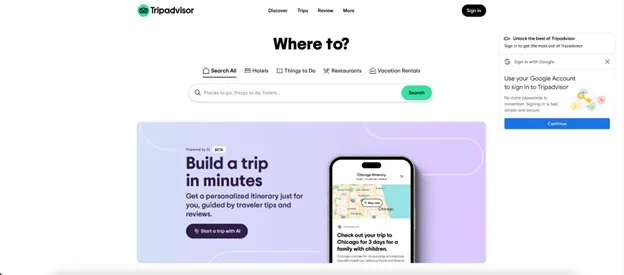
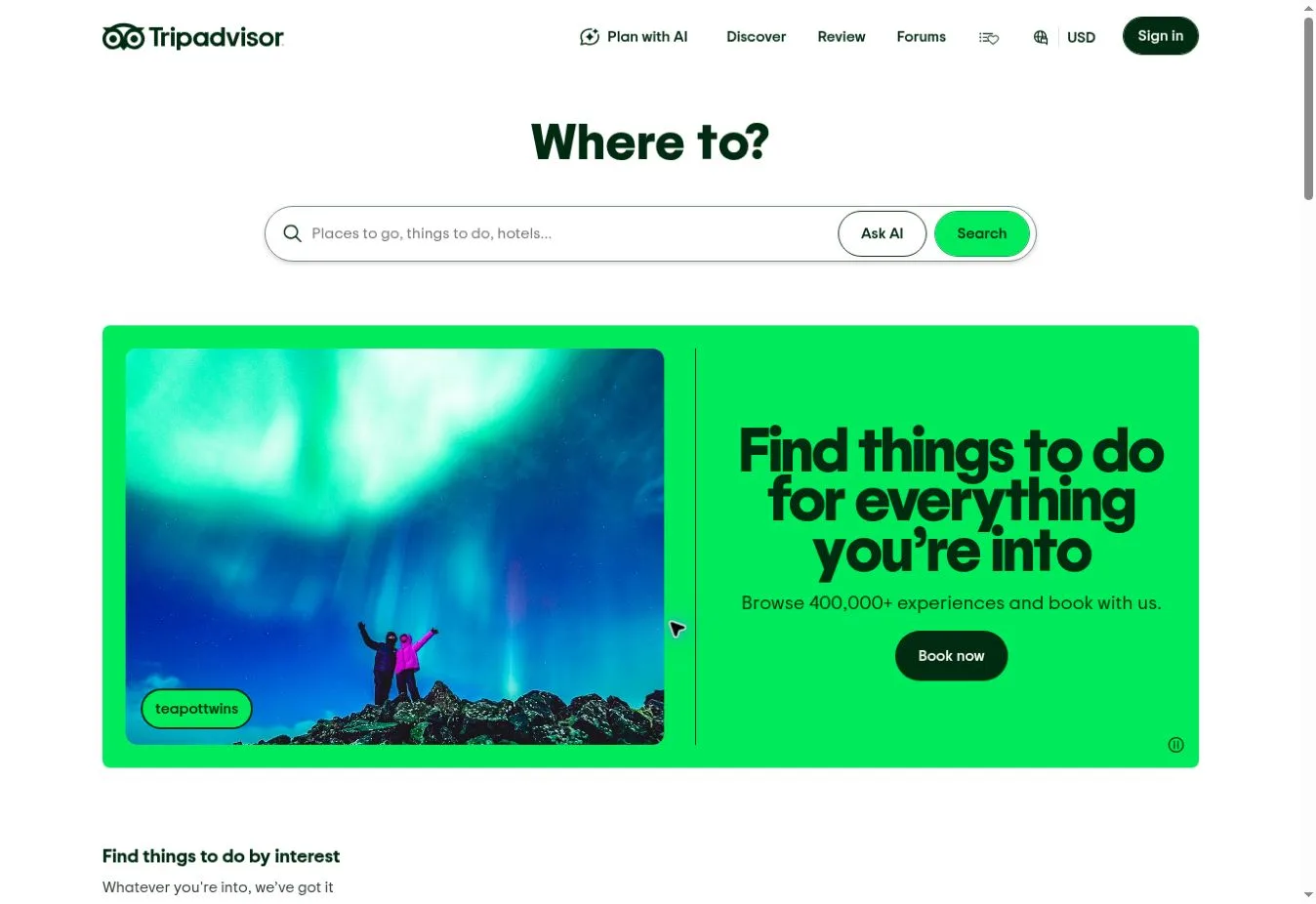
Design Overview: A large question-style heading sits above a rounded search field in the reference screenshot. There’s generous space around those controls on the mostly white page. Green accents mark search actions, with a separate promotional panel underneath.
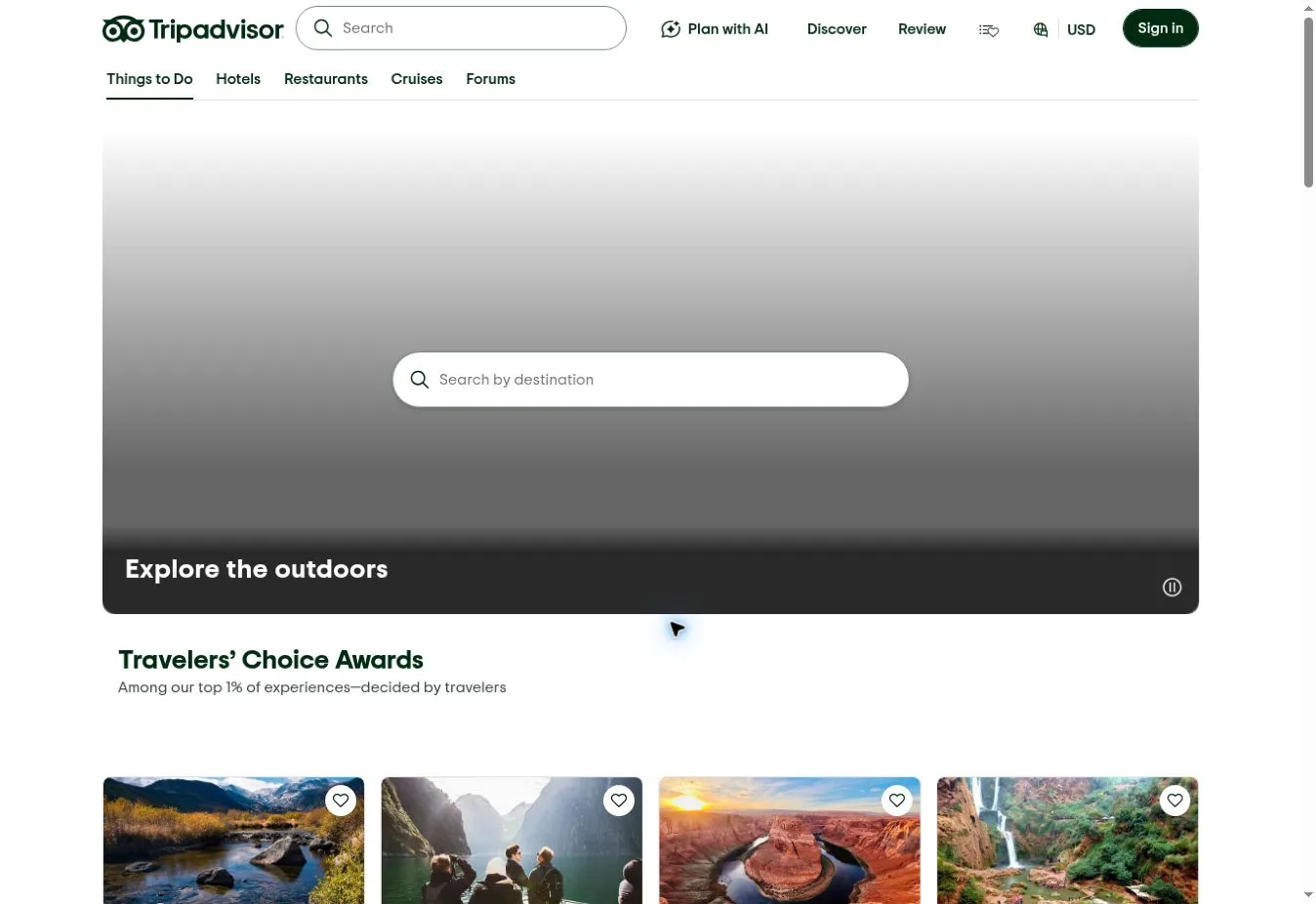
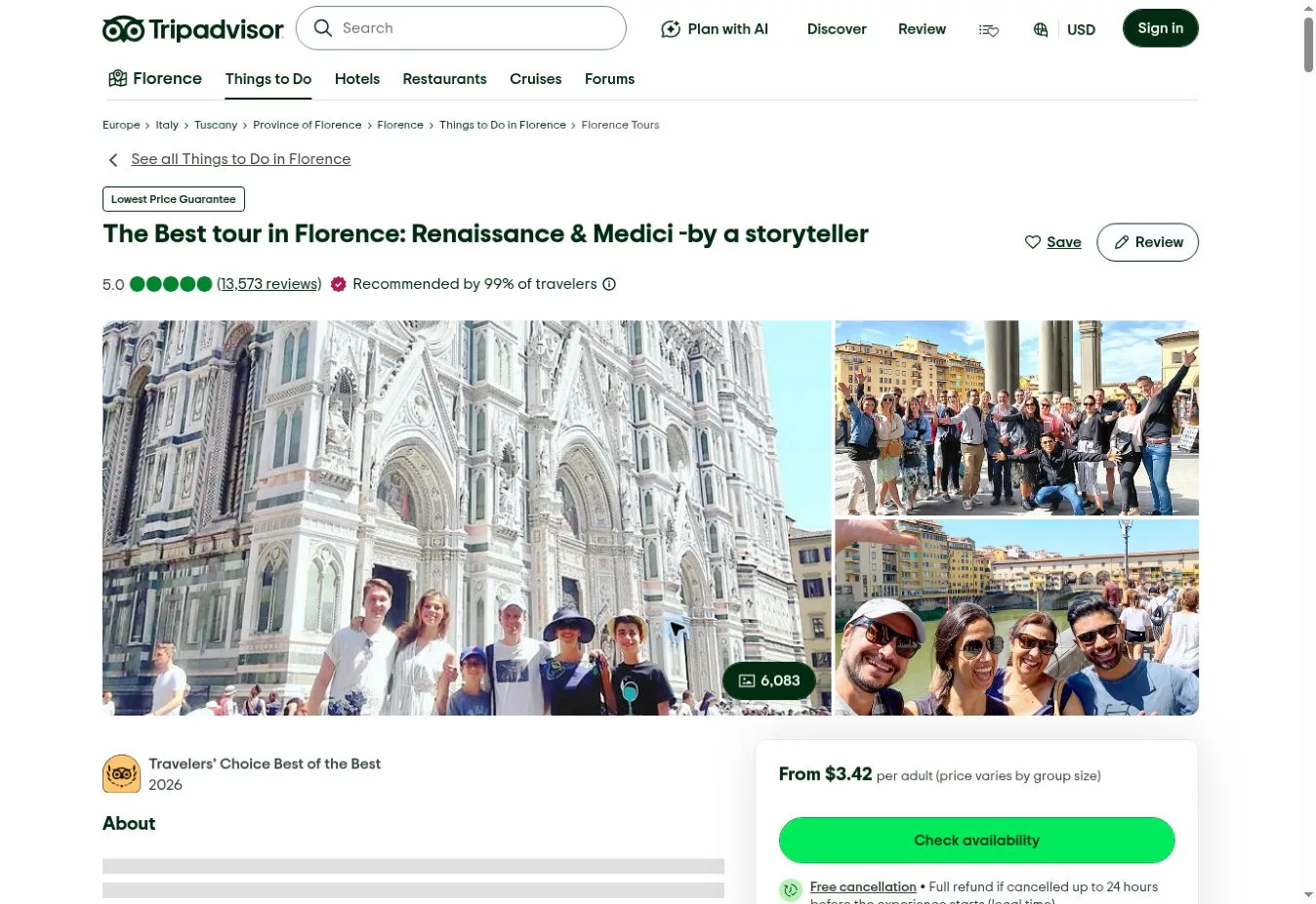
Key Design Features: The official homepage provides search categories for things to do and hotels, plus restaurants and cruises. Experience listings show ratings with review counts. Visitors can also explore interests such as outdoors and food, alongside culture.
What Makes This Design Effective: Visitors can run a specific search or browse without a firm plan. Individual experiences carry their own ratings. That gives people more to assess than a title and photograph alone when deciding what to explore.
Inspiration for Other Travel Businesses: A tourism directory can pair category search with review information that helps people judge their options. Show the rating scale and review count clearly. Give promotional content a separate visual space from the controls used to explore places.
19. Trivago
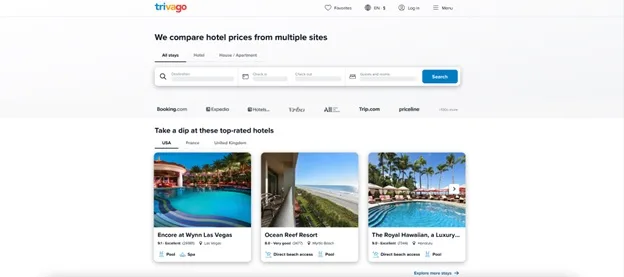
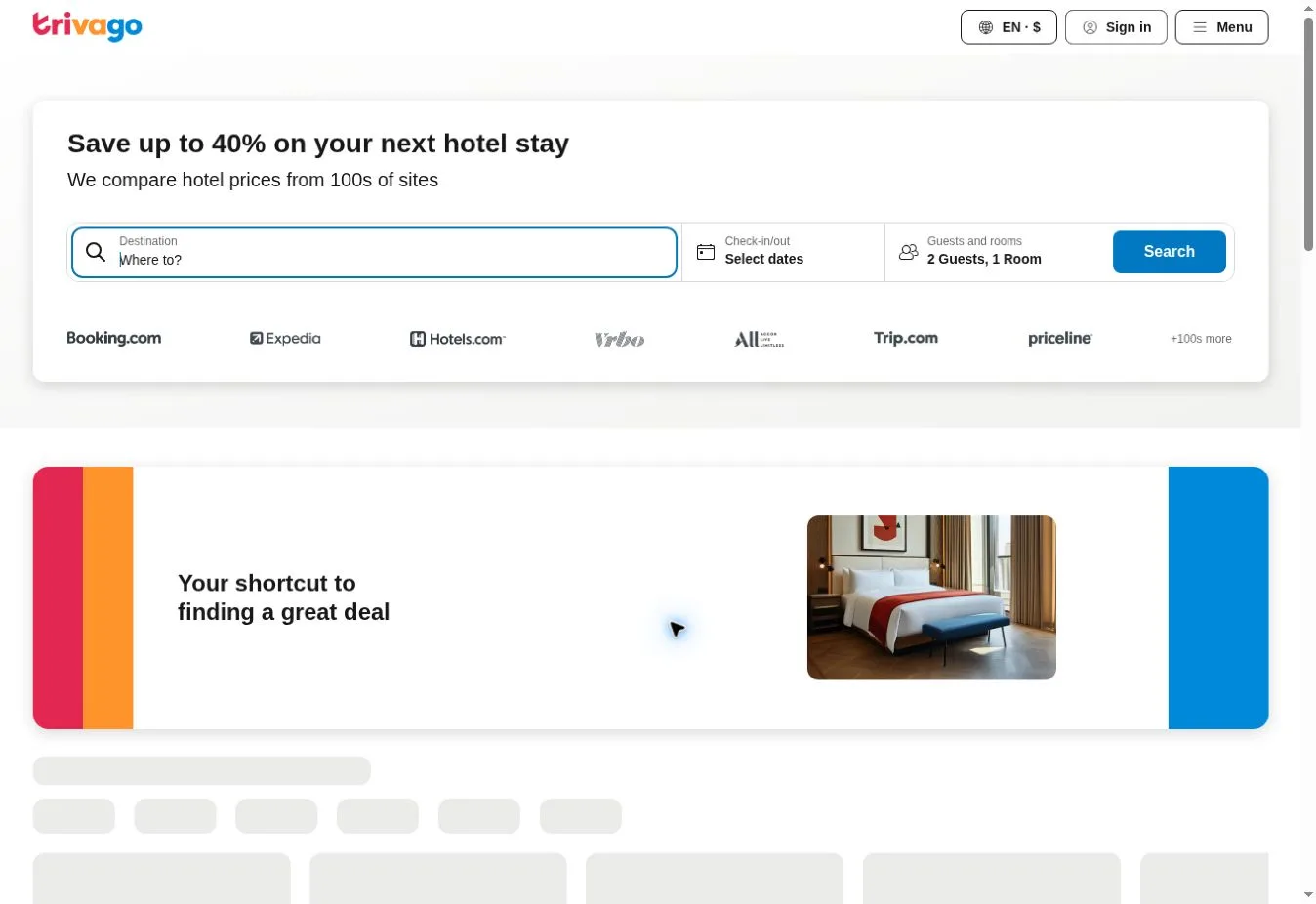
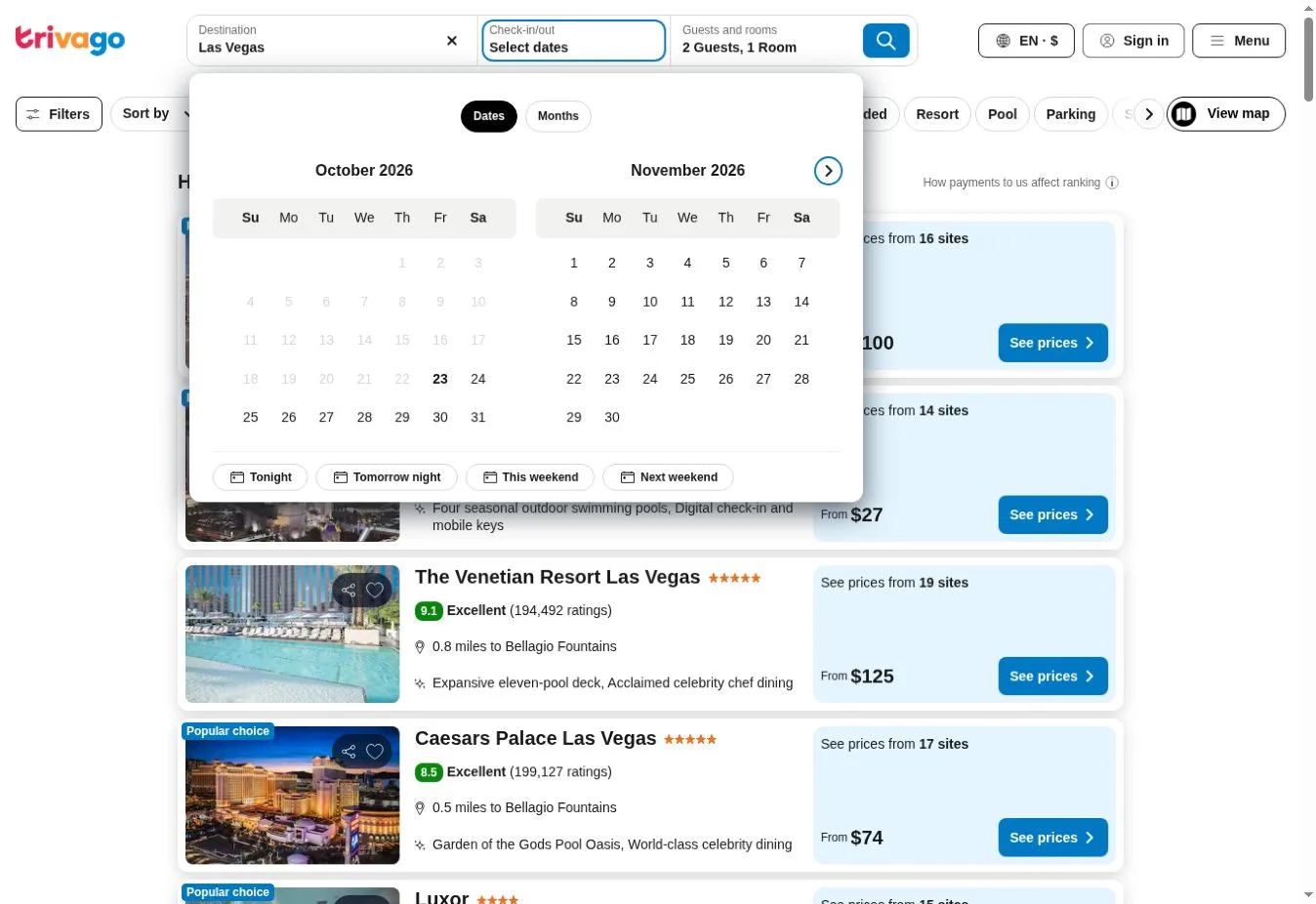
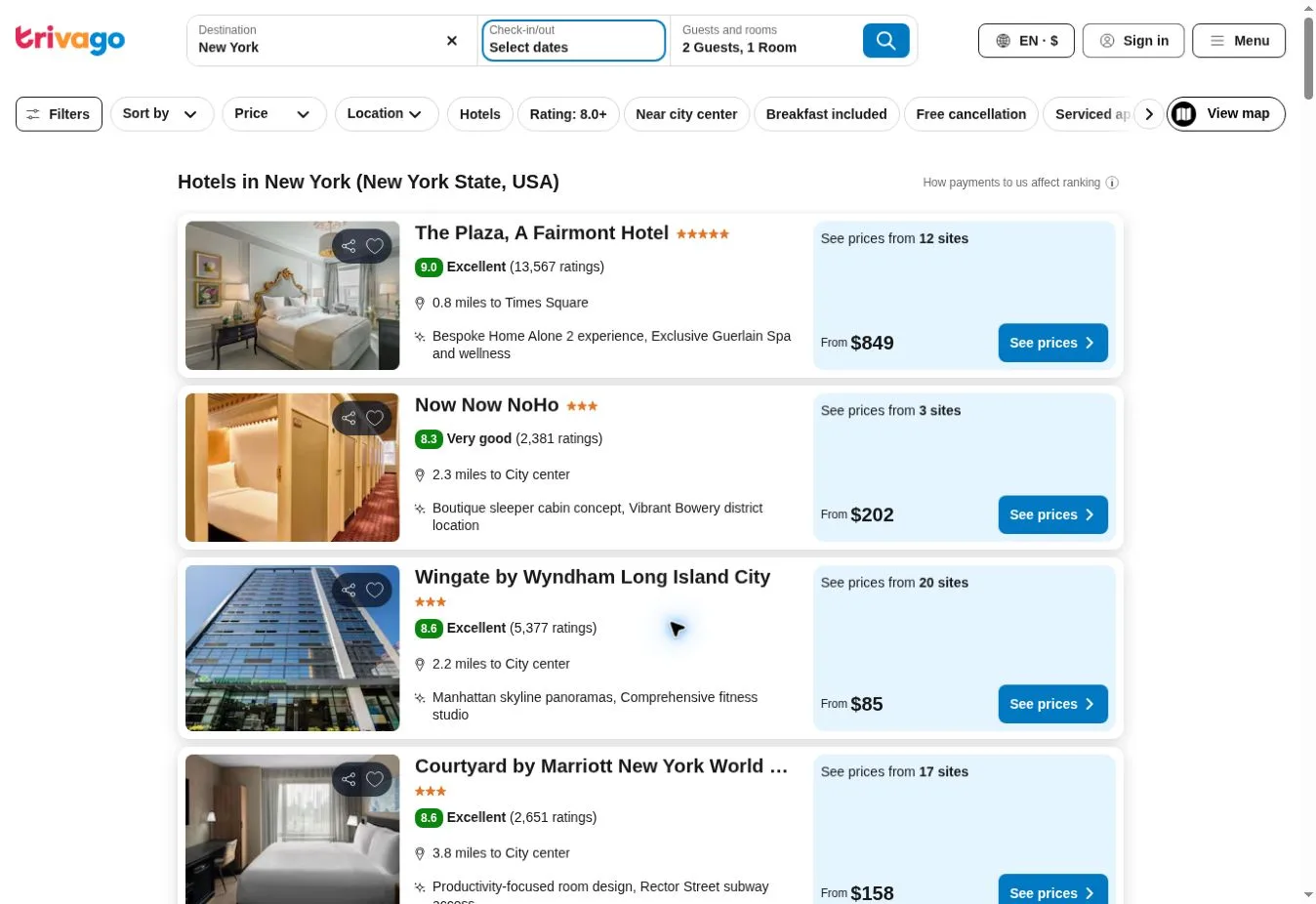
Design Overview: Hotel search takes the top position in the reference design on a mostly white page. Small branding and restrained blue controls keep the opening compact. Accommodation cards sit below it, so there’s no large photographic hero competing with the form.
Key Design Features: The official homepage asks for a destination, hotel or landmark, followed by dates and guest information. Partner logos sit with an explanation of price comparison. Popular destination links give visitors somewhere to start if they need ideas.
What Makes This Design Effective: The page explains its role as a comparison service early. Before visitors enter details about a stay, they can understand what the tool is for. That gives the form a clear purpose.
Inspiration for Other Travel Businesses: A travel comparison service should say what it compares and make search the obvious first task. Keep comparison results distinct from booking-provider details. Visitors need to understand where the next action will take them before they follow it.
20. Rome2Rio
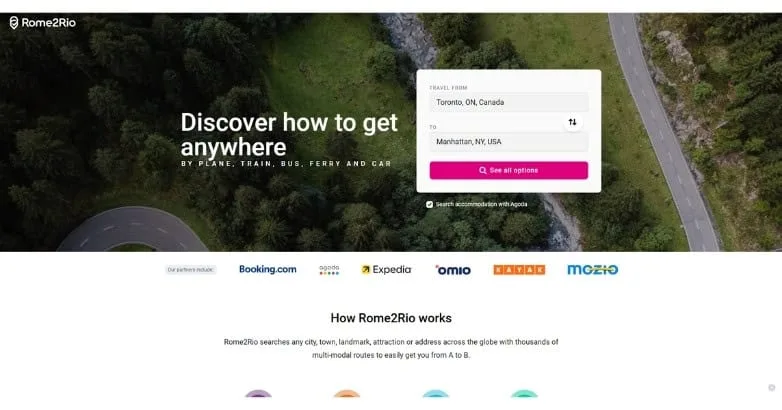
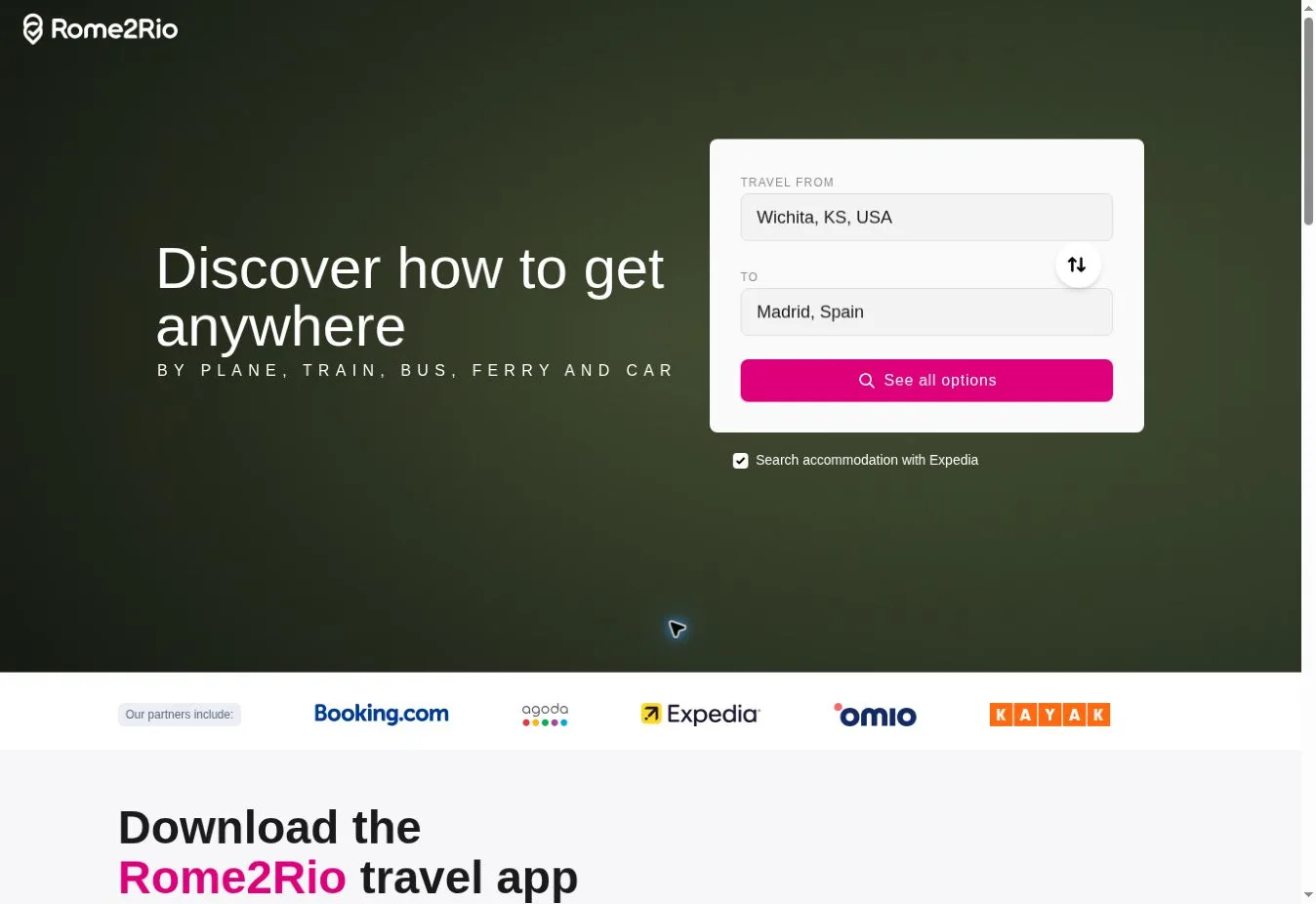
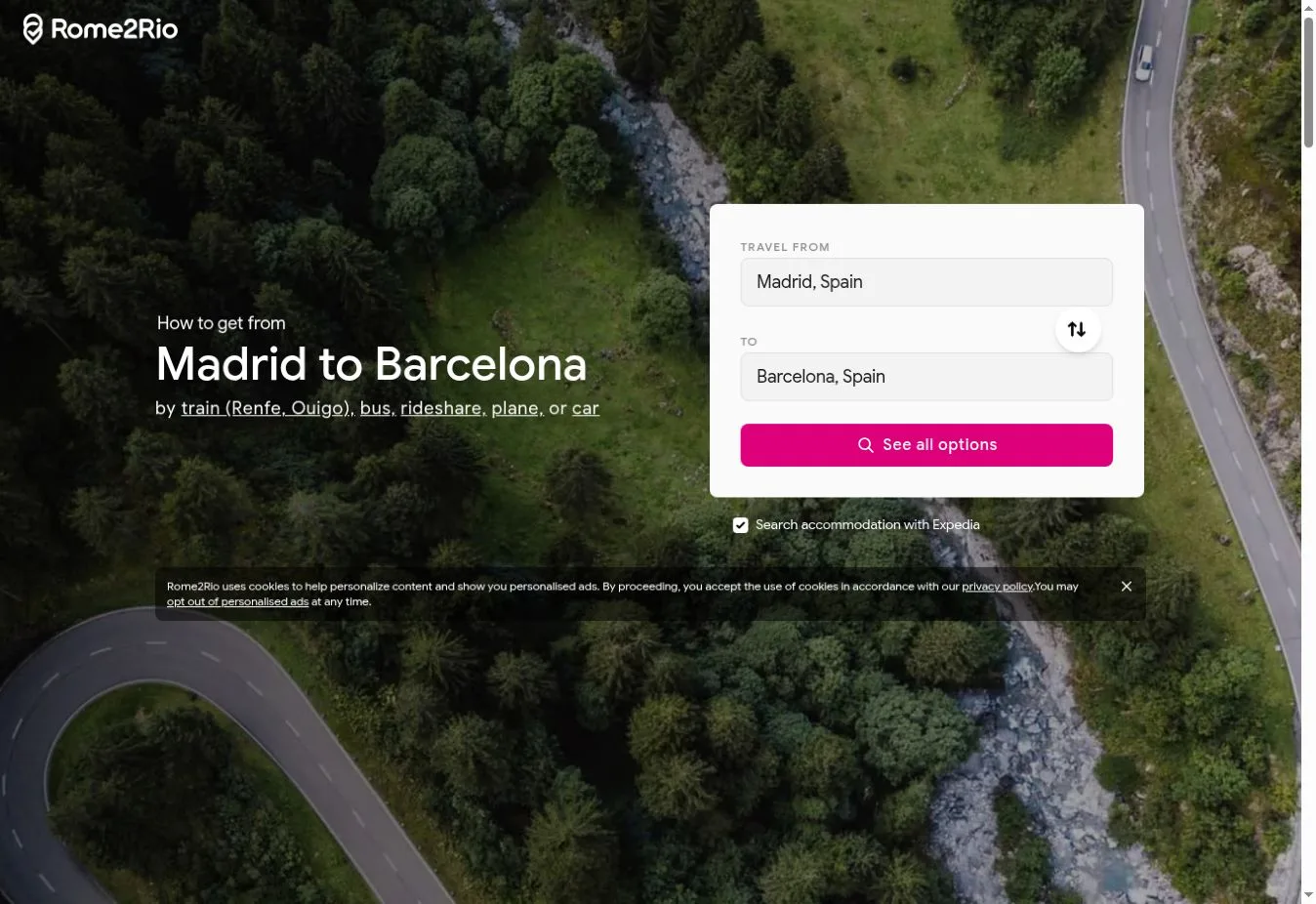
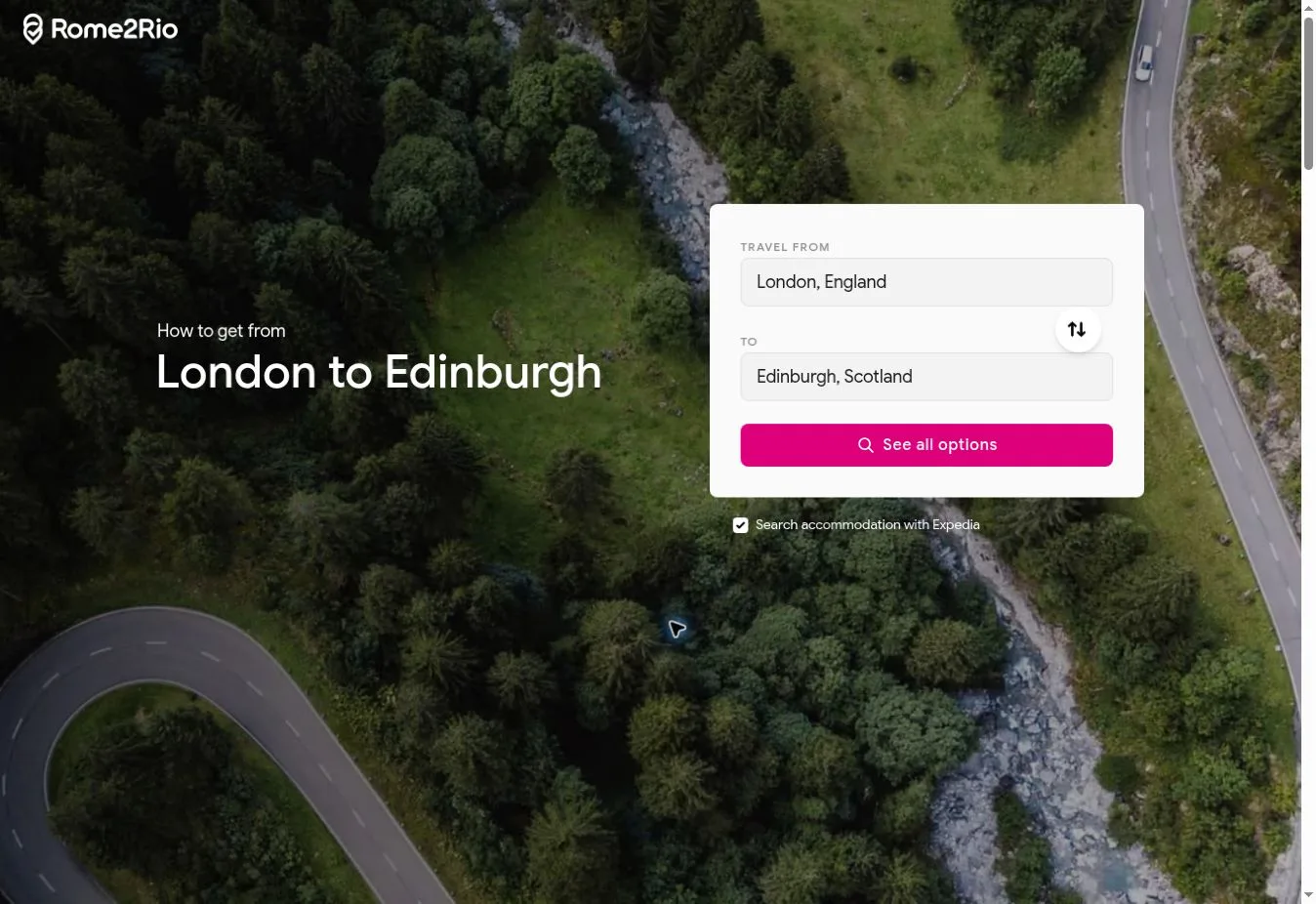
Design Overview: A compact route form sits beside a short white headline over an aerial scene in the reference screenshot. The vivid pink action button stands apart from the white fields. Partner names appear below, followed by a section explaining the service.
Key Design Features: Getting from one place to another is the official homepage’s main task, with an option to add a stop. Coverage includes planes and trains, buses and ferries, plus cars. Featured routes and travel articles provide other ways to browse.
What Makes This Design Effective: The opening question matches the visitor’s route problem. People can begin with the places they need to travel between. They don’t have to choose a transport mode before starting to work out their options.
Inspiration for Other Travel Businesses: A transfer or transport planning business can make departure and arrival points the focus of its first screen. Explain the available transport modes if there’s more than one. Visitors need that context before getting into detailed route information.
21. Viator
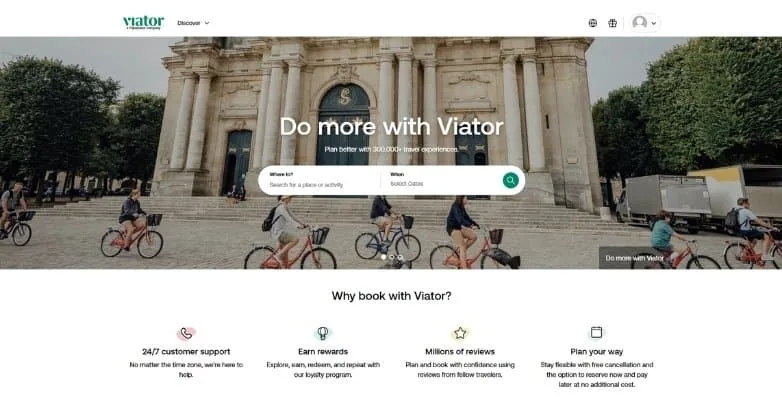
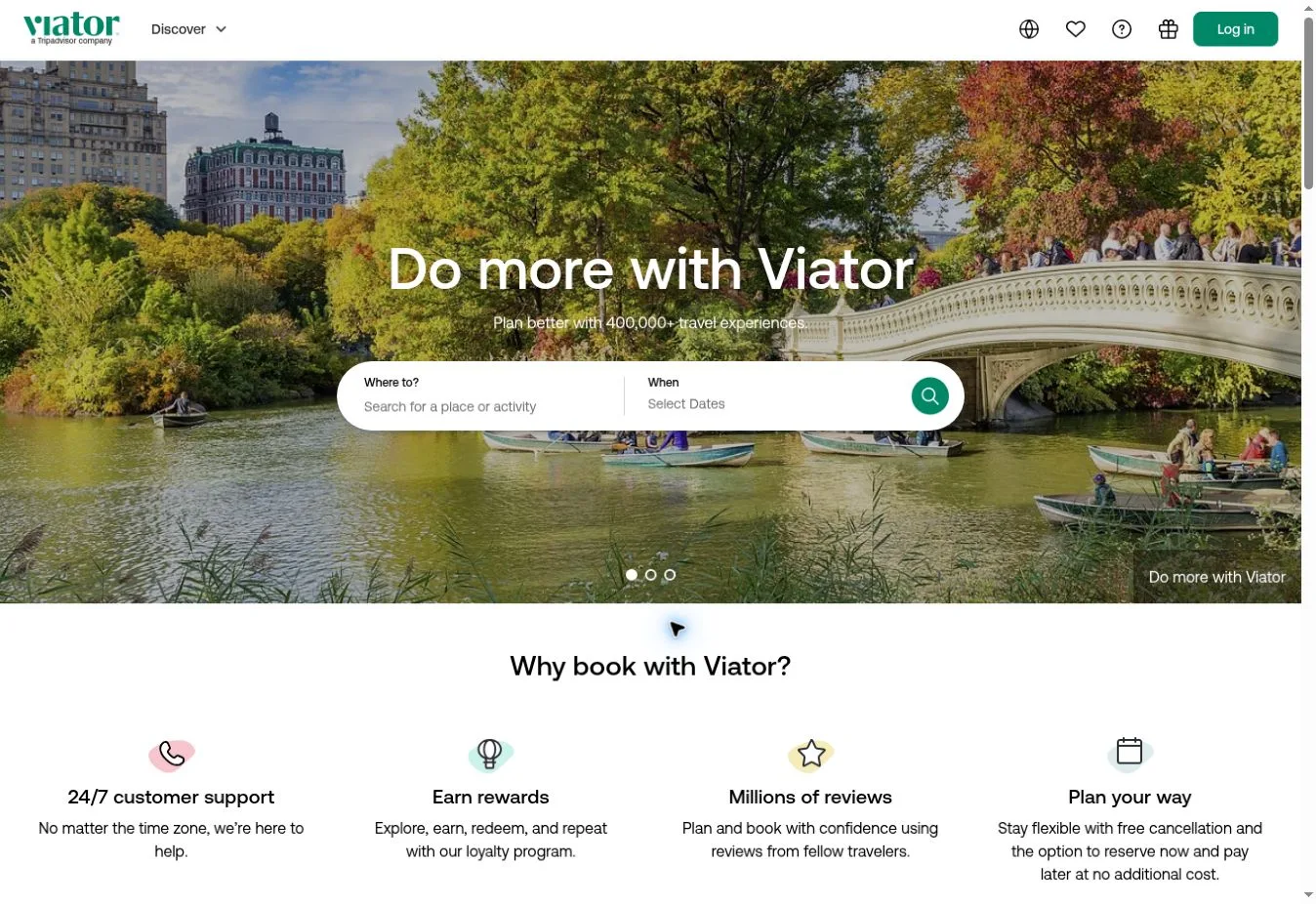
Design Overview: A broad city scene fills the reference homepage’s hero behind a centered headline and rounded white search form. Green accents run through a mainly white interface. A row of brief benefit statements follows directly beneath the opening.
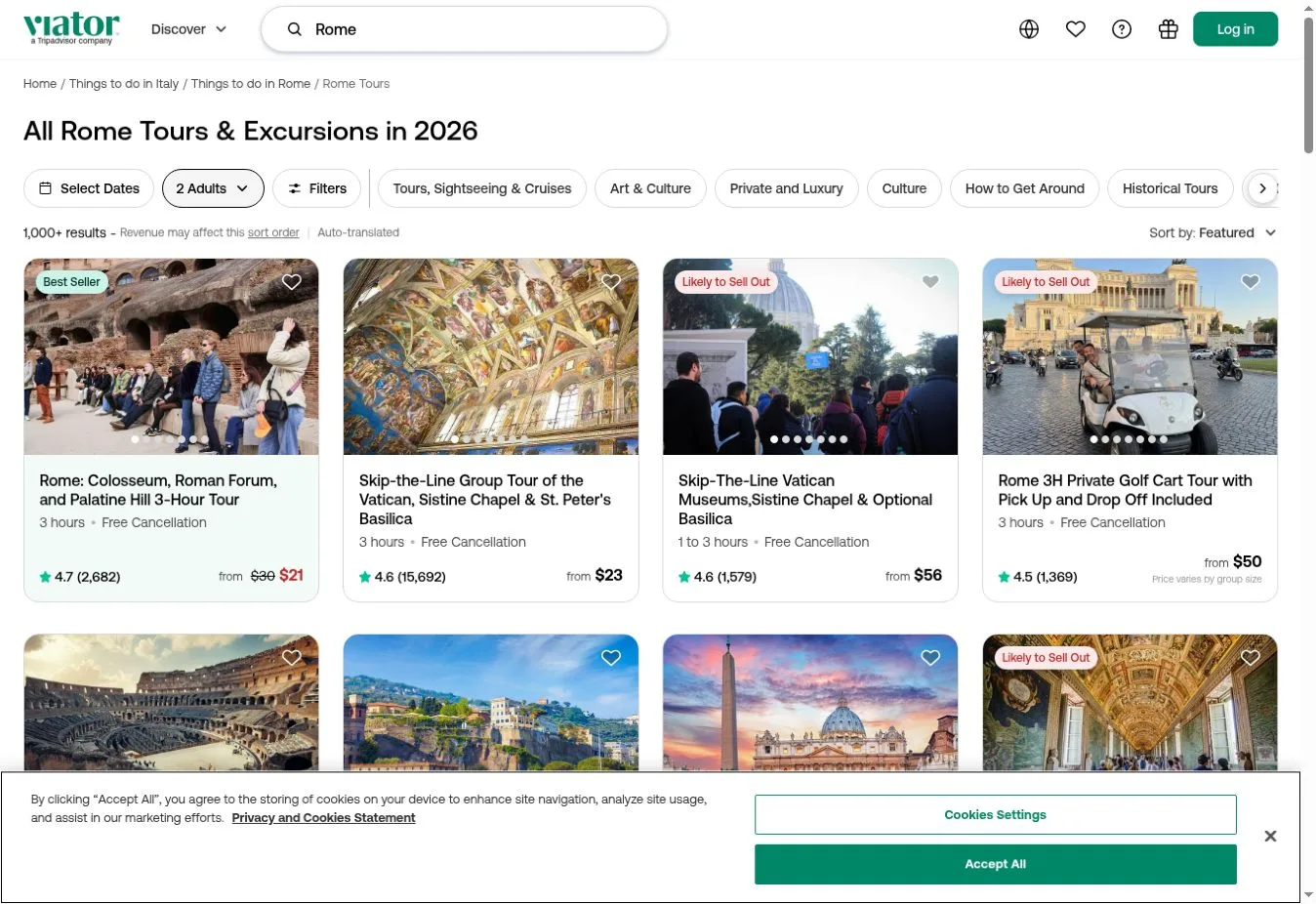
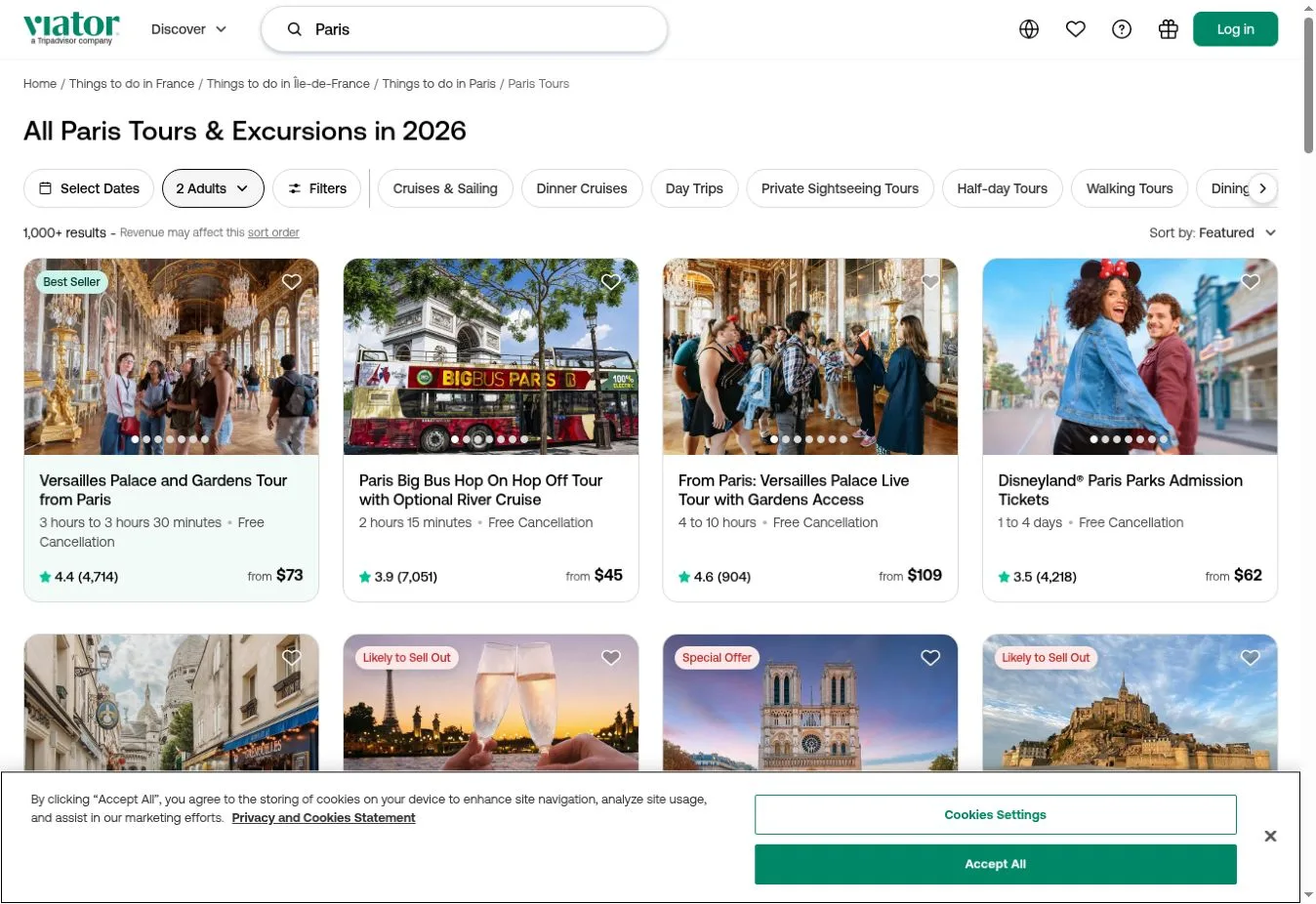
Key Design Features: Destination and tour category organize activities on the official site. The homepage also includes reasons to book, with destination browsing and tour links. In the reference image, activity search appears before these supporting sections.
What Makes This Design Effective: Visitors get a direct way to find experiences where they plan to travel. Explanations about the service come next. They address practical questions without moving the search farther down the page.
Inspiration for Other Travel Businesses: An activity marketplace can place destination search near concise practical information on the first screen. Categories should match what customers look for. Walking tours and food activities, for example, give people recognizable ways to narrow their choices.
22. GetYourGuide
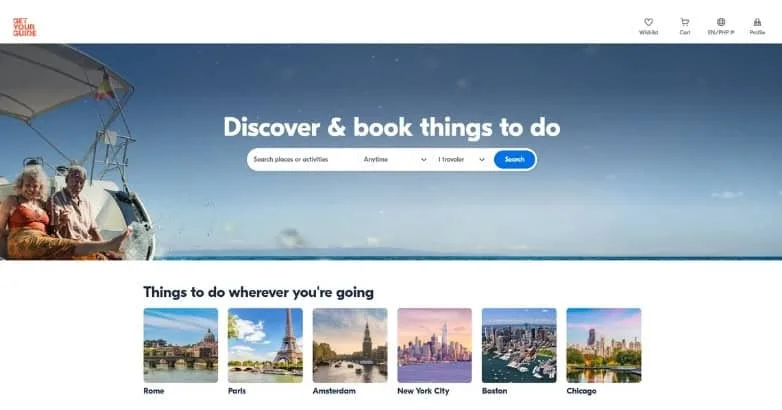
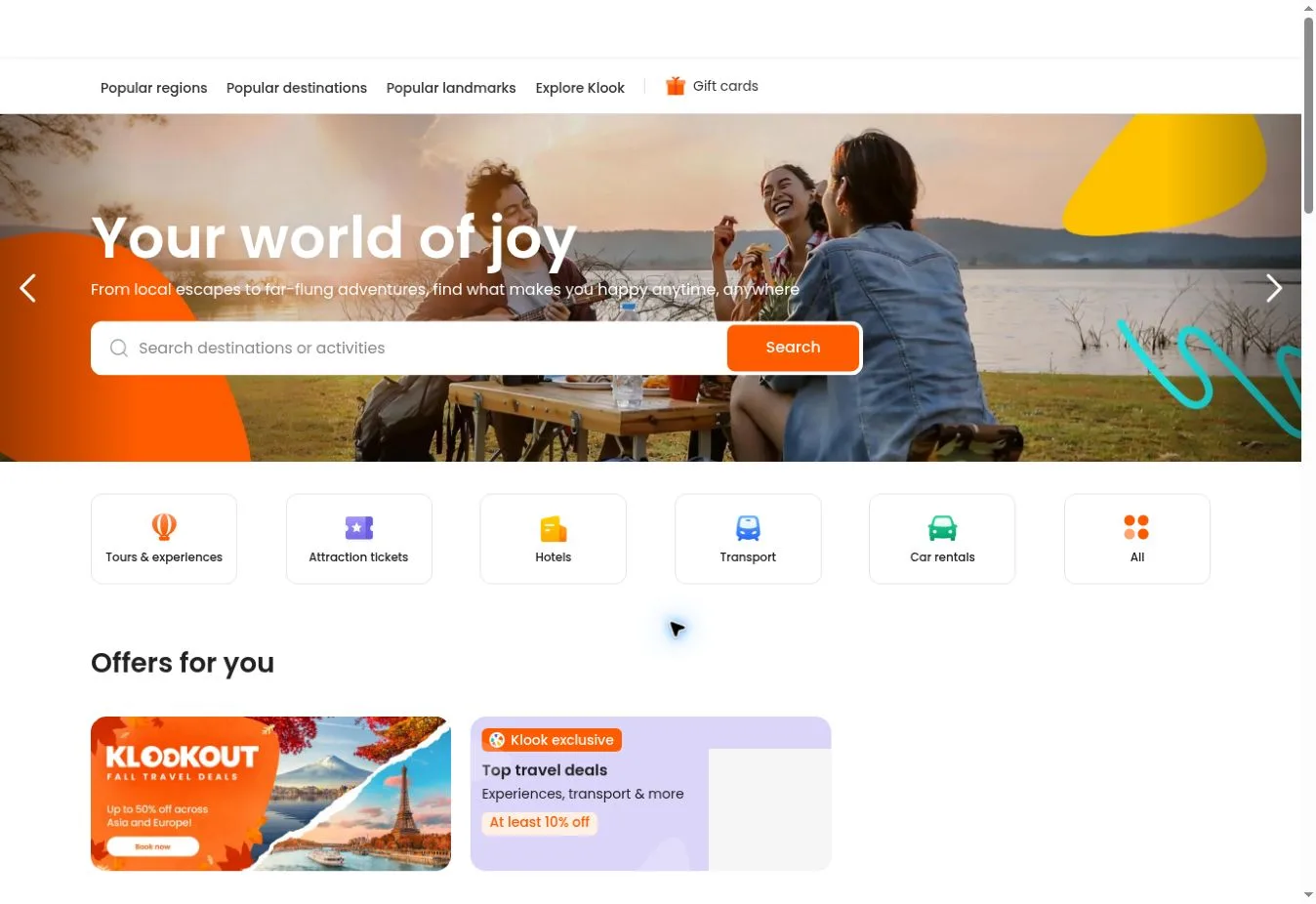
Design Overview: Bold white text sits over a wide travel photograph in the reference design, paired with a slim search field. The white header leaves plenty of space in the hero. Destination cards below introduce recognizable places visitors can browse.
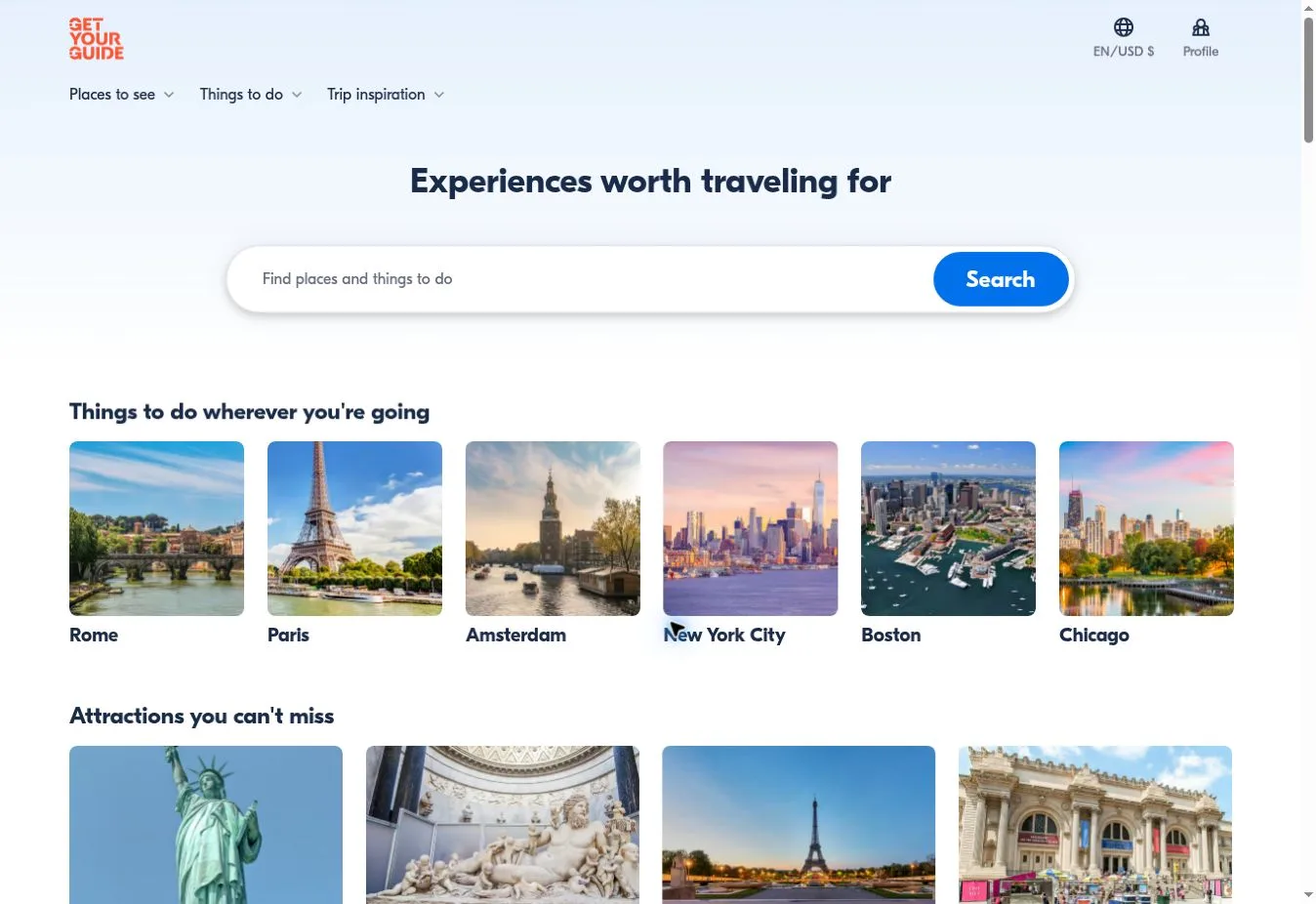
Key Design Features: Places to see and things to do have separate routes on the official site, alongside trip inspiration. Attraction and city links lead into experience content. The reference capture places destination discovery directly after the main search area.
What Makes This Design Effective: People with a destination in mind can search straight away. Those still deciding can scan the destination images. Both have a useful starting point, with no long introductory explanation standing between them and the content.
Inspiration for Other Travel Businesses: A tours website can put a short search form above a selection of destinations. Label every photograph accurately. The cards should tell visitors where they can go next, as well as giving the page something attractive to show.
23. Klook
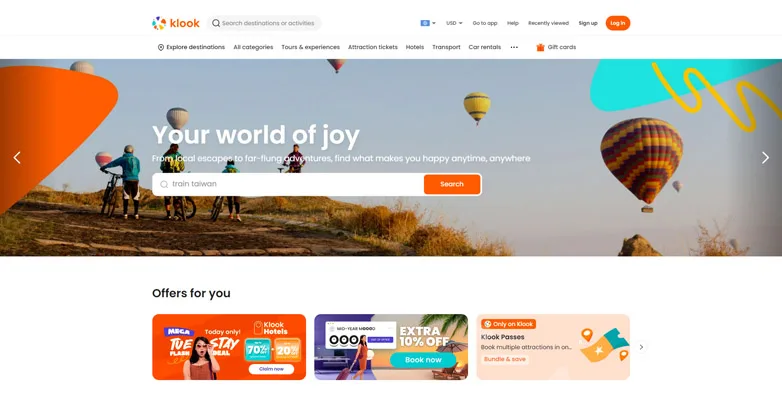
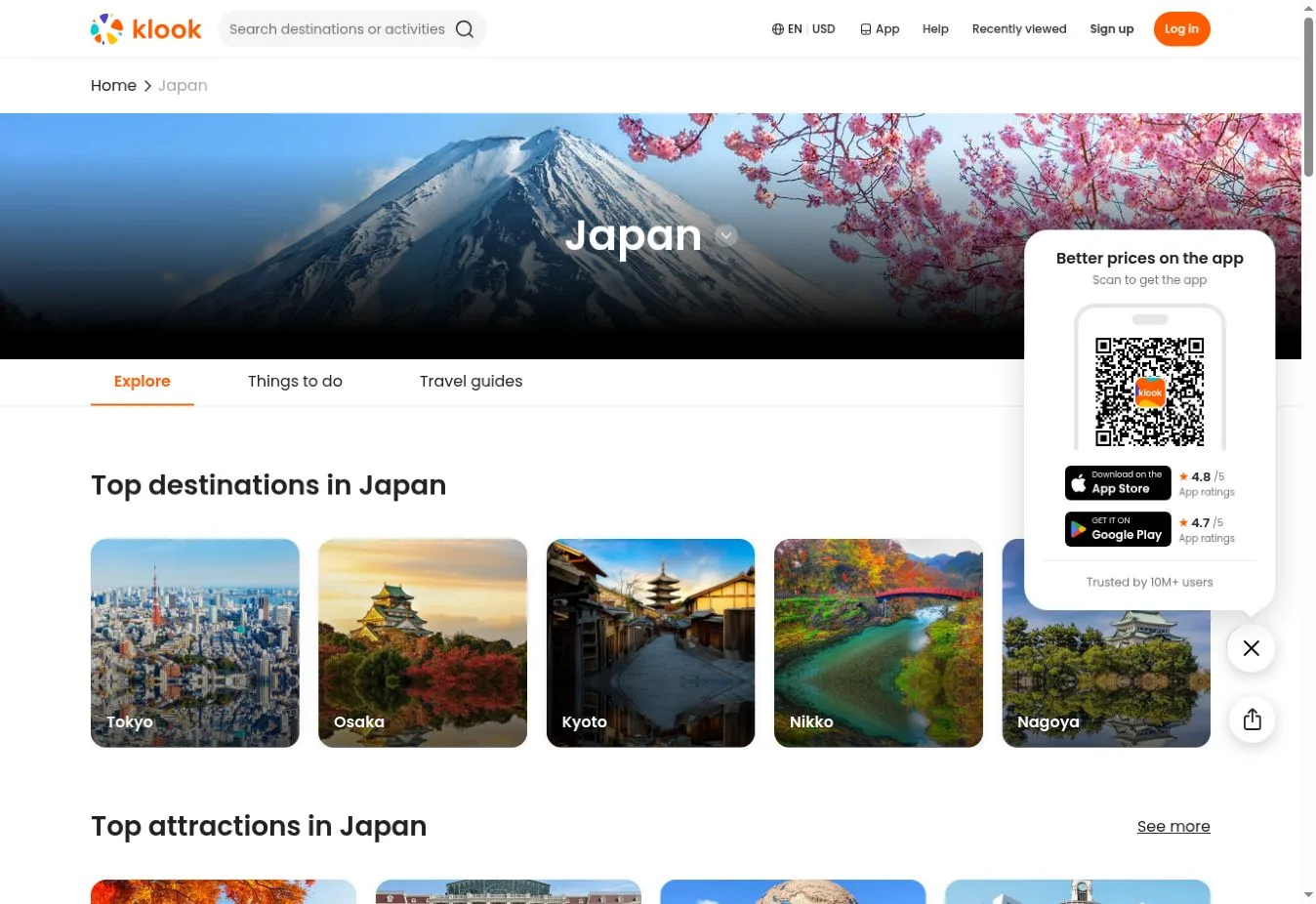
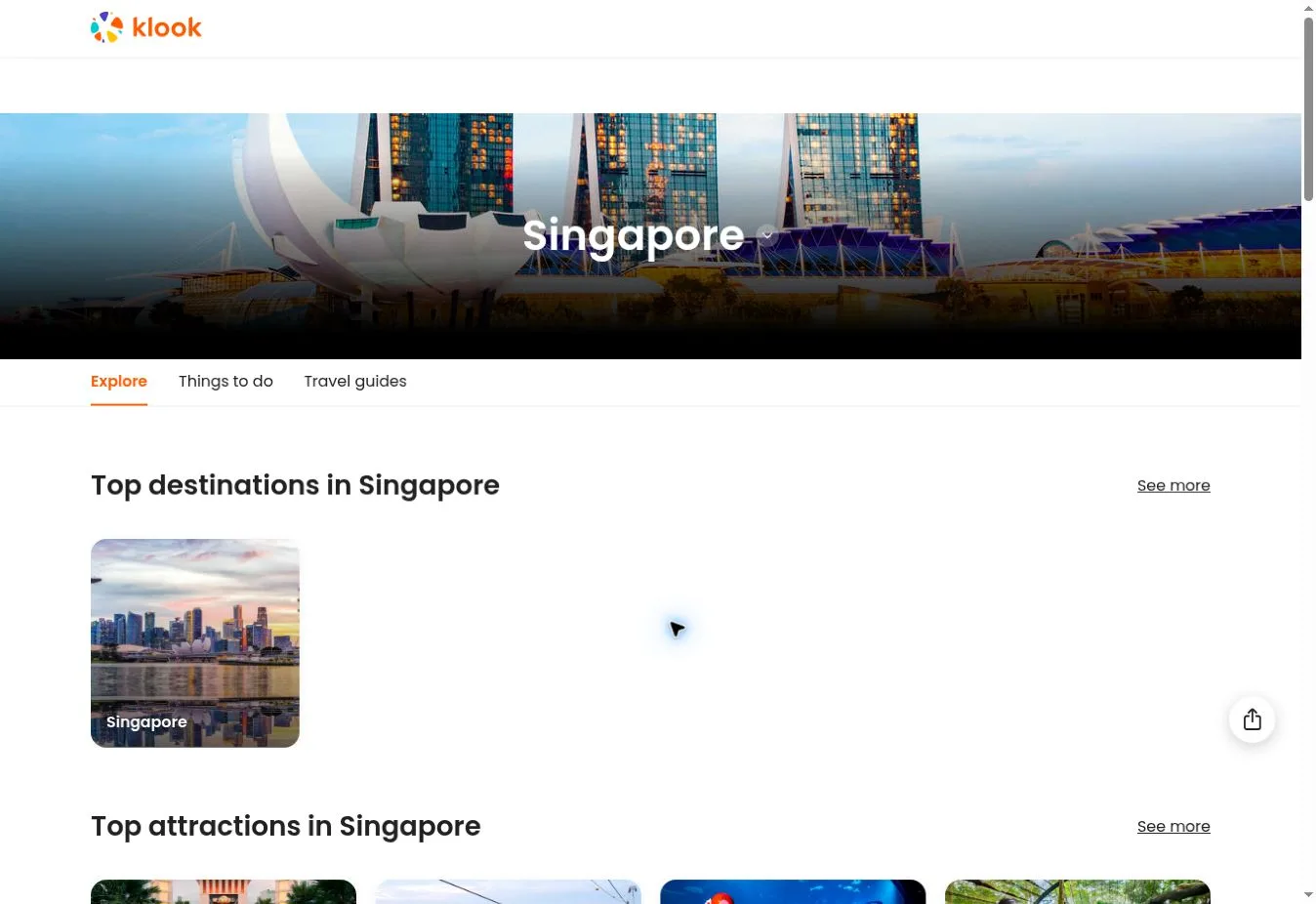
Design Overview: Hot air balloon photography sits behind a white search form in the reference screenshot. Orange branding matches the action button and appears across the offer cards. Curved graphic shapes bring some energy to the edges of the hero.
Key Design Features: Popular regions and destinations organize content on the official site, with attractions offering another route. Links cover activities and accommodation as well as transport. Offer panels sit directly beneath the main search area in the reference layout.
What Makes This Design Effective: Repeated orange accents help visitors recognize the main controls on a busy page. Regional links give them one way to narrow their choices. Attraction links provide another way into a broad selection of travel products.
Inspiration for Other Travel Businesses: A leisure booking business can use a consistent accent color for its important actions. Organize offers into categories visitors can use. Keep promotional artwork clear of form fields and text labels so those parts stay easy to read.
24. Context Travel
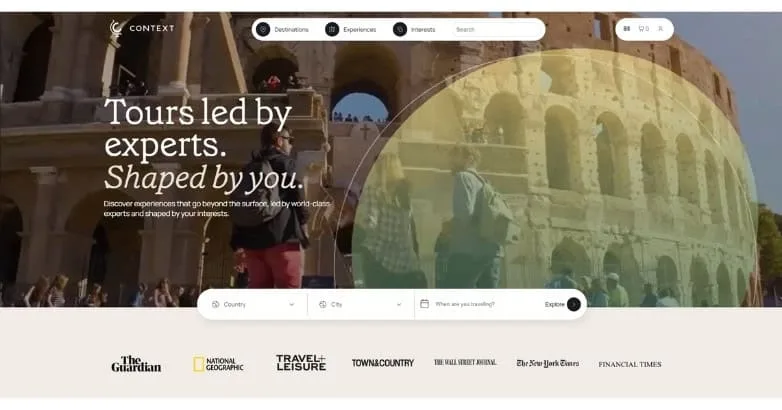
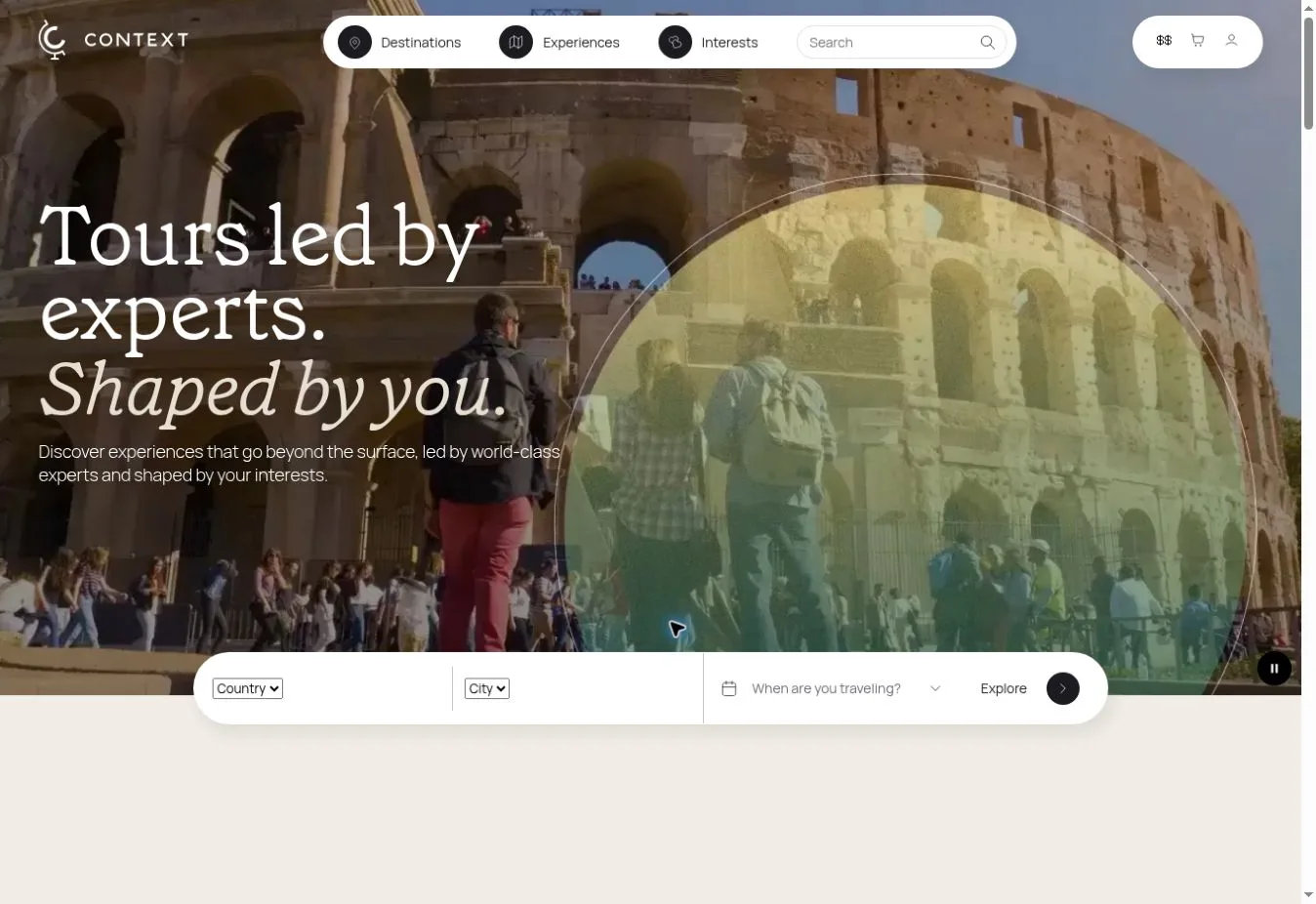
Design Overview: Architectural photography and overlapping visual panels sit behind a large serif headline on the reference homepage. A pale rounded search strip appears near the bottom of the hero. Publication logos sit below, apart from the main search controls.
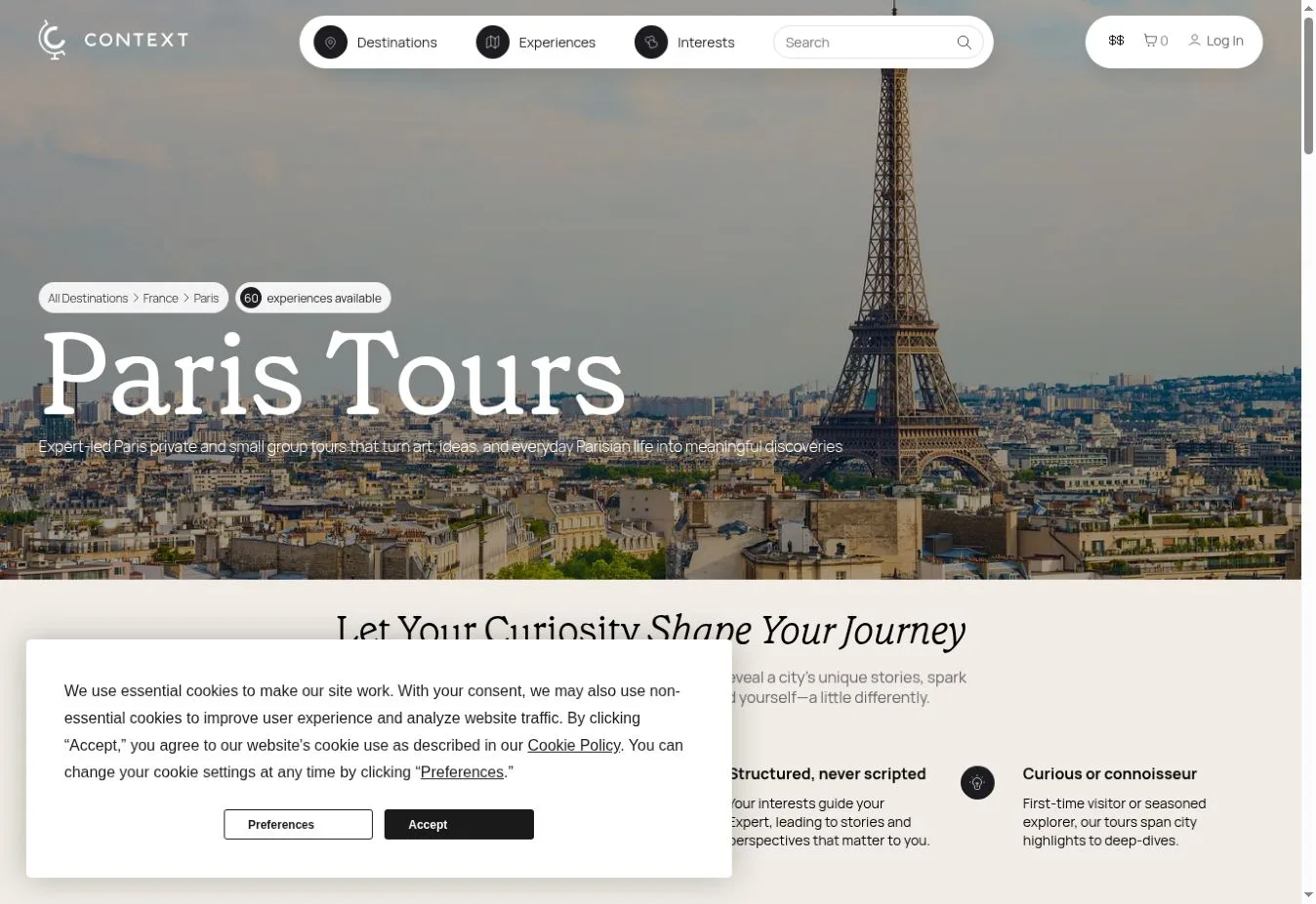
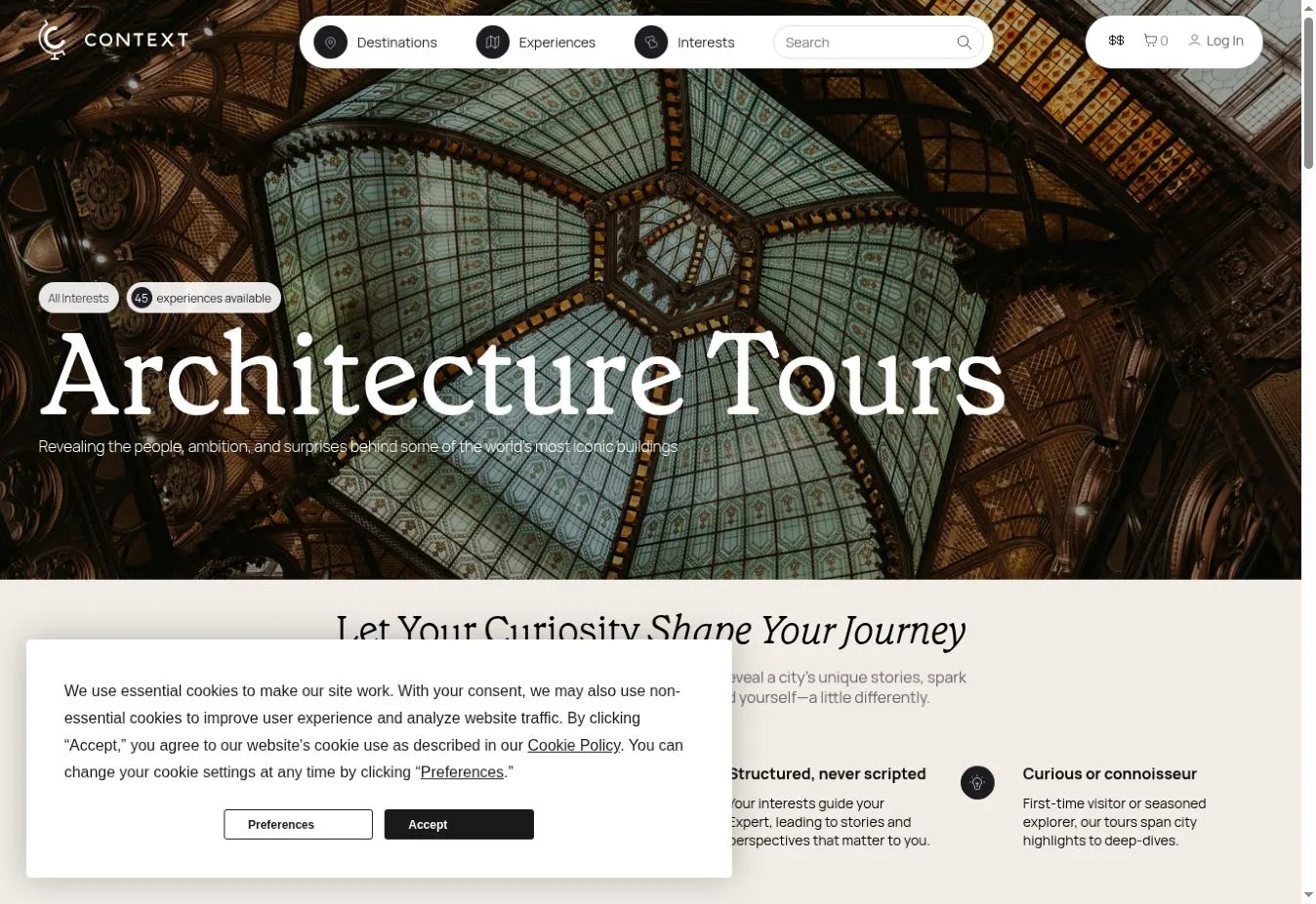
Key Design Features: The official navigation organizes destinations and experience formats alongside interests. Options include private tours and small group tours, plus pre-trip talks and audio guides. Interest categories cover food and wine as well as architecture and history.
What Makes This Design Effective: Visitors can start with a subject they care about rather than choosing a location first. The opening message also explains the role of expert guidance. People have that context before they look through individual experiences.
Inspiration for Other Travel Businesses: A cultural tour business can give guide expertise a clear place beside tour subjects. Label different formats in plain language. Customers should understand how an in-person tour differs from the other learning experiences before choosing one.
25. Intrepid Travel
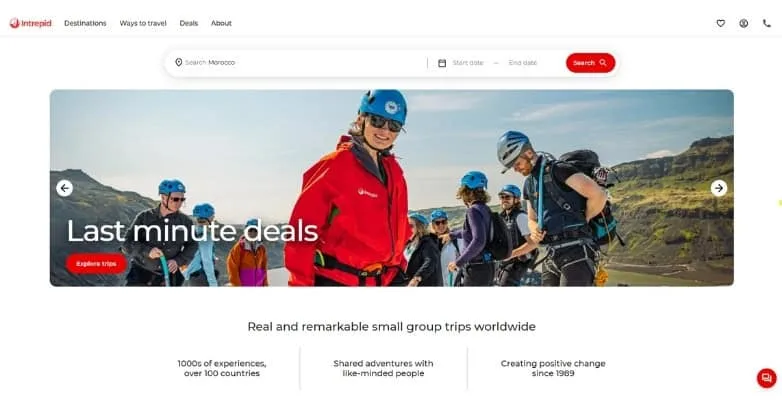
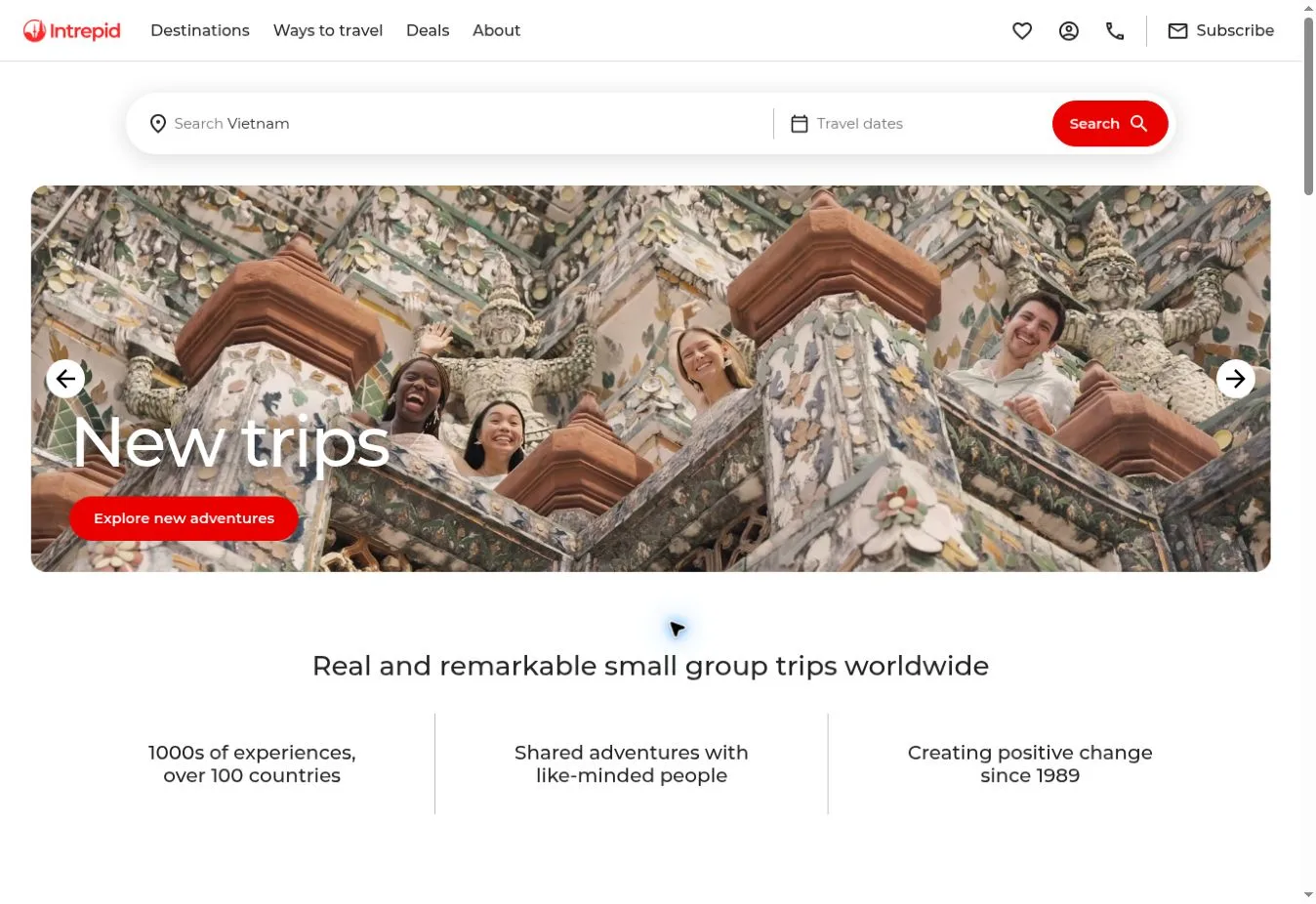
Design Overview: The reference screenshot combines a white header with a red search action above a broad photograph of travelers outdoors. Offer text sits on one side of the image. A short value statement follows below, taking the place of a long company introduction.
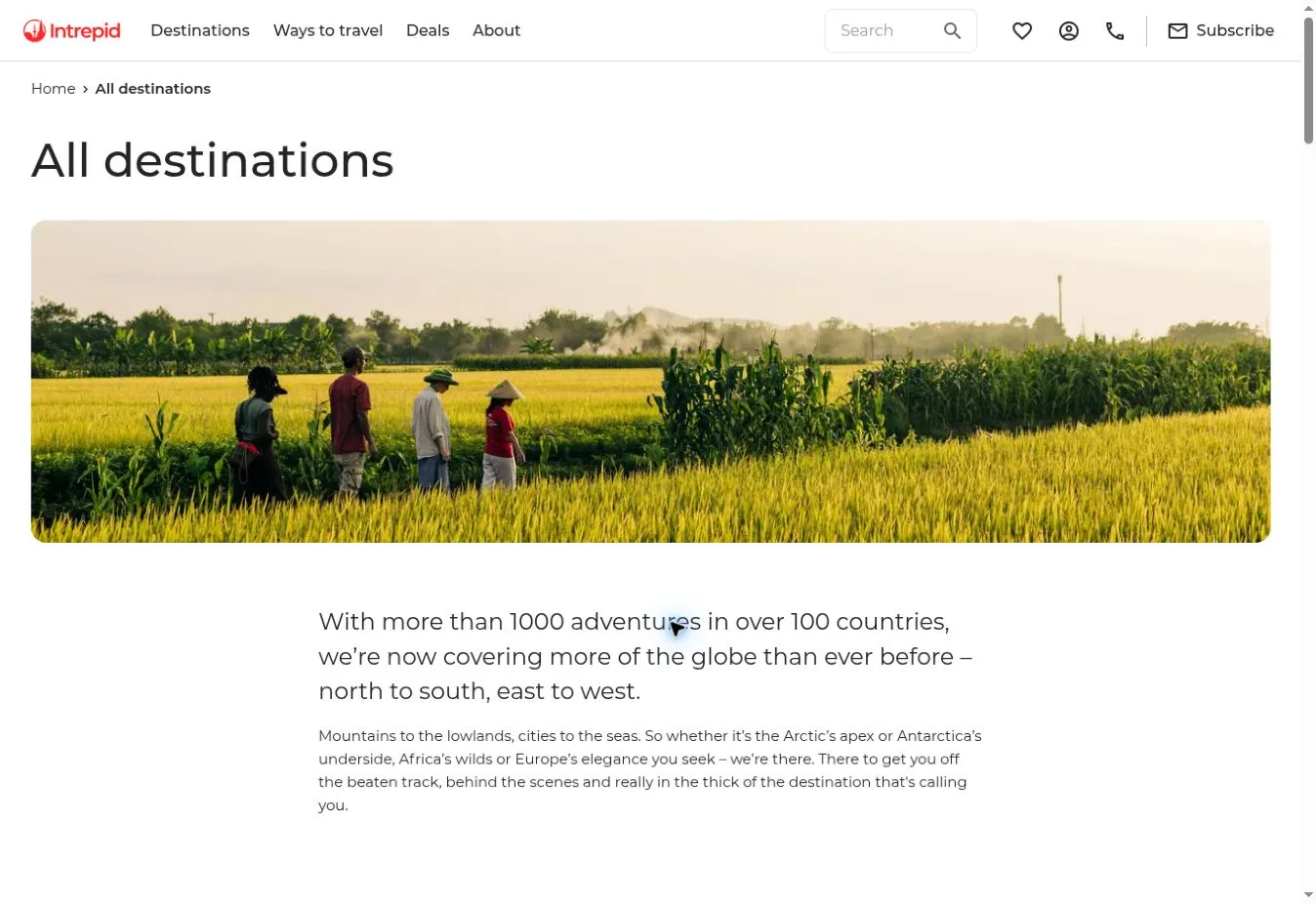
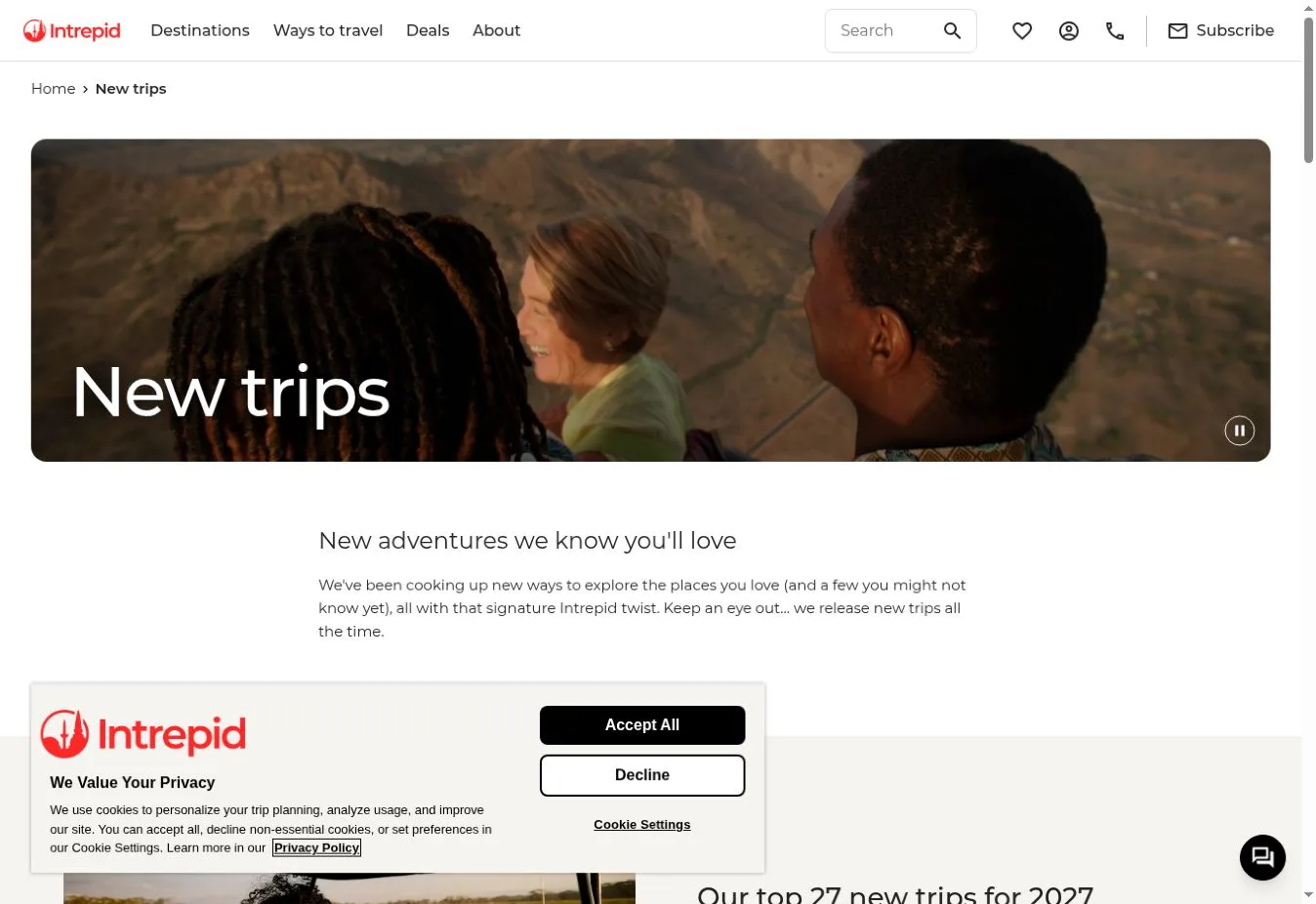
Key Design Features: The official homepage supports search by destination and travel date. Trip links include duration and trip names alongside starting prices. Destination browsing and purpose content provide more routes, with travel stories available beyond the featured trips.
What Makes This Design Effective: The page shows the people involved in small group travel while keeping practical trip details close by. Visitors can check duration and pricing before opening an itinerary. That helps them decide which trips deserve a closer look.
Inspiration for Other Travel Businesses: An adventure operator can show the travel experience itself through photography and put useful facts beside its listings. Explain brand purpose in relation to the offer. Customers still need to understand what they can explore and book.
26. Trafalgar
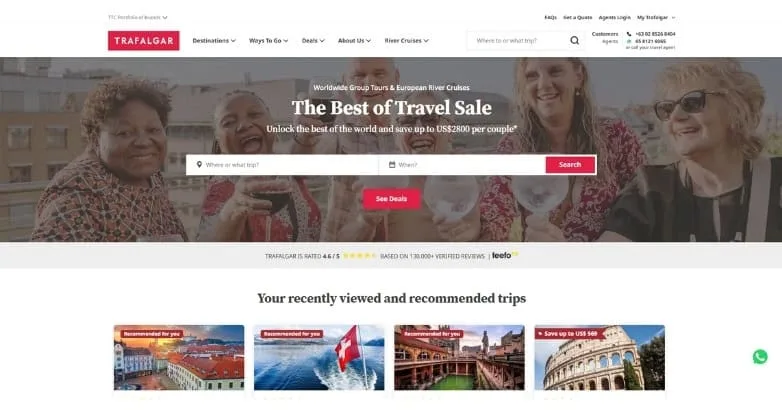
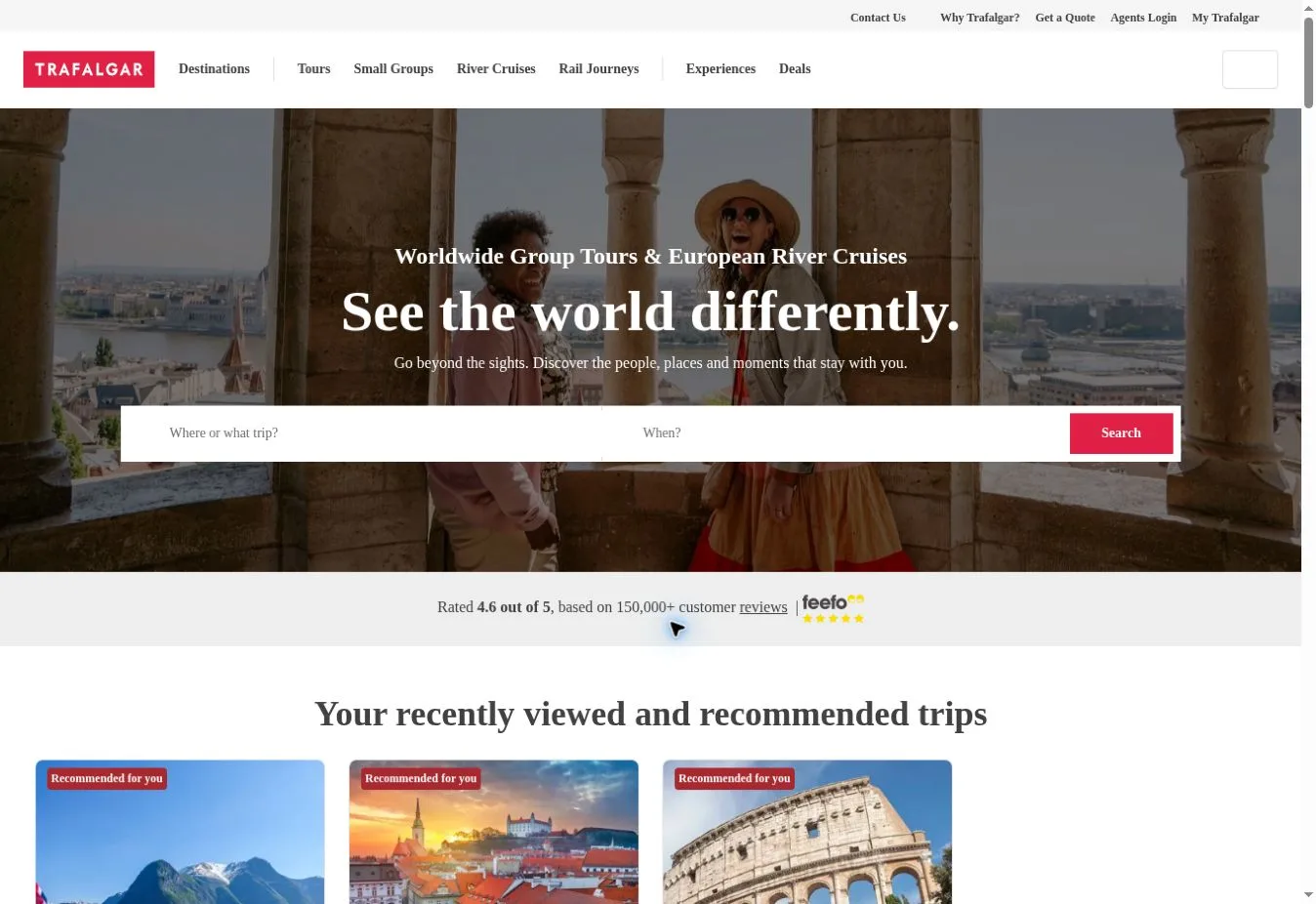
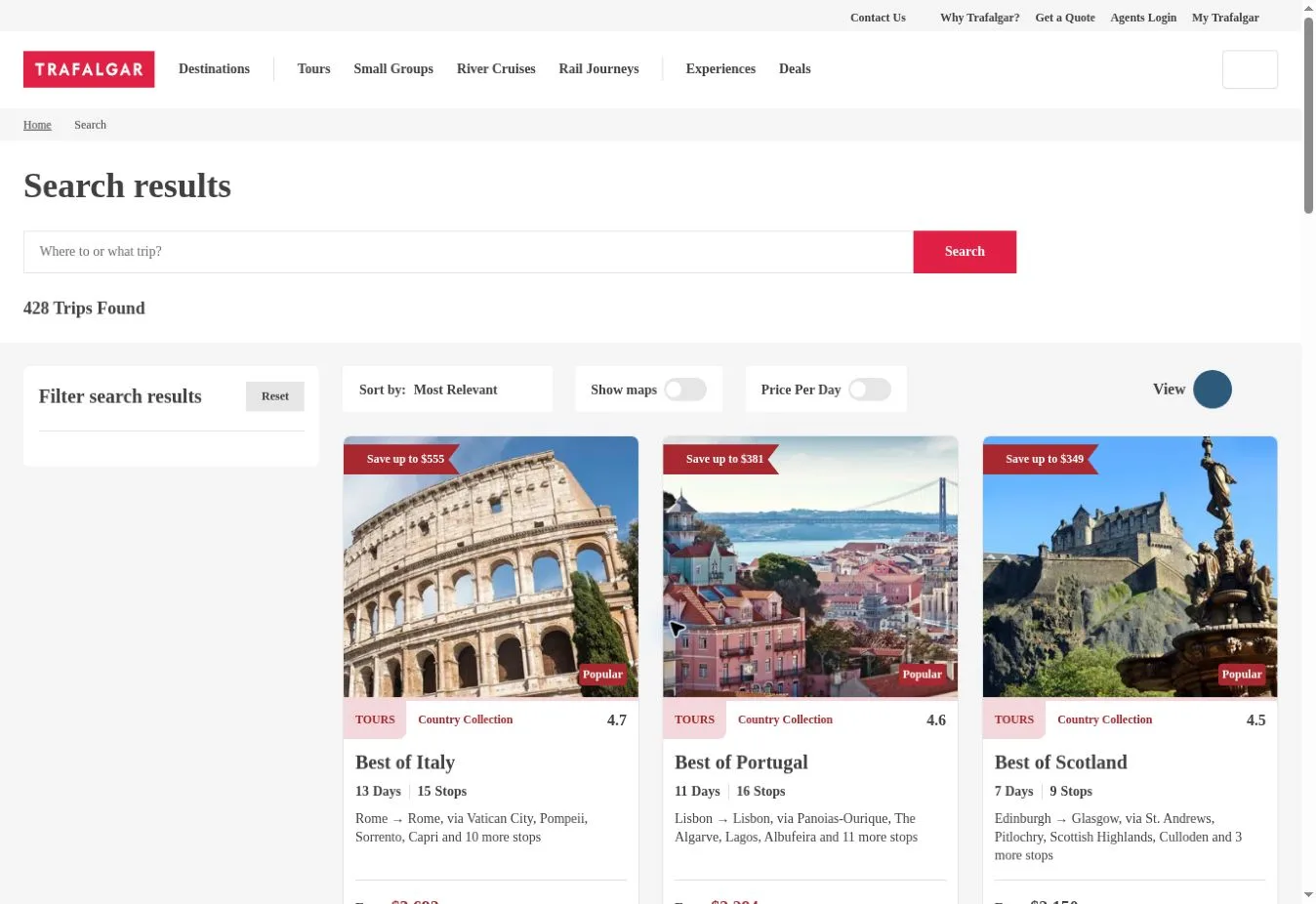
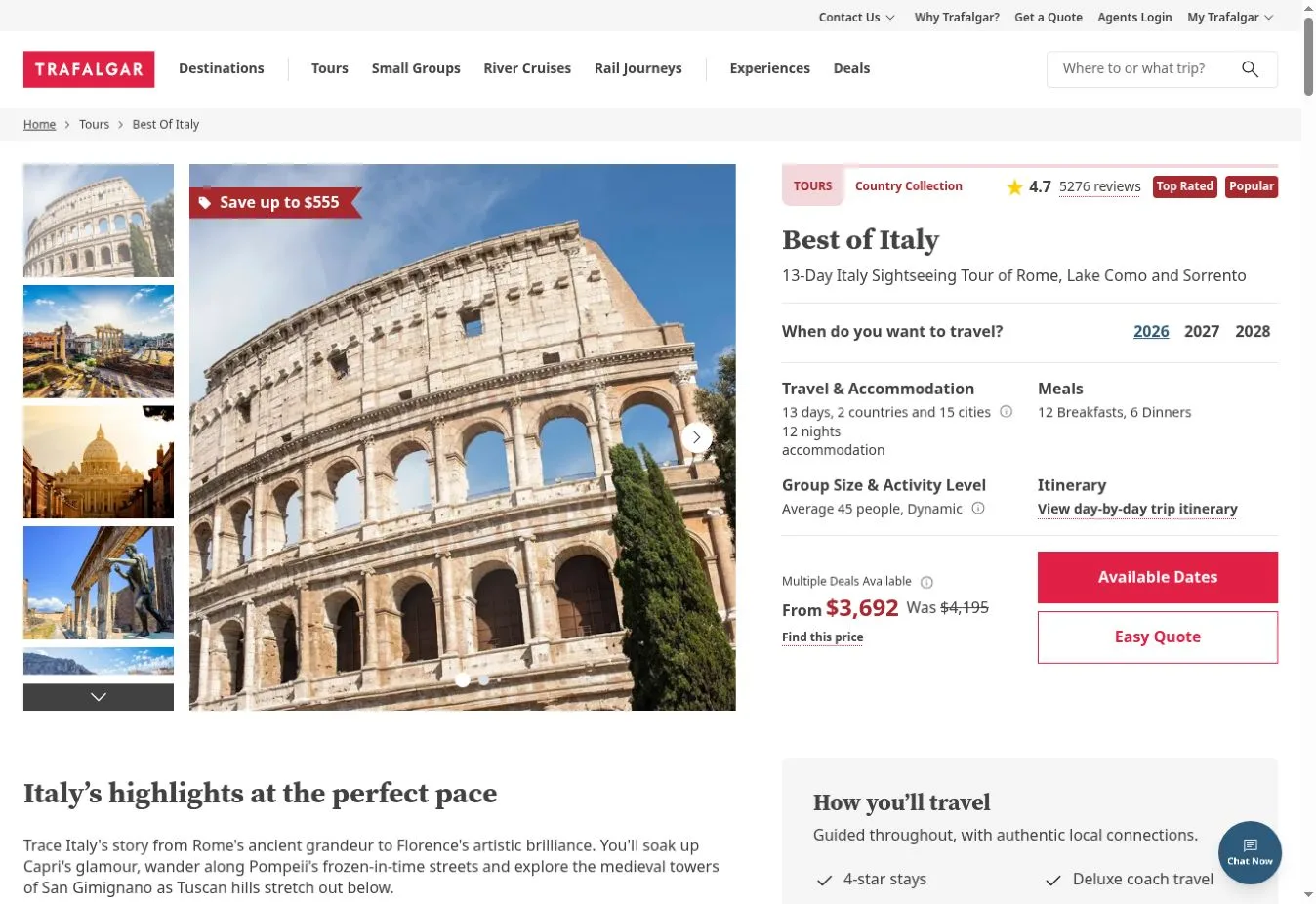
Design Overview: A wide promotional photograph appears below a white navigation bar on the reference homepage. Red branding and search controls stand out against the softer image. Recommended trip cards follow in a row beneath the opening campaign area.
Key Design Features: The official navigation separates destinations and tours from small groups and river cruises. Rail journeys, experiences and deals have their own routes too. Quote and contact options support visitors who need help rather than immediate self-service booking.
What Makes This Design Effective: Categories help travelers find the kind of guided trip they want. Browsing stays separate from help and quote actions. That gives customers with different planning needs a clear way to proceed.
Inspiration for Other Travel Businesses: A guided holiday company can organize navigation around meaningful differences between its products. Add brief explanations where categories overlap. Long trip menus also need clear groups so visitors can scan the choices without reading through every destination.
27. G Adventures
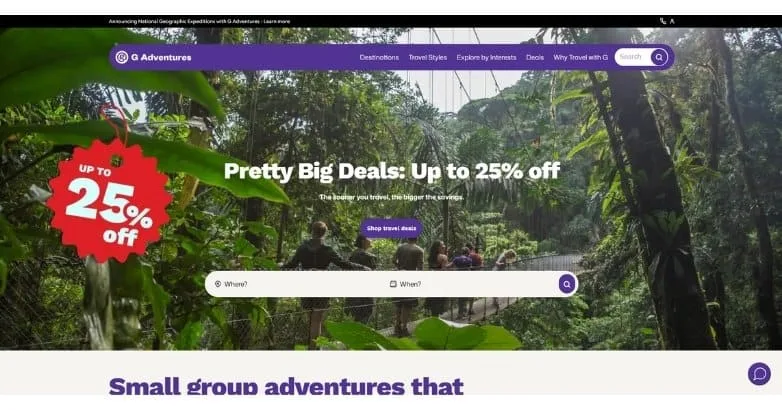
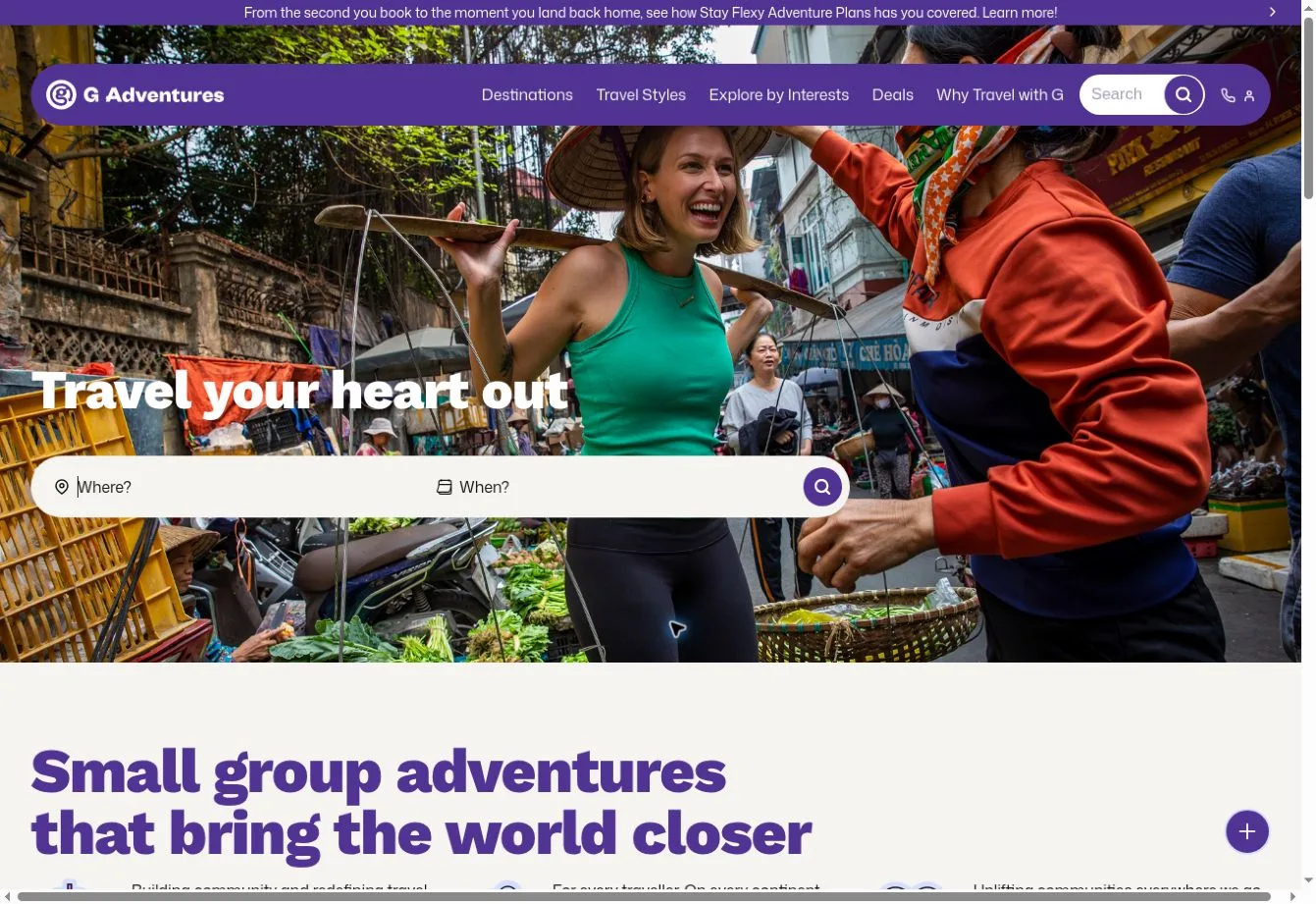
Design Overview: A purple navigation bar sits over a large forest photograph in the reference screenshot. A promotional badge stands out beside the campaign text. Across the lower part of the hero, a white trip-search strip gives visitors a direct action.
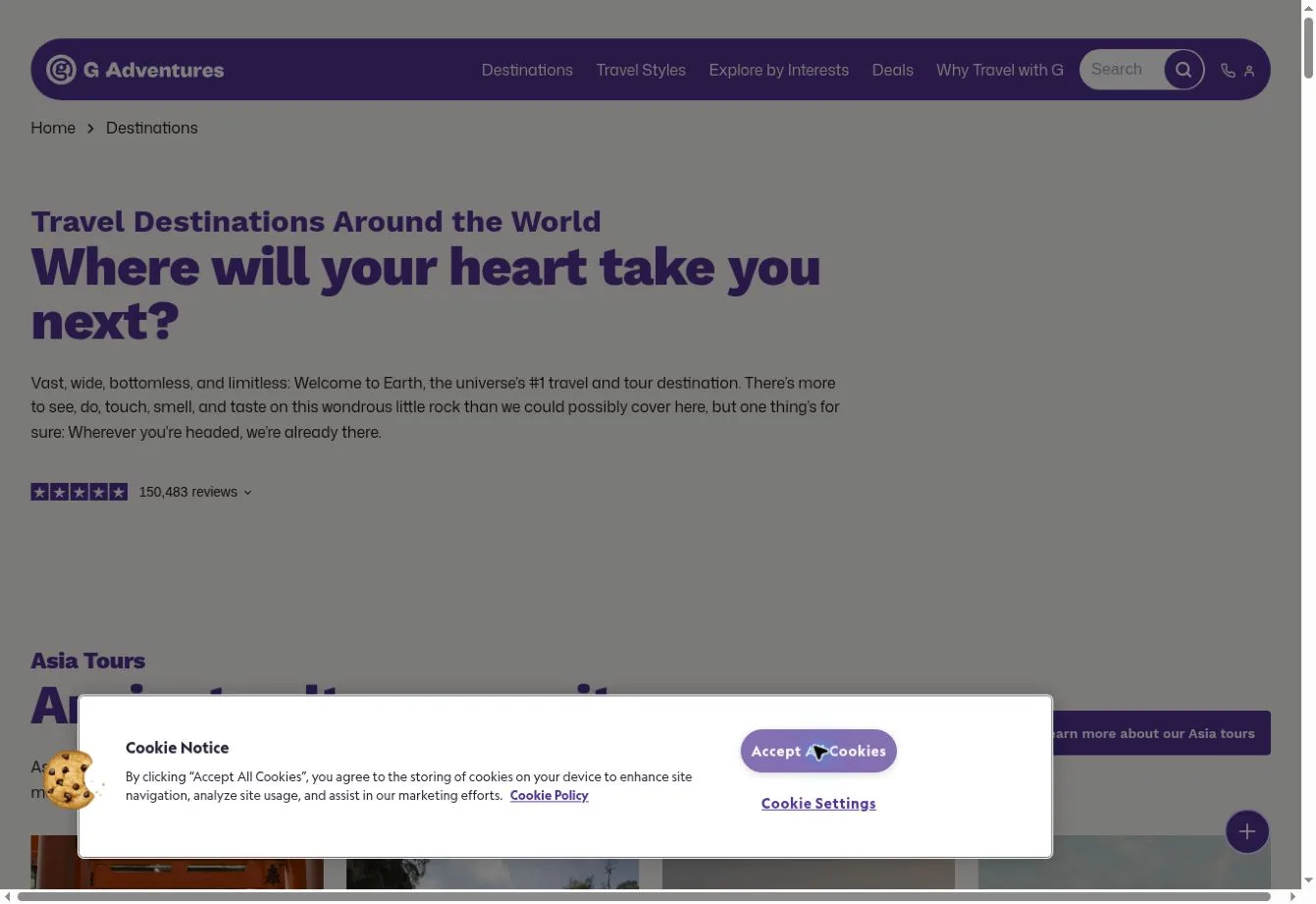
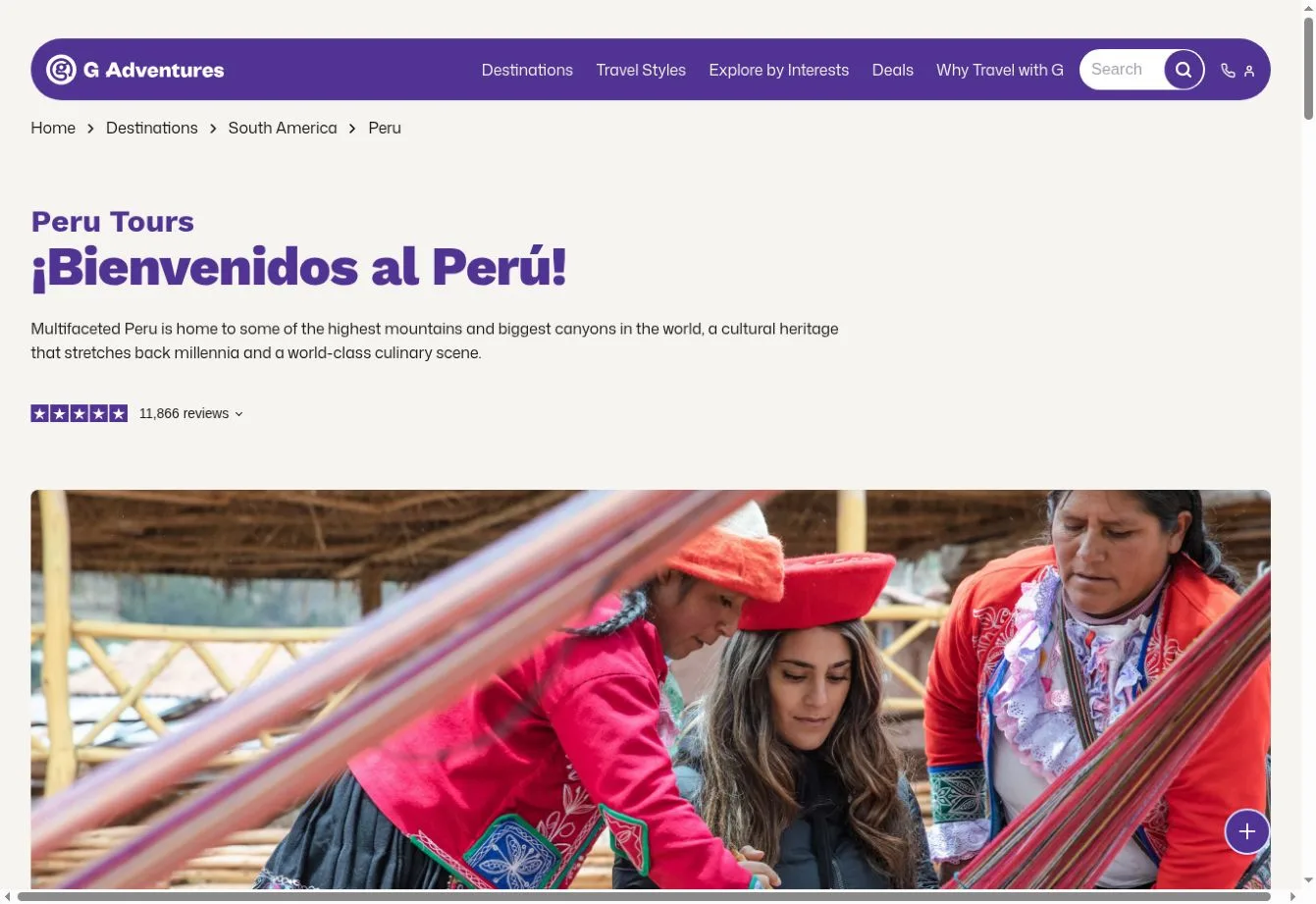
Key Design Features: The official site groups its extensive destination navigation by region. Labels mark selected new and popular destinations, along with top-selling choices. Promotional links introduce other travel offerings and opportunities to find departures.
What Makes This Design Effective: Purple gives the large travel catalog a consistent brand presence. Regional grouping helps people locate a destination. Visitors who already know what they want can use the opening search to take a shorter route.
Inspiration for Other Travel Businesses: An adventure brand can carry a recognizable color system through navigation and actions. Large menus need logical destination groups. Use promotional labels sparingly too, so each one still tells visitors something useful about the choice beside it.
28. Insight Vacations
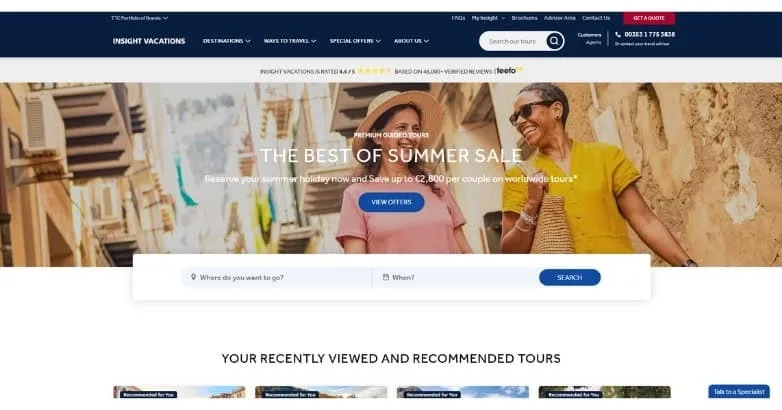
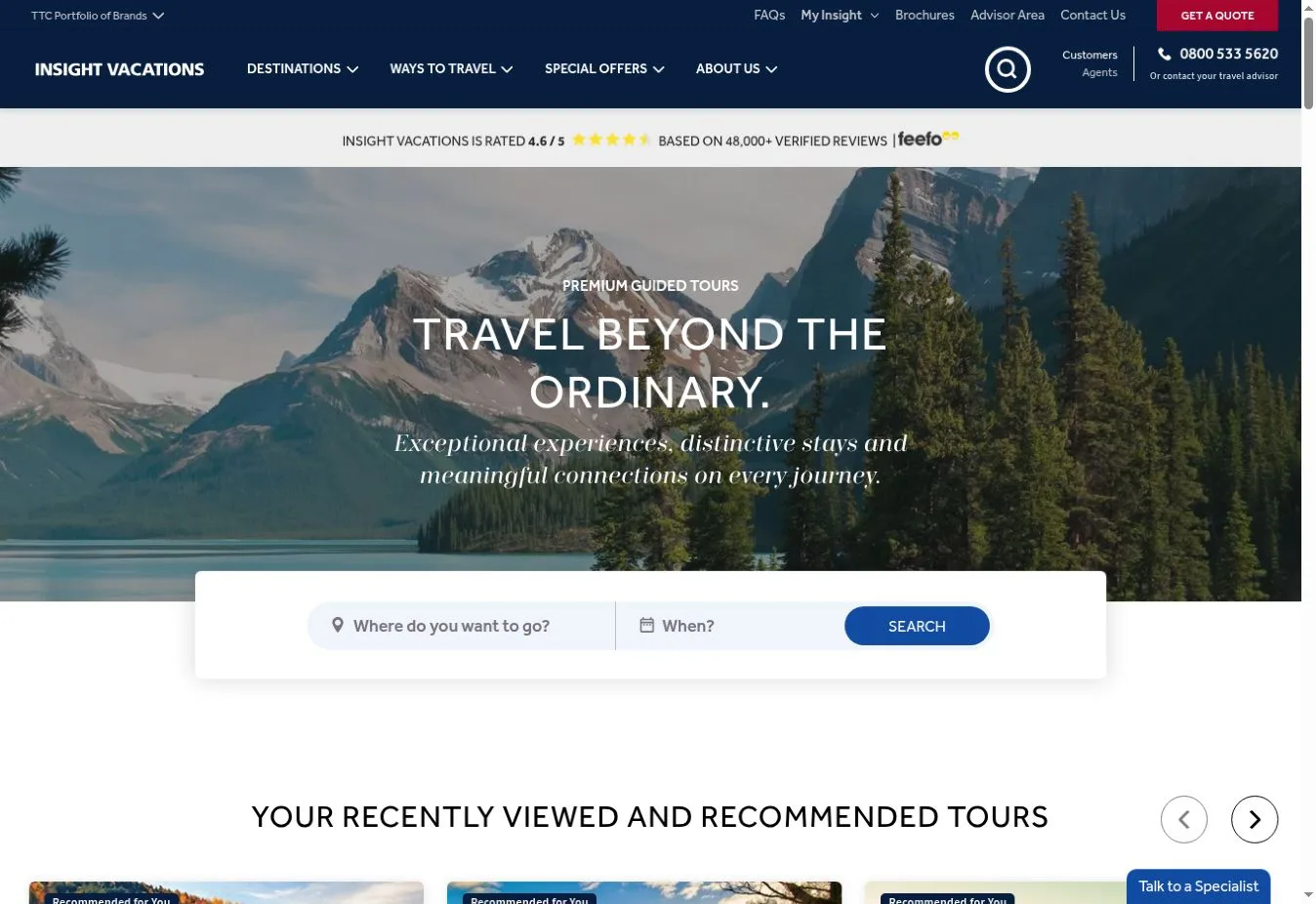
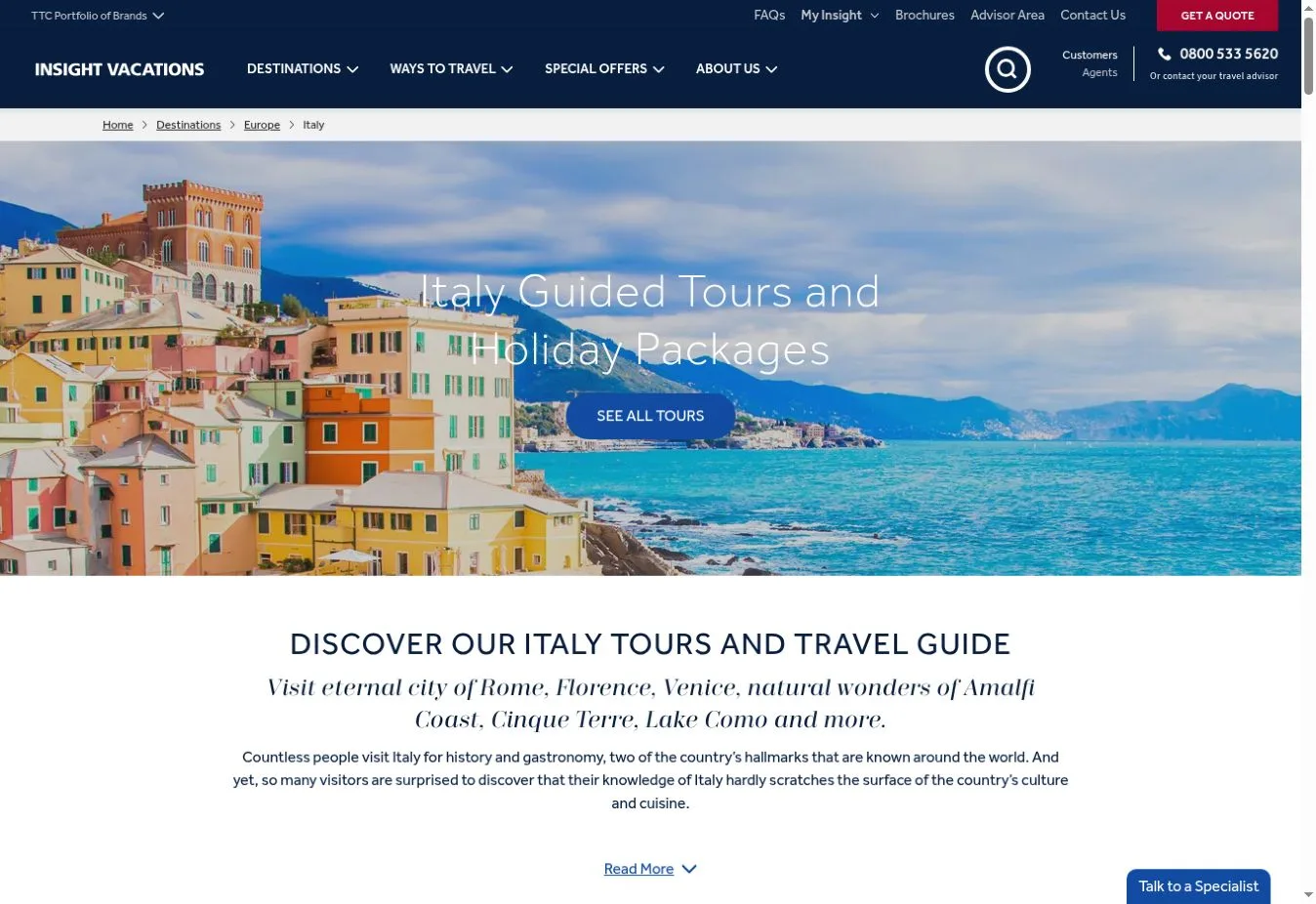
Design Overview: A dark navy header sits above a wide photograph of travelers in the reference design. White campaign text overlays the image. A pale search strip spans the space below, giving the controls clear boundaries beside the travel photography.
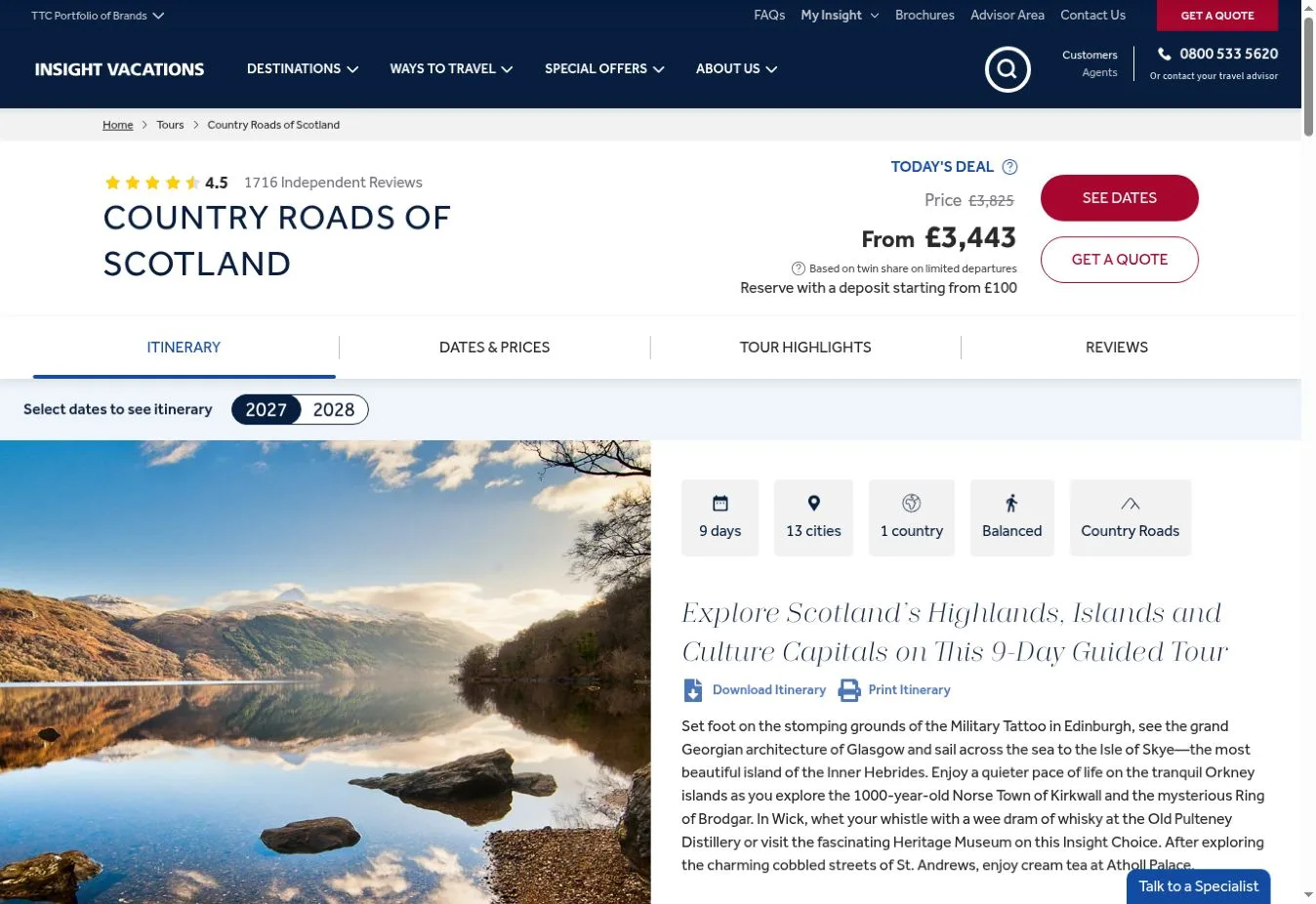
Key Design Features: The official site offers destination and date search. Tour listings show days and locations, countries and ratings, plus starting prices. Featured entries include View Map and Add to Compare actions alongside View Tour.
What Makes This Design Effective: Repeated facts help visitors understand how much each trip covers. Map and comparison actions answer different questions. One shows where the route goes while the other helps people see how the trips differ.
Inspiration for Other Travel Businesses: A premium tour operator can use consistent itinerary summaries so visitors can compare the same details across trips. Maps and comparison tools also depend on accurate structured content. Interface design alone won’t keep those features useful.
29. TourRadar
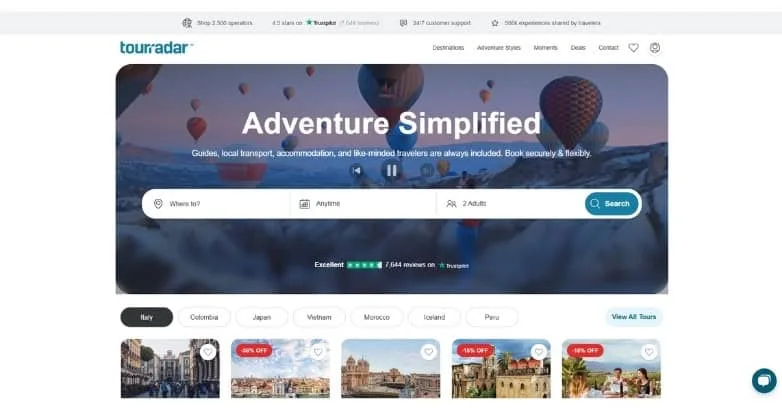
Design Overview: A centered headline and long rounded search strip sit over a balloon-filled scene in the reference screenshot. Teal accents mark the brand and search action. Beneath the hero, category controls and compact tour cards add another layer of navigation.
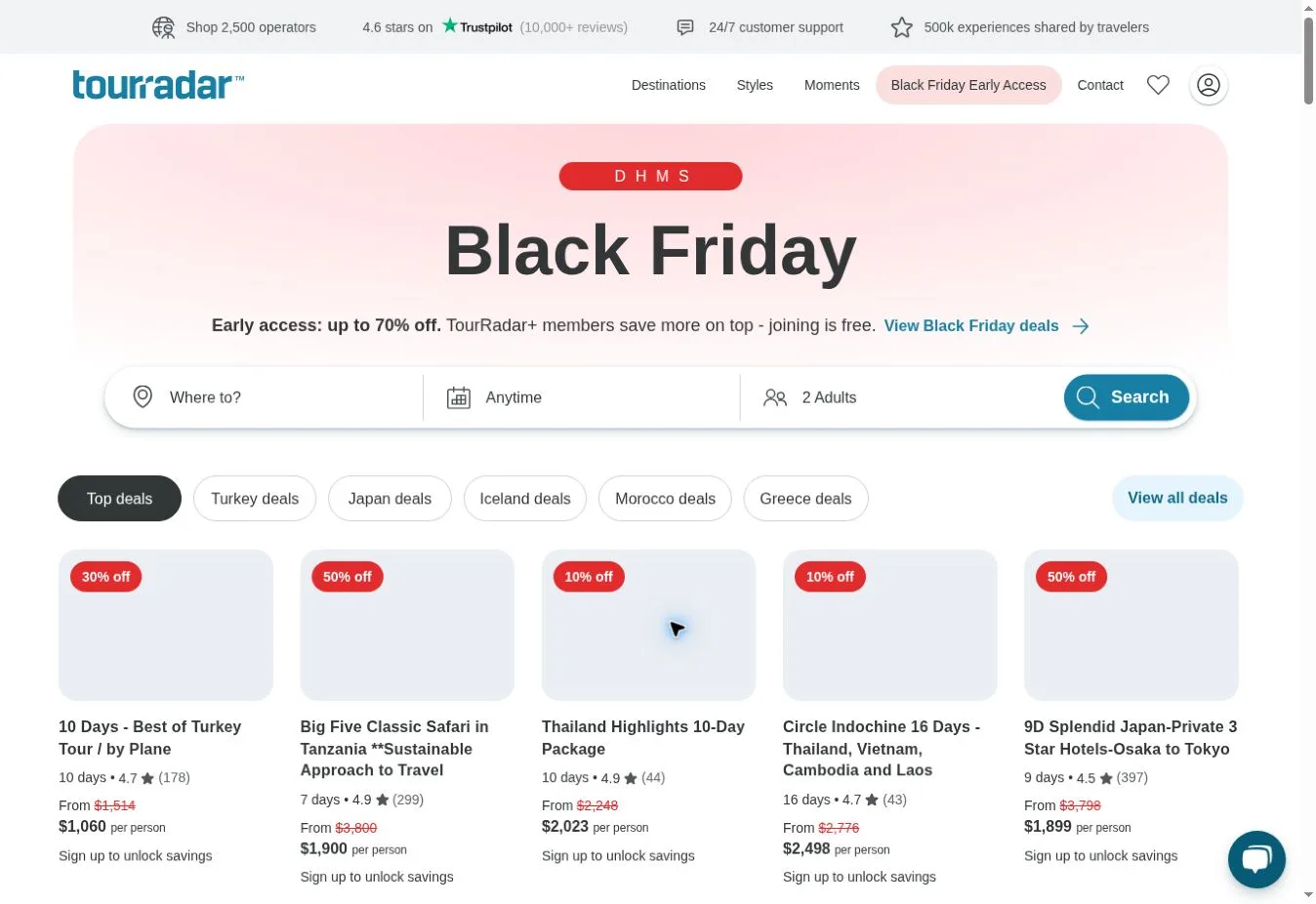
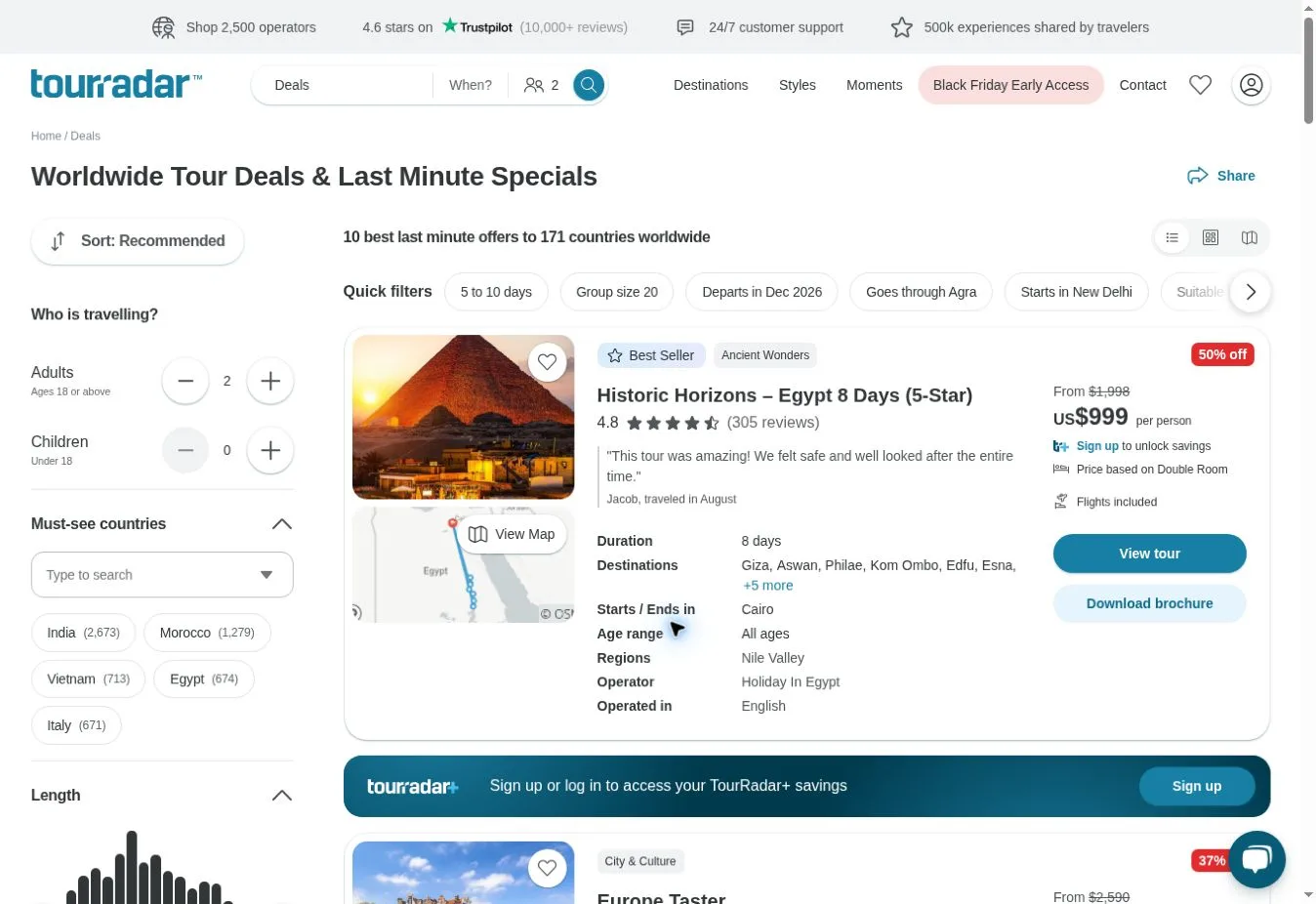
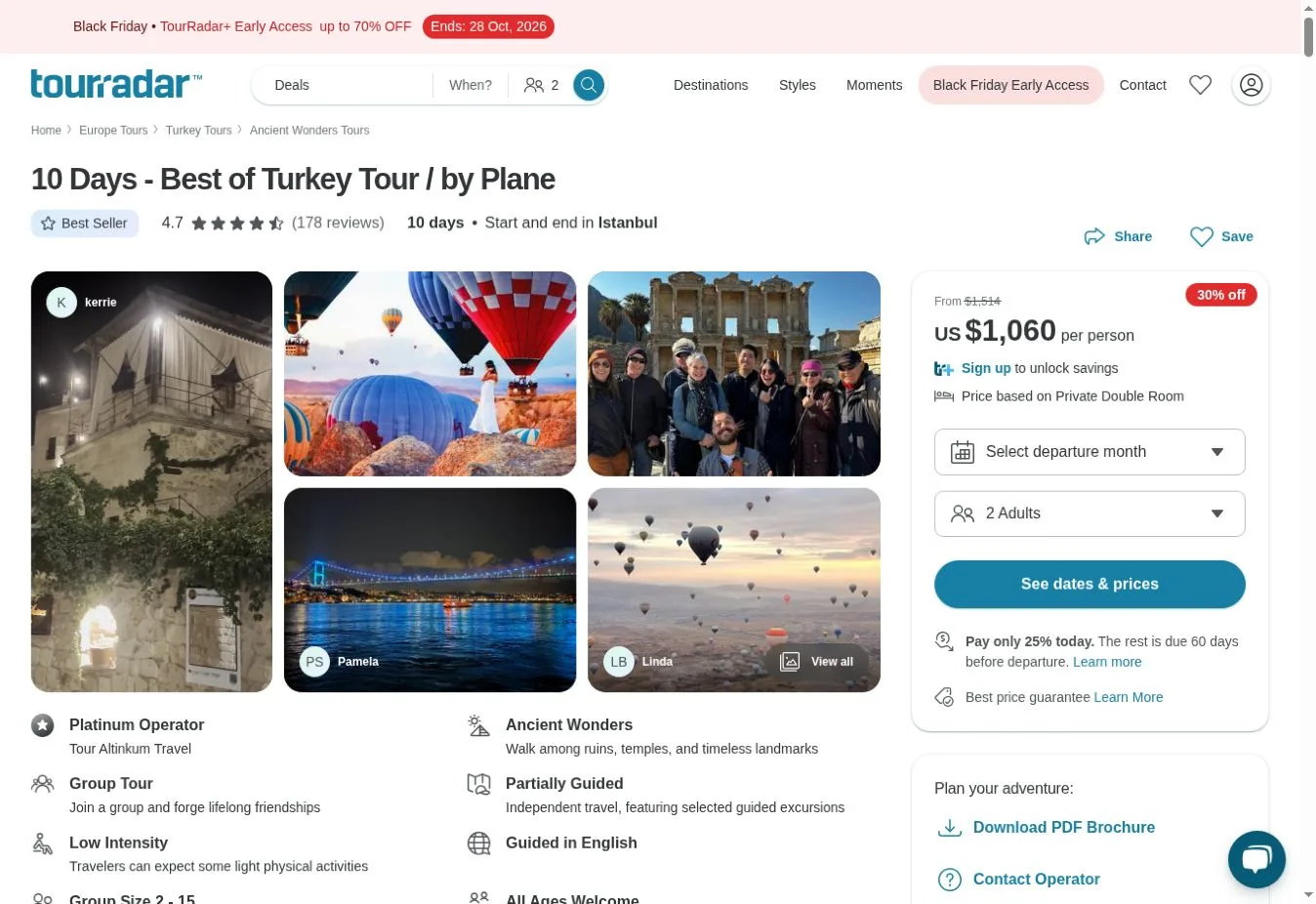
Key Design Features: Destination and departure-month controls appear on the official homepage with traveler selection. Tour entries include duration and ratings alongside prices, with save-and-compare prompts. Traveler Moments brings customer travel content into the page beside commercial listings.
What Makes This Design Effective: A repeated listing format makes different trips easier to inspect. Search inputs narrow the starting options first. Then the trip summaries give visitors a more manageable way to continue browsing what’s available.
Inspiration for Other Travel Businesses: A tour marketplace can use one information structure across its providers. Define prices and trip lengths consistently, and do the same for ratings. Those definitions need to be settled before comparison features can show differences that mean something.
30. Backroads
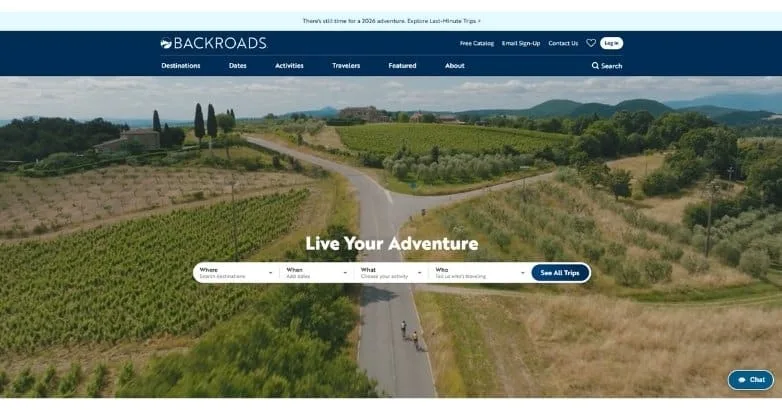
Design Overview: The reference homepage places a broad photograph of a cyclist on a countryside road below a deep blue header. A short white headline sits over the scene with a compact trip finder. The image shows movement as well as scenery.
Key Design Features: Where and When organize choices in the official trip finder alongside What and Who. Popular searches on the homepage cover travel interests and group types. Those options include private and family trips.
What Makes This Design Effective: Destination alone won’t tell someone if an active holiday suits them. The search structure accounts for activity and timing too. Travel companions also affect the choice, so they have a place in the planning controls.
Inspiration for Other Travel Businesses: An active travel operator can organize discovery around the decisions its customers need to make. Activity photographs should set expectations for the trip. Give each filter a plain label rather than burying important choices inside a generic search field.
Turn These Travel Website Design Ideas Into a Plan for Your Business
These examples show why tourism website design needs to begin with a clear understanding of the offer. For a private resort, the setting and an inquiry route can lead. A tour operator needs readable itinerary information. A travel marketplace depends on search tools and consistent listings that let people compare choices.
Presentation needs to work with practical information. A destination photograph should tell visitors something about the place. Navigation needs to match the services you sell. And search fields should collect details that affect which options you can offer.
Choose elements that fit your business model and audience, with booking requirements in mind. Copying a whole homepage can leave you with features your customers don’t need. It can also leave gaps where they do need information.
Custom travel website development can bring these requirements together. Destination pages and itinerary layouts may need custom development or third-party services. The same applies to booking forms and tour filters, payment integrations and content management. Plan them around your operations. These aren’t features verified on every reference website in this article.
The Custom Websites can help you plan a website around your travel services and branding, including the steps customers take toward a booking. Discuss your travel website design and development project. Explain what you offer and who you serve, then describe how you’d like customers to inquire or book.