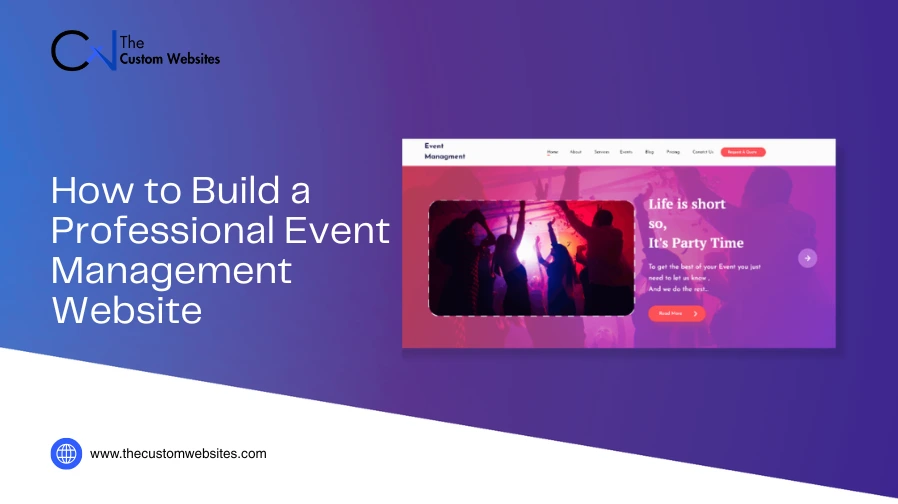
A professional event management website should include more than just information on events. It should enable visitors to evaluate timetables, find vital details, register and buy tickets without confusion.
The website design must also be able to support the event team. Organizers can control registrations, collect participant info, make updates and connect the site to other event tools.
Building an effective event website development starts with a clear plan. Good design matters but function comes first. Visitors should quickly understand the event and know what to do next.
This guide explains how event management website design and development works well for both attendees and organizers.
1. Start With the Purpose of Your Event Management Website Design
Before thinking about colors or layouts, decide what the website design needs to achieve.
Different events have different goals. A conference may focus on speakers, sessions and registrations. A festival may need schedules, performer details, maps and ticket sales. A corporate event may require private registration or attendee accounts.
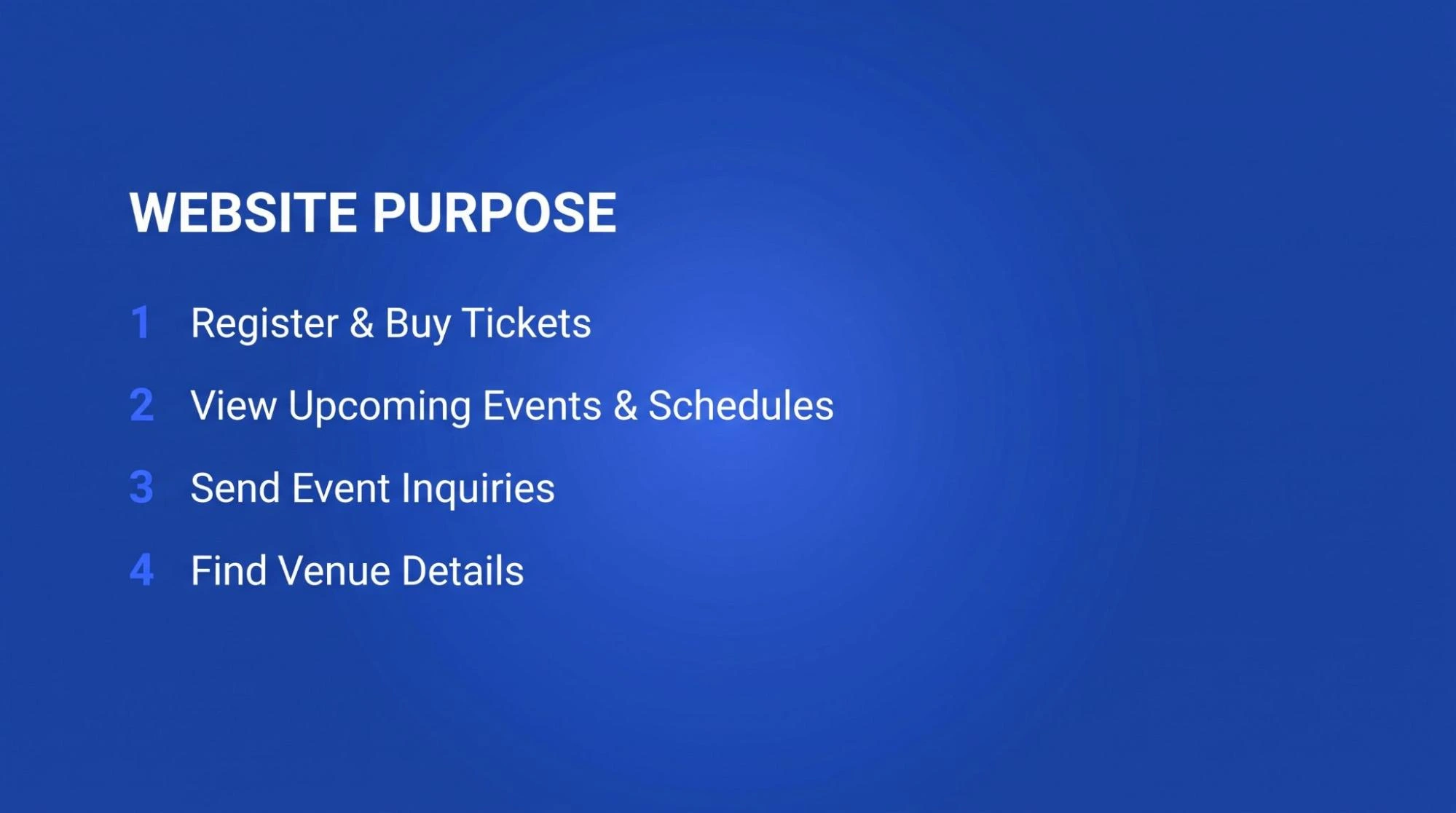
First, identify the main action you want visitors to take. Common goals include:
Registering for an event
Buying tickets
Viewing upcoming events
Sending an event inquiry
Checking an event schedule
Finding venue details
The rest of the website design should be guided by your core purpose.
It’ll help you determine which pages you require and which features deserve the most attention.
You should also decide whether the site will promote one event or manage many events. A single event website design can stay simple. An event company may need categories, search options, calendars and separate pages for each event.
2. Create a Simple Event Planning Website Structure
Visitors usually arrive with basic questions.
What is the event? When will it take place? Where is it happening? Who is it for? How much does it cost? How can someone register?
Make these answers easy to find.
The homepage should introduce the event or show the main upcoming events. Place important details near the top of the page. Add a clear action such as Register Now, Buy Tickets or View Upcoming Events.
Each event should have its own page when possible.
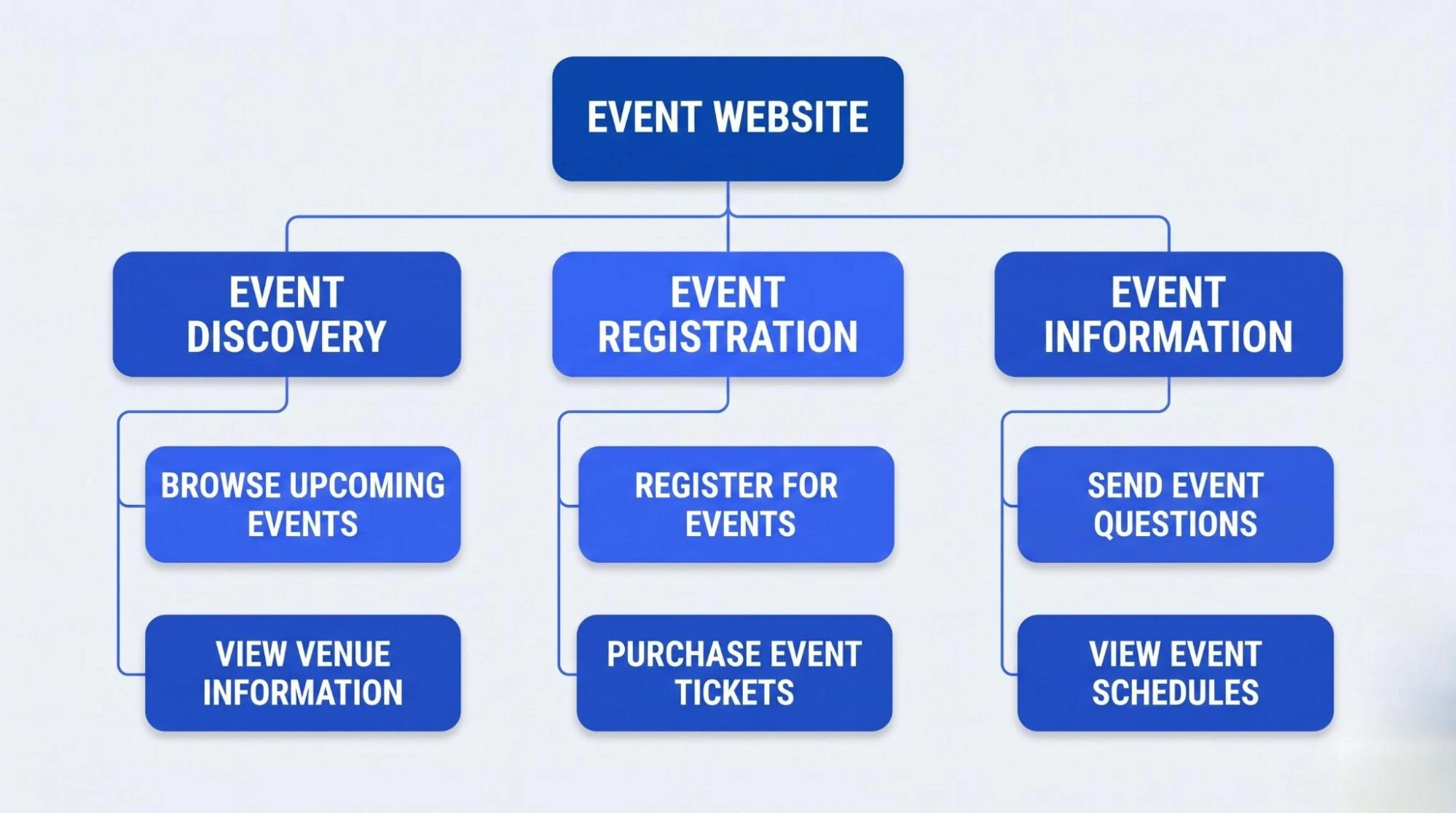
A useful event page can include:
Event name
Date and time
Venue or online location
Event description
Ticket information
Registration button
Event schedule
Speaker details
Sponsor information
Travel or parking information
Large event websites may also need About, Contact forms, FAQ and Blog pages.
Keep the main menu short. Too many menu options make simple information harder to find.
For most event websites, a basic visitor journey can be:
Home → Events → Event Details → Registration
Extra pages should support this journey instead of distracting from it.
3. Make Important Details Easy to See
A visitor should understand the event within a few seconds of opening the page.
Place the event name in a clear position. Show the date and location close to it. The main registration or ticket button should also be easy to see.
Avoid filling the top of the page with too many elements.
Large videos, animated banners, popups, countdown timers and many buttons all vying for attention. Use visual elements only when they help explain or promote the event.
Your buttons should also tell people what happens next.
Instead of using vague text such as Learn More, choose clear actions such as:
Register for the Event
View the Schedule
Buy Tickets
Meet the Speakers
See Venue Details
Clear buttons reduce confusion and help visitors move through the site.
4. Use a Consistent Event Design
Your event website design should match the identity of the event.
Use the same logo, colors and visual style across important pages. Event photos can also help visitors understand the atmosphere and purpose of the event.
Consistency is more important than adding complex effects.
Buttons should have a similar appearance. Headings should follow a clear order. Dates and times should use the same format throughout the website.
Good design should make information easier to understand. It should never get in the way of the visitor.
5. Add the Event Features You Actually Need
Not every event agency website development needs the same features. Choose functions based on the event type and how the organizer works.
5.1 Event Listings and Calendars
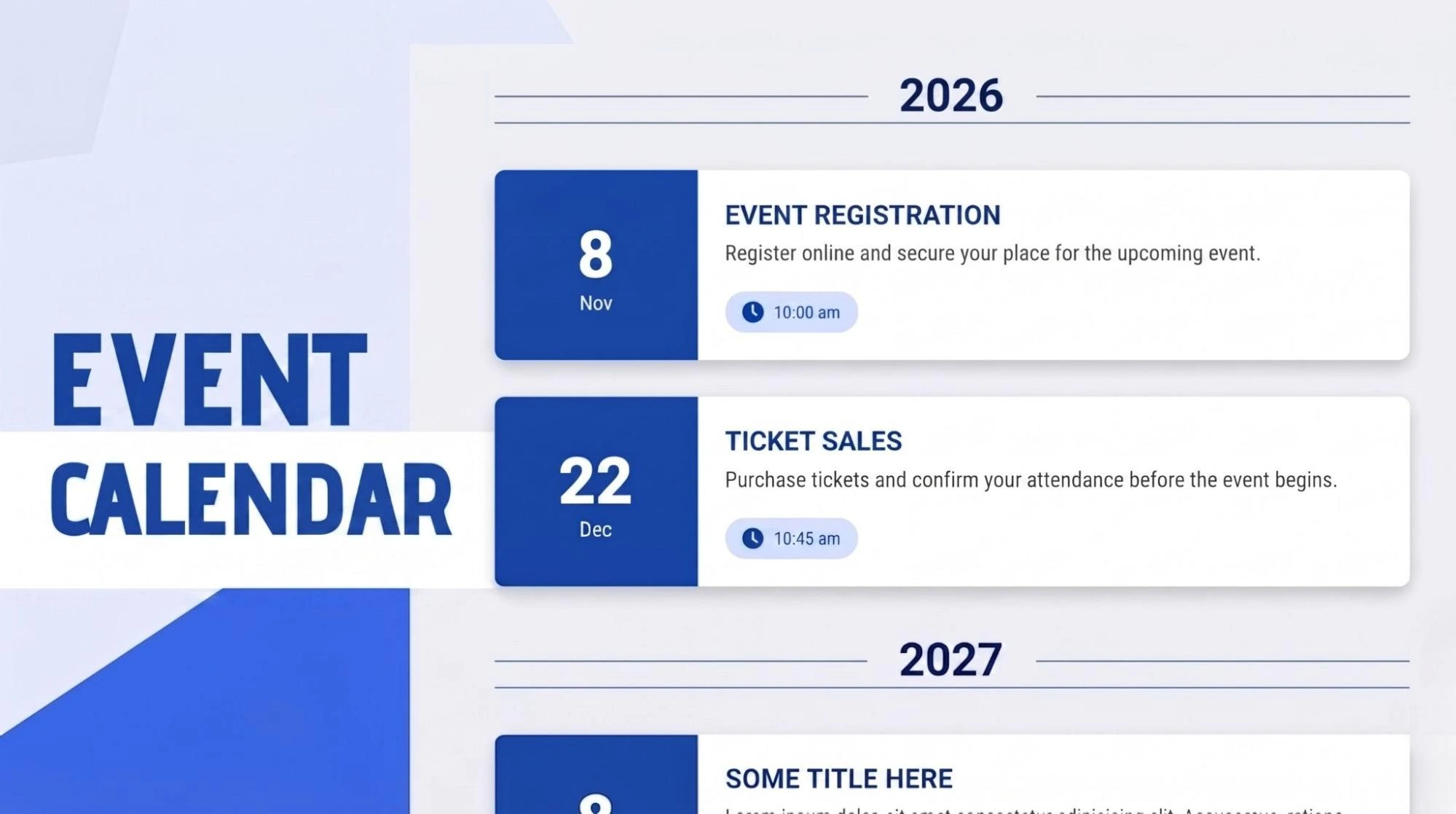
Organizations that manage several events need a simple way to show what is coming next. An event listing page can show dates, locations and short event details. A calendar can also help visitors browse events by date. Filters may be useful when there are many events. Visitors could sort events by type, location or month.
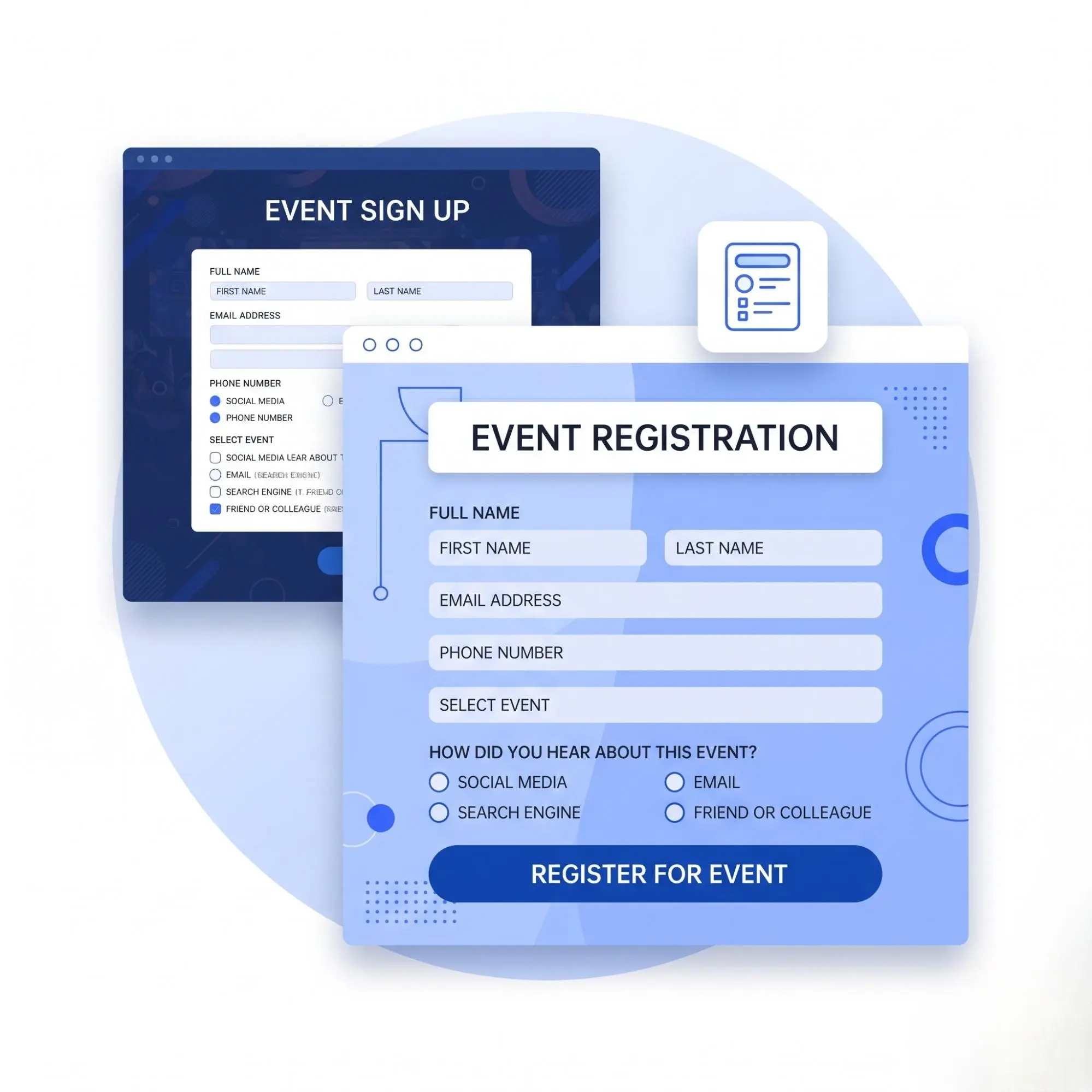
5.2 Online Registration
Registration forms allow visitors to reserve a place and provide required information. Keep the form focused. Ask only for details you actually need. Long forms can make registration feel harder than it should be.
After submission, tell the attendee what happens next. They may receive a confirmation email, ticket, QR code or account details.
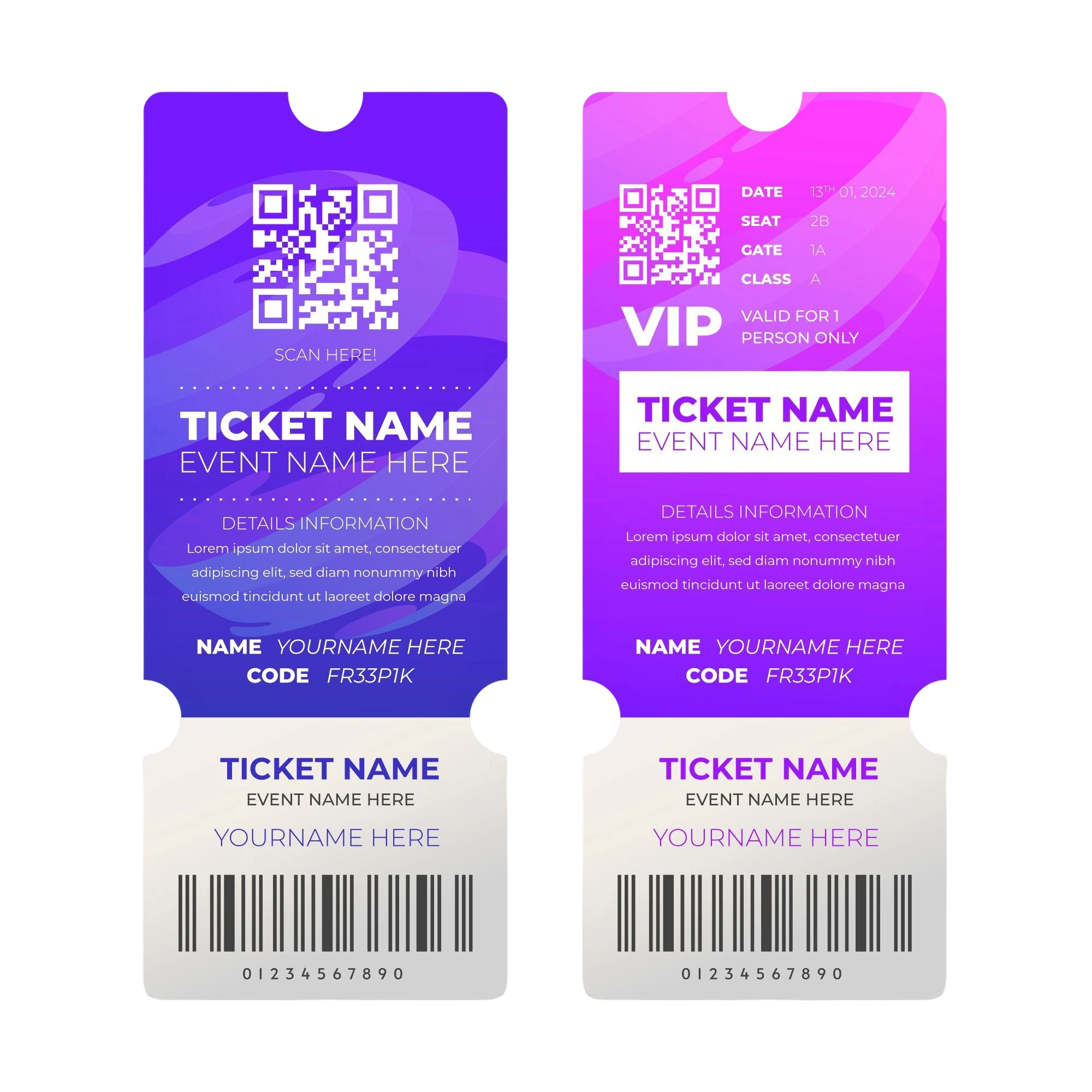
5.3 Ticket Booking
Paid events need a clear ticket booking process. Show each ticket type and its price. Explain any important limits or conditions before the visitor reaches payment. The final cost should be clear before checkout.
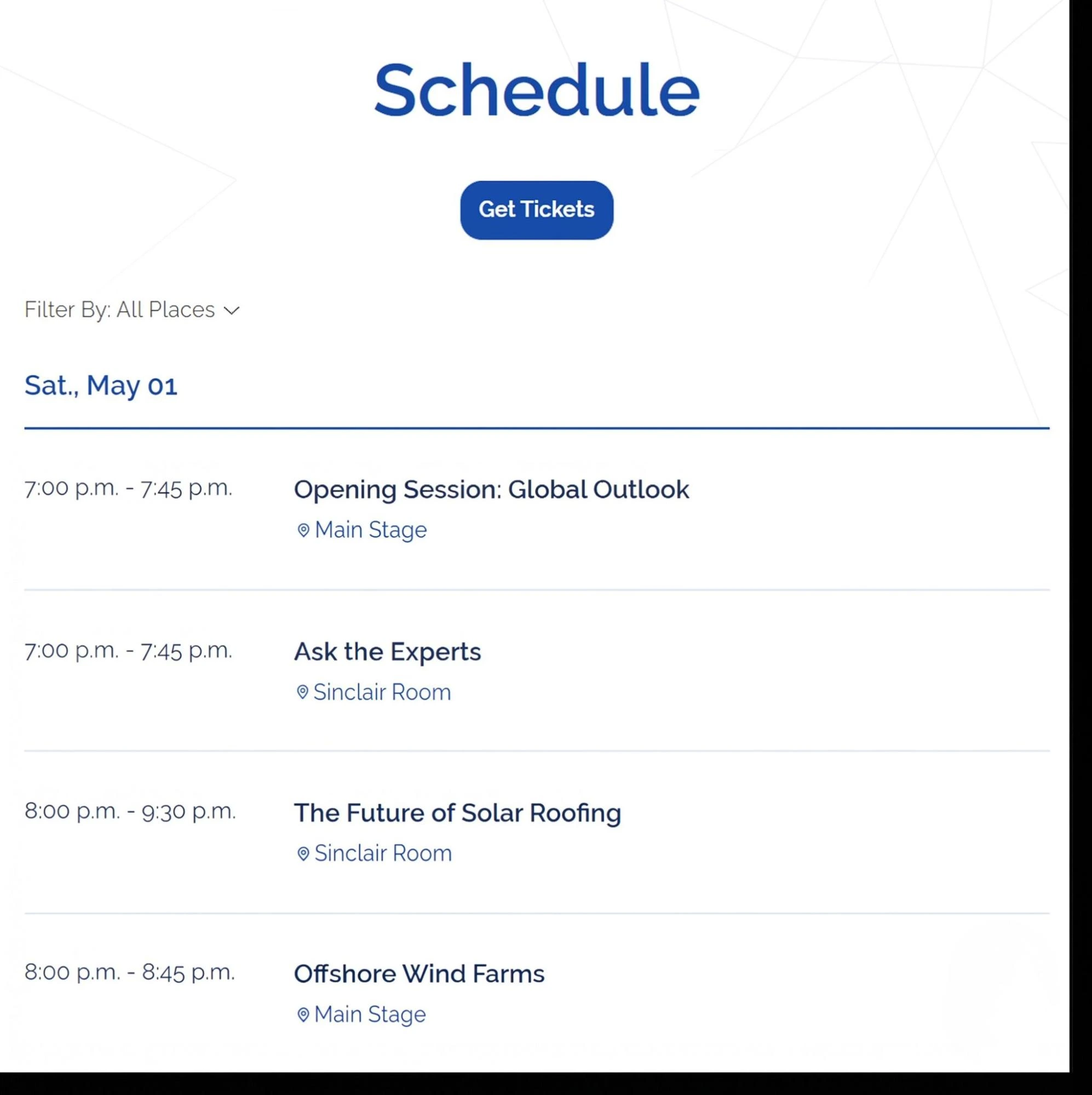
5.4 Event Schedules
Conferences, workshops and festivals often include several sessions. A clear schedule helps attendees plan their day. Show session times, titles, locations and speakers where relevant. Make the schedule easy to read on phones as well as larger screens.
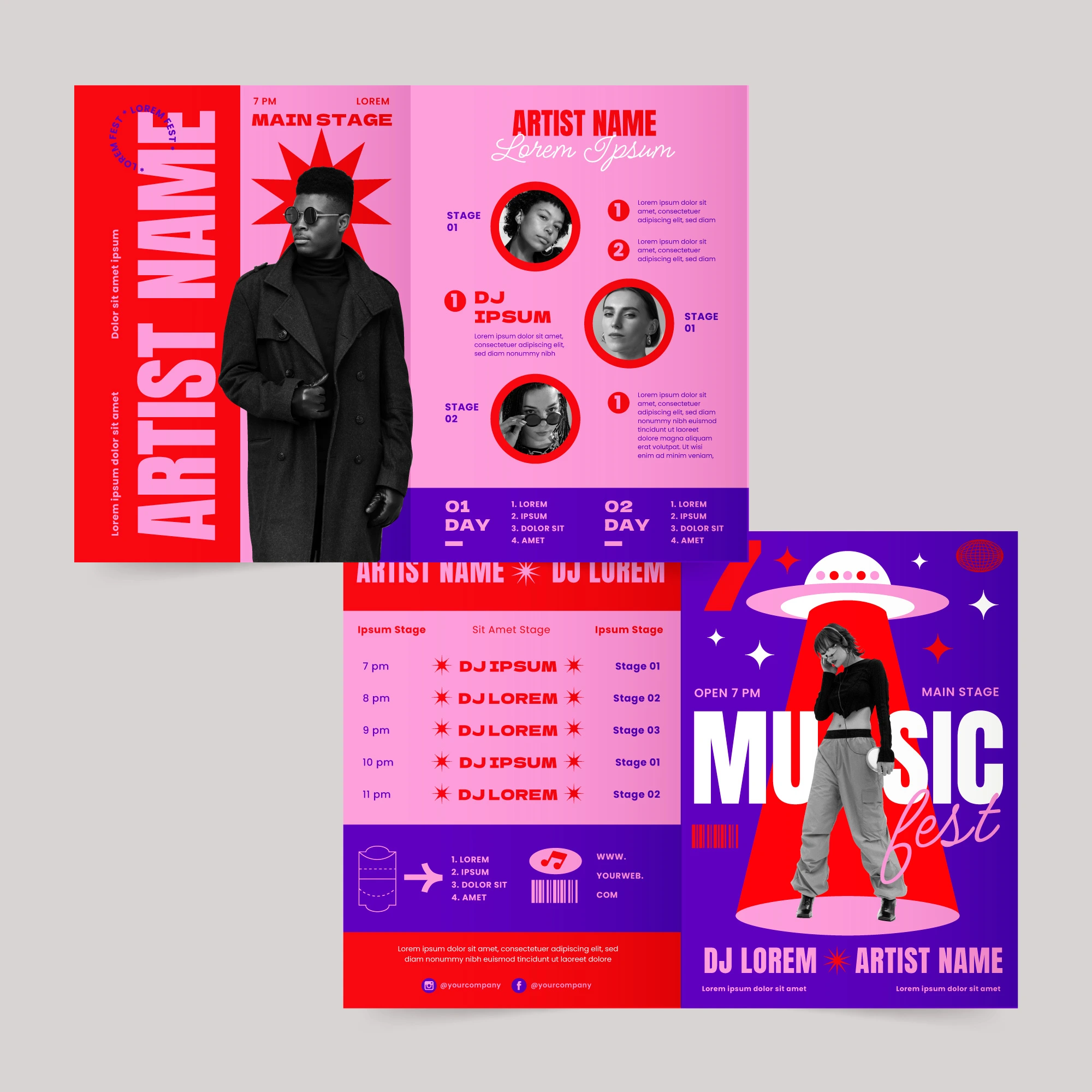
5.5 Speaker and Performer Profiles
Speaker pages can help visitors understand who will take part in the event. Include useful information such as the person's name, role, short biography and relevant session. The same approach works for performers, trainers, panel members or special guests.
5.6 Venue Information
Do not make attendees search elsewhere for basic travel details. Include the full venue address. You can also add maps, parking details, public transport information and accessibility details where useful. Online events should clearly explain how registered attendees will access the event.
6. Connect the Website Development With Useful Tools
An event planner website does not need to handle every task by itself. Event organizers often use other systems for payments, email marketing, customer management, webinars or attendee communication. The event company website development can connect with these tools when needed.
Common integrations include:
Payment gateways
Email notifications
CRM systems
Ticketing software
Webinar platforms
Calendar tools
Analytics platforms
Plan important integrations before online event management website development begins. This makes it easier to build the right registration process and manage how information moves between systems.
Businesses that need custom booking flows, registrations, payment systems or other event functions may benefit from professional event management website design and development. A custom build allows the website structure and features to match the actual event process.
7. Keep Registration Simple
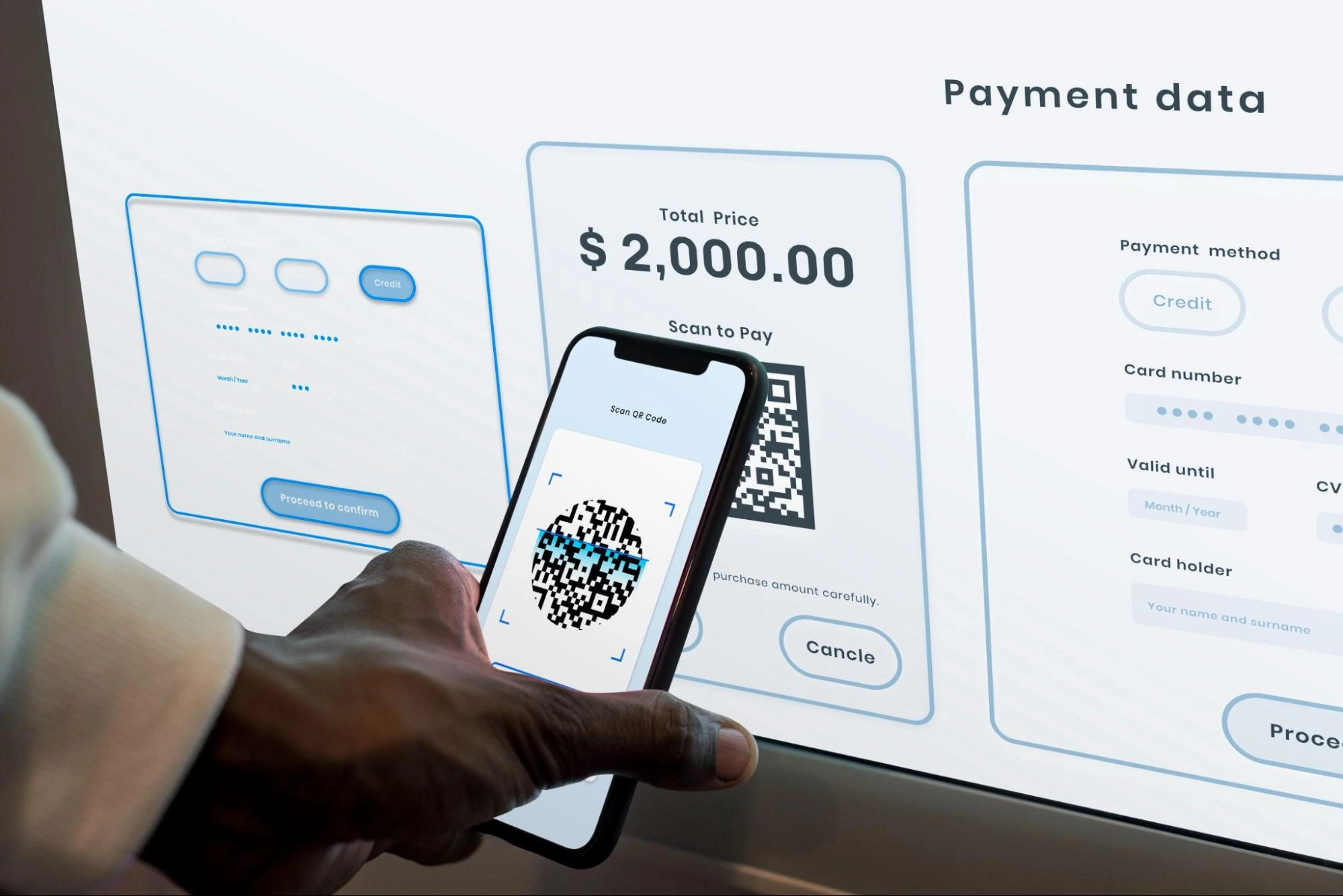
Registration is often one of the most important parts of an event website. People reaching this stage are already interested. Do not make the final step difficult. Keep forms short. Use clear labels and explain any required information. For paid events, show ticket prices and the final total before payment.
Visitors should also know what will happen after they complete the process. Tell them when they should expect confirmation and where they can find their ticket or booking details.
Test failed payments and incorrect form entries too. Error messages should explain what needs to be fixed. A smooth registration process saves time for attendees and reduces support requests for the event team.
8. Build for Mobile Users
Many visitors will open an event website from a phone. Some may register from a mobile device. Others may check the address, ticket or schedule while travelling to the venue.
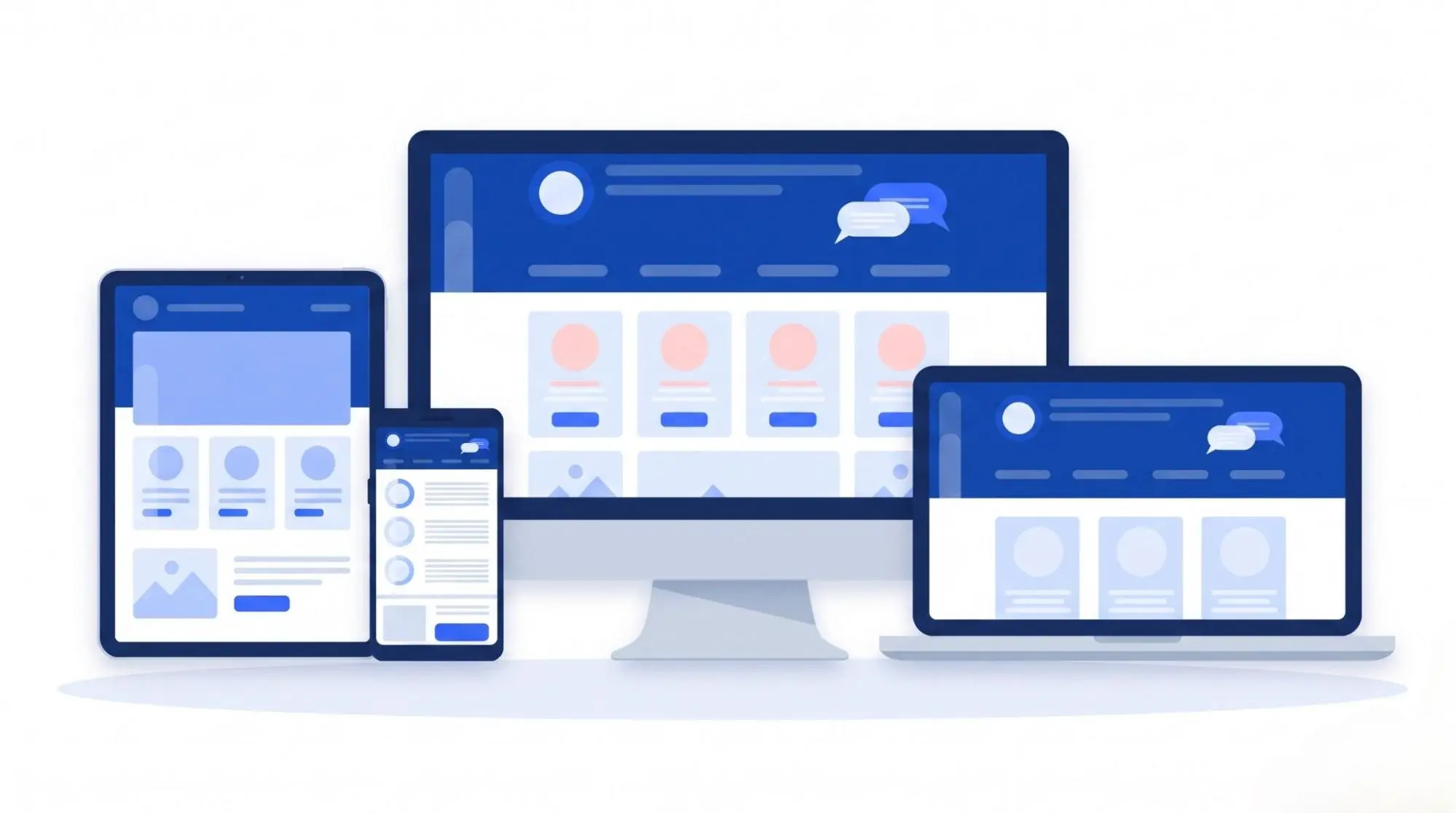
The site should work properly on different screen sizes. Check menus, buttons, forms, images and schedules on mobile devices. Text should remain easy to read. Buttons should be easy to tap. Do not treat mobile design as a smaller version of the desktop page.
The layout should adjust to the available screen and keep important actions easy to reach. Mobile performance also matters for search visibility since Google uses the mobile version of website content for indexing.
9. Keep the Website UX/UI Design Fast
Event websites often use many images and outside tools. Large photos, videos, maps, ticket systems and tracking scripts can slow down a page.
Compress images before uploading them. Use the right image size for each area of the website. Remove plugins and scripts that serve no real purpose. Pay special attention to the homepage and registration pages.
A fast website helps visitors move through the booking process with less frustration. Google's Core Web Vitals can also help measure loading speed, response time and page stability.
10. Make the Website Accessible
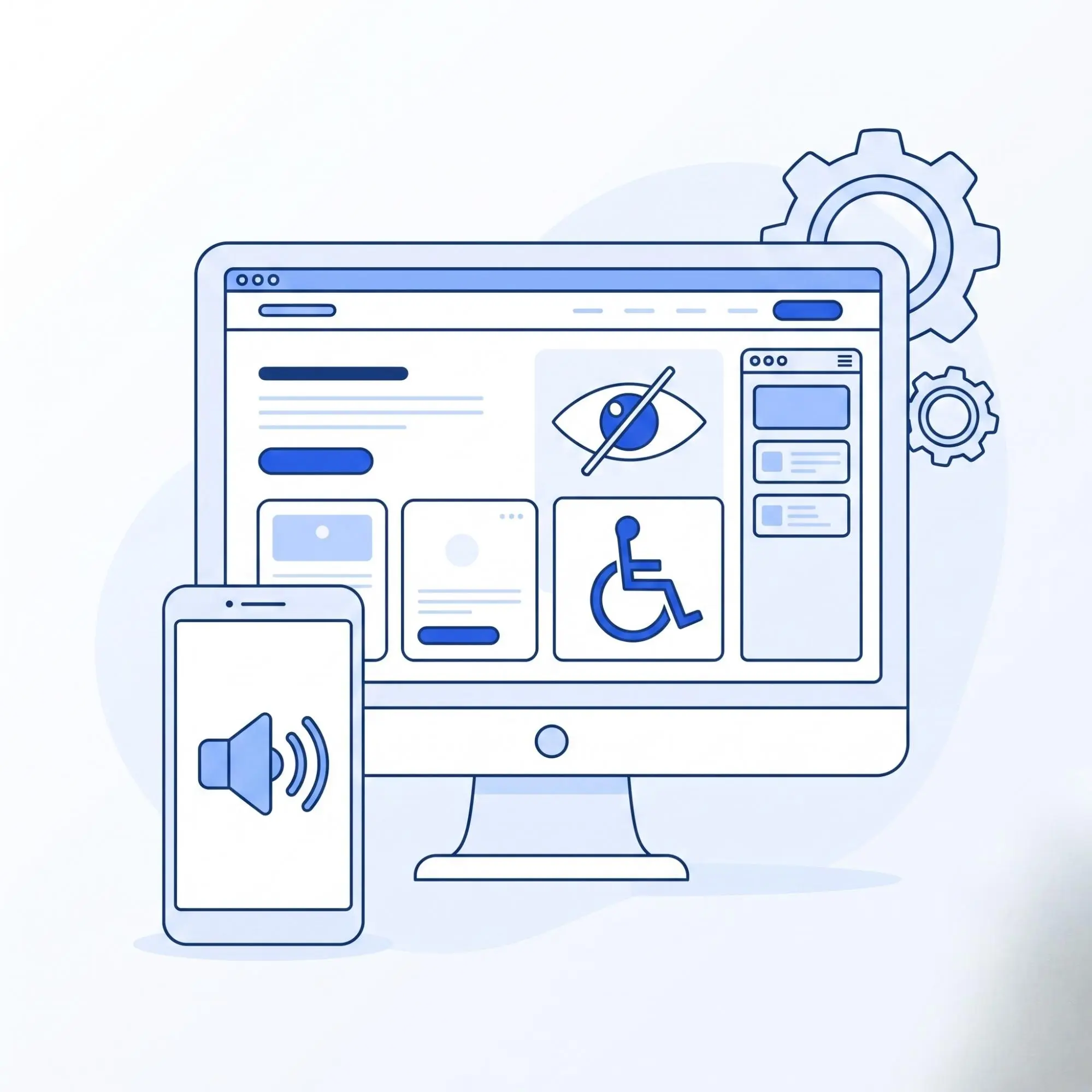
An event should be easy to explore for as many people as possible. Use readable text and clear color contrast. Give forms proper labels. Add useful alternative text to important images.
Headings should follow a logical order. Visitors should also be able to understand navigation and interactive elements without guessing what they do. Accessibility should be considered during design and web development rather than added after the web development is finished.
11. Protect Attendee Information
Event websites may collect names, email addresses, phone numbers and payment information. That data needs proper protection.
Use secure forms and reliable payment systems. Keep website software updated and control who can access the administration area. Validate information submitted through forms. Strong account security is also important when the site includes attendee or staff accounts.
Payment information needs extra care. Using a trusted payment provider can reduce the amount of sensitive payment data handled directly by the website. Security should be part of the development process from the beginning.
12. Prepare the Online Event Management Website Design and Development for Search Engines
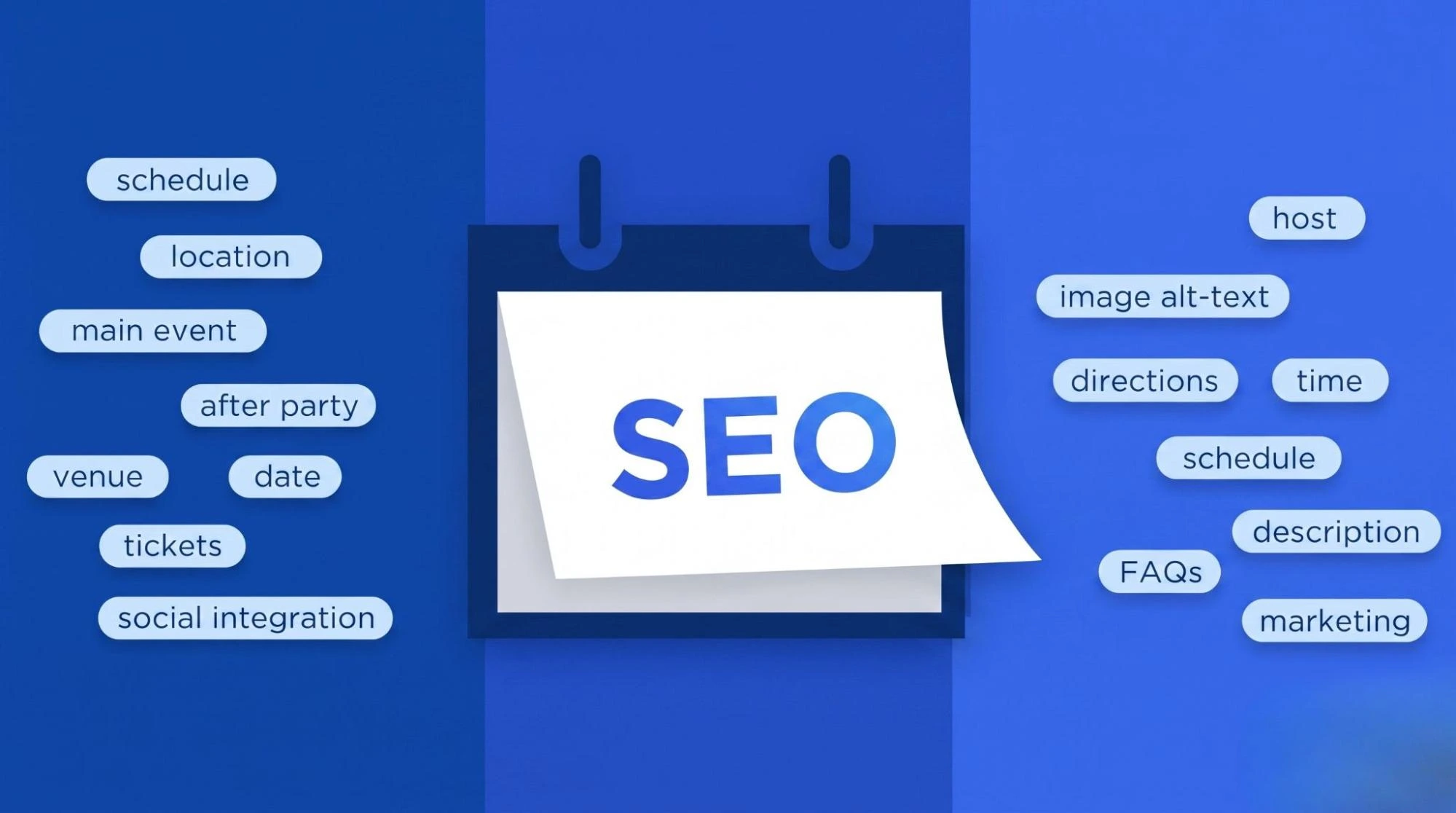
SEO can help more people discover your events through search. Start with clear page titles and headings. Each important event category should have its own page with useful written information. Do not place all event details inside an image or poster. Include information people may search for naturally. This could include the event type, location, venue, date or industry.
For example, a conference page might target searches related to a marketing conference in a specific city.
Use simple page addresses as well.
A URL such as:
/events/digital-marketing-conference-denver/
gives both visitors and search engines more context than an unclear page address filled with numbers.
Internal links can also help.
Connect event category pages with relevant speakers, categories, venue information and useful blog content. Event structured data can provide search engines with details such as dates, locations and attendance information. The information in the markup should always match what visitors can see on the page.
13. Track What Visitors Do
Once the site is live, you need to know whether it is doing its job. Analytics can show how people find the website and which pages they visit.
You can also track important actions such as:
Event registrations
Ticket purchases
Contact form submissions
Registration button clicks
Event page visits
Traffic sources
This information can reveal weak parts of the website.
For example, many event page visits with very few registrations may point to a problem with the offer, form or registration process.
Use actual visitor behavior to guide future improvements.
14. Test Everything Before Event Planning Website Launch
Web development may look finished while important functions still have problems. Test the full visitor journey before publishing it.
Open every important page. Check the navigation and links. Submit the forms. Complete the registration process on different devices. For paid events, test the payment process and confirmation messages. Review all event dates, times, ticket prices and venue information.
Then look at the website design from the view of someone who knows nothing about the event.
Can they understand what the event is?
Can they find the date and location quickly?
Can they see how much a ticket costs?
Can they register without searching through several pages?
Can they complete the same process from a phone?
Any unclear step deserves attention before launch.
15. Keep the Event Registration Website Updated After Launch
An event management website needs regular updates. Schedules change. New speakers may join. Tickets can sell out. Venue information may change.
Outdated information can cause confusion and reduce trust. Use a content management system that allows the team to update important information without changing website code.
After an event ends, decide what should happen to its page. Useful past event pages can remain online with photos, videos, highlights or results. This content can show visitors what previous events were like and support future promotion.
16. Build Around the Attendee Experience
A professional event management website should make the event easier to understand and easier to attend. Start with the visitor's needs.
Show important information clearly. Keep navigation simple. Make registration easy. Build pages that work well on mobile devices and load quickly. Add features only when they solve a real problem.
Organizers should also be able to manage events, update information and connect the website with the tools they already use.
For event agencies and businesses that need more than a basic template, The Custom Websites can build an event management website around specific event requirements and user journeys. A successful event planning website does not need to feel complicated.
It needs to help the right people find the event and take the next step.