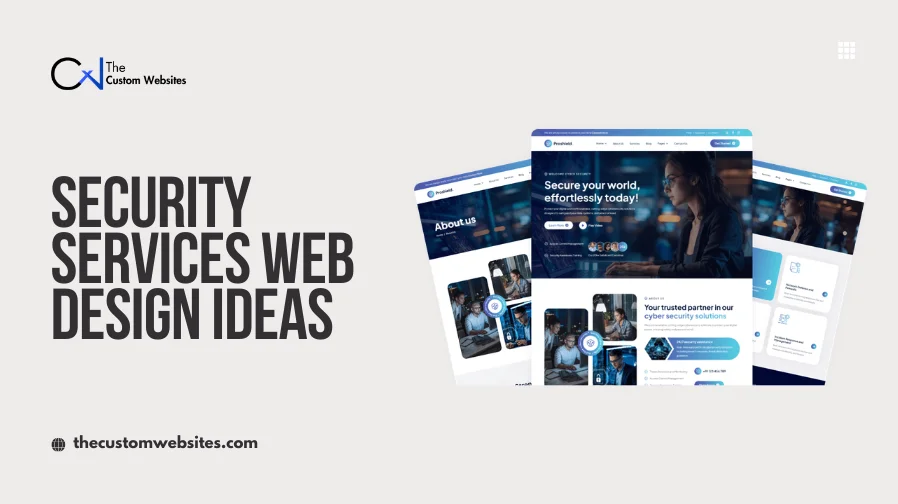
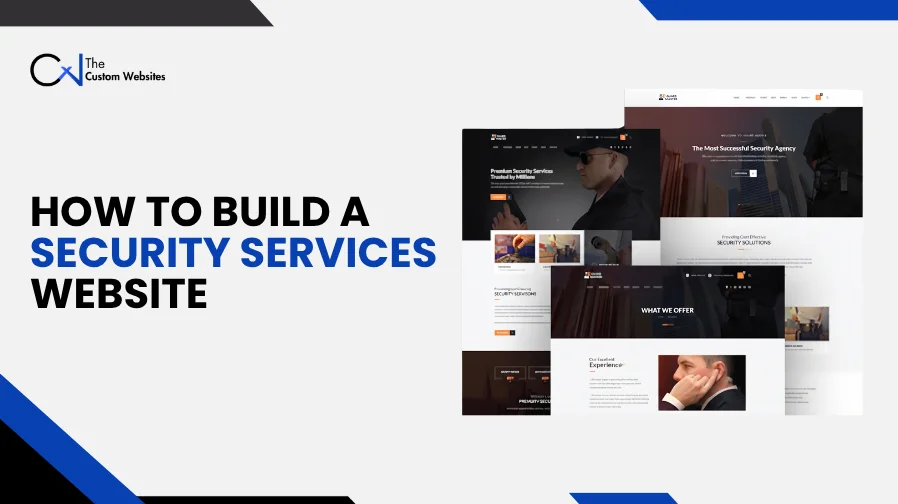
A security company website should explain your services and help visitors contact the right team. Security Services Website Design and Development brings together the page structure, content, design and features needed to support those tasks. A professional website should also give your staff a practical way to manage inquiries and update information.
The needs of a private security agency differ from those of a CCTV installer. One may need to collect staffing requirements. The other may need to arrange property visits.
This guide explains how to build a security services website around your customers, daily work and future plans.
1. Define What Your Website Needs to Do
Start with your business goals before choosing a layout or platform. Decide who will use the website and what they should be able to do.
Your main audiences might include homeowners, property managers, event organizers or commercial buyers. Existing clients may need a separate way to request support.
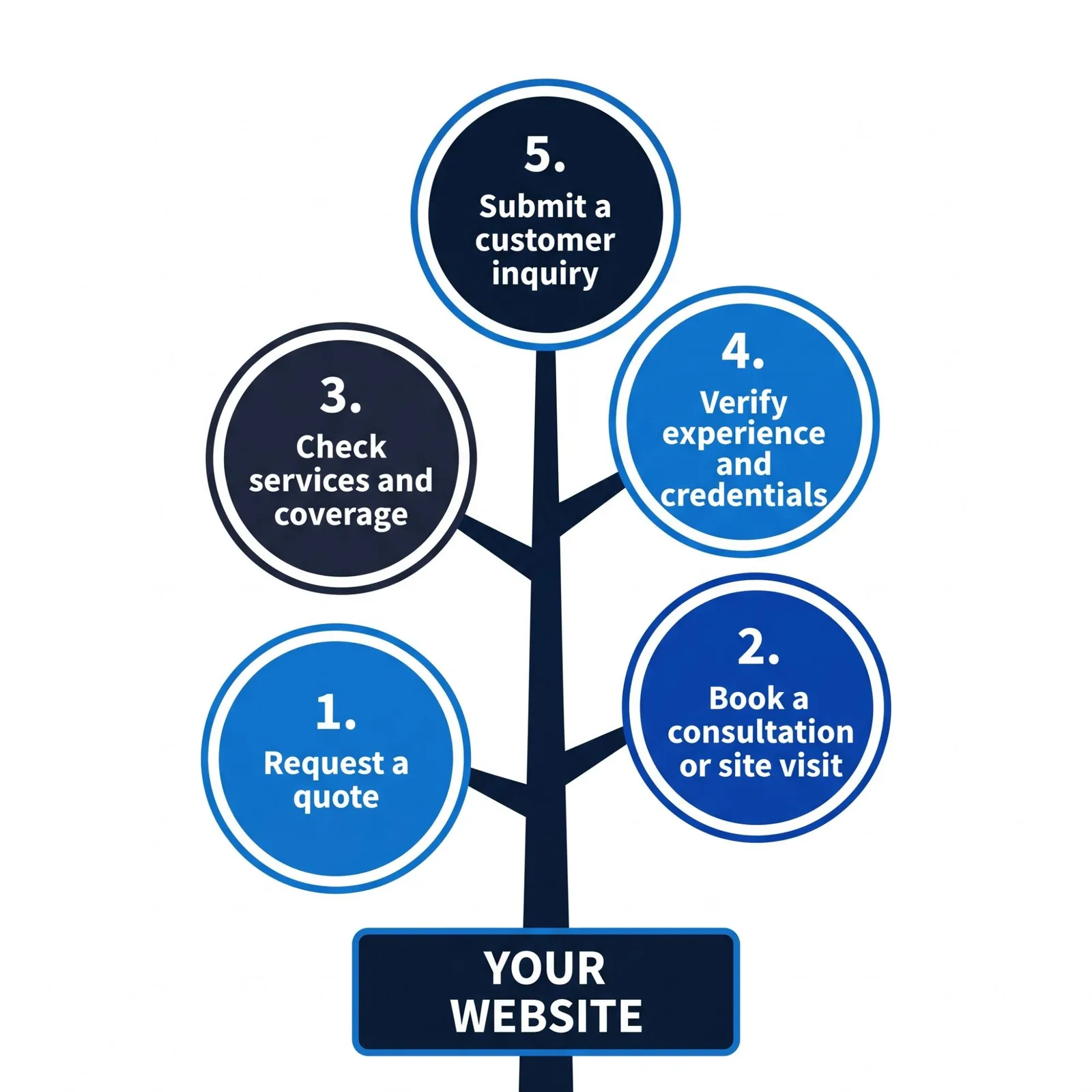
Write down the actions that matter most:
Request a quote.
Arrange a consultation or site visit.
Check your services and coverage areas.
Review your experience and credentials.
Submit an existing customer inquiry.
Choose a main action for each audience. For example, an event organizer may need to share a date, venue and expected attendance.
This planning gives security company website development a clear scope. It also helps you avoid paying for features your team will rarely use.
2. Plan Your Website Architecture
Website architecture is the way you organize pages and connect them. Visitors should be able to move from a broad service category to specific information without getting lost.
A business offering both commercial security and residential security may need separate sections. Each can lead to the relevant services and inquiry form.
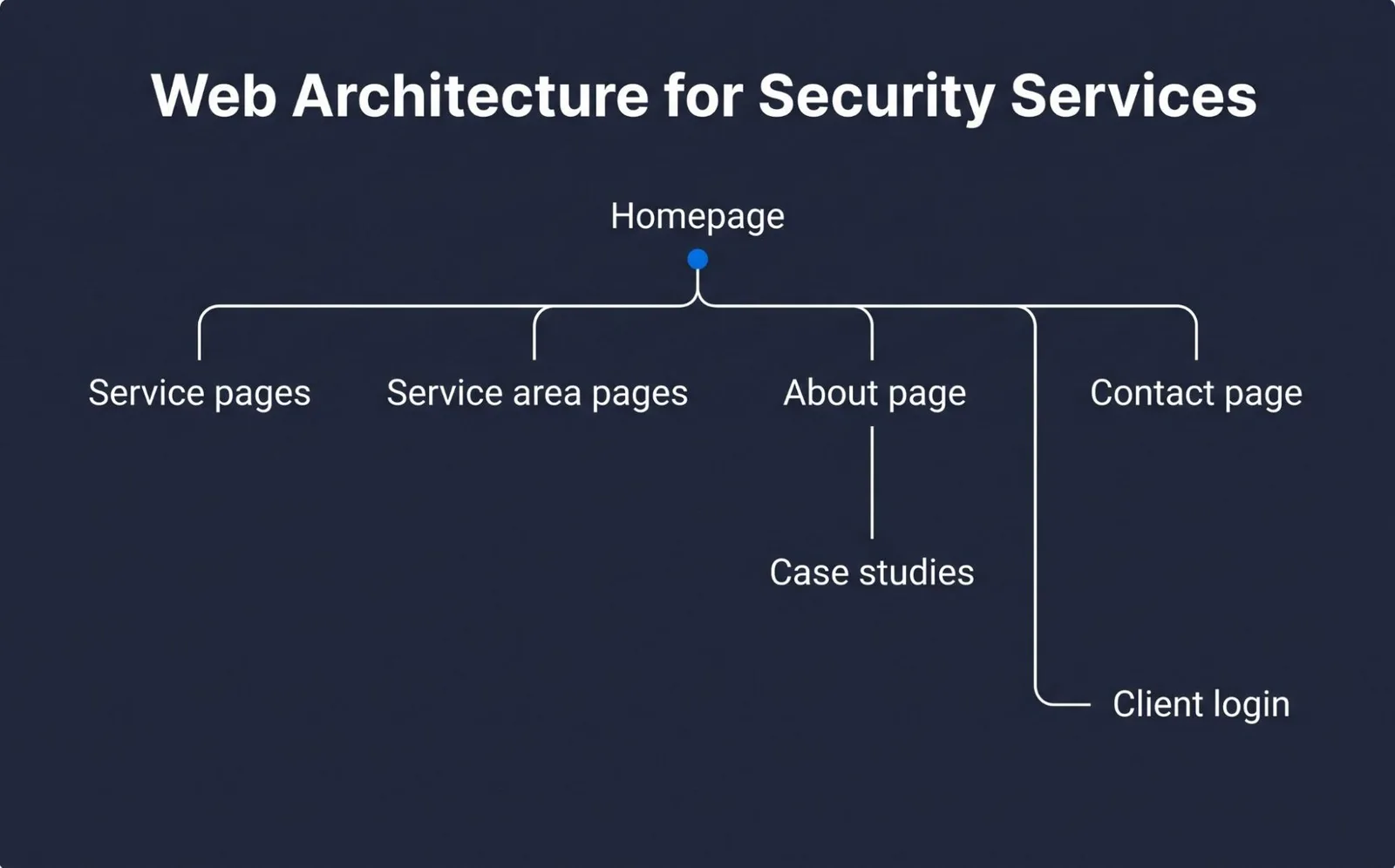
Use this page structure as a starting point:
Page | What to Include |
Homepage | Main services, coverage area and a clear next step |
Service pages | Scope of work, suitable customers and inquiry options |
Service area pages | Actual coverage and local service details |
About page | Company background, team and relevant credentials |
Case studies | Approved examples of completed work |
Contact page | Phone number, contact form and business hours |
Client login | Access to a customer portal when needed |
Keep menu labels familiar. “Services” and “Contact” are easier to understand than creative labels with unclear meanings.
For security agency website development, plan how the structure will grow. Adding a new service or branch should not require rebuilding the whole menu.
3. Choose Your CMS, Domain and Hosting
A content management system, or CMS, lets your staff edit website content. Choose one based on the pages you need and the people who will manage them.
WordPress for Content Management
WordPress can suit a website with service pages, location information, articles and quote forms. Your team can manage content through an admin dashboard.
Set up reusable page templates. Staff can then add a service without creating a different layout each time.
Give employees permissions that match their work. Someone updating page text may not need access to plugins or website settings.
Custom Development for Complex Features
Custom security website development may be appropriate when standard tools cannot support your workflow. Examples include client accounts, approval steps or connections to an internal service management system.
A custom build can also use a CMS. Your public pages and business tools do not have to use the same system.
Before deciding, compare setup costs, ongoing support, editing needs and integration options.
Domain and Website Hosting
Choose a domain that reflects your business name and is easy to share. Keep the registration under a company controlled account.
Ask hosting providers about backups, technical support, update responsibilities and recovery options. Confirm who will manage domain renewal and hosting payments.
4. Build the Front End and Back End
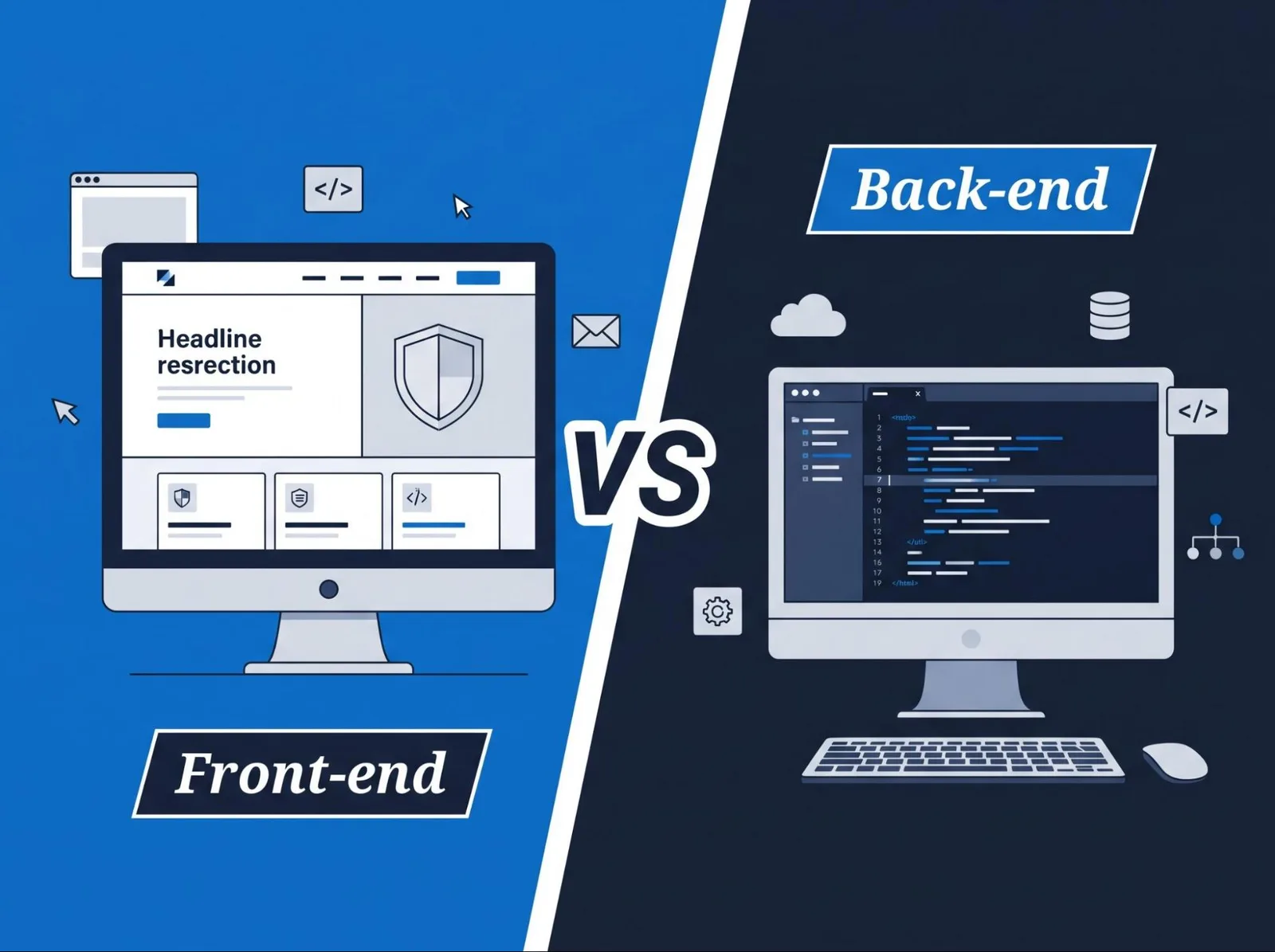
The front end is the part visitors see. Front end development covers page layouts, menus, buttons and forms.
Custom website design should make those elements easy to use. Keep text readable and make contact options visible on small screens.
The back end handles work behind the pages. Back end development may process inquiries, save records, control user accounts and connect other systems.
For example, a visitor submits a mobile patrol request through the front end. The back end checks the fields and passes the inquiry to your sales system.
Full stack development covers both sides. During planning, define what happens after each visitor action. A form needs a working delivery process as well as a clear layout.
5. Create Useful Service Pages
Give each major service enough space to explain its purpose. Avoid placing every offering in one long paragraph.
Depending on your business, service pages may cover:
Security guard services.
Event security.
Mobile patrol.
CCTV installation and surveillance services.
Access control.
Alarm monitoring.
Only include services your company provides.
Each page should explain who the service suits, what it includes and how customers can discuss their needs. Address practical questions about coverage, setup or ongoing support.
An event security page could explain the details needed for an initial inquiry. An access control page might describe the property types and installation support you offer.
Keep sensitive details out of public examples. Get permission before publishing client names, site images or project information.
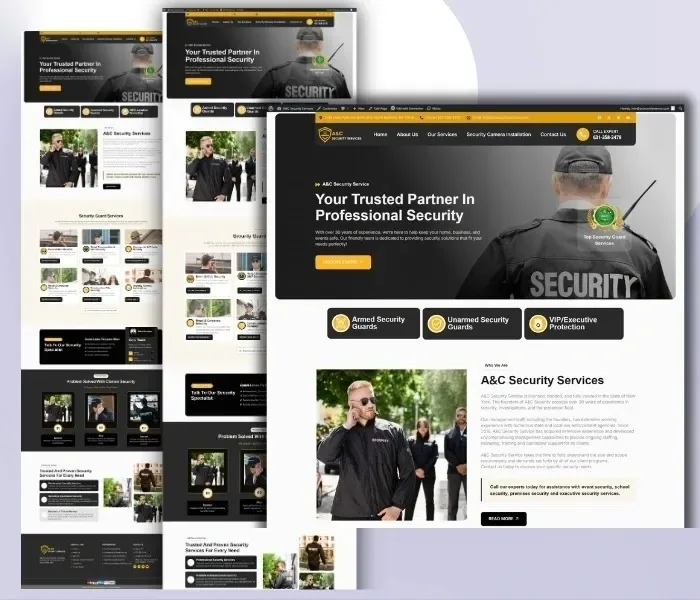
6. Develop Quote Forms and Booking Features
A good quote request form collects enough information for a useful first conversation. It should be easy to complete on a phone.
Useful fields may include:
Name and contact details.
Required service.
Property type or event type.
City or service location.
Preferred start date.
A short description of the request.
Use conditional fields where they help. An event inquiry may need attendance details. A commercial inquiry may need the number of properties.
Avoid asking visitors to upload alarm codes, camera login details or detailed security plans through a public lead form.
After submission, display a confirmation and send the inquiry to the responsible team. Explain when the visitor can expect a reply if you have a defined response schedule.
Appointment scheduling can support consultations and property visits. Online booking should reflect staff availability and your approval process. A booked consultation should not imply confirmed guard coverage unless your system actually supports that commitment.
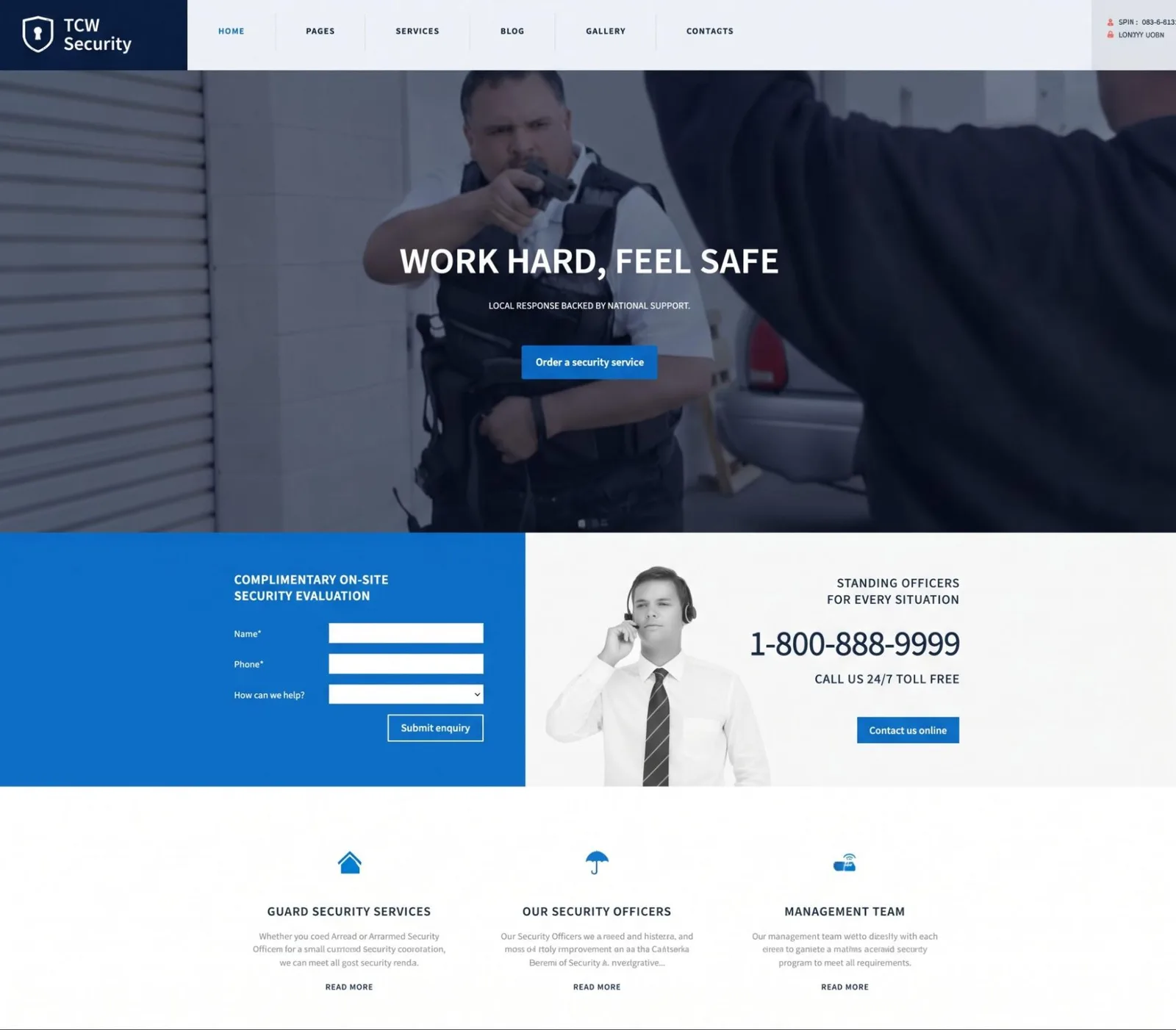
7. Connect Your Website to Business Tools
Third party integrations can reduce manual work. Choose connections that solve a specific problem.
Integration | Practical Purpose |
CRM integration | Create a lead record and assign follow up |
Email integration | Deliver inquiries and customer confirmations |
Calendar integration | Schedule consultations and manage availability |
Google Maps integration | Show a public office or relevant location |
Live chat | Answer initial questions and route inquiries |
Review integration | Display customer feedback |
Analytics integration | Measure inquiry activity and page use |
API integration allows systems to exchange information. Database integration may support stored inquiries, account records or portal requests.
Map the required fields before development. Decide which system owns each record and who can access it.
Also plan for failed connections. If a CRM is unavailable, the inquiry should remain recoverable. Test duplicate submissions and missing information before launch.
8. Add a Customer Portal When Needed
A customer portal can help clients manage ongoing requests. It adds development and maintenance work, so define its purpose first.
Useful functions might include viewing approved documents, submitting coverage changes or tracking support requests.
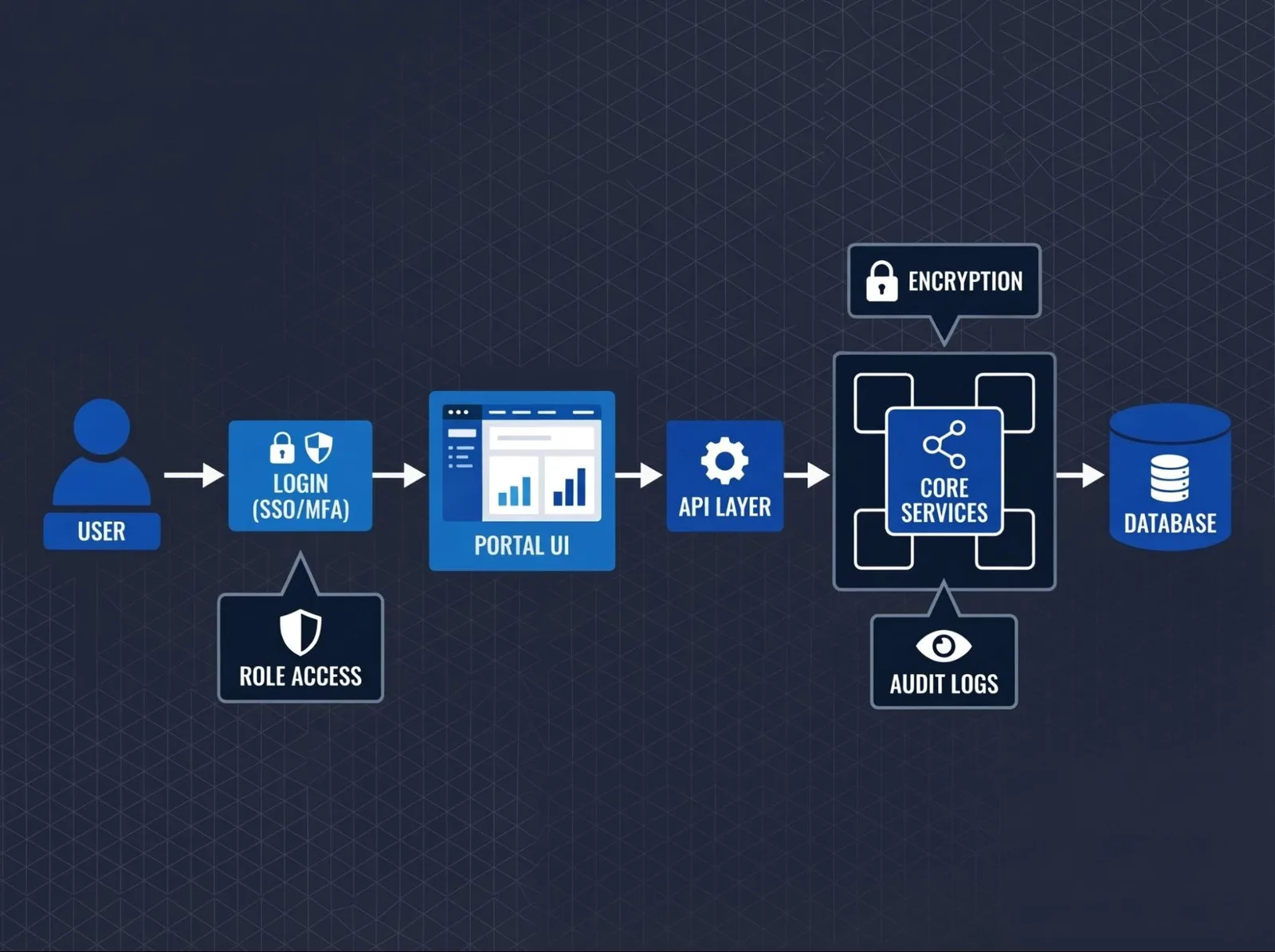
Separate user accounts by client organization. Each customer should only access their own records. Staff permissions should match their responsibilities.
Service management features also need clear status labels. “Request received” and “Coverage confirmed” mean different things.
Keep operational approval with the responsible team. A portal should support your process without making promises your staff have not approved.
9. Protect the Website and Customer Information
Website security belongs in the development plan from the start.
Enable HTTPS with a valid certificate, often called an SSL certificate. Modern HTTPS uses TLS to protect data traveling between the visitor’s browser and your website. It does not replace secure application code or account controls.
Use strong passwords and enable two factor authentication for administrator accounts. Limit access and keep website software current.
For WordPress, maintain the core system, themes and plugins. Keep backups and prepare a recovery process. These practices form part of WordPress’s official security guidance.
Your developer should also check submitted data, protect private files and control access to stored records.
Decide what information to collect and how long to keep it. Explain its use in your privacy notice. Collecting fewer unnecessary details makes inquiries easier to manage.
10. Improve Mobile Use and Website Performance
Responsive development helps pages adapt to phones, tablets and desktop screens. Test the actual tasks visitors need to complete.
Can someone open the menu, select a service and submit an inquiry on a small screen? Are form labels readable? Does the phone button work?
For website performance, reduce oversized images and unnecessary scripts. Avoid loading large videos or heavy widgets without a clear purpose.
Check important pages on a slower connection. A homepage may load well while a service page struggles with maps, chat tools and image galleries.
Accessibility also deserves attention. Use clear labels, visible keyboard focus, readable contrast and understandable error messages.
11. Make Content Easy to Find
Build search friendly pages around the services and locations you actually cover.
Use descriptive URLs, clear headings and editable page titles. Link related pages so visitors can explore relevant options.
Location pages should contain useful local details. Explain available services and how inquiries reach the appropriate team. Repeating identical text with a different city name offers little value.
Show accurate credentials, current contact information and approved customer feedback. These details help visitors assess your security firm.
Keep content management simple. Your staff should be able to update coverage, business hours and service information without changing the underlying code.
12. Add AI Features With a Clear Purpose
AI tools can support a website when they handle a defined task.
A quote assistant could collect service requirements and prepare a summary for your team. A service finder could help visitors choose between approved offerings. Another tool might sort inquiries before sending them to the CRM.
Decide what each tool can answer and when it should hand the conversation to a person.
Use approved company information. Let staff review quotes, staffing decisions and coverage commitments. Plan what happens when the tool cannot answer a question or a connected system stops working.
The Custom Websites’ security services page includes examples of custom AI tools for collecting requirements and organizing client requests.
13. Test, Launch and Maintain the Website
Before launch, test the full inquiry journey. Submit forms from different devices and confirm that the right people receive them.
Check:
Required fields and error messages.
Email delivery and CRM records.
Booking times and confirmations.
Portal access and account permissions.
Navigation, links and mobile layouts.
Backup recovery and important integrations.
If you are replacing an existing website, map old URLs to the relevant new pages. Arrange redirects where addresses change.
Agree on ownership before handover. Your business should know who controls the domain, hosting, CMS and connected accounts.
After launch, assign responsibility for website maintenance. Review updates, backups, form delivery and integration errors. Remove outdated services and refresh contact details as your business changes.
Measure completed inquiries and useful visitor actions. Use those findings to decide what needs improvement.
Build a Website That Fits Your Security Business
Professional security website development starts with clear goals and a workable structure. The right features help visitors understand your services while giving staff a reliable way to handle requests.
The Custom Websites can help plan your pages, develop inquiry forms and connect agreed business tools. Share your services, coverage areas and workflow to discuss a website that fits your company.