
Building a professional solar website requires more than an attractive layout. Solar Energy Website Design and Development brings together the structure, features, content and visual elements needed to represent a solar business online. The finished website should explain your services, build trust and make it easy for potential customers to request a quote.
A solar buyer may compare several installers before making contact. Your website must answer practical questions and reduce doubt. It should also work well on phones, load quickly and guide each visitor toward a useful next step.
This guide explains how to build a solar energy website that supports both customers and business growth.
Set Clear Goals for Solar Energy Website Development
Start with the purpose of the website. A residential installer may want more survey requests. A commercial provider may need to attract facility managers and property developers. A solar equipment supplier may want distributors to ask for product details.
Choose one main action for each type of visitor. This action could be requesting a quote, booking a consultation, calling the sales team or downloading a system guide. Clear goals help developers plan the navigation, page structure and tracking setup.
Define the service area at this stage. A local contractor needs location pages and local contact details. A company serving several states may need separate content for each market. This choice affects the site structure and the amount of content required.
Understand Your Solar Website Users
Good solar energy website development starts with real customer needs. Homeowners often want to know about cost, roof suitability, savings and installation steps. Commercial buyers may focus on project capacity, payback estimates, system monitoring and ongoing support.
Create simple visitor groups before you plan pages. These may include:
Homeowners exploring rooftop solar for the first time
Businesses seeking a commercial solar installation
Builders looking for a solar project partner
Property owners interested in batteries or EV charging
Existing customers who need maintenance or support
Each group should have a clear route through the website. Do not make every visitor search through the same general service page.
Plan a Clear Solar Company Website Structure
A clear structure helps visitors find information without extra effort. It also helps search engines understand the relationship between your pages.
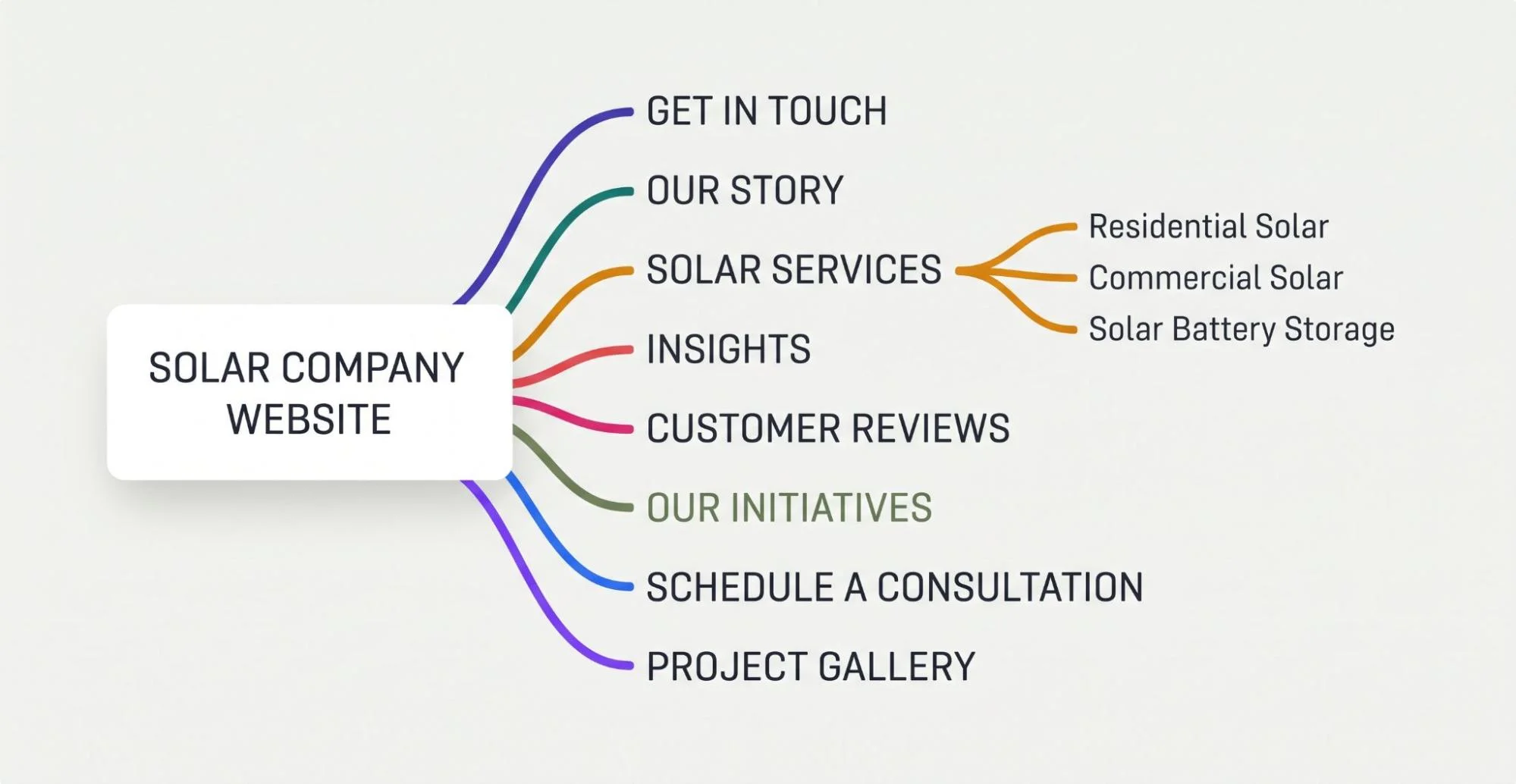
Most solar company websites need the following core pages:
Home
About the company
Residential solar
Commercial solar
Battery storage
Solar panel maintenance
Projects or case studies
Service area pages
Learning center or blog
Contact or quote request
Only add a page when it has a clear purpose. Thin pages with almost identical content create a poor experience. Combine closely related topics when one useful page can cover them properly.
Keep the main menu short. Put secondary resources in dropdown menus or the footer. A visitor should be able to reach a main service or contact option in one or two clicks.
Create a Focused Homepage With Solar Website Design
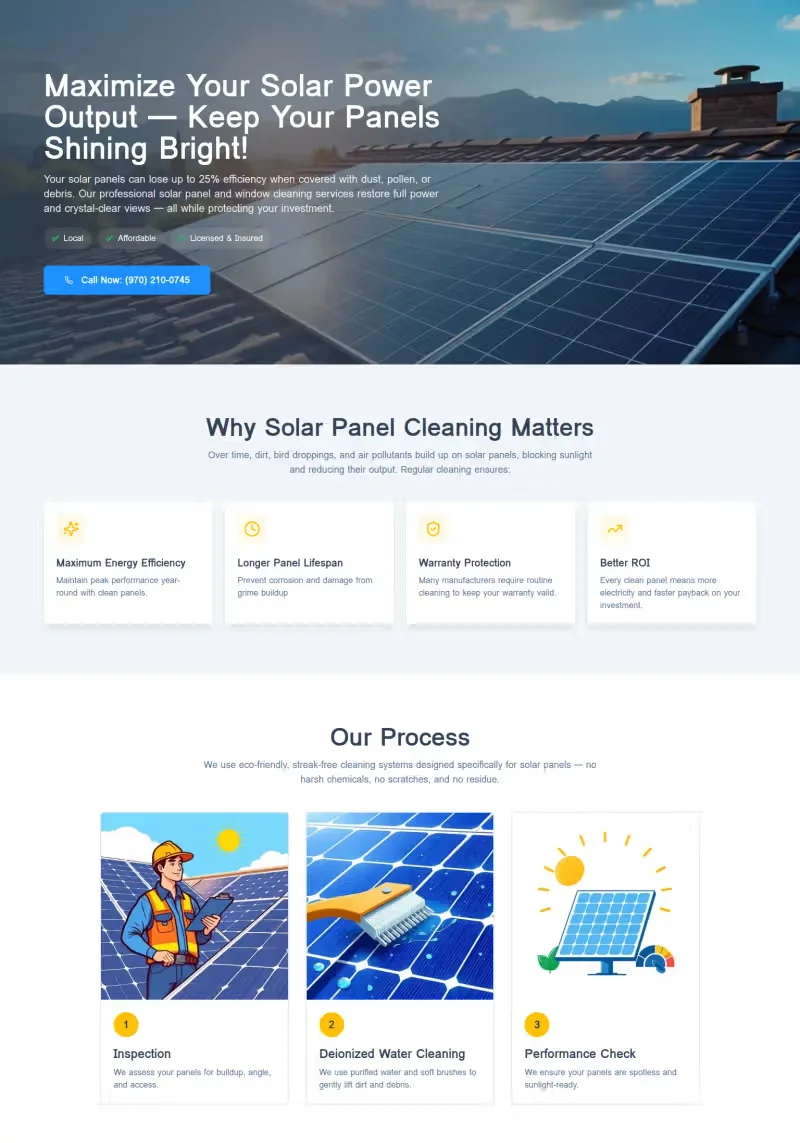
The homepage should quickly state who you serve, where you work and what you provide. Avoid broad claims that could belong to any energy company.
Use a direct headline near the top of the page. For example, an installer could say that it provides residential and commercial solar systems in a named region. Add one main call to action beside it.
The next sections can introduce key services, explain the process and show selected projects. Include customer reviews, certifications and warranty information where relevant. End with another clear contact option.
A strong solar website design uses visual hierarchy to separate these sections. Visitors should be able to scan the page and understand the offer before reading every line.

Build Detailed Pages for Solar Services
Each important service needs its own useful page. A residential solar page should not simply repeat the commercial solar page with a few words changed.
Explain what the service includes, who it suits and how the process works. Cover system assessment, proposed equipment, installation, inspection and activation when these steps apply. Add common questions about timelines, warranties and aftercare.
Professional solar website development should support different buying journeys. Someone researching solar batteries needs different information from a business planning a large rooftop system. Separate pages make those paths easier to follow.
Include a relevant call to action on every service page. The request should match the page. A visitor reading about commercial installations may prefer a project consultation rather than a generic contact form.
Show Solar Projects With Real Details
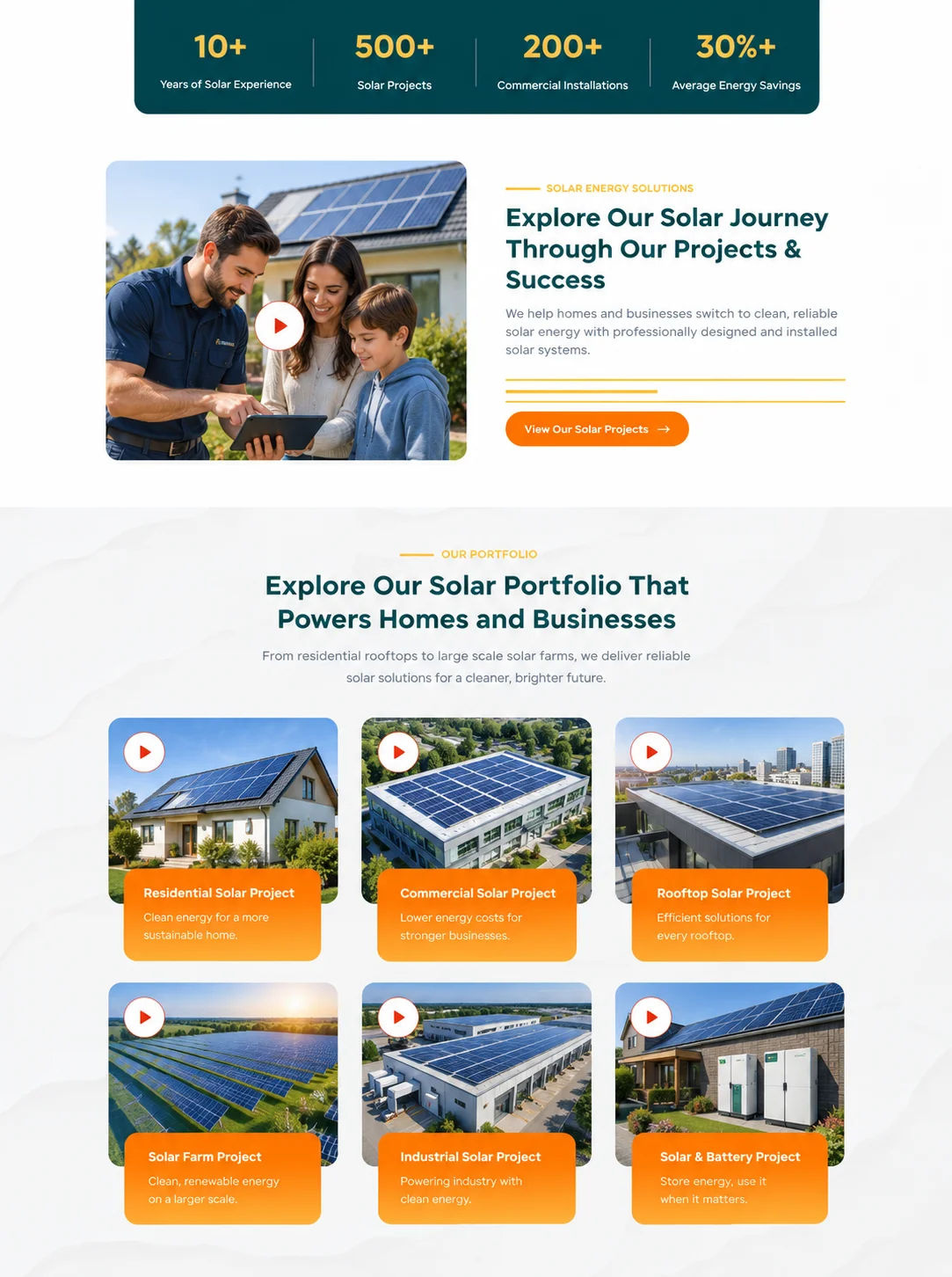
Solar customers want proof that a company can complete the work it promotes. A project gallery is useful, but images alone do not explain your experience.
Turn selected installations into short case studies. When the client permits it, include:
Project type and location
Property or facility type
System size
Equipment used
Main project challenge
Work completed
Measurable result or expected output
Do not publish unsupported savings figures. Results can vary with system size, energy use, utility rates, weather, orientation and local rules. State the basis of any estimate so the reader can understand it.
Real project information makes the website more credible. It also helps potential customers find examples that resemble their own needs.
Add Trust Signals to Your Solar Business Website
Trust is especially important for services that involve property, contracts and long-term equipment. Place evidence close to the claims it supports.
Useful trust elements may include business licenses, relevant certifications, manufacturer partnerships and verified reviews. Team profiles can show the people behind sales, system design and installation. A physical address and working contact details also help visitors confirm that the business is real.
Explain warranties in plain language. Separate equipment, workmanship and performance coverage when they differ. Avoid hiding important conditions inside vague marketing copy.
The solar company website design should make this evidence easy to notice. A logo strip can support a page, but clear explanations are more helpful than a wall of badges.
Create Simple Quote Forms for Solar Leads
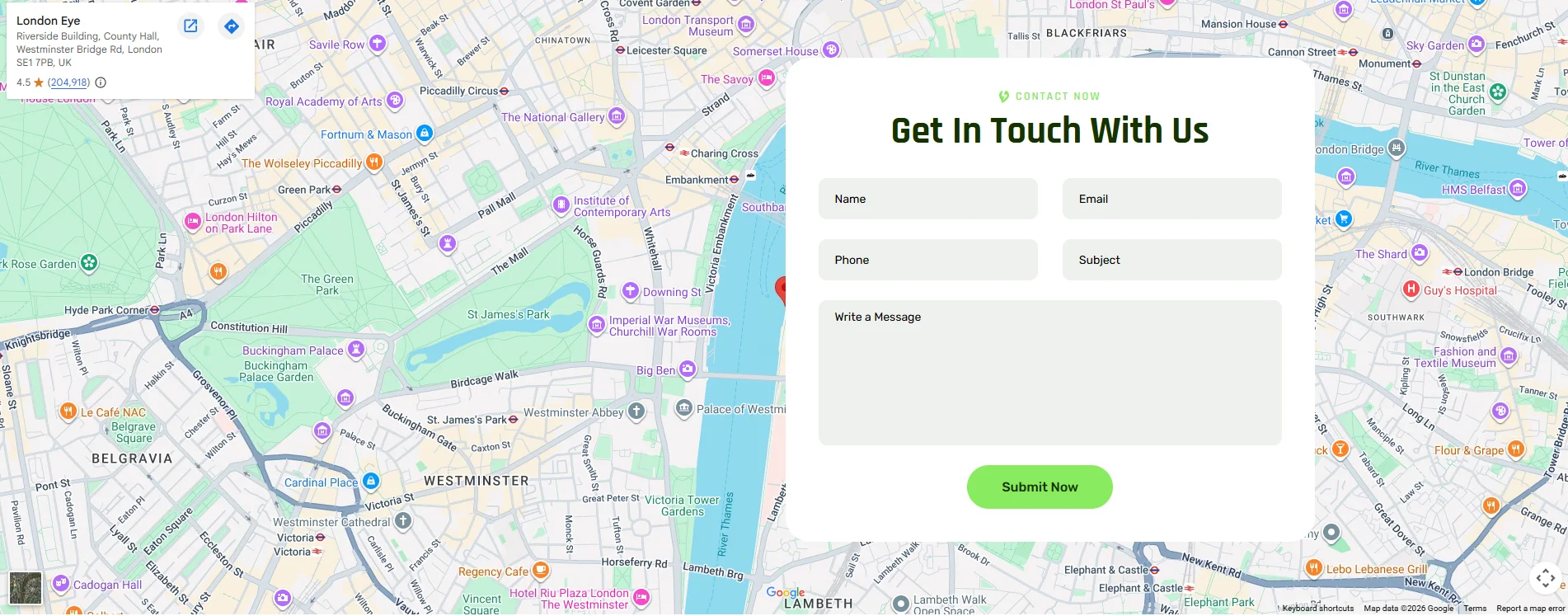
A long form can discourage a potential customer. Ask only for details the team needs to start a useful conversation.
An initial solar quote form may request:
Name and contact information
Property type
Project address or ZIP code
Average electricity use or bill range
Service of interest
Preferred contact method
You can collect technical details later. If the form needs several steps, show progress and keep each step short. Confirm that the request was received and explain what happens next.
Place the form behind a secure connection. Protect submissions from spam and restrict access to customer information. Clear privacy wording also helps visitors understand how their details will be used.
Add Useful Tools With Custom Solar Website Development
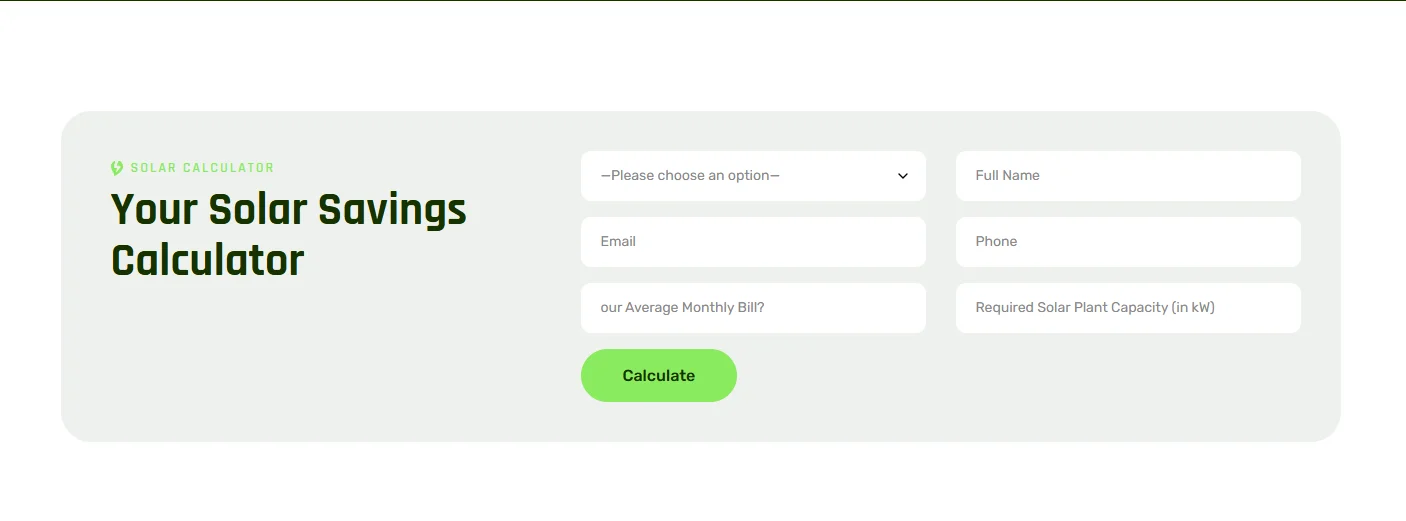
A savings or system-size calculator can help a visitor explore the possible value of solar. It can also produce misleading results when the assumptions are unclear.
State which inputs affect the estimate. These may include energy use, utility rates, roof space, sunlight, equipment and available incentives. Label the result as an estimate rather than a guaranteed outcome.
Custom solar website development makes it possible to connect calculators with lead forms, location data or internal sales tools. Keep the first interaction simple. Ask for contact details after the visitor receives useful value, not before every calculation.
Test formulas with your sales and engineering teams. Review them when rates, incentives or product options change.
Make Solar Website Development Mobile Friendly
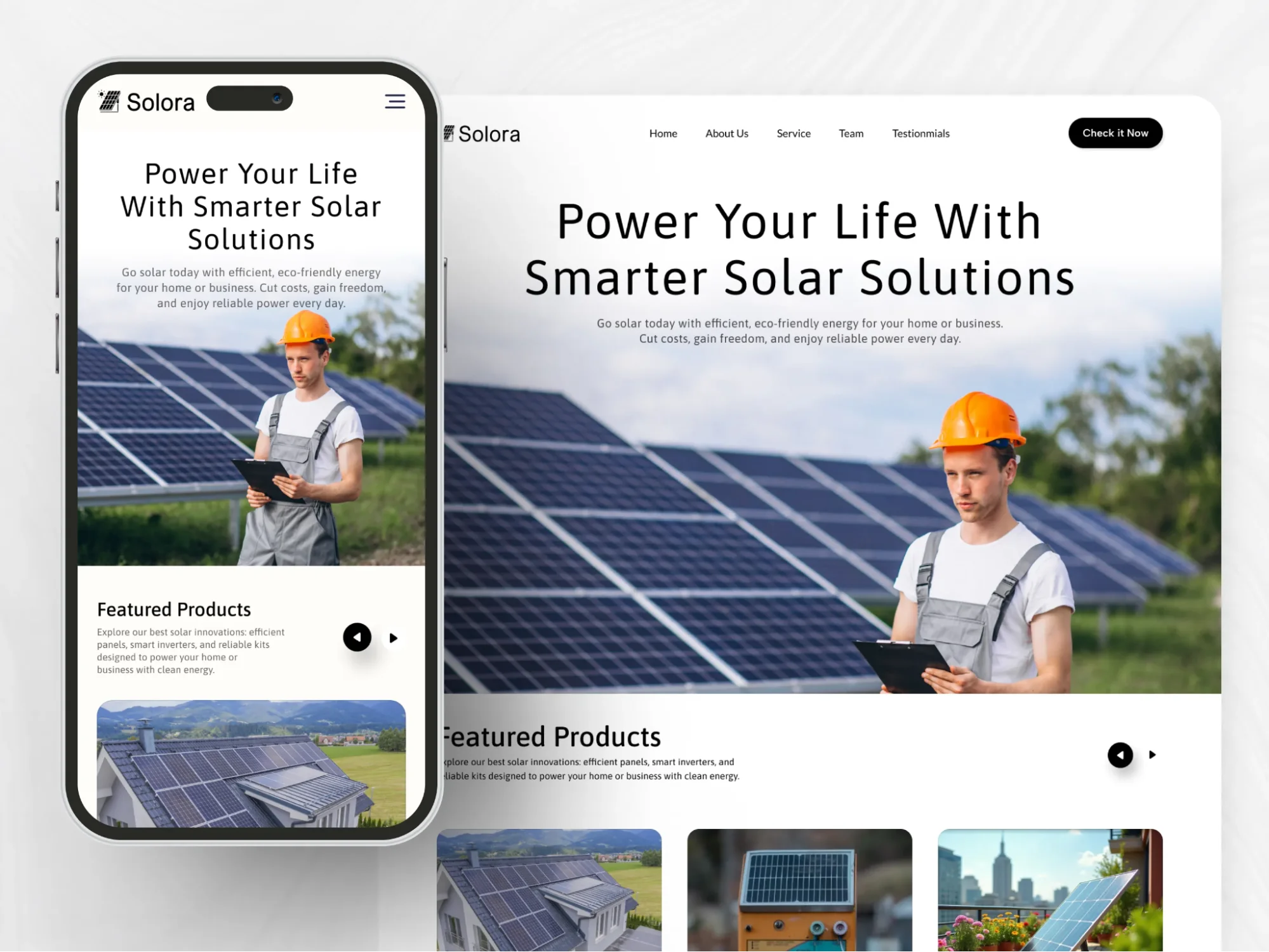
Many potential customers will visit the site on a phone. They may arrive from local search, an advertisement or a vehicle graphic. The mobile experience must be fast and easy to use.
Use readable text and large tap targets. Keep forms simple. Make phone numbers clickable and avoid popups that cover the page. Images and comparison tables should resize without forcing sideways scrolling.
Effective website design for solar companies also considers outdoor use. Strong contrast and clear buttons remain readable in bright conditions. Important actions should not depend on a hover effect.
Test the website on real phones with different screen sizes. A layout that looks correct in a desktop preview may still feel awkward on an actual device.
Improve Solar Web Development Speed and Performance
Solar websites often use large project photos, videos, maps and calculators. These elements can slow the site when they are not managed well.
Resize every image for its display area. Use modern image formats where supported. Load below-the-fold media only when needed. Avoid adding several third-party scripts that provide little business value.
Developers should also reduce unused code, configure caching and use reliable hosting. Forms and menus must respond without delay. Page elements should stay in place while content loads.
Google uses Core Web Vitals to assess loading performance, responsiveness and visual stability. A good technical target is an LCP within 2.5 seconds, an INP below 200 milliseconds and a CLS of 0.1 or less for most visits. Test both lab results and real visitor data after launch.
Prepare Your Solar Company Website for Search
Search visibility begins with a site that can be crawled and understood. Give each page a clear title, one main heading and a useful meta description. Use internal links to connect related services, locations, projects and articles.
Map search topics to the correct pages before writing. A service page can target solar energy website development for businesses, while a supporting article can answer a specific question. Avoid forcing many similar phrases into one paragraph.
Local solar businesses should keep their name, address and phone details consistent. Build useful service area pages with information that is specific to each location. Do not create dozens of pages that only replace the city name.
Add descriptive alternative text to meaningful images. Create an XML sitemap and submit it through Google Search Console. Use structured data only when the visible page content supports it.
Solar industry website development also needs a content plan. Publish articles that answer questions customers ask before installation. Helpful subjects may include roof requirements, maintenance, battery use and the steps in a solar assessment.
Write Clear Content for Solar Customers
Solar topics can involve technical terms, financial estimates and local policies. Explain each subject in easy English. Define any term a first-time buyer may not know.
Use short sections and descriptive headings. Lists are useful for steps and comparisons. Tables can help readers compare service options, but they should remain usable on small screens.
Review claims with a qualified team member. Incentives, rates and eligibility rules can change. Add a review date to time-sensitive content and update it when the facts change.
Avoid promises such as guaranteed savings unless the business can support them under clear conditions. Honest content builds stronger trust than exaggerated claims.
Connect Solar Website Development With Business Tools
The website should fit the way your team handles leads. Connect forms with a customer relationship management system when appropriate. This reduces manual entry and helps the sales team respond faster.
Useful integrations may include:
CRM and lead assignment tools
Appointment scheduling
Email notifications
Call tracking
Analytics and conversion tracking
Customer support systems
Project monitoring portals
Choose integrations based on a real need. Each added tool can affect speed, security and maintenance. Document how information moves between systems and who has access to it.
For larger providers, solar web development may include role-based dashboards or customer portals. Plan these features separately from the public marketing site. They require stronger access controls and more detailed testing.
Protect Your Solar Website and Customer Data
Security should be part of development from the start. Use HTTPS across the whole site. Keep the content management system, plugins and server software updated.
Limit administrative access to the people who need it. Use strong passwords and multi-factor authentication. Back up the website on a regular schedule and test how it will be restored.
Forms should validate input and block common attacks. Store only the data the business needs. If the website uses analytics, advertising tools or cookies, provide suitable notices and controls for the markets you serve.
Test Your Solar Energy Website Before Launch
Do not rely on one final visual review. Test every important user path from entry to confirmation.
Check the following areas:
Menus and internal links
Quote and contact forms
Calls, emails and booking buttons
Calculators and integrations
Mobile and tablet layouts
Major browsers
Page speed
Accessibility basics
Titles, descriptions and indexing settings
Analytics and conversion events
Ask someone who was not involved in the build to complete a quote request. New testers often find unclear labels or missing steps that the project team has stopped noticing.
Remove sample content and placeholder contact details. Confirm that the production site is open to search engines and that staging pages remain blocked.
Measure Solar Website Results After Launch
Launch is the start of improvement, not the end of the project. Track actions that connect with business goals.
Useful measures include qualified form submissions, booked calls, phone leads and conversion rates by landing page. Review which services and locations attract useful inquiries. Watch where visitors leave forms or calculators.
Traffic alone does not show whether the website is working. A page with fewer visitors may still produce better sales opportunities. Compare lead quality with the source and page that generated it.
Maintain a regular review schedule. Check forms, software updates, backups, broken links and performance. Refresh old project examples and time-sensitive content. These tasks protect the value of your solar power website development investment.
Avoid Common Solar Website Development Mistakes
Some websites look polished but fail to support the sales process. Common problems include:
Using unclear claims instead of specific service information
Hiding service areas or contact details
Publishing stock images without real project evidence
Asking too many questions in the first form
Making savings promises without explaining assumptions
Creating duplicate location pages
Ignoring mobile speed and usability
Launching without conversion tracking
Leaving incentives and technical details outdated
Fixing these issues early is easier than rebuilding key parts of the site after launch.
Build a Website That Supports Solar Buyers
The best solar websites make a complex purchase easier to understand. They connect clear content with reliable technology, useful proof and simple contact options.
Start with customer needs and business goals. Create a logical page structure. Add real project details and test every key action. Then use performance data to improve the experience over time.
If your business needs professional solar website development, The Custom Websites can plan and build a platform around your services, audience and lead process. A custom solution can combine responsive pages, service content, quote tools, integrations and ongoing technical support in one consistent website.