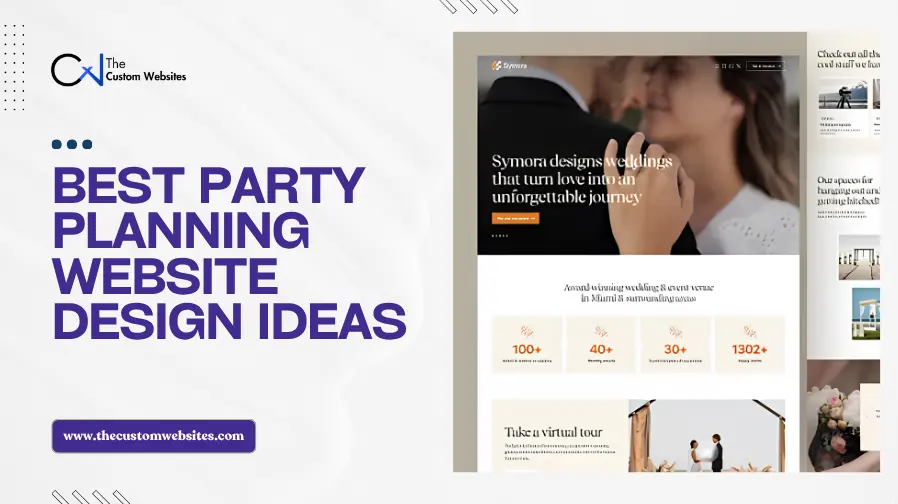
Your clients do not hire you based on promises alone. They want proof.
They want to see the parties you have planned, the details you have created and the experience you can bring to their event. Where do they look for that proof? Your website.
A strong website can show your event style, services, packages and past work before a client contacts you. If you are planning a new site, explore our Party Planning Website Design and Development service to see how we build websites for party planners.
But what design should you choose? The party planning website design ideas below show different ways to present your work and turn visitors into potential clients.
1. Congrats: Make Your Brand Feel Like a Celebration
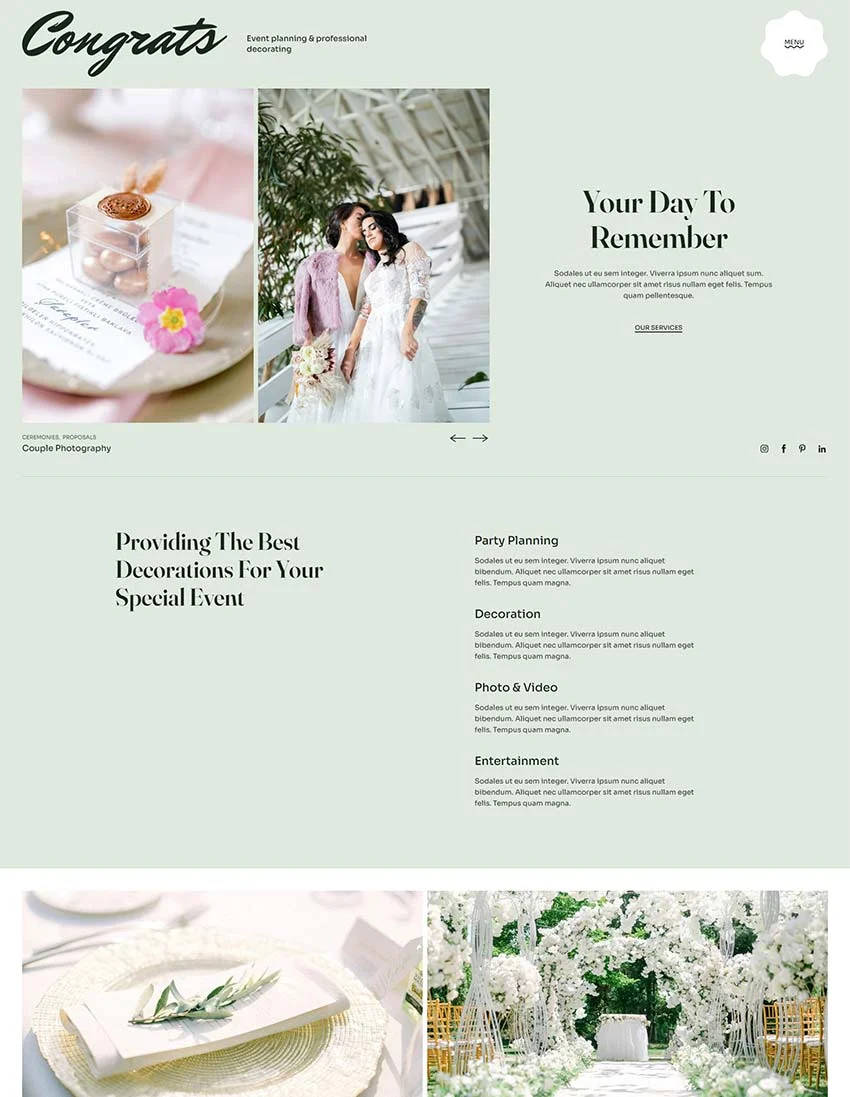
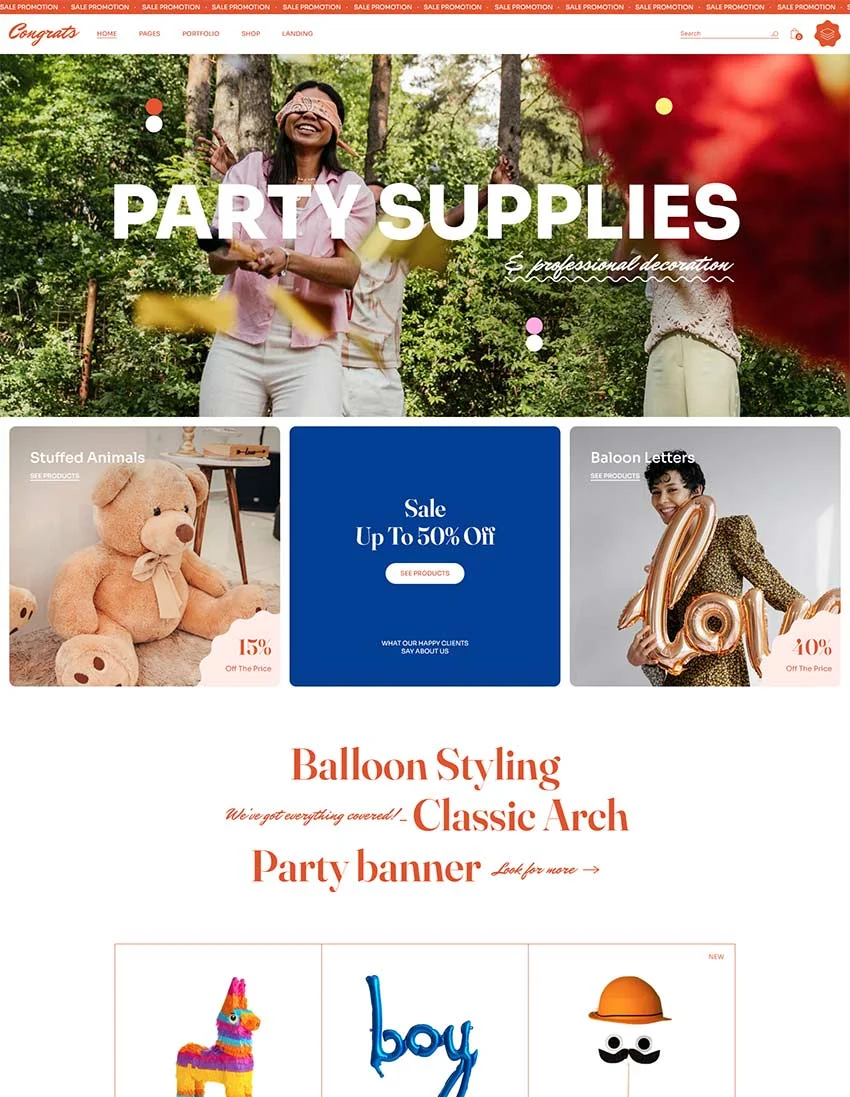
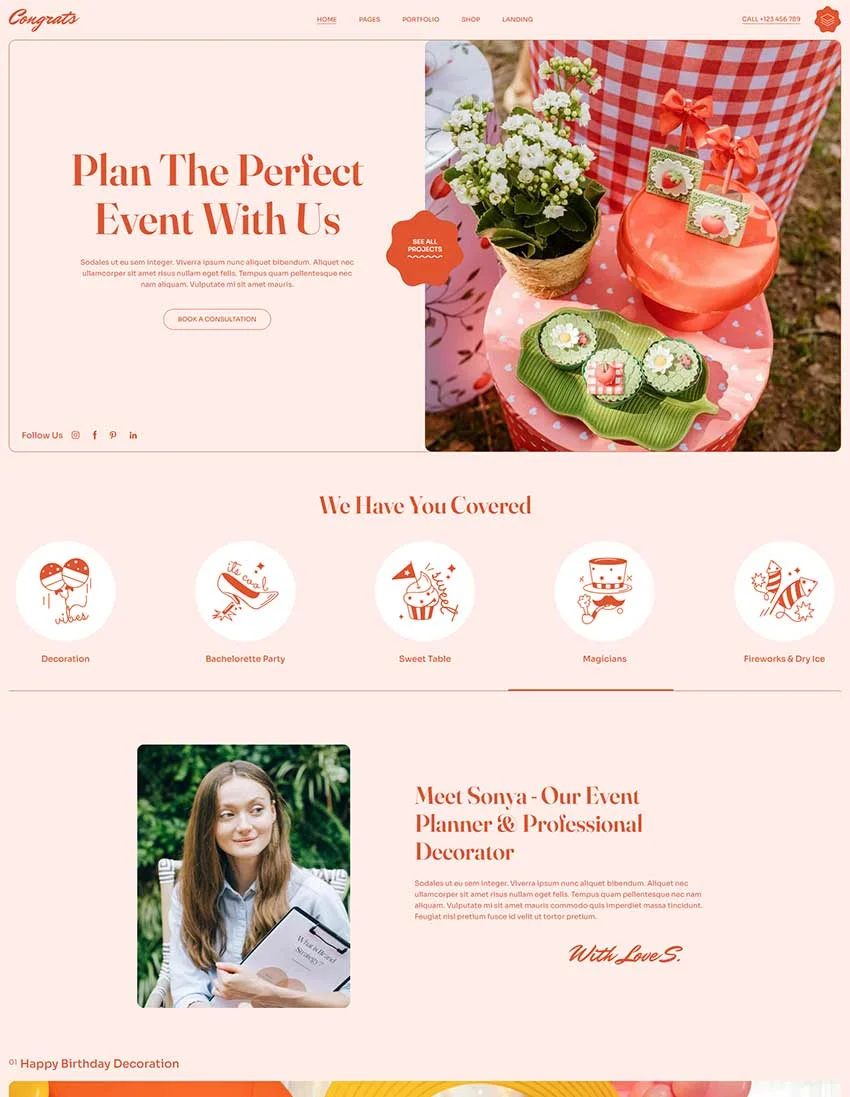
Congrats offers a lively direction for planners who organize birthdays, themed parties and other personal celebrations. Its main lesson is simple: the look of your website should match the experience you sell.
A colorful party planning business website could use bright event photography, expressive headings and clear sections for themes or packages. A planner focused on elegant private events may use a calmer palette and more space around the images.
Key Features
Bright colors that suit birthday parties and celebrations
Event photography in the hero section
Clear sections for party types and services
Prominent “Plan Your Party” button
Space for packages and event galleries
What to take from this design: Choose photos, colors and types that represent the events you want to book. Visitors should recognize your specialty before reading a long description.
2. Evoria: Give Every Service a Clear Place
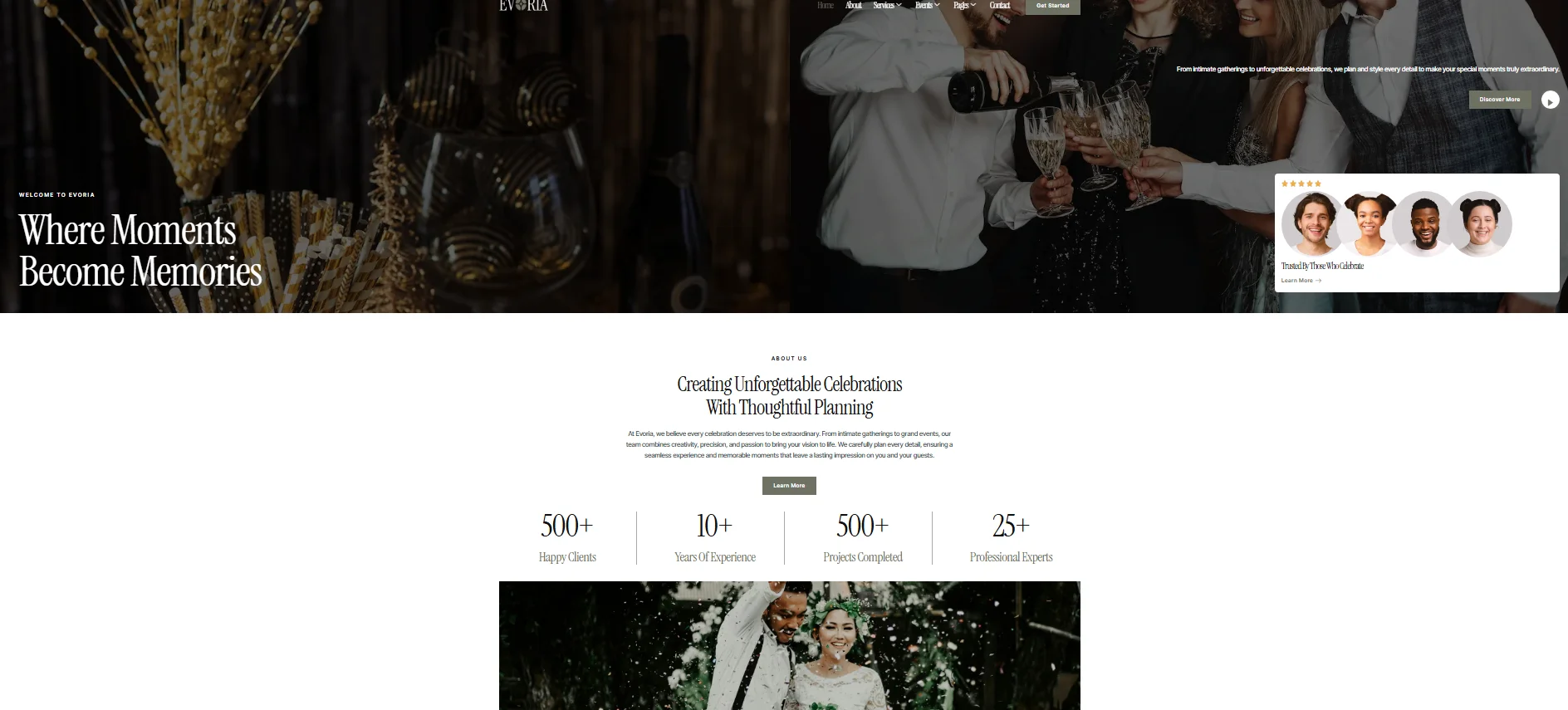
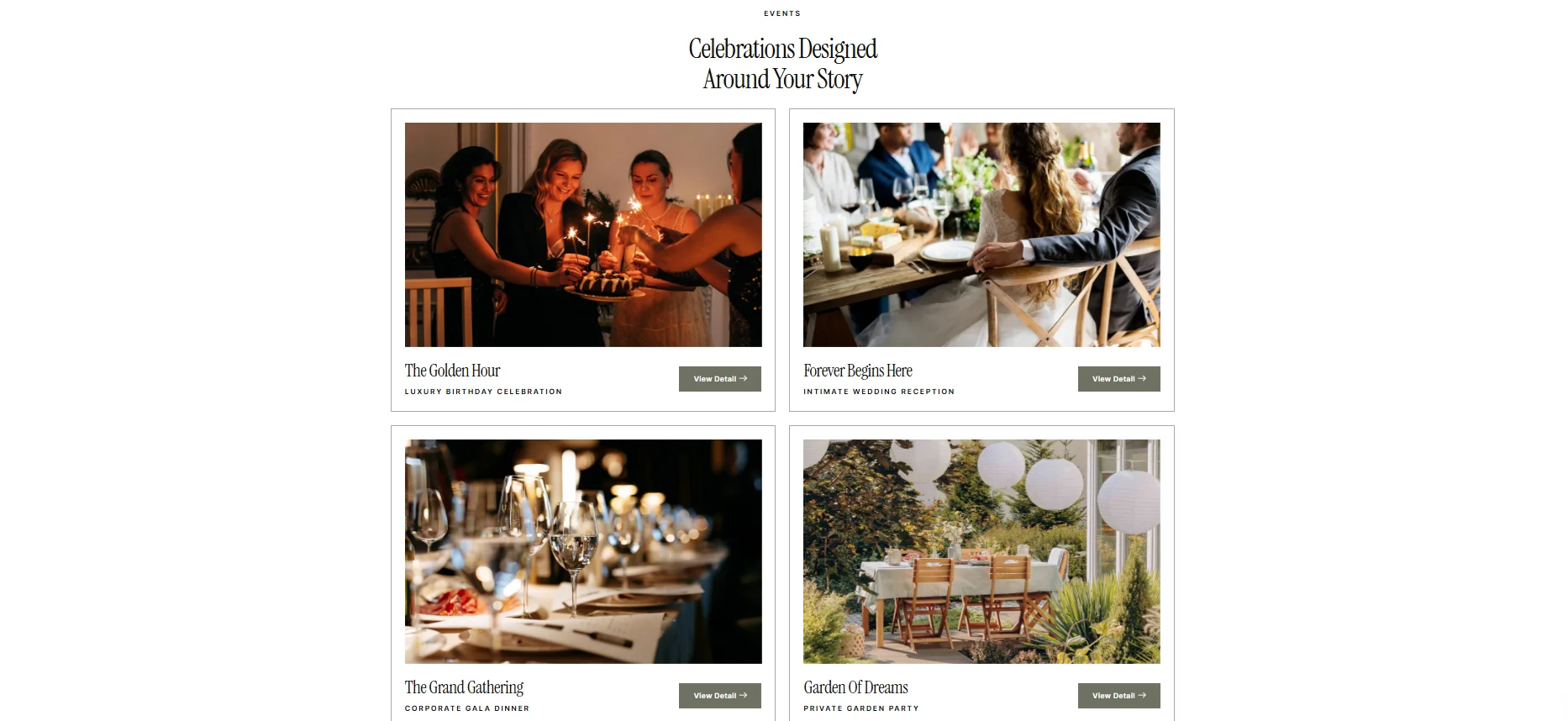
Evoria shows how a party planner website design can organize a growing list of services. Its template kit includes layouts for services, individual service details, events, packages, FAQs and contact information.
If you plan birthdays, weddings and corporate events, placing every offer in one short homepage section can make the differences hard to understand. Give your main services dedicated pages with relevant photos, inclusions and inquiry options.
Key Features
Separate pages for each planning service
Sections for events and packages
Team and FAQ pages
Clear navigation for different event types
Contact form for new inquiries
What to take from this design: Build a simple path from your homepage to each important service. Visitors should be able to find the event type they need quickly.
3. PartyMaker: Help Visitors Find Their Event Type
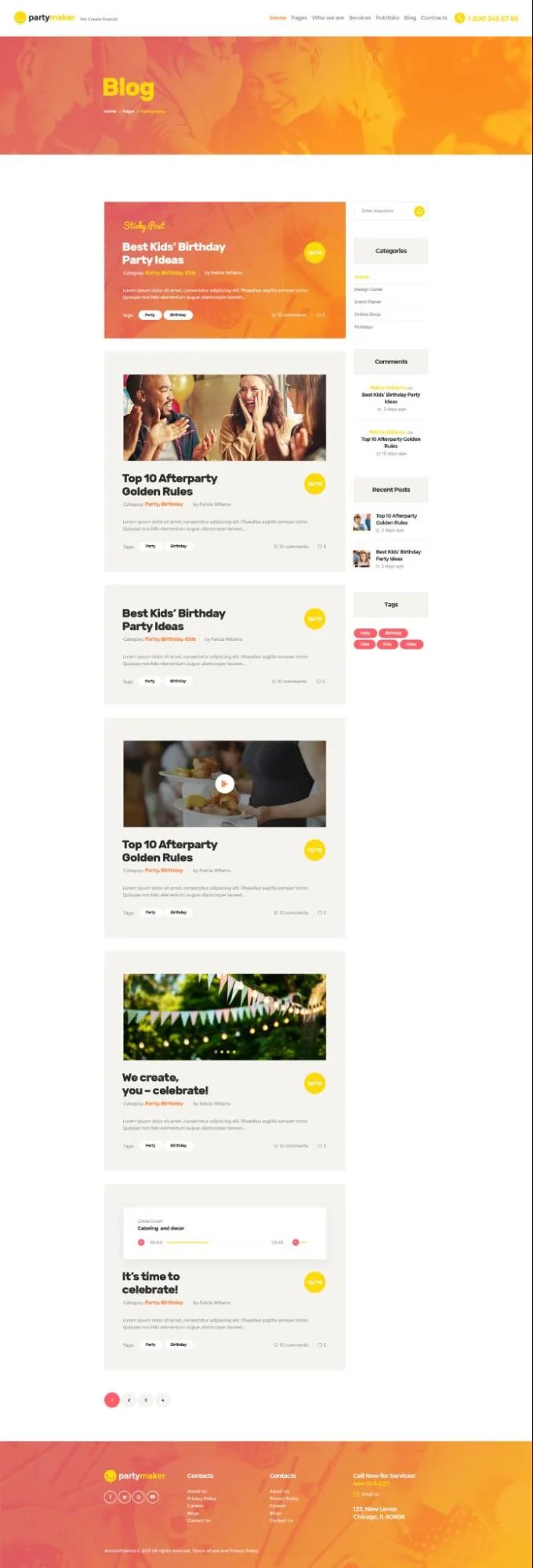
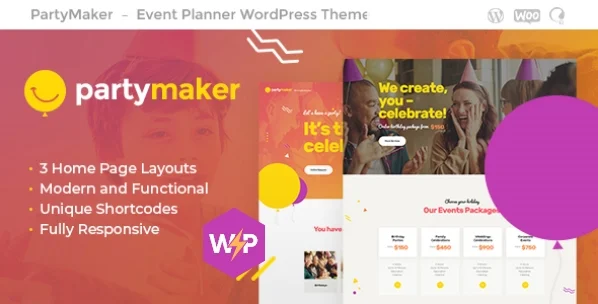
PartyMaker is aimed at event planners, decorators and wedding agencies. That broad audience makes it a useful example for businesses that handle several kinds of celebrations.
An event planner website design needs clear entry points when its audiences have different needs. Someone arranging a child’s birthday should not have to search through wedding content to find relevant packages.
Key Features
Event categories for birthdays, weddings and private parties
Portfolio organized by celebration type
Dedicated service sections
Clear inquiry button
Mobile friendly layout
What to take from this design: Group services by event type. Use labels such as Birthday Parties, Private Celebrations and Corporate Events, then link each one to useful details and matching work.
4. Presentup: Guide Visitors Toward an Inquiry
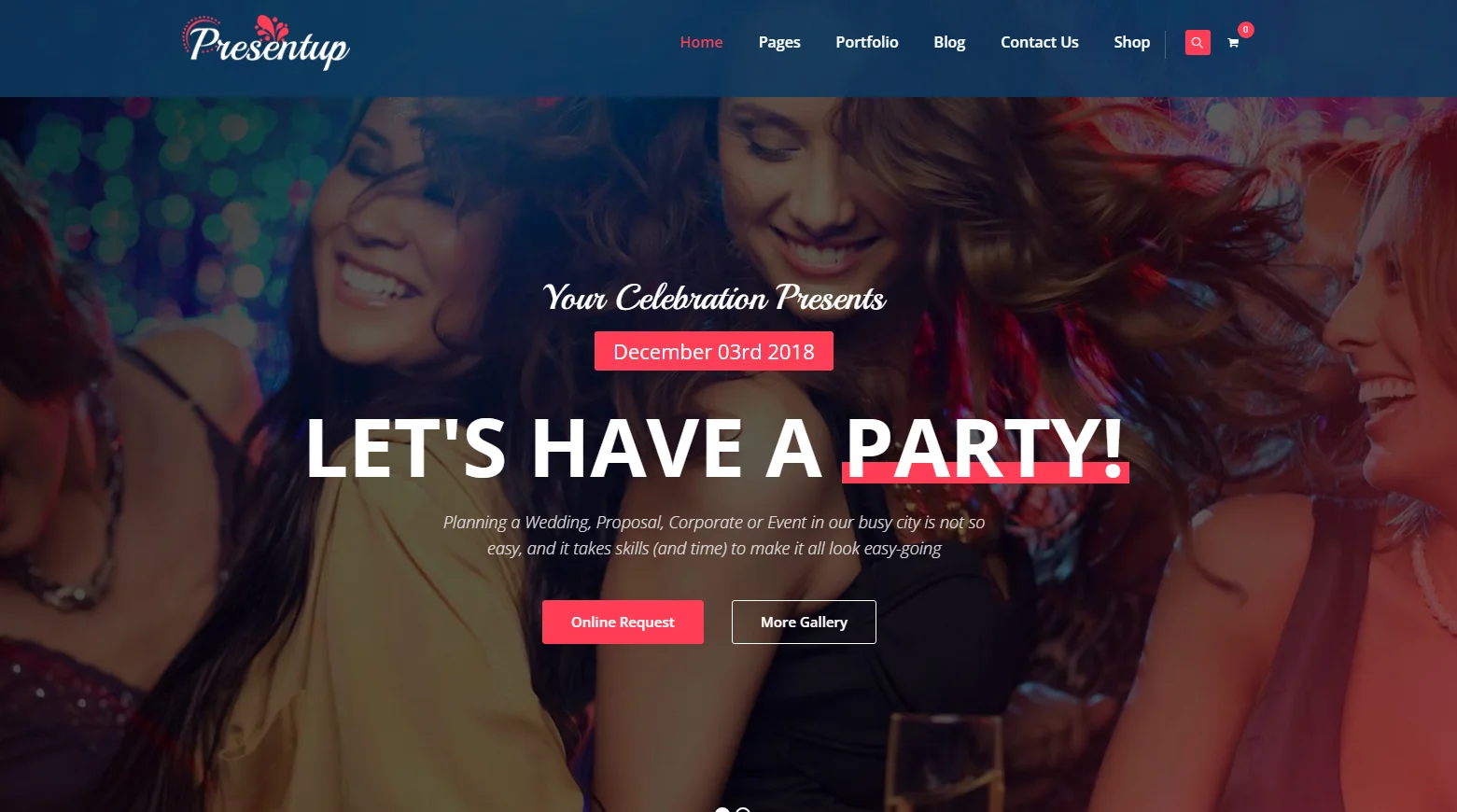
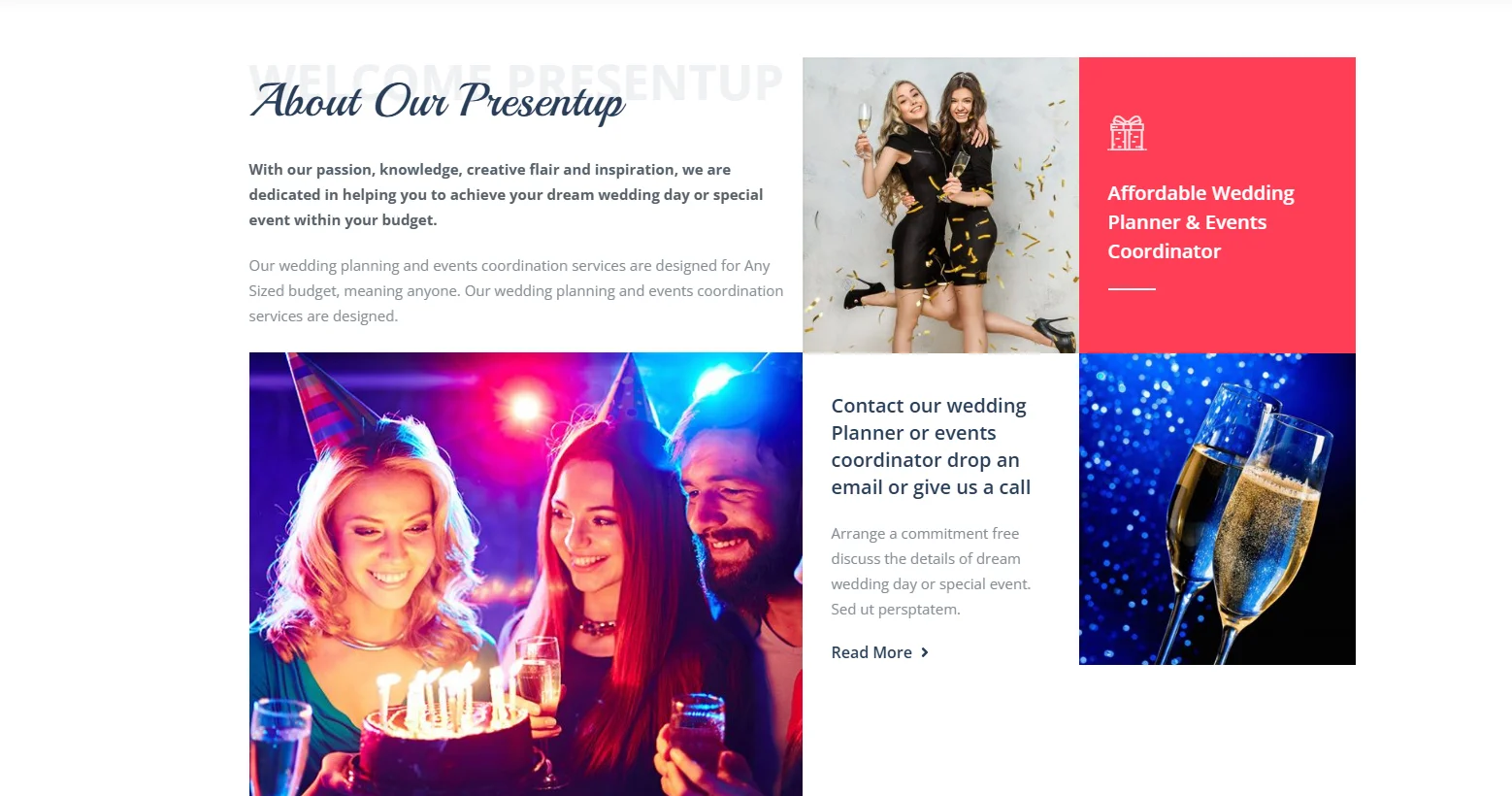
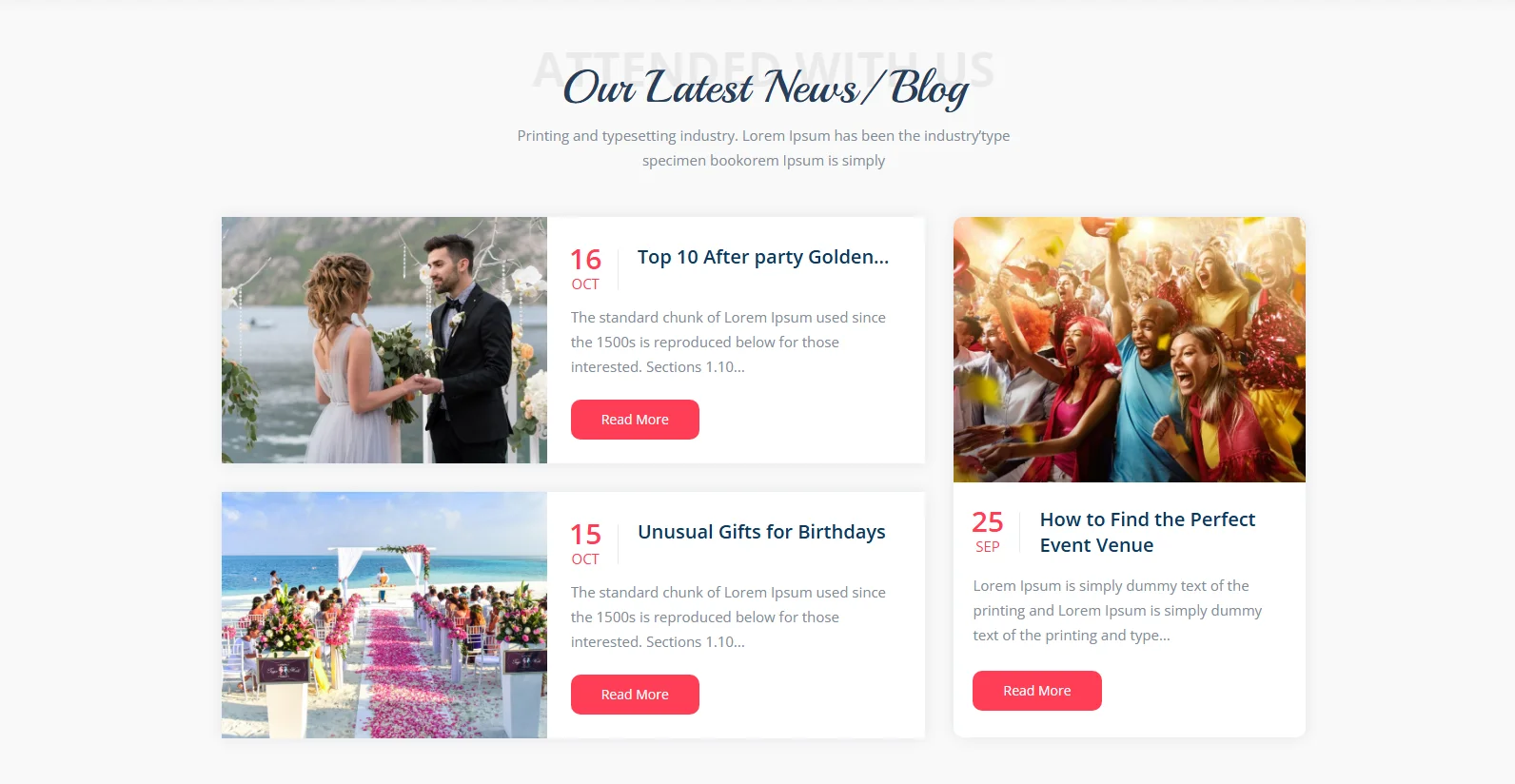
A party event website design should make the next step obvious. Strong photography may earn attention, but visitors also need to know what you offer and how to ask about their event.
Review your homepage as a visitor would. Can someone move from your introduction to services, examples, reviews and an inquiry form without getting lost?
Key Features
Strong call to action in the hero section
Service information placed near event examples
Event gallery
Quote or booking inquiry form
Clear path from browsing to contacting the planner
What to take from this design: Place relevant calls to action throughout the page. “Request a Quote” or “Tell Us About Your Event” is more useful than a button with a vague label.
5. Grenda: Explain the Details Behind the Photos
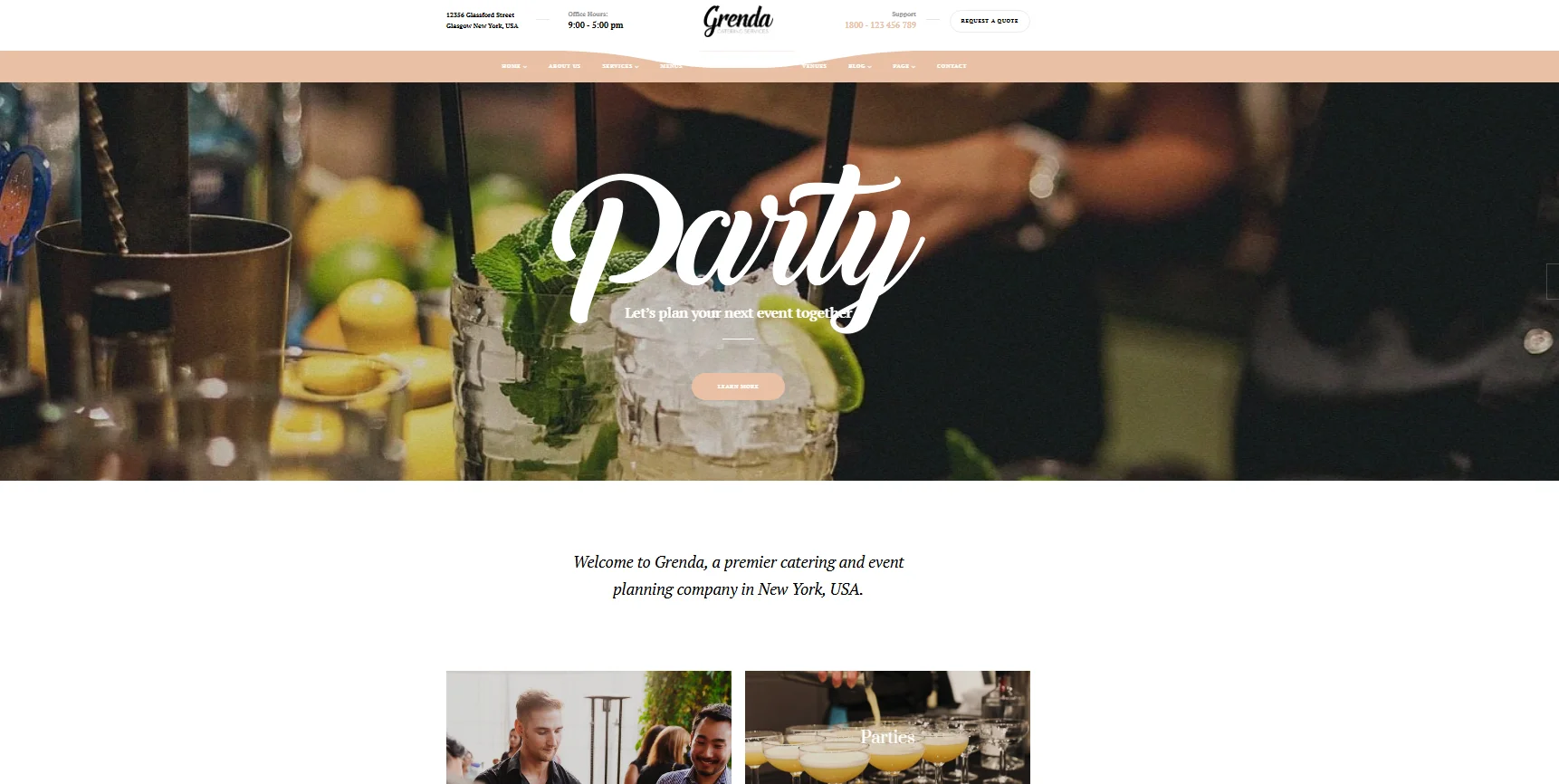
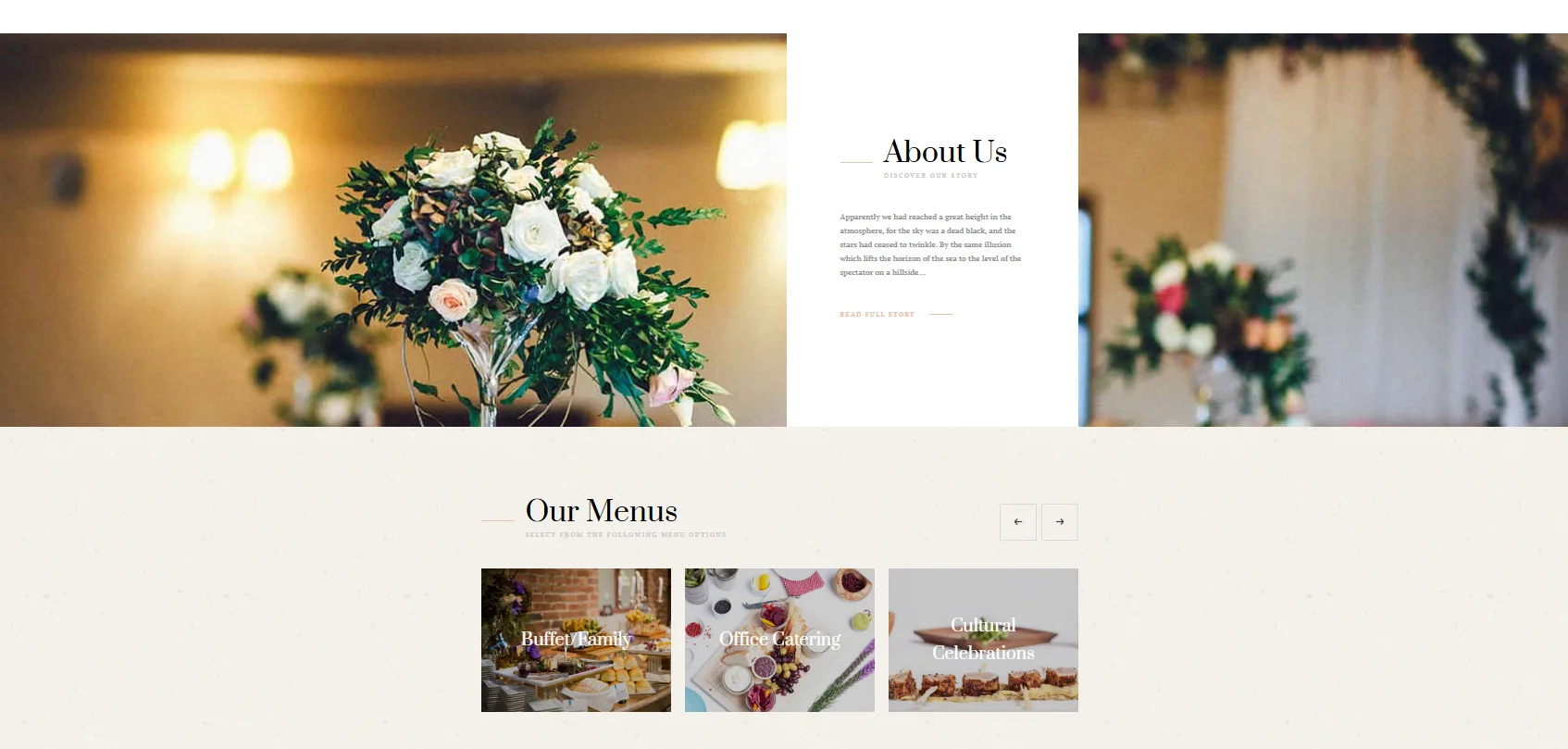
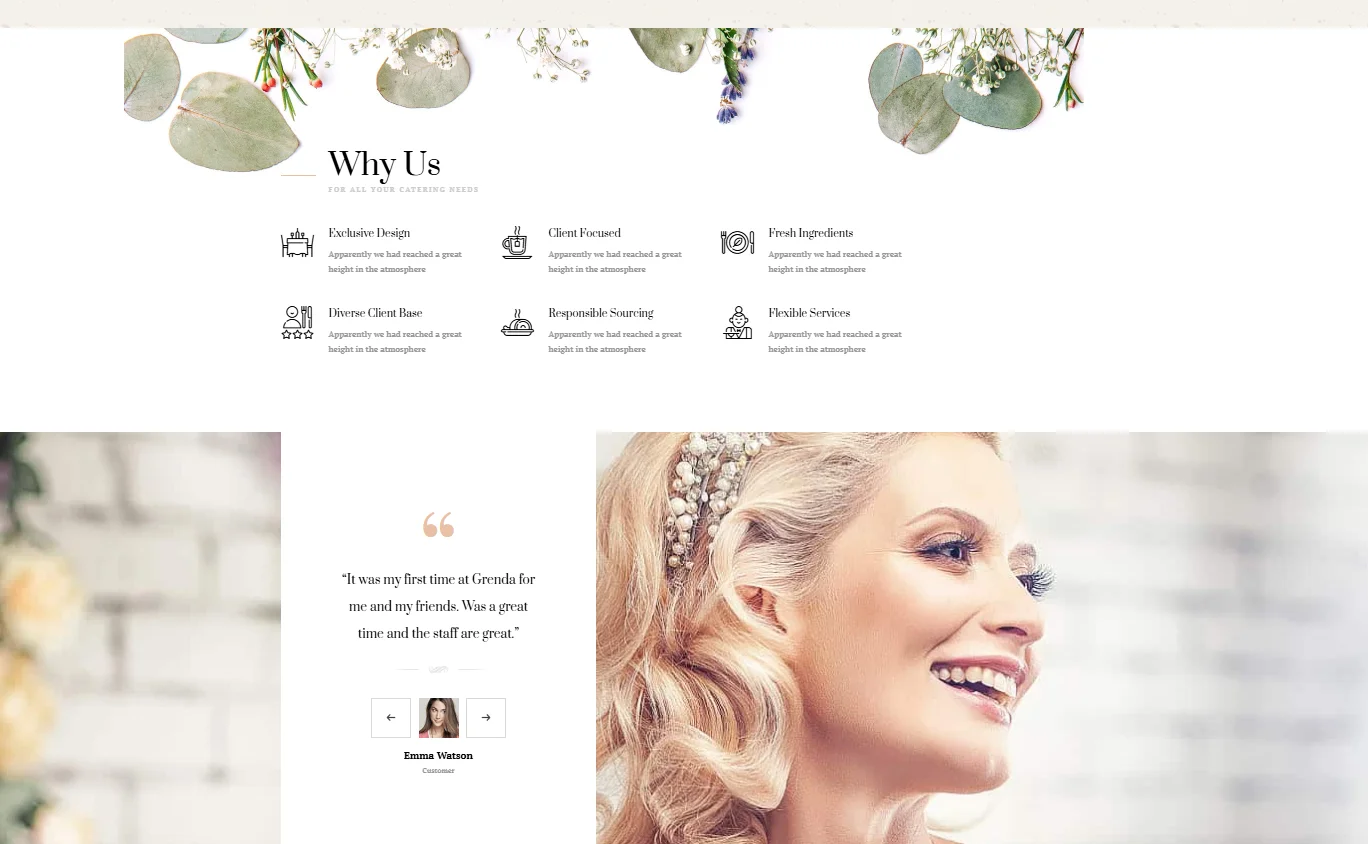
Event photos show the result. Service details help clients decide whether you can handle their plans.
If you arrange venues, catering or decorations, explain what each service covers. You might include event types, venue capacity, available options or how your team coordinates with other vendors. Only show details you can keep accurate.
Key Features
Separate sections for planning, catering and venues
Practical details alongside event photos
Menu and venue presentation
Client reviews
Inquiry options for specific services
What to take from this design: Pair attractive galleries with practical answers. A party planning service website should help visitors assess fit before they contact you.
6. Taysta: Show Where You Work
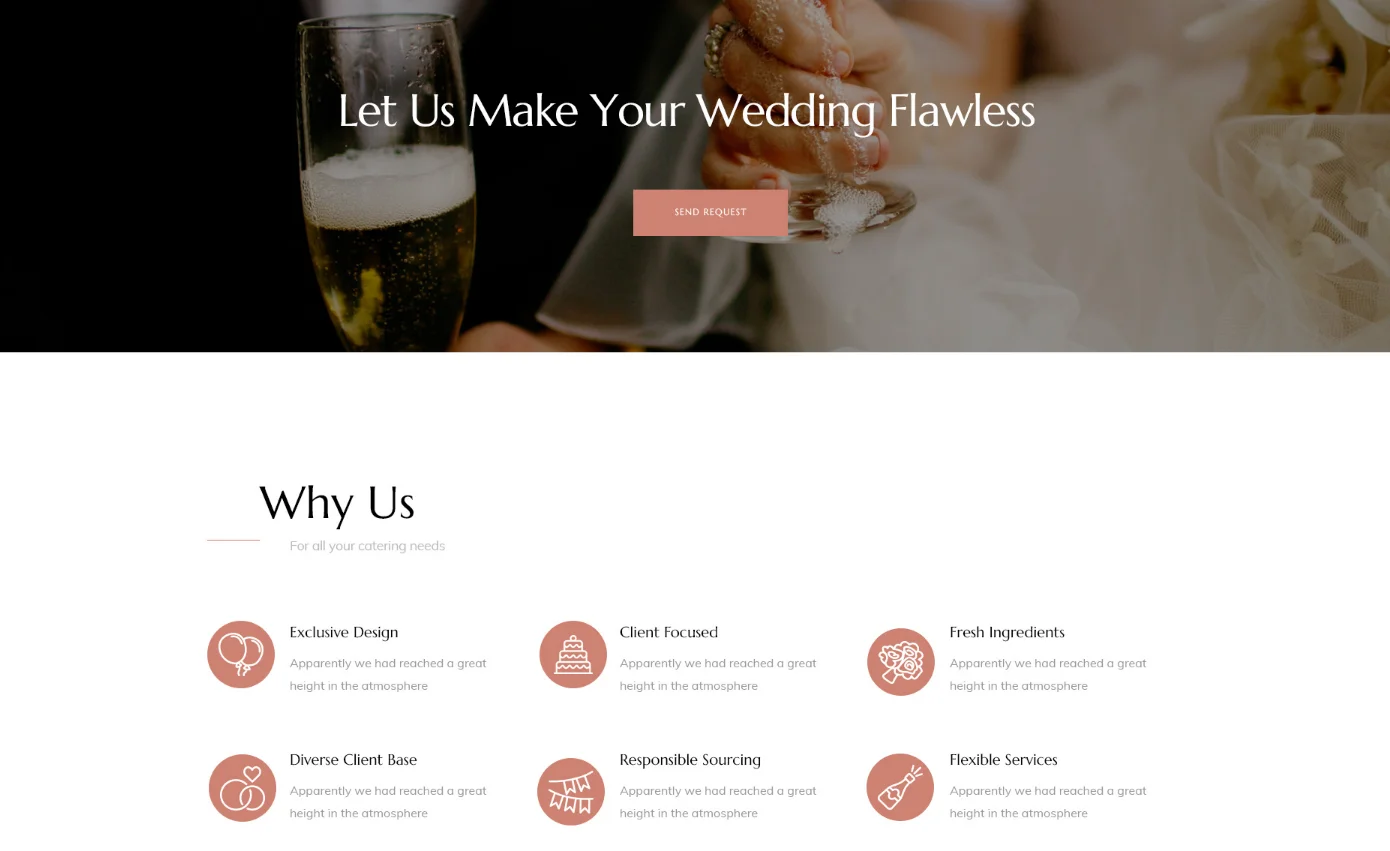
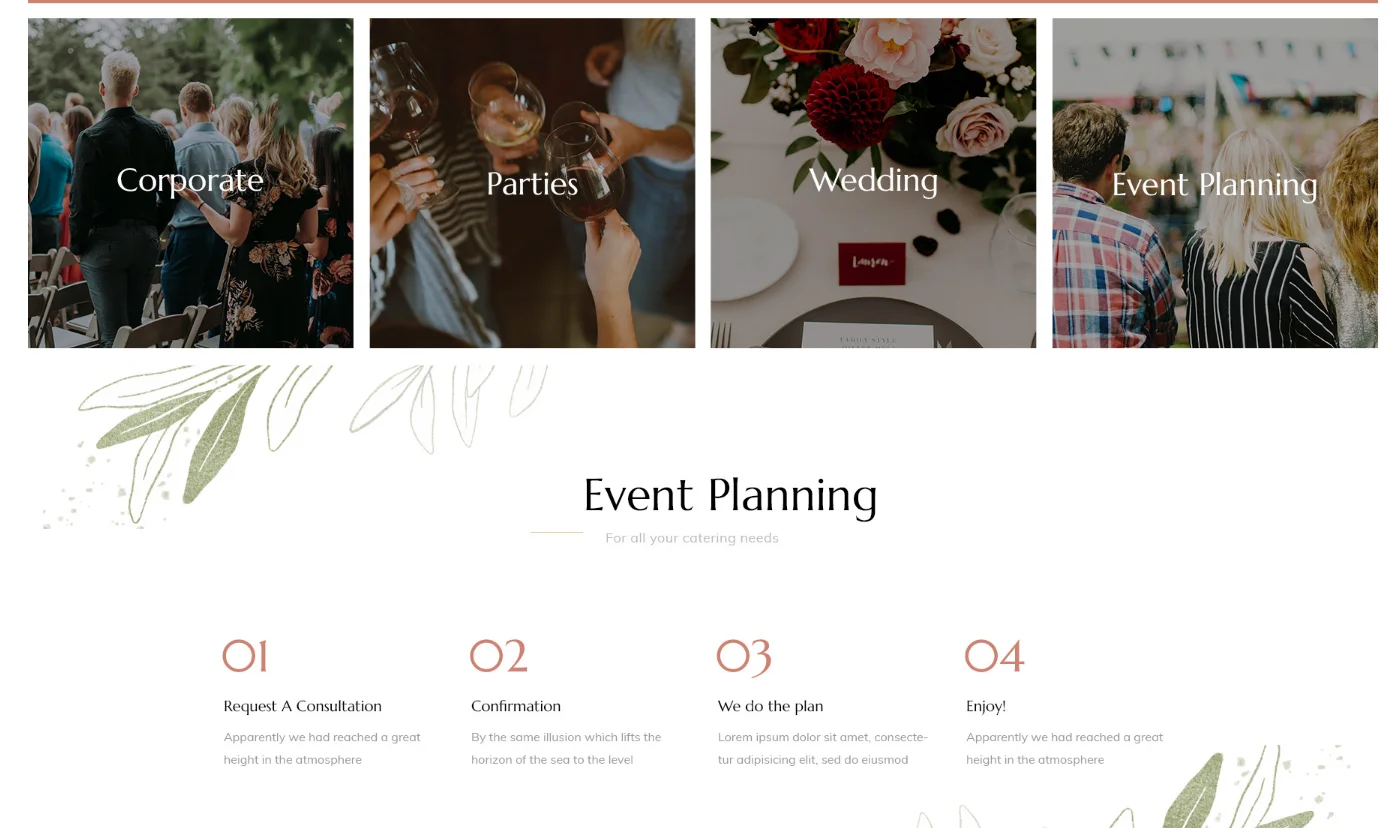
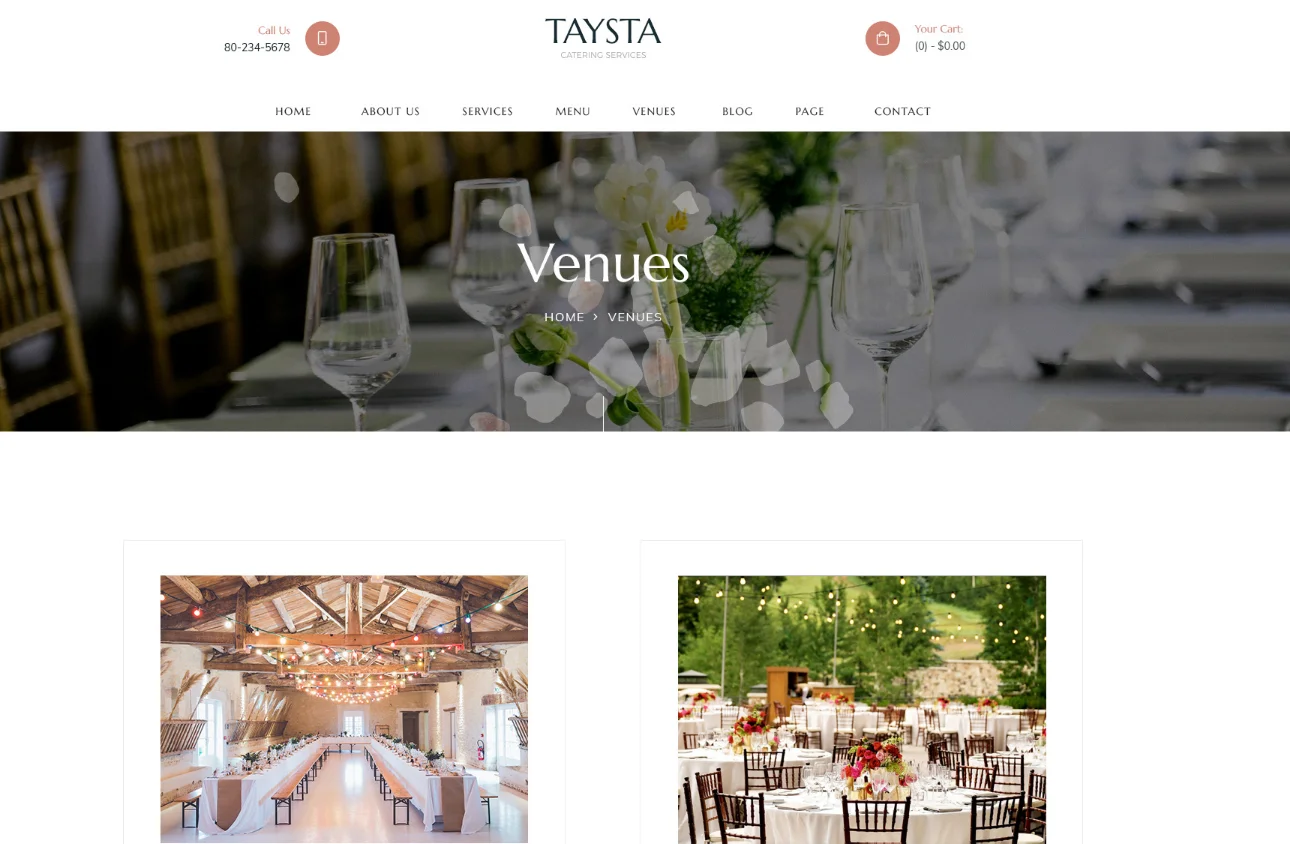
Location matters to clients looking for a planner who knows their area. Taysta offers inspiration for presenting event work alongside venue and location information.
If you serve a specific city or region, say so clearly. Show relevant local events and explain the areas you cover. A venue name can add useful context to a real project when you have permission to share it.
Key Features
Visible service area information
Portfolio featuring local events
Venue and location details
Team introduction
Contact form for event inquiries
What to take from this design: Make your service area easy to find. Add location details because they help clients understand your work, rather than repeating city names across every page.
7. Unica: Create Paths for Different Clients
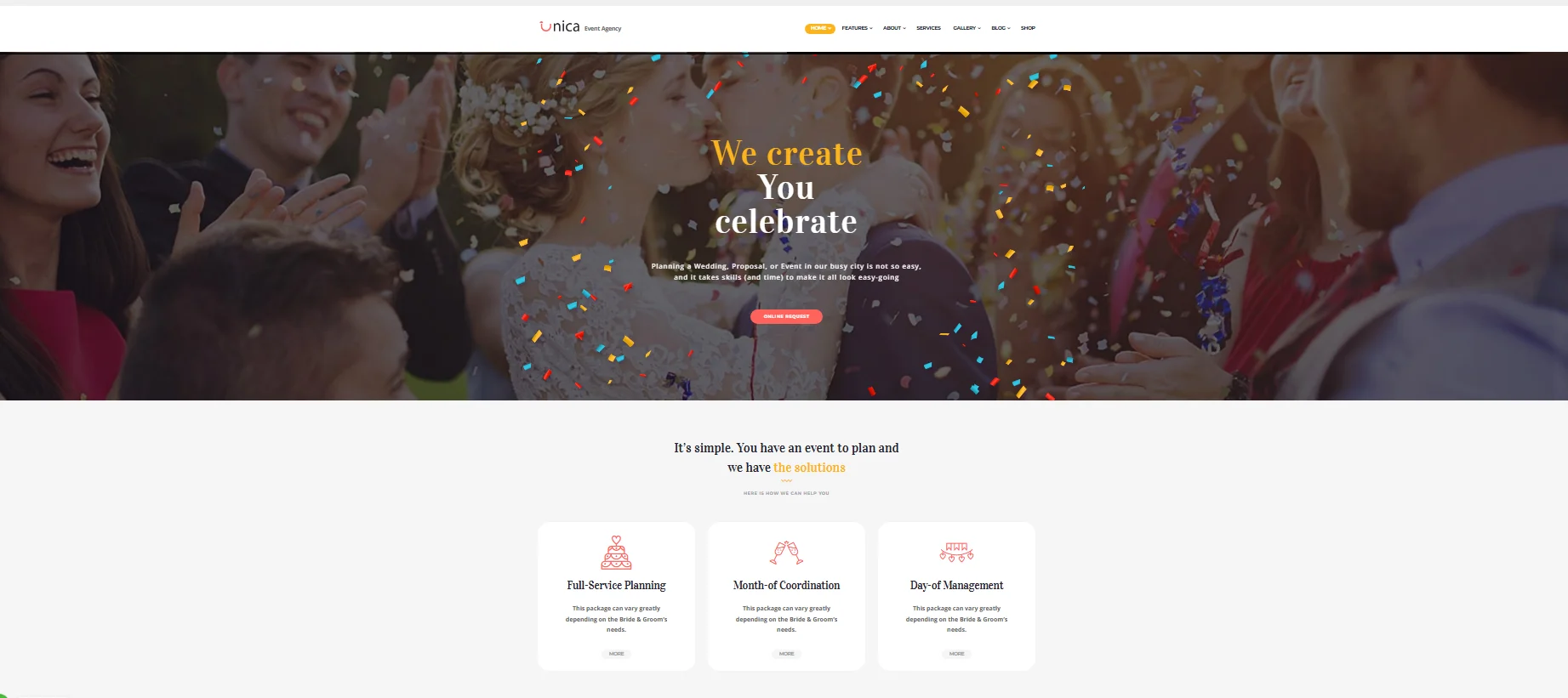
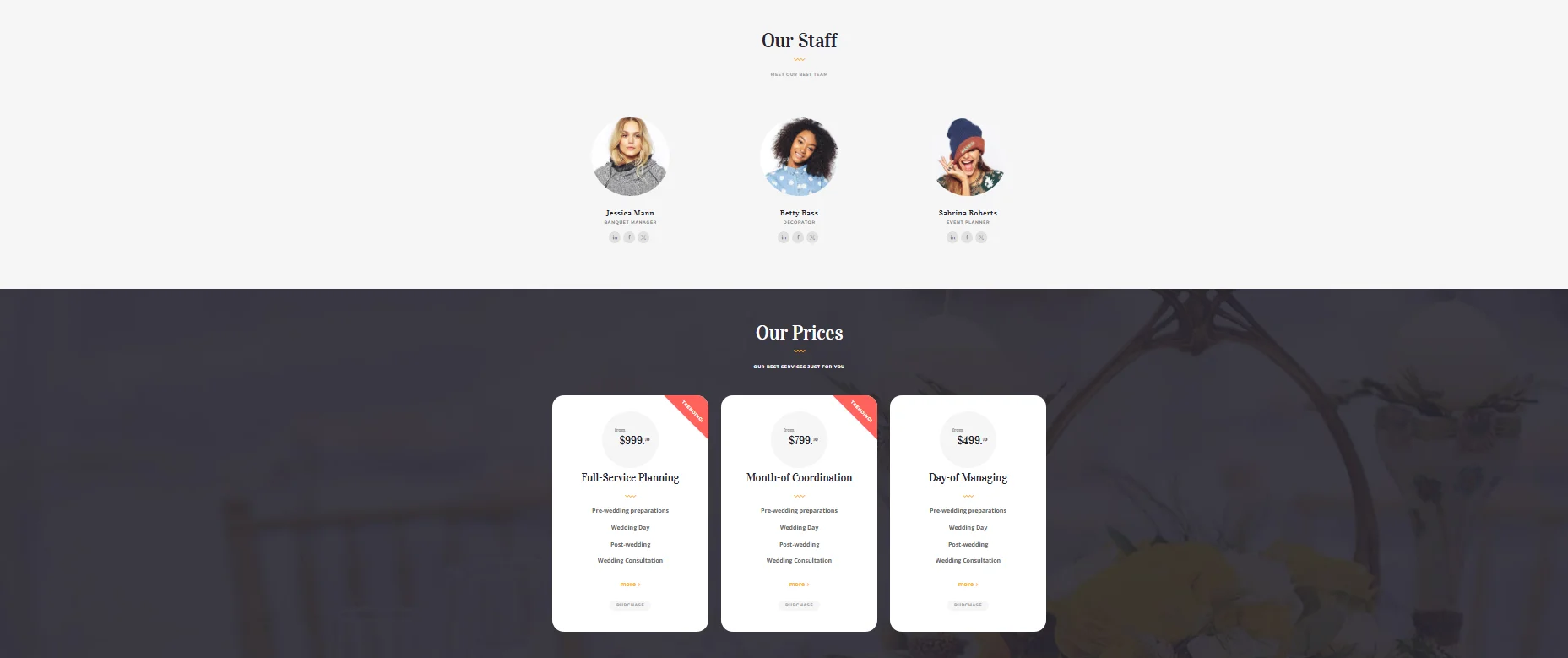
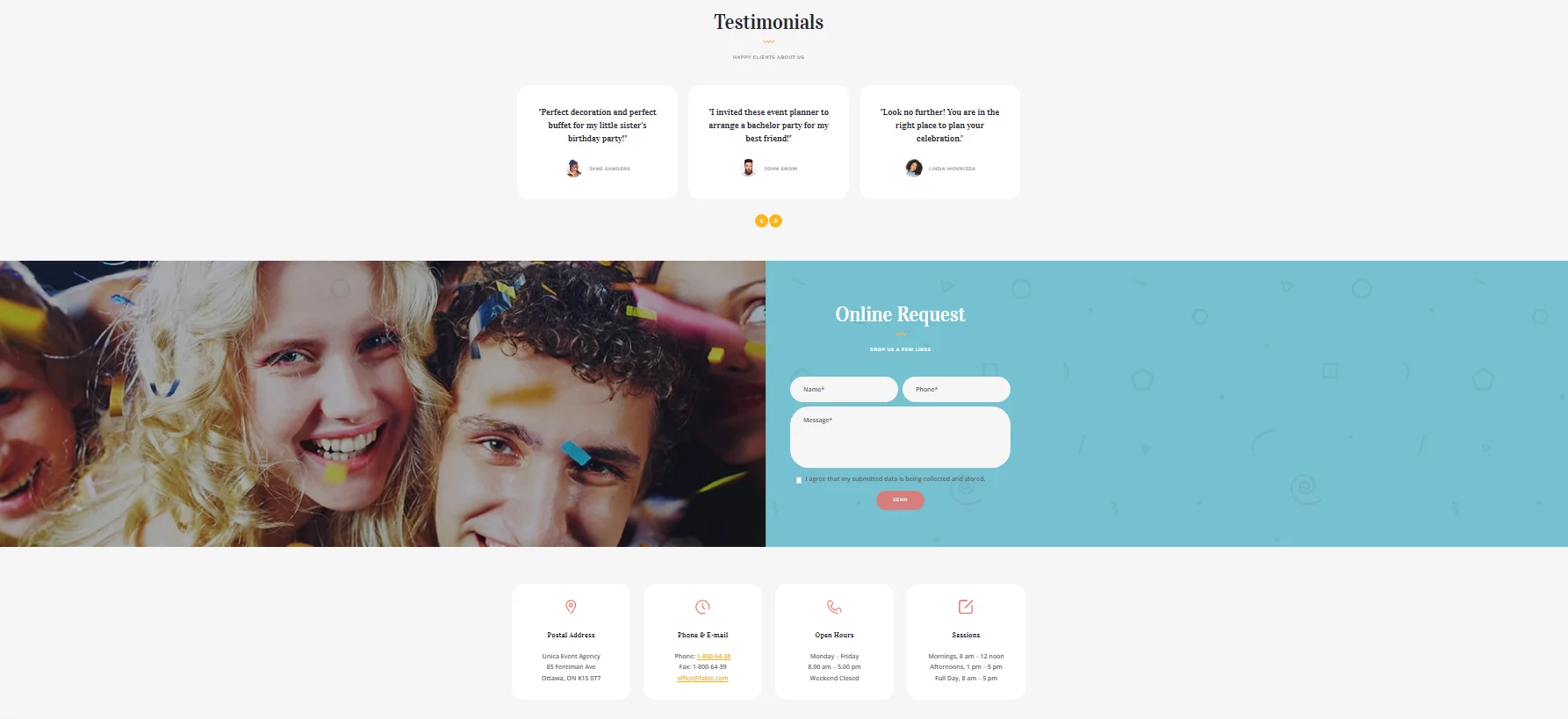
Unica is an event planning theme with a colorful style that can serve different types of occasions. It is a useful reference when your business handles both social and corporate events.
Corporate clients may look for scheduling, coordination and evidence that you can manage a complex brief. Private clients may focus on themes, atmosphere and personal attention.
Key Features
Separate paths for corporate and social events
Relevant photos for each audience
Dedicated service pages
Client testimonials
Event gallery and blog sections
What to take from this design: Give each audience a clear path. Your party organizer website design can keep one consistent brand while using different service pages, photos and messages for different clients.
8. Plan My Day: Let Your Work Lead
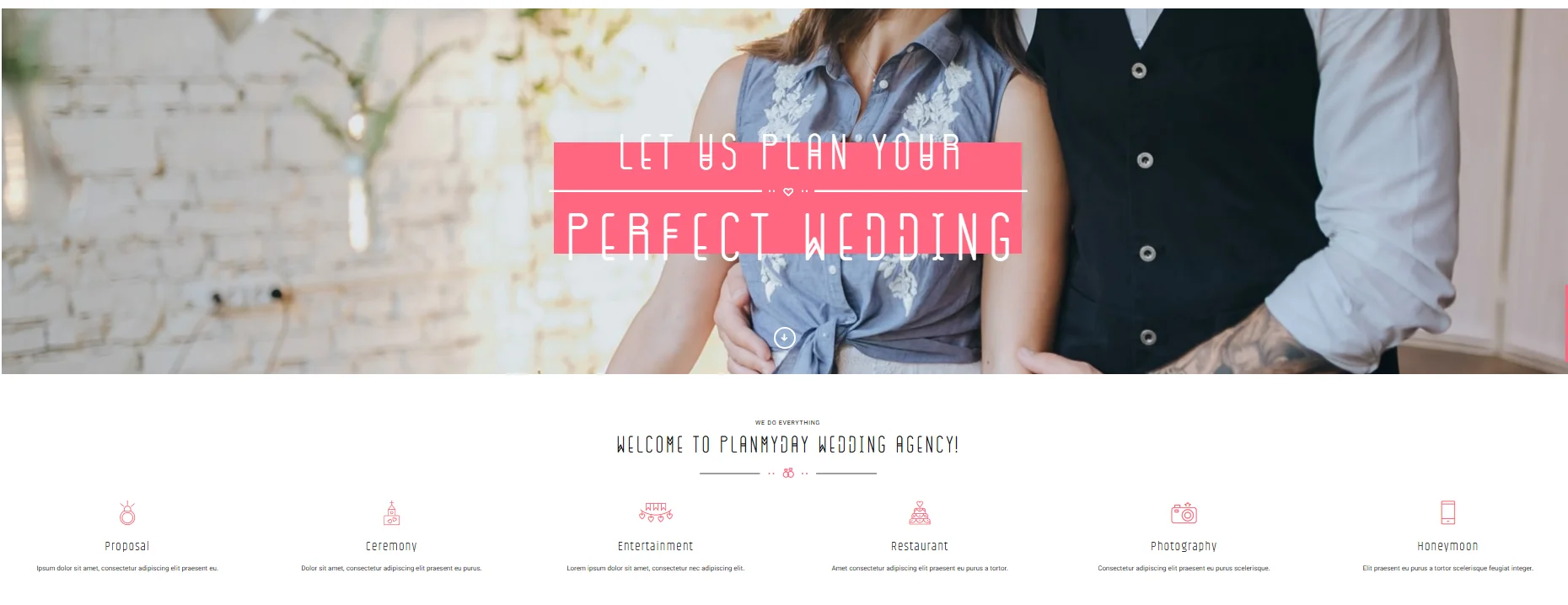
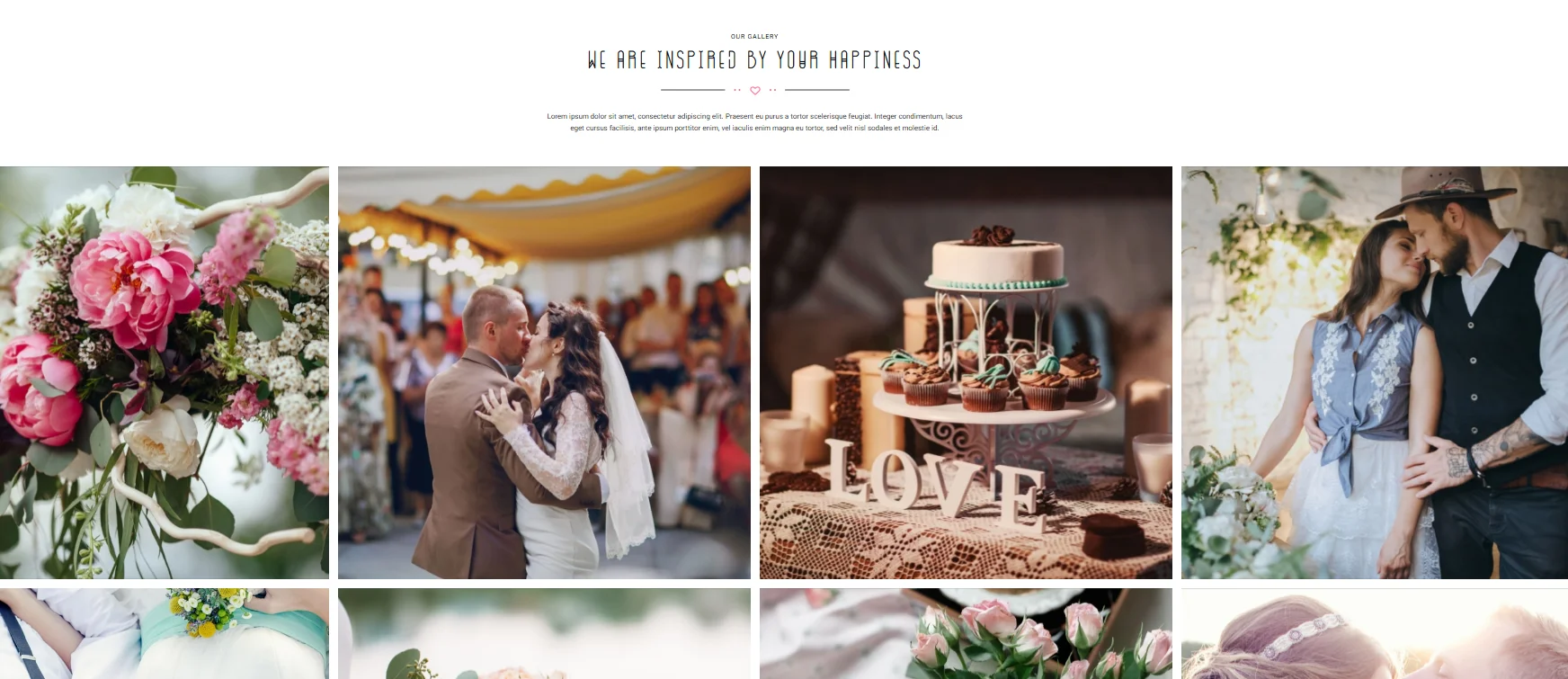
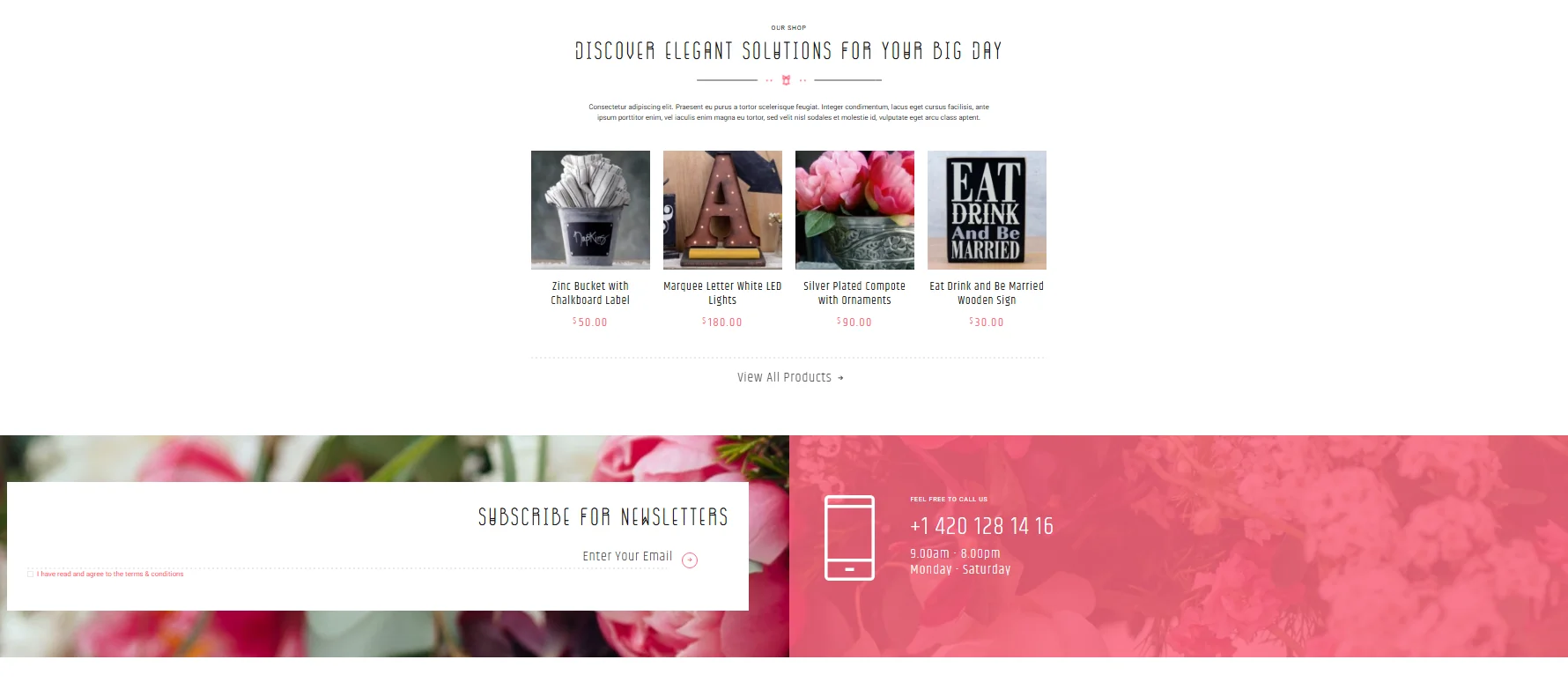
Some planners need a simple site with excellent photography more than a homepage filled with effects. Plan My Day offers inspiration for this visual approach.
Choose a few strong projects and give them space. Show the overall event, then the details that made it distinctive. Keep surrounding text concise so visitors can focus on the work.
Key Features
Clean layout that highlights event photography
Easy to browse portfolio
Short service descriptions
Simple navigation
Visible contact button
What to take from this design: When your past events are your strongest proof, make them easy to browse on both desktop and mobile.
9. Bethany: Turn a Gallery Into a Portfolio
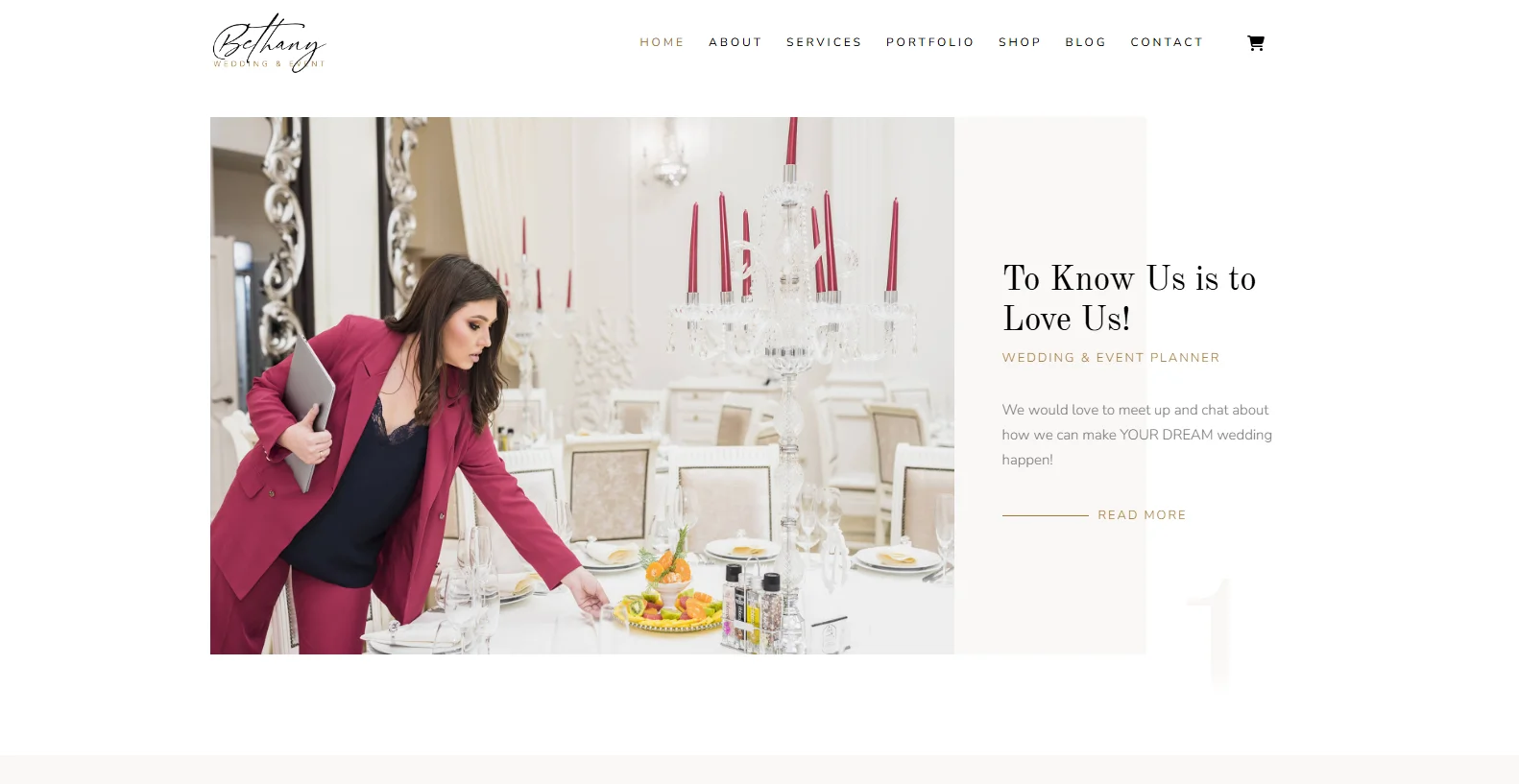
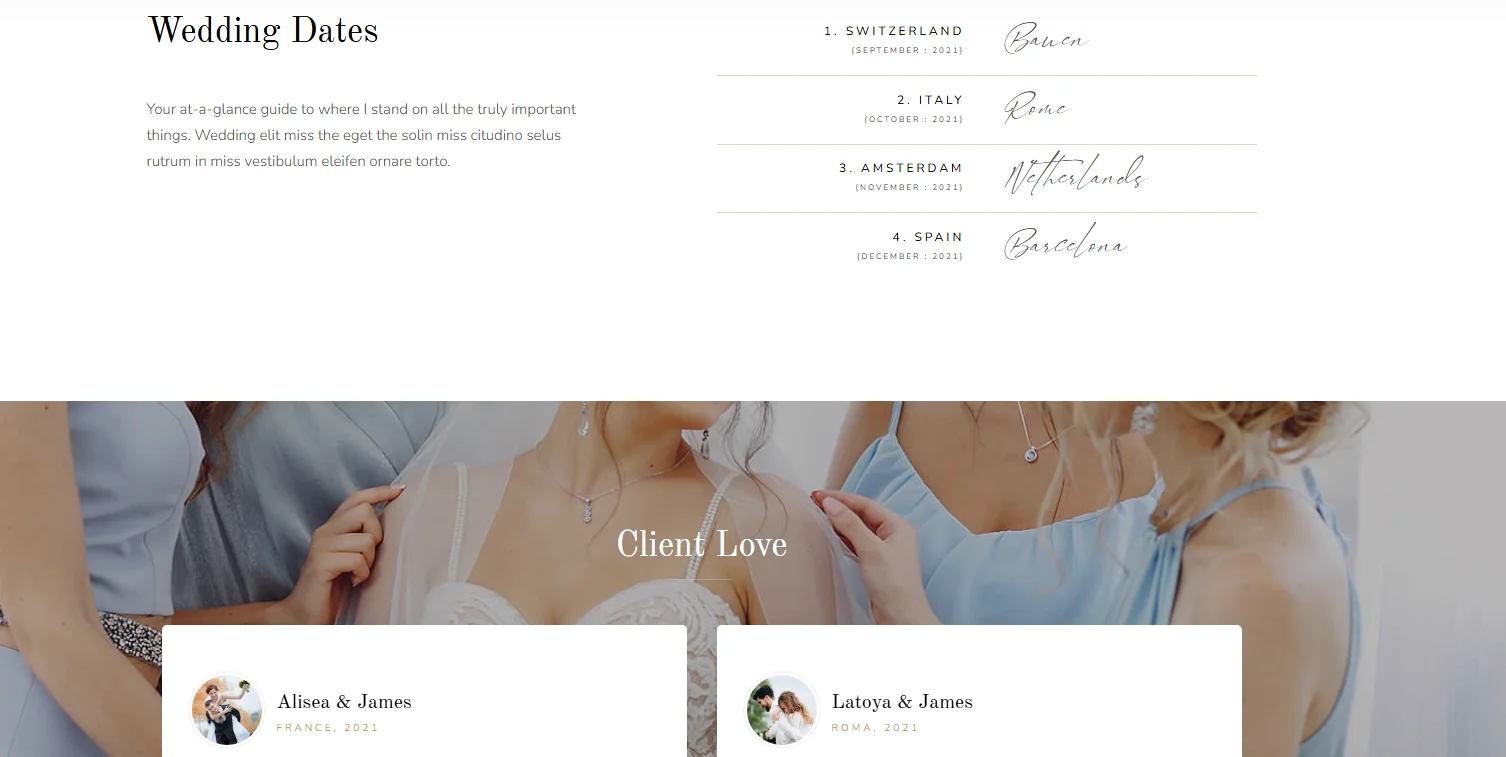
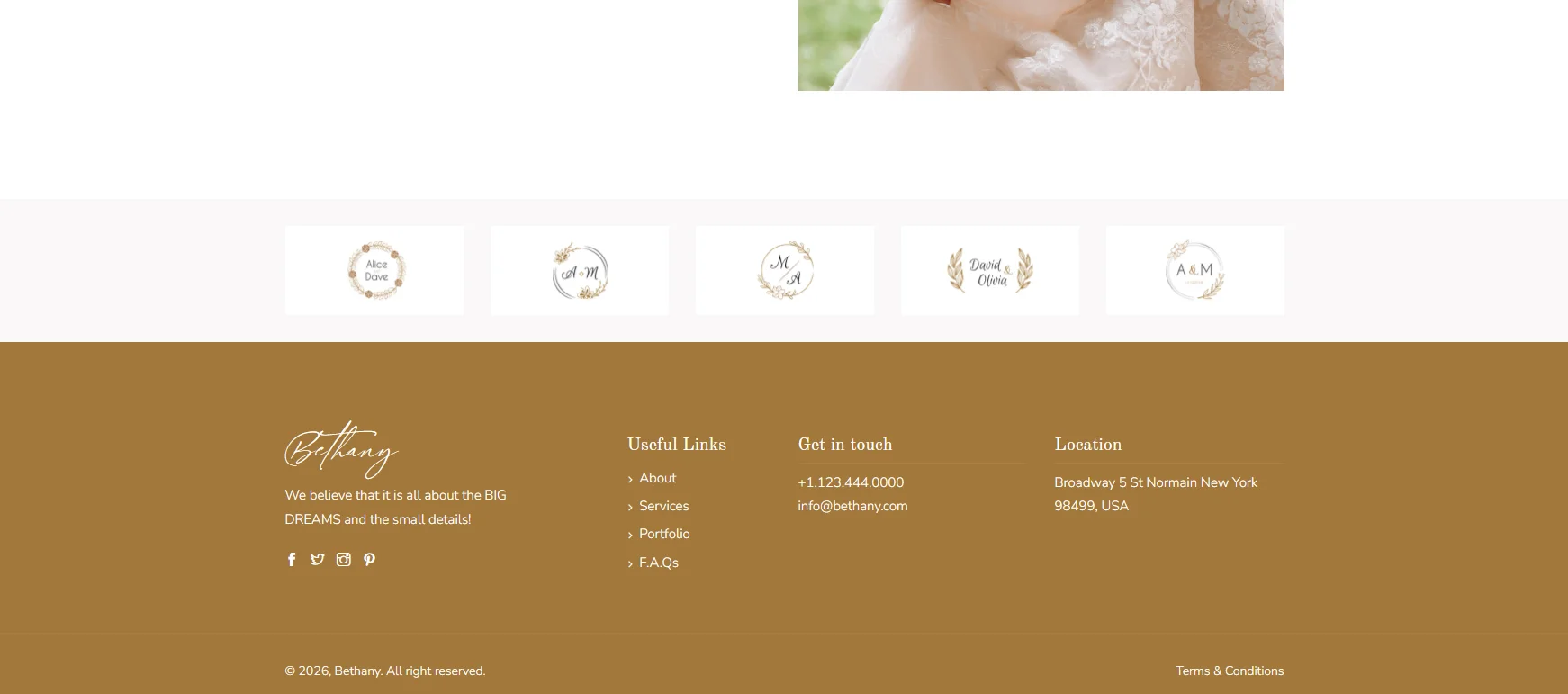
A gallery shows images. A useful portfolio explains what your team accomplished.
For selected events, include the event type, location when appropriate, the client’s goal and the services you provided. Show a mix of wide photos and details so visitors can understand the full setup.
Key Features
Portfolio focused homepage
Detailed stories for selected events
Full event photos and close-up details
Minimal typography and layout
Clear introduction to the planner or team
What to take from this design: Feature projects similar to the work you want to book. A professional party planner website should demonstrate your planning skills as well as your visual style.
10. Florya: Make the First Screen Count
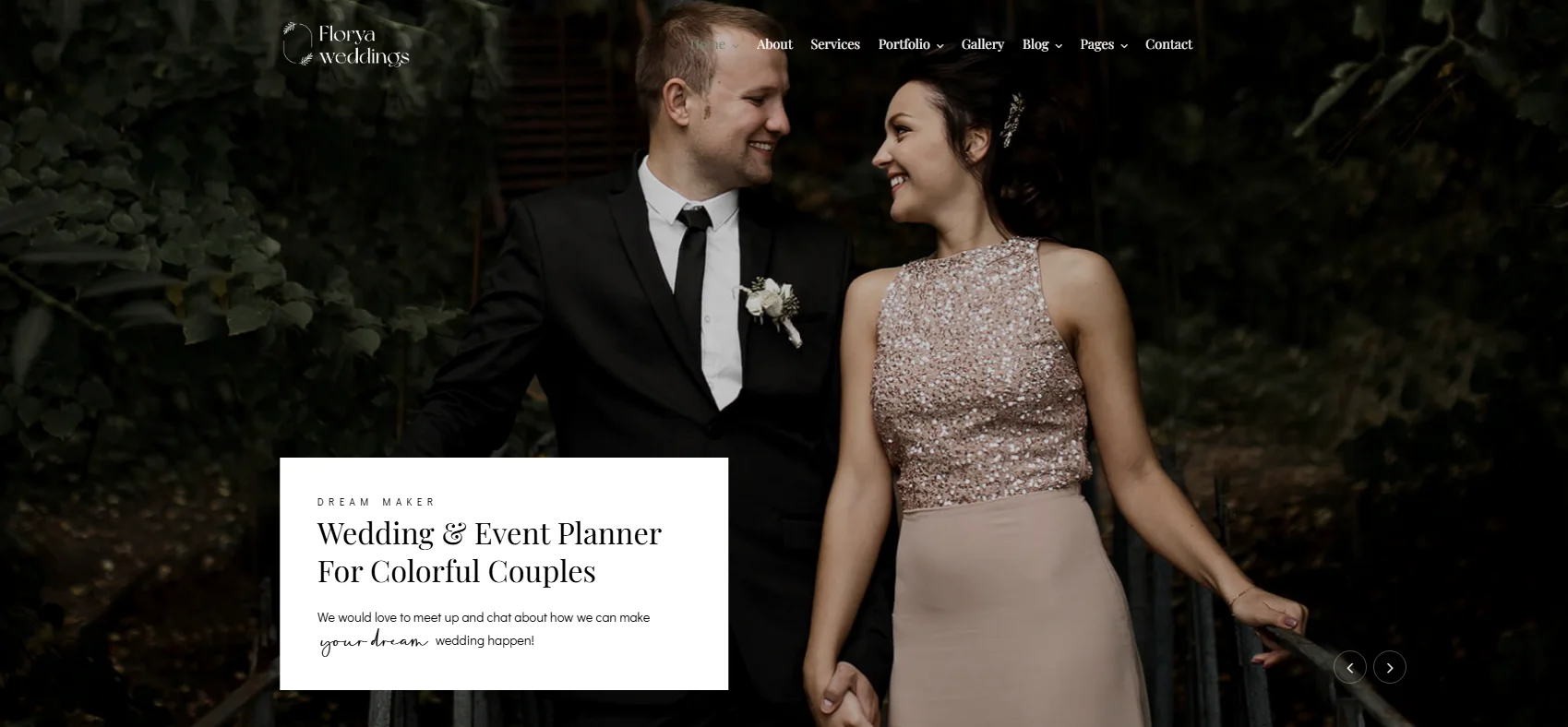
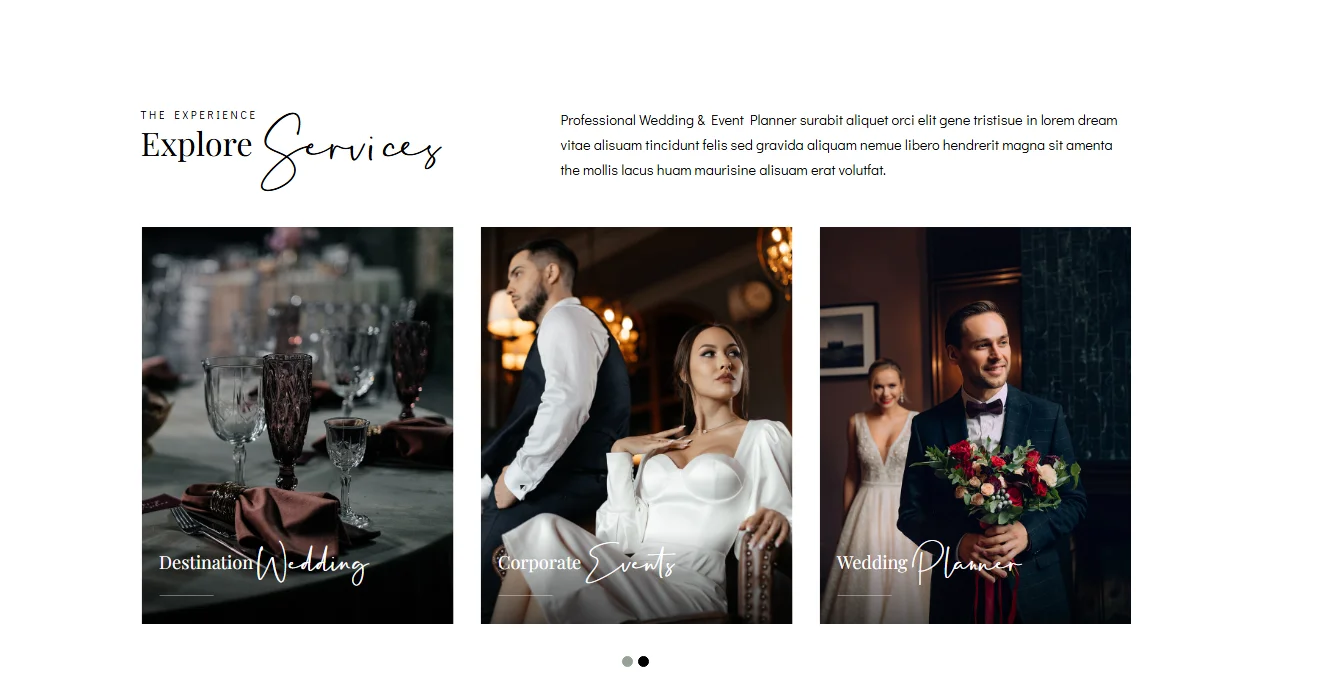
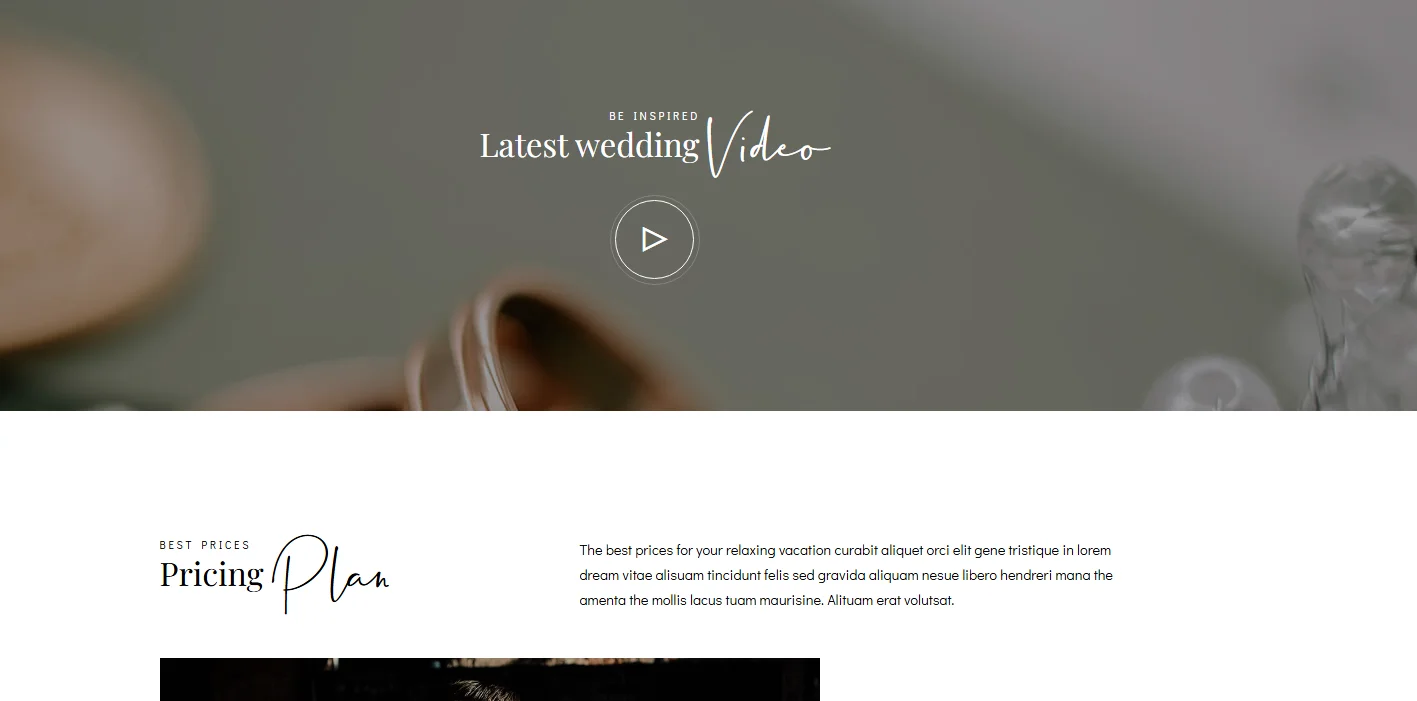
The first screen should quickly tell visitors what you plan, who you serve and what they can do next.
Use one strong image, a specific headline, a short supporting line and a visible button. For example: “Birthday Parties and Private Events Planned Around You” followed by “Explore Our Work” or “Tell Us About Your Event.”
Key Features
Hero section with a specific headline
Strong opening event image
One clear call to action
Selected projects on the homepage
Short route from portfolio to inquiry
What to take from this design: Treat the opening section as an introduction. The rest of the page should support it with services, event examples and a clear contact route.
What Should a Party Planning Website Include?
The best party planner website ideas are useful because they answer real client questions. What kinds of events do you plan? What does your work look like? Where do you operate? How does someone get started?
A focused website can answer those questions across a few clear pages:
Homepage: Introduce your event specialty, show selected work and provide a clear next step.
Service pages: Explain the events you plan and what clients can request.
Portfolio: Organize real projects by event type and add brief context.
Packages or pricing guidance: Show what fixed packages include or explain what affects a custom quote.
About page: Introduce your team, approach and experience.
Reviews: Share genuine feedback where it relates to the service or event shown.
FAQs: Cover service areas, booking timelines, consultations and common planning questions.
Contact page: Make it easy to send an event inquiry.
A party planner business website does not need every feature at launch. Start with the information clients need to decide whether to contact you, then add features that support how your business works.
Match the Website to the Clients You Want to Book
Different clients look for different kinds of proof. Use the table to decide what your party planning company website should emphasize.
Client focus | Design direction | Information to prioritize | Useful feature |
Birthday parties | Bright, welcoming and energetic | Themes, packages and past parties | Short event inquiry form |
Corporate events | Clear and structured | Planning process, services and relevant projects | Dedicated corporate service page |
Luxury celebrations | Refined and image led | Detailed event stories and team approach | Private consultation request |
Local events | Warm and approachable | Service areas and relevant venues | Location and service area information |
You do not need a separate website for each audience. Create clear sections for the event types you most want to book.
Make the Site Easy to Use on Mobile
Mobile usability deserves attention during both party planning website design and party planning website development. In BrightLocal’s 2026 research, 73% of respondents said their latest search for a local business started on a mobile device. This finding covers local businesses broadly, not party planners specifically.
On a phone, visitors should be able to:
Read your services without zooming
Browse photos without horizontal scrolling
Tap buttons comfortably
Find your service area
Complete an inquiry form without unnecessary fields
Keep the main menu familiar: Home, Services, Portfolio, About and Contact. If you serve several event types, group their pages under Services.
Show More Than the Finished Setup
Real event work is one of the strongest parts of a custom party planning website. Select projects that show both the result and the work your team handled.
For a major event, a short project story could cover:
The brief: What did the client want to celebrate?
Your role: What did your team plan, design or coordinate?
The result: What did the completed event include?
Use photographs of the full space as well as details such as tables, lighting or décor. Keep descriptions specific and share client or venue information only when you have permission.
Use Modern Design With a Clear Purpose
Modern party planning website design ideas do not depend on heavy animation. A few choices can make the site feel polished and easier to use:
Readable typography: Pick fonts that fit your brand and remain clear on small screens.
Varied gallery layouts: Give important projects room to stand out.
Consistent buttons and spacing: Help visitors recognize how to move through the site.
Relevant reviews: Place genuine feedback beside related services or projects.
Quick loading images: Show event photography without slowing down the experience.
Reviews are especially useful when clients are comparing local providers. BrightLocal’s 2026 Local Consumer Review Survey reports that 97% of consumers read online reviews for local businesses.
Choose the Right Approach for Your Business
Before choosing a layout, decide what your website needs to help visitors do.
High volume party planners may benefit from clear packages, event categories and a short inquiry route. A colorful design can work well if it matches the celebrations they offer.
Boutique planners may need fewer pages and more detailed project stories. Large photos and thoughtful descriptions can give potential clients a better sense of the experience.
Planners serving corporate and private clients should create distinct service paths. Each audience should see work and information relevant to its event.
If you are collecting party planning website design ideas from templates, use them as references. Your final structure should reflect your services, your clients and the way your team handles inquiries.
What Does Website Development Add?
Design determines how a site looks and guides visitors. Party planner website development makes its pages, forms, galleries and other functions work as intended.
Depending on your business, useful development work may include:
Event inquiry forms with fields for date, location and guest count
Portfolio categories for different event types
Service pages that your team can update
Mobile friendly galleries
Consultation booking, if it fits your process
Connections to tools you already use to manage inquiries
Party planning website development services should be chosen around your workflow. An online booking calendar, for example, is useful when you can maintain availability. A detailed inquiry form may be a better fit when every event needs a custom proposal.
Build a Website That Fits the Events You Plan
These examples offer different approaches to event planning website design, from colorful party layouts to quieter portfolio focused pages. The strongest choice is the one that helps your ideal client understand your services, see your work and contact you with confidence.
The Custom Websites provides party planning company website design and development for event businesses. We can create a custom party planning website with service pages, event galleries, responsive layouts and an inquiry process suited to the way you work.
If you are starting a new business or updating an existing site, we can help you plan a professional party planner website around the events you want to book.
Request a custom quote and tell us about your party planning business, services and website goals.