A property manager comparing guard coverage needs a different website experience from an IT leader evaluating cloud security. Both need a clear explanation of the offering. The layout should help them find the details that matter to their decision.
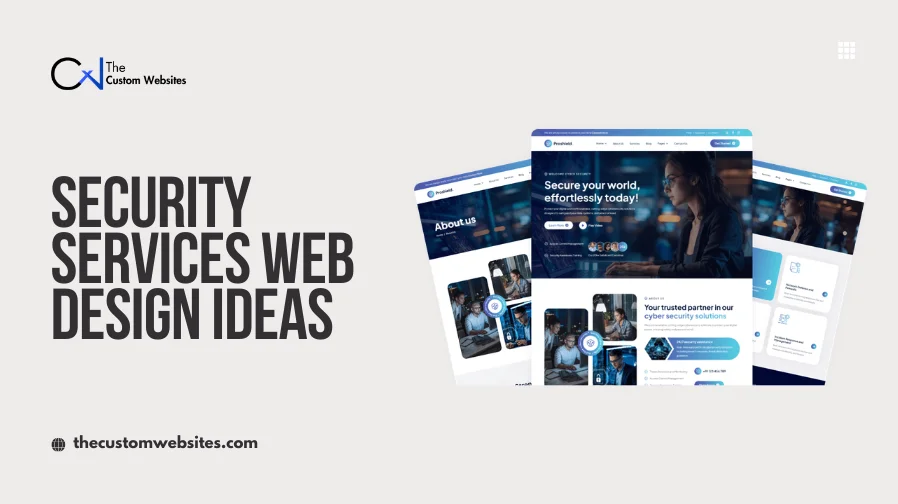
These security services website design ideas examine 25 real examples and show how their design approaches can inform a security services website. These security company website examples span different specialties.
If you are planning professional security website design and development, The Custom Websites can help you turn those requirements into a practical layout. Explore Security Services Website Design and Development to discuss an approach for your business.
What Makes a Good Security Services Website Design?
A good security services website states what the company provides, who it serves and where it operates. Strong headings, readable text and a clear page order help visitors find that information quickly.
Professional branding should support the service. Use relevant photographs of security teams, facilities or technology. Keep navigation simple and group related services together. Each service description should explain its scope, process and next step.
Trust needs evidence. Current certifications and licenses, approved client logos, identified reviews and useful case studies help visitors assess the business. Explain what each credential covers. A website badge alone does not establish service quality.
Clear CTAs should lead to an appropriate quote, contact or consultation form. On mobile, stack content in a sensible order and keep contact options accessible. Explain technical systems in plain language before adding specifications.
25 Security Services Website Design Ideas
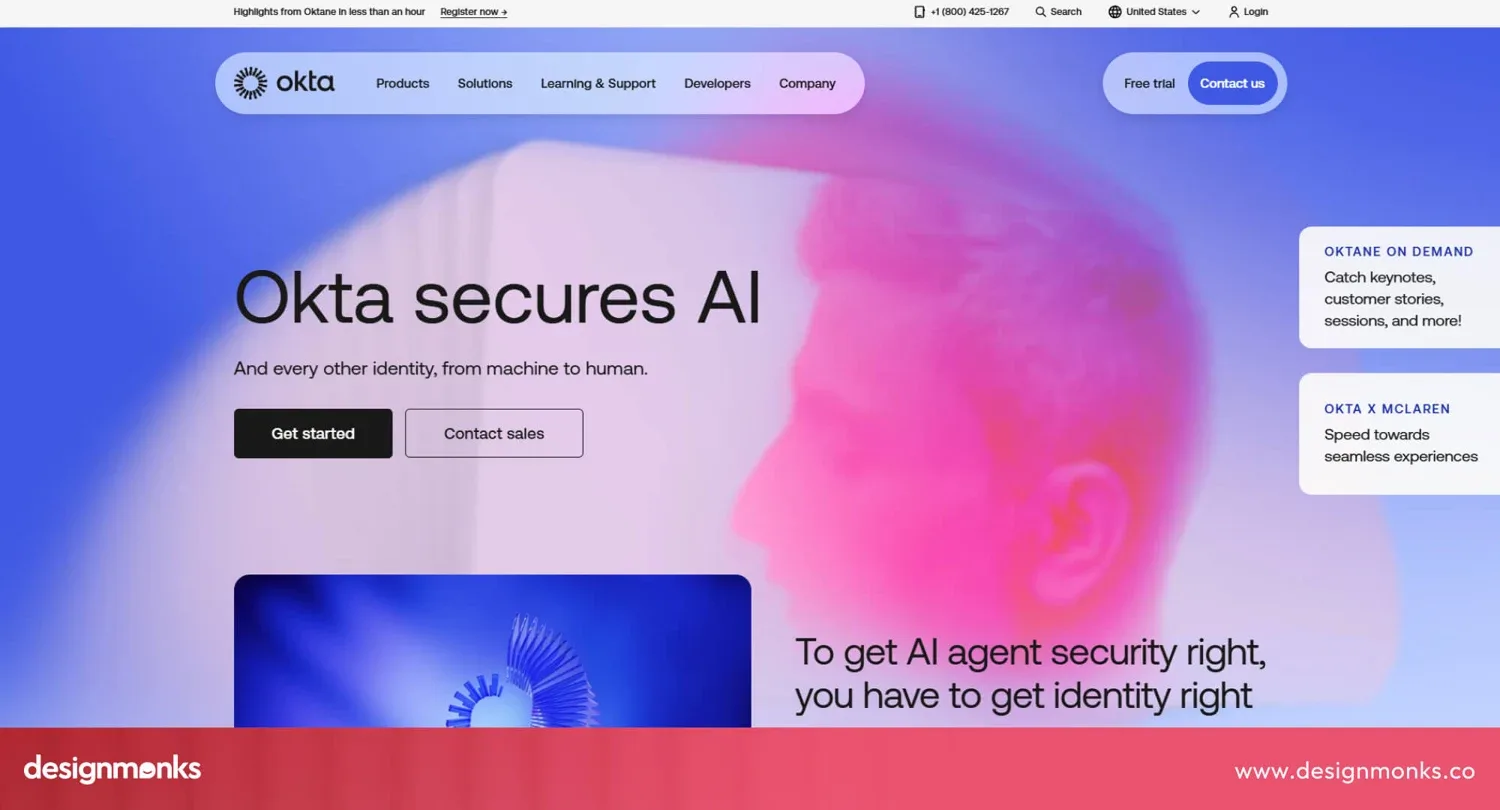
1. Redline - Bold Security Hero Design
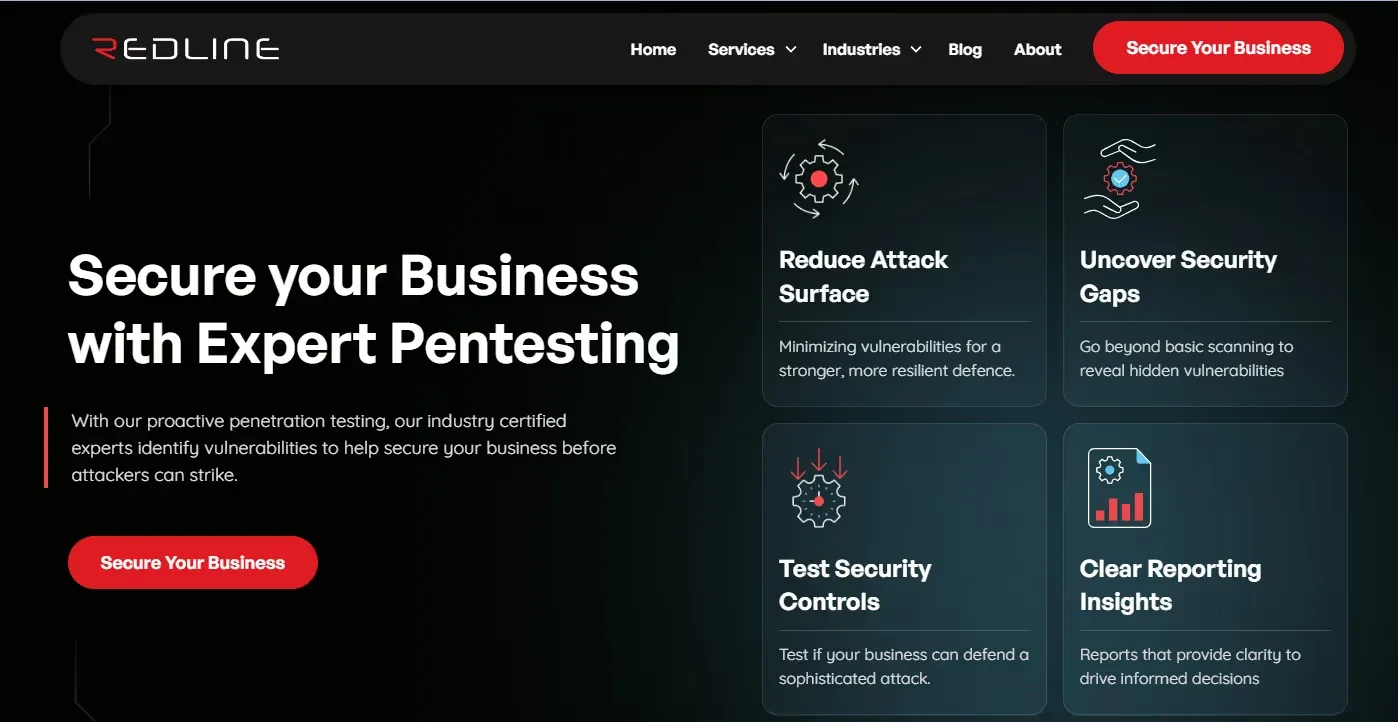
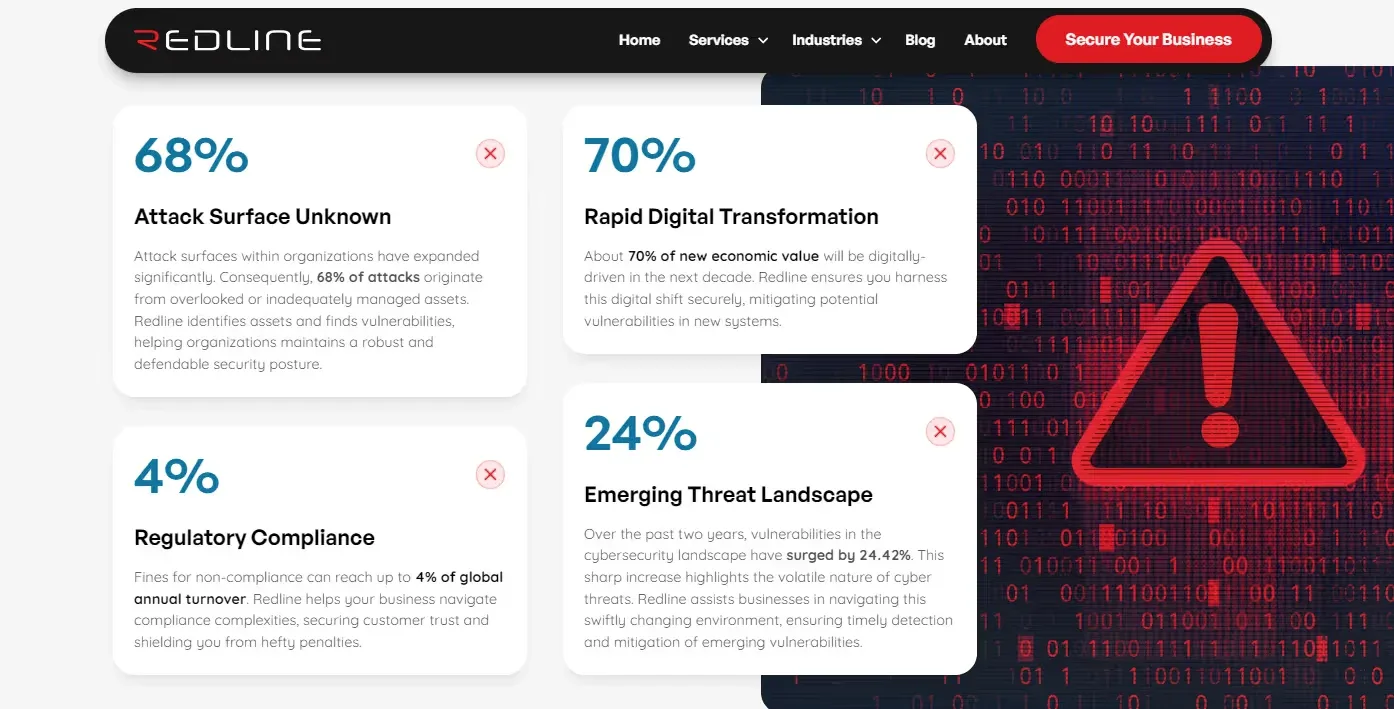
Redline provides penetration testing and security assessments. Its archived homepage places a direct service headline beside compact capability panels. A red primary CTA stands apart from the dark background. Threat statistics appear in a separate section below the hero.
This split screen gives visitors two entry points. The headline explains the offering while the adjacent panels show its scope. The statistics add context without turning the first screen into a long explanation.
For security website homepage design, pair a specific promise with an image or short service panel. A commercial security provider could introduce building protection alongside access control services and mobile patrol services. Use only sourced statistics with dates. Your own service coverage or operating hours may be more useful than general threat figures.
2. Priam Cyber AI - Minimal Dark Security Theme
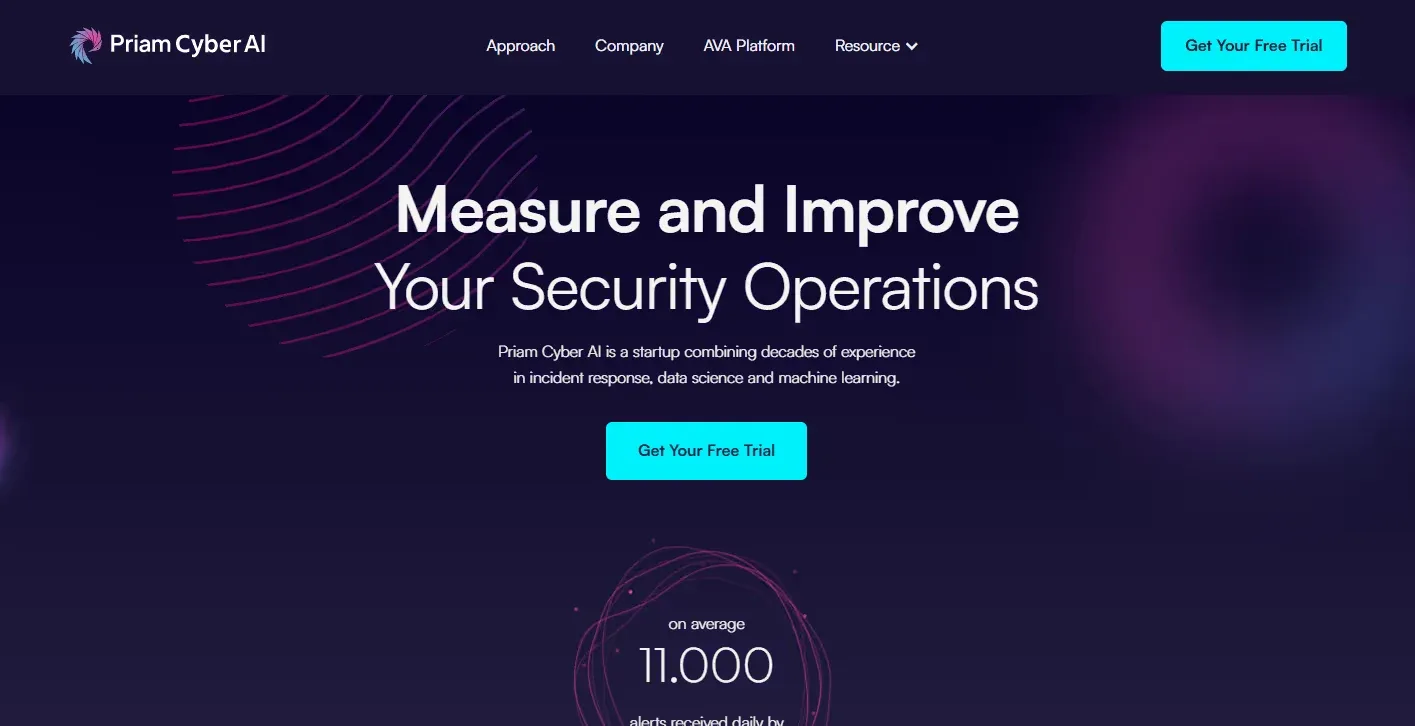
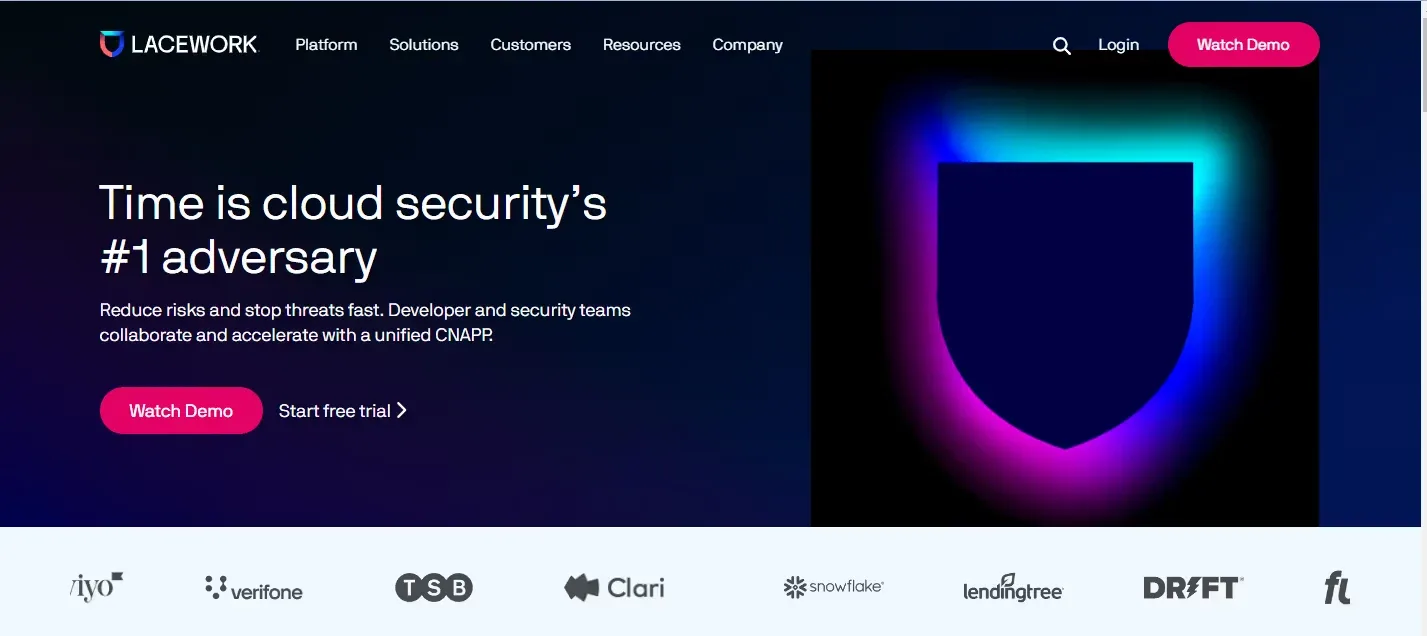
Priam Cyber AI focuses on technology for security operations. The archived reference shows a dark purple background, a short central headline and a bright CTA. The compact top navigation leaves the main message room to breathe.
The useful lesson is restraint. A dark theme can support a technology focused brand when the text stays readable and the page has a clear next step. Color alone does not prove that a business is trustworthy.
A remote monitoring company could use this approach with one service statement, one action and a quiet technology visual. Keep supporting information below the opening screen. These security business website design ideas work best when the offering is narrow enough to explain briefly. Avoid thin gray text on black and give keyboard users a visible focus indicator.
3. Blackbird IT - Dark and Neon Technology Design
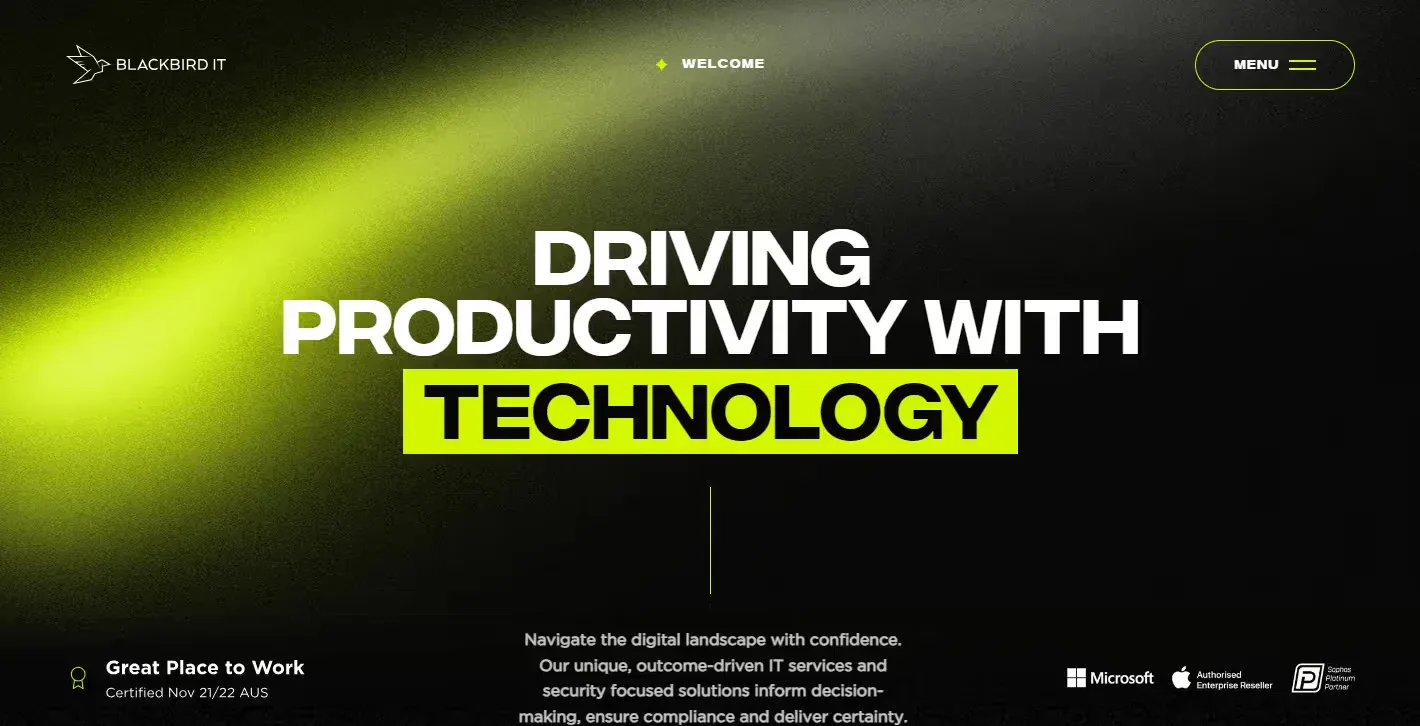
Blackbird IT is an Australian managed IT provider with cybersecurity services. Its archived design combines a dark background with bright green accents and large brand messaging. The reference review also documents staff video content and client logos.
The neon accent gives the page a recognizable visual identity. Video adds a human dimension to an otherwise technical presentation. Customer logos provide supporting evidence when their relationship to the business is clear.
For modern security company website design, reserve the accent color for headlines, buttons and selected interface details. A provider of security cameras and connected alarm systems could use a brief installation or control room video. Place captions beside the video and offer playback controls. Staff footage should help explain the team or service rather than merely add motion.
4. Iothreat - Trust-Focused Security Website
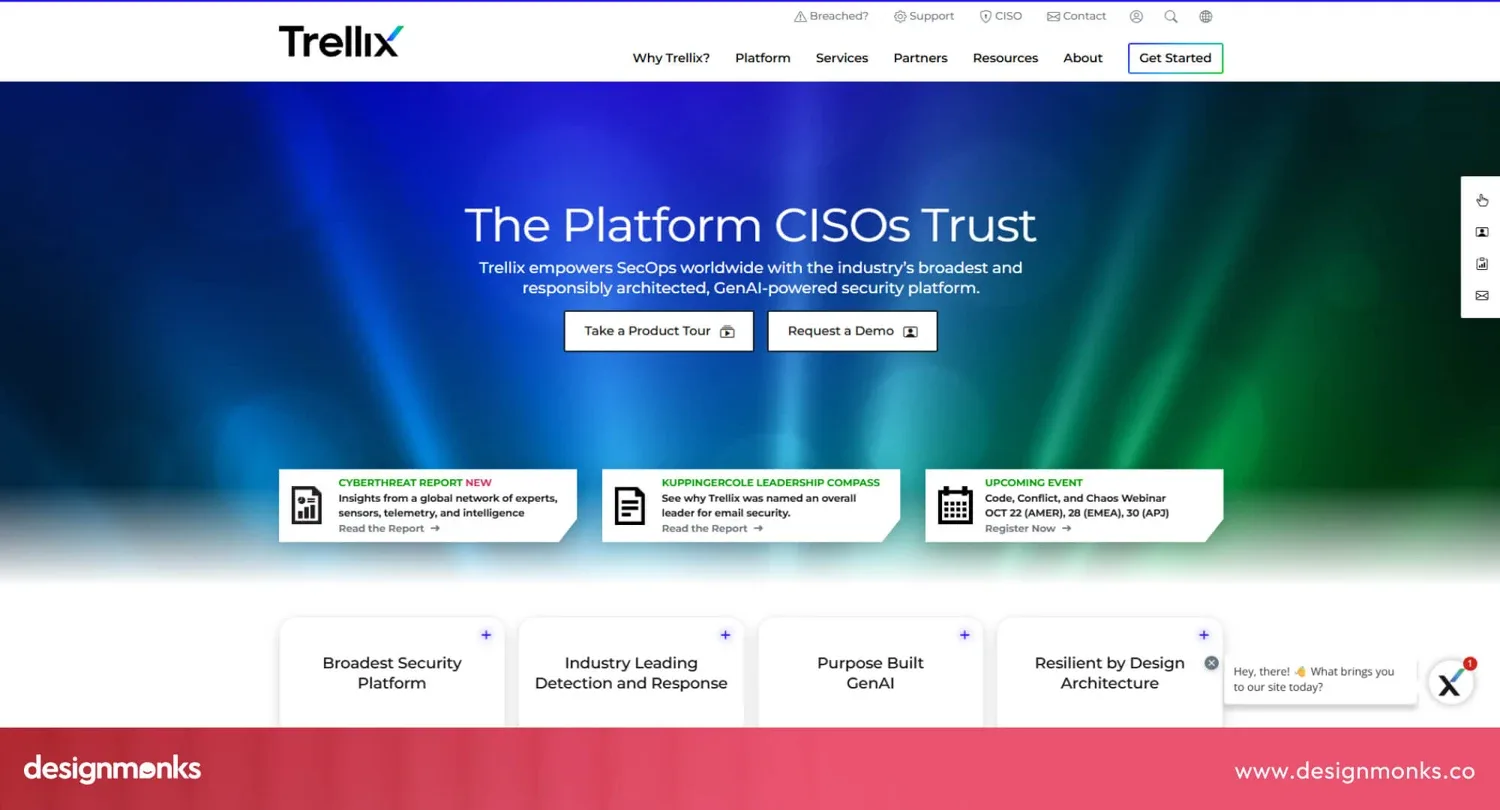
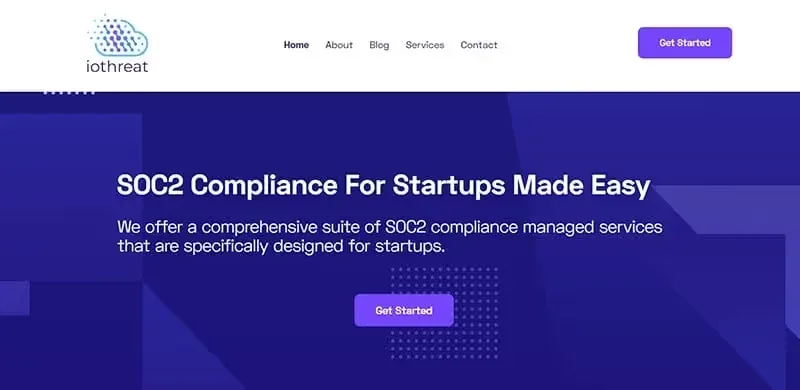
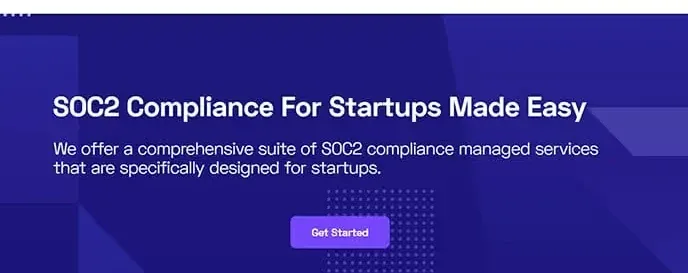
Iothreat now presents an AI compliance offering. The archived example introduces its earlier SOC 2 compliance proposition through simple navigation and a prominent CTA. The reference review describes customer logos, feature explanations and testimonials below that opening.
This sequence connects a claim with evidence. Visitors first learn what the company offers. They can then inspect customer experience and the details behind the promise.
In security firm website design, place a relevant review near the service it discusses. Follow a commercial security section with an approved client story or a clearly identified testimonial. Display current licenses with their applicable location and scope. Treat client logos, technology partner marks and certifications as separate forms of evidence. They do not establish the same relationship.
5. UpGuard - Risk-Focused Website Design
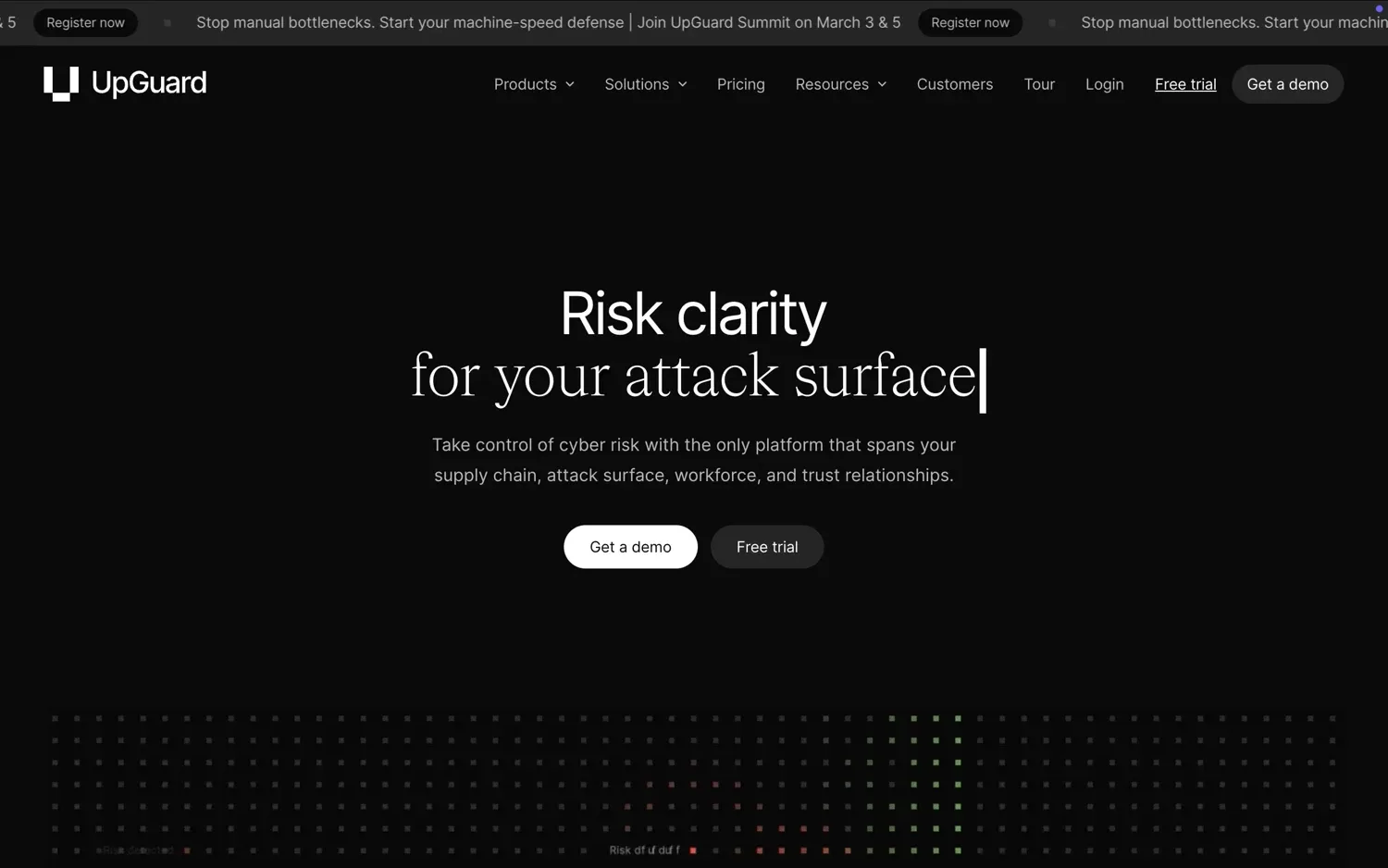
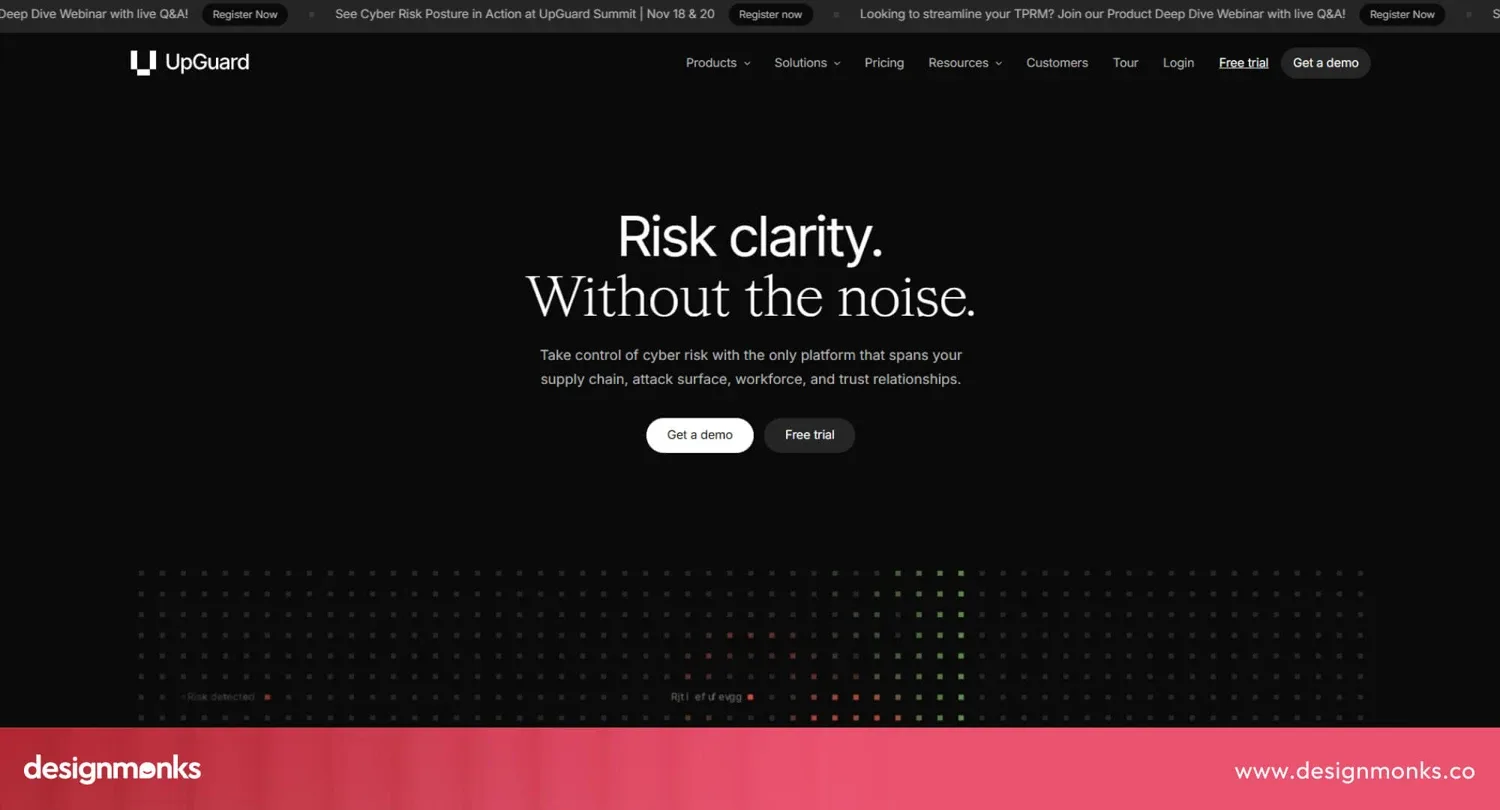
UpGuard is a cyber risk management platform. Its website introduces risk as the organizing topic and provides routes into areas such as vendor risk and attack surface management. Customer material and product explanations support that positioning.
Risk based organization helps visitors recognize their own situation. Instead of asking them to decode a list of tools, the page starts with what they need to understand or manage.
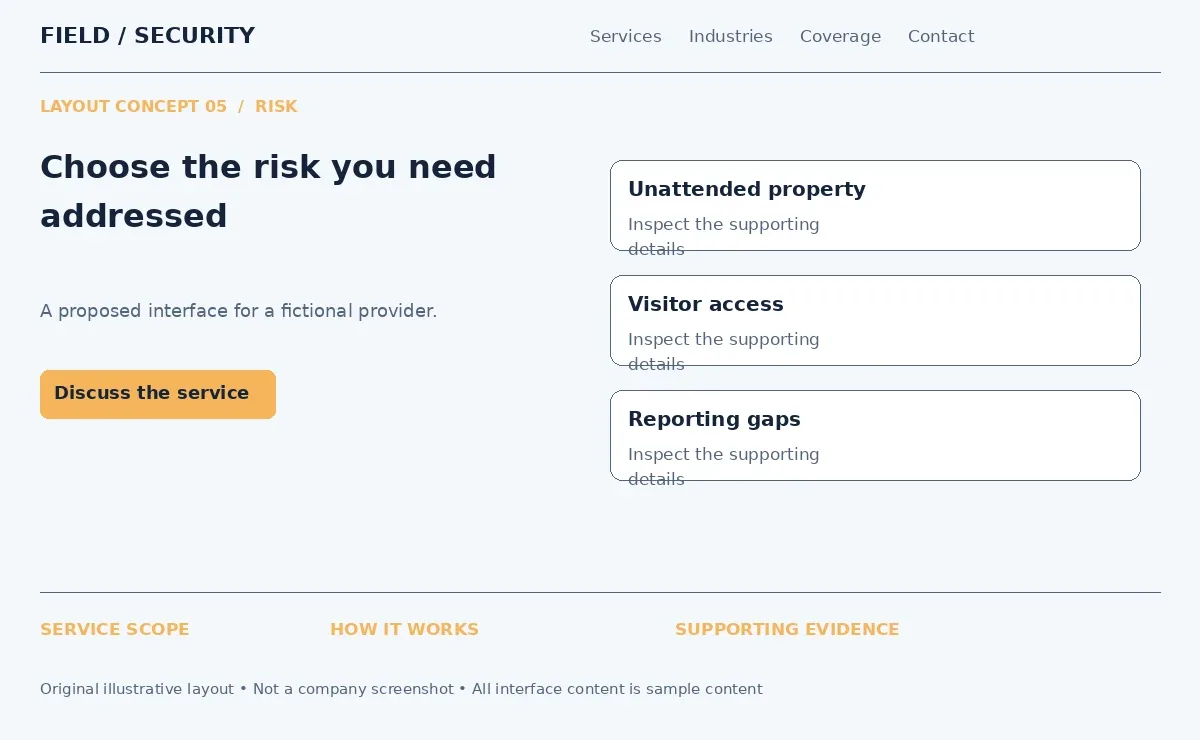
A physical security provider could organize content around unauthorized access, unattended properties and gaps in site oversight. Each problem should lead to a relevant service and an explanation of its limits. Security company website design ideas built around risk need practical language. Describe how security assessments inform a plan and use documented customer results rather than promises that incidents will never occur.
6. Torq - Video-Based Security Website
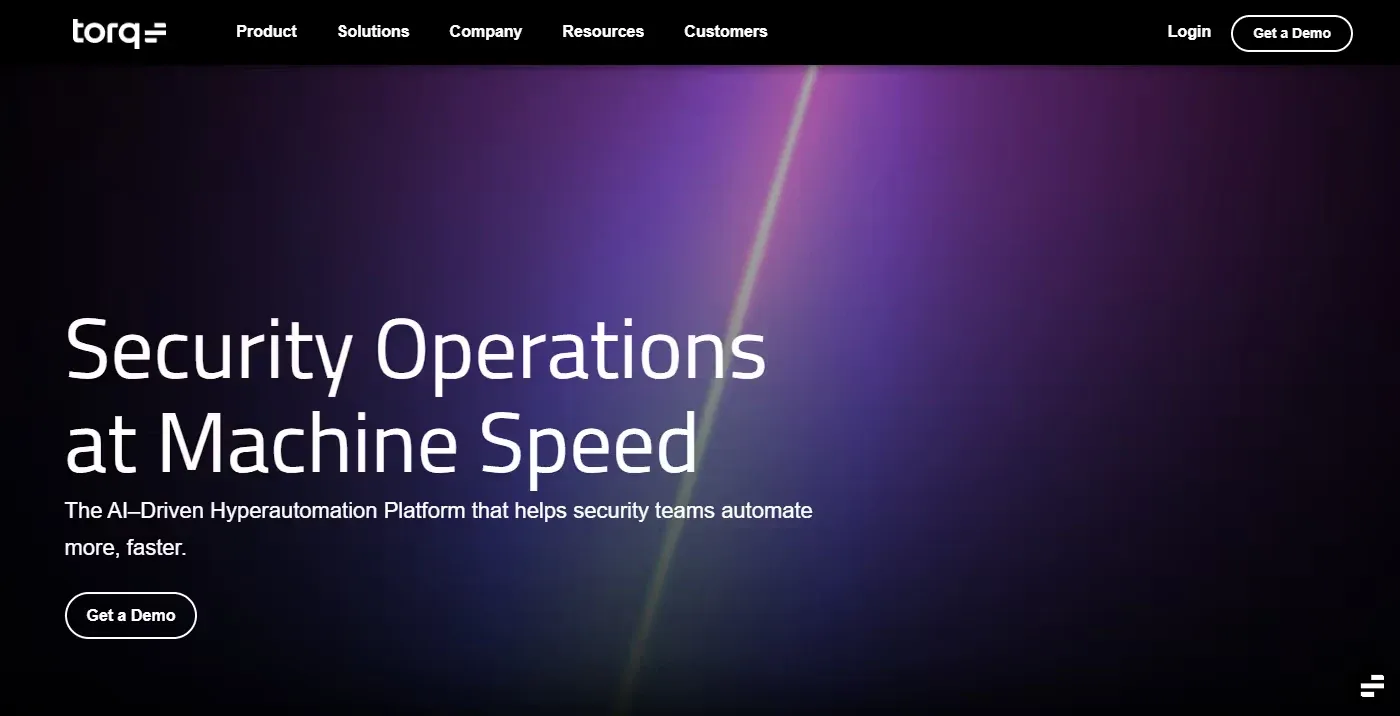
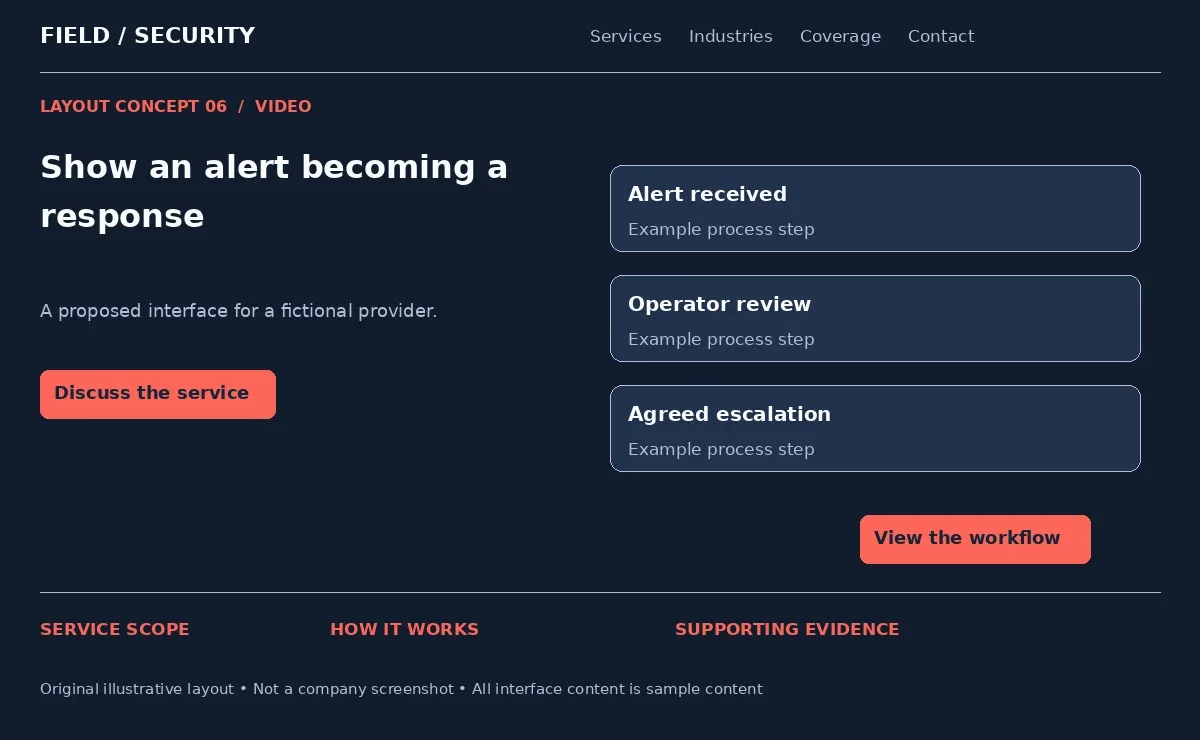
Torq develops security operations automation technology. Its archived homepage uses a dark visual treatment with a video or animated hero presentation. The current website continues to explain workflows for investigating and responding to threats.
Motion is useful when sequence matters. A static image can show a control panel. A short demonstration can explain how an alert moves through review and action.
Use this security services web design approach to show a remote surveillance workflow. For example, present a camera alert, operator assessment and escalation to the appropriate contact. Use staged footage or approved recordings with identifying details removed. Keep the headline outside the video so it remains readable while the media loads. Provide a poster image, pause controls and a reduced motion version.
7. Wiz - Interactive Security Website
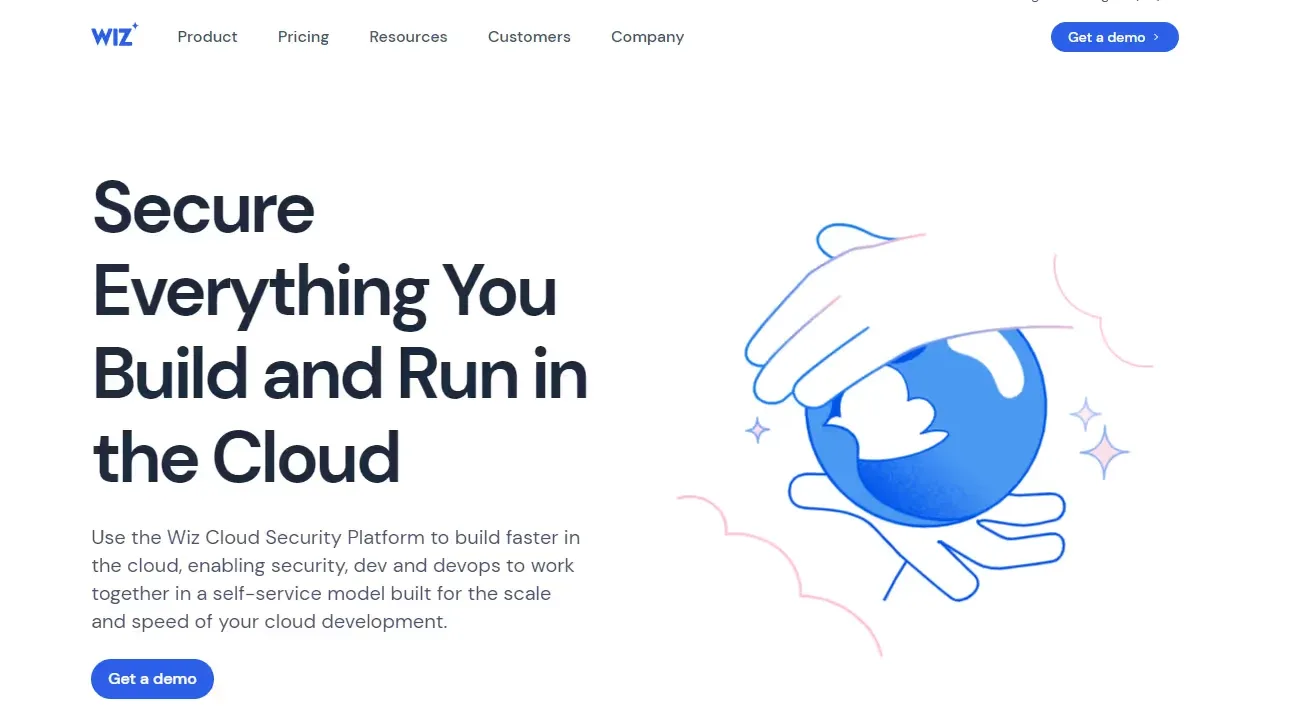
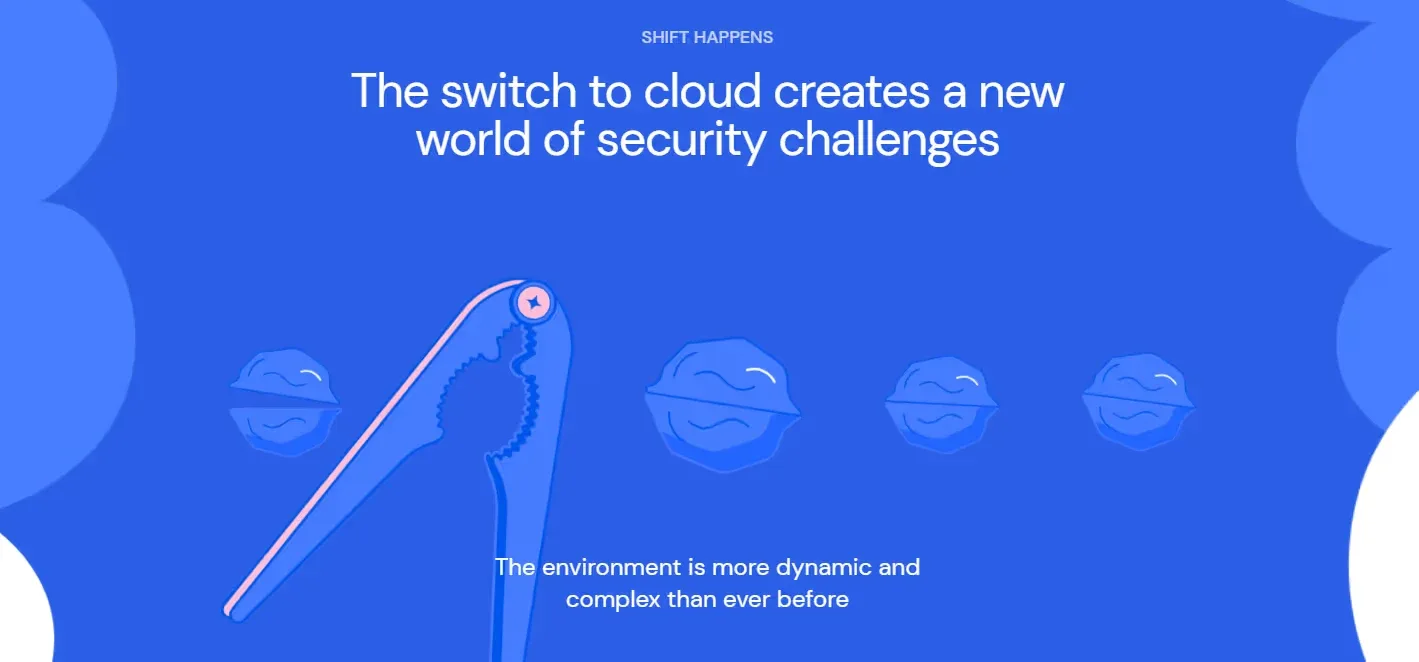
Wiz is a cloud security platform. Its archived homepage pairs a strong headline with an illustrated cloud visual and customer logos. A separate interactive section introduces problems before showing the platform's response.
Interaction earns its place when it reveals information. Visitors can focus on one issue at a time instead of reading every technical explanation at once.
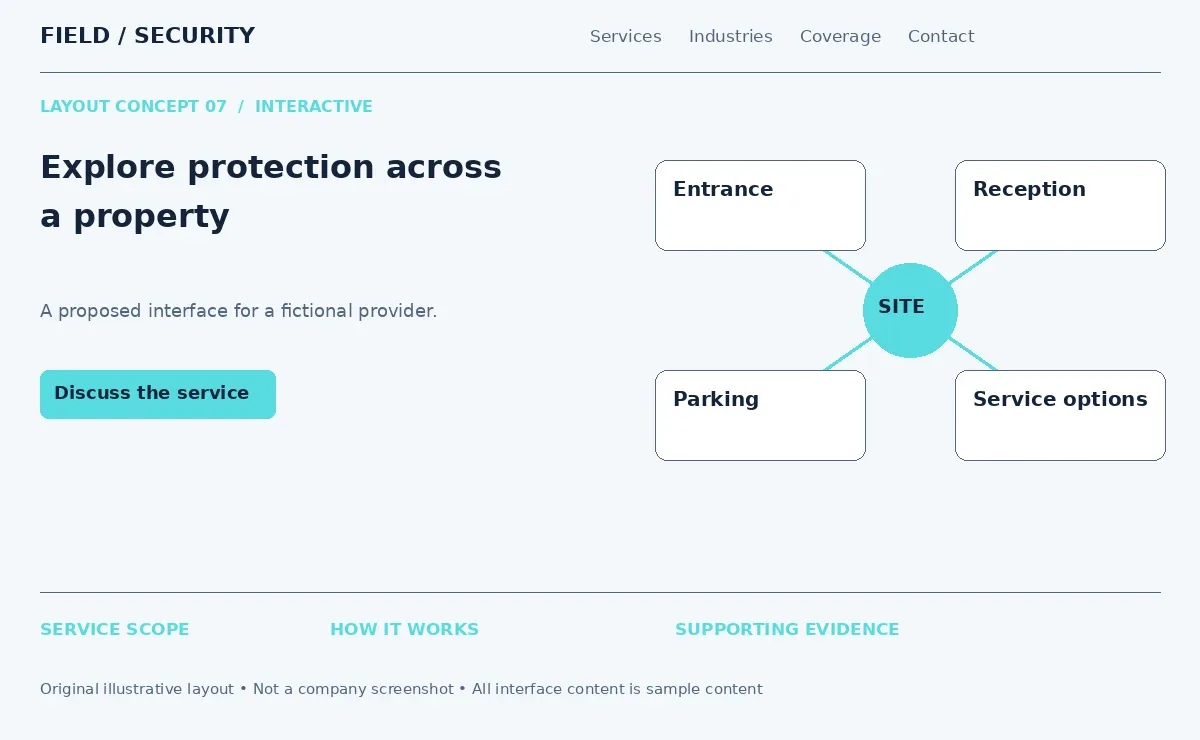
Creative security website design could adapt this into a property illustration with selectable entrances, parking areas and reception points. Selecting an area would explain relevant security guard services, CCTV coverage or access control systems. Provide the same information in a text list for keyboard and mobile users. Treat the illustration as an example plan. Actual placement and coverage still require a site assessment.
8. Astra Pentest - Dashboard-Focused Security Design
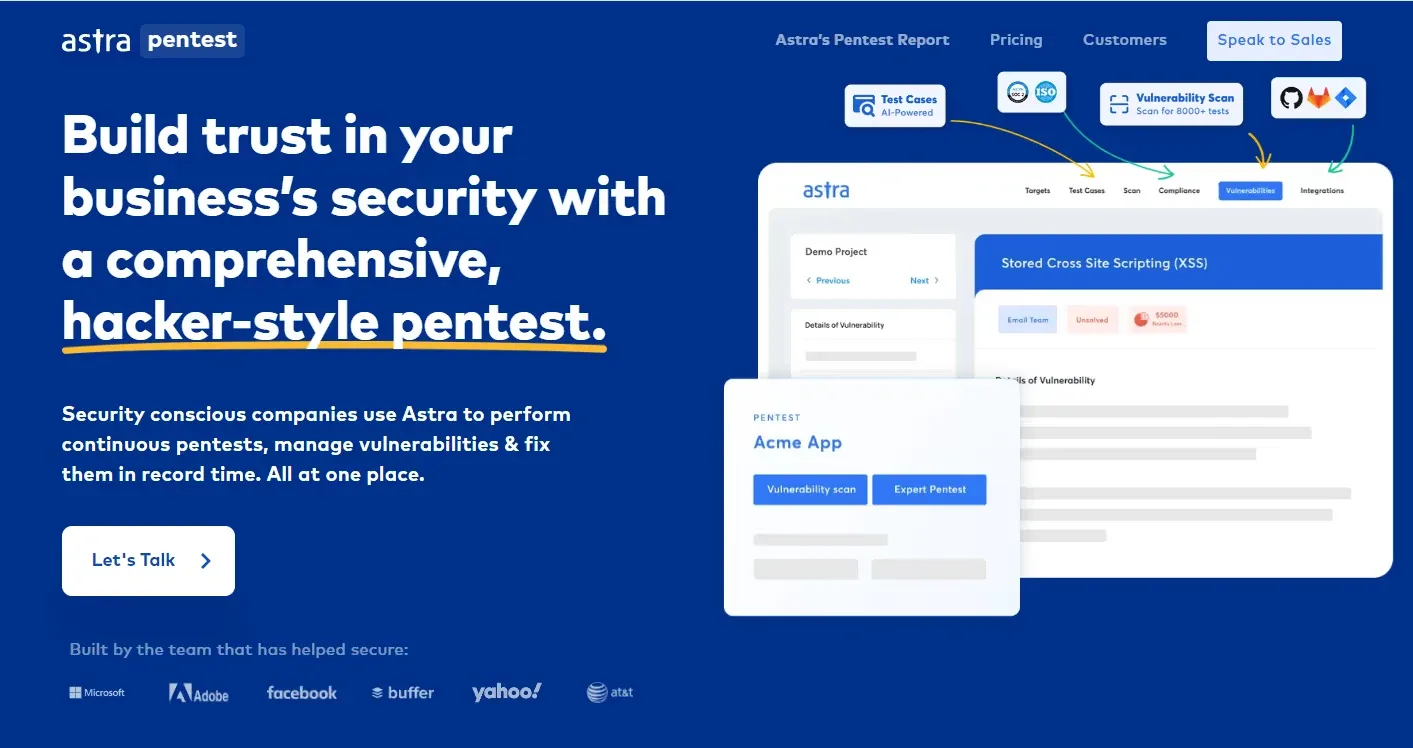
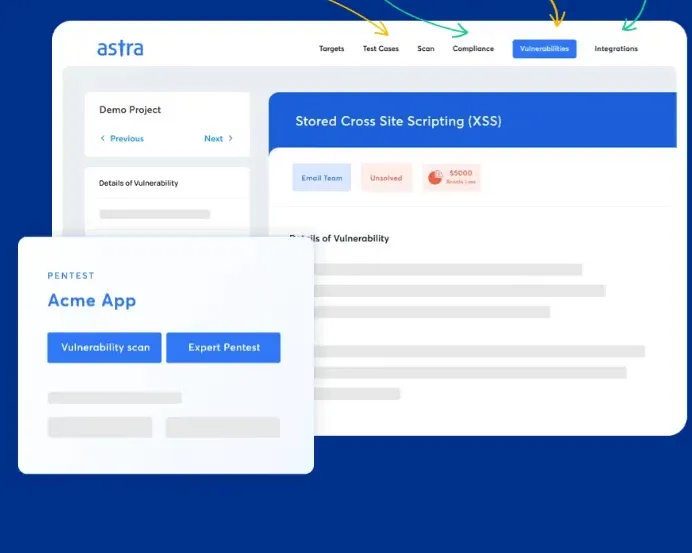
Astra Pentest offers penetration testing and related security technology. Its archived hero places assessment messaging on one side and a platform dashboard on the other. A consultation CTA connects the visual to a conversation about the service.
The interface preview makes the deliverable more concrete. Visitors can see that findings have an organized home rather than relying entirely on a written description.
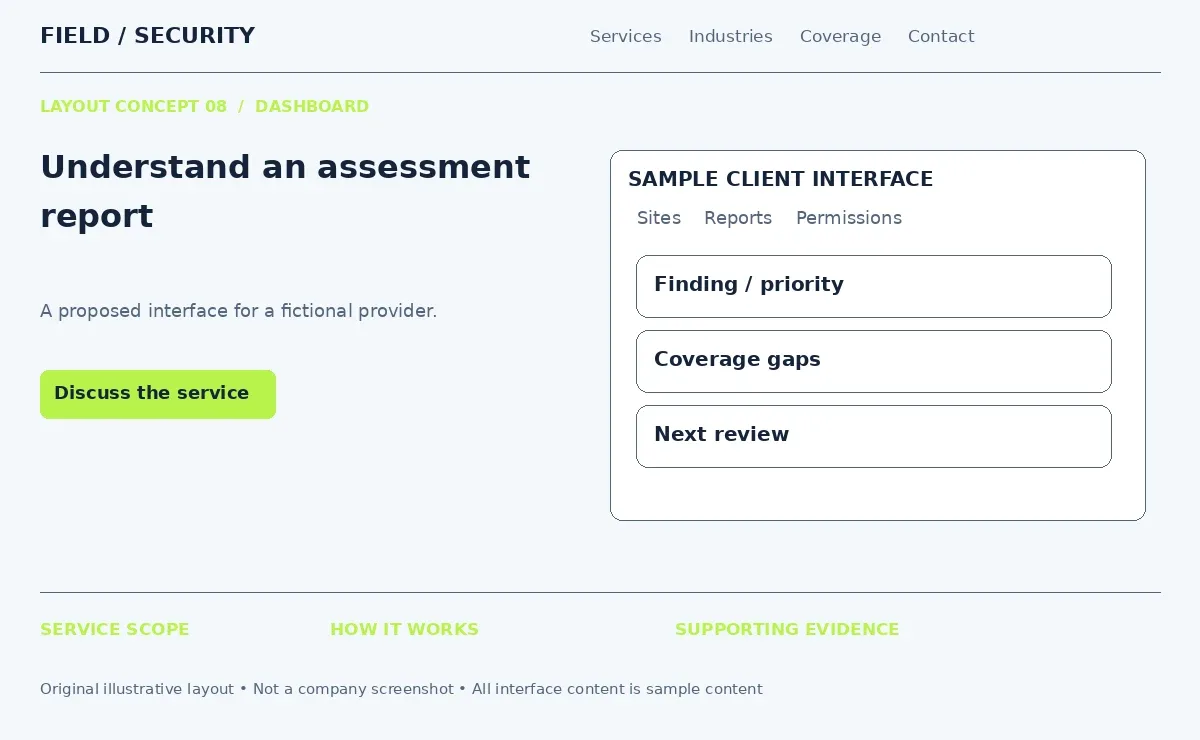
For security website UI design, show a sample security assessment with clearly labeled findings, priorities and next steps. A physical security company might demonstrate how it reports entry point issues or camera coverage gaps. Use readable labels and explain what the customer receives. A sample report should carry an example label. Do not imply that an illustrated dashboard is software your company already provides.
9. Cloudflare - Large Security Services Structure
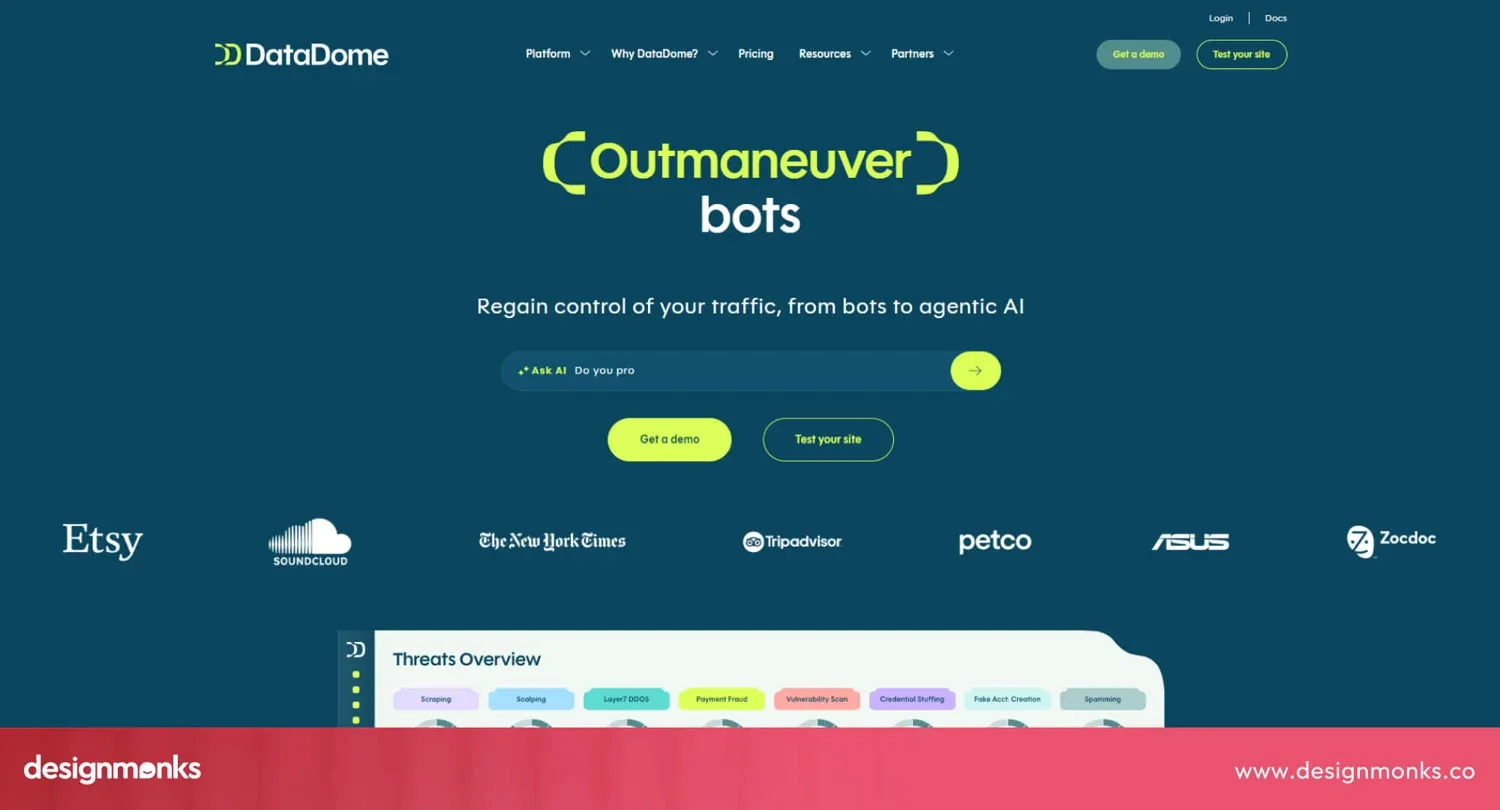
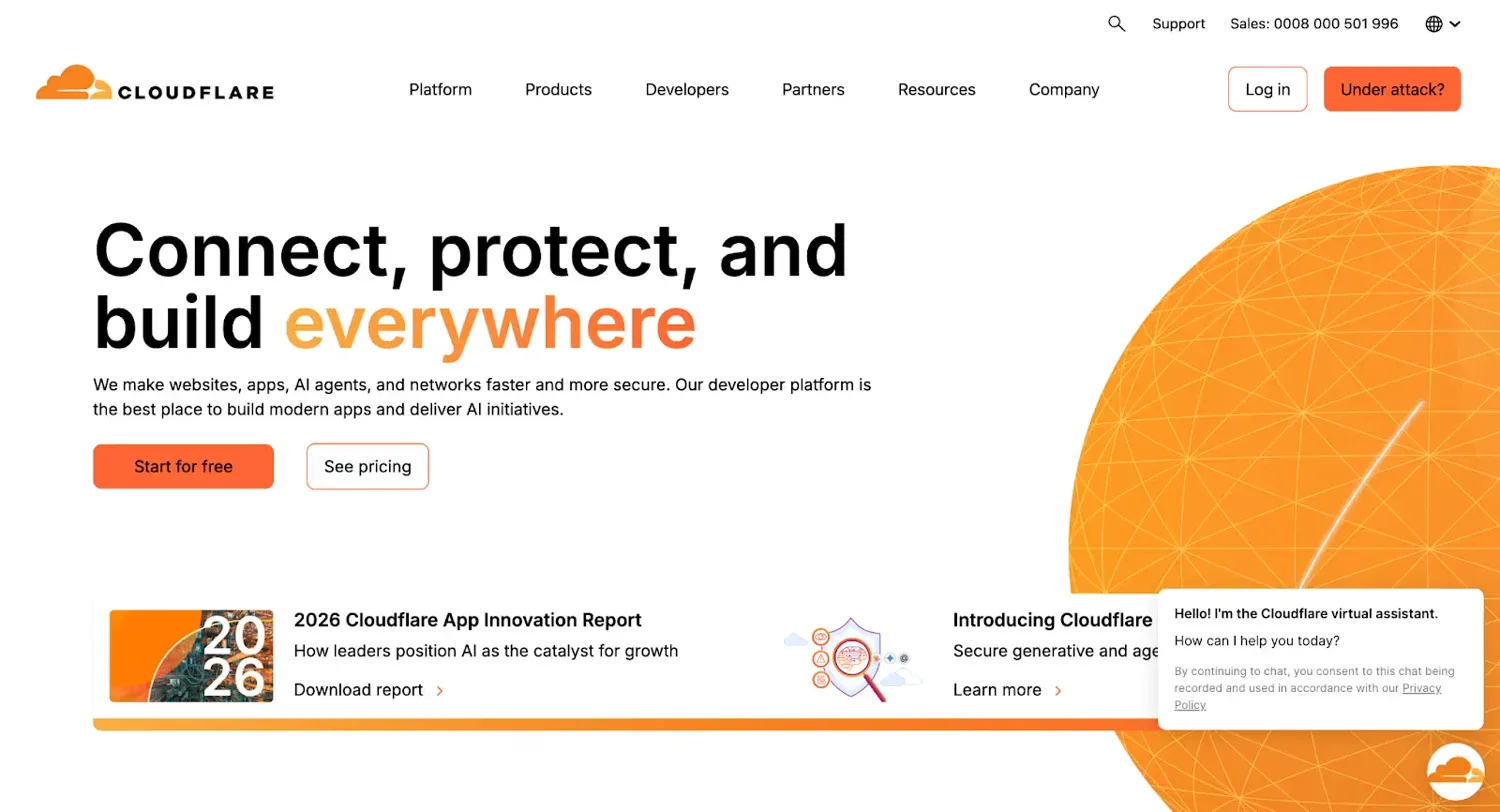
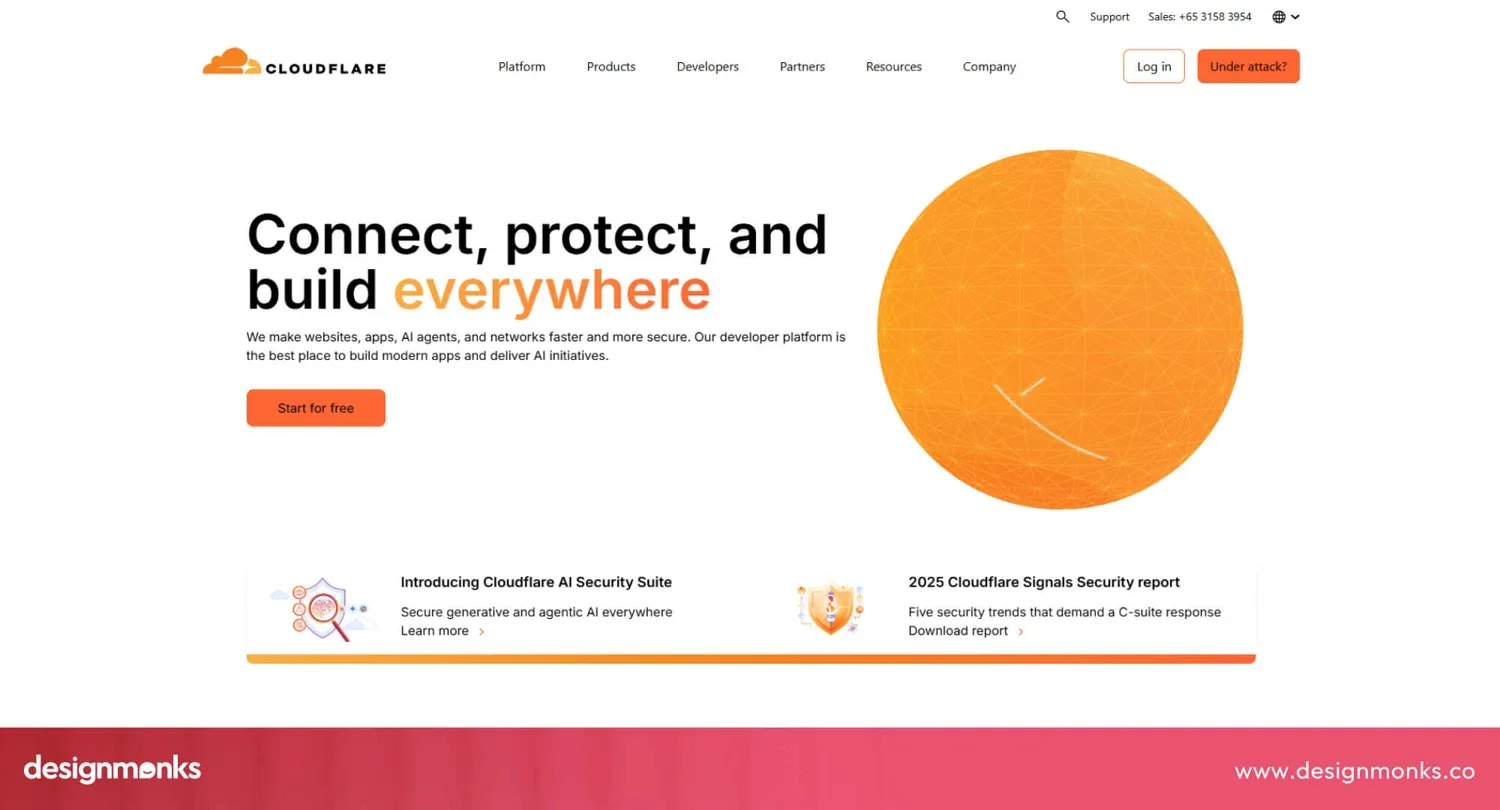
Cloudflare provides internet infrastructure, security and connectivity products. Its website supports a broad catalog through product categories, solution routes and educational resources. The organization serves visitors with different levels of technical knowledge.
This is useful inspiration for a large service portfolio. Categories give the menu a clear structure while use case pages help visitors who know their problem but not the service name.
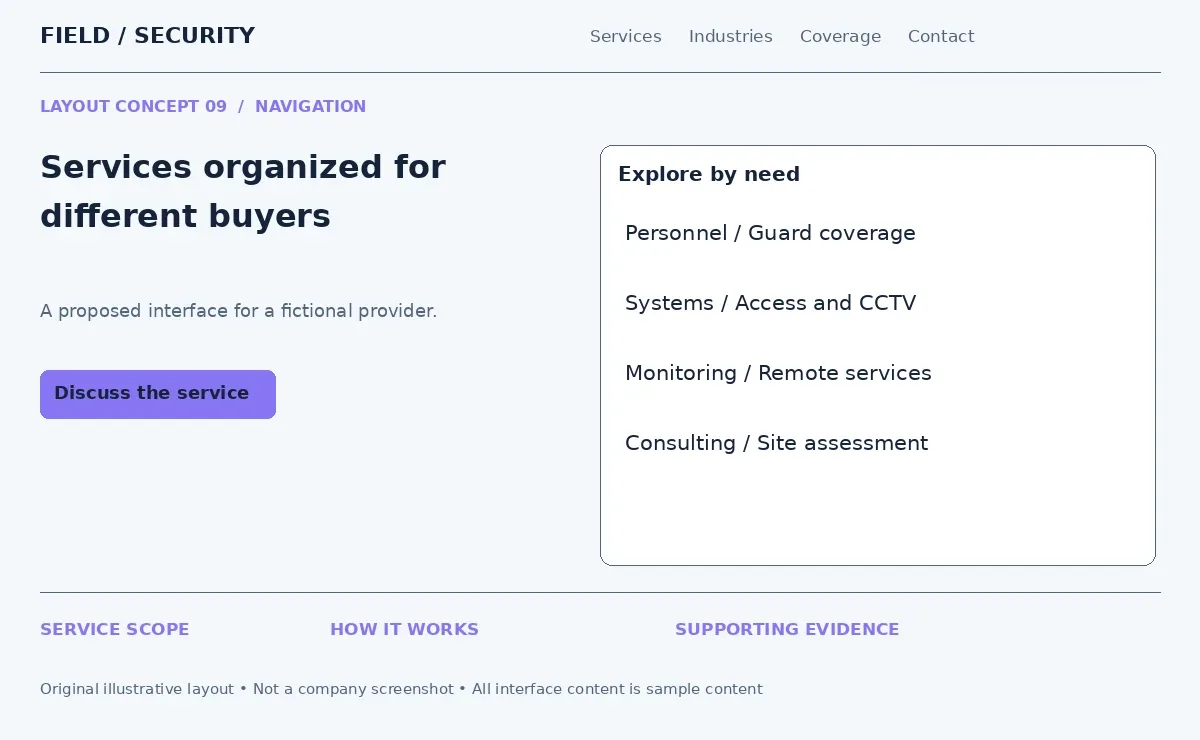
In security agency website design, group offerings into personnel, monitoring, systems and consulting when those categories reflect the actual business. An industries menu can then guide retail or industrial buyers into relevant combinations. Keep individual service pages accessible from these routes. Use descriptive menu labels and preserve the structure on mobile rather than hiding everything behind an unorganized list.
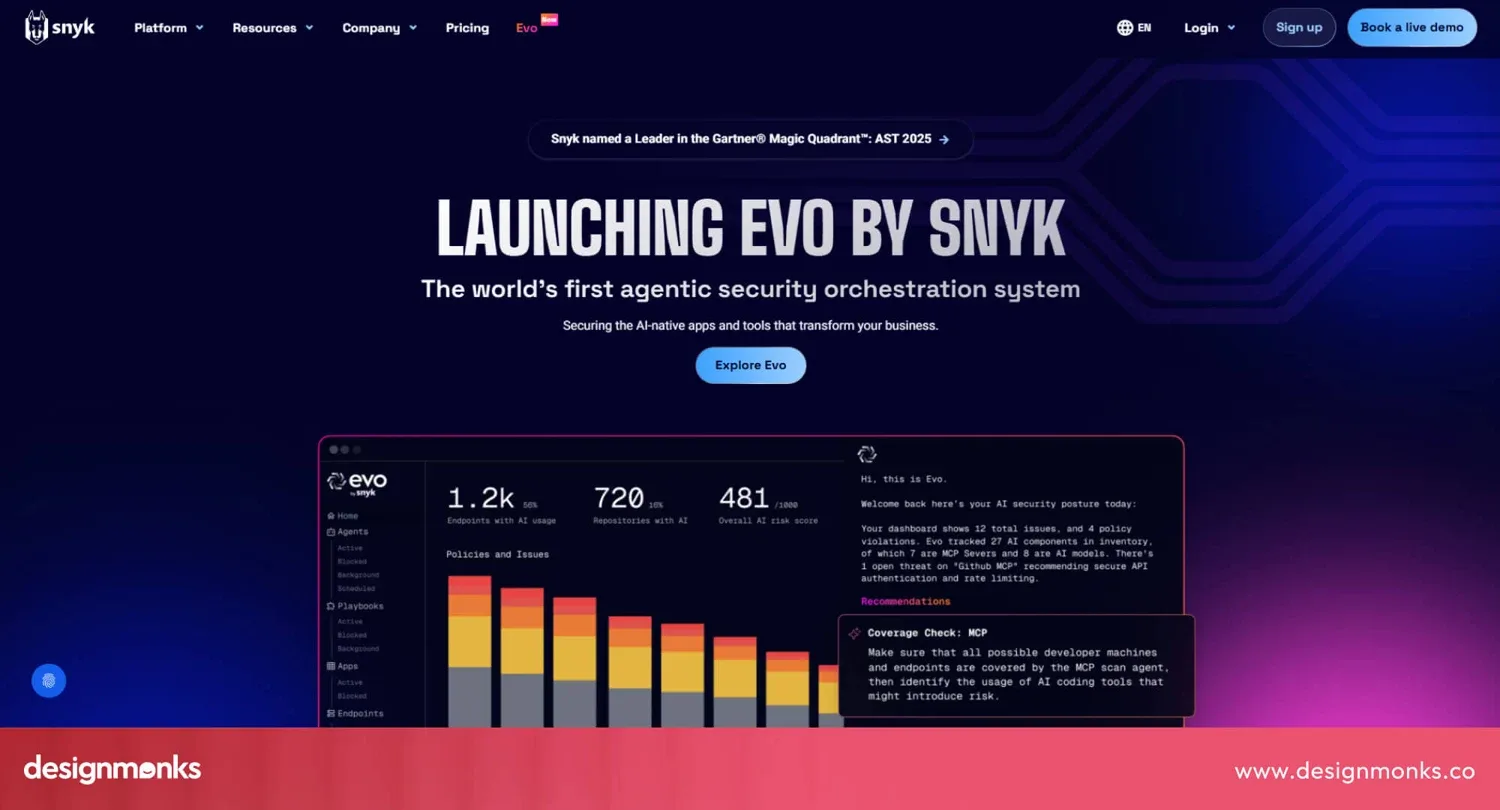
10. Snyk - Clean Technical Website Design
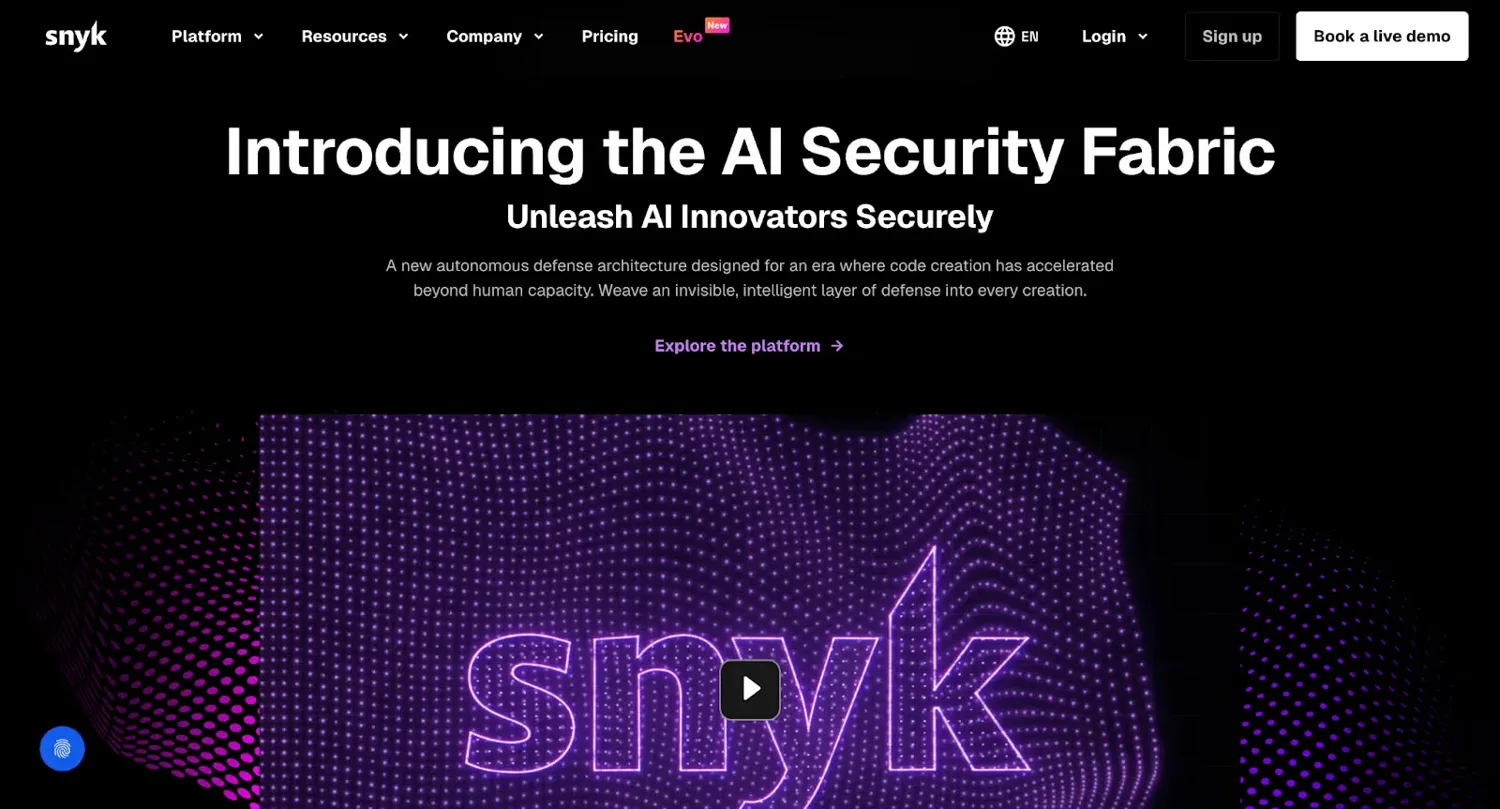
Snyk provides developer security technology. Its website separates platform explanations, technical subjects and product actions into defined sections. Although its visual style can be bold, the content has identifiable entry points.
Clean technical design means organizing information so readers know where to begin. It does not require every page to use a white background or remove all visual detail.
For security business web design, introduce each technical service with a plain description, a short process and the deliverable. An access control page could explain enrollment, permissions and reporting before discussing hardware compatibility. Put specifications in a table or expandable section. Decision makers can understand the service first while installers and technical buyers can still find the details they need.
11. Safetica - Multiple CTA Security Design
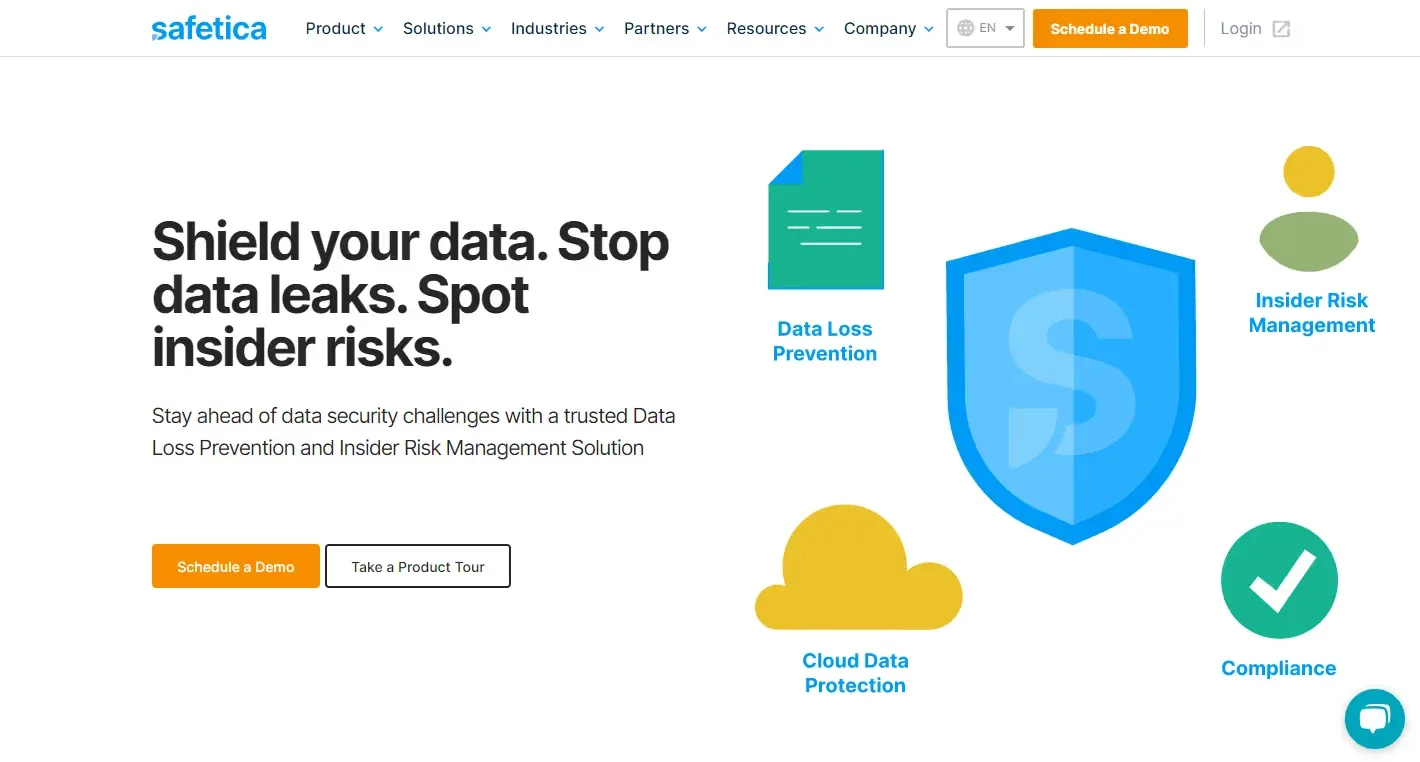
Safetica is a data security platform. Its website offers both a scheduled demo and a product tour. The archived reference combines concise protection messaging with a visual presentation of its capabilities.
These options serve different intentions. One visitor wants to speak with someone. Another wants to inspect the offering independently. A visual hierarchy helps both actions remain understandable.
Security company homepage ideas can use a primary request for a quote button and a secondary view service plans link. A monitoring provider might offer a demonstration beside a consultation request. Make each destination match its label. Keep one action visually dominant and explain whether a form starts a sales conversation or creates an account. Multiple CTAs should clarify choices rather than compete for attention.
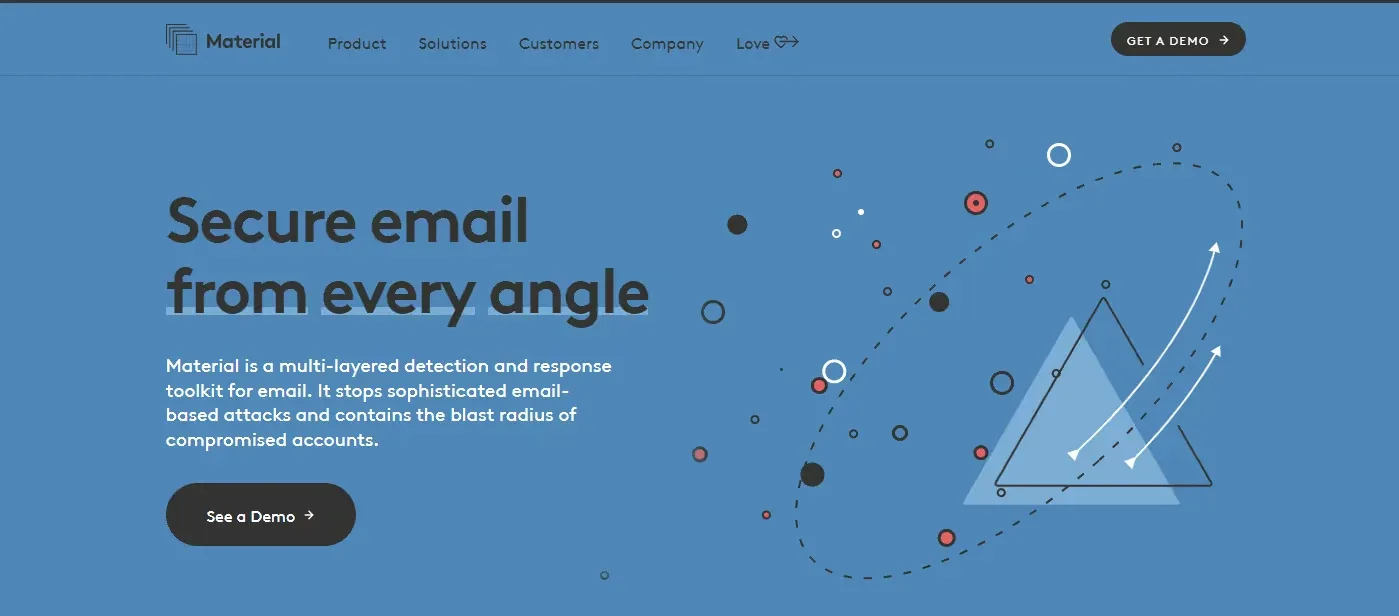
12. Material Security - Interactive Threat Explanation
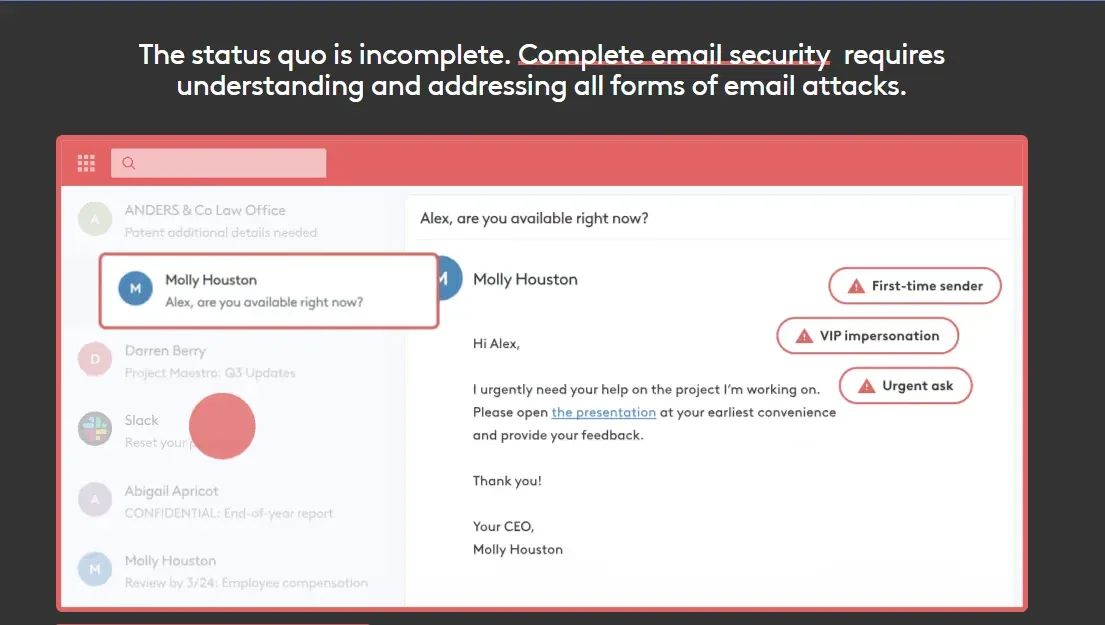
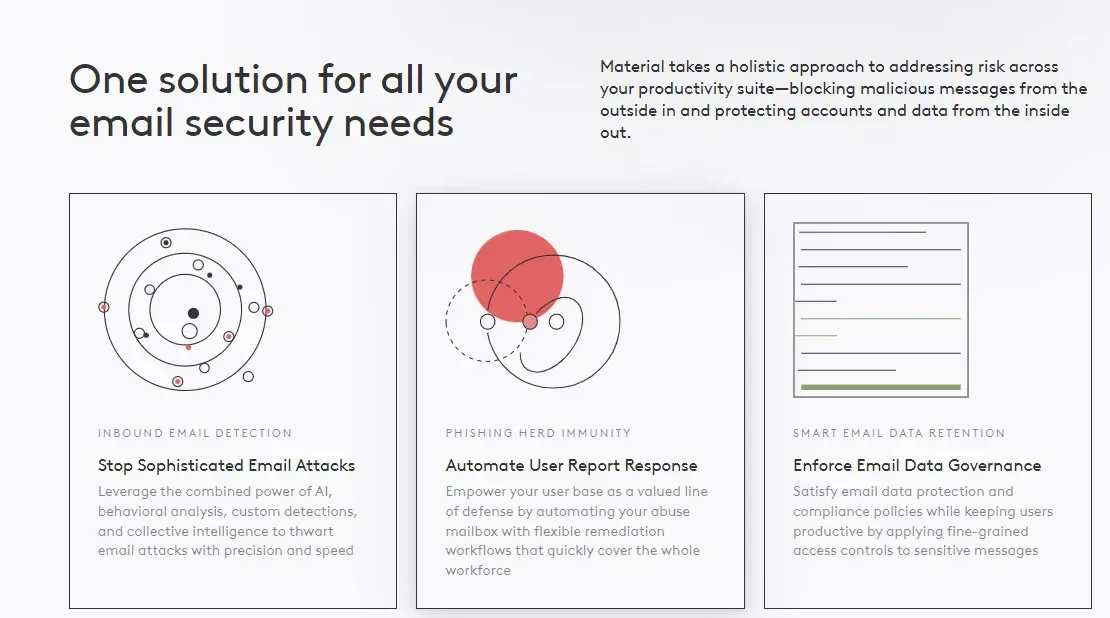
Material Security protects cloud workspaces and related information. Its archived email security design uses a threat illustration and an interactive inbox example. The page then explains how the offering addresses the issues shown.
A familiar scene makes a technical risk easier to recognize. The visual gives each explanation a place and context instead of presenting unrelated warning icons.
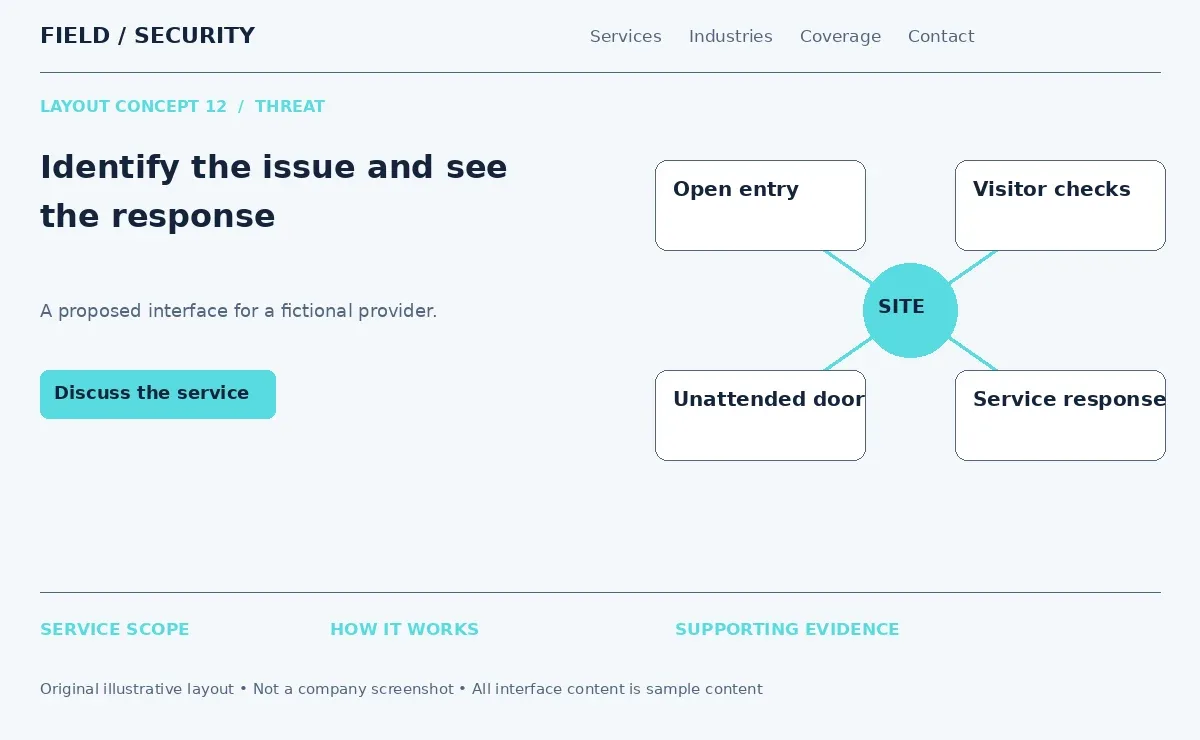
For security services website design, use an illustrated reception area to explain tailgating, visitor access and unattended doors. Each selected issue can reveal a suitable service response. Keep the explanation factual and avoid depicting every routine situation as a crisis. Include a readable static version below the interaction. This makes the content useful even when visitors skip animation or browse on a small screen.
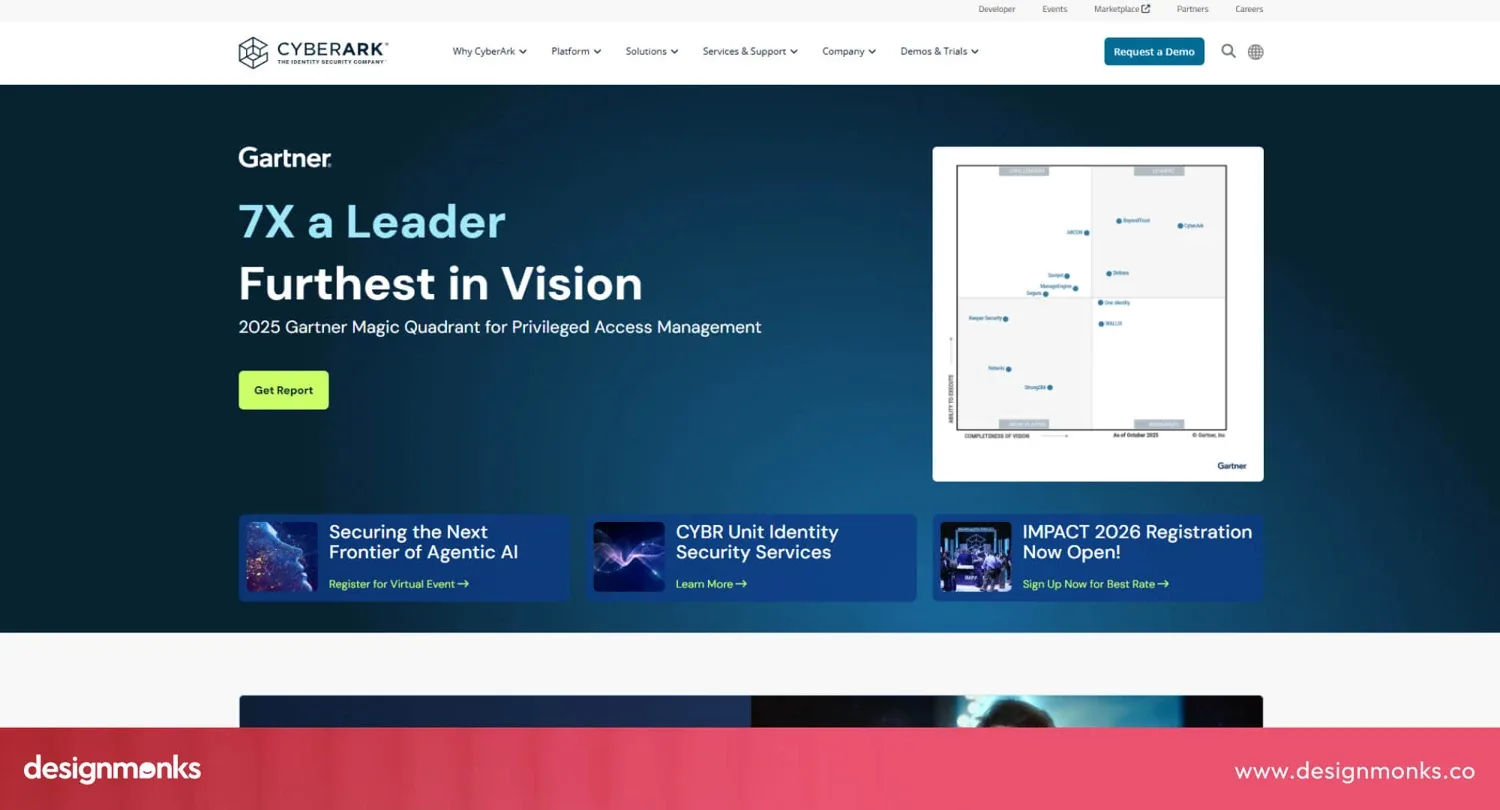
13. NordLayer - Dashboard-Based Security Website
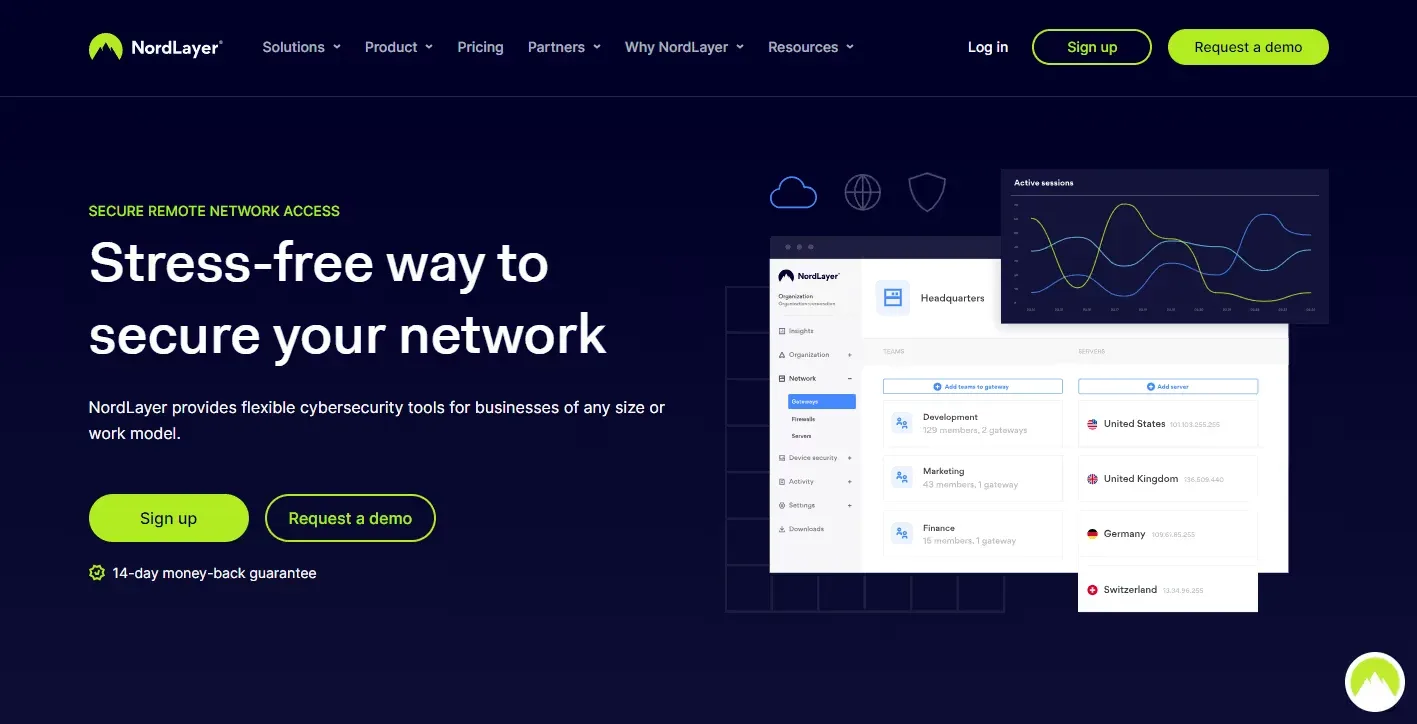
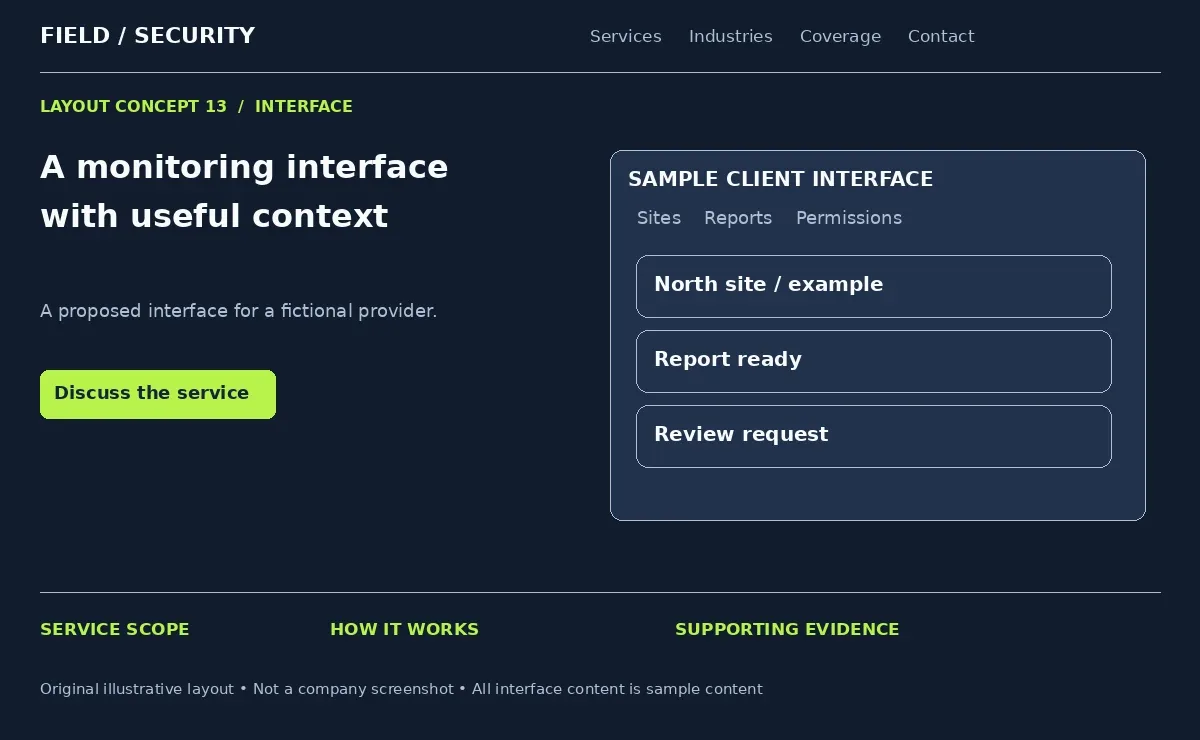
NordLayer provides business network security technology. The archived example uses a dark blue split hero with an interface preview and distinct demo or signup paths.
The dashboard gives the page a visual subject closely tied to the offering. Its placement beside the message connects the product explanation with something the buyer can inspect.
A provider using security management software could show an approved interface for site status, reports and account management. Explain which functions the customer can access and which remain internal. These security website layout ideas suit businesses with a real technology component. Keep operational screens behind authentication. Public interface images should use demonstration data and omit camera credentials, sensitive locations and customer details.
14. Persona - Clean Trust-Based Design
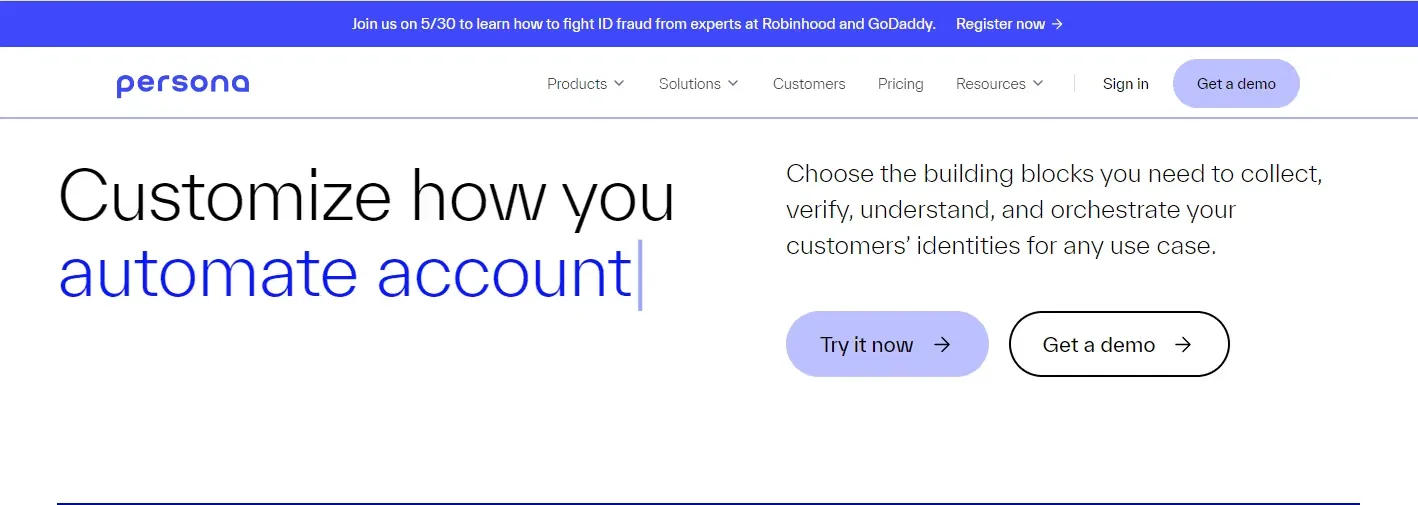
Persona provides identity verification and related technology. Its archived website uses generous white space, simple navigation and a concise explanation of the offering. Customer logos appear as supporting proof.
The spacing separates ideas and gives the headline a clear role. Readers can distinguish the main proposition from supporting information without a large number of decorative elements.
Security company web design can borrow this approach for private security or consulting services. Pair a short introduction with one relevant image and a compact evidence section. Give reviews enough space to identify the speaker and service context. Clean presentation should still answer practical questions about coverage, availability and scope. A quiet page becomes useful through the quality of its information.
15. Fingerprint - Interactive Product Showcase
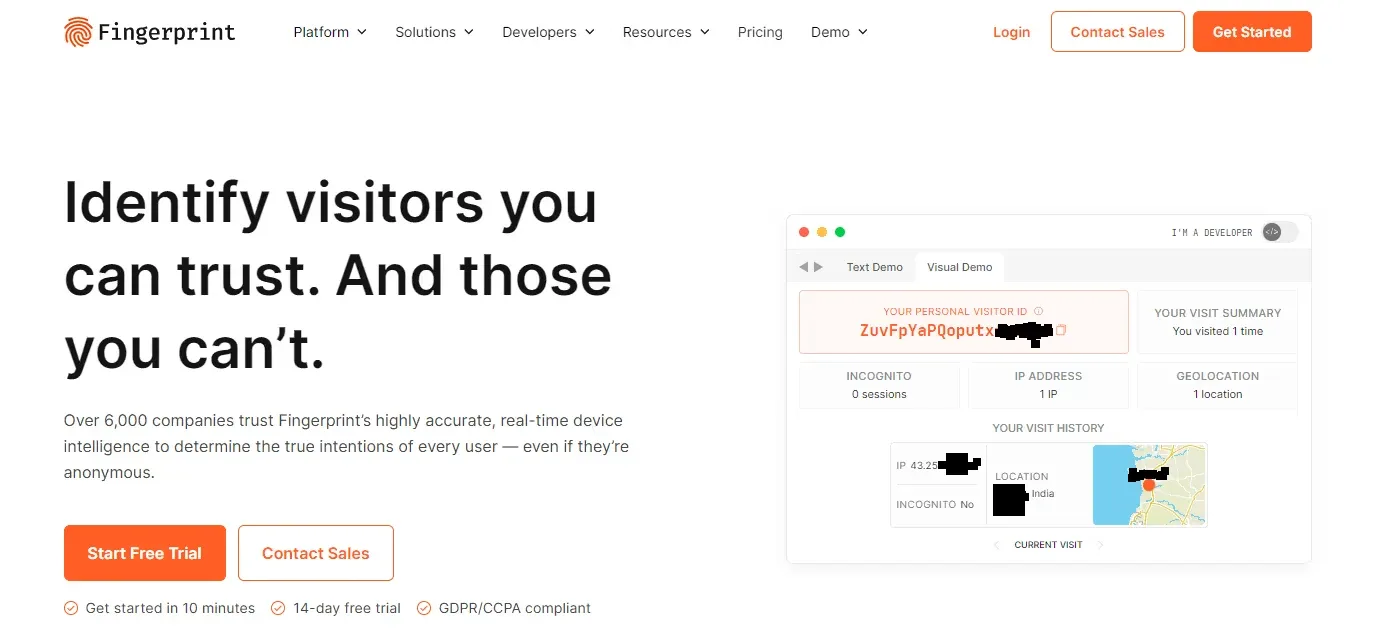
Fingerprint provides visitor and device identification technology. The archived homepage places a live style identification interface beside its main message. Clear trial and sales CTAs give visitors different next steps.
The product presentation helps people understand an otherwise invisible process. It shows how information appears to a user instead of asking visitors to imagine the interface.
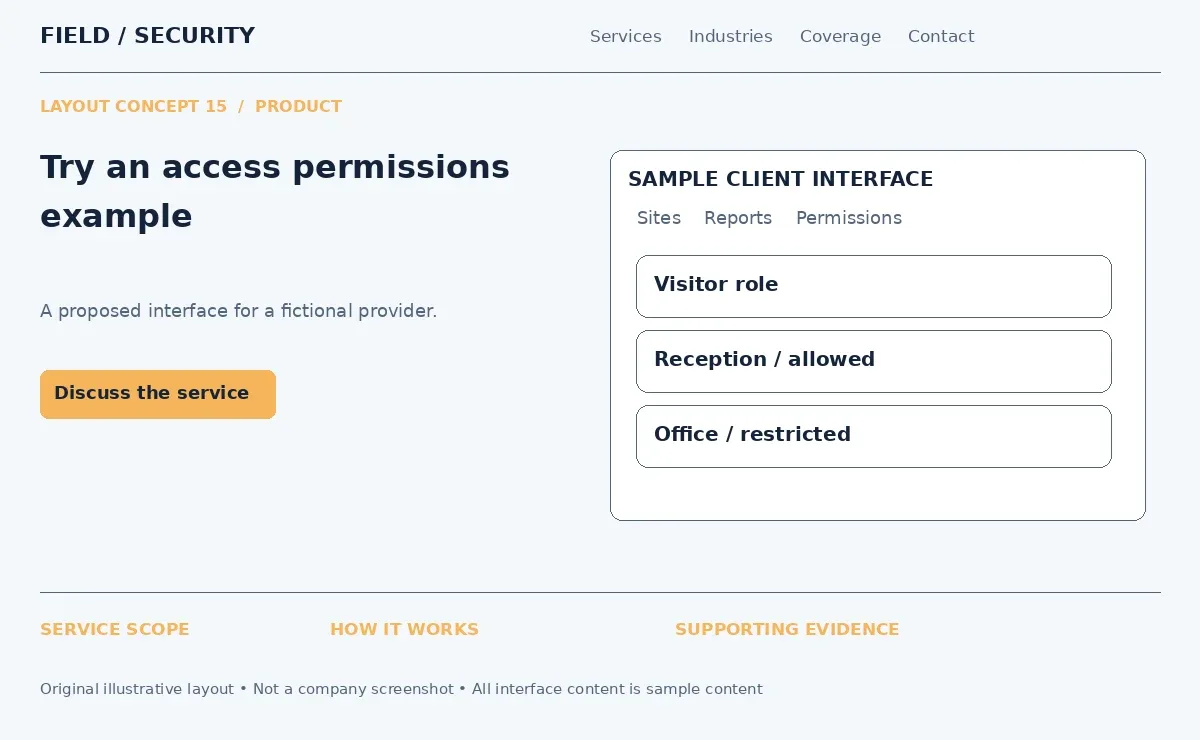
A security technology company could demonstrate a sample access control panel. Let visitors select a fictional role and see which example areas it can enter. Label the demonstration and avoid collecting real identity data for an unnecessary showcase. Security website design should keep product interaction separate from purchasing or deployment. A demonstration helps explain capabilities but does not establish that a system fits every property.
16. Sonrai Security - Product Tour Website
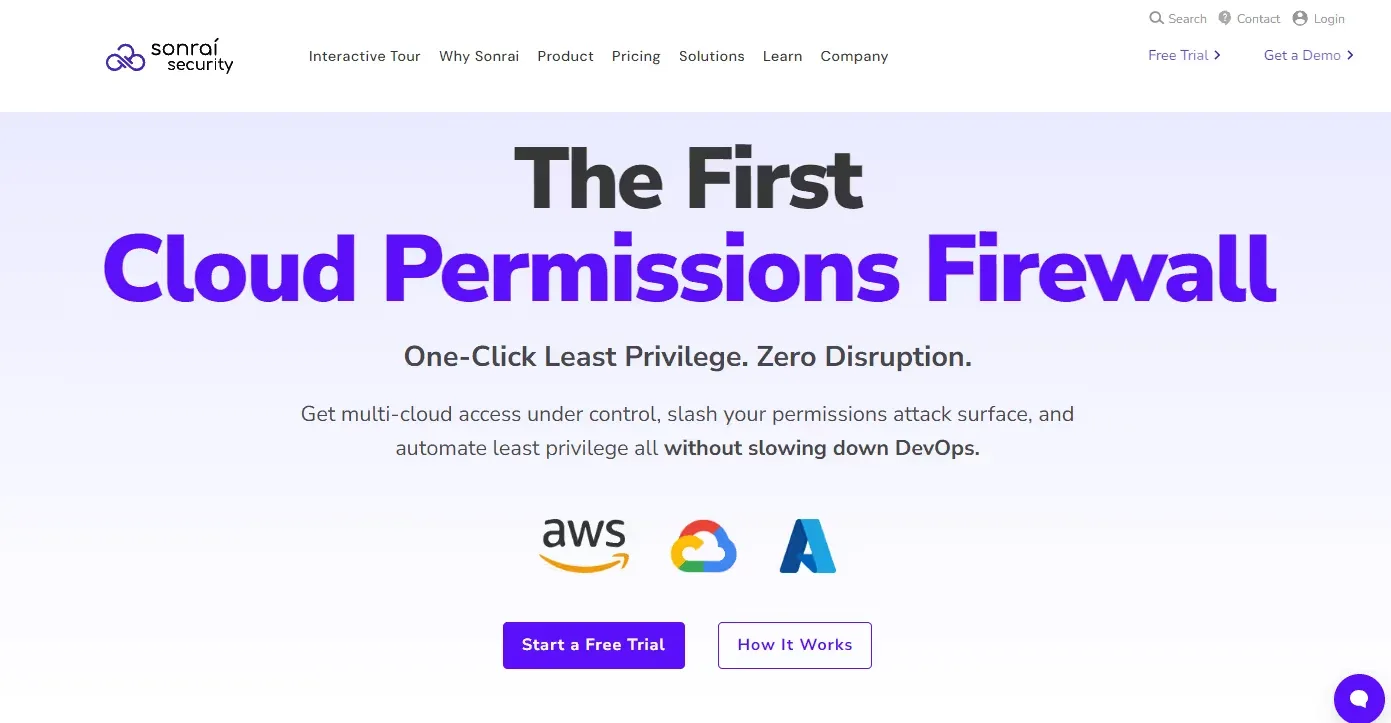
Sonrai Security focuses on cloud permissions and identity risk. Its website provides an interactive product tour alongside routes to a demo or assessment. The archived homepage also presents two clearly separated actions.
A guided tour offers a sequence. It can explain a complex workflow in smaller steps while letting visitors control the pace.
Among security services web design inspiration, this approach suits monitoring platforms and reporting tools. Build a short tour covering an incoming alert, operator review, escalation and the final report. Give each step a plain label and let users move backward or exit. Provide a summary outside the tour. Visitors should understand the process without having to complete an interaction or submit a contact form.
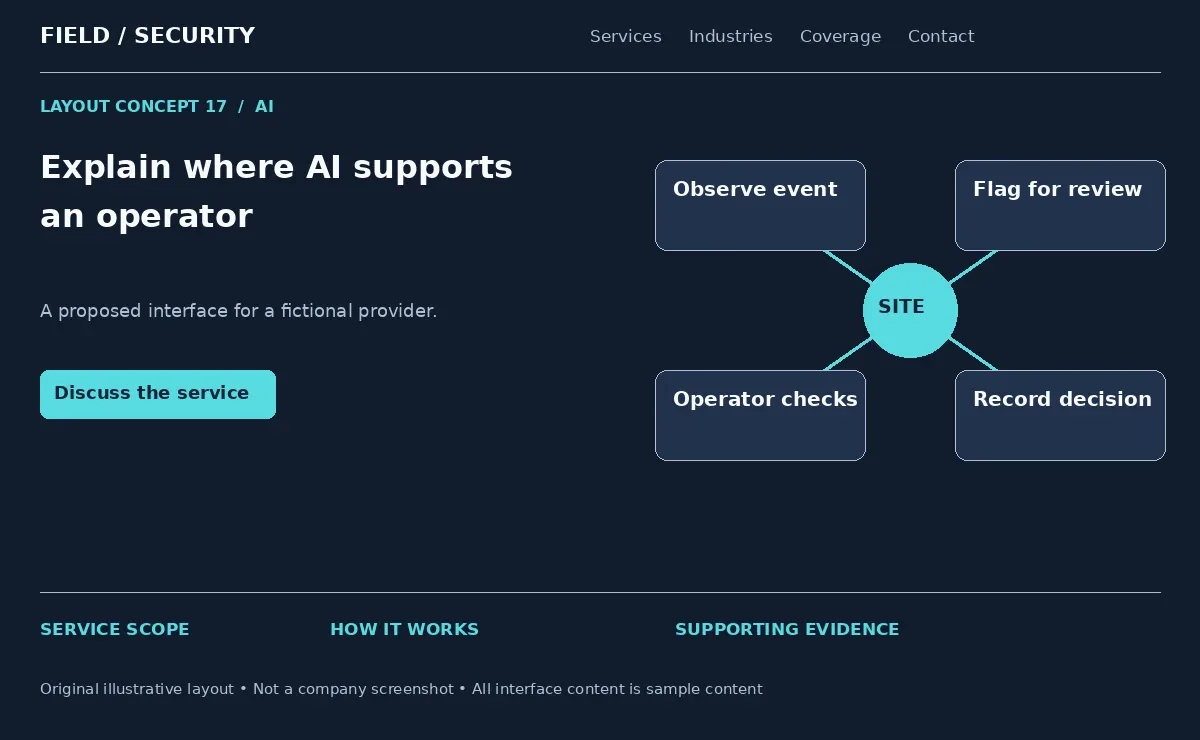
17. Darktrace - AI Security Website Design
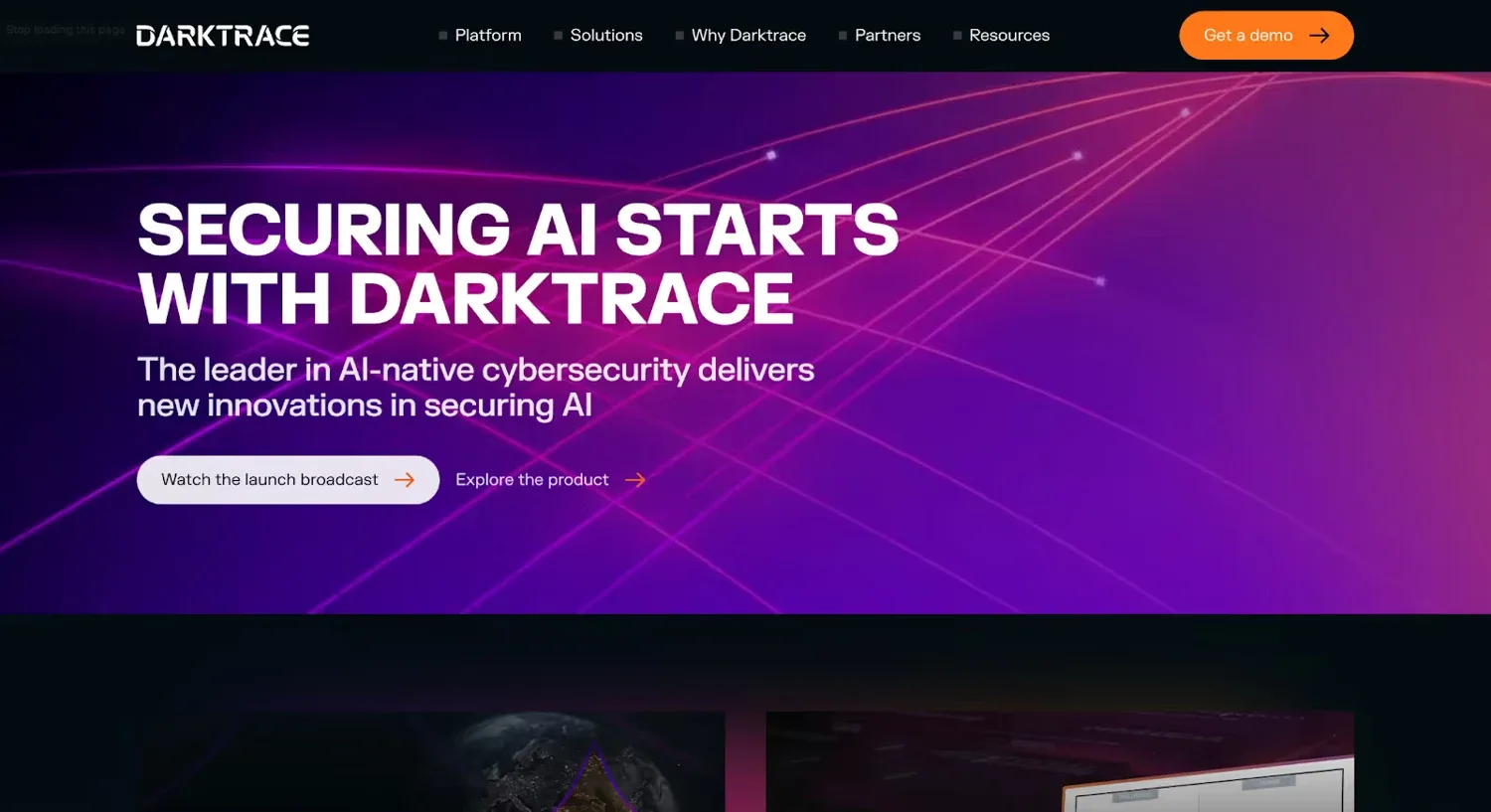
Darktrace offers AI focused cybersecurity technology. Its website organizes capabilities across environments such as networks, email and AI systems. The visual identity and product messaging make AI part of the brand's central story.
The useful design choice is to connect the technology with a specific job. Broad claims about intelligence tell buyers less than an explanation of what the system observes and how people use its output.
A video surveillance provider could show where AI security supports object detection or event review. Follow that visual with the operator's role and the limits of the system. For security company website inspiration, borrow the clarity of the use cases. Avoid suggesting that automation removes the need for oversight or guarantees accurate identification in every situation.
18. Palo Alto Networks - Enterprise Security Website
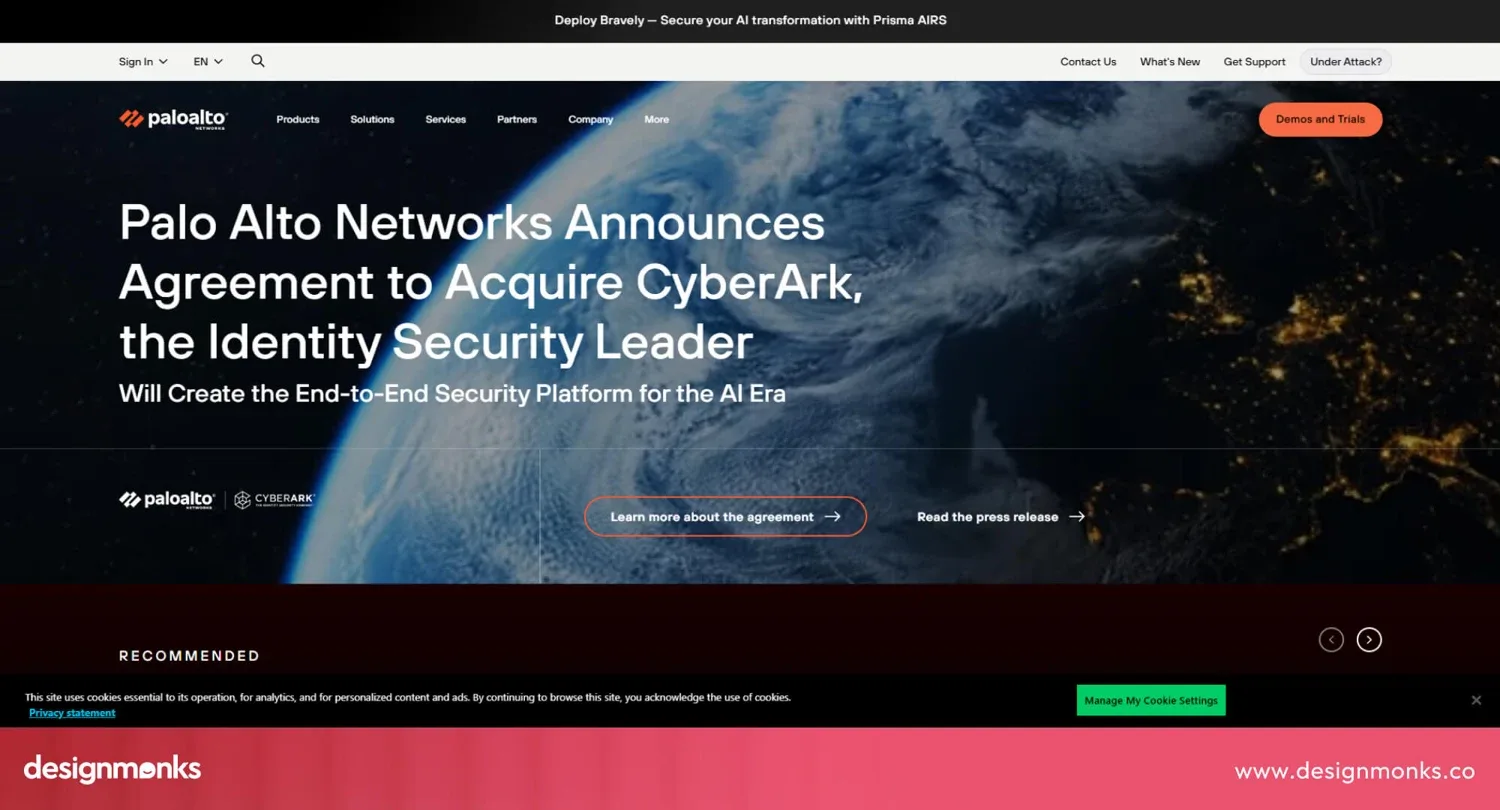
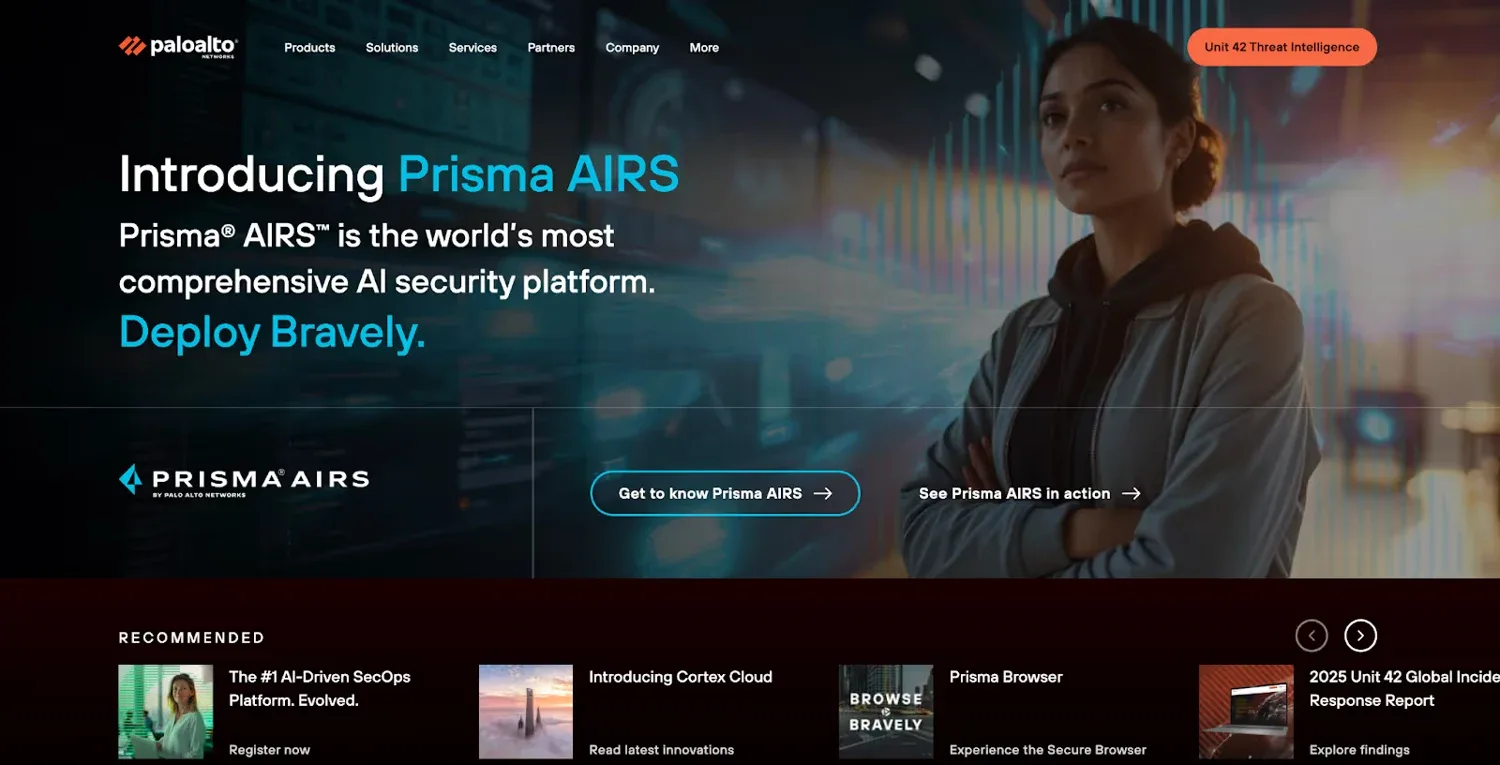
Palo Alto Networks offers a broad cybersecurity portfolio. Its website organizes platforms, solutions, resources and industry information into distinct routes. This supports buyers who may need several related technologies.
A scalable structure lets the company explain its breadth without putting every detail on the homepage. Consistent layouts also help visitors compare sections as they explore.
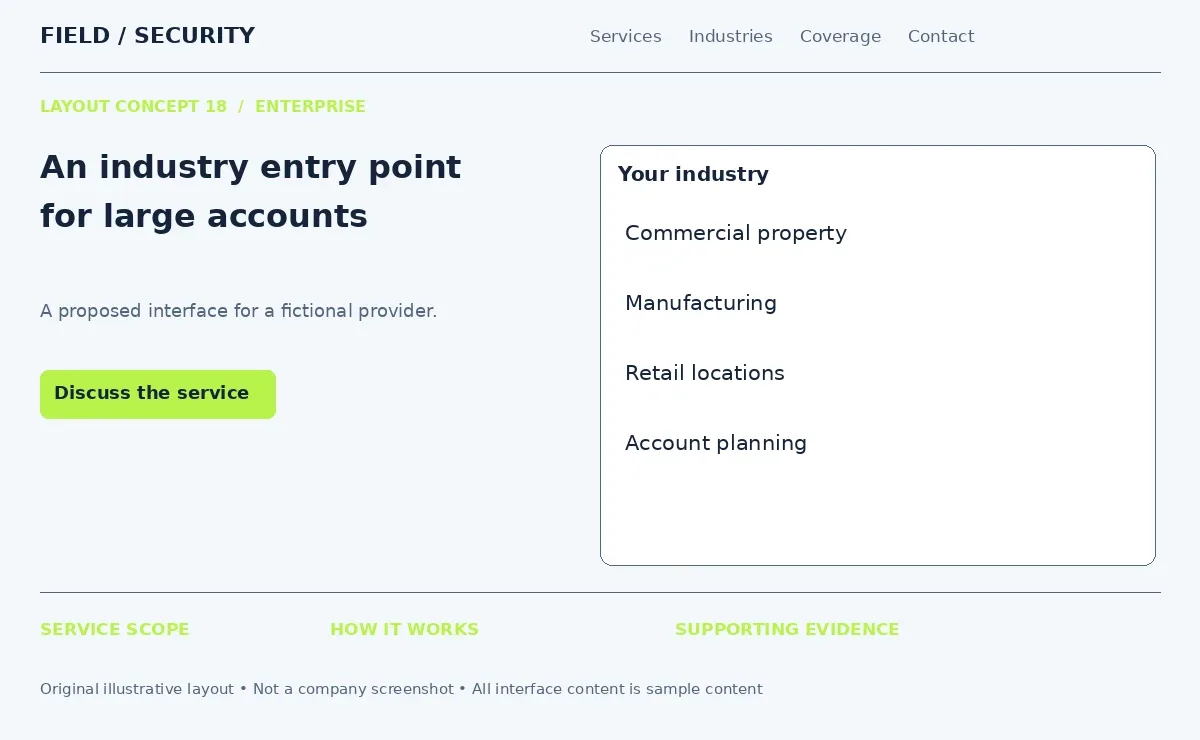
For a corporate security provider, create industry pages for manufacturing, retail and commercial property. Connect each page to the relevant services, account process and approved customer evidence. Security company website features for large accounts may include a central inquiry route for several locations. Keep service pages and industry pages distinct. One explains what you do while the other explains how that work fits a particular operating environment.
19. Abnormal Security - Problem-to-Solution Design
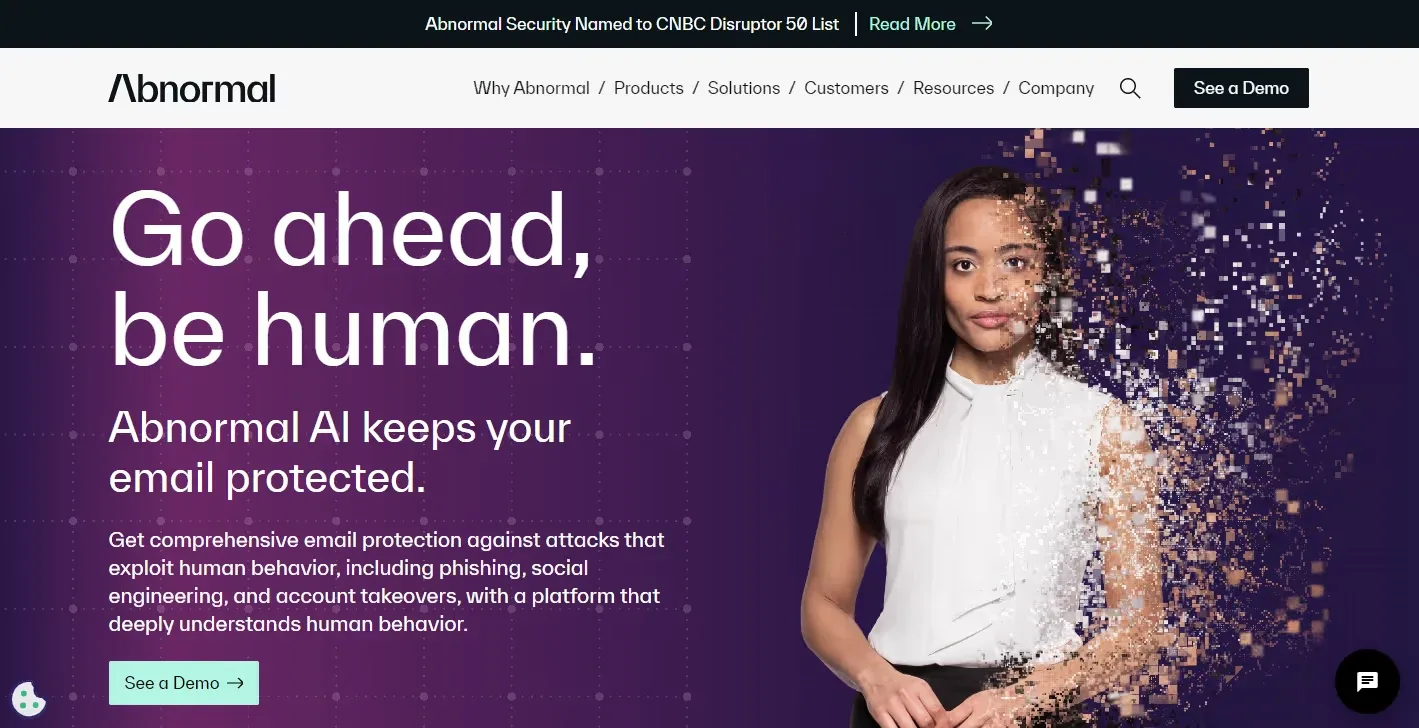
Abnormal Security, now presented as Abnormal AI, provides cybersecurity technology. The archived example introduces an email security problem through a human visual and follows with an explanation of its solution and a demo action.
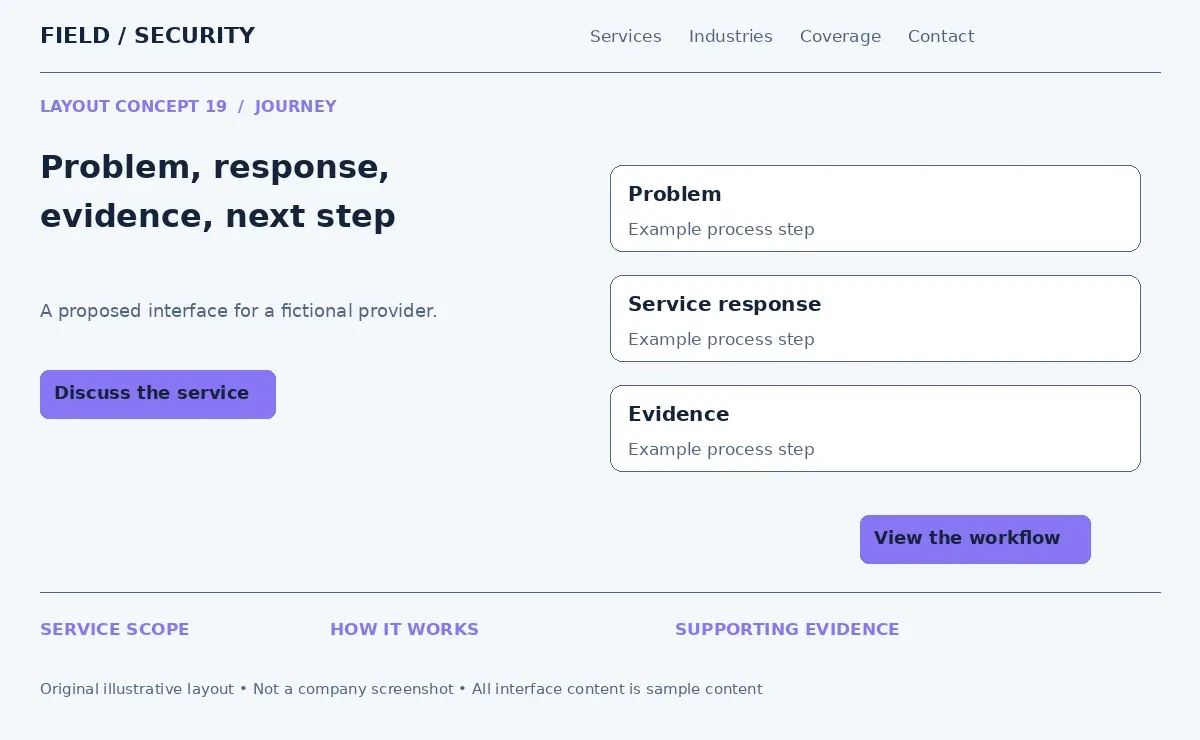
The adaptable journey is security problem → solution → proof → CTA. Each stage should answer a question raised by the previous one.
For construction site security, begin with the challenge of overseeing an unattended site. Explain the proposed mix of patrols, surveillance services and escalation procedures. Follow with an approved case study that describes the scope and documented outcome. End with a request for a site assessment. This security company website design approach lets buyers understand the reasoning behind a plan before starting an inquiry.
20. Zscaler - Cloud Security Website Design
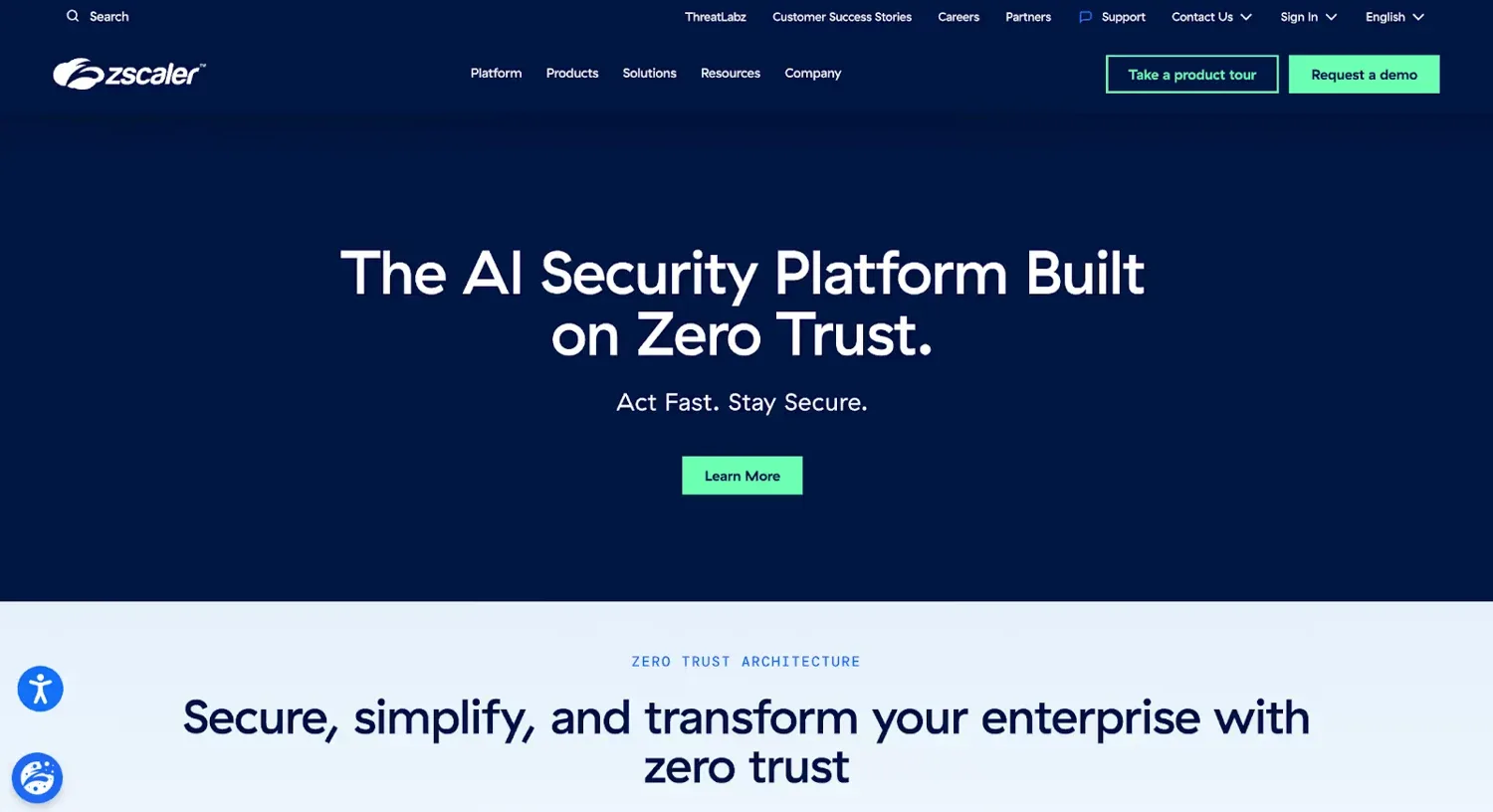
Zscaler provides cloud security technology. Its website uses solution explanations and use cases to describe how its platform supports secure access. Diagrams on its explanatory pages help give abstract connections a visible structure.
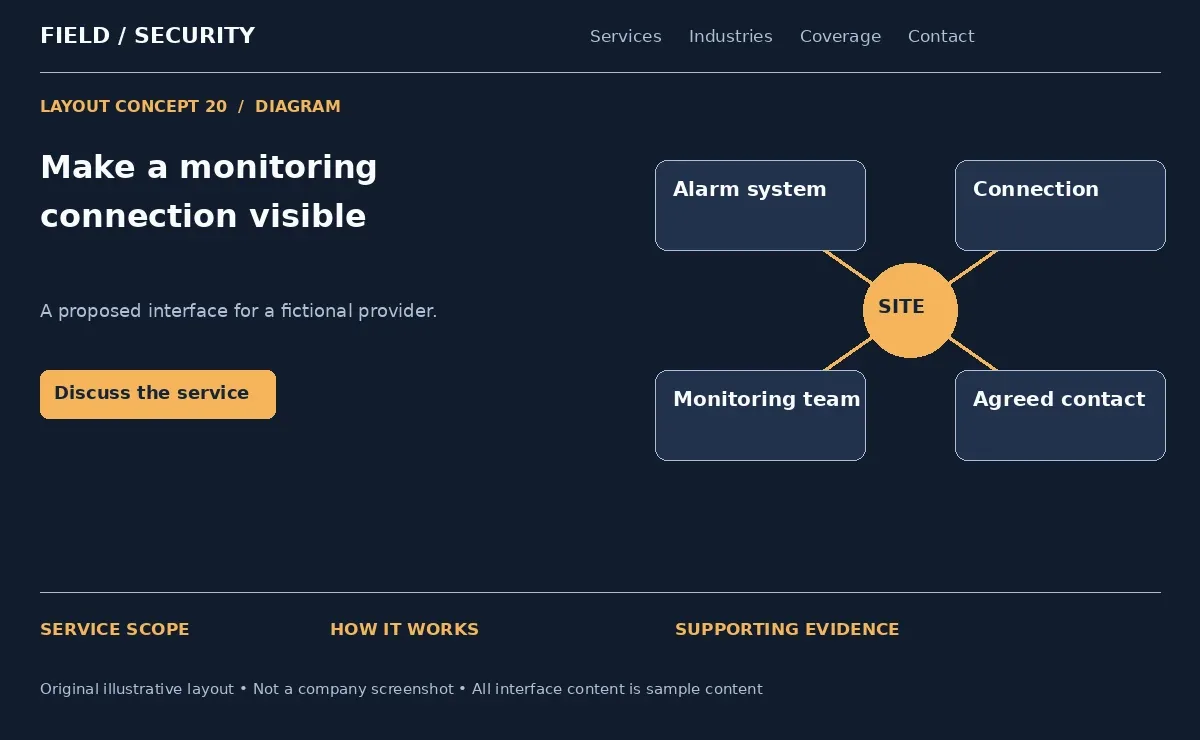
A useful diagram identifies the parts and explains their relationship. It should answer a question rather than simply fill space with network lines.
A provider of cloud connected alarm monitoring can show the route from an alarm system to a monitoring center and an agreed response process. Label what happens at each stage. Security website examples like this offer a way to explain remote services without a long technical introduction. State connectivity requirements and service boundaries in nearby text. Keep the diagram readable on mobile with a stacked alternative.
21. Tanium - Visibility and Control Design
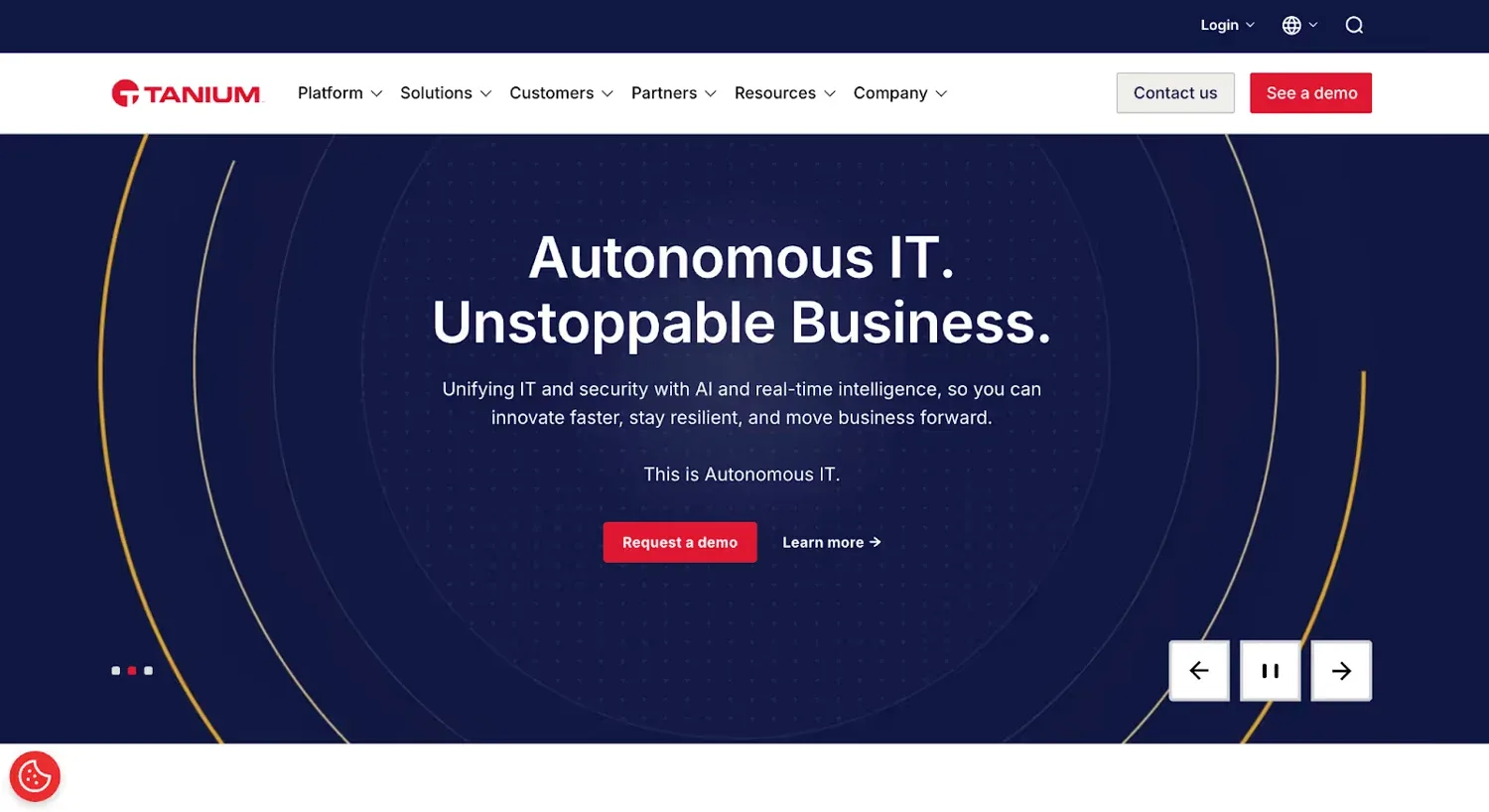
Tanium provides endpoint management and security technology. Its current website emphasizes control and organizes capabilities such as visibility, compliance and threat response into defined sections.
This outcome focused structure helps visitors identify what the platform enables. Product detail follows after the main operational goals have been established.
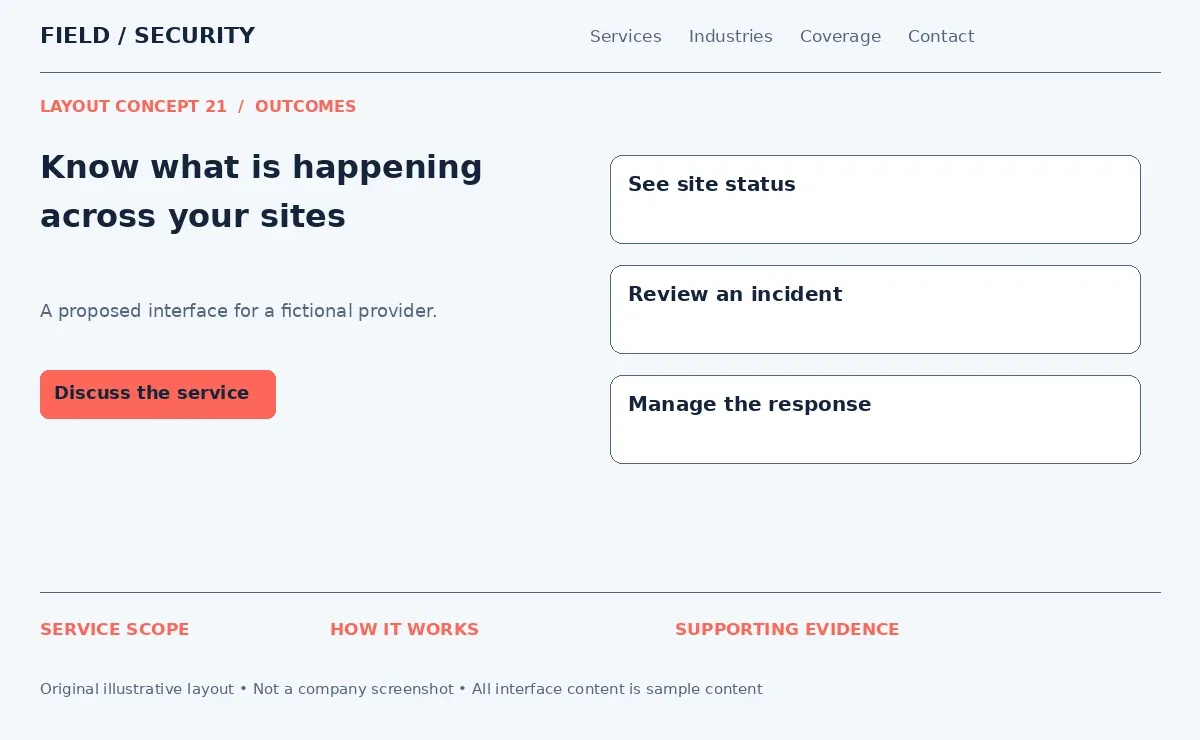
Security business website inspiration can use a similar sequence: see site status, review incidents and manage the response. For industrial security, explain who monitors the property, how reports reach managers and how security personnel escalate issues. Connect each outcome to an actual process or deliverable. A visibility claim becomes more meaningful when the page shows a report example and states how often information updates.
22. Orca Security - Client Proof-Focused Design
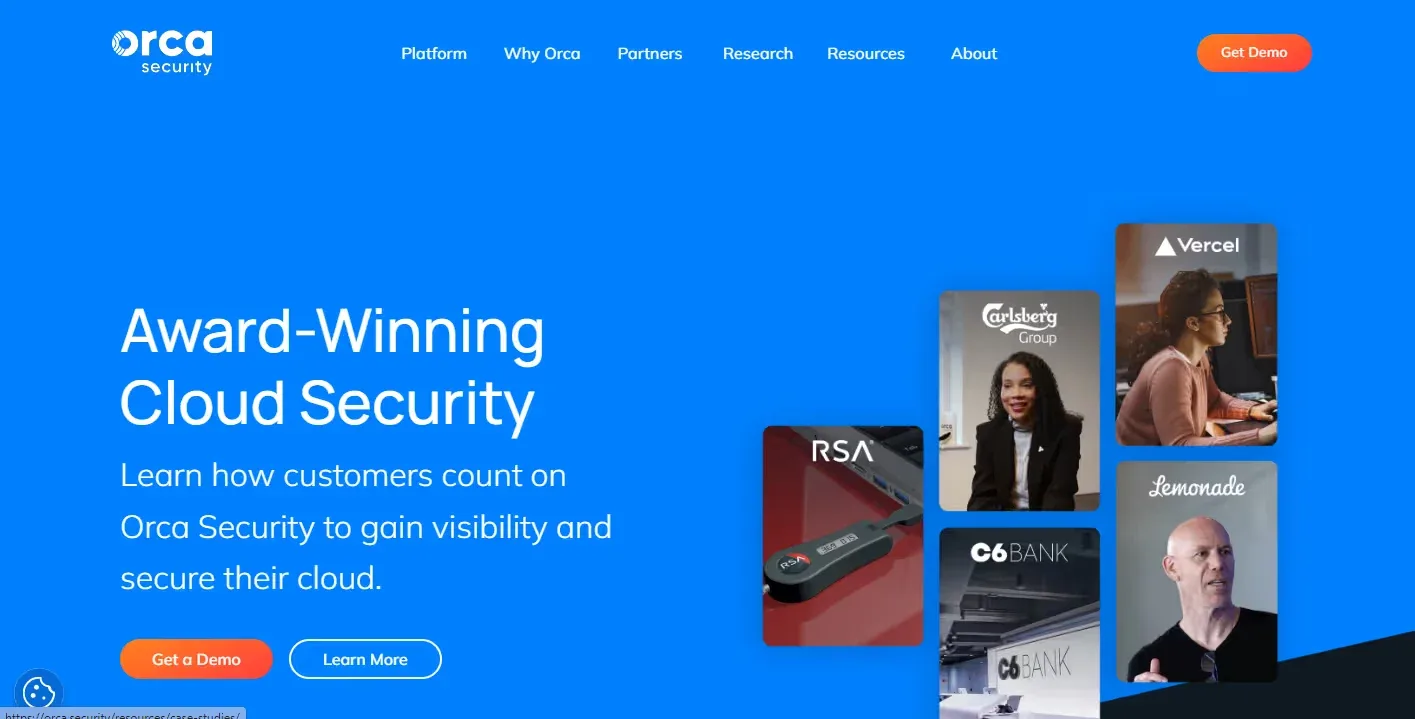
Orca Security is a cloud security platform. Its website includes customer material, case studies and clear demo routes alongside explanations of its capabilities. The archived opening places customer voices prominently within the design.
Proof becomes easier to inspect when it appears near the claim it supports. Visitors do not need to leave the service explanation to search for a separate testimonials page.
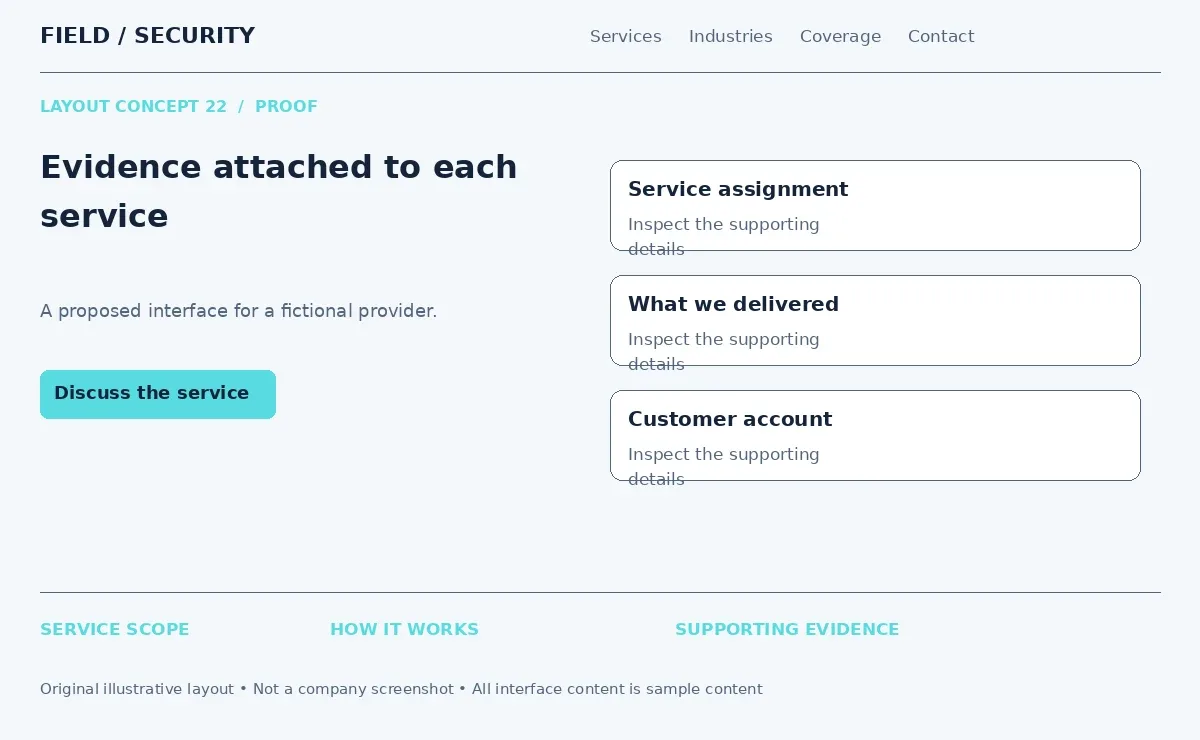
For professional security website design, place a relevant case study beneath each major service summary. A retail security page could show the assignment scope, reporting process and an approved customer account. Identify whether a logo represents a client, integration or partner. Security service website examples are more useful when the evidence includes context rather than an unexplained row of familiar names.
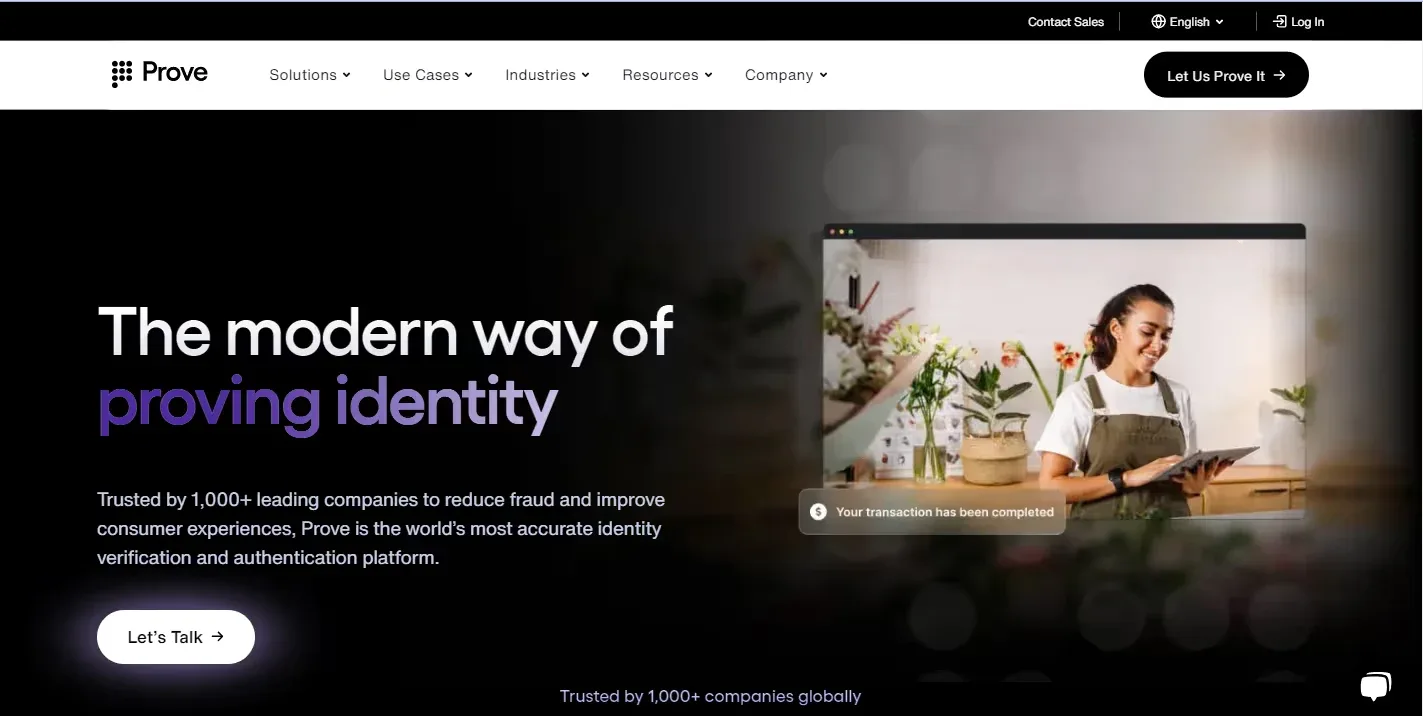
23. Prove - Identity Security Website
Prove offers digital identity verification technology. Its archived split hero combines a clear value proposition with people using phones. Case studies provide further context for how the technology works in customer settings.
The human imagery explains why the service exists. It gives visitors a familiar activity to connect with the technical description.
Security guard company website design can use original photography of security officers assisting visitors, staffing a desk or coordinating entry. Add short captions that explain the role. For event security, a customer story can describe planning, communication and staffing scope. Get approval for identifiable people and locations. Avoid imagery that makes a team appear to provide services, equipment or geographic coverage it does not offer.

24. Judy Security - SMB Security Website
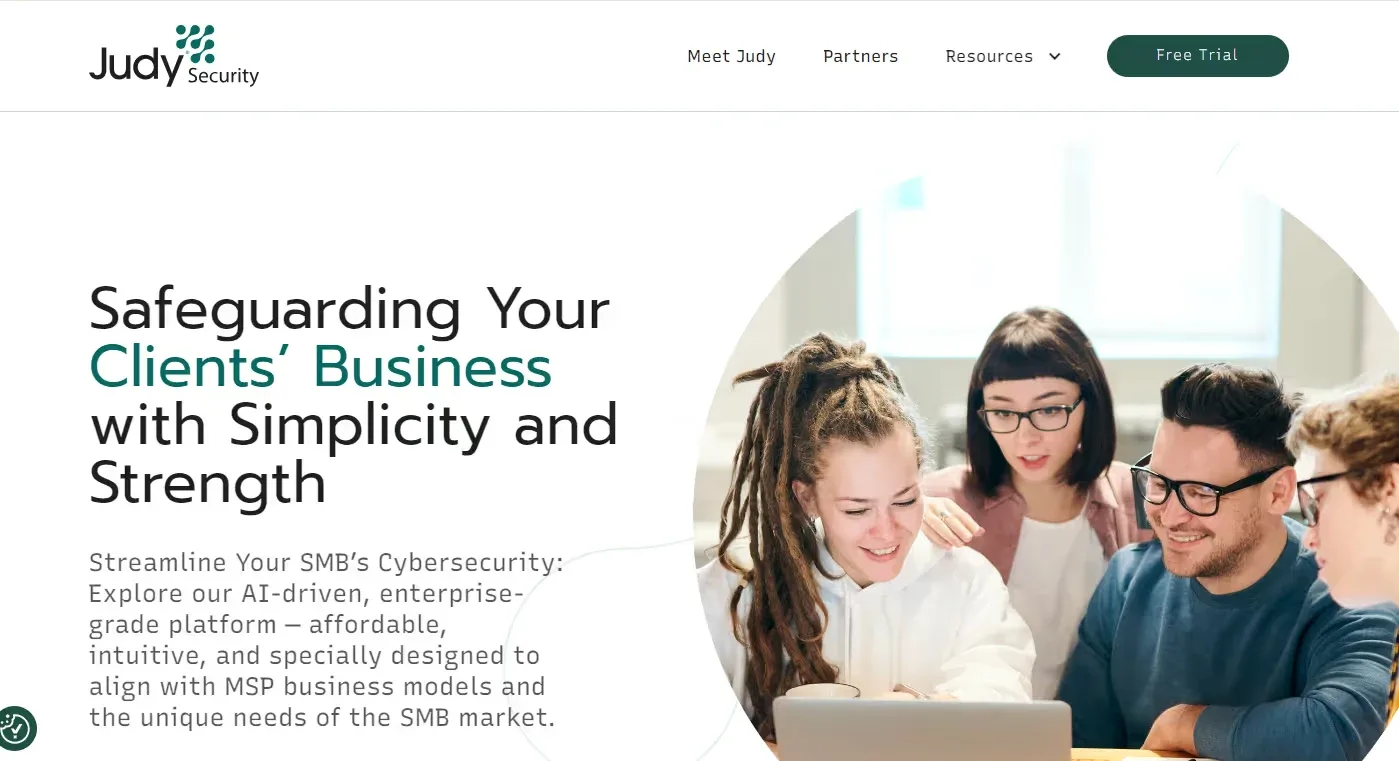
Judy Security provides cybersecurity for small and midsized businesses and their service partners. The archived design combines friendly human imagery, a simple service explanation and a visible CTA.
An approachable presentation can help owners who are comparing protection options without a specialist procurement team. The page gives them a starting point before presenting deeper detail.
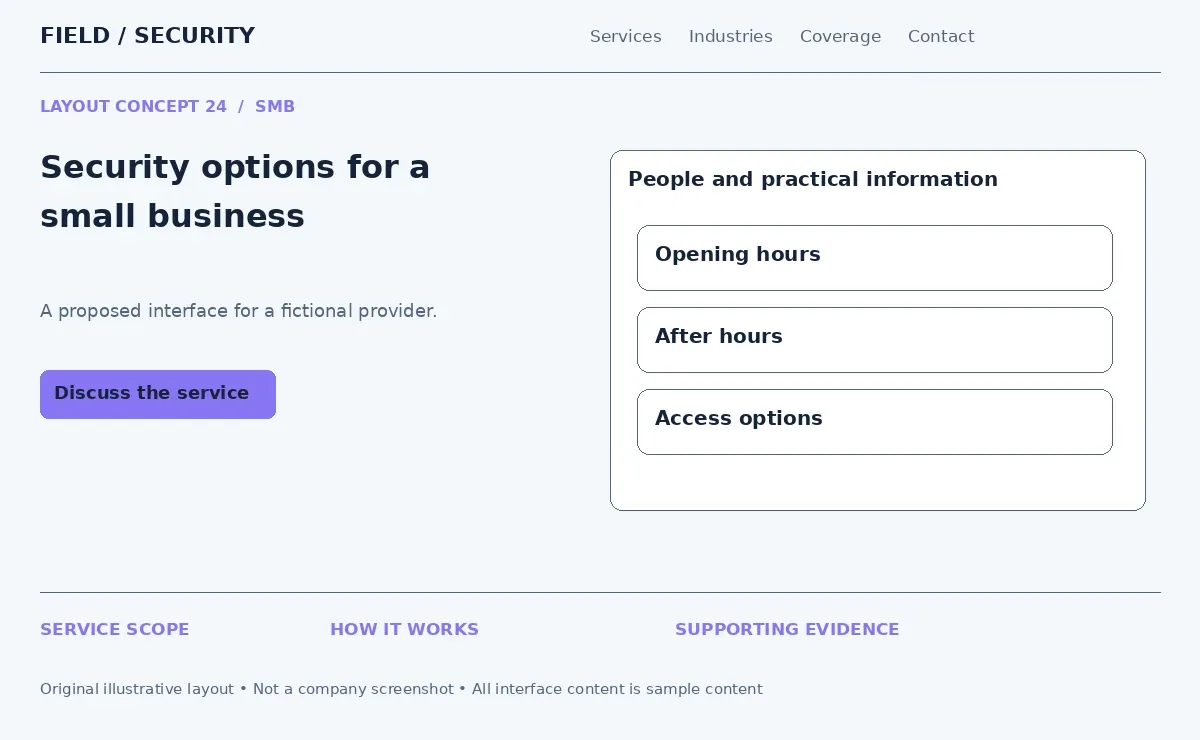
For security services website features aimed at small businesses, use short service cards that explain who each option suits. A shop owner could compare opening hour guard coverage, after hours monitoring and access management. Explain what affects a quote instead of presenting a universal price. Friendly design should still make responsibilities, contact options and service boundaries easy to find.
25. Anvilogic - Complex Security Services Made Simple
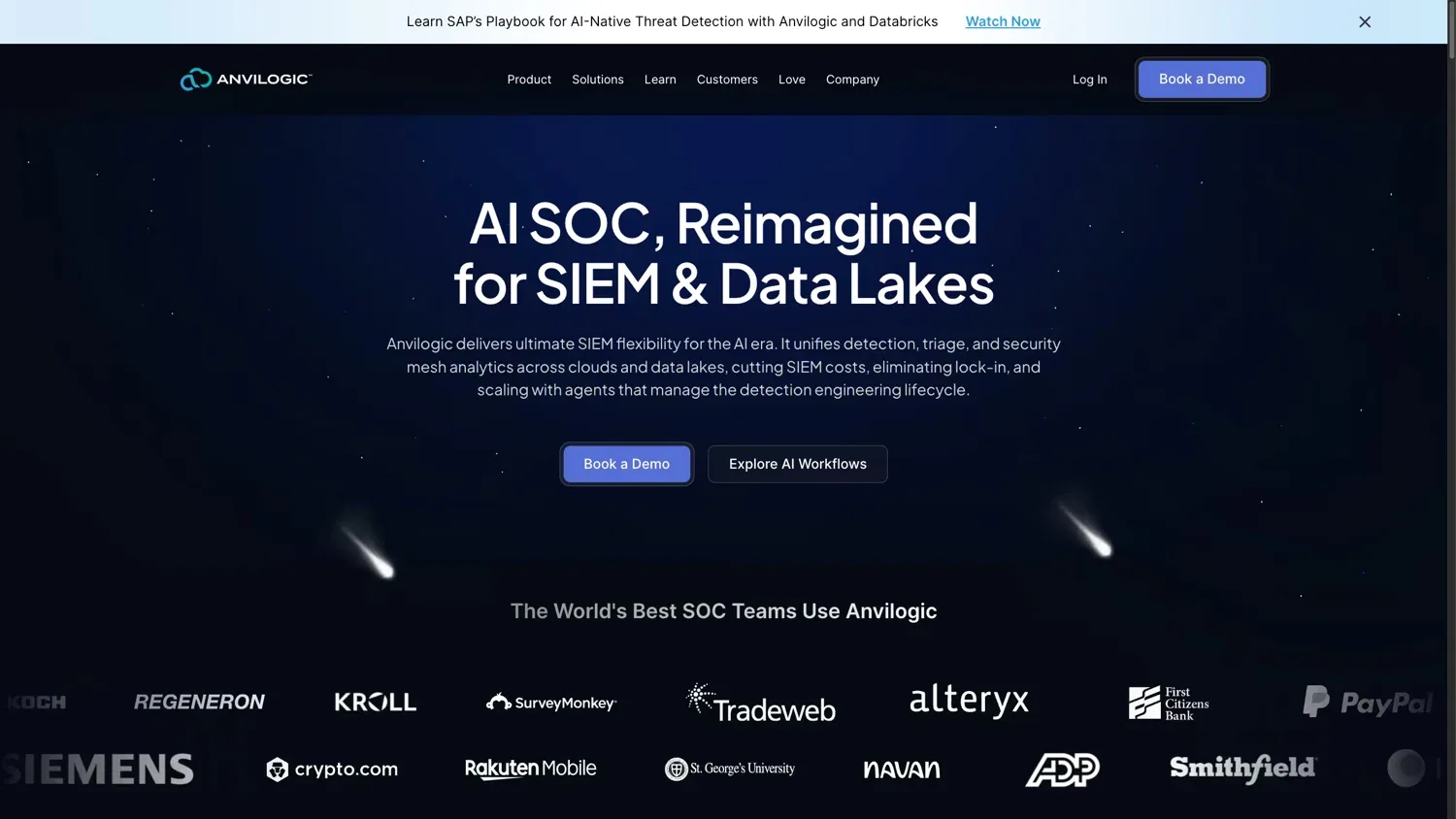
Anvilogic develops security operations and detection technology. Its website presents a complex offering through a focused platform message, organized explanations and routes to further evaluation.
The useful idea is progressive detail. Readers first learn what the offering does. They can then examine the workflow, integrations and technical material that matter to their role.
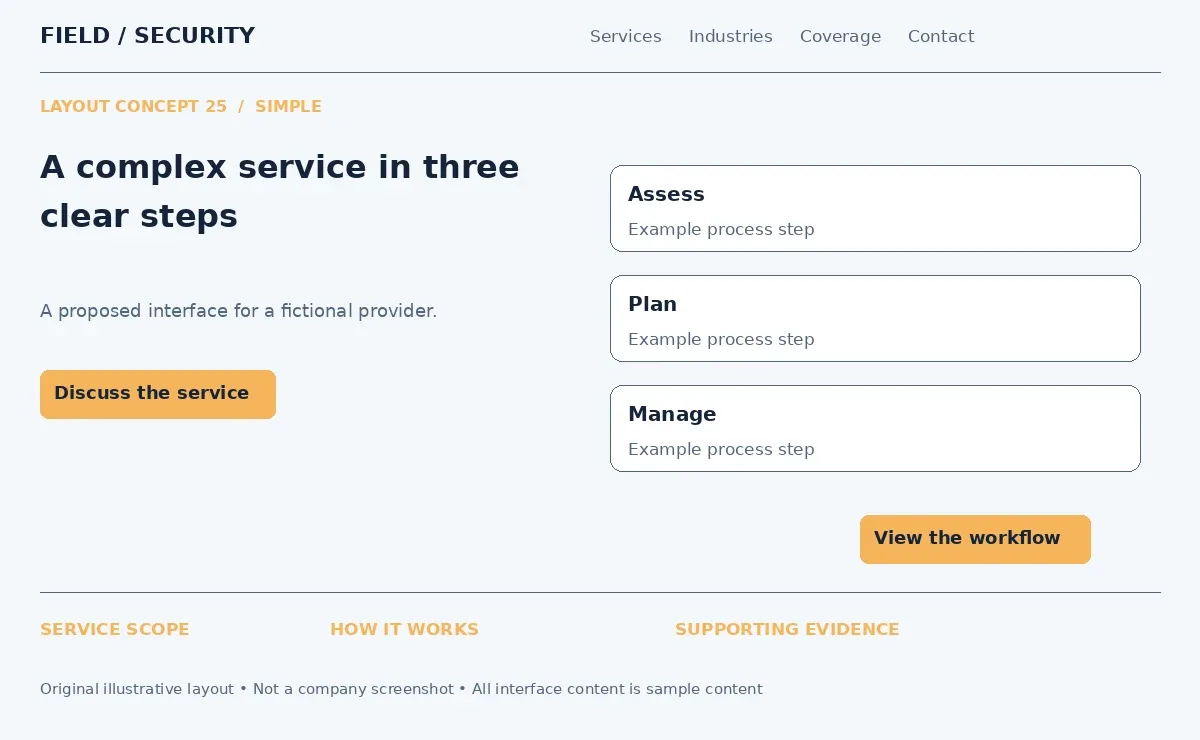
For security services website design ideas involving integrated protection, introduce a plain three step process: assess the property, build the service plan and manage ongoing delivery. Expand each step into responsibilities, technology and reporting. Link to detailed service pages for readers who need more. A strong conversion flow follows understanding. The contact action should appear after visitors can explain the service in their own words.
Essential Pages for a Security Services Website
A security company website should explain the business, its services, its coverage and how to start an inquiry. The number of pages should reflect the actual offering and audience.
Page | Purpose and useful content |
Homepage | Summarize the main offering, customer groups and operating area. Provide paths to services and contact options. |
About Us | Explain the company's background, management and approach to delivering security services. |
Security Services | Help visitors compare the main service categories and select a relevant option. |
Individual Service Pages | Explain scope, delivery, requirements and exclusions for each service. Use a matching inquiry action. |
Industries Served | Describe how services fit settings such as offices, industrial facilities, stores and construction sites. |
Service Areas | State where the company can provide each service. Show relevant local contact and coverage details. |
Security Team | Introduce management and relevant qualifications. Share personnel information only with appropriate approval. |
Case Studies | Explain a customer situation, the assignment and documented outcomes. Protect sensitive operational details. |
Reviews and Testimonials | Identify the source and service context of approved customer feedback. |
Security Blog or Resources | Answer planning questions and explain services, systems and terminology. |
Contact | Give phone, email, hours and a general inquiry form. Distinguish sales contacts from client support. |
Request a Quote | Gather enough information to scope the work and explain what happens after submission. |
A local residential security provider may need a compact site with coverage and installation information. A business offering corporate security across several states needs stronger location and account management routes.
Do not create a page for every city without useful local information. If event security availability depends on dates and staffing, explain that on the service page and collect the event date in its inquiry form.
Key Security Website Features
Security website functionality should help visitors complete a real task. Public inquiry tools and private client operations serve different users and need different access controls.
Forms That Gather the Right Information
A request for a quote form can ask for the service type, location, site type, expected schedule and contact details. For event work, add the date and expected attendance. For construction site security, ask about the project phase and required coverage.
Use conditional fields so visitors see questions relevant to their choice. Keep a general contact form shorter. A consultation form can collect the broad problem and preferred contact method without requesting confidential reports.
After submission, show a confirmation and explain the next step. Send inquiries to the appropriate team through a CRM or agreed email workflow. Label required fields and show errors beside the field that needs attention.
Contact Options With Clear Roles
Click to call links let phone users dial directly. Display the number in text as well so desktop visitors can copy it.
Separate sales, existing client support and emergency contact options. Publish an urgent operational number only if the business actually staffs that channel. State its purpose and hours. A website inquiry form should not appear to be a monitored emergency dispatch service.
Place service specific CTAs near the relevant explanation. An assessment page can lead to an assessment inquiry while a guard coverage page can lead to a staffing quote.
Coverage Maps and Service Filters
Service area maps should show supported locations and relevant limitations. A selectable region can open local contact information or a list of available services. Provide a text alternative for visitors who cannot use the map.
Security service filters can help buyers narrow a broad catalog by property type, industry or service need. Keep each filtered card linked to a full page. Users should be able to clear selections and understand why an option appears.
Interactive maps should explain coverage or service locations. Public pages do not need to show live patrol routes, camera positions or sensitive site details.
Client Portals and Monitoring Integrations
A client portal can provide authenticated access to approved reports, account documents and service requests. Separate client permissions so each account sees only its own information.
CCTV and security monitoring integrations belong in a properly controlled environment. Where authorized and supported, a portal might connect with security dashboards or approved camera systems. Keep credentials on the server and restrict access by role.
For public pages, use demonstration interfaces or redacted reports. Describe the available integrations and their requirements. A homepage graphic is not a substitute for an operational monitoring system.
Evidence and Resources Within the Page
Place case studies and testimonials where they answer a relevant buying question. Link a short summary to the full account so readers can inspect the details.
Display applicable certifications and licensing with a clear issuing organization and scope. Keep the information current. A security resource center can group guides by topic, such as planning guard coverage or preparing for a security assessment.
Mobile Navigation That Preserves Useful Choices
On a phone, keep service categories and contact routes accessible through labeled menus. Use expandable submenus with clear controls and generous tap areas.
Stack dashboard images beneath their explanation. Avoid forcing users to read desktop screenshots at tiny sizes. Forms should use suitable input types and retain entered information when a validation error occurs.
How to Choose the Right Security Website Design
Choose the structure from the services and customers first. Then select the visual style that supports those needs. Security website design ideas become practical when they solve the right communication problem.
Business situation | Design approach to consider | Content to prioritize |
Residential security provider | Clear local navigation, installation visuals and short service comparisons | Coverage, system options, support and consultation process |
Commercial guard company | Strong service hero, team photography and industry pages | Staffing scope, supervision, reporting and account contacts |
Monitoring or technology provider | Dashboard previews, workflow diagrams and guided demonstrations | Monitoring process, integrations, escalation and customer access |
Security consulting firm | Restrained layout, assessment examples and detailed case studies | Expertise, methodology, deliverables and confidentiality |
Provider serving many locations | Consistent service and location templates with clear account routes | Geographic availability, regional contacts and supported industries |
Residential customers may want to understand installation and ongoing support. Commercial buyers may need to compare service scope, reporting and contract responsibilities. Do not send both audiences through the same dense technical introduction.
Business size also affects what the team can maintain. A small provider may get more value from accurate service pages than an elaborate interactive homepage. A larger organization needs content ownership and a repeatable structure for new locations.
List the required technology before choosing the layout. Client portals, scheduling systems, CRM connections and monitoring integrations can affect page structure and development work. Decide who will maintain content, approve case studies and update service coverage.
Security Website Design Trends
The following approaches appear in the reviewed security website examples. They are observable design patterns rather than a claim that every security business uses them or that they guarantee better results.
Interactive security visuals and service explanations: Selectable illustrations can explain one threat, property area or service response at a time. Keep the same information available without interaction.
Video led hero sections: Short demonstrations can show operations or workflow sequences. A clear headline and static poster image keep the opening useful when video does not play.
Dashboard and product interfaces: Interface previews help technology buyers understand reporting and controls. Use demonstration data and readable supporting captions.
Dark technology focused themes: Dark backgrounds with restrained accents can support a technical brand identity. Test contrast and do not depend on color alone to communicate status.
Interactive diagrams: Diagrams can explain connections between cameras, monitoring teams and account contacts. Reveal information through accessible controls and keep labels concise.
Strong typography: A specific, readable headline gives the page a clear starting point. The size and spacing of headings should communicate the content order.
Modular service sections: Reusable content blocks make it easier to add services while preserving page consistency. Each block still needs a distinct purpose and relevant information.
Case study driven layouts: Customer evidence can appear beside the service it supports. A short preview should link to the documented story.
AI and security technology visuals: Show the task the technology performs and where human oversight fits. Avoid visuals that imply unsupported capabilities.
Guided product tours: Step based demonstrations can explain a platform without requiring an immediate sales call. Include an exit option and a written summary.
Industry specific landing pages: Pages for commercial property, retail or industrial buyers can connect relevant services with the setting. Add substantive industry detail instead of changing only the heading.
These security website design trends are useful when they fit the service and the team's maintenance capacity. A visually complex interaction that fails to explain anything is unlikely to help a buyer.
Security Services Website Design and Development
Plan design and development together so the proposed experience matches what the website can deliver. A dashboard concept, quote workflow or client portal has implications beyond its appearance.
Begin with website architecture. Map service pages, industry pages, locations and inquiry routes. The navigation should reflect those relationships. During custom UI design, define desktop and mobile layouts for menus, forms, evidence blocks and technical explanations.
Choose a CMS based on content responsibilities. WordPress can support a service website when its setup, access and maintenance fit the project. Other platforms may suit different editing or integration needs. The decision should follow the requirements rather than the visual theme alone.
Security services website development also includes custom functionality. Quote forms may need to route inquiries by region or service. A CRM connection may need field mapping and delivery logs. API integrations should define authentication, data access and failure handling before implementation.
Security and monitoring integrations require a clear boundary between public content and private operations. Plan authenticated access, account permissions and the information each user can retrieve. Do not place sensitive monitoring functions inside an unrestricted marketing page.
Build mobile behavior as part of the interface. Test menu controls, forms, captions and diagrams on small screens. Check keyboard access, focus order and reduced motion settings. Optimize large media so the page remains useful while assets load.
Content management needs a practical workflow. Assign responsibility for services, coverage, licensing details and customer evidence. Reusable page templates can support scalability while preserving a coherent site structure.
Maintenance should cover software updates, backups, form delivery checks and access reviews. Security considerations include HTTPS, protected administrative accounts, server side form validation and careful handling of uploaded files. Collect only the information needed for the inquiry and explain its intended use.
Build a Design Around Your Security Business
Bold heroes, clean layouts, dashboards, guided tours and customer stories each solve a different design problem. No single layout suits every security company.
Use these security business website design ideas to select a structure that fits your services, customers and technology. The Custom Websites can help you turn the right design approach into a professional website that clearly presents your security services and guides visitors toward the next step.