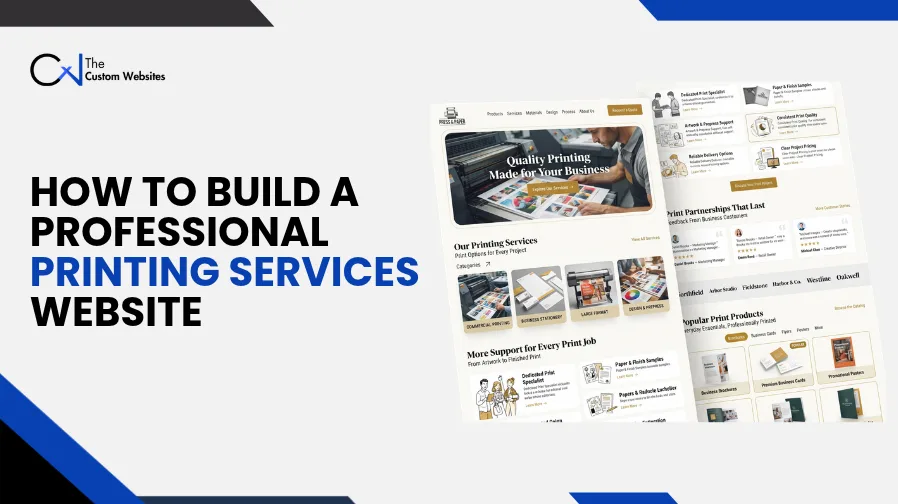
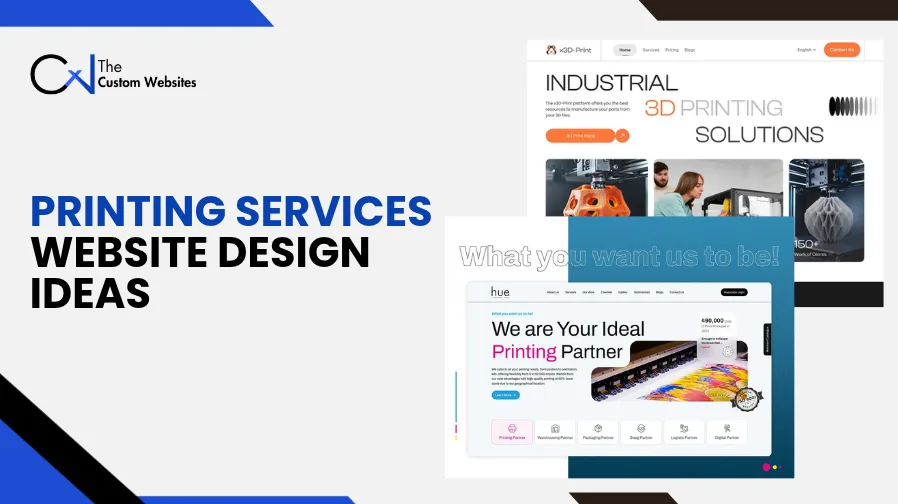
A printing website should help customers explore products, understand their options and place an order or request a quote. Professional Printing Services Website Design and Development brings clear navigation, useful product images and ordering tools together. Features such as pricing calculators, artwork uploads and proof approval guide customers through the process.
These printing services website examples show how different companies organize their products and customer journeys. Use their layouts and features as inspiration for your own printing business website design.
1. VistaPrint: A Large Catalog With Clear Shopping Categories
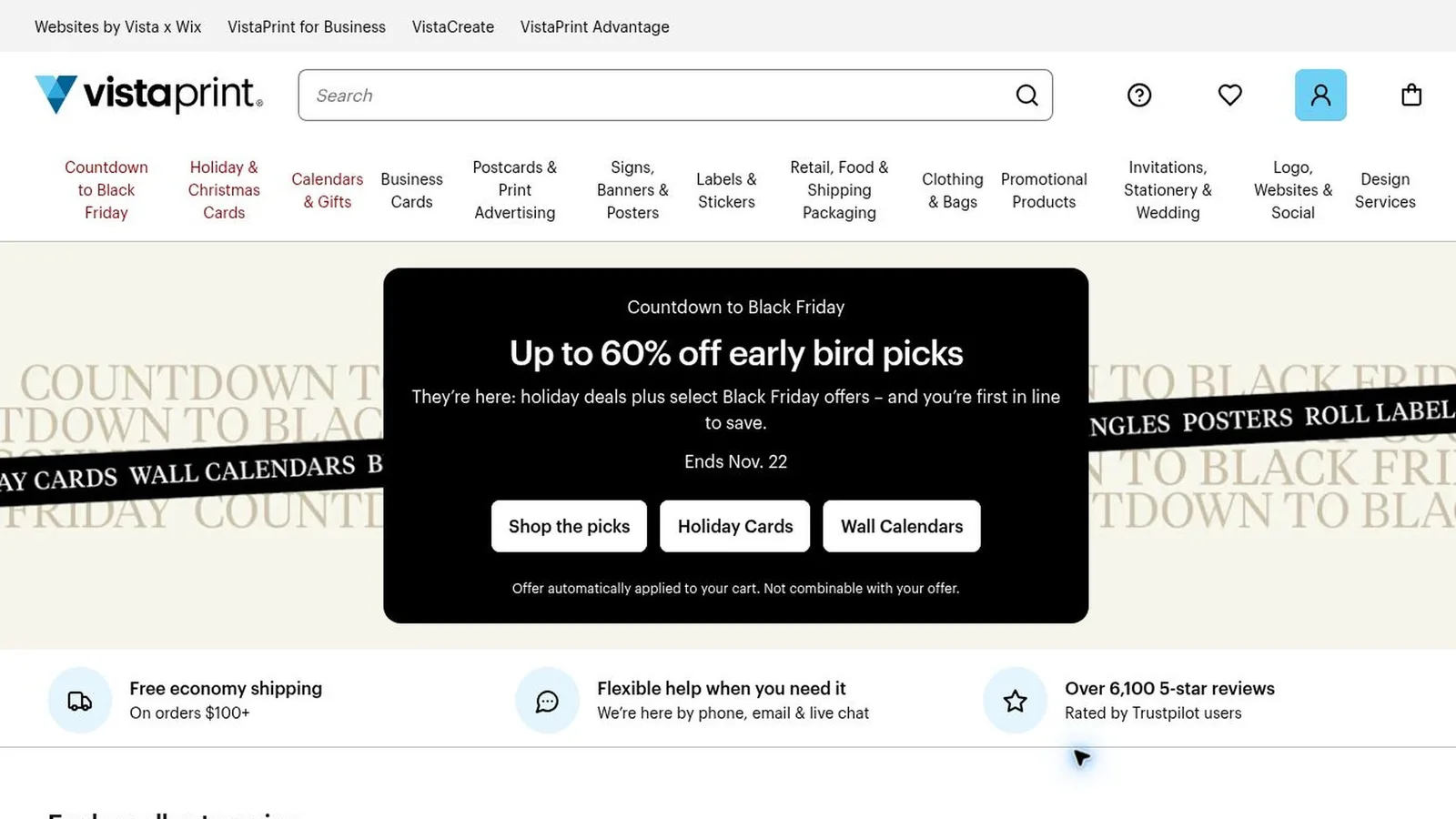
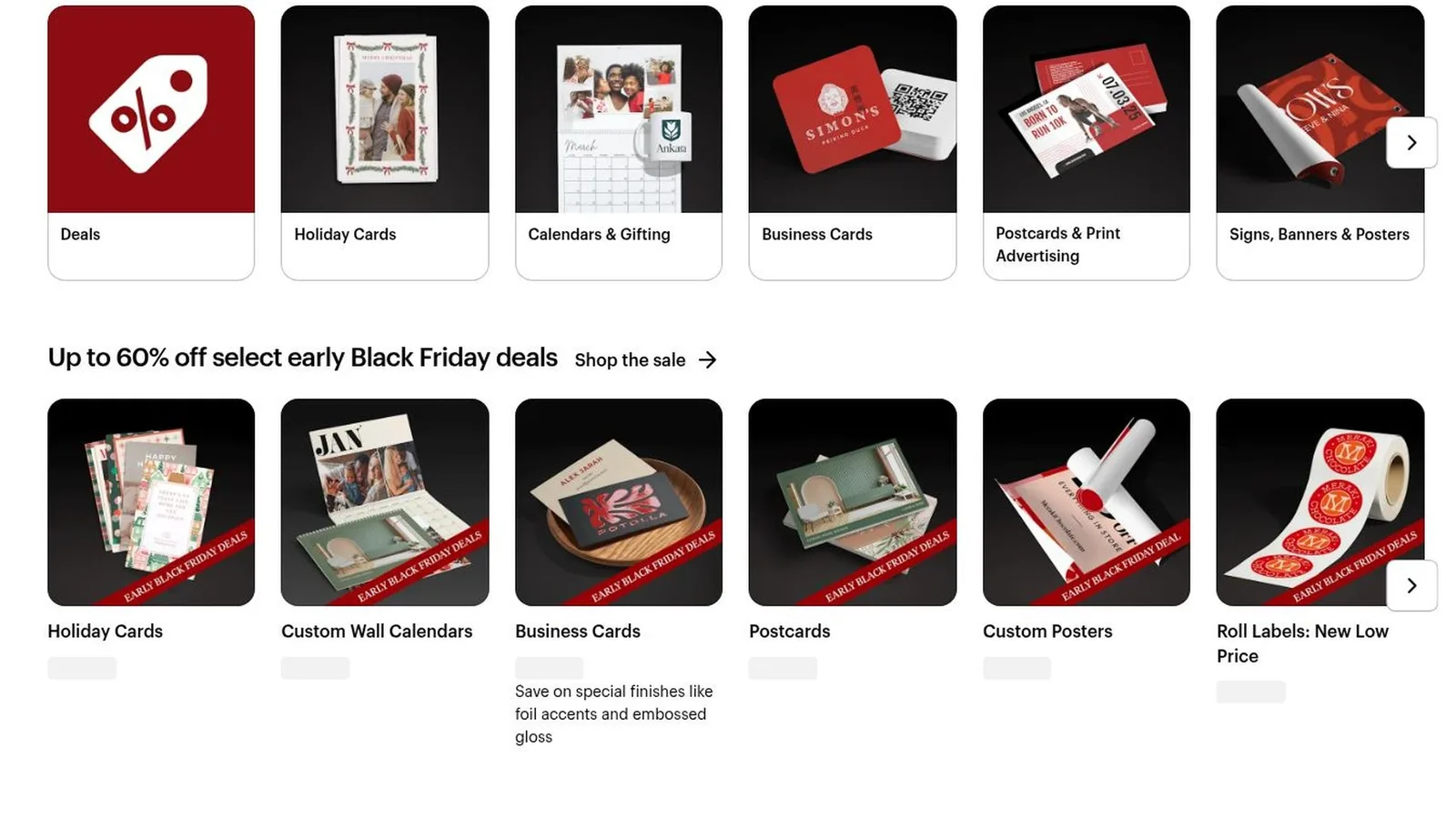
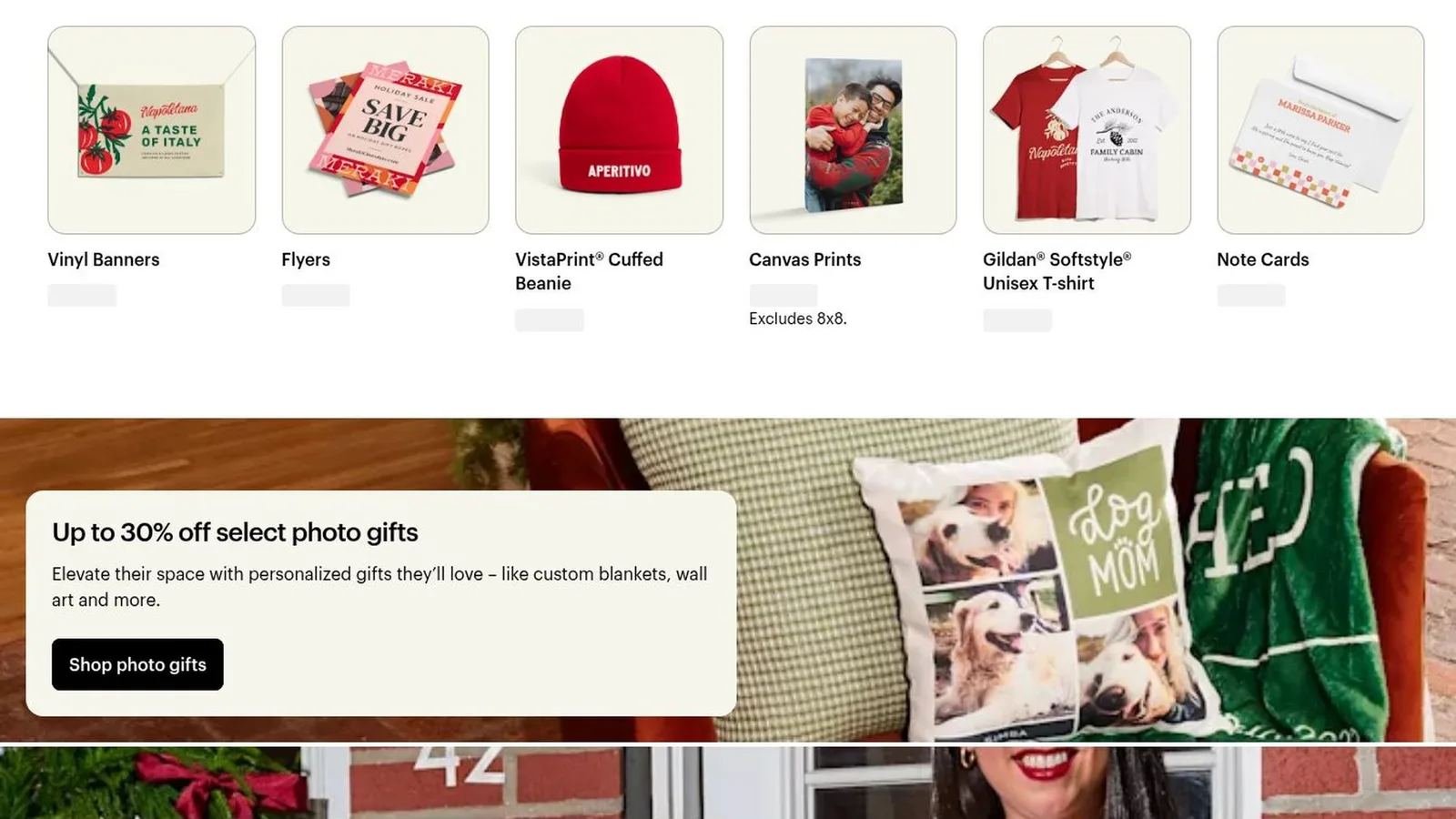
Design Overview: VistaPrint uses a catalog based layout to organize business cards, marketing materials, signage and packaging. Its homepage combines promotional banners with product collections. A white background and clear headings help visitors move through a large selection.
Key Design Features: Product search, category navigation, design templates and shopping cart access support browsing. My Projects and reorder links give returning customers useful shortcuts.
What Makes This Design Effective: Visitors can explore products through images or search directly for a specific item. Promotional sections introduce offers while permanent categories keep the main catalog accessible.
Inspiration for Other Printing Businesses: For online printing website design, organize products into recognizable groups. Keep search visible and provide separate routes for new projects and repeat orders.
2. MOO: Premium Printing With Strong Product Photography
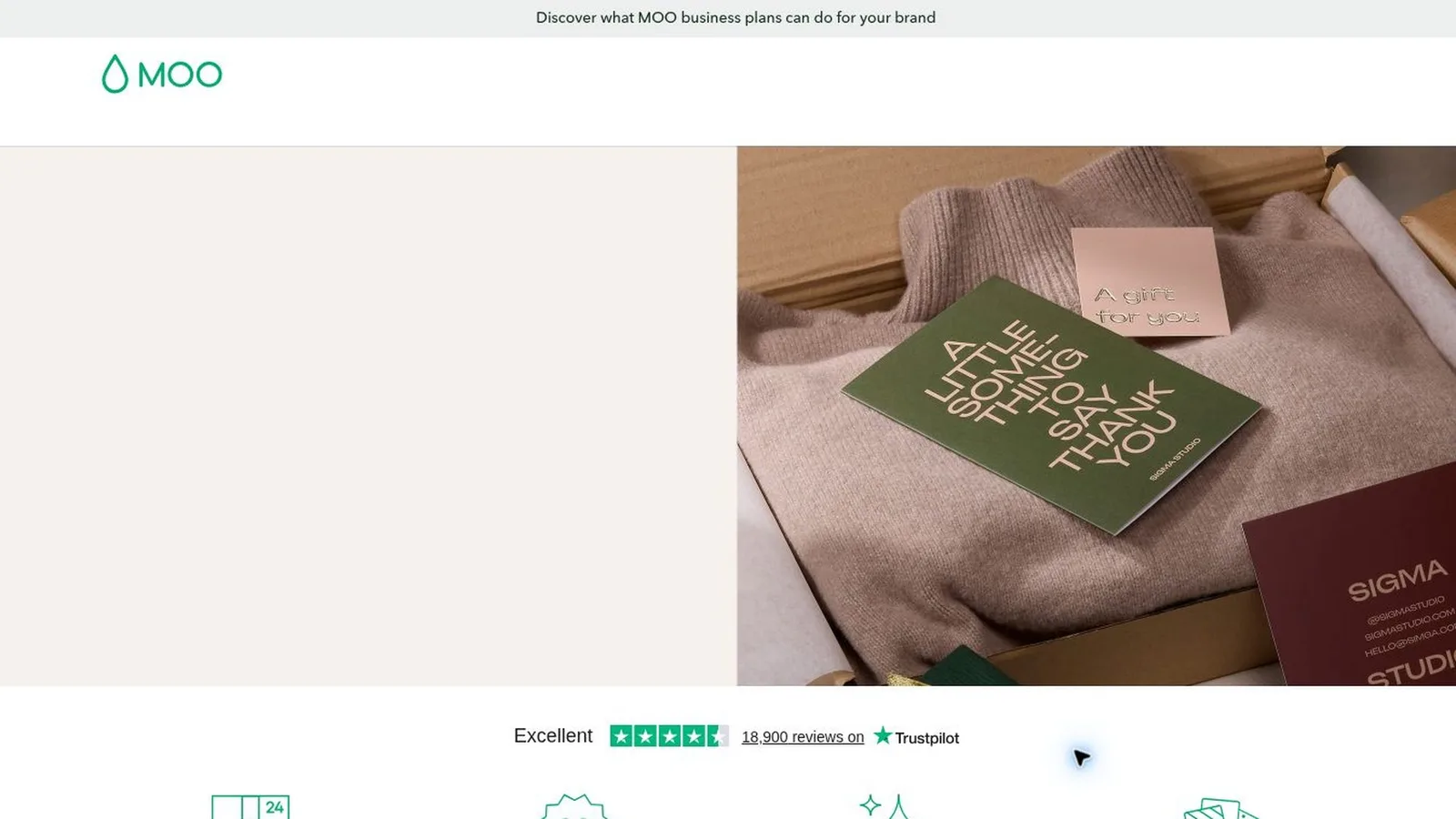
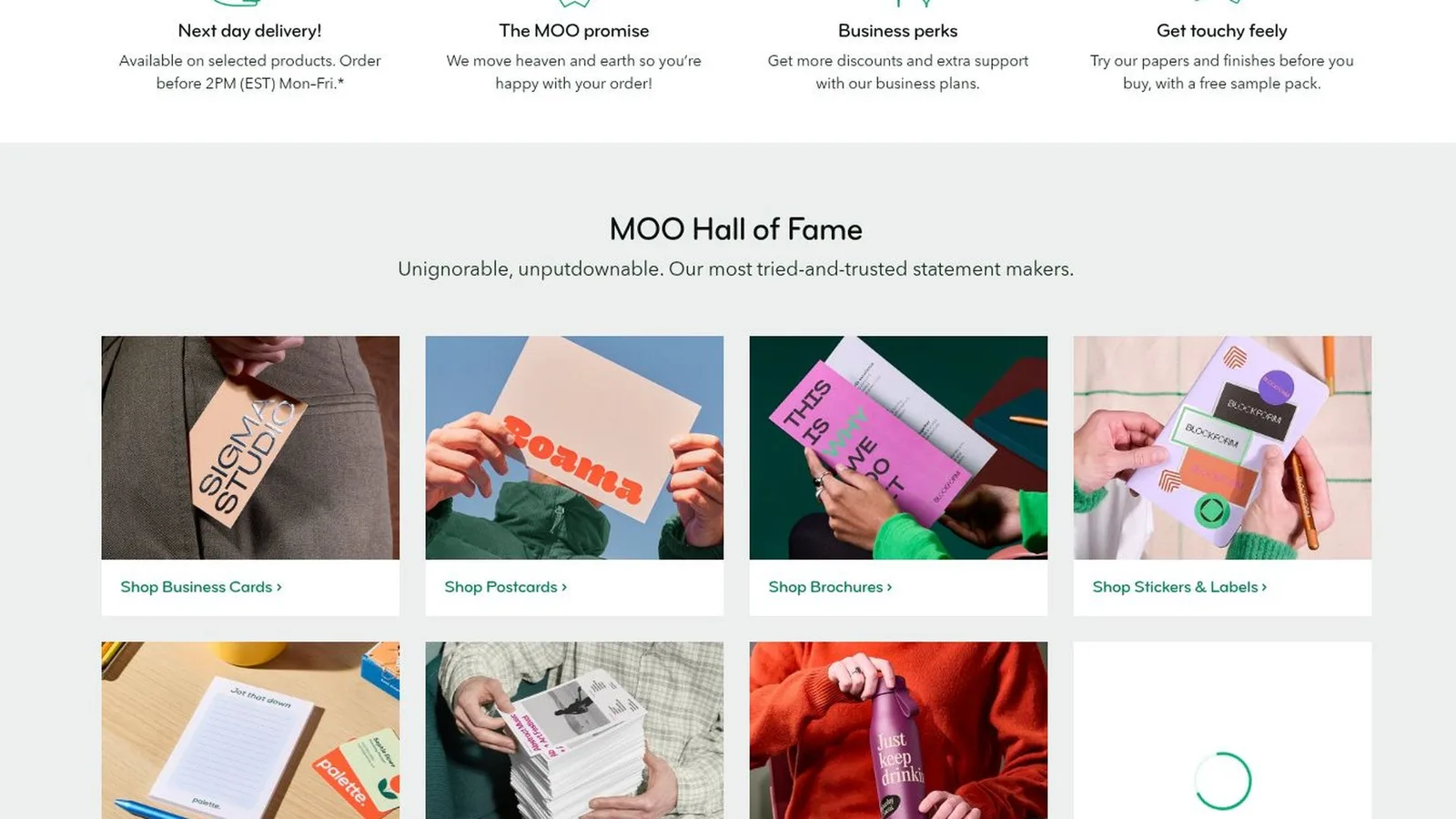
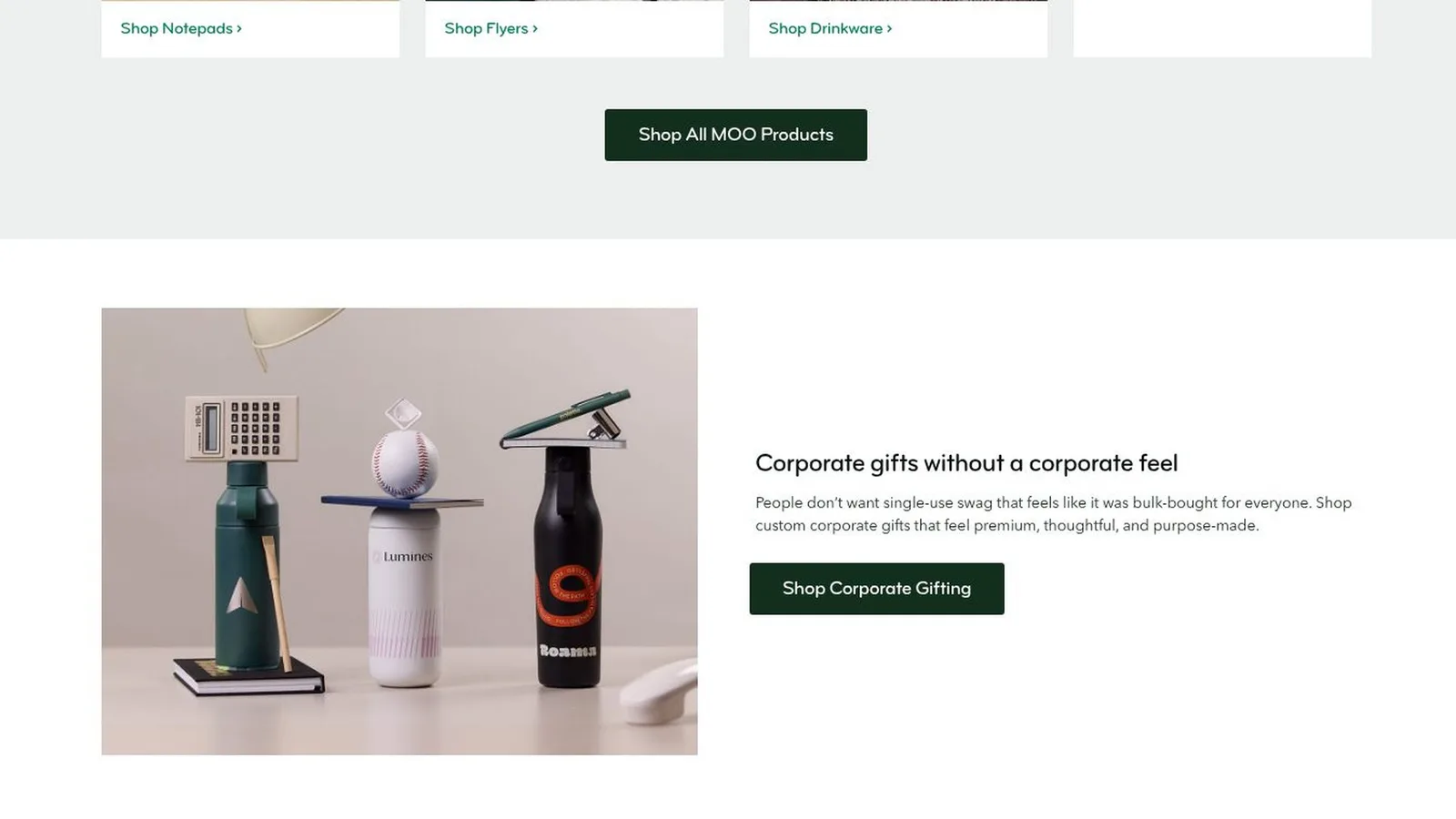
Design Overview: MOO presents printed products through a spacious layout and detailed photography. Its homepage pairs a short headline with a large product image. Green accents, neutral backgrounds and clear typography create a consistent appearance across business cards, postcards and stationery.
Key Design Features: Product collections, paper options, design templates and artwork uploads support product selection. Sample pack links help customers explore materials before ordering.
What Makes This Design Effective: Photography gives visitors a closer look at paper, finishes and presentation. Short product summaries provide direction without filling the homepage with technical details.
Inspiration for Other Printing Businesses: Use close photography when materials influence the purchase. A premium printing website design should make paper textures and finishing options easier to understand.
3. UPrinting: Product Discovery With Configuration Tools
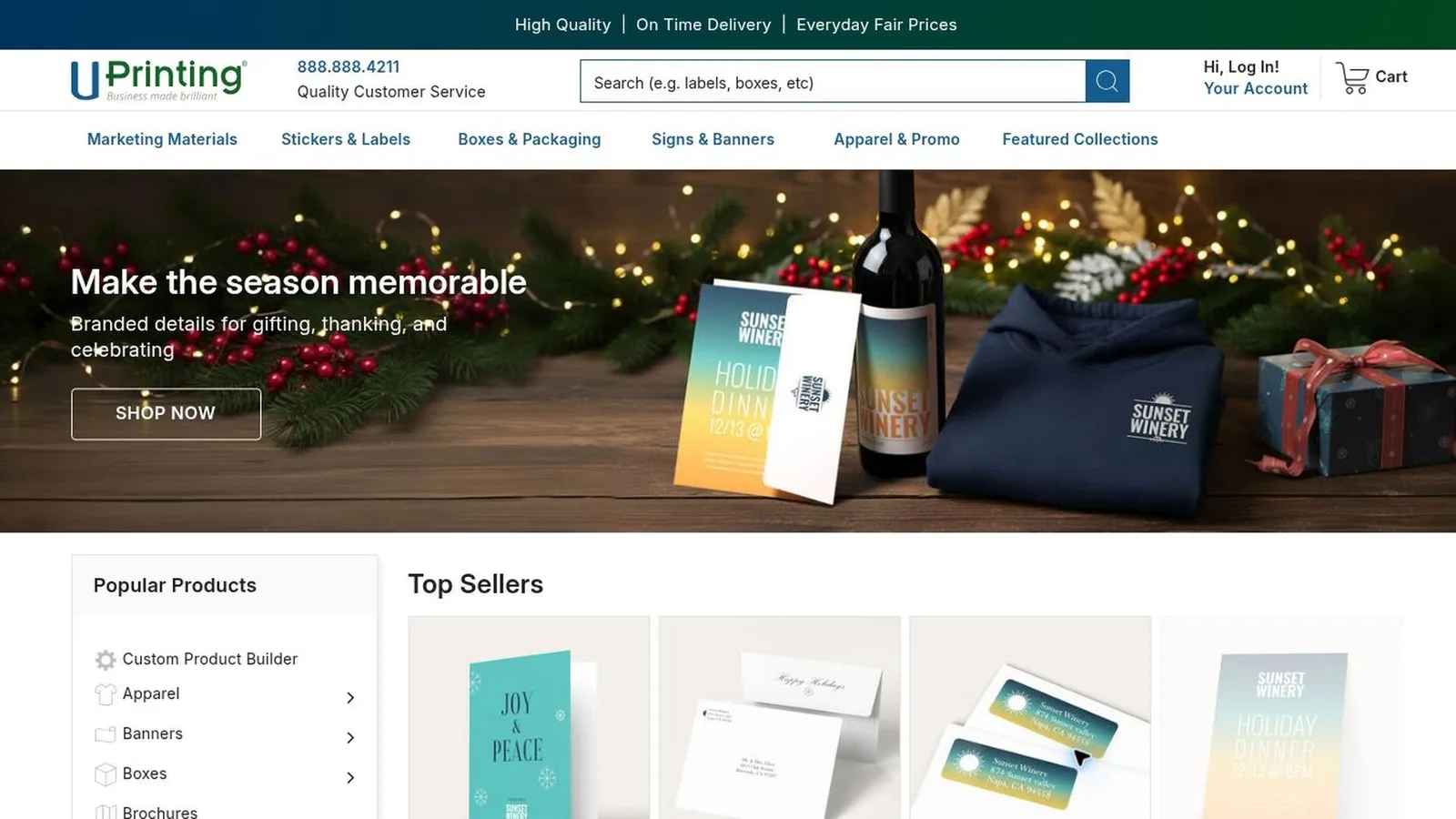
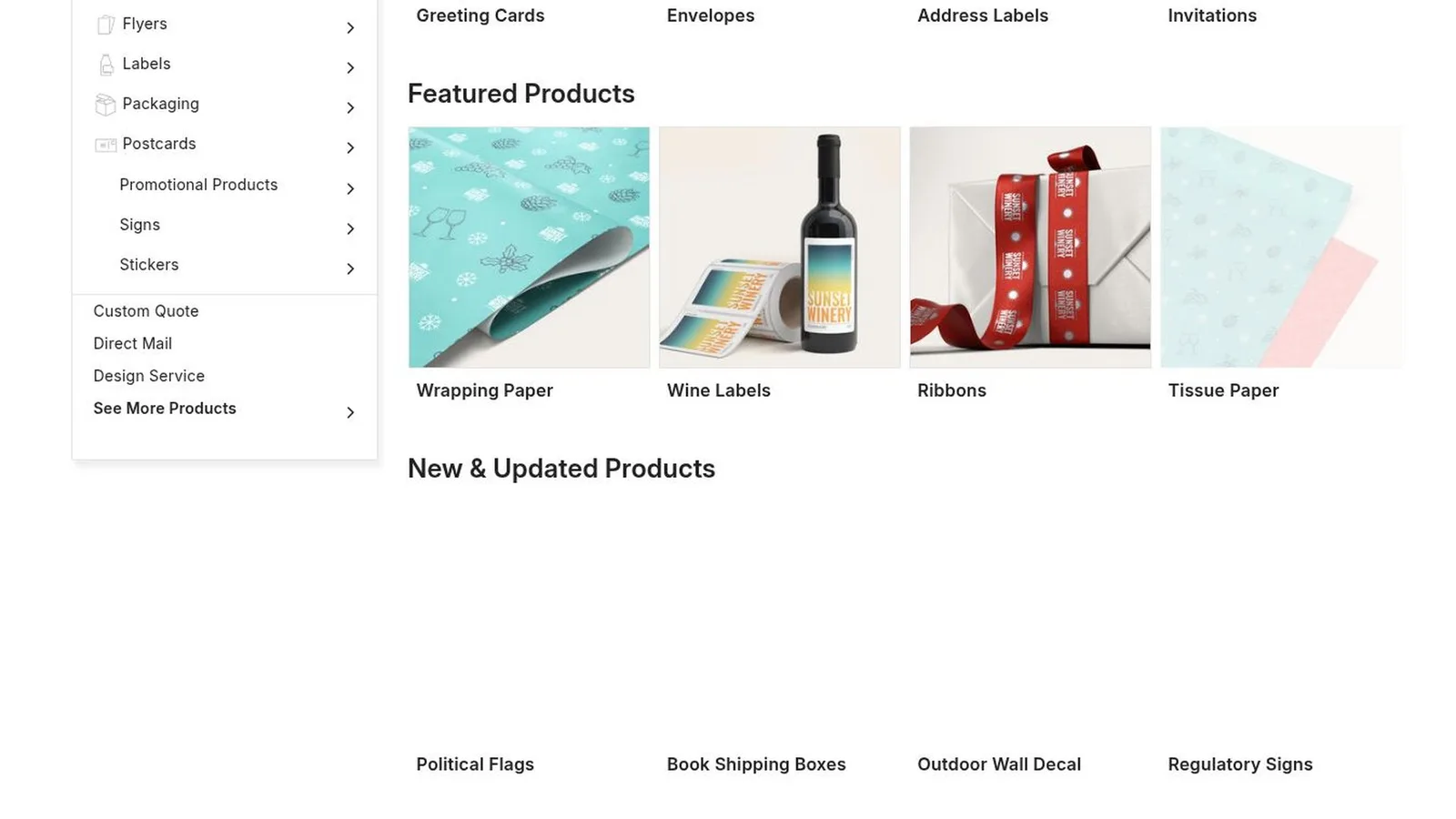
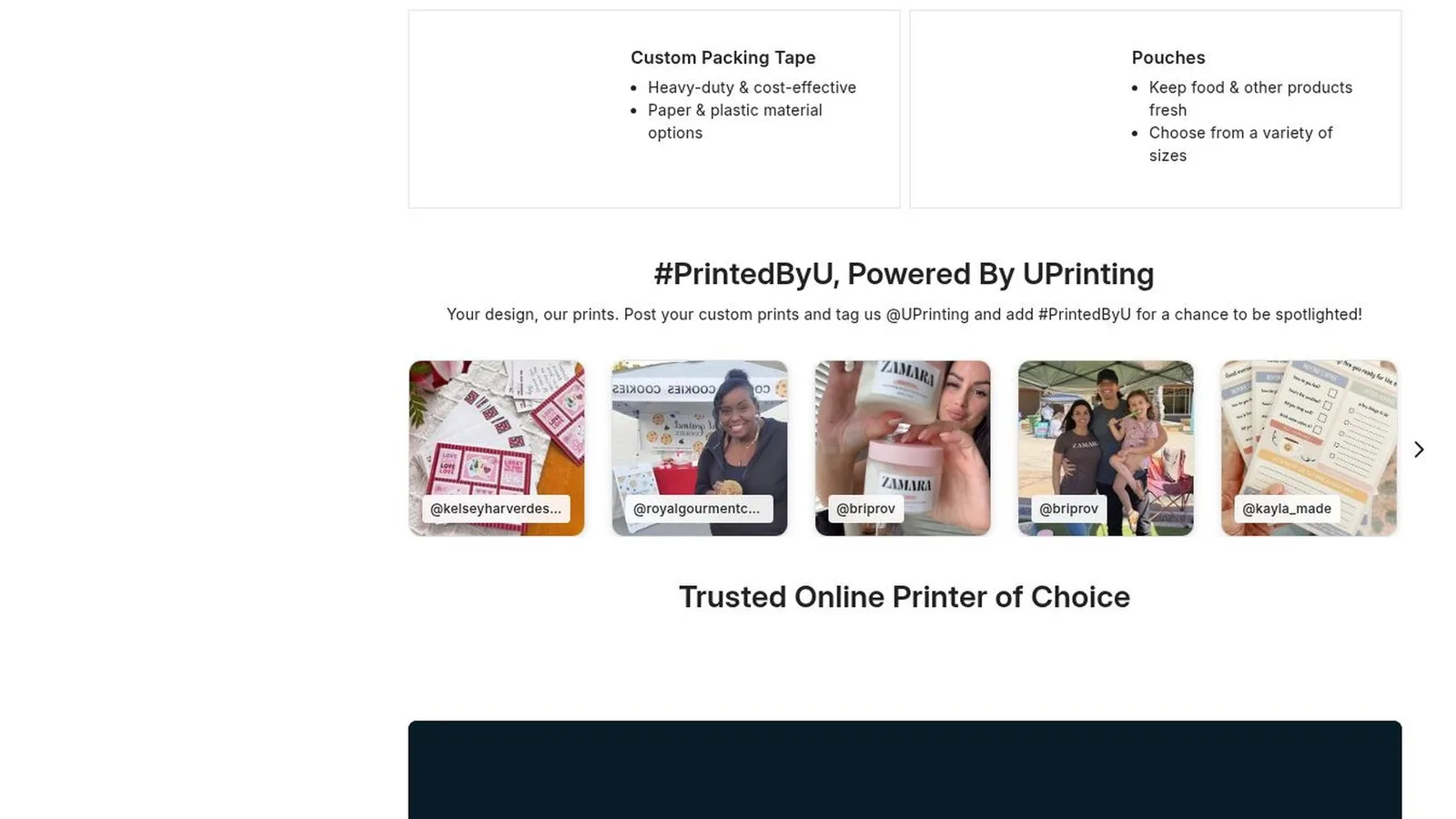
Design Overview: UPrinting combines a broad product directory with a familiar store layout. Its homepage includes a promotional hero, popular product links and image grids. Navigation separates marketing materials, stickers, labels, packaging and signs.
Key Design Features: Product calculators display pricing for selected specifications. Supported products offer artwork uploads, online design tools and PDF proof requests. Shipping estimates help customers plan their orders.
What Makes This Design Effective: The website connects product discovery with practical ordering steps. Customers can move from a category to specifications and artwork submission through a clear sequence.
Inspiration for Other Printing Businesses: When planning printing company website development, connect product categories to useful configuration pages. Keep pricing, file options and ordering actions close together.
4. GotPrint: A Product Storefront With Multiple Ordering Routes
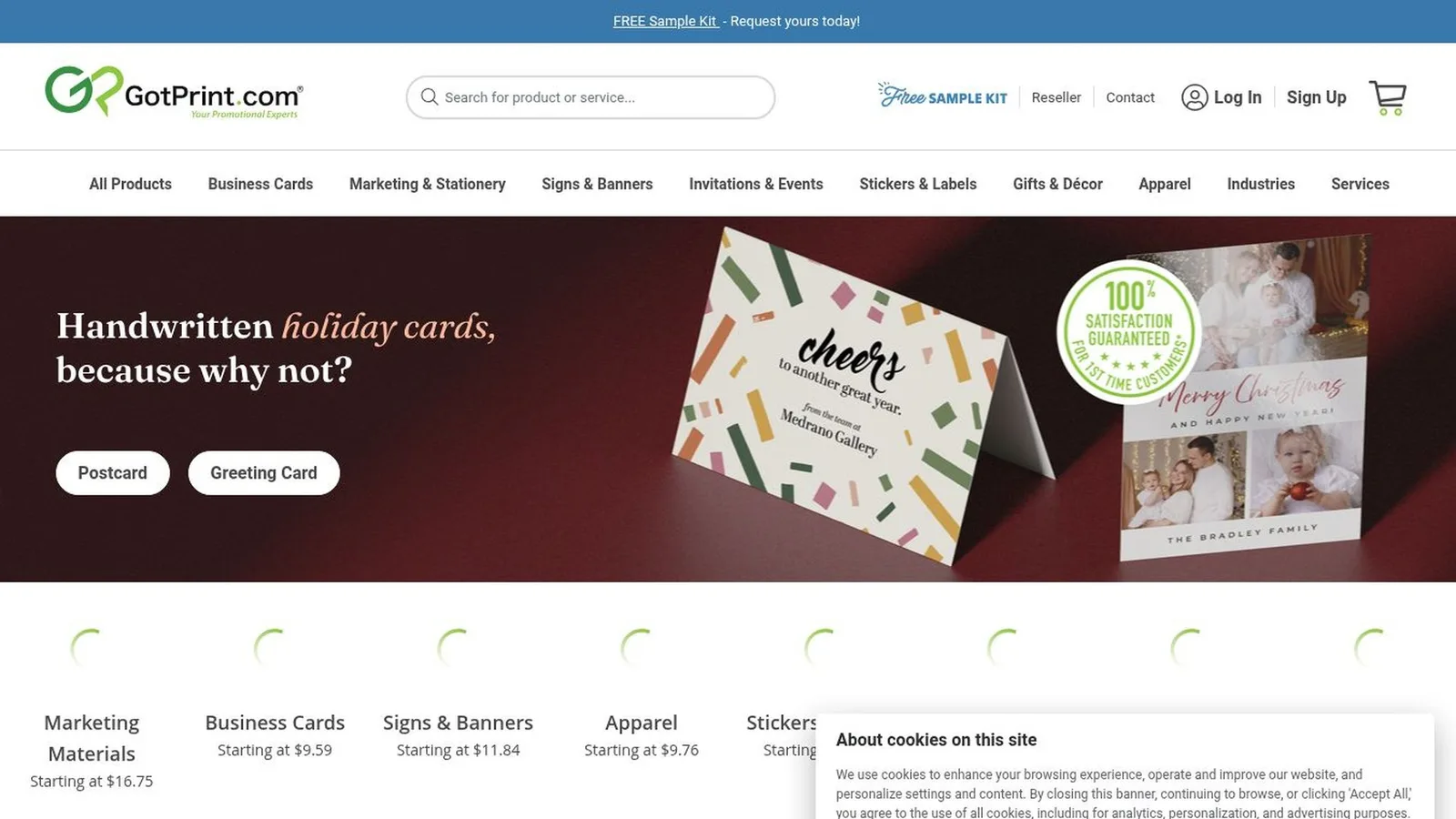
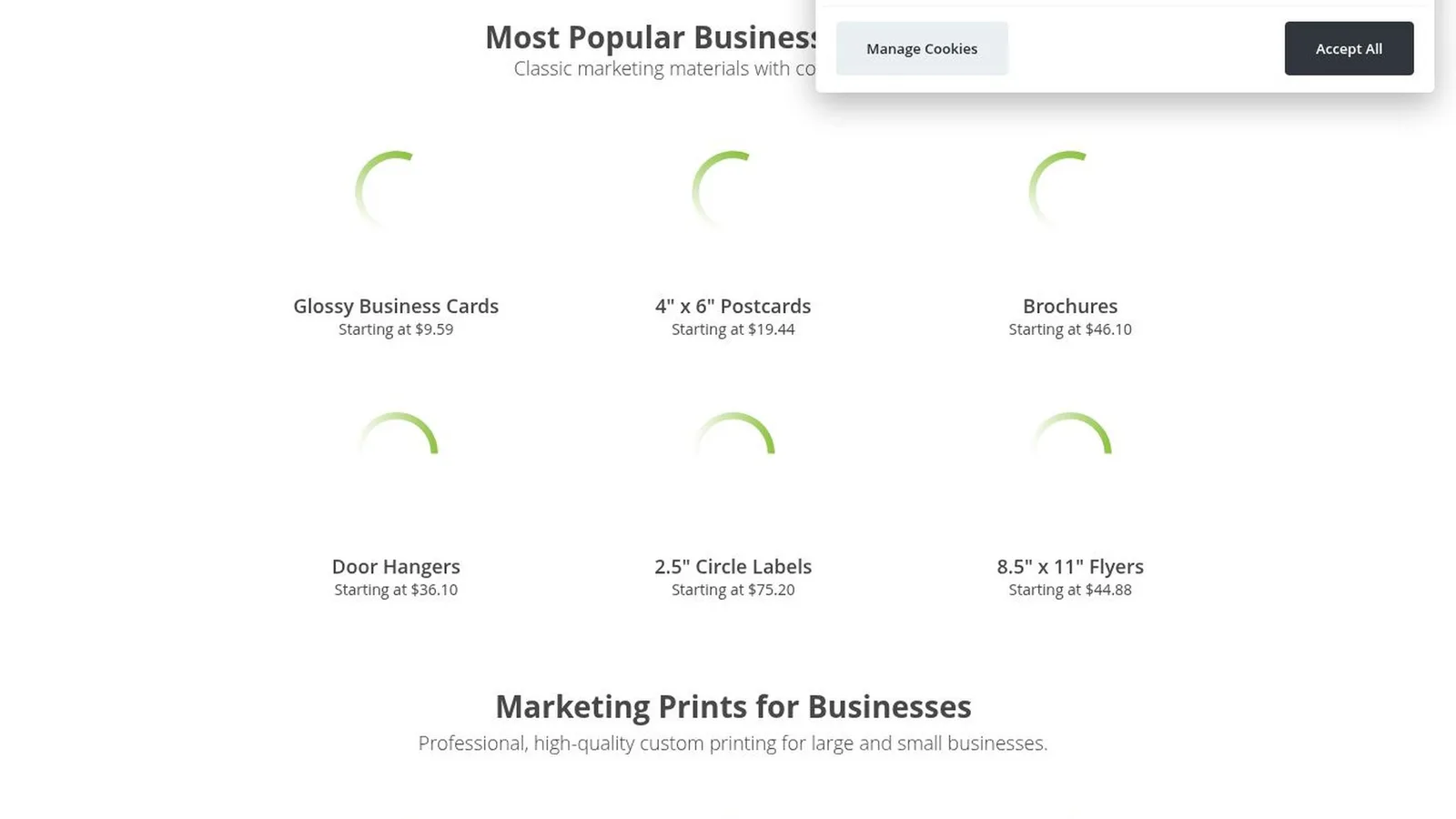
Design Overview: GotPrint uses promotional banners and product collections to introduce its printing range. A white background keeps the interface simple. Green branding and blue header elements frame categories such as business cards, postcards and marketing materials.
Key Design Features: Customers can upload completed artwork, use an online designer or explore professional design services. Product order pages provide specification based pricing. Proof options vary by product and ordering method.
What Makes This Design Effective: Different artwork preparation routes accommodate customers with different needs. Product images and short labels keep the browsing experience straightforward.
Inspiration for Other Printing Businesses: Your printing services website should explain how customers can prepare their artwork. Give uploading, online editing and design assistance separate labels.
5. Printful: A Printing Platform Built Around Product Creation
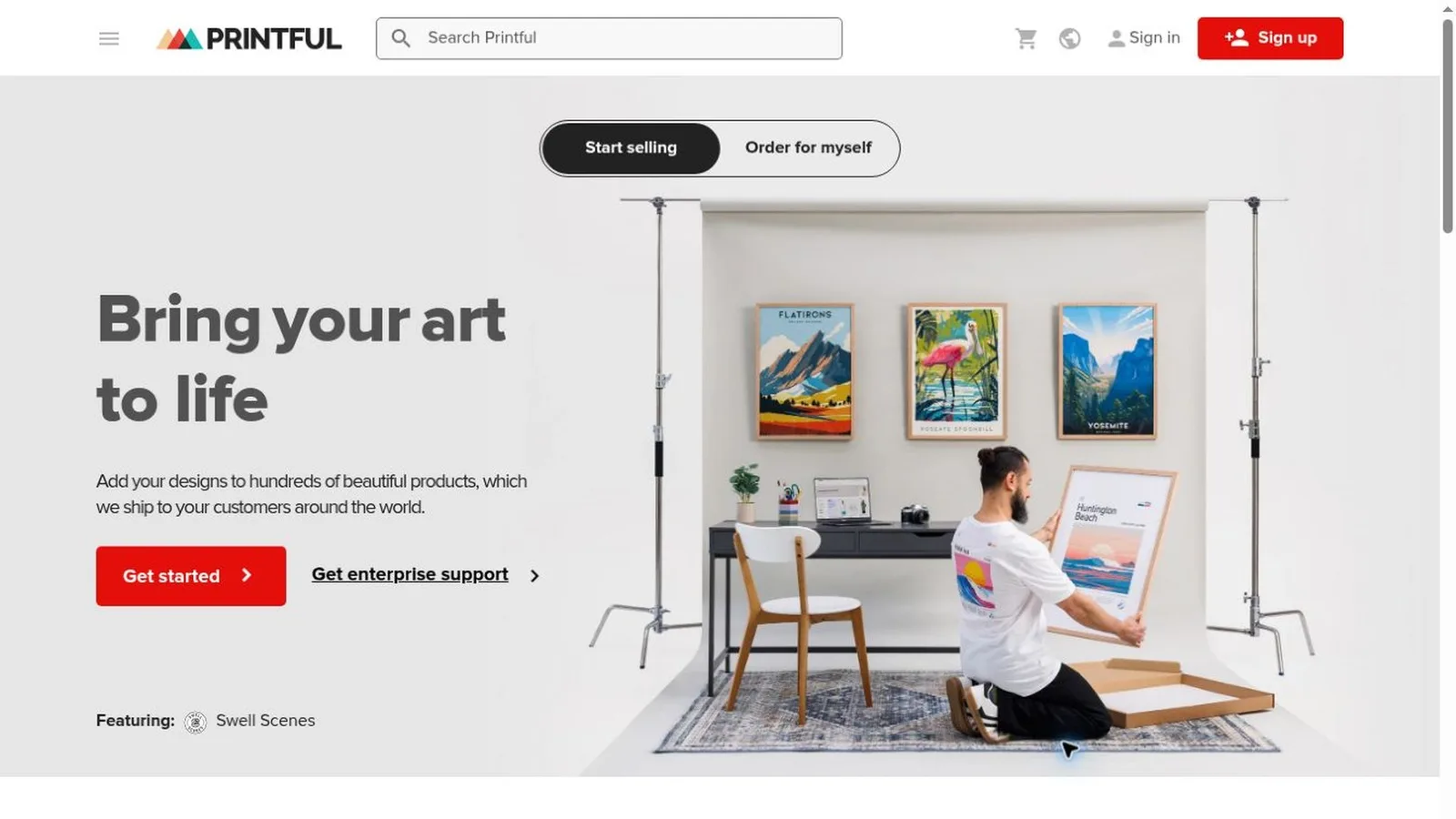
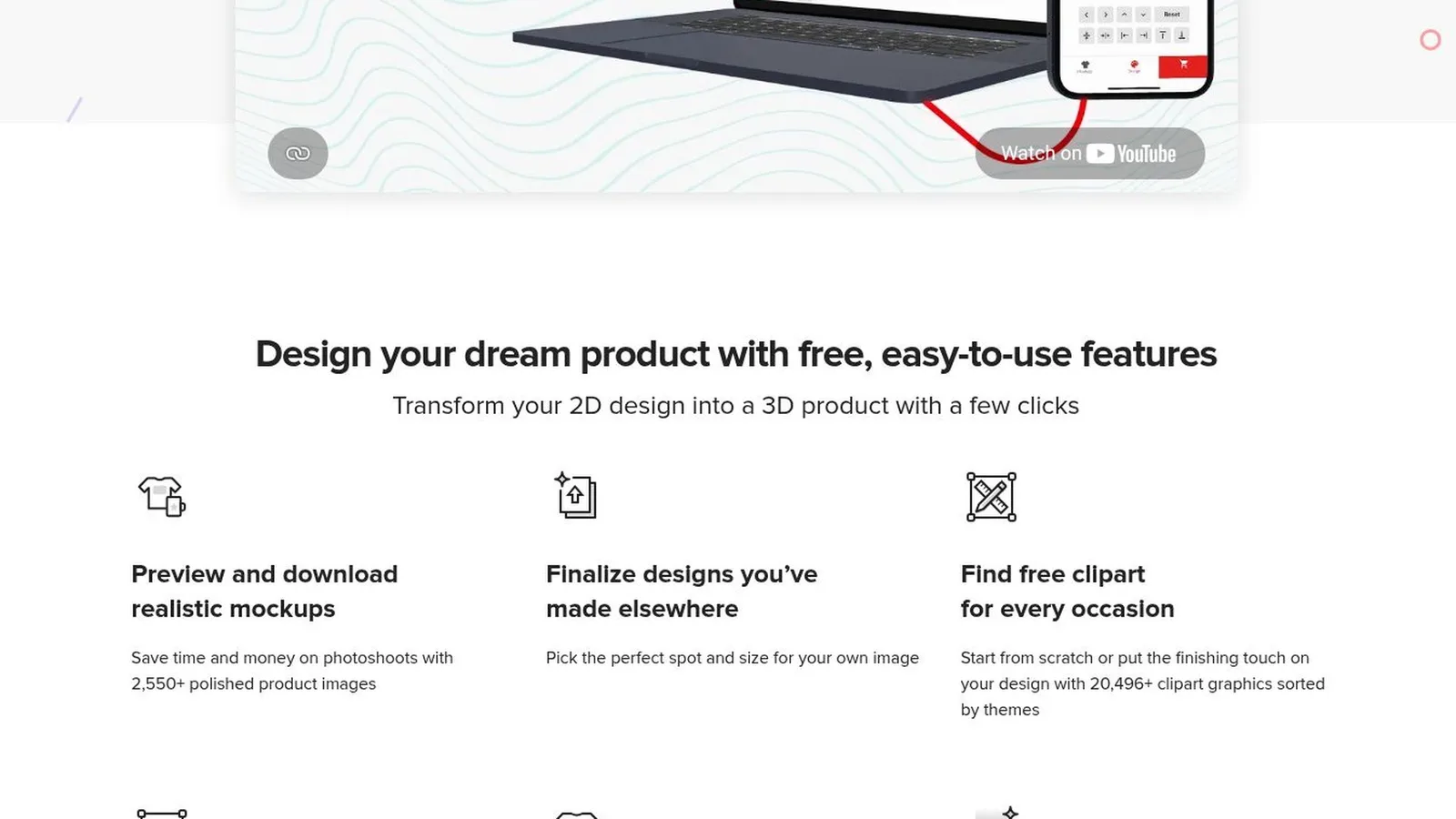
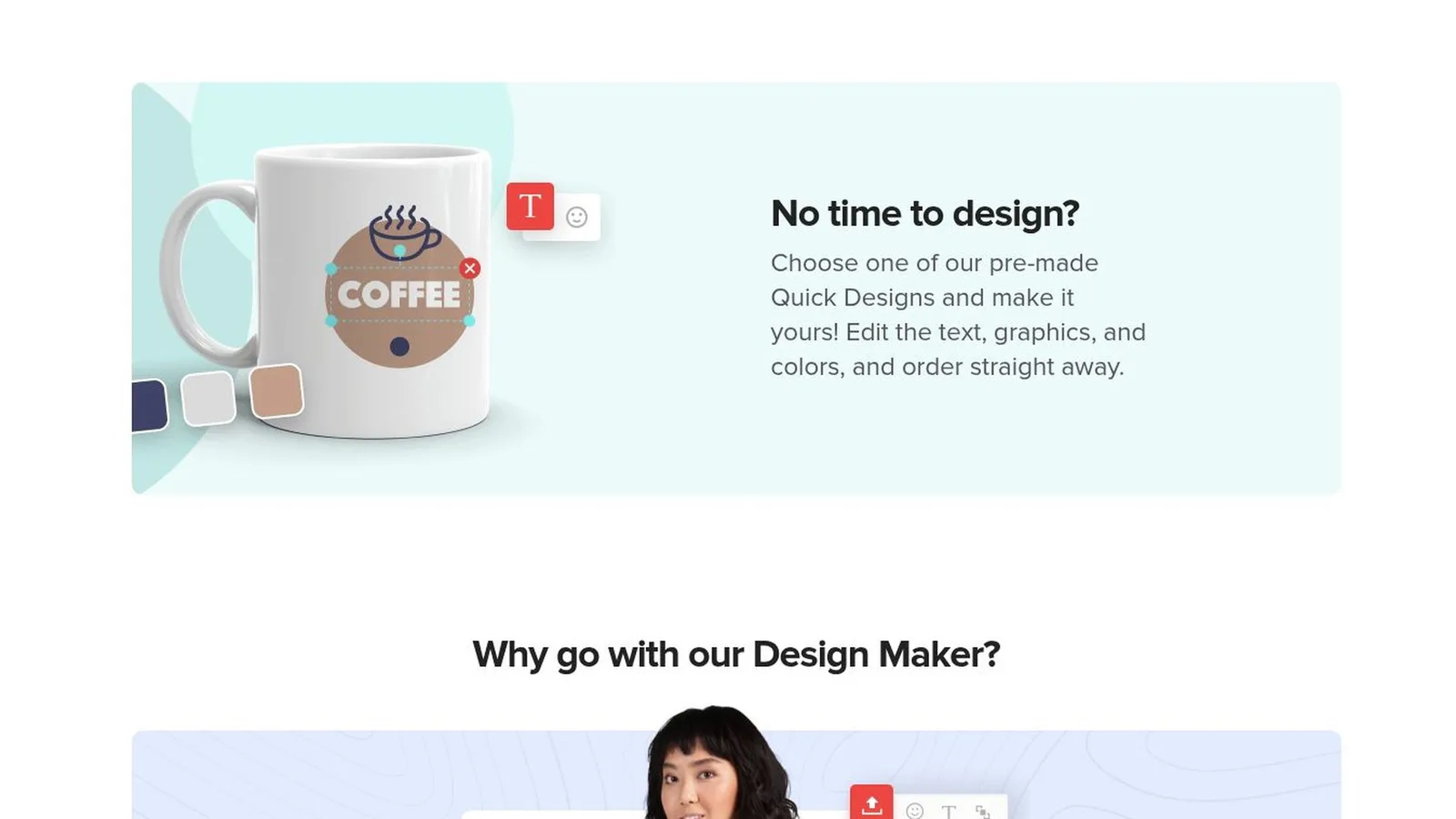
Design Overview: Printful introduces custom products through large visuals and a direct homepage message. Pale backgrounds give the merchandise space. Red buttons highlight important actions, while separate routes address customers buying for themselves and businesses selling products.
Key Design Features: Its Design Maker supports artwork uploads, product previews and reusable templates. Store integrations connect product creation with supported selling platforms.
What Makes This Design Effective: The website introduces the customer’s goal before explaining the tools. Product discovery, customization and selling form connected stages of the experience.
Inspiration for Other Printing Businesses: For custom printing website development, separate customer goals early. Connect artwork tools with saved product specifications so customers can continue their projects later.
6. Overnight Prints: Promotional Banners With Consistent Product Cards
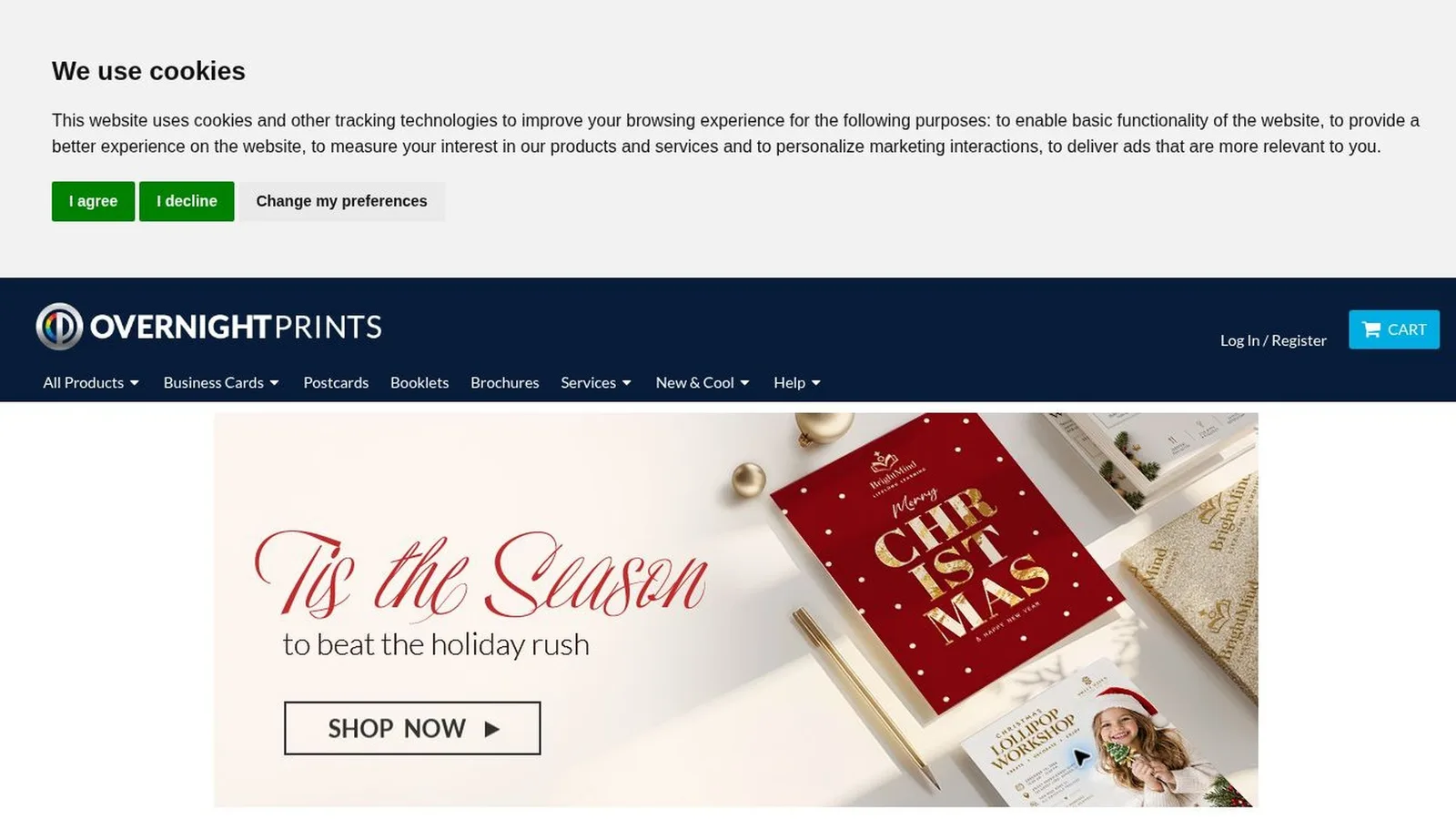
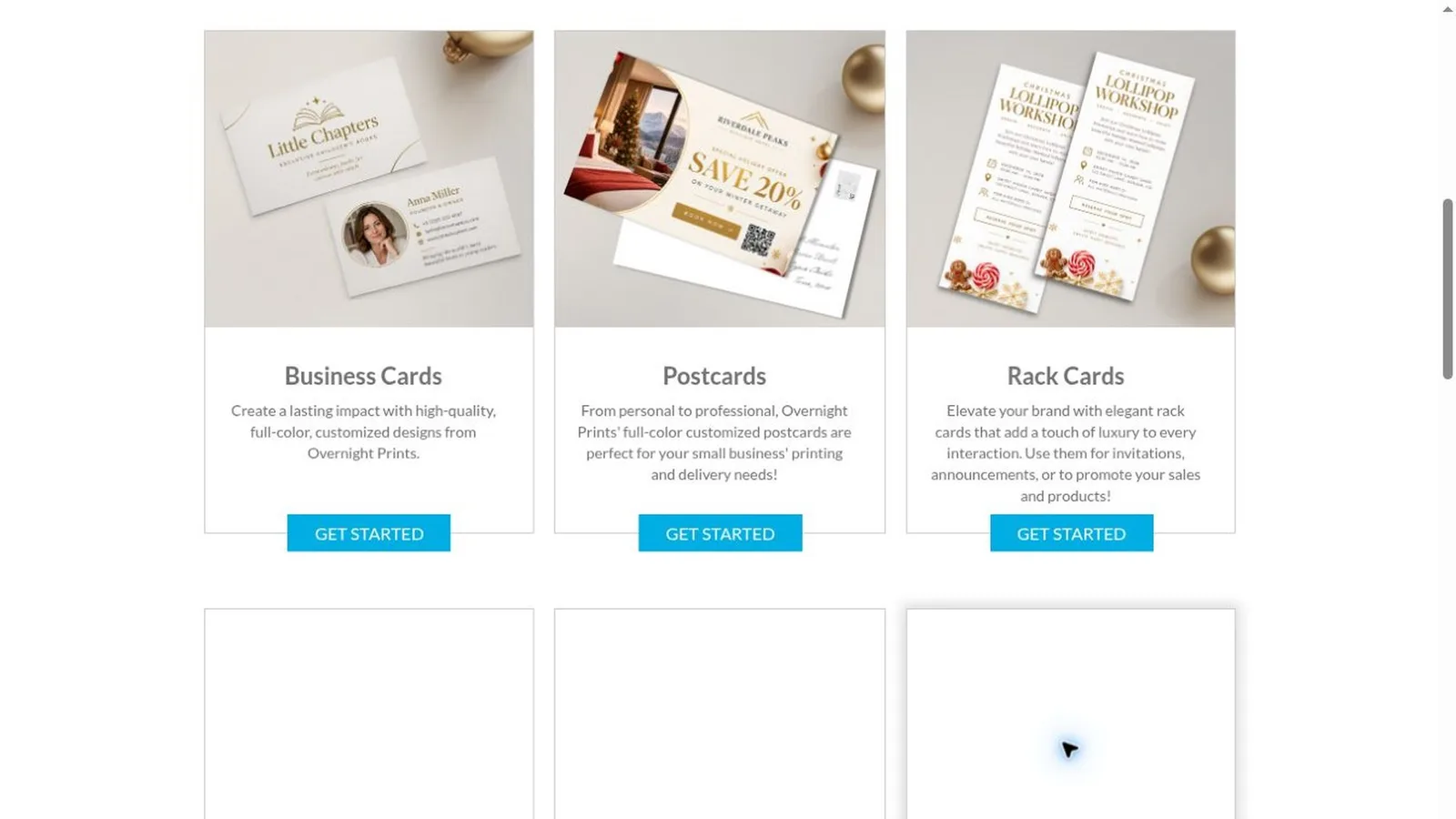
Design Overview: Overnight Prints uses a dark navigation bar above a bright shopping layout. Promotional imagery introduces seasonal products. Best seller sections display business cards, postcards and other formats through consistent cards with short labels and shopping buttons.
Key Design Features: The ordering process supports an online designer, downloadable start files and artwork uploads. Customers can preview their designs online. Cart cloning provides a way to duplicate an item.
What Makes This Design Effective: Repeated product card layouts make different formats easier to scan. Each card keeps the product name and next action together.
Inspiration for Other Printing Businesses: Use consistent cards in an e-commerce printing website. Explain which designs remain editable and which uploaded files will be printed as supplied.
7. PrintingCenterUSA: Clear Navigation for Publications and Binding
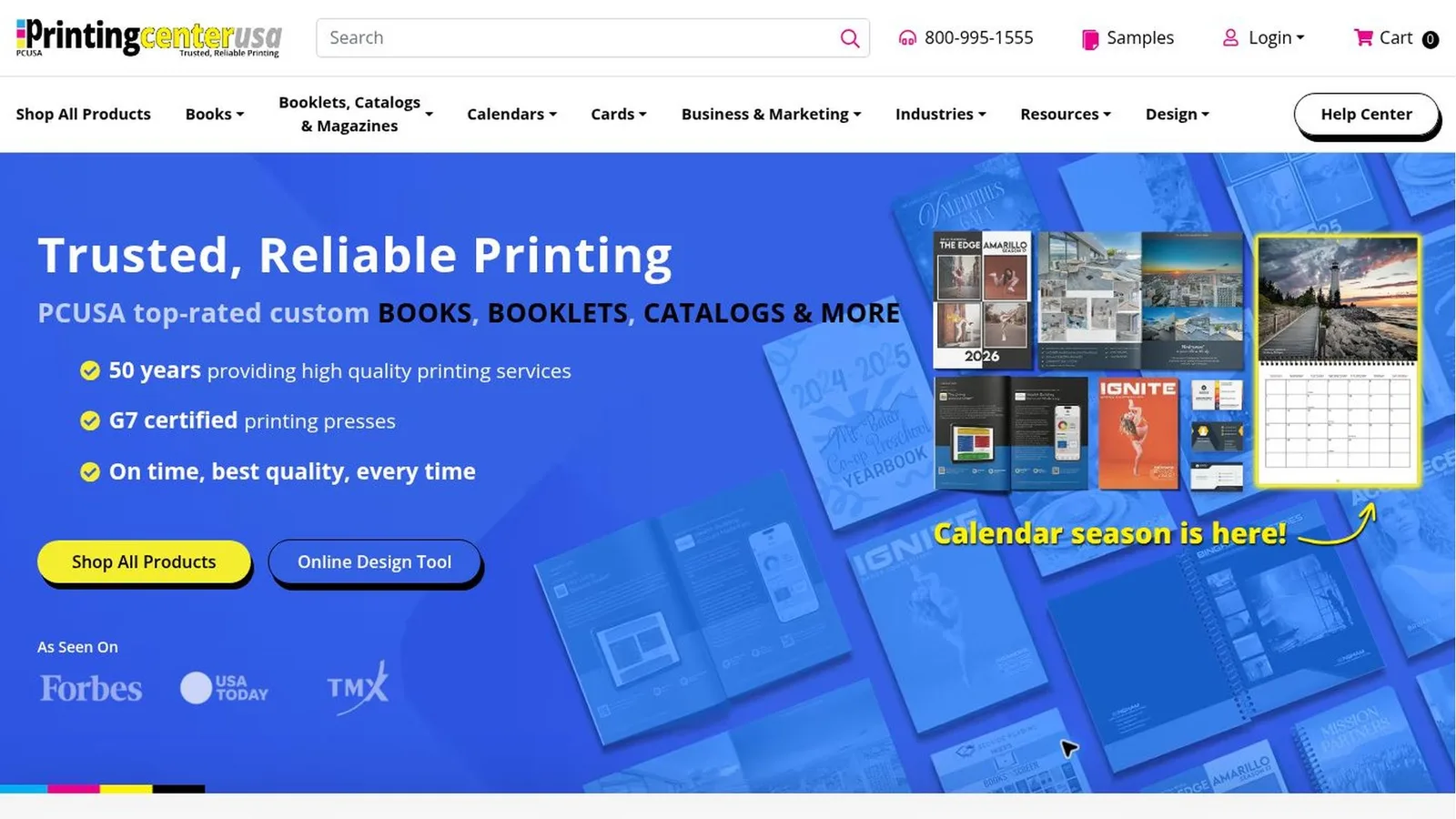
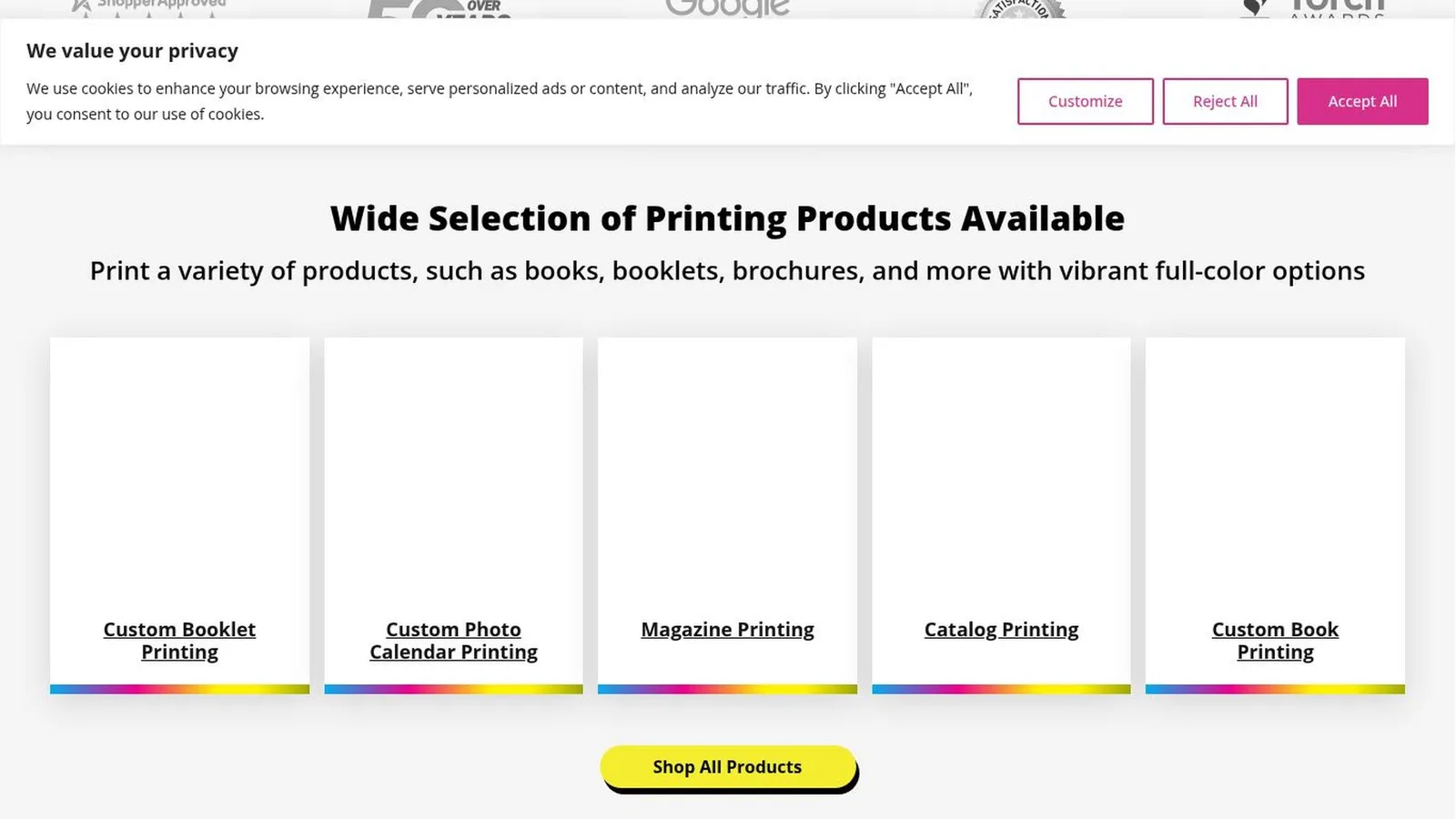
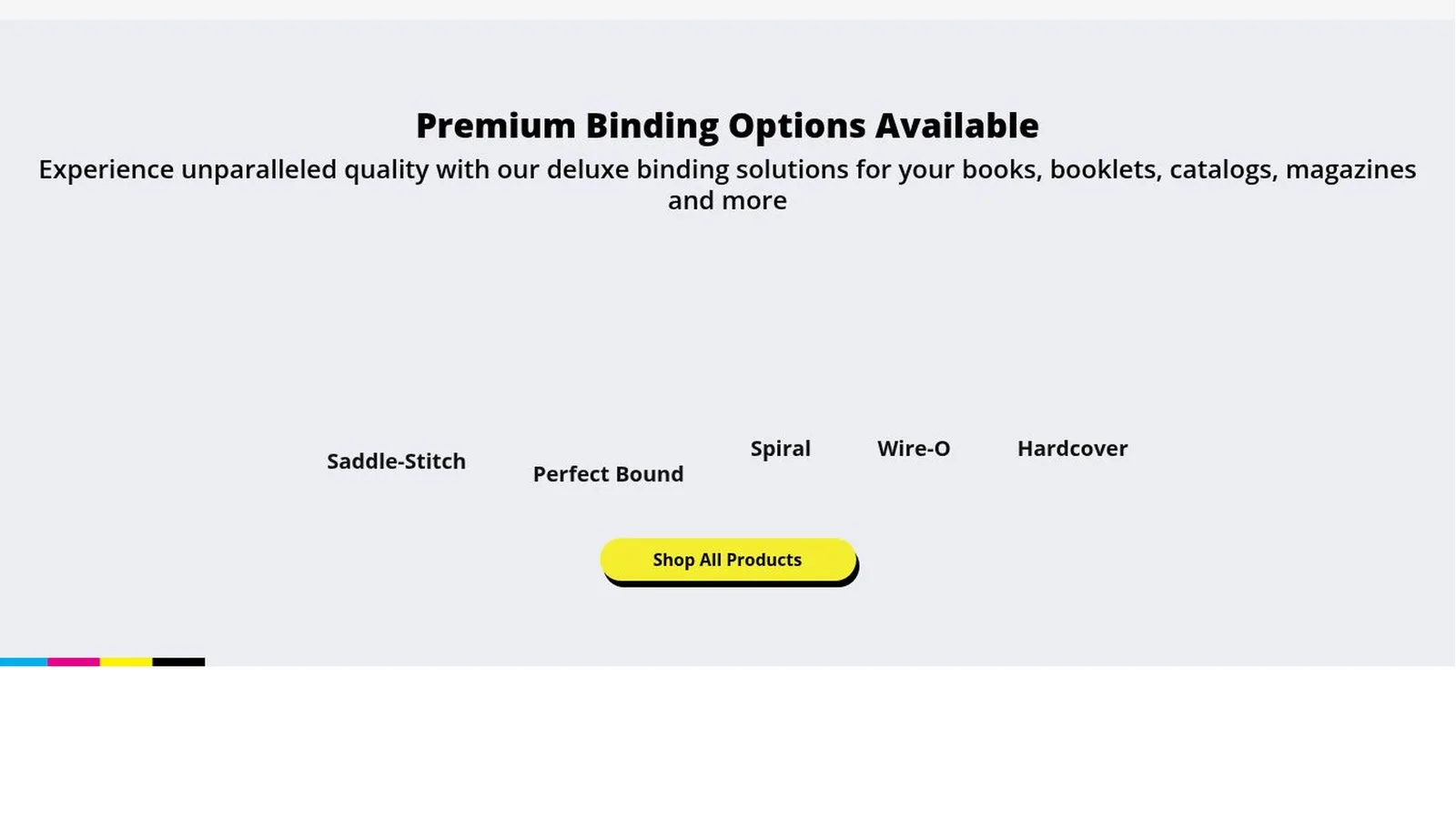
Design Overview: PrintingCenterUSA gives books, booklets and calendars prominent positions in its navigation. Blue and yellow accents establish a clear visual identity. The homepage combines publication imagery with sections for product categories, binding options and design resources.
Key Design Features: A pricing tool leads into ordering and file upload. An online design tool supports eligible projects. Account navigation provides access to orders, quotes and designs.
What Makes This Design Effective: Customers can explore the publication they need and then compare relevant binding methods. Supporting resources help explain unfamiliar production choices.
Inspiration for Other Printing Businesses: For publication focused printing website design, separate product types from binding options. Link file preparation guidance to the products that require it.
8. Pixartprinting: A Broad Catalog With Artwork Preparation Support
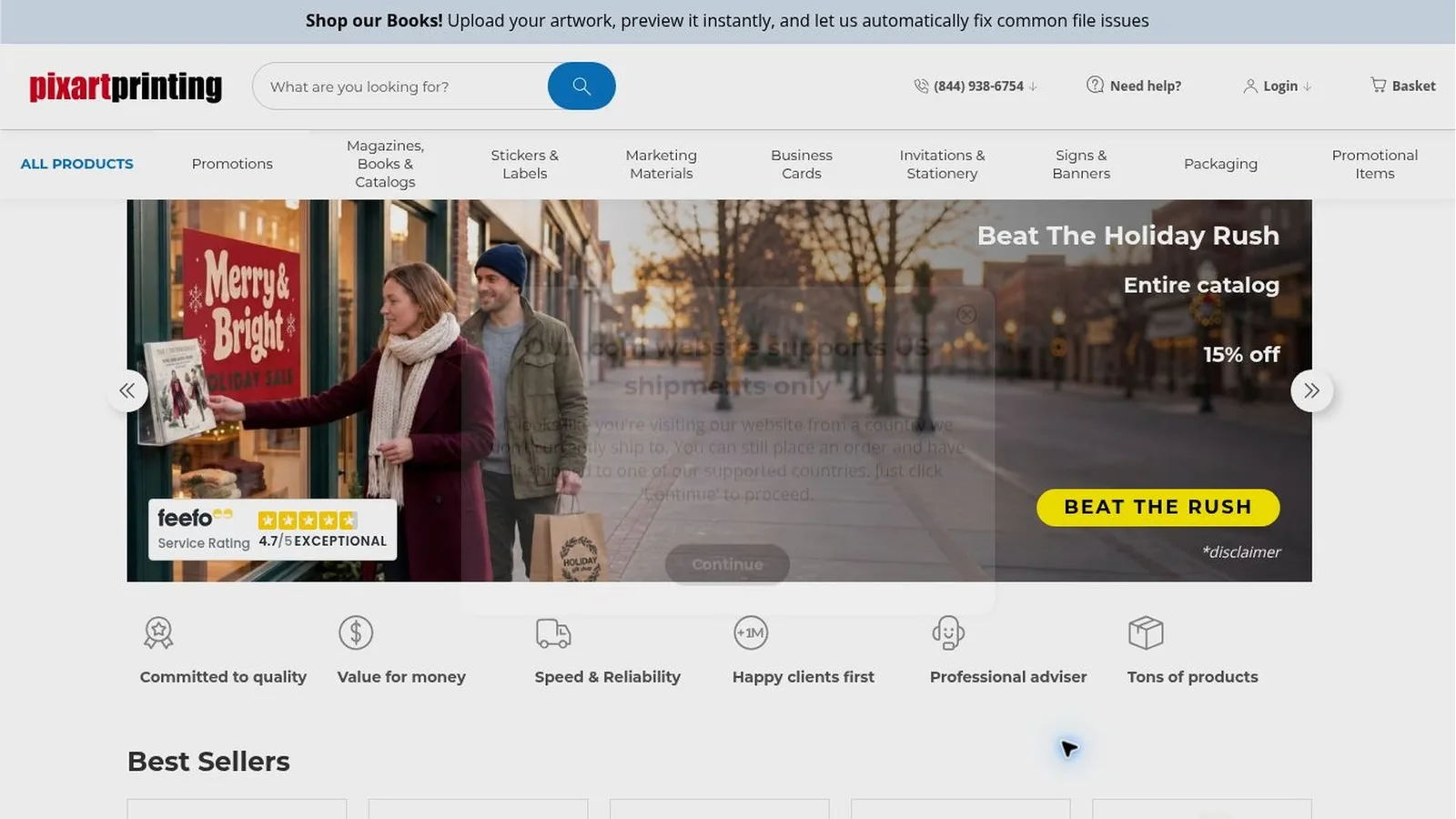
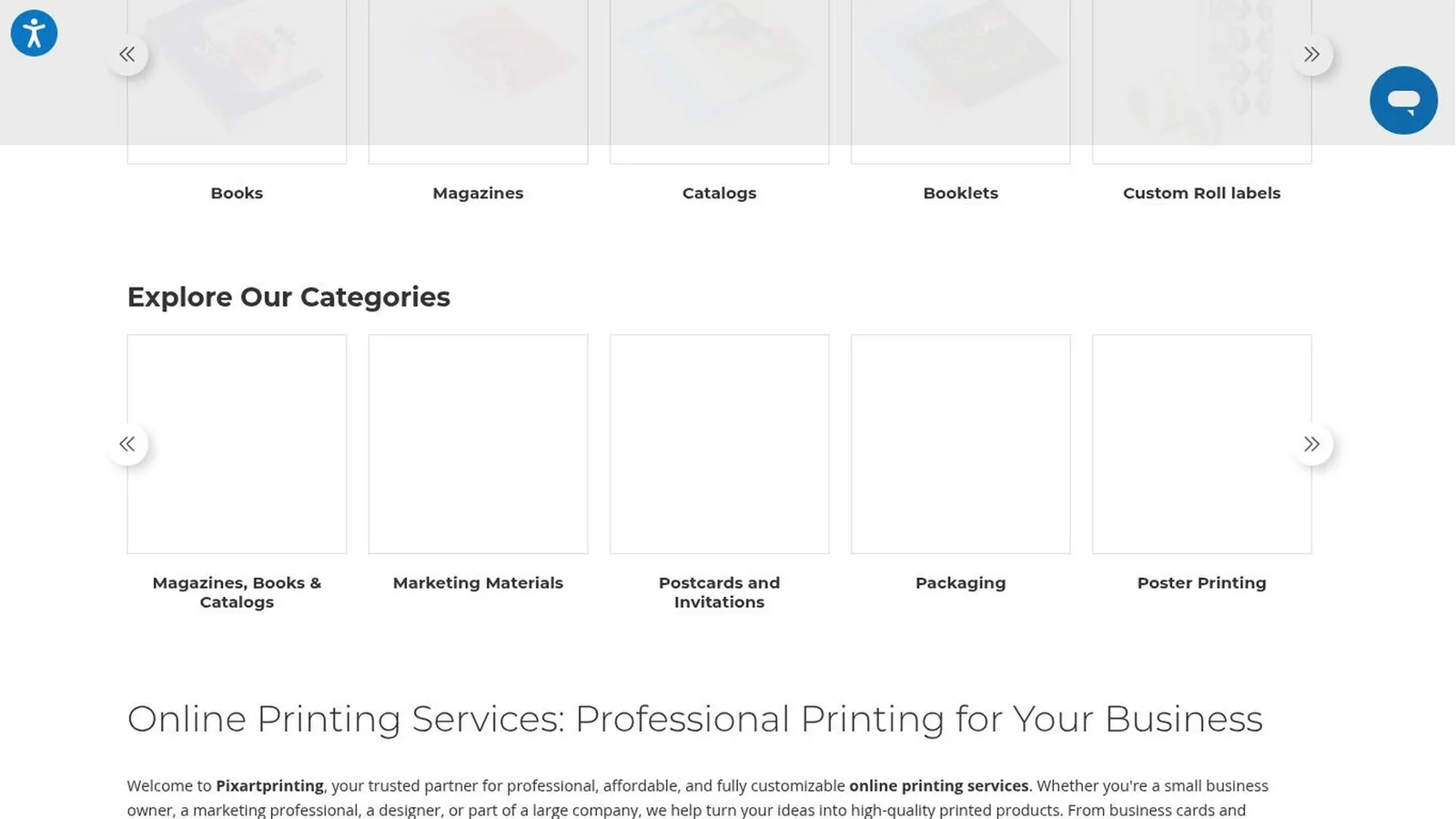
Design Overview: Pixartprinting organizes publications, labels, signage, marketing materials and packaging through a compact storefront. Search and product navigation sit near the top. Promotional imagery introduces offers, while product collections and explanatory sections continue below.
Key Design Features: Supported products provide an online Designer, artwork uploads and file previews. File checks can identify issues and apply available automatic fixes. These capabilities depend on the selected product.
What Makes This Design Effective: The website supports customers who already have artwork and those who need to create it. Product categories provide direction before detailed file preparation begins.
Inspiration for Other Printing Businesses: Build clear artwork preparation routes into your printing company website development. Explain product specific upload and preview limitations before customers start.
9. Industry Print Shop: Production Video and Client Work
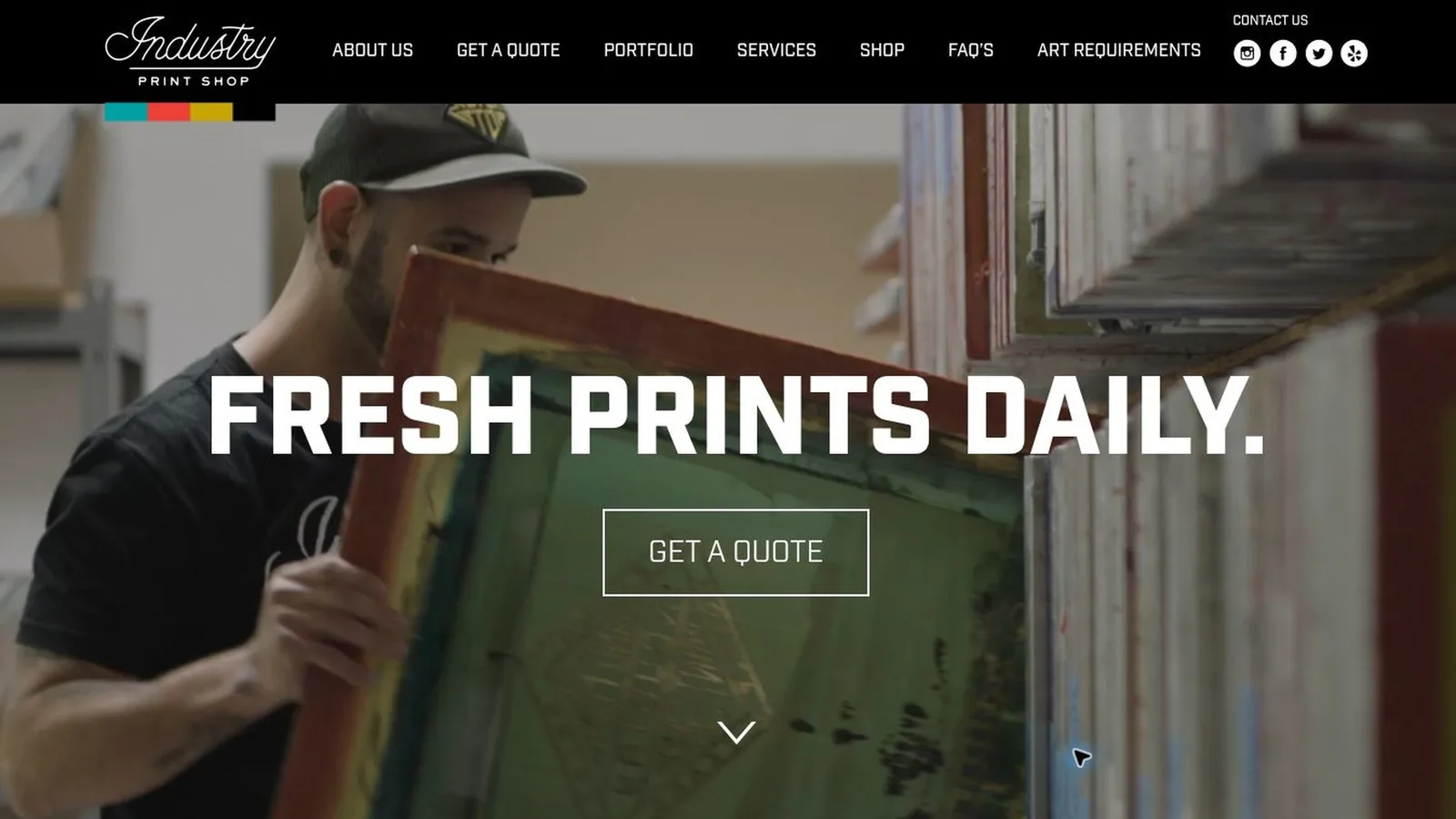
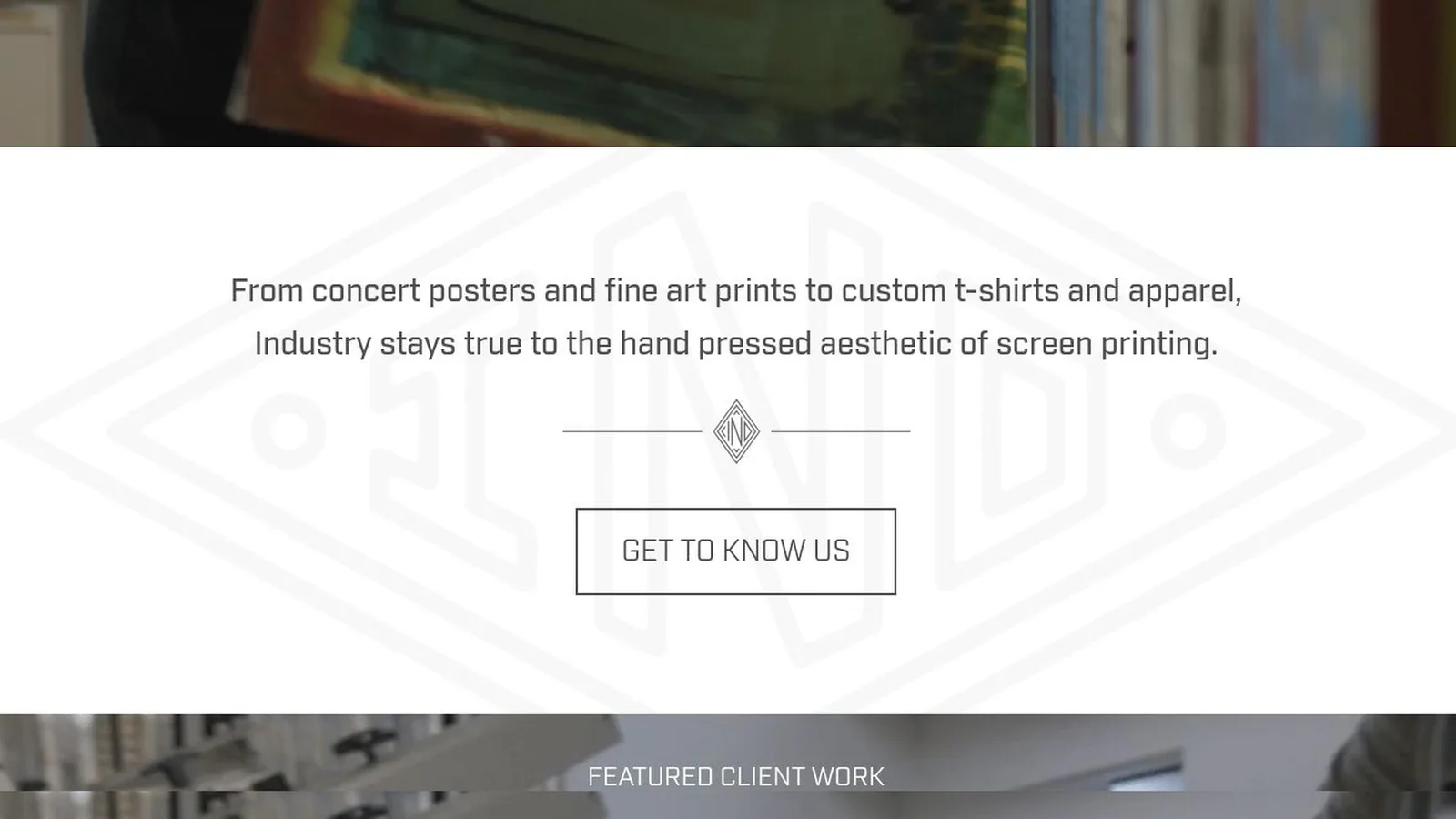
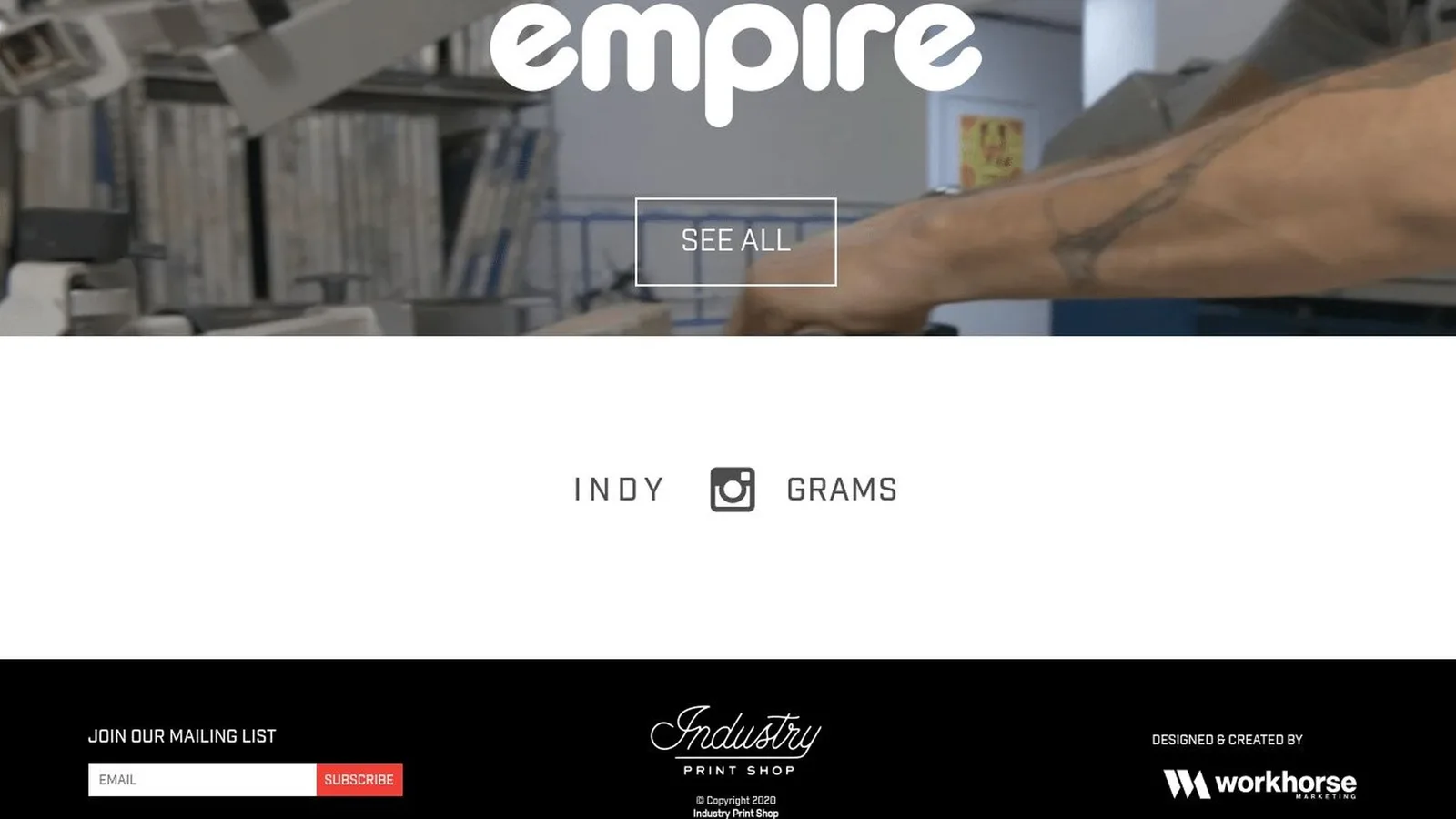
Design Overview: Industry Print Shop uses production footage behind a bold homepage headline. A centered quote button gives visitors an immediate next step. Short introductory text leads into featured client work, including screen printed posters and apparel.
Key Design Features: The visible customer journey focuses on quote requests, company information and a client portfolio. Video presentation and project publishing support the website’s visual approach.
What Makes This Design Effective: Visitors see the printing process and completed work before describing their project. Limited text keeps attention on the shop’s capabilities and creative output.
Inspiration for Other Printing Businesses: A portfolio based printing business website design can suit custom projects. Pair production footage and selected work with a visible quote request button.
10. Campus Ink: Separate Journeys for Different Audiences
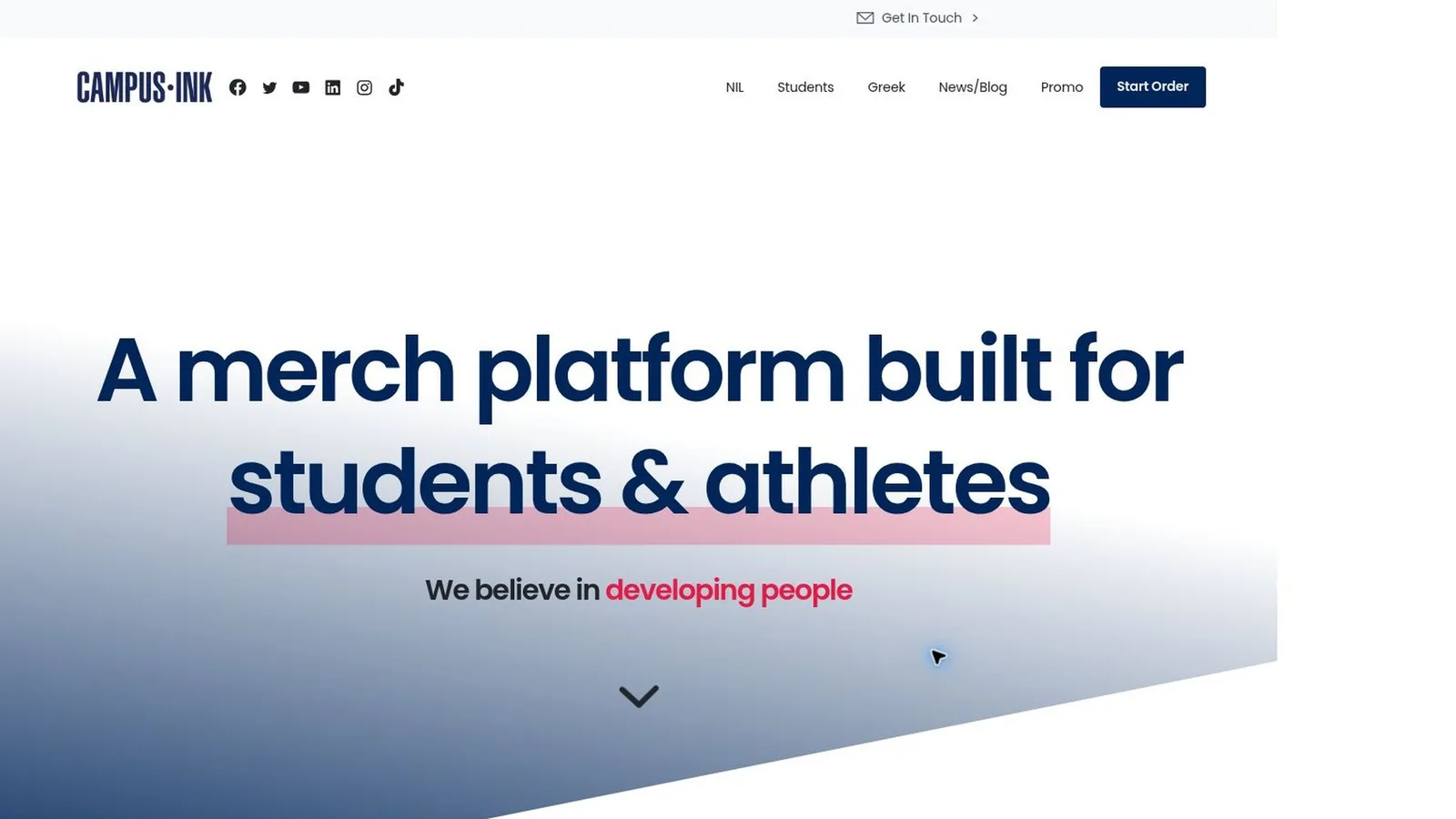
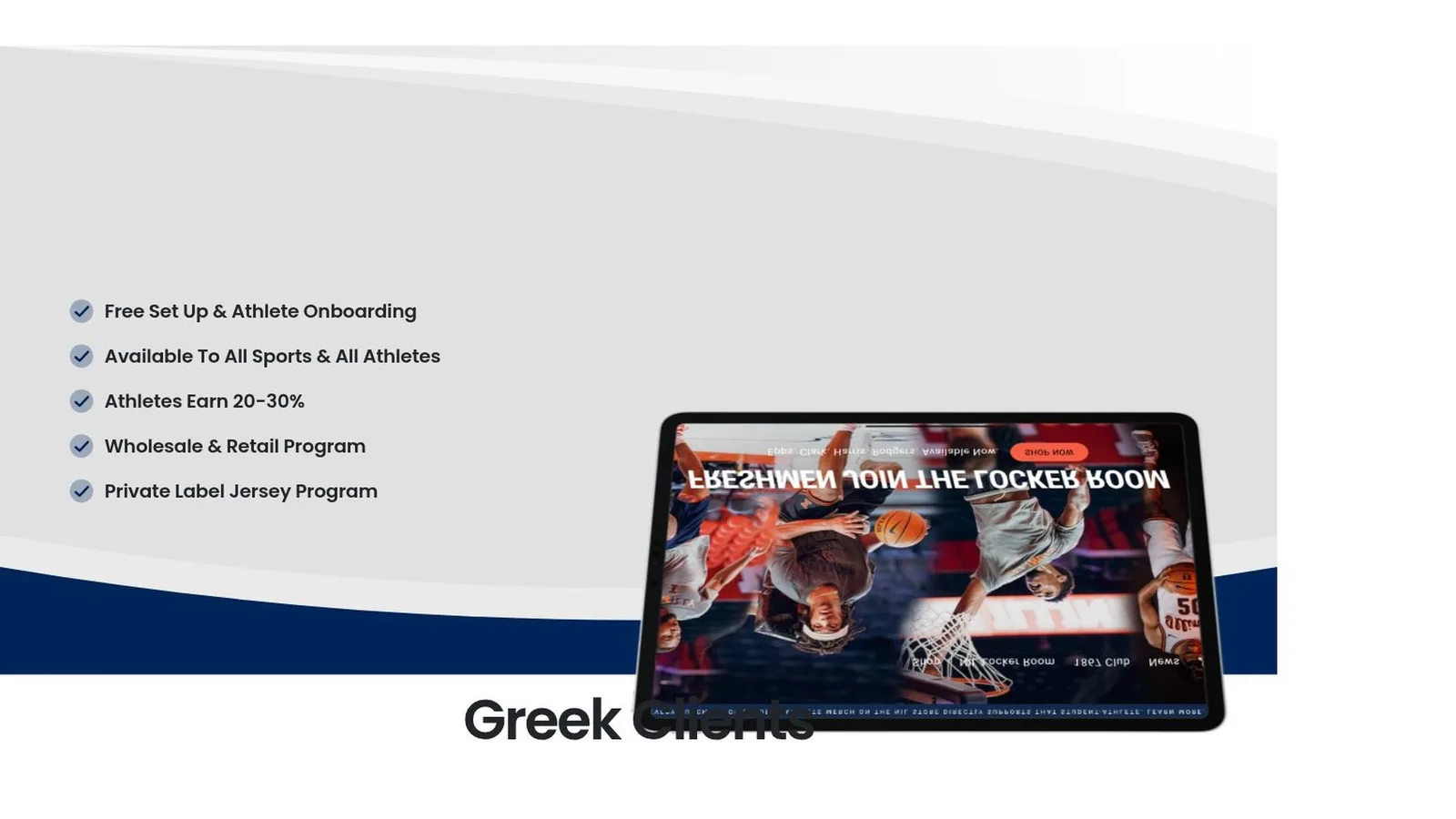
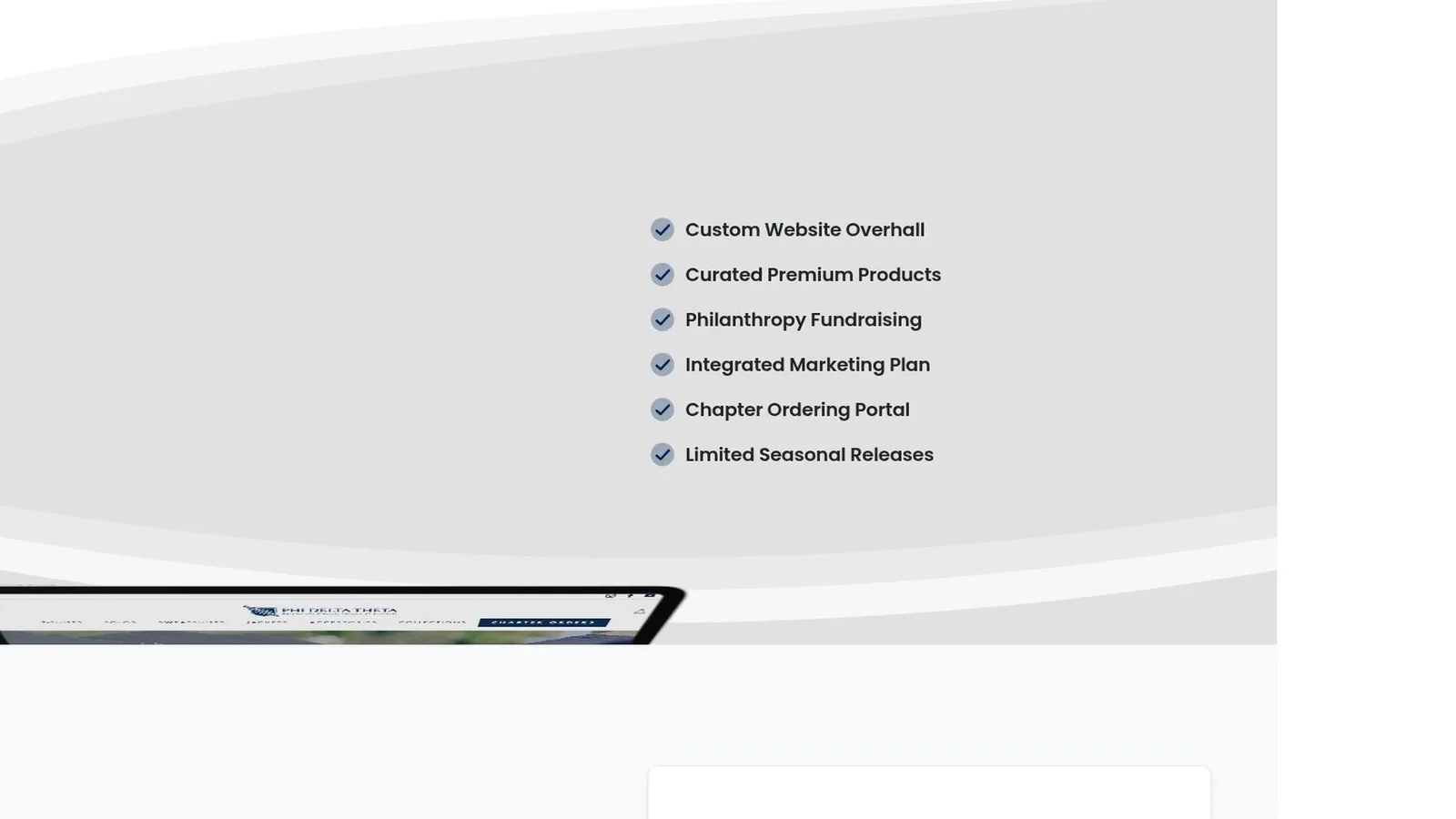
Design Overview: Campus Ink organizes its homepage around students, athletes and college merchandise programs. Large headings, white space and blue gradient visuals introduce each audience. Partner sections and merchandise examples reinforce the website’s college focus.
Key Design Features: The main website links to NIL and Greek merchandise platforms. Its Greek offering lists a chapter ordering portal. A separate application route serves students interested in design and sales.
What Makes This Design Effective: Each audience can identify a relevant program before exploring its details. Customer inquiries and student applications follow separate paths.
Inspiration for Other Printing Businesses: Segment your printing services website by audience when customers need different programs. Schools, sports teams and corporate buyers may require distinct landing pages and inquiry forms.
11. PrintRunner: Product Browsing With Useful Account Shortcuts
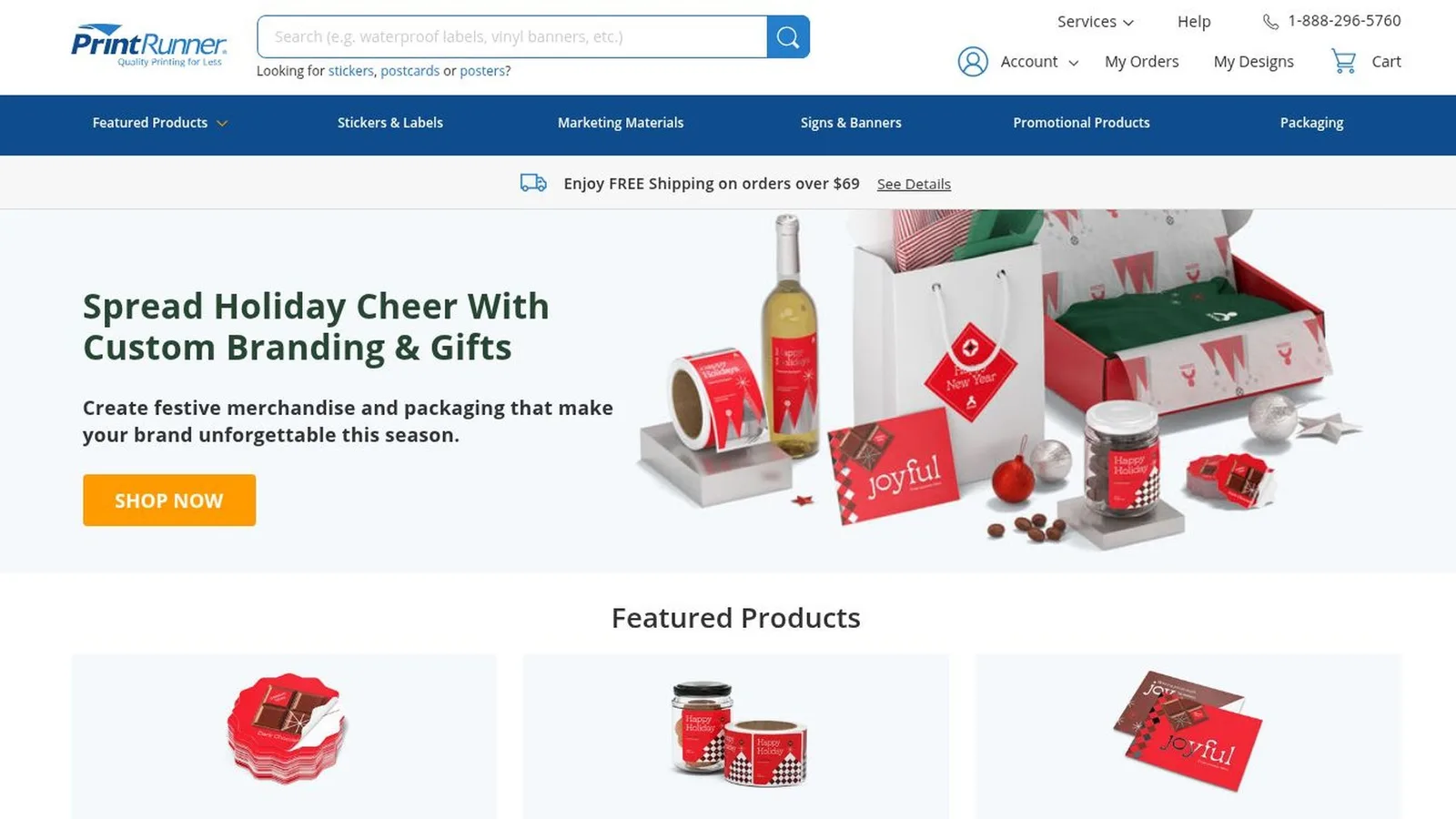
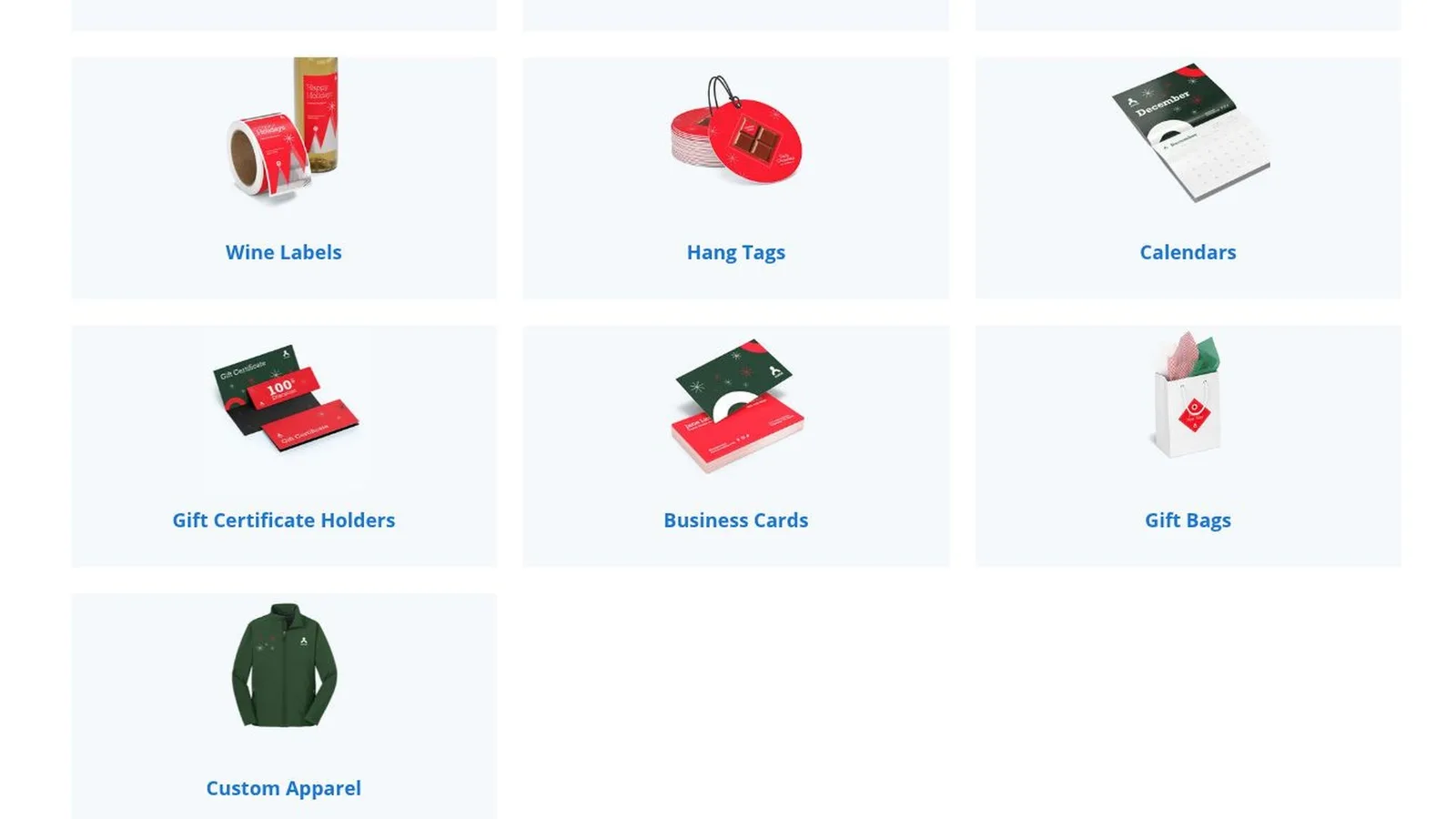
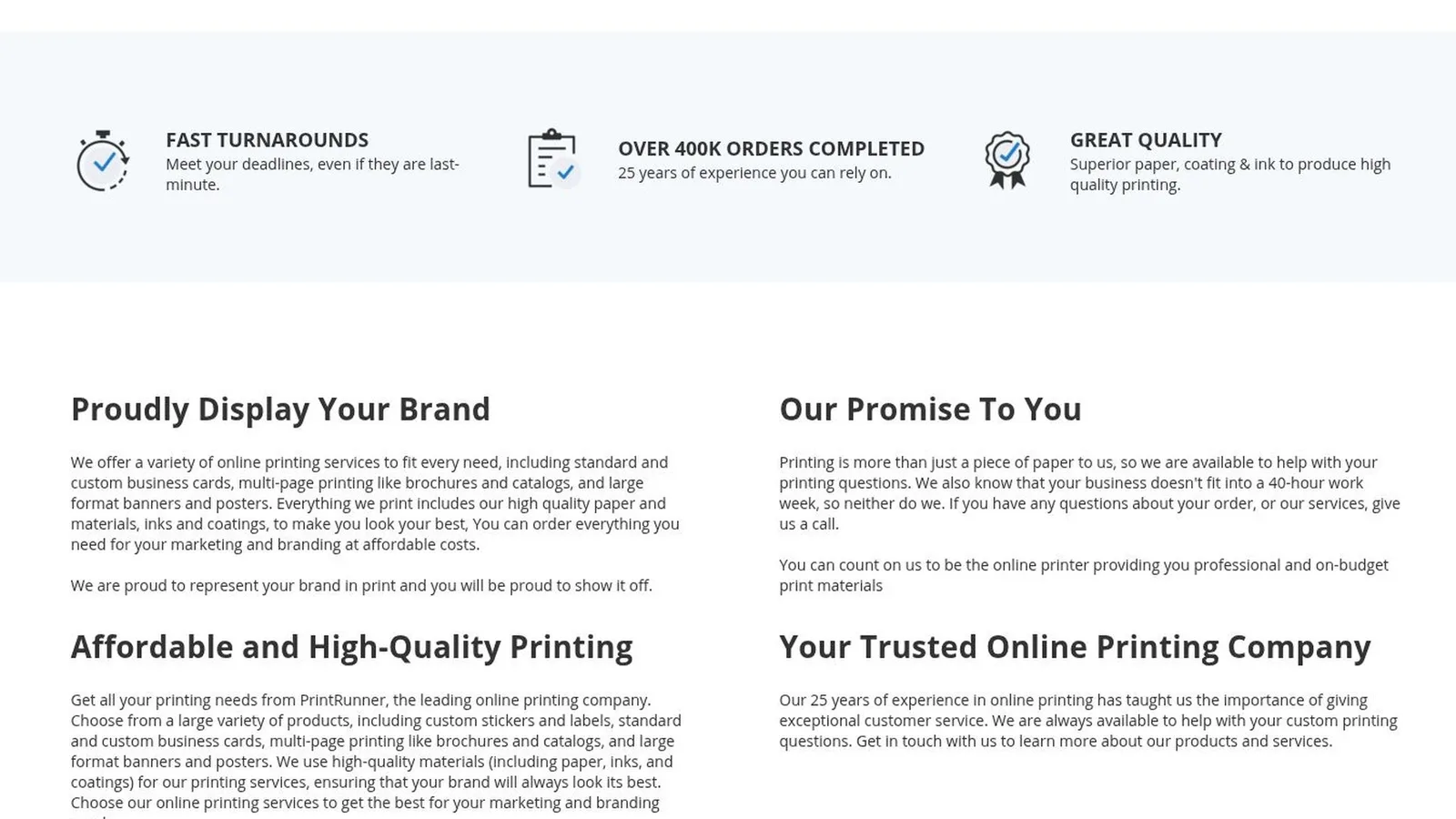
Design Overview: PrintRunner uses a straightforward storefront with search, support links and account tools near the top. Its homepage combines a promotional hero with featured product tiles. Light backgrounds and consistent image sizes keep the layout easy to scan.
Key Design Features: Product calculators support pricing. Eligible products offer artwork uploads and online design tools. Account navigation includes order status, quotes, saved designs and mailing lists.
What Makes This Design Effective: The interface serves both new shoppers and returning customers. Visitors can browse a product or move directly to an existing project.
Inspiration for Other Printing Businesses: Include returning customer tasks in your online printing website design. Make saved artwork, quotes and order information easy to identify.
12. 4OVER4: Multiple Routes Into a Large Product Catalog
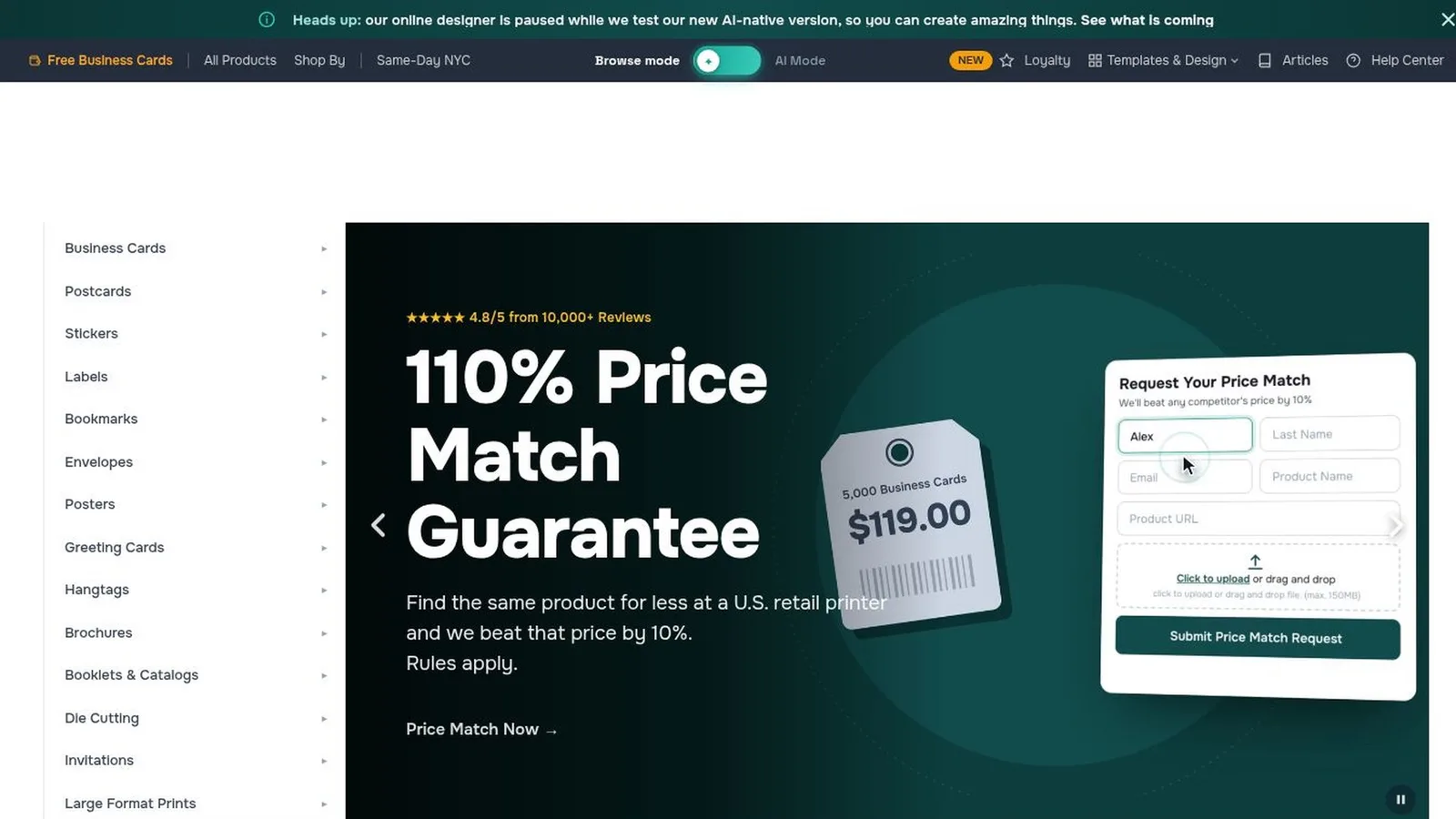
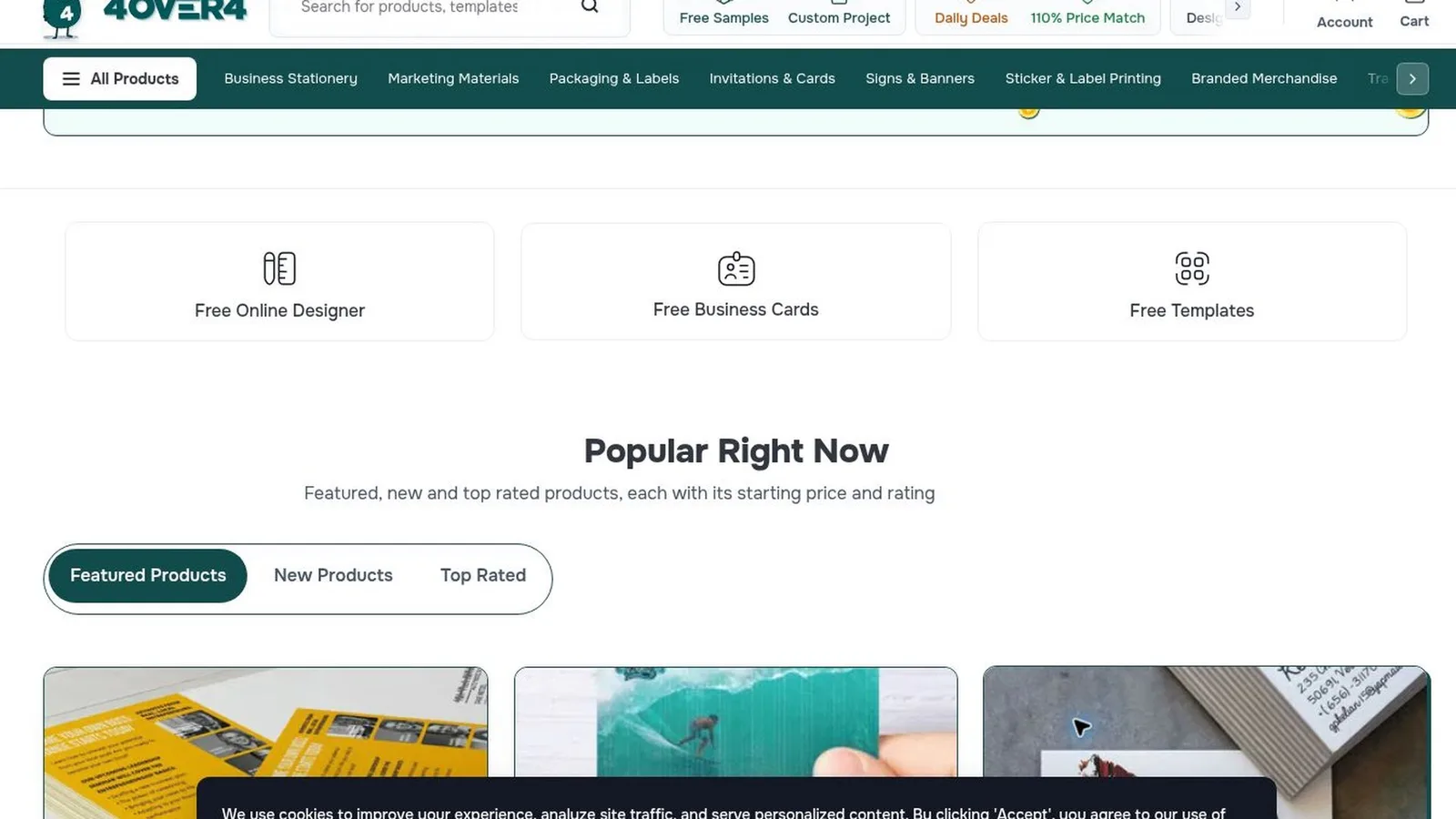
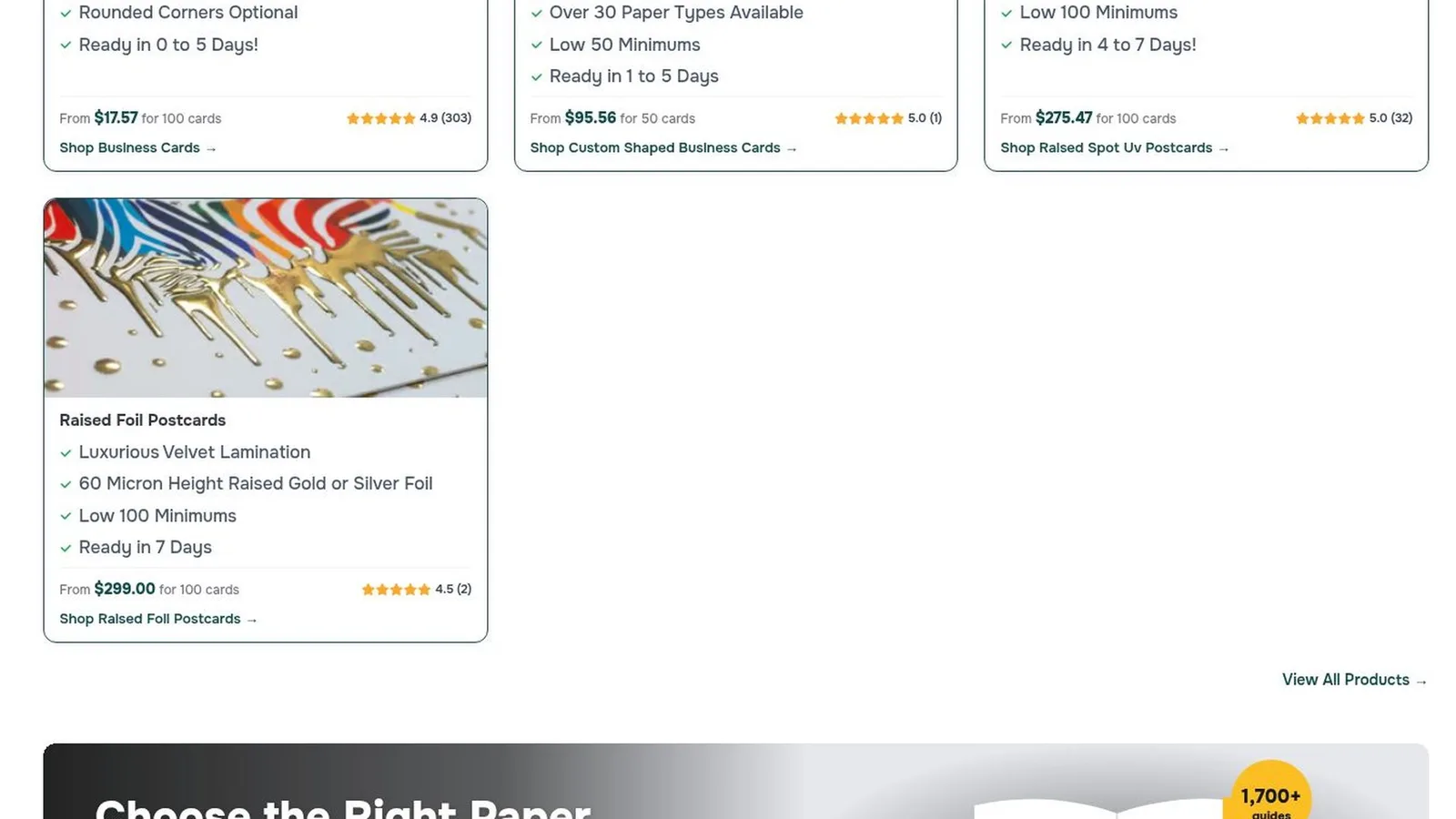
Design Overview: 4OVER4 combines a search focused header with category navigation and a product directory. A large promotional banner introduces offers. Teal branding and circular category images create additional browsing routes beneath the main shopping area.
Key Design Features: The interface includes product search, account access, a cart, templates and custom project inquiries. At the time of review, an announcement stated that the online designer was paused during testing.
What Makes This Design Effective: Several browsing options help customers approach a broad catalog in different ways. Visible availability notices also explain when a tool cannot currently be used.
Inspiration for Other Printing Businesses: Keep dependable category navigation when introducing new features. Custom printing website development should include clear messages for unavailable tools and interrupted workflows.
13. PsPrint: Product Categories and Saved Job Organization
Design Overview: PsPrint’s accessible page content groups products into marketing materials, business essentials and event related printing. Its navigation also separates shopping from saved customer work. The current visual layout could not be verified because the screenshot browser returned an access denied page.
Key Design Features: Public navigation lists My Jobs, My Files and My Saved Designs. Official resources describe customizable design templates. Authenticated dashboard functions were not tested.
What Makes This Design Effective: Separating files, designs and jobs provides a useful model for organizing recurring printing work. Product groups also give customers more direction than one long list.
Inspiration for Other Printing Businesses: Plan account architecture during printing company website development. Give customers clear places to find artwork, previous orders and saved designs.
14. PrintPlace: Product Shopping With Visible Support
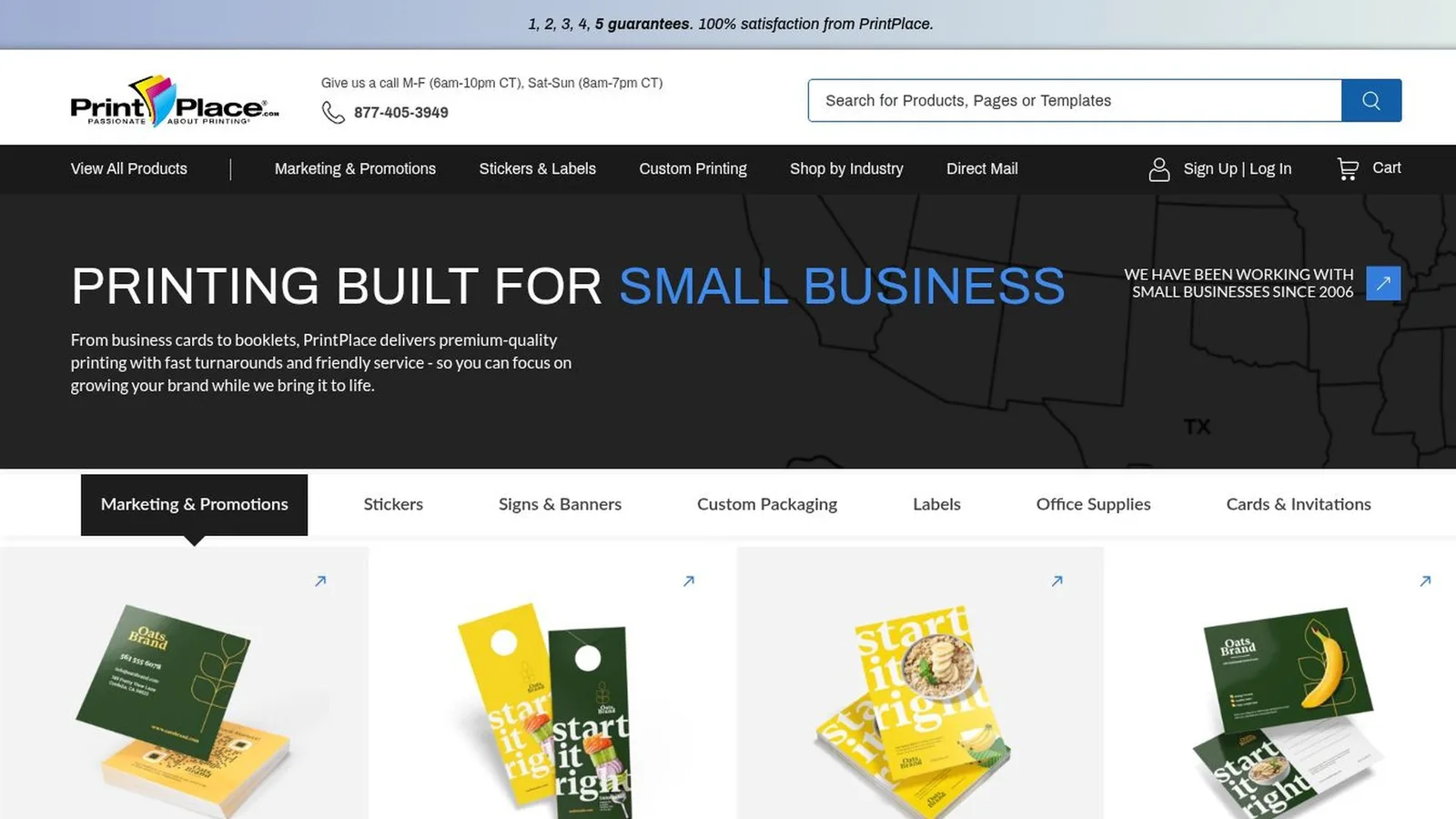
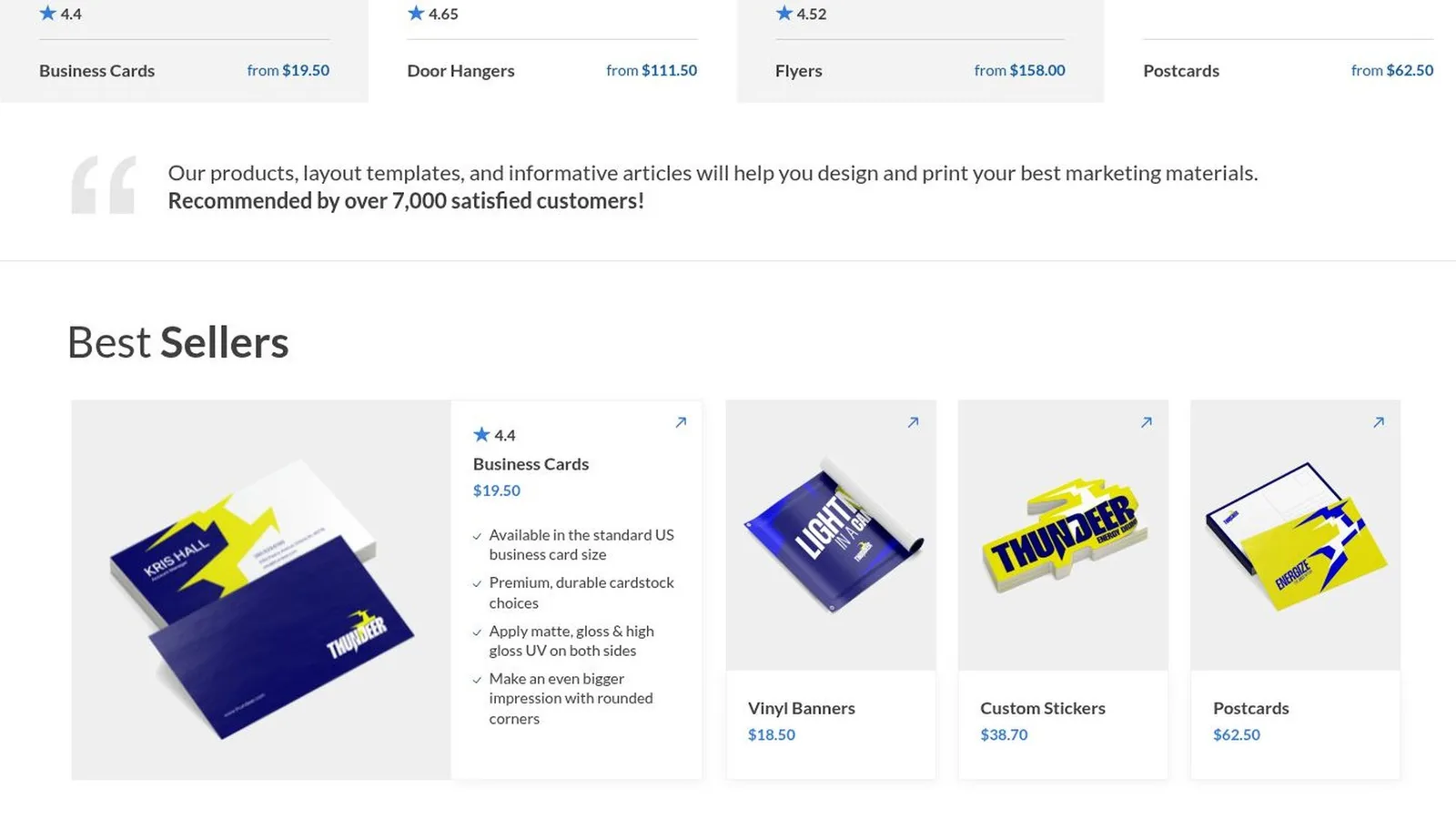
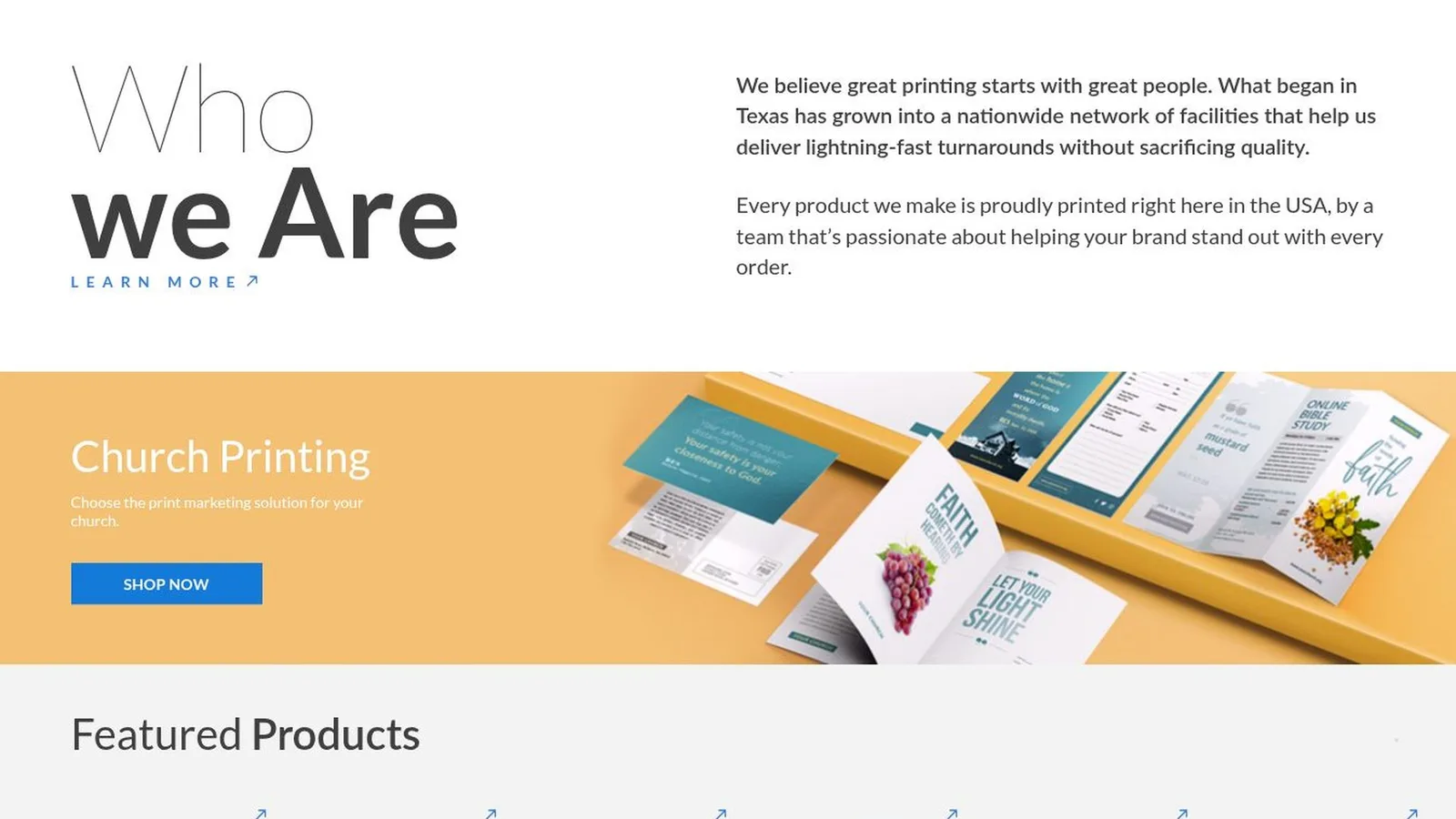
Design Overview: PrintPlace introduces its service through a dark homepage hero and bright product photography. Search, phone support and account tools sit above the category navigation. Lower sections combine best sellers, company information and customer feedback.
Key Design Features: Supported product pages connect specification calculators with artwork uploads or online design. Customers can request PDF proofs. Account navigation includes quotes, order status and saved designs.
What Makes This Design Effective: Shopping tools and support information remain close to the customer journey. Product categories help small business buyers find relevant marketing materials.
Inspiration for Other Printing Businesses: Keep support visible throughout your printing website design. Place assistance near product configuration, where customers may have questions about stocks, sizes or finishes.
15. Smartpress: Print Products and Recurring Business Services
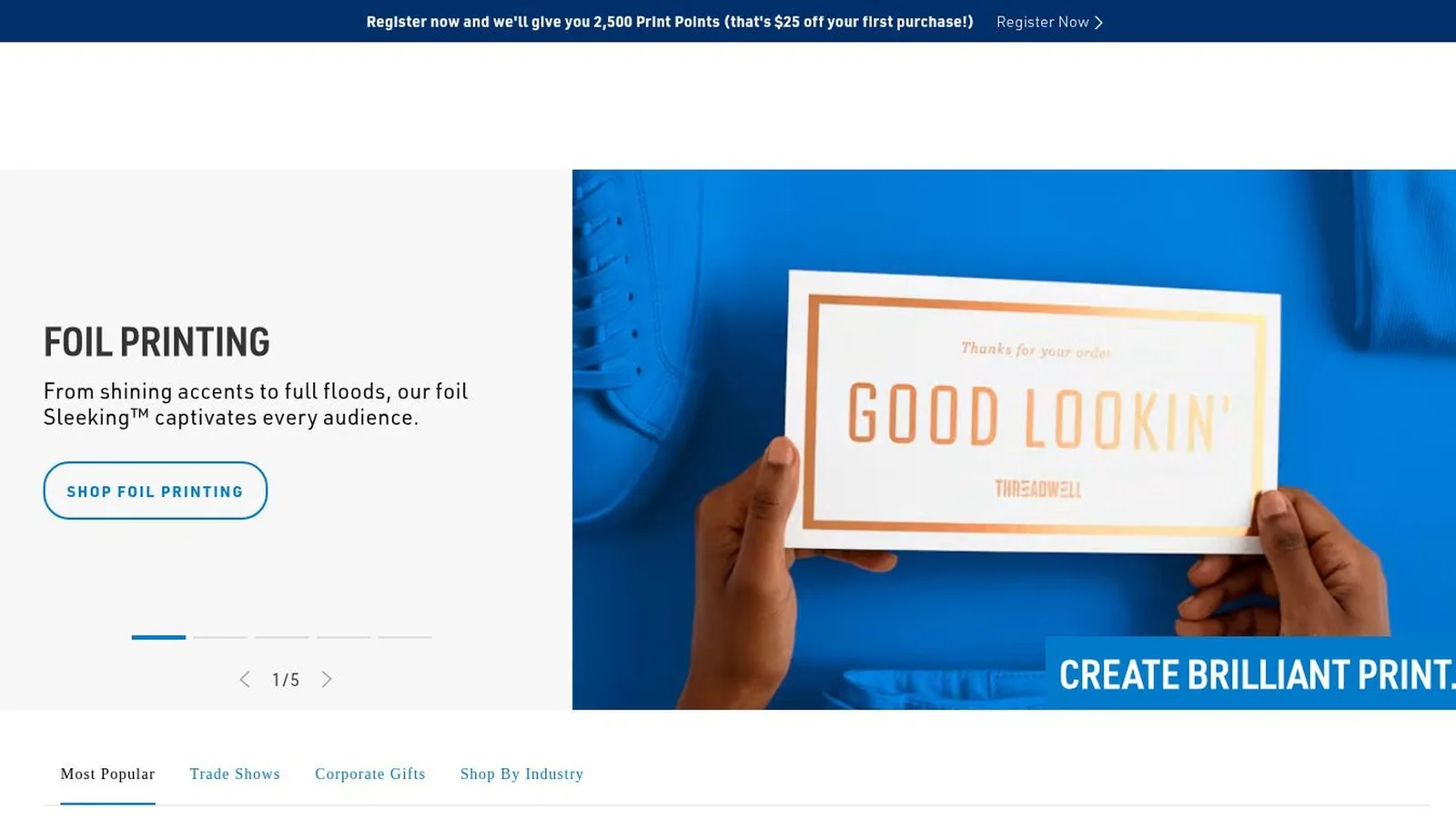
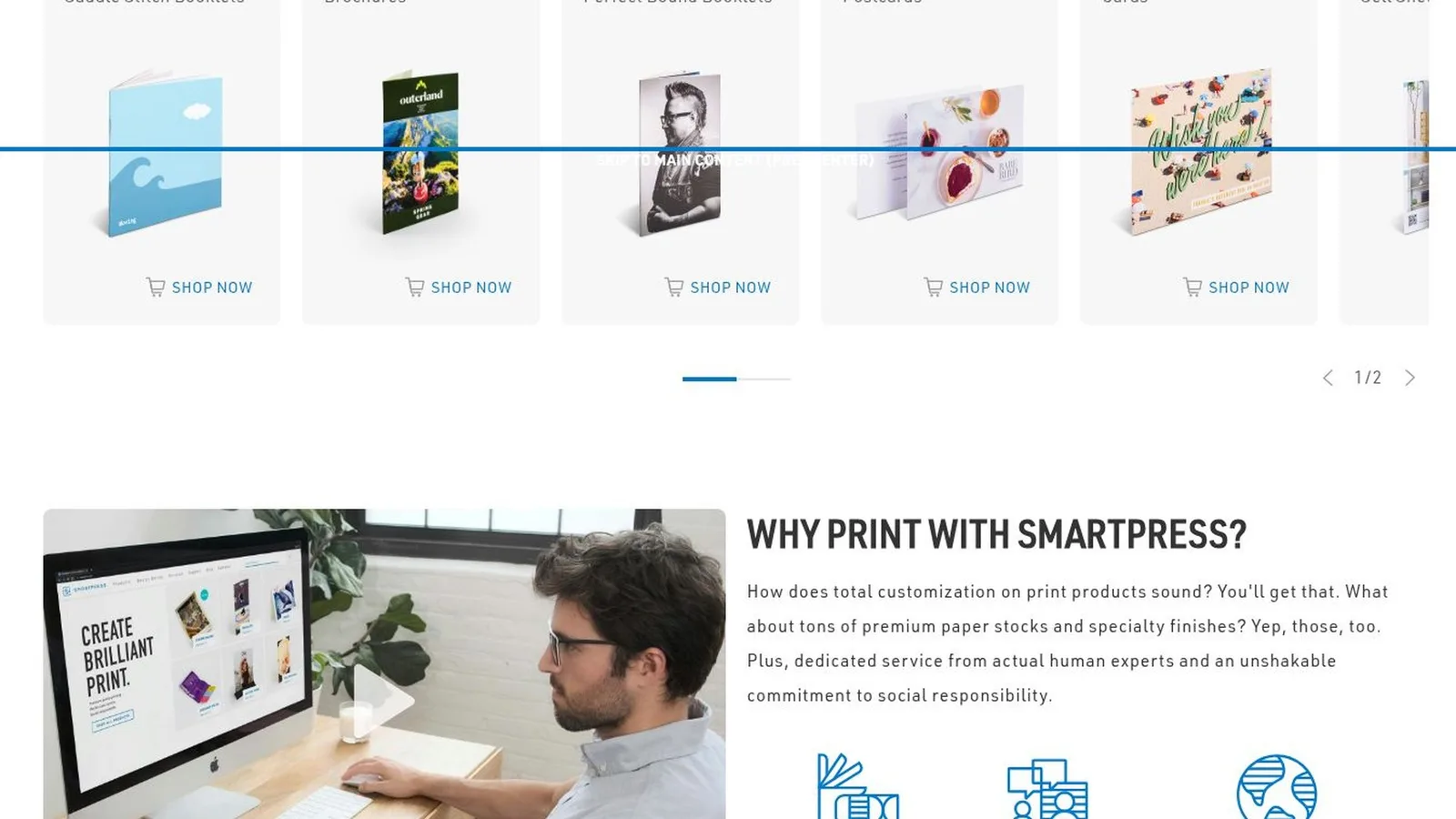
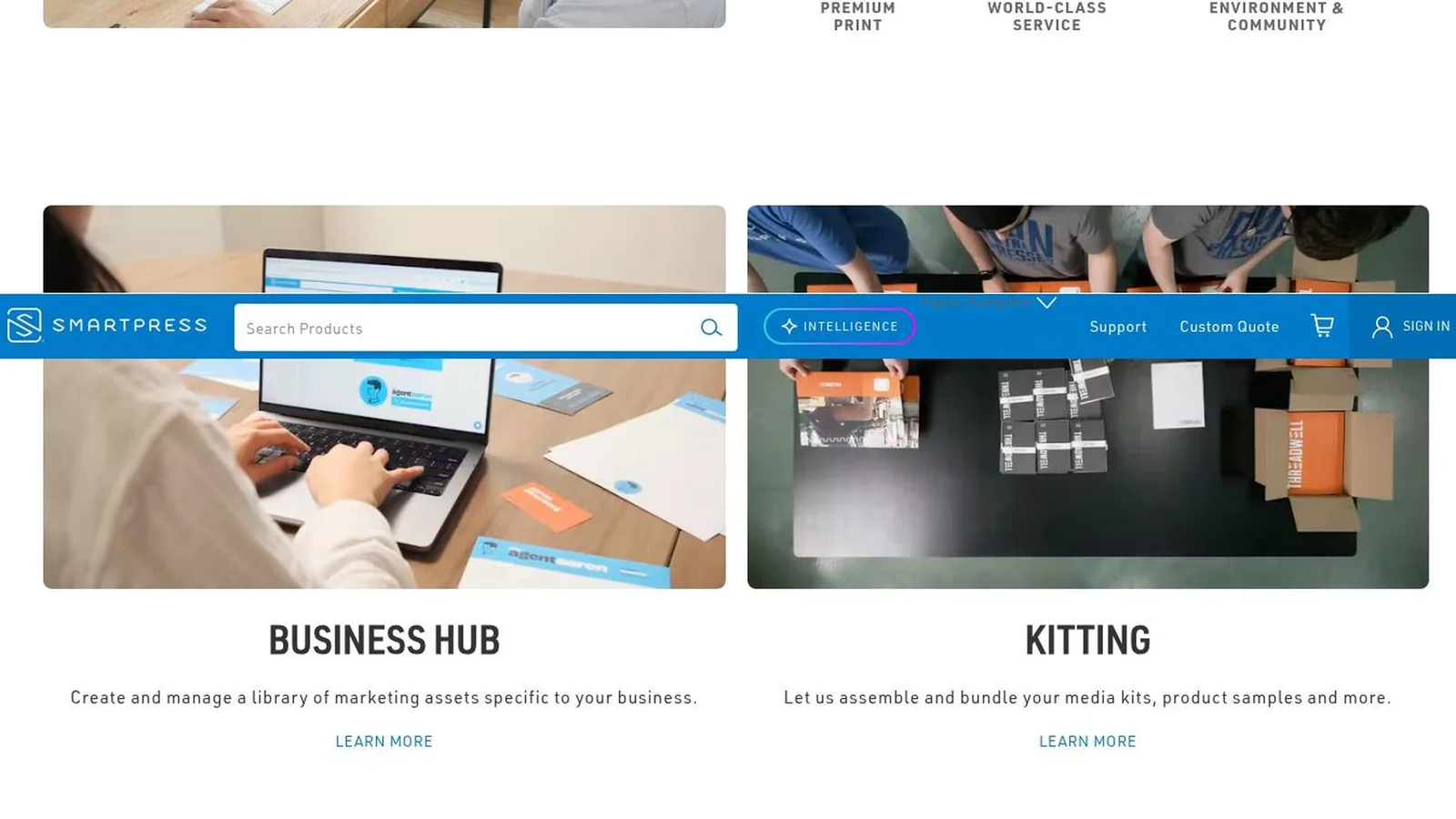
Design Overview: Smartpress combines product photography with sections explaining its wider production services. Blue navigation and strong headings establish the page hierarchy. Product collections lead into production content, followed by dedicated panels for Business Hub and Kitting.
Key Design Features: Product pages provide instant quotes, file upload and digital proof workflows. Business Hub supports a managed library of business specific products and templates.
What Makes This Design Effective: The website presents individual purchases alongside ongoing business needs. Recurring print services receive dedicated sections instead of being hidden within general company information.
Inspiration for Other Printing Businesses: Include repeat ordering requirements in custom printing website development. Businesses with approved marketing materials may benefit from a dedicated product library or customer portal.
16. Mixam: A Connected Publishing and Printing Journey
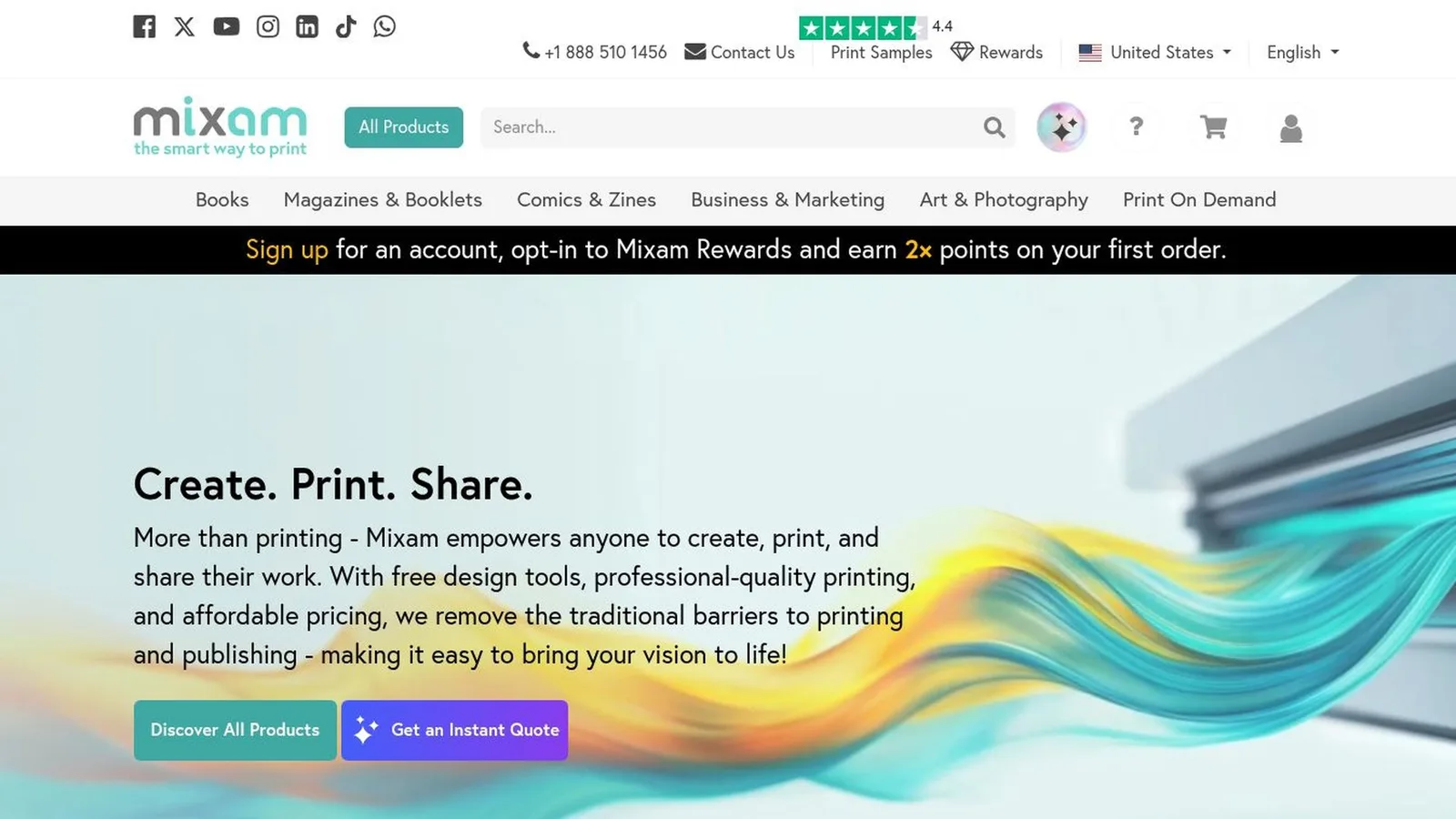
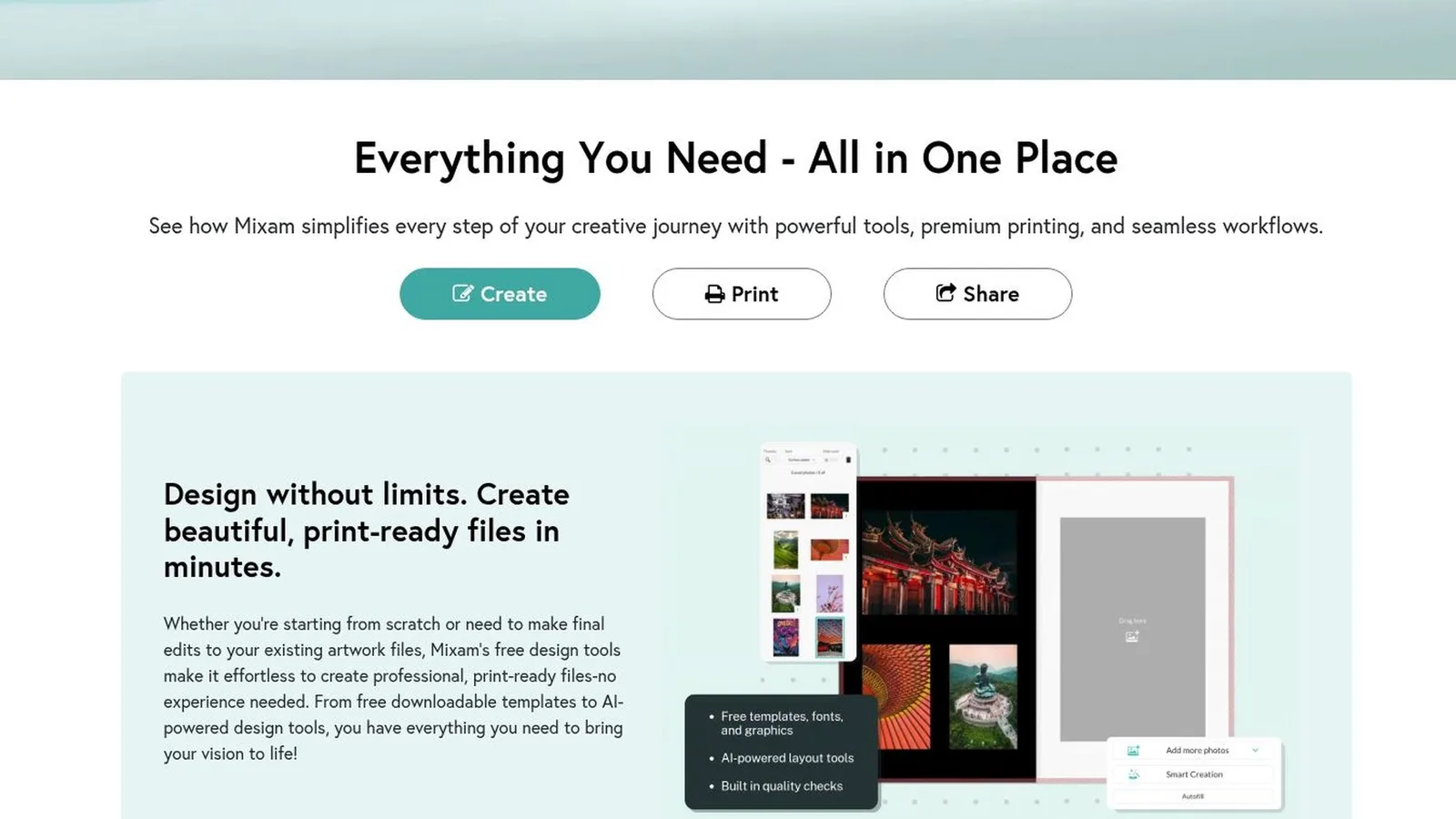
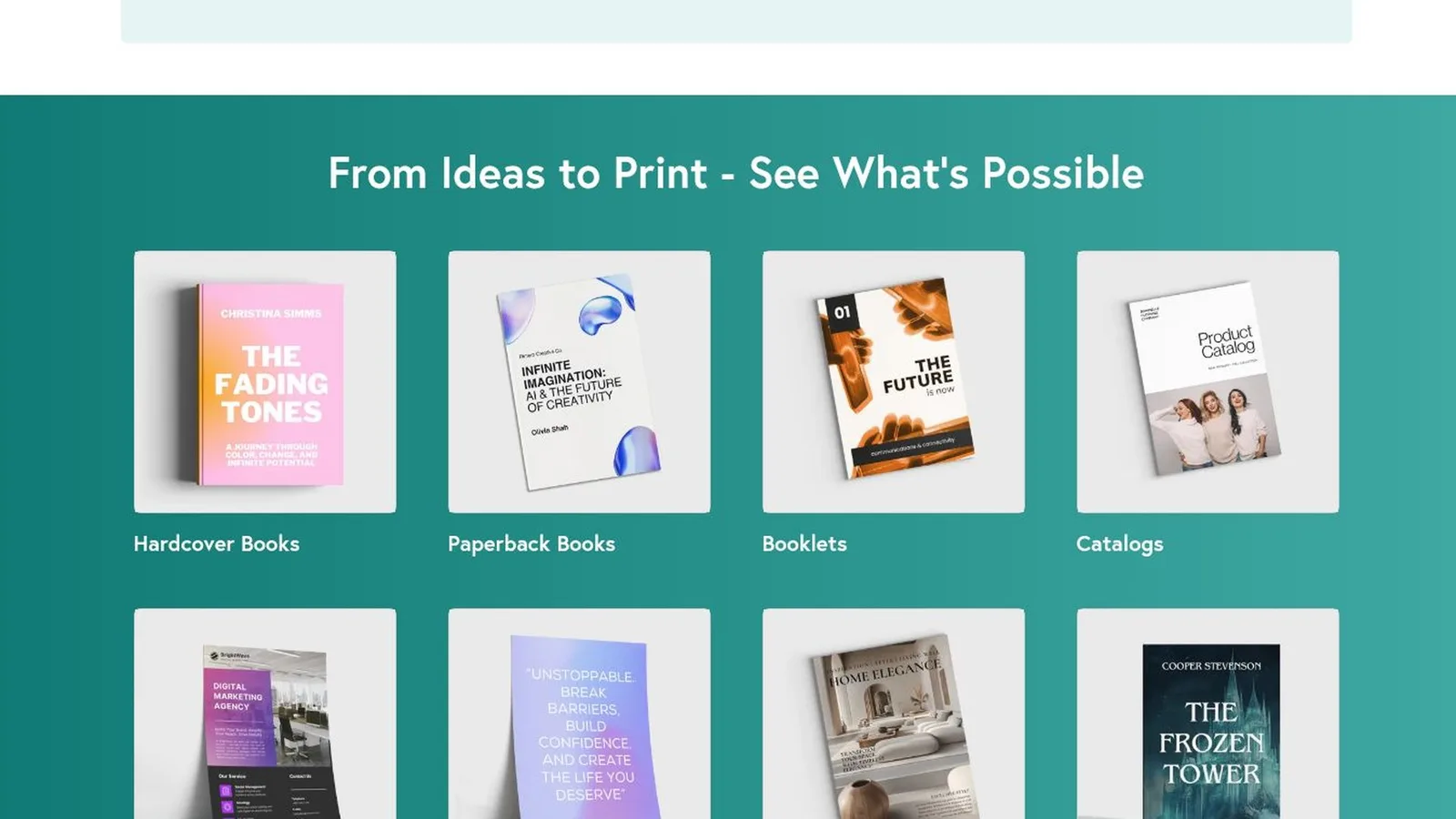
Design Overview: Mixam introduces its service through a short creative headline and a colorful graphic. Turquoise accents guide visitors toward products and instant quotes. Navigation gives books, magazines, comics and zines separate groups, while cover images show recognizable publication formats.
Key Design Features: An Instant Quote Calculator starts the ordering journey. The Artwork tab supports uploads and proof review. Online previews and downloadable proofs help customers inspect their projects.
What Makes This Design Effective: The website connects creative inspiration with practical publishing tasks. Product names match the formats customers want to produce.
Inspiration for Other Printing Businesses: For publication based online printing website design, organize pricing, artwork and confirmation into clear stages. Preserve project specifications as customers move between them.
17. Jukebox Print: Colorful Products Within a Simple Store Layout
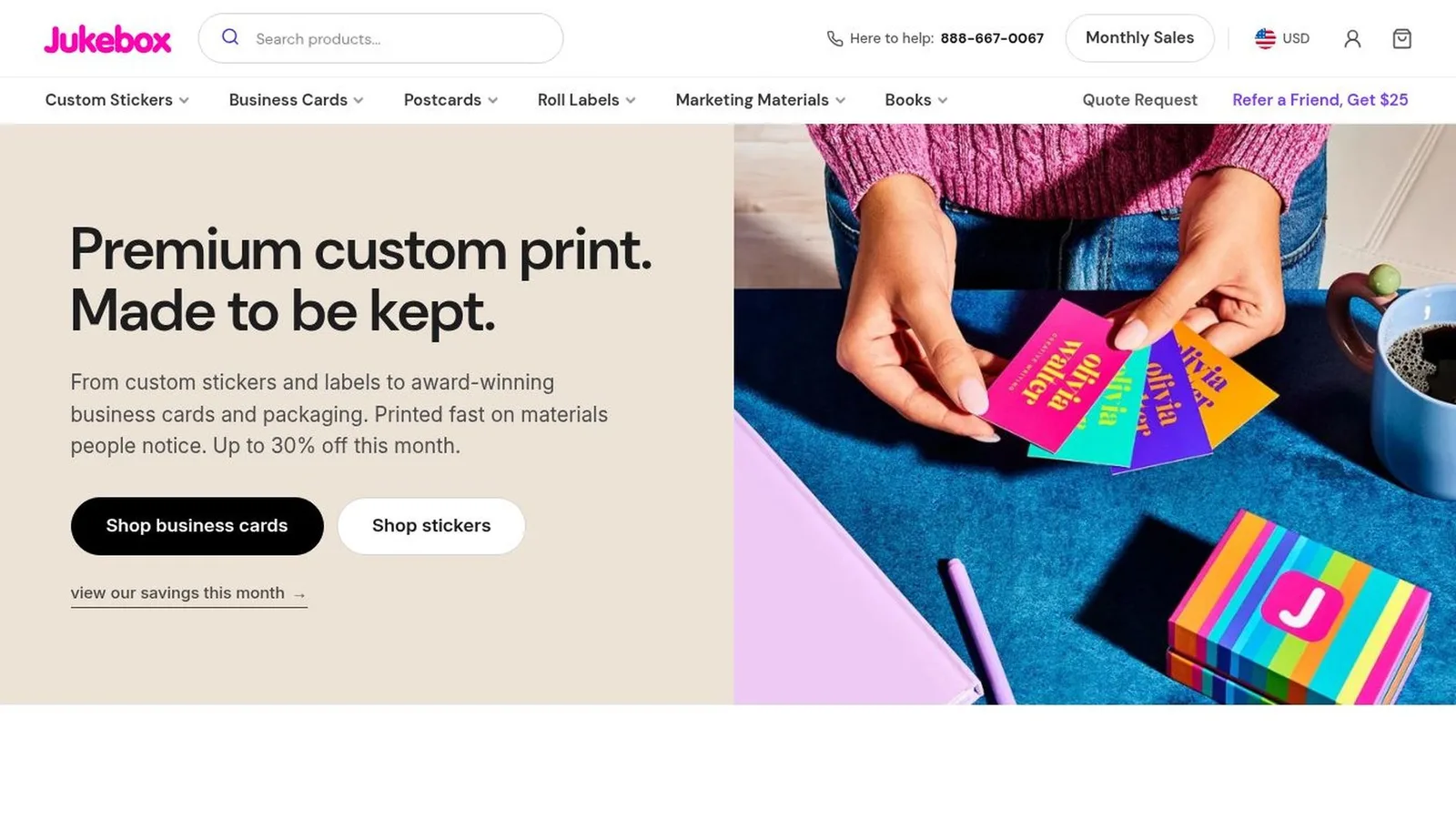
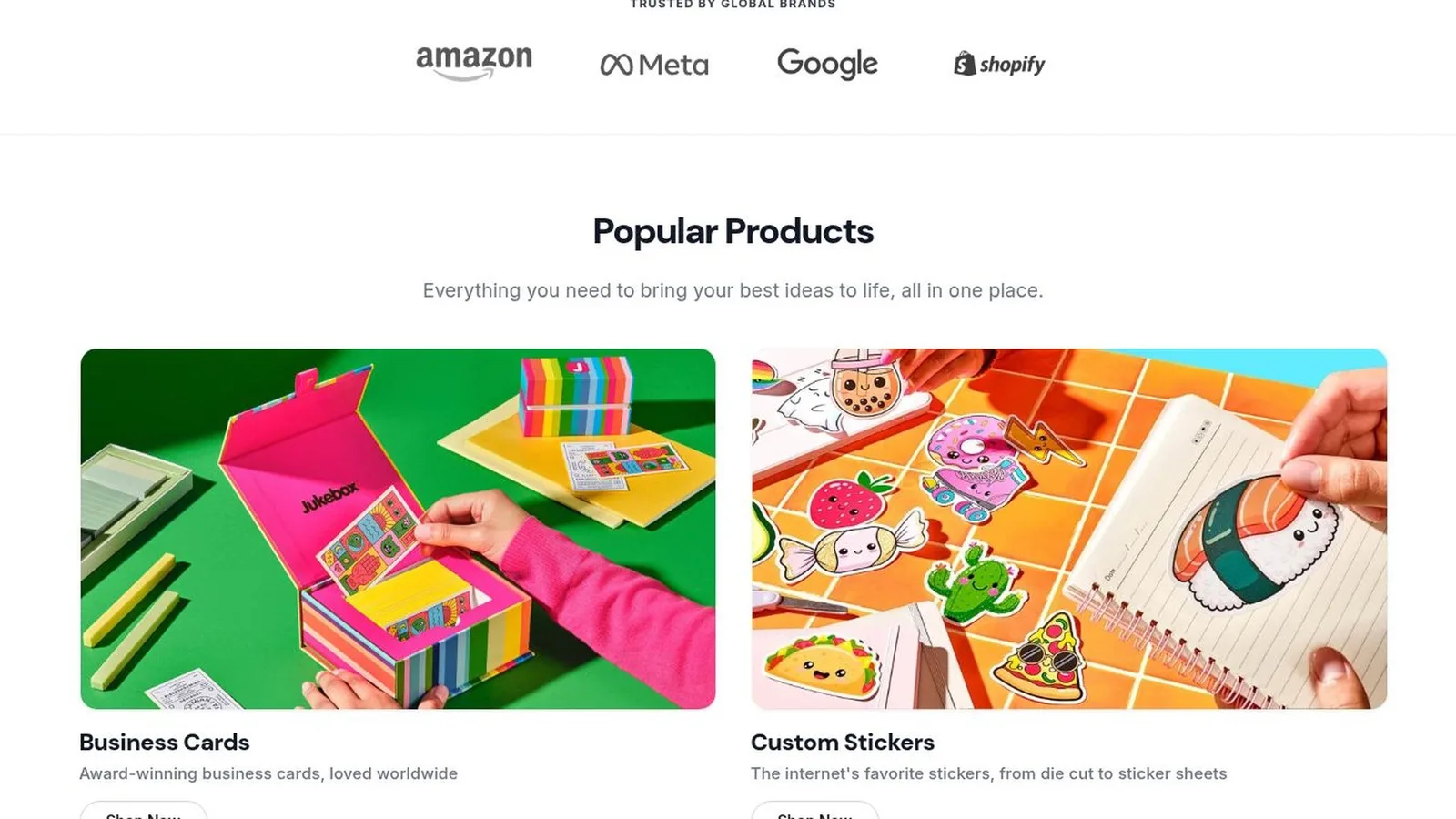
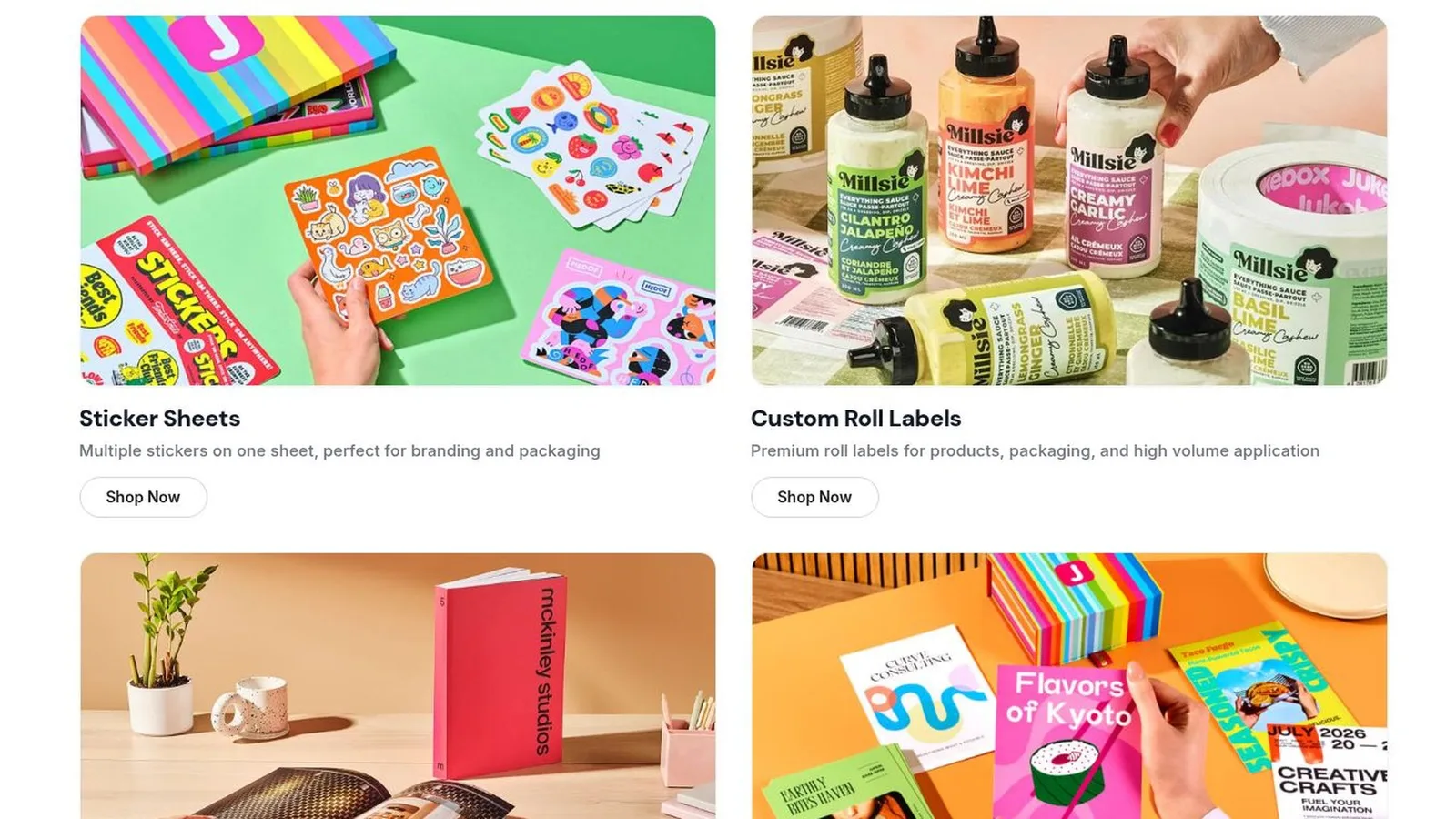
Design Overview: Jukebox Print uses vivid photography within a restrained shopping interface. Its homepage pairs a short headline with colorful printed products. Neutral backgrounds and dark buttons keep the main actions visible, while product collections introduce cards, stickers, labels and packaging.
Key Design Features: The website supports a shopping cart, checkout and artwork submission. Its documented workflow includes online PDF proofs. Some products also have specialized creation tools.
What Makes This Design Effective: Product artwork supplies the visual personality while the interface remains consistent. Visitors can enjoy the creative presentation without losing their place in the shopping journey.
Inspiration for Other Printing Businesses: Let product images carry color in your printing business website design. Keep navigation and proof approval steps clear and predictable.
18. Printivity: Product Shopping With Plain Language Guidance
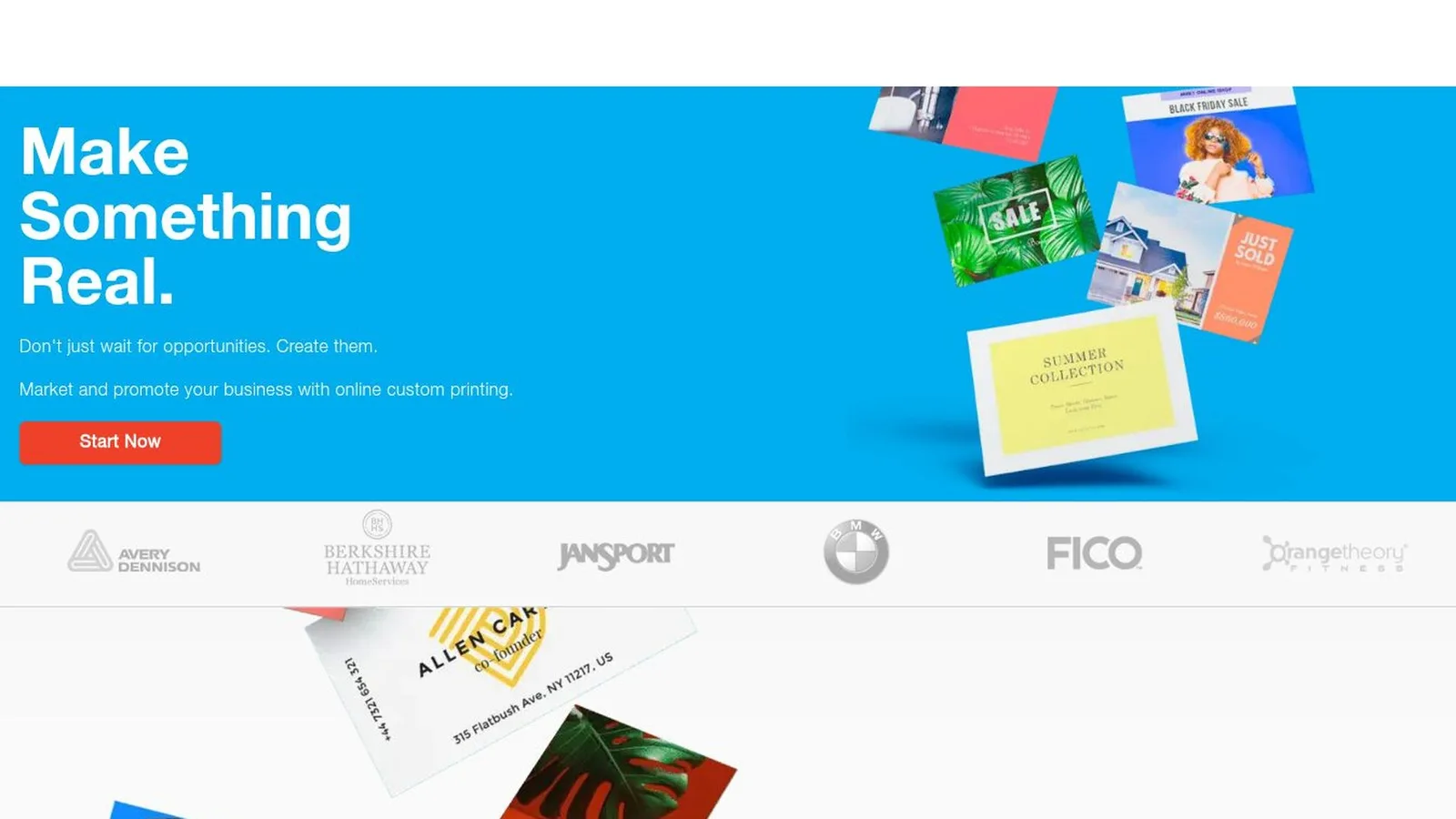
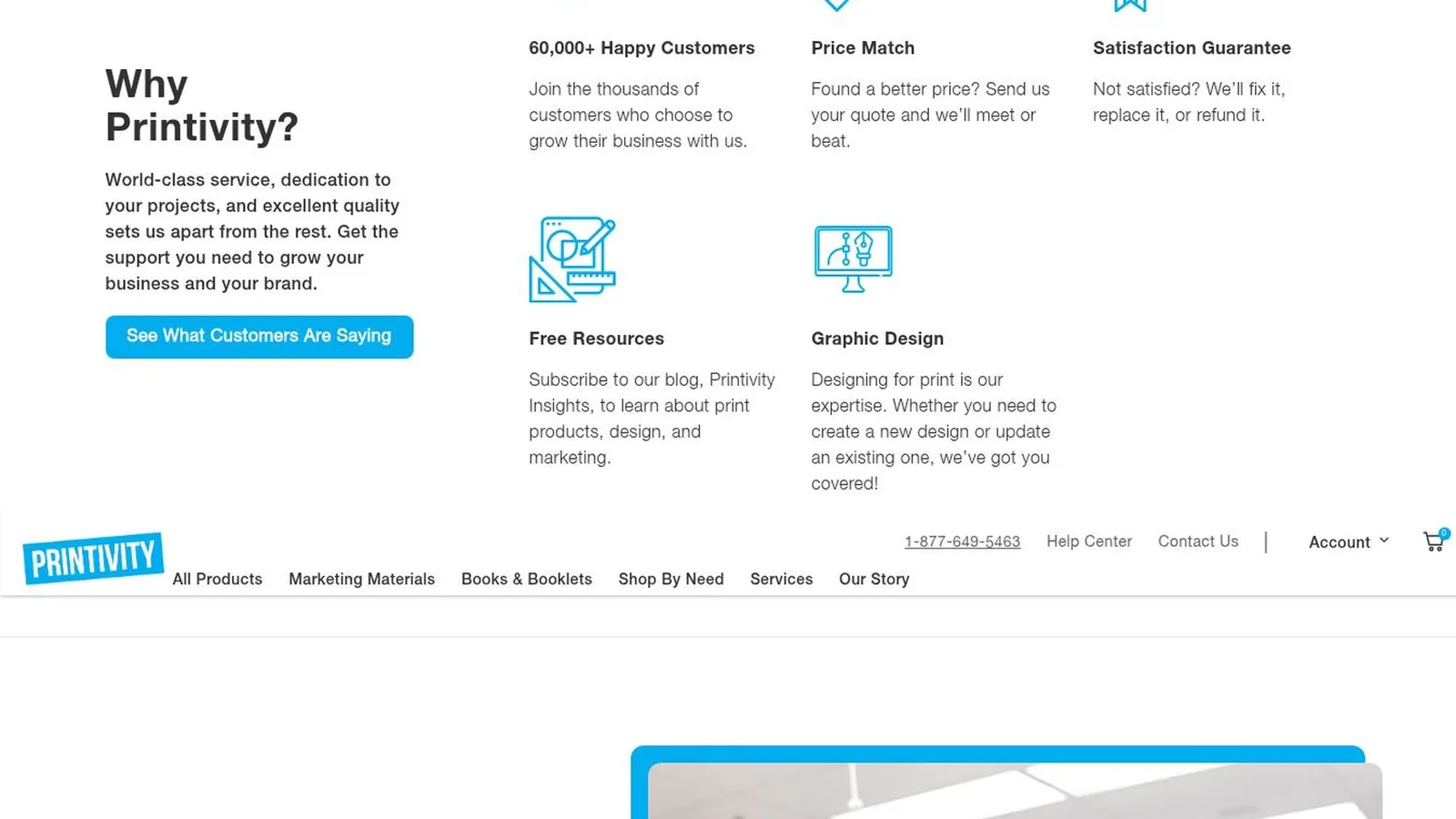
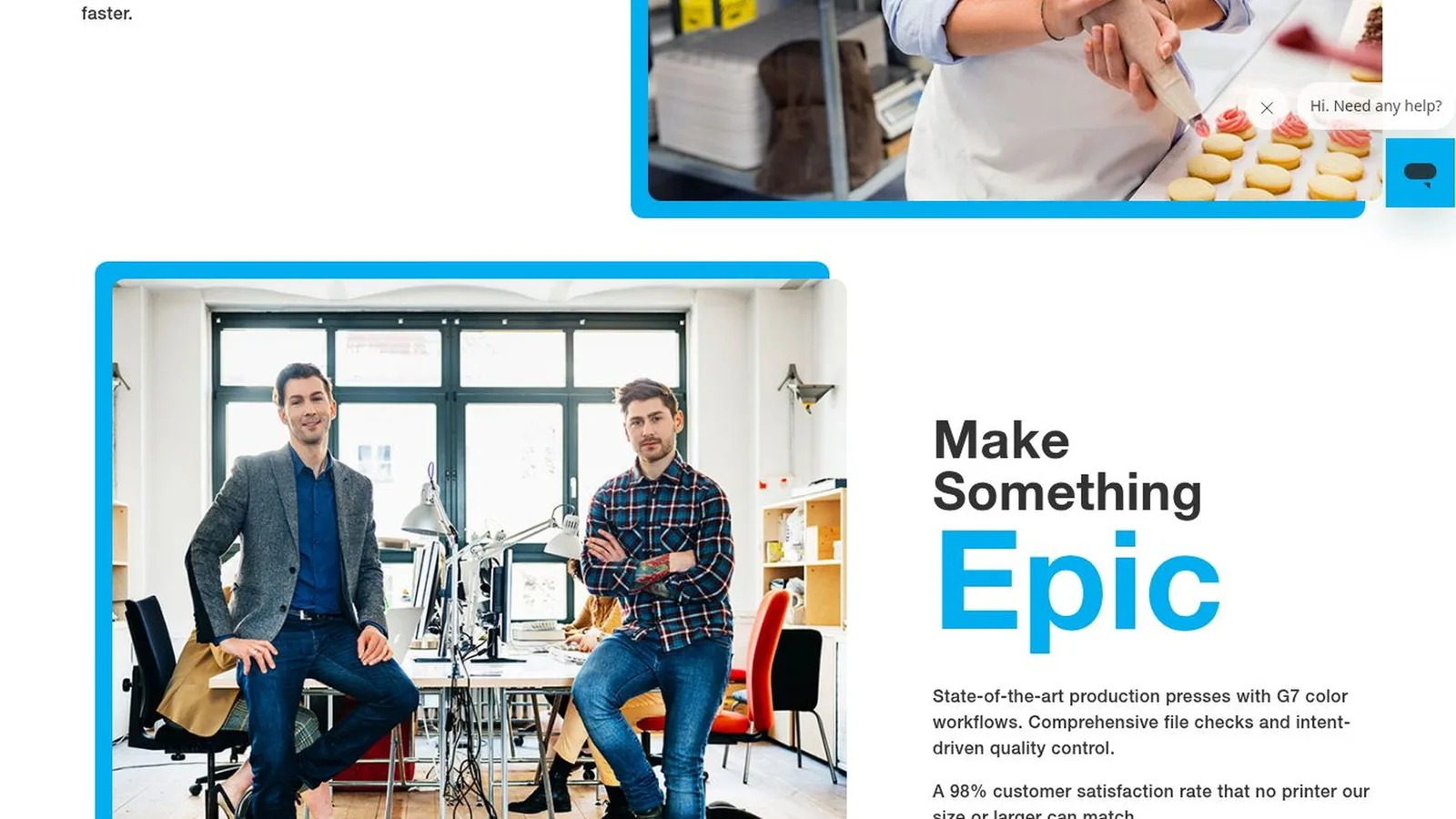
Design Overview: Printivity combines bright blue panels with colorful product arrangements. Its homepage introduces a clear message before moving into larger product sections. Navigation separates marketing materials, books, copies, signage, stickers and boxes.
Key Design Features: The documented ordering process includes product customization, delivery date selection, file upload, checkout and digital proof approval. A separate design service inquiry supports customers who need artwork assistance.
What Makes This Design Effective: Product discovery appears early, followed by service explanations and process guidance. This gives new buyers context without delaying access to the catalog.
Inspiration for Other Printing Businesses: Explain ordering in easy language. An effective e-commerce printing website should show customers what happens after uploading artwork and paying for an order.
19. Sticker Mule: A Focused Catalog With Direct Actions
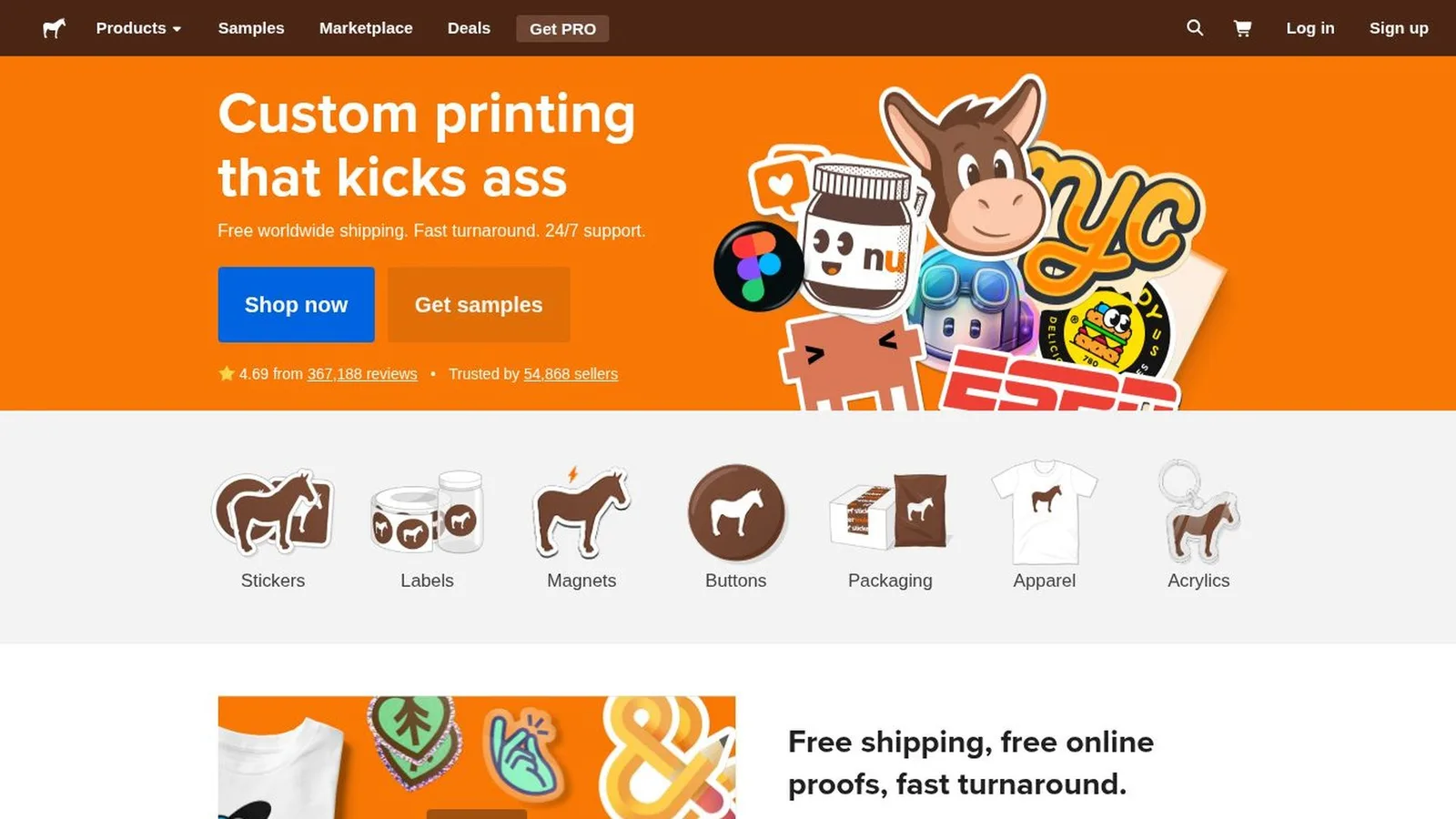
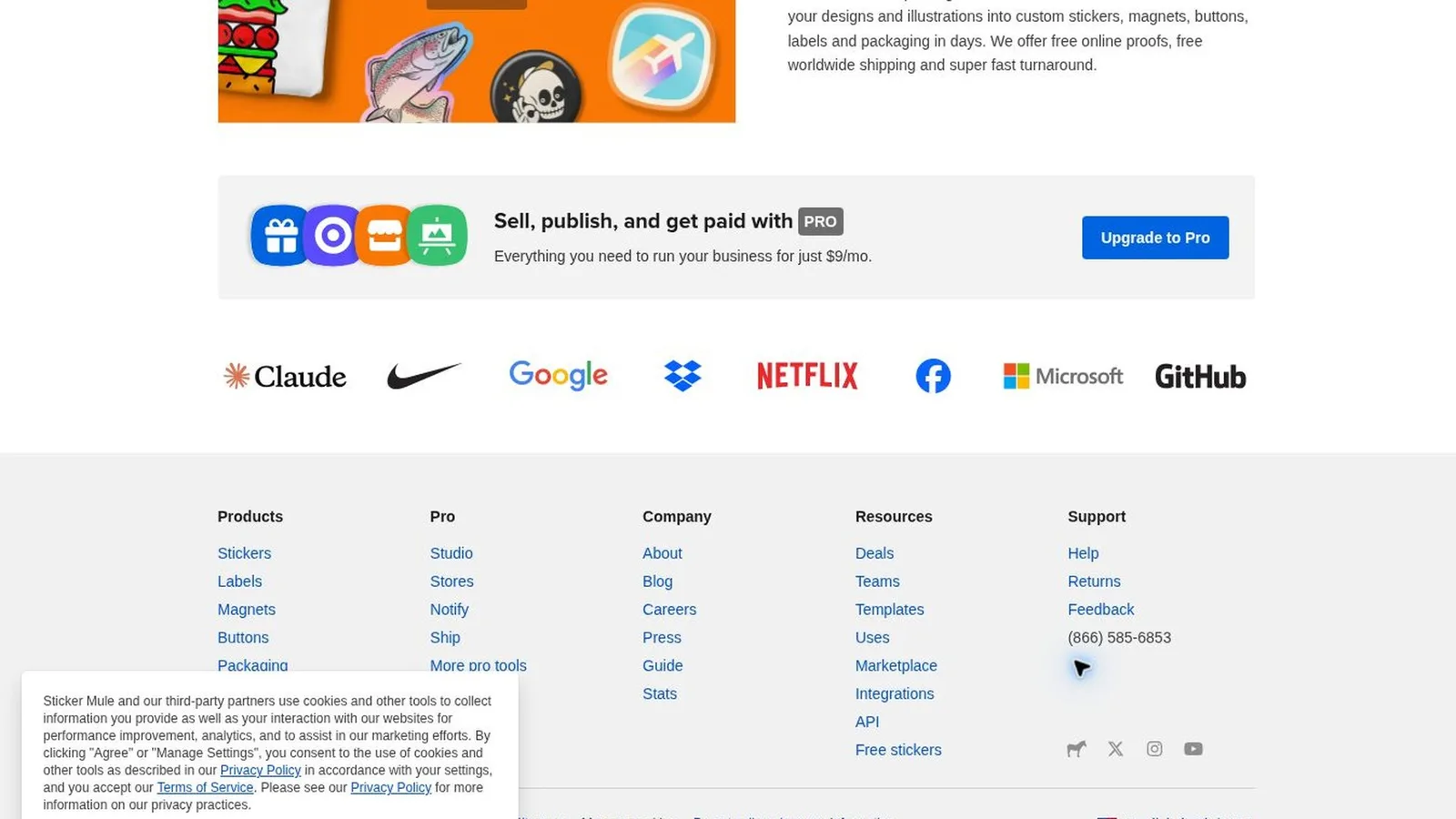
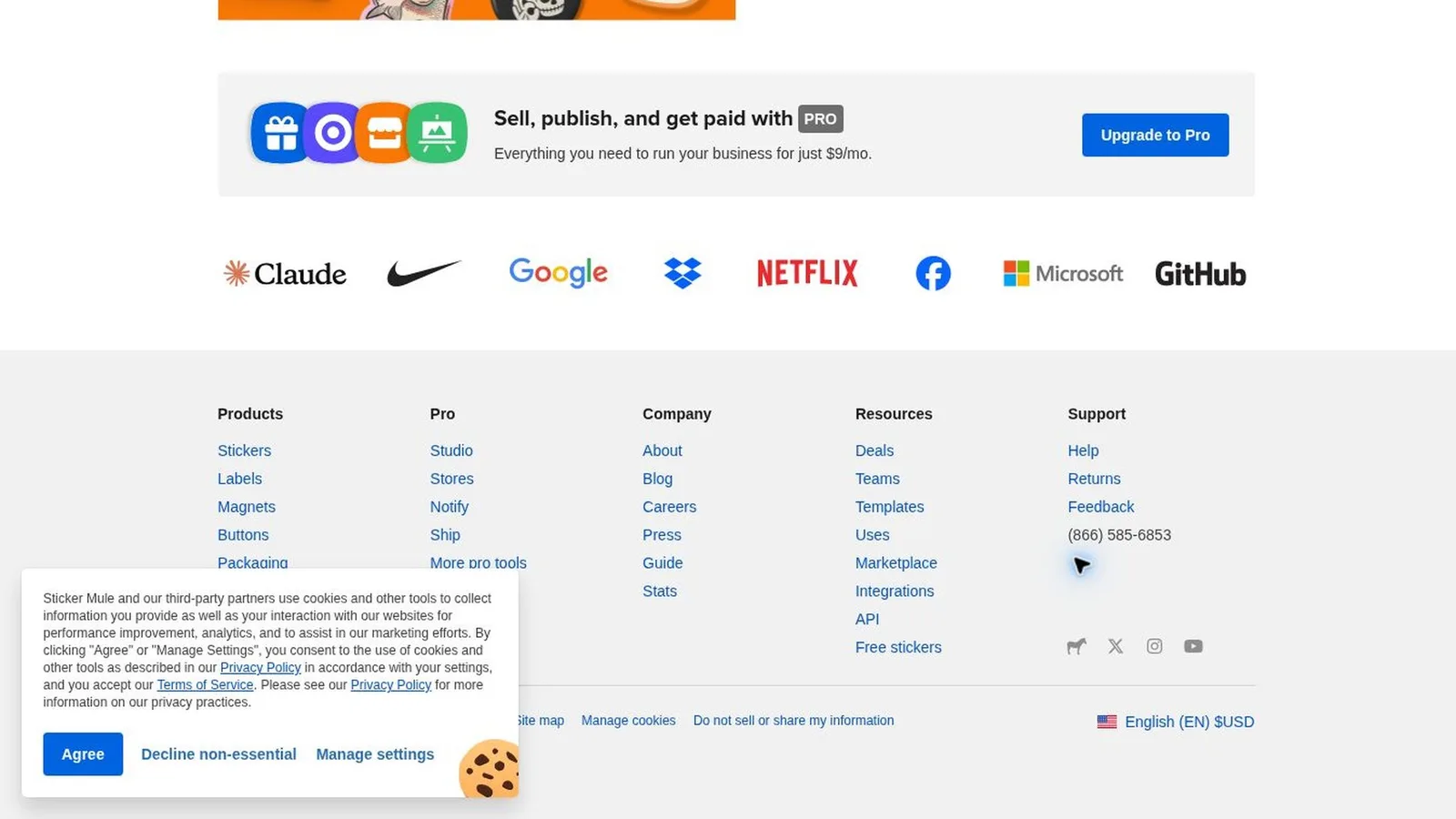
Design Overview: Sticker Mule uses a bright orange hero and illustrated product artwork to introduce its printing range. Shopping and sample buttons appear prominently. A short category row directs visitors toward stickers, labels, magnets, packaging and other related products.
Key Design Features: Relevant product pages provide size and quantity selection followed by artwork submission. The public website promotes online proofs. Sample ordering follows a separate route.
What Makes This Design Effective: A limited set of recognizable categories simplifies the first decision. Short messages keep attention on product selection and ordering.
Inspiration for Other Printing Businesses: Specialist printing website design can benefit from fewer primary categories. Place sample requests beside shopping actions when customers need to check materials before ordering.
20. Jakprints: Distinct Visual Sections for Major Services
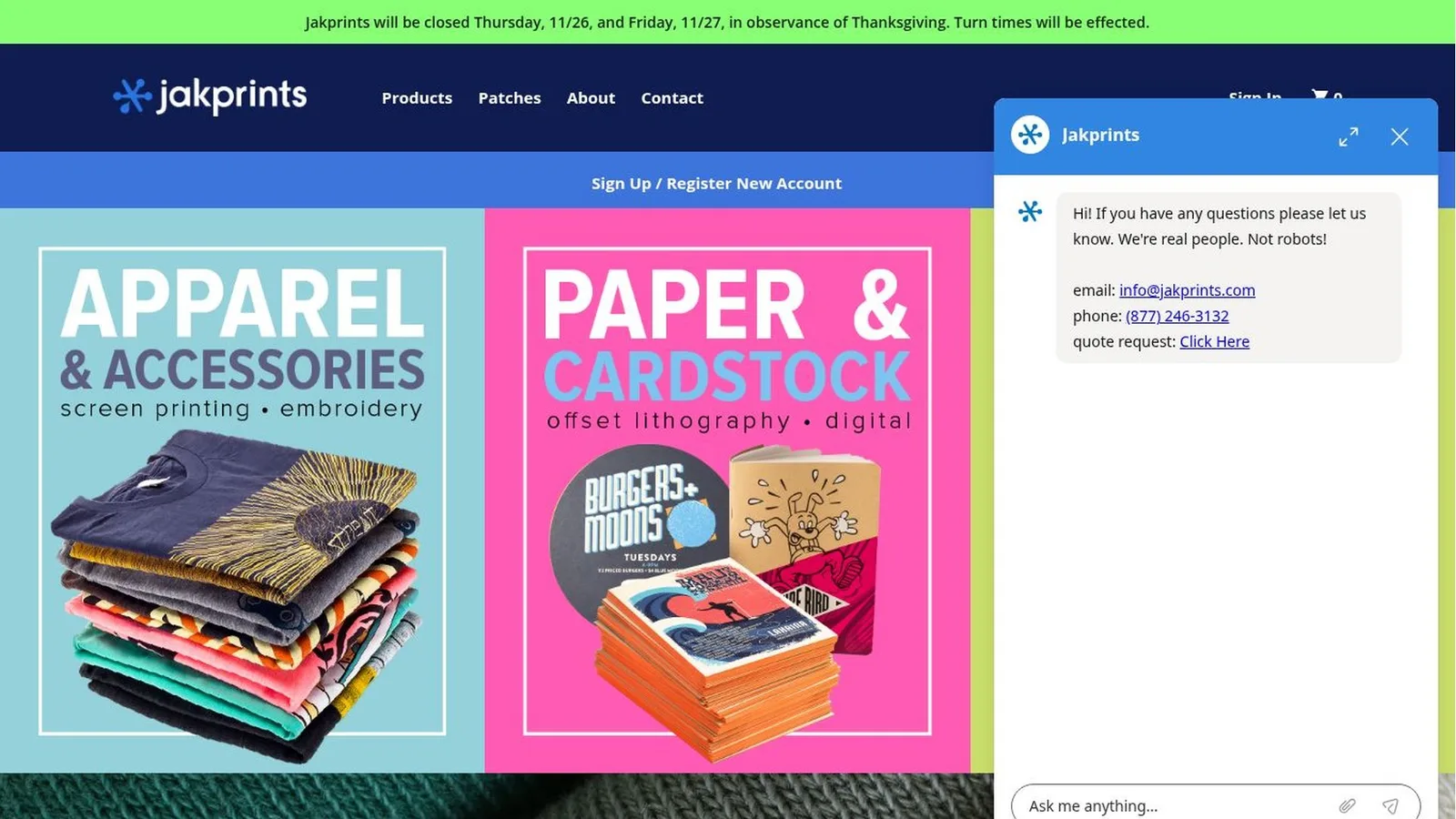
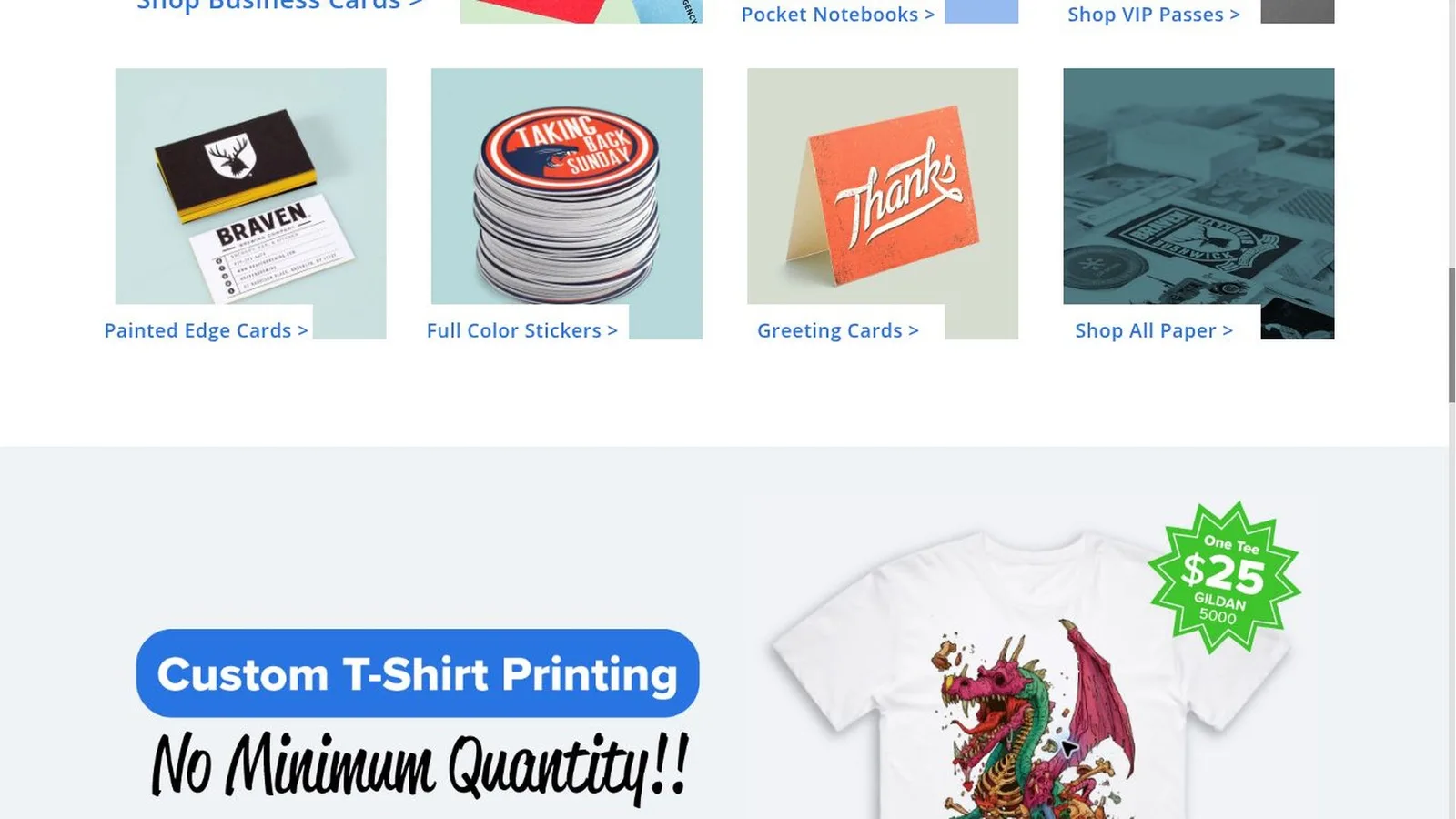
Design Overview: Jakprints divides its homepage into bold panels for apparel, paper products and stickers. Turquoise, pink and lime backgrounds distinguish these departments. Large lettering and product photographs make each service area recognizable before visitors explore individual formats.
Key Design Features: Eligible products provide online design and artwork upload routes. Customer accounts support ordering. Official contact guidance explains how standard online orders can be reordered through order history.
What Makes This Design Effective: Strong visual separation helps visitors choose a production department quickly. Product collections then provide more specific shopping options.
Inspiration for Other Printing Businesses: Use distinct entry points when your services cover several production methods. Printing website templates should accommodate that hierarchy
What Makes These Printing Website Designs Effective?
The strongest approach depends on how your customers order. A screen printing studio may need an excellent portfolio and a detailed quote form. A publication printer may need a calculator, file checks and proof approval. Choose the structure that matches your actual production process.
A Homepage With a Clear Next Step
Start with a headline that explains what customers can create. Pair it with a relevant product or production image. Then show the action that moves the job forward, such as Browse Products, Configure Your Booklet or Request a Quote.
Place major product categories below the hero. Add selected work, process guidance and support information where each helps the visitor decide. Avoid letting discount banners compete with the primary action.
Product Navigation That Matches Buyer Language
Customers may search by format, application or material. Someone might want a brochure, restaurant menus or waterproof labels. Your architecture should connect these entry points without creating duplicate pages for every possible phrase.
Use category landing pages for broad choices. Put sizes, stocks, finishes and production options on the product page. Keep search available for customers who already know what they want.
Customization That Respects Production Rules
Product configuration and artwork editing are different functions. A configurator selects print specifications. An editor changes the design. Plan both explicitly when your e-commerce printing website needs them.
Show only compatible options. Changing the binding may change the allowed page count. Changing the material may remove a finish. Explain these dependencies beside the controls rather than waiting for an error at checkout.
Useful Pricing and Quote Forms
For repeatable products, a calculator can show the price for selected specifications. Display the order total and quantity clearly. Explain whether shipping, tax and optional services are included.
For complex work, collect the details your estimator needs. Ask about the product, quantity, dimensions, materials, deadline and artwork status. Provide a clear confirmation after submission and explain when the customer can expect a response.
Photography That Answers Product Questions
Use images to show what changes between options. Photograph thickness from the side. Show a booklet open and closed. Include close views of foil, textures or special finishes when they influence the order.
Keep lighting and image proportions consistent within product grids. Add descriptive alternative text. Treat screenshots in inspiration articles as evidence of the interface, not substitutes for product photography on your own store.
E-commerce That Preserves the Whole Print Job
A cart must retain more than a product name and quantity. It should preserve the selected specifications, artwork version, proof status and delivery selection. Present these details clearly before the customer confirms an order.
Make the difference between payment, artwork approval, production and shipping visible. A customer who has paid may still need to approve a proof. Your order management system should reflect that distinction.
Mobile Layouts Built Around Real Tasks
On smaller screens, stack product imagery above configuration controls. Use expandable category menus and readable form labels. Keep the price summary close to the next action without covering important fields.
Support uploads from a phone's file picker. Show upload progress and useful error messages. Preserve entered specifications when a customer moves between steps or returns after an interruption.
Test the complete journey on real screen sizes. Check menu expansion, dropdown selection, file upload, proof viewing and checkout. A homepage that fits a phone does not establish that the ordering process works on one. These are implementation recommendations, not claims that every example above passes the same mobile tests.
Build a Printing Website Around Your Customers
These printing services website examples show that there is no single layout for every shop. A portfolio can support custom project inquiries. A well organized store can help customers configure standard products. A business portal can make recurring print work easier to manage.
Choose the design direction that fits your services, then develop the tools needed to support it. Clear navigation, useful product images and a reliable ordering process should work as one system.
Ready to plan your printing services website? The Custom Websites can help you discuss the layout, customer journey and development requirements for your printing business. Share your services and ordering needs with TCW to start planning your project.